
Save yourself the setup next time. Once your guides sit at the true panel widths, strip the artwork out and keep the empty file as your own blank trifold or z-fold starter, with the trim, the 0.125 inch bleed, the safe margins and the fold guides already drawn. Our standard brochure sizes and folds guide lists the exact panel widths for every size and fold, so you can build one blank per fold style and never measure again.
Then export the way a press wants it: a flattened PDF at the flat size, CMYK, images at 300 DPI, fonts embedded or outlined, bleed included, and crop marks on. Do not send folded-page spreads or an artboard per panel. One flat sheet per side is what gets imposed and folded correctly.
How to Make a Pamphlet That Gets Read


A pamphlet is one folded sheet doing the work of a mini brochure. Here is how to build a trifold from scratch: choose the fold, measure the panels, lay out the content, and export a print-ready file.
To make a pamphlet, start from a letter sheet and choose a fold, most often a trifold. Set the file at flat size with 0.125 in bleed, measure the panels (the inside tuck panel is slightly narrower), lay out content in reading order with the hook on the front and the call to action on the back, work in CMYK at 300 DPI, and export a flattened print-ready PDF.
Start here
Making a pamphlet in one paragraph
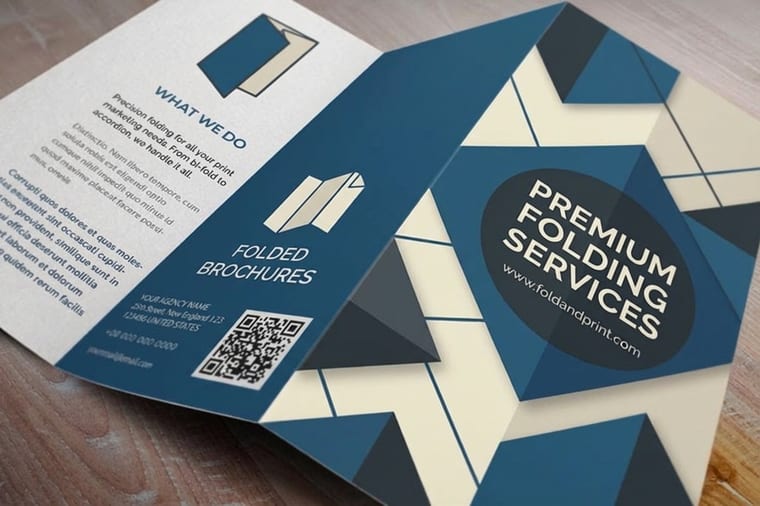
A pamphlet is a single sheet folded into panels. Choose the fold (trifold is standard), set the file at flat size with bleed, measure the panels so the inside one is slightly narrower, lay out content in reading order, work in CMYK at 300 DPI, and export a print-ready PDF. The diagram below shows the trifold panel layout at a glance.
What a pamphlet actually is

A pamphlet is a single sheet of paper folded into panels that carry a compact, self-contained message. It is not a stapled booklet and it is not a flat one-page flyer: the fold is what makes it a pamphlet, turning one letter sheet into a little multi-panel guide you can hold, open, and slip into a pocket.
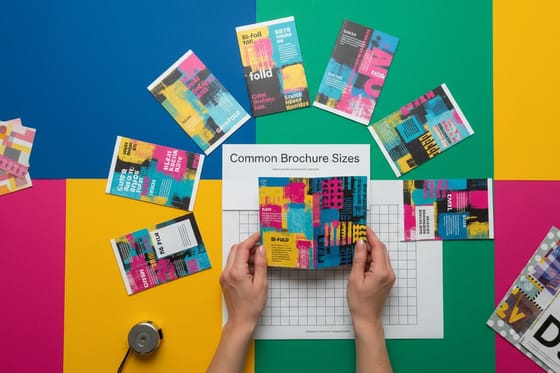
In practice the words pamphlet and brochure describe the same physical piece. The most common form of both is the trifold, where one 8.5 by 11 inch sheet gets two folds to create six panels. People tend to say pamphlet for informational or educational content and brochure for marketing, but the setup, the folds, and the printing are identical. If you can make a brochure, you can make a pamphlet.
This guide walks the full build in the order you would actually do it: choose the fold, set the panels, lay out content in reading order, then export a clean file. If you would rather start from a proven layout, our free design templates give you editable pamphlet and brochure starting points.
Choose your fold: trifold, half, z, and gate
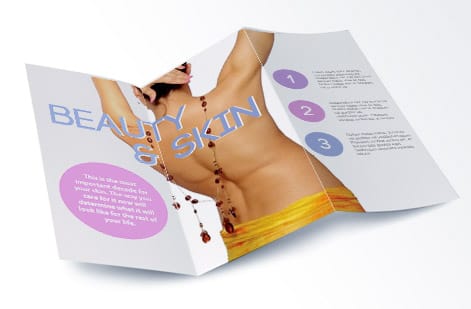
The fold is the single most important decision, because it sets your panel count and the order a reader opens the piece. Pick it before you design anything.
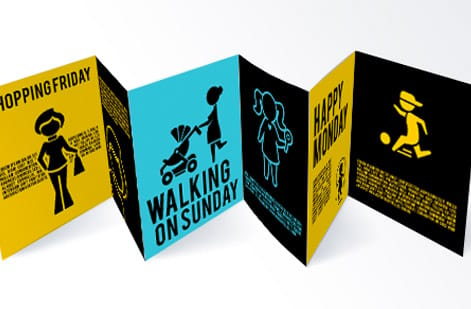
The trifold takes two parallel folds to make six panels and is the workhorse for menus, service lists, and event guides. The half-fold makes four larger panels with a clean inside spread, ideal when photos lead. The z-fold opens like an accordion so each panel reveals in sequence, which suits step-by-step content. The gate-fold has two side flaps that meet in the middle for a dramatic reveal on the inside.
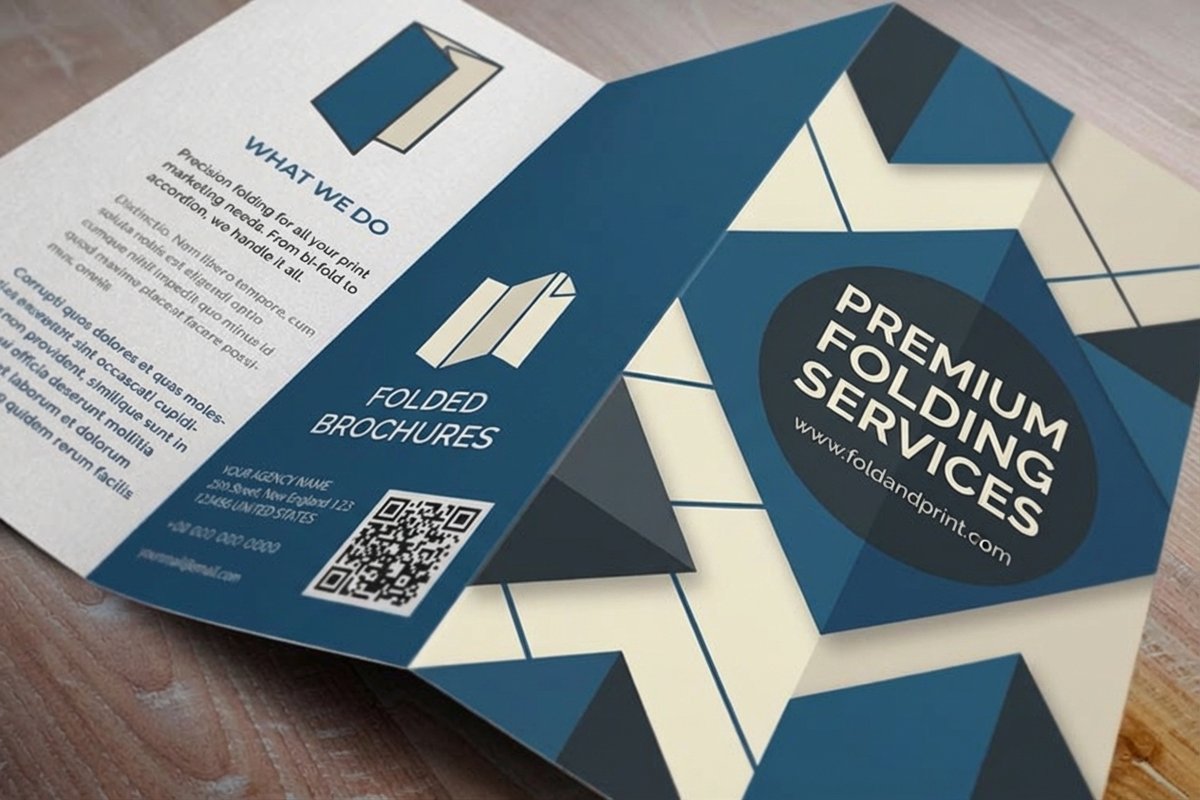
Our companion guides on how to fold a brochure and print folding options show each style visually, so you can see how the panels behave before you commit your layout to one.
Measure the panels (they are not equal)
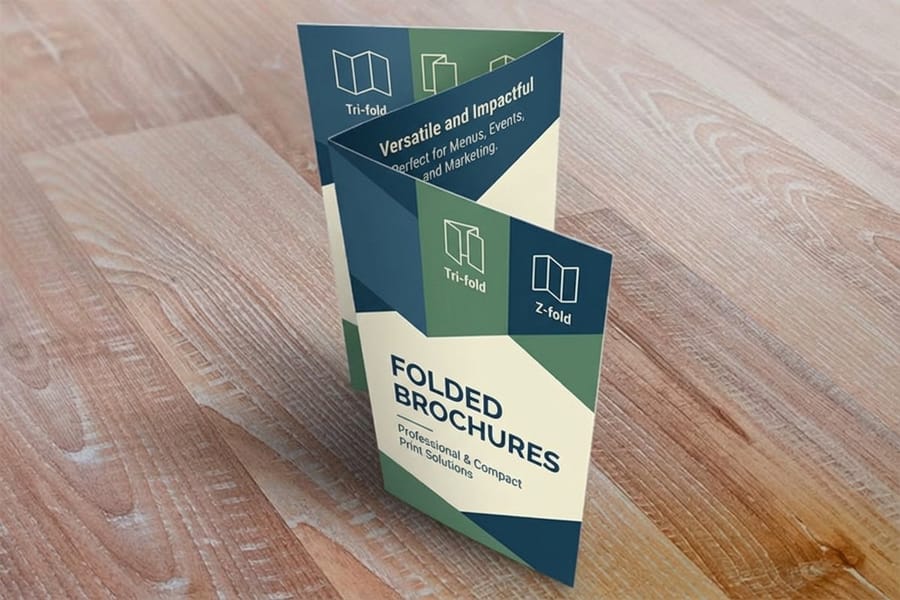
Here is the mistake that ruins otherwise good pamphlets: designing every panel the same width. On a trifold, the panel that folds inside has to be slightly narrower so it does not buckle against the other two when the piece closes. If all three are equal, your carefully centered art creeps across a fold.
For a standard letter trifold, set the two outer panels to about 3.67 inches and the inside tuck panel to about 3.66 inches, and place your fold guides at those exact measurements before you position a single element. Treat each panel like its own small page with its own safe margin, and keep headlines and logos off the creases.
For the full panel math across every size and fold, our brochure sizes and fold options and standard sizes and folds guides give you the exact numbers to copy.
Lay out content panel by panel
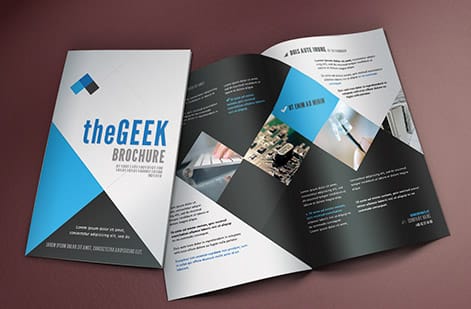
A pamphlet reads in a specific order as it opens, so plan the content to that sequence rather than treating the sheet as one canvas. On a trifold, the front panel is your hook: a strong headline, one clear image, and your logo, nothing more. The inside three panels carry the detail, broken into digestible chunks with subheads a reader can scan.
The back panel closes the deal with contact information, a map or hours, and a clear call to action. Because it often faces out when the piece is folded, treat it almost like a second cover. Keep body text readable at print scale, use plenty of white space, and let each panel make one point.
For the writing and typography inside those panels, lean on our guides to choosing fonts and sizes and the elements of brochure design so the piece reads as clean as it looks.
Set bleed, color, and export a print-ready file
With the layout settled, the last step is a file the press can print without edits. Build the document at the flat, unfolded size, add 0.125 inch of bleed on every side, and run any background or photo that touches an edge out to that bleed line so no white sliver shows after cutting.
Work in CMYK so your preview matches process-ink output, place images at 300 DPI at their printed size, and keep all text inside a safe margin and clear of the folds. Then outline or embed your fonts, flatten the artwork, and export a single print-ready PDF. Our bleed and trim guide and paper selection guide cover the two details people miss most.
Before you upload, fold a printed dummy by hand and read it in order. A five-minute paper proof catches panels that read out of sequence far more cheaply than a full run does.
Wally folds it before he fills it
The fold is the layout, so pick it first
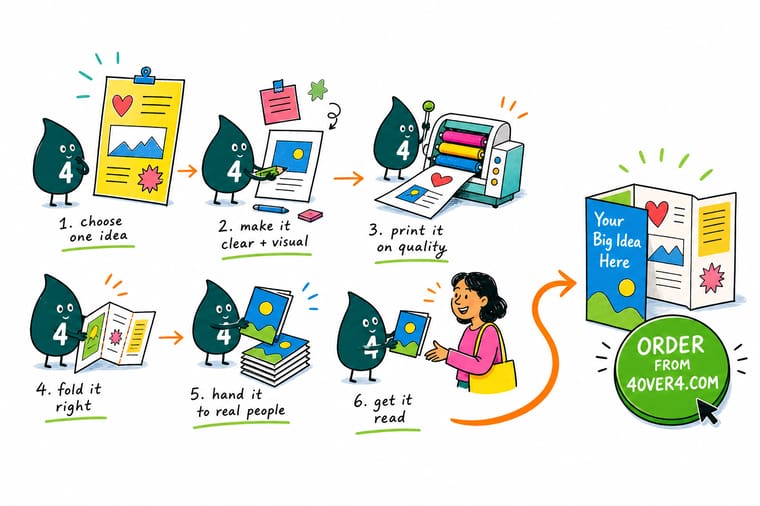
Wally treats a pamphlet like origami with a message: choose the fold, measure the panels so the inside tuck is a touch narrower, then drop content on each panel in the order a reader opens it. Hook on the front, detail inside, call to action on the back. Set bleed, work in CMYK, export one flattened PDF, and 4OVER4 prints it exactly as folded.
Print your folded pamphlet →Quick reference
The pamphlet file setup, at a glance
Match these settings and your folded artwork is ready for almost any pamphlet job.
| Setting | Get it to | Why it matters |
|---|---|---|
| Flat sheet size | 8.5 x 11 in (letter) | The most common pamphlet starts from a standard letter sheet folded into three panels. |
| Fold style | Trifold, half, z, or gate | The fold sets the panel count and the order a reader opens the piece in. |
| Panel widths (trifold) | 3.66 / 3.67 / 3.67 in | The inside tuck panel is slightly narrower so the folded piece closes flat without buckling. |
| Bleed | 0.125 in past every edge | Backgrounds run past the trim so no white sliver shows if the cut shifts. |
| Safe margin | 0.125 in inside trim + off the folds | Keeps text and logos clear of the blade and the crease. |
| Color mode | CMYK | Presses print process inks, so convert from RGB before you export. |
| File format | Flattened print-ready PDF | One self-contained PDF is the most predictable way to send a folded piece to press. |
Step by step
Make a pamphlet in 7 steps
- Choose the fold and panel count firstDecide between a trifold, half-fold, z-fold, or gate-fold. That single choice fixes how many panels you have and the order a reader will open them.
- Set up the document at flat size with bleedStart a new file at the unfolded sheet size, add 0.125 in bleed on all sides, and drop guides on the fold lines so every panel is measured to its real width.
- Map content to panels in reading orderSketch which message goes on the cover, the inside spread, and the back. The front hooks, the inside informs, the back closes with contact details and a call to action.
- Design in CMYK and keep text off the foldsBuild in CMYK, treat each panel like its own small page with its own safe margin, and keep headlines and logos away from the creases.
- Add images at 300 DPI and run art to the bleedPlace photos at full resolution for the printed size and extend any background or color block past the trim so edges stay clean.
- Proof the fold with a paper dummyPrint at 100 percent, fold it by hand, and read it the way a customer will. Catch panels that read out of order before the press does.
- Export a print-ready PDF and orderFlatten, outline or embed fonts, export a PDF with bleed, then upload it in the configurator to print your pamphlets.
Specs and pricing
Folded brochure specs and live pricing
Once your file is ready, the print choices come down to flat size, fold, stock, and finish. Here are the live specs and price-per-unit for folded brochures at 4OVER4.COM, straight from the configurator.
| Quantity | Price Per Unit | Total |
|---|---|---|
| 50 | $1.14 | $57.11 |
| 100 | 82.4¢ | $82.38 |
| 200 | 53.3¢ | $106.55 |
| 300 | 41.0¢ | $123.02 |
| 400 | 34.9¢ | $139.49 |
| 500 | 31.2¢ | $155.97 |
| 600 | 26.7¢ | $160.36 |
| 700 | 23.5¢ | $164.75 |
Print it
Print your pamphlet at 4OVER4
See it in use
Real folded pieces, printed in-house

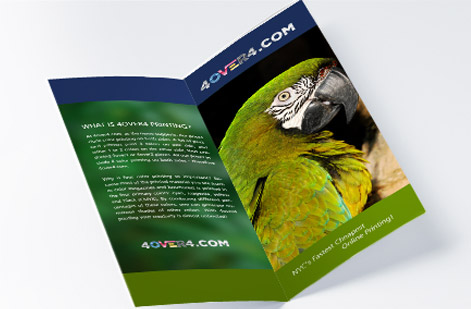
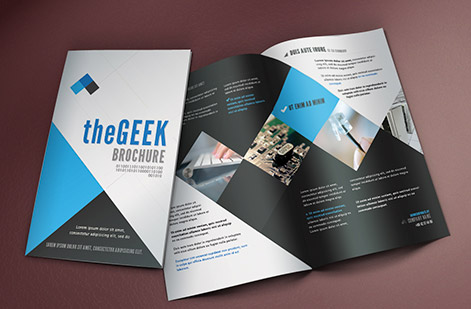
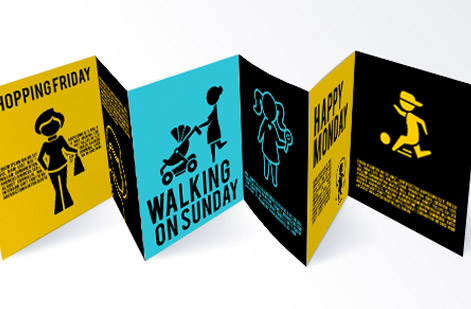
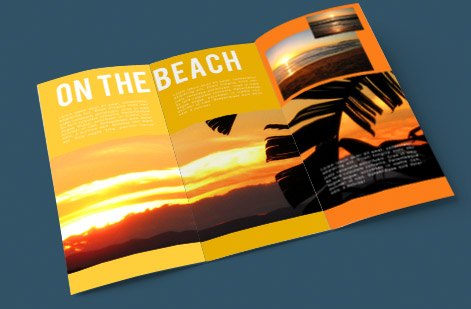
Explore more
Where to go next


By the numbers
Folded printing you can count on at 4OVER4
Common Questions
Common questions about making a pamphlet
What is a pamphlet and how is it different from a brochure?
A pamphlet is a single flat sheet of paper folded into panels to share information in a compact, easy-to-carry format. In everyday use the words pamphlet and brochure overlap almost completely, and the most common form of both is the trifold: one letter-size sheet with two folds that create six panels. The main distinction people draw is tone. Pamphlet often describes an informational or educational piece, while brochure leans marketing and promotion, but the file setup, folds, and printing are identical. If your piece is a folded sheet rather than a stapled multi-page booklet, you are making a pamphlet.
How do I choose the right pamphlet fold?
Match the fold to how much you have to say and how you want it revealed. A trifold (two parallel folds, six panels) is the workhorse for menus, service overviews, and event guides. A half-fold gives you four larger panels and a clean two-page inside spread, good for image-led pieces. A z-fold opens like an accordion so each panel appears in sequence, which suits step-by-step content. A gate-fold has two side panels that meet in the middle for a dramatic reveal. Decide the fold before you design, because it sets your panel count, panel widths, and the order a reader opens the piece.
What size is a standard pamphlet?
The standard pamphlet starts from an 8.5 by 11 inch letter sheet folded into a trifold, which finishes at roughly 3.67 by 8.5 inches closed. Other popular flat sizes are 8.5 by 14 inch legal for more room and 11 by 17 inch tabloid for a large half-fold. Whatever flat size you pick, remember the folded panels are not identical widths on a trifold: the panel that tucks inside is slightly narrower so the piece closes flat. Set your file to the flat size, place fold guides at the true panel measurements, and design each panel to its own dimensions.
What does it cost to print a pamphlet and how are prices set?
Designing the file yourself costs only your time. Printing price then scales with a few levers: quantity, where larger runs drop the unit price sharply, plus the flat size, paper stock, fold style, and any finish like gloss or matte coating. You choose each option in the configurator and the total updates live as you adjust it, so you can see exactly how a heavier stock or a bigger run changes the number before you commit. Folded brochures and pamphlets are among the most cost-effective marketing pieces per impression because one inexpensive sheet carries six panels of message.
What sizes, stocks, and finishes can I print a pamphlet on?
You can print pamphlets on standard letter, legal, and tabloid flat sizes in trifold, half-fold, z-fold, and gate-fold styles. Stocks range from lighter text weights that fold crisply to heavier gloss and matte cover stocks for a premium feel, printed on 60-plus paper options. Finishes include gloss and matte coatings that protect the piece and change how photos read. Use the live specs panel further down to see the exact sizes, stocks, and coatings available and how each choice affects the price.
How long does it take to print and ship pamphlets?
Turnaround depends on the stock, finish, and quantity you choose, and the configurator shows the available production speeds when you build your order. Faster options exist for time-sensitive campaigns, and 4OVER4.COM ships from New York with a 99.8 percent on-time record. To hit a hard deadline, set your options first so the live estimate reflects your exact job, then pick the production speed that lands your pamphlets when you need them.
Do I need bleed on a folded pamphlet?
Yes, whenever color, a photo, or a background touches an edge. Add 0.125 inch of bleed on every side of the flat sheet so a slight shift in the cut never leaves an unprinted white sliver. Just as important on a folded piece is keeping text and logos away from the fold lines and inside a safe margin, so nothing critical lands on a crease or gets trimmed. Our guide on bleed and trim walks through setting these lines in your design software.
Get Started
Ready to print a pamphlet that folds and reads perfectly?
Bring your print-ready PDF to 4OVER4.COM and print it on the fold, size, stock, and finish your project calls for. Adjust every option and watch your price update live.
Legal Disclaimer
Gold Standard guarantees apply to all standard orders placed through 4over4.com. Price match requires verifiable proof of a competitor's published price for an equivalent product with matching specifications and turnaround time. Satisfaction guarantee covers manufacturing defects and print quality issues. Contact support with order number and documentation. On-time delivery rate based on tracked orders 1999 to 2026. Individual results may vary based on shipping carrier performance.
