
What Is Screen Printing? Definition, Process & When to Use It


Screen printing pushes a thick, durable layer of ink through a mesh stencil, one screen per color. Here is what the method is, how the process runs from screen to squeegee, and when it beats digital or vinyl.
Screen printing is a stencil method that presses ink through a fine mesh screen onto a surface. A stencil blocks every blank area, so ink only reaches the open design, and each color gets its own screen and pass. The thick ink deposit makes colors bold and wash-durable, which is why the method is the standard for bulk apparel, posters, and merch. Use it for larger runs of bold, limited-color art. Choose digital for small batches or full-photo detail.

Quick answer
Screen printing in one paragraph
Screen printing forces ink through a mesh stencil so only your design reaches the material. Each color gets its own screen and its own squeegee pass, which makes bold, limited-color artwork print cleanly and cheaply at volume. The thick cured ink layer holds up in the wash for years. It is the go-to method for bulk tees, totes, posters, and merch, while digital printing is the better pick for small batches and full-photo detail. At 4OVER4.COM the screens, registration, and curing are handled for you.
Screen printing, defined
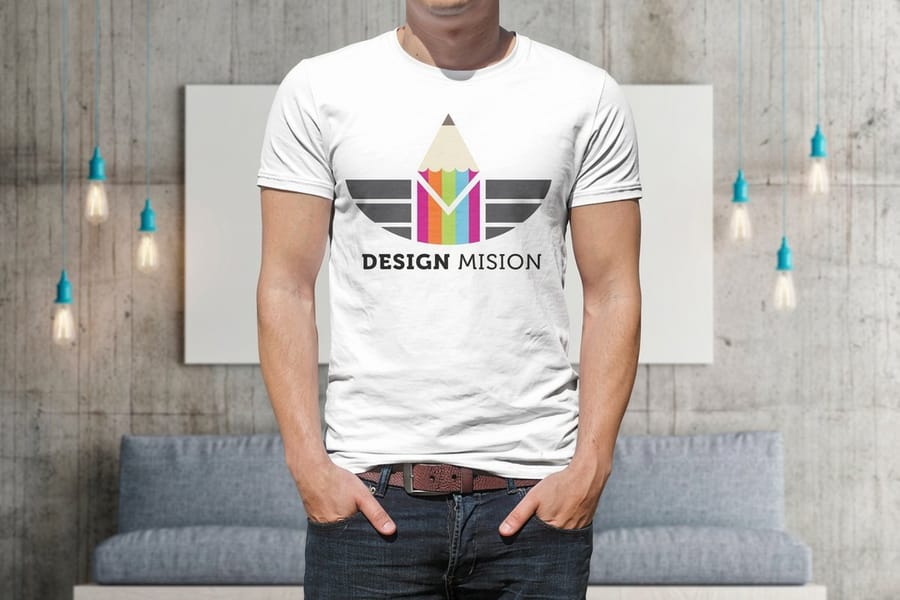
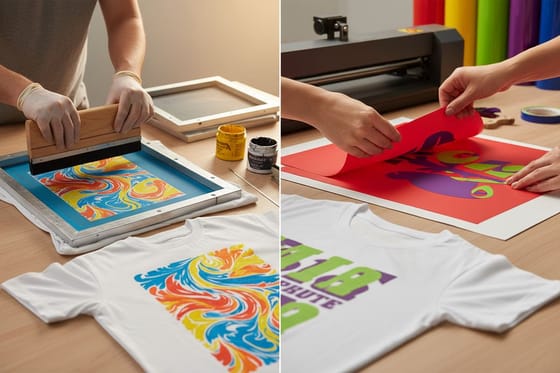
Screen printing is a stencil-based method of pressing ink through a fine mesh screen onto a surface. A design is turned into a stencil that sits on the screen, ink is placed on top, and a rubber blade called a squeegee drags it across. Wherever the stencil is open, ink passes through and lands on the material. Wherever it is blocked, the surface stays blank. That simple push-through mechanism is the whole idea, and it has barely changed in a hundred years.
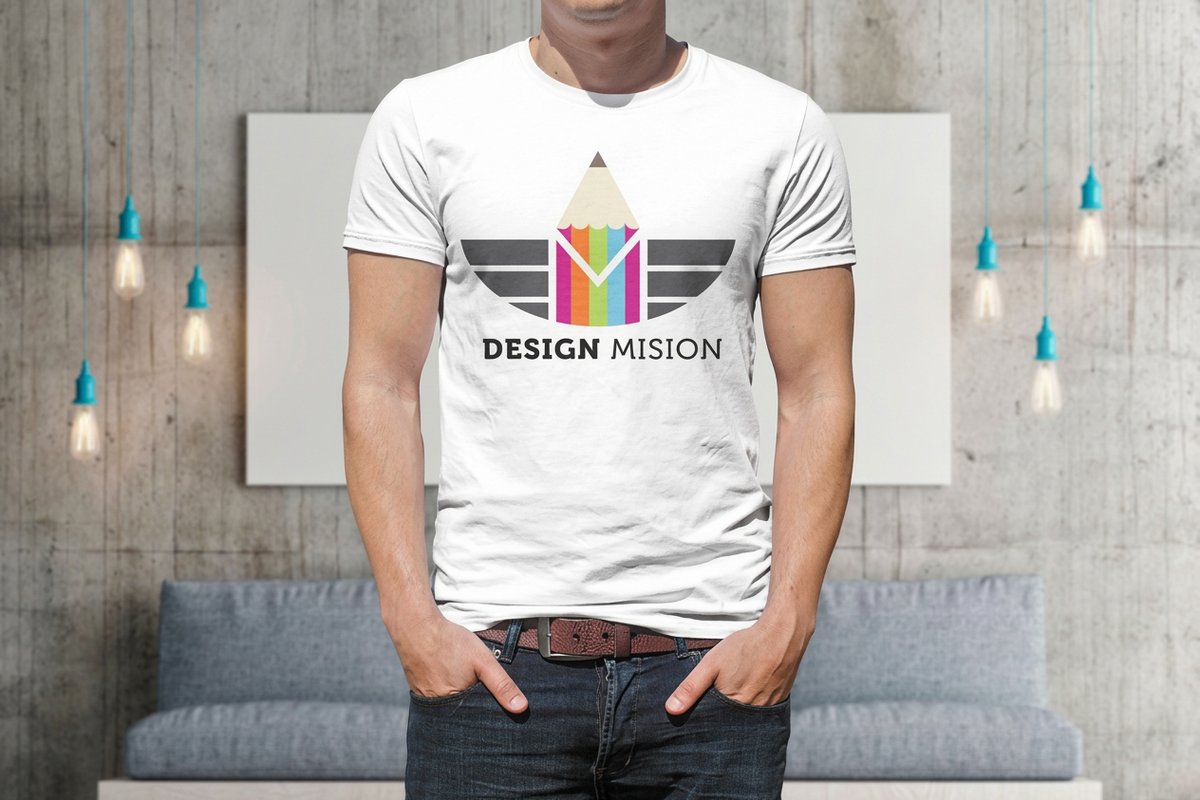
The technique is also called silk screening, a nod to the silk mesh printers used before modern polyester. Today it is the workhorse behind most bulk apparel, gig posters, and branded merch you own. If you have ever pulled on an event tee or a band shirt, odds are good it was screen printed. You can see the range on real jobs in our custom t-shirt showcase, then browse the full custom t-shirt printing lineup.
What sets screen printing apart is the ink itself. Instead of a thin sprayed image, you get a solid, slightly raised deposit that sits on the fabric and stays put through wash after wash. That thickness is why the colors look so saturated, and why a screen-printed shirt still reads sharp years later.
How screen printing actually works
Behind every clean print is a short, repeatable sequence. Once the screens are ready, a printer can knock out hundreds of identical pieces an hour. Here is the process from blank frame to finished piece.
- Make the screen. Fine mesh is stretched tight over a frame and coated with a light-sensitive emulsion.
- Burn the stencil. The screen is exposed to strong light through a film of the artwork. The covered design area stays soft and washes out. Everything else hardens into a stencil.
- Register the colors. One screen is prepared per color and aligned on the press so every layer lands in exactly the right place.
- Flood and print. Ink is flooded across the screen, then a squeegee pulls it through the open design onto the shirt, tote, or poster.
- Cure the ink. The piece runs through a dryer so the ink bonds for good and can take repeated washing.
The single most important skill in that list is registration. Line the screens up perfectly and a three-color print looks effortless. Nudge one screen a hair and the outline drifts off its fill. That is the craft you are really paying for, and it is what a shop like 4OVER4.COM has dialed in across thousands of runs.
Why every color needs its own screen
This is the rule that shapes almost every screen printing decision. A single screen can only lay down one ink at a time, so a two-color logo needs two screens, and a four-color design needs four. Each one is burned, registered, and printed as its own pass. More colors mean more setup, which is why printers ask about your color count before anything else.
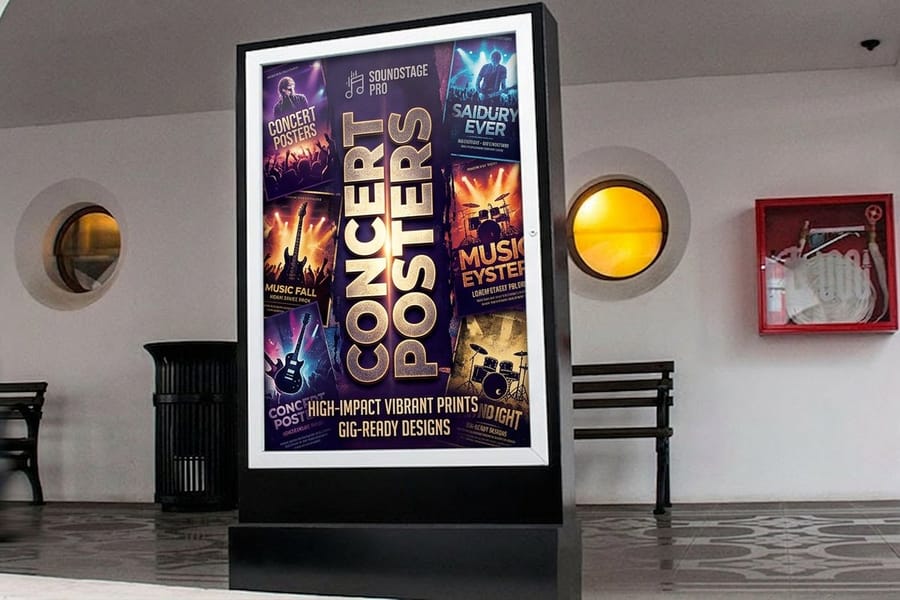
For solid shapes this is straightforward: one flat area of red, one of navy, one of gold. To fake photographic shading, printers use halftones, tiny dots of ink that trick the eye into seeing gradients from only a few screens. It is the same trick a comic book uses. Bold, poster-style art like the concert and gig work in our posters lineup is a perfect match, because the look leans into flat color and strong contrast rather than fighting it.
The practical takeaway: design with your color count in mind. A crisp one or two color mark is cheaper, prints faster, and often looks stronger than a muddy attempt at photo-realism on fabric.
When screen printing is the right call
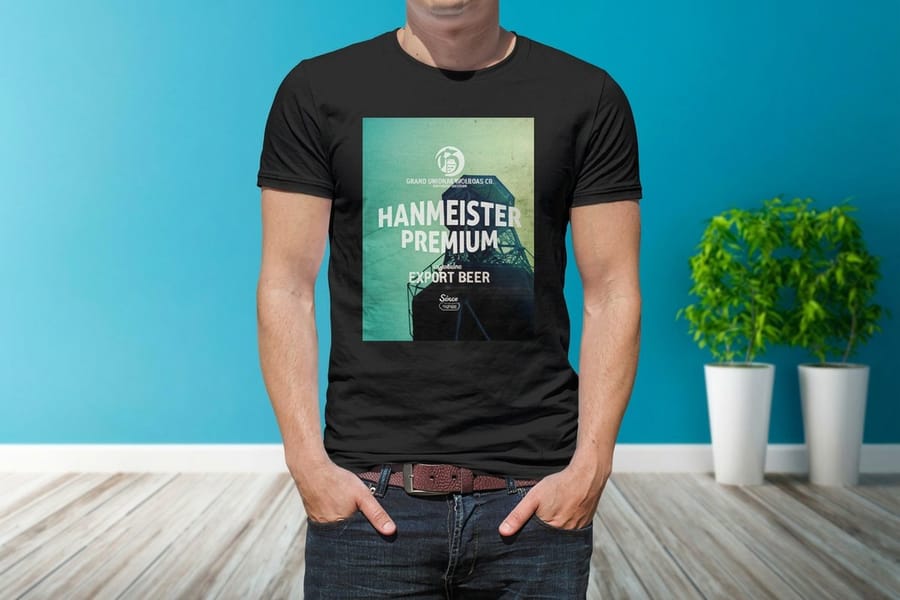
Screen printing earns its keep in a specific sweet spot. Reach for it when three things line up: a decent quantity, a design built on a few solid colors, and a need for prints that survive real use.
- Bulk runs. The setup cost is fixed, so the more pieces you print, the cheaper each one gets. Fifty matching staff shirts or five hundred giveaway totes are ideal.
- Bold, limited-color art. Logos, slogans, and flat illustrations reproduce beautifully.
- Durability. The cured ink layer shrugs off washing far better than most alternatives, which matters for uniforms and merch you sell.
Where it struggles: tiny quantities, full-photo images, and designs crammed with colors, since each of those fights the one-screen-per-color economics. If you are printing shirts to sell, our guide on how to sell custom t-shirts covers how run size and pricing fit together, and event promotional ideas shows where bulk merch tends to pay off.
Screen printing vs the other methods
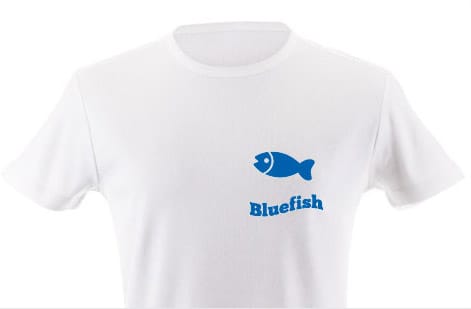
Screen printing is one option among several, and knowing the trade-offs saves money. Here is how it stacks up against the methods it most often gets compared to.
Digital and direct-to-garment (DTG) spray the artwork straight from a file with no screens. That makes them fast for a single shirt and effortless with photos or dozens of colors, but the ink sits thinner and the math flips against you on large runs. Vinyl and heat transfer cut your design from a colored film and press it on, which is great for names and numbers or one-off pieces. Our full comparison of screen printing vs vinyl printing breaks down exactly where each one wins.
If you are weighing how to get shirts made in the first place, how to make custom t-shirts lays out every route, and DIY methods without transfer paper shows what is realistic to do at home. The short version: screen printing wins on volume, color punch, and longevity. Digital wins on small batches and photographic detail.
What you can screen print on
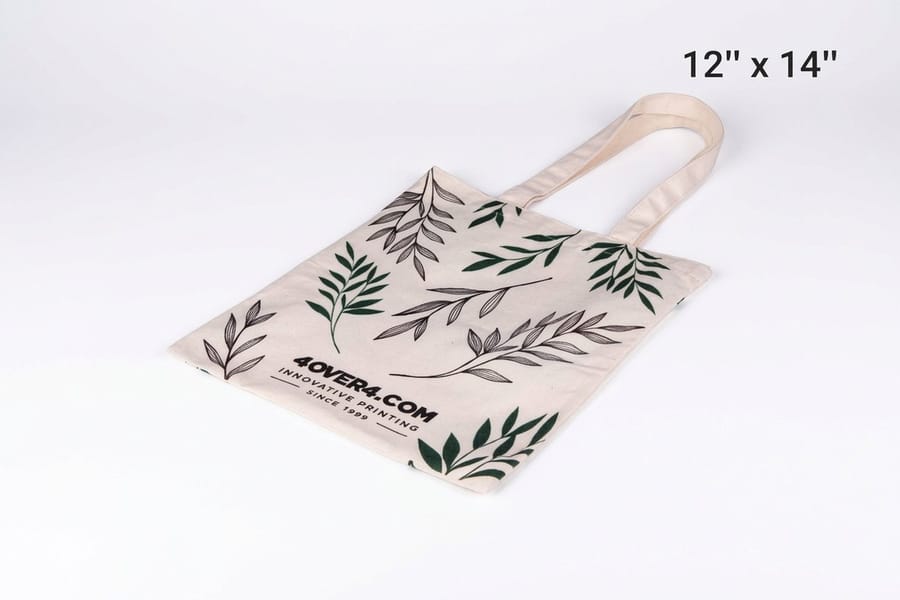
One of screen printing's quiet strengths is how many surfaces it handles. Match the ink and mesh to the material and the same core process covers a wide spread of products.
- Apparel. Cotton and blended t-shirts are the classic canvas, giving that soft, saturated print you feel with a fingertip.
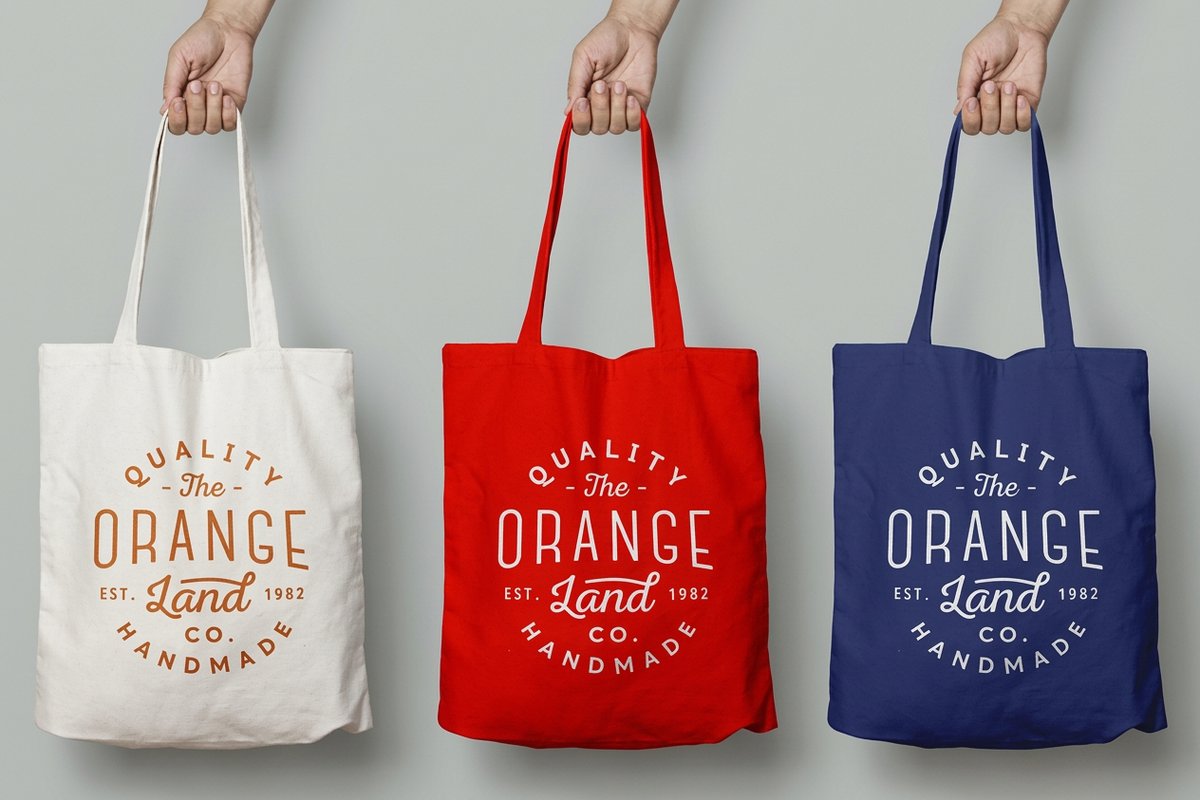
- Bags and fabric goods. Cotton tote bags and pouches take a bold single-color logo cleanly, which is why they are a staple of event swag.
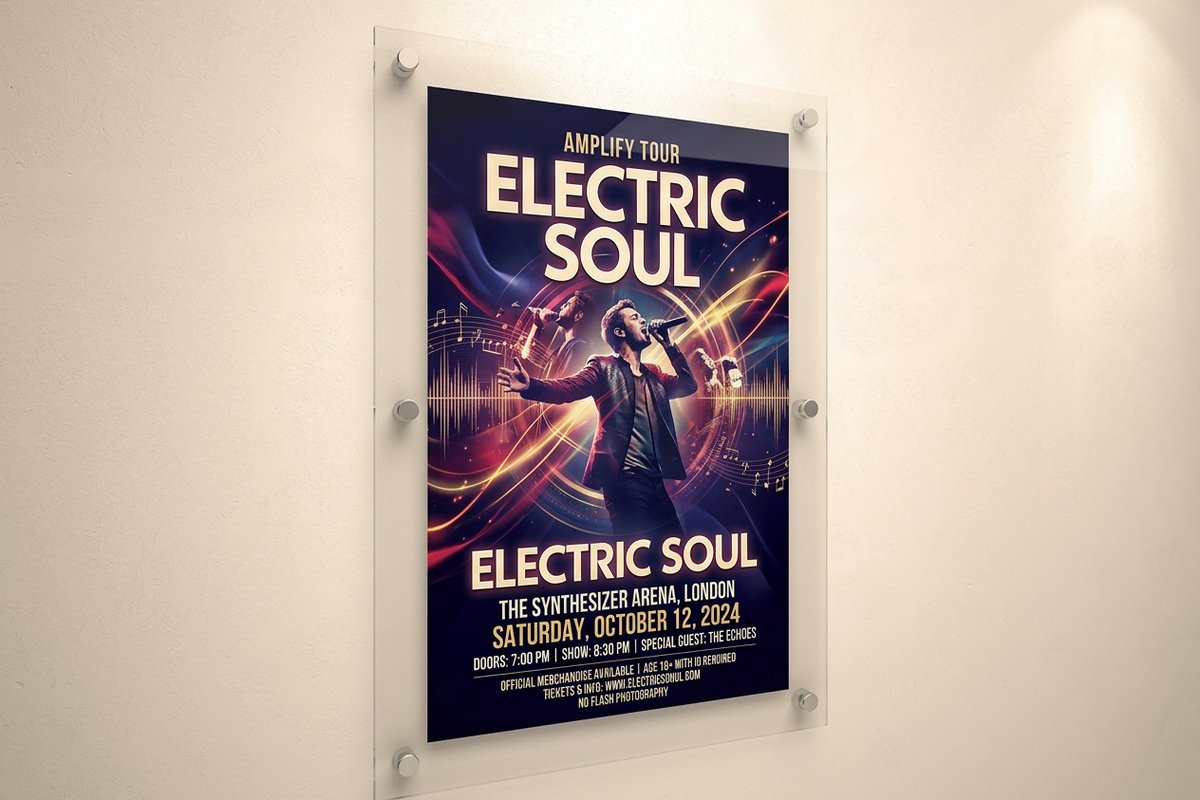
- Paper and card. Art prints and posters screen print with a crisp, opaque layer that vinyl and digital struggle to match.
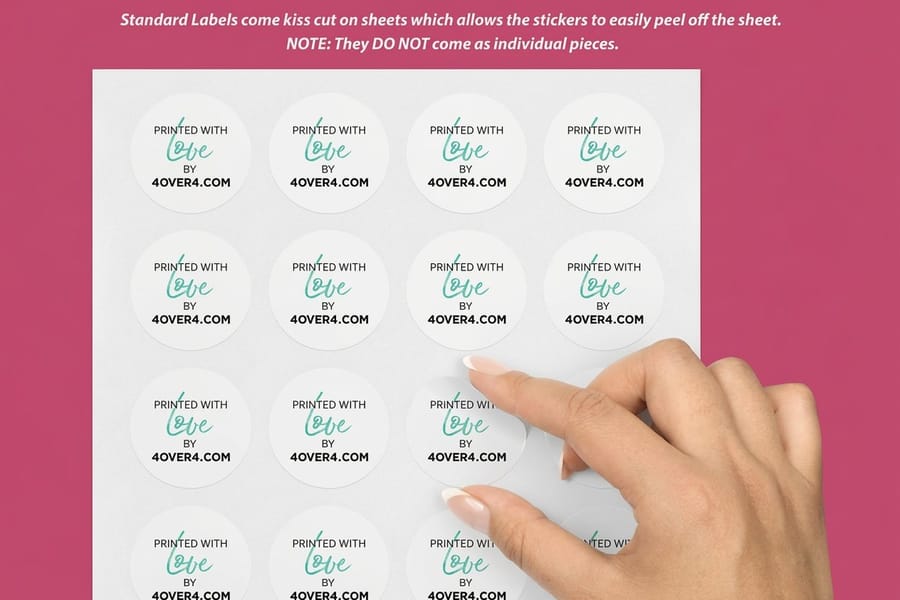
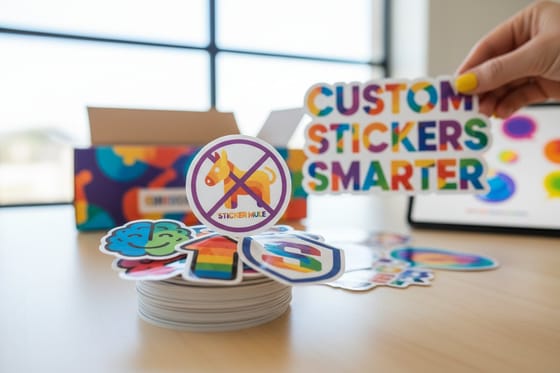
- Plastic and vinyl. Many stickers and decals use screen or related processes for thick, weatherproof color.
Because the method is so flexible, it slots neatly into a coordinated merch drop. Pair printed tees with matching totes, posters, and labels from our promotional products collection, and if you are making your own decals, how to make custom decals walks through the design side.
Screen printing terms worth knowing
A handful of terms come up constantly once you start ordering. Knowing them makes any quote or proof easier to read.
- Mesh count. How many threads per inch the screen has. Lower counts push more ink for bold blocks. Higher counts hold the fine detail.
- Registration. Lining up each color's screen so the layers stack precisely. Off-register prints show a telltale color halo.
- Flash cure. A quick blast of heat between colors so a wet layer sets enough to print the next one on top.
- Off-contact. The tiny gap between screen and garment that lets the mesh snap back cleanly after each stroke.
- Halftone. Dot patterns that simulate shading and gradients from a limited number of solid inks.
None of this is homework you have to do yourself. When you order through 4OVER4.COM, mesh, registration, and curing are handled in-house, and the 30-point pro review checks each job before it ships. You just supply the art and the quantity.
Screen-print quality without the setup
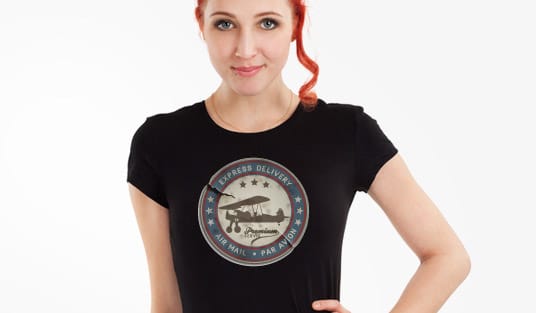
Here is the good news: you do not need a garage full of screens, emulsion, and dryers to get a professional screen print. The barrier that used to make this a specialist craft is exactly what an online print shop removes.
At 4OVER4.COM you upload your artwork, choose your colors and quantity, and we take it from there, burning the screens, registering the colors, and curing every piece. Build your file in the browser with our online designer, start from a ready layout in design templates, or send print-ready art of your own. Not sure how a stock will feel? Request free samples first.
When you are ready, order screen-printed custom t-shirts, add matching totes and posters, and lean on the reviews from customers who have done it before in our promotional product reviews.
Wally explains screen printing
Ink through a stencil, one color at a time
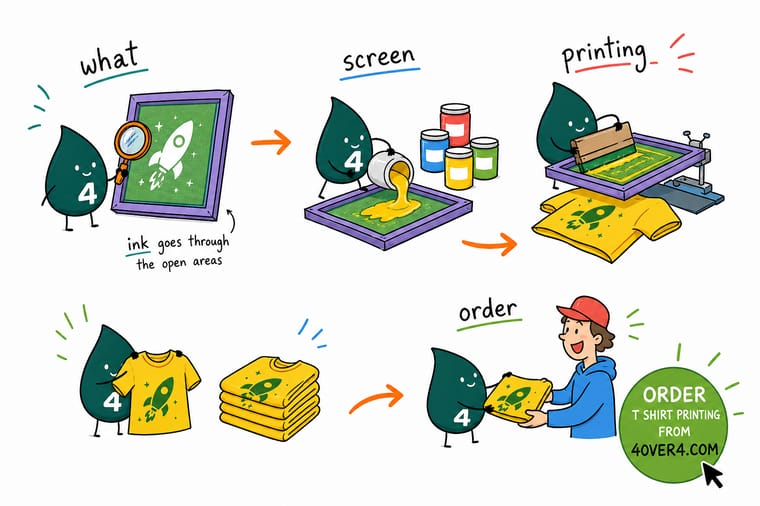
Wally thinks of a screen like a smart window: the stencil covers everything except your design, so when he drags the squeegee, ink only lands where it should. Add a color, add a screen. That is the whole trick behind bold, wash-proof tees and posters. Skip the emulsion and dryers in your garage and let 4OVER4 burn the screens, line up the colors, and cure every piece for you.
Order custom t-shirts →Specs and pricing
Custom t-shirt specs and pricing
Ready to put a screen print to work? Here is what a made-to-order custom tee gives you at 4OVER4.COM, with live specs and price-per-unit straight from the configurator as you change quantity and options.
| Quantity | Price Per Unit | Total |
|---|---|---|
| 1 | $21.96 | $21.96 |
| 2 | $16.47 | $32.93 |
| 3 | $16.46 | $49.39 |
| 4 | $15.93 | $63.71 |
| 5 | $15.93 | $79.63 |
| 6 | $15.93 | $95.56 |
| 7 | $15.85 | $110.94 |
| 8 | $15.38 | $123.02 |
Print it
Order screen-printed tees, totes and posters at 4OVER4
See it in use
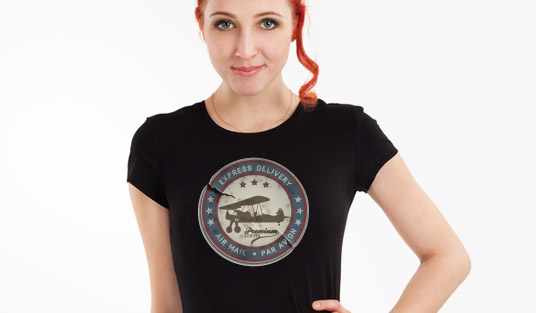
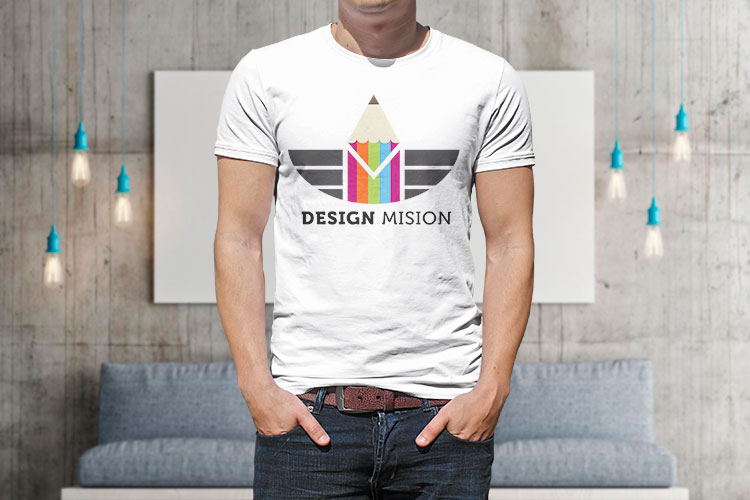
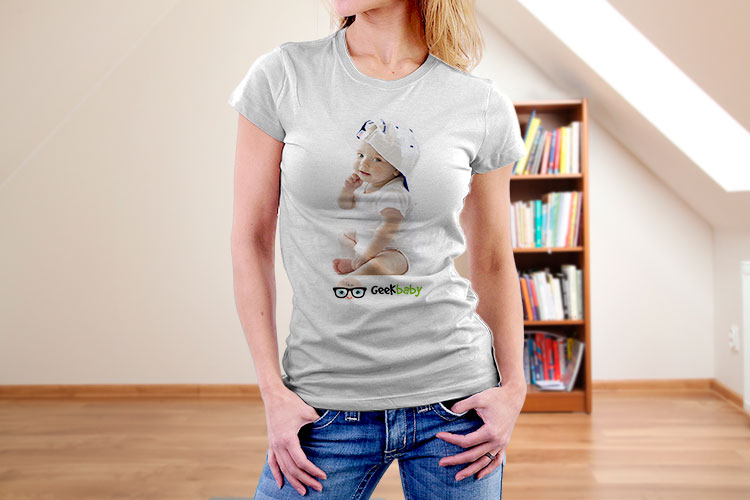
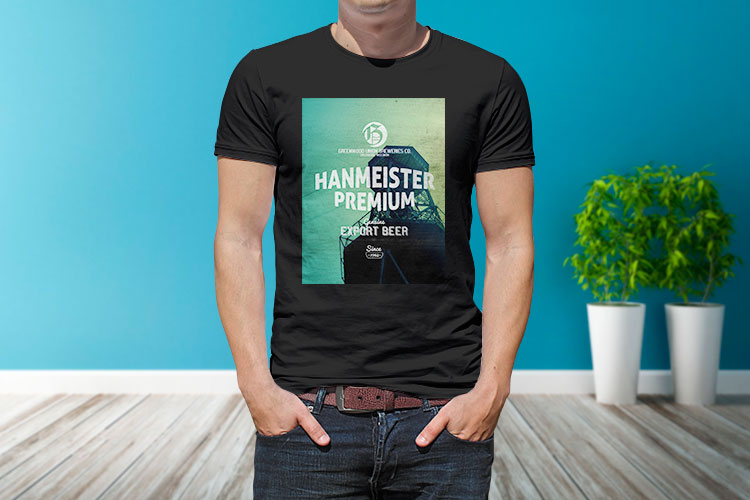
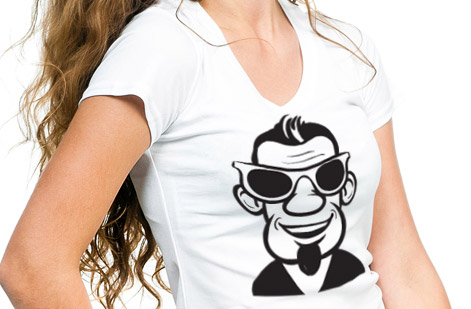
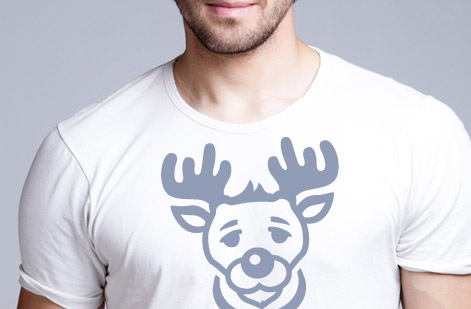
Real custom t-shirt work, printed in-house


Explore more
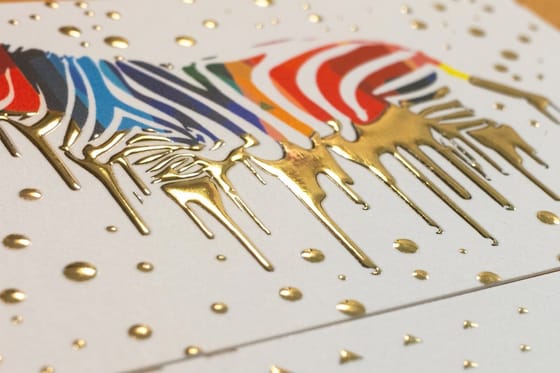
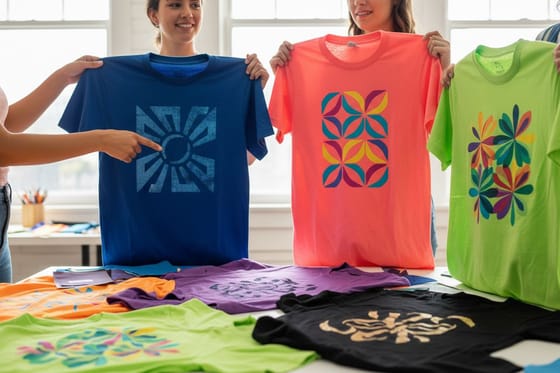
Where to go next


By the numbers
Printing you can count on at 4OVER4
Common Questions
Common questions about screen printing
What is screen printing in plain terms?
Screen printing is a stencil method. A design is turned into a stencil on a fine mesh screen, ink is placed on top, and a squeegee pushes that ink through the open areas of the stencil onto the surface below. Wherever the stencil blocks the mesh, no ink gets through, so you are left with a clean, solid print. It is also called silk screening because the earliest screens used silk mesh.
How is screen printing different from digital or DTG printing?
Screen printing lays down a physical layer of ink one color at a time through separate screens, which makes colors vivid and long-lasting but adds setup for each color. Digital and direct-to-garment printing spray the artwork straight from a file with no screens, so they handle photos and unlimited colors easily and win on small runs. For a side-by-side breakdown, our guide on screen printing versus vinyl printing walks through where each method pays off.
When should I choose screen printing over other methods?
Choose screen printing when you need a larger quantity, want bold flat colors that hold up in the wash, and your design uses only a handful of ink colors. A run of matching event tees, band merch, or branded totes is the classic fit. If you need only a few pieces, a full-photo image, or dozens of colors, a digital method is usually the smarter call.
How much does screen printing cost and what sets the price?
Price is driven by three things: the number of ink colors, the quantity, and the item you are printing on. Each color needs its own screen, so more colors raise the setup, while larger quantities spread that setup across more pieces and lower the price per unit. At 4OVER4.COM the configurator shows a live per-unit price as you change quantity and options, so there are no surprises before you order.
What can you screen print on?
Almost any reasonably flat surface takes screen printing: cotton and blended apparel like t-shirts, cotton totes and bags, paper and card for posters and art prints, plus vinyl and plastic for many stickers and decals. The ink and mesh are matched to the material, which is why the same core process prints a soft hand on fabric and a crisp opaque layer on paper.
How many colors can a screen print have?
In theory as many as you like, but each color adds a screen, a registration step, and cost, so most commercial designs stay between one and four colors. Photographic looks are reproduced with halftone dots rather than solid areas, which lets a few screens simulate a fuller range. If your art truly needs many blended colors, a digital press is often the better route.
Get Started
Ready to put your design on a screen print?
Pick your product and quantity, drop in your artwork, and we burn the screens, register the colors, and cure every piece so your print stays bold wash after wash.
Legal Disclaimer
Gold Standard guarantees apply to all standard orders placed through 4over4.com. Price match requires verifiable proof of a competitor's published price for an equivalent product with matching specifications and turnaround time. Satisfaction guarantee covers manufacturing defects and print quality issues. Contact support with order number and documentation. On-time delivery rate based on tracked orders 1999 to 2026. Individual results may vary based on shipping carrier performance.
