QR Code Business Cards

See QR Code Business Cards in action
The 2" x 3.5" card with your QR code printed front or back, on 74 stocks from 13pt to 80pt ultra-thick, with a blank, black or full color back, from $17.57 per 100 on a 3 business day standard.
- From $17.57 per set of 100, with the per-card price dropping as the run climbs all the way to 100,000.
- 2" x 3.5" standard business card size, printed full color with a blank back, a black back, or full color on both sides.
- 74 stocks: gloss, uncoated, linen, metallic pearl, synthetic plastic, rigid vinyl, indoor magnet, and ultra-thick cards up to 80pt, some with a colored center.
- Scannable QR code printed on the front or the back, finished plain or with a High-Gloss UV Coating.
- 3 business day standard turnaround, with 2-day, Next-Day and Same-Day rush, rated 4.5 out of 5 across 4 reviews.
- Free online proof before the run goes to press, so you can check the printed code scans on your own phone rather than finding out after 500 cards are boxed.
Put Your Whole Online World Behind One Scan
Point a phone camera at the card and your link opens, so nobody has to type a web address from a card they found in a pocket a week later.
The code adds nothing to the print cost, since it is part of your artwork, so the card prices like a plain business card and still fits a wallet or a cardholder. To see every card style side by side, browse business cards printing; to build this one, use the choices below.
The tiers below show each set total and its saving per card against a set of 100.
What Is a QR Code Business Card
A QR code business card is a 2" x 3.5" business card with a scannable QR code that opens your website, portfolio, booking page or digital contact.
For the same size and stock list without a code, order Standard Business Cards. Mini Cards come in five sizes from 2" x 2" to 4" x 4" if you want the code on a smaller or squarer card.
Do You Need a Special QR Code Card, or Just a Business Card
Just a business card. Every stock in this card's list takes a code, so you order the card you want and put the code on it. Size, quiet zone and contrast decide whether it scans, and the short section further down covers all three.
Which Stock Suits a QR Code Card
The default 14pt Gloss Cover is the low cost choice for cards you hand out by the hundred. Linen adds texture, metallic pearl catches light, and 15pt Synthetic Plastic or 18pt Rigid Vinyl (PVC) gives you a card made of plastic, not paper. The panel below groups the stocks, finishes and ink layouts the way the configurator does.
Give the card real weight
The heavier stocks run from 24pt Ultra Thick Gloss through 32pt to 72pt Gloss and 80pt UltraWhite, with colored centers on the 40pt to 64pt cards. The 17pt Indoor Magnet puts the code on a fridge, where it stays in reach. For the thickest stocks we run, see Ultra Thick Business Cards.
Design it without a designer
Lay out the name and logo first, then give the code its own clear square. Our business card design templates hold thousands of free layouts; change the colors, copy and logo in the online editor, then place your code with its quiet zone kept empty.
Ready-to-Edit Business Card Design Templates
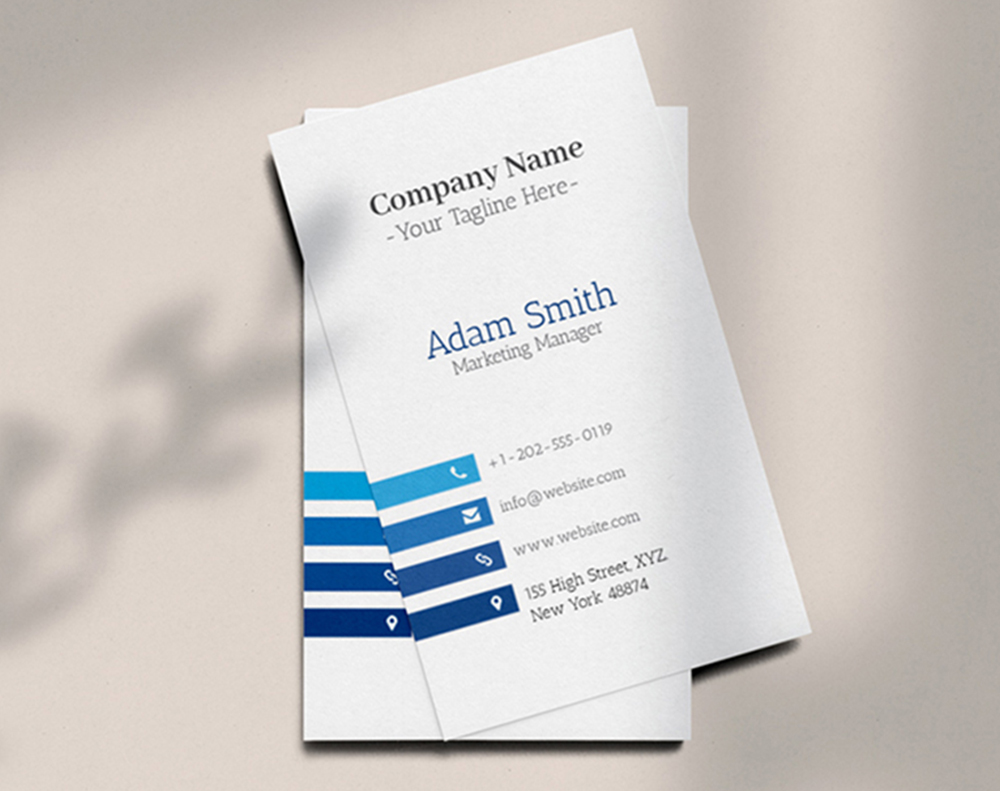
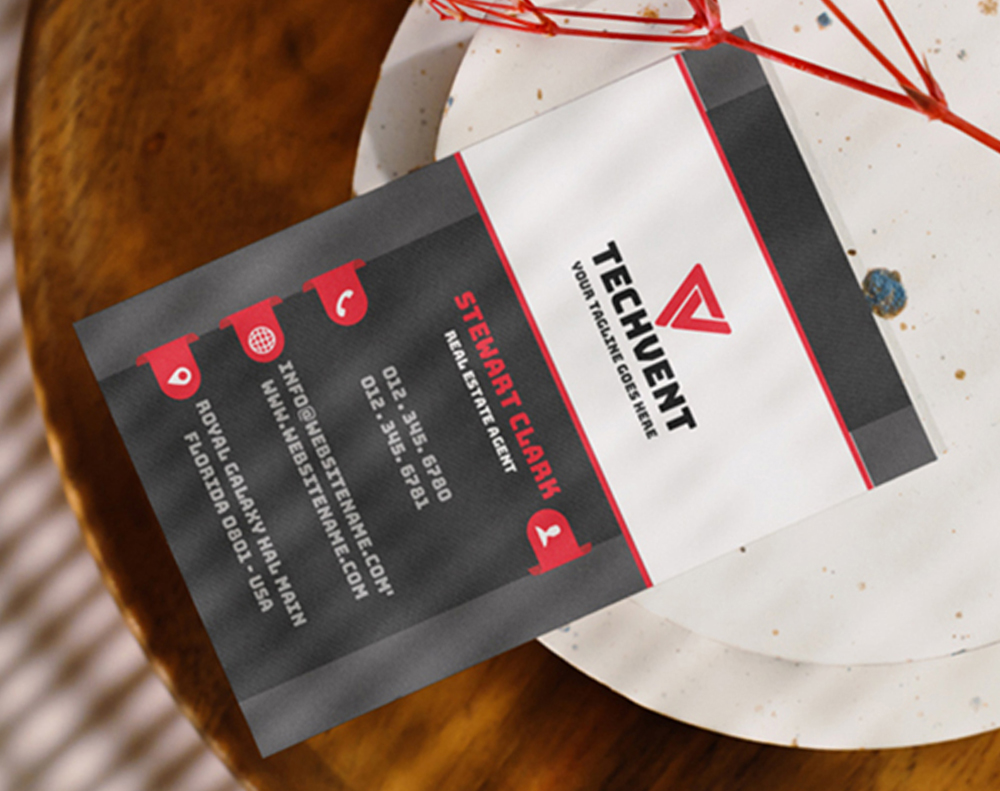
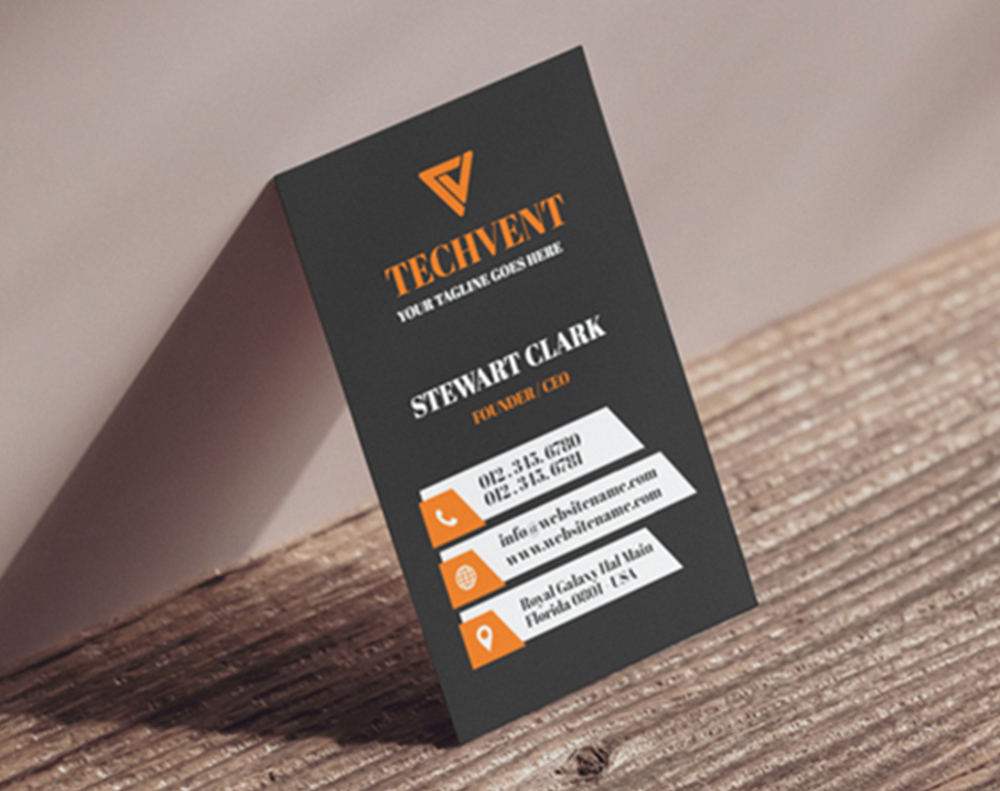
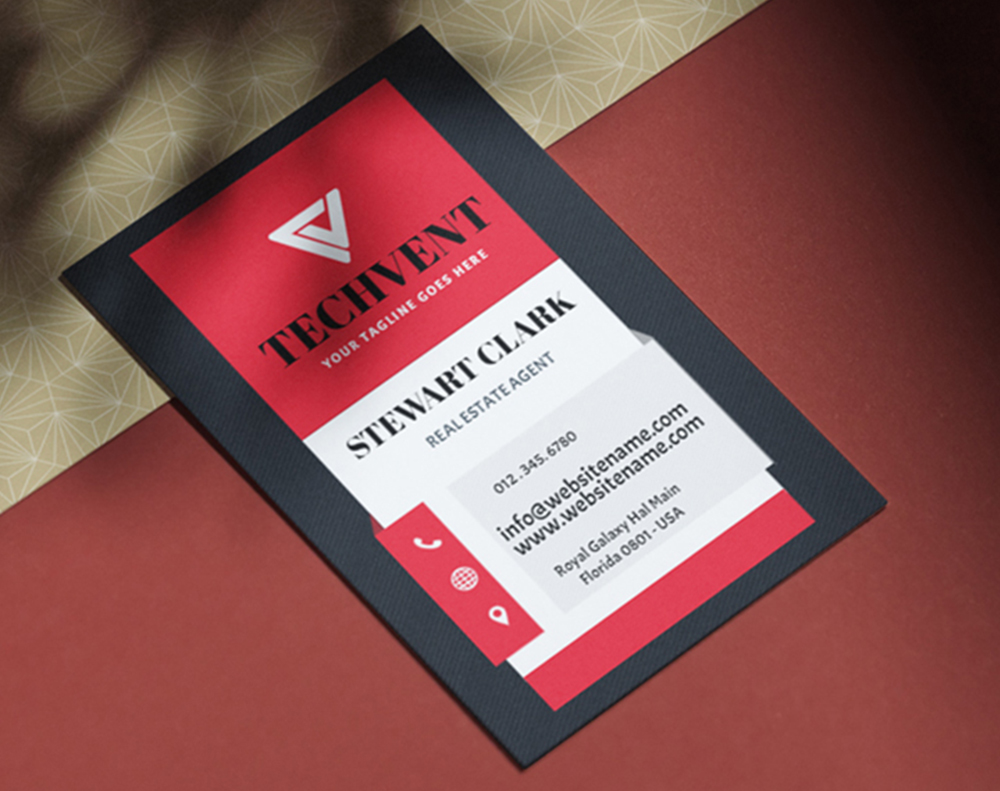
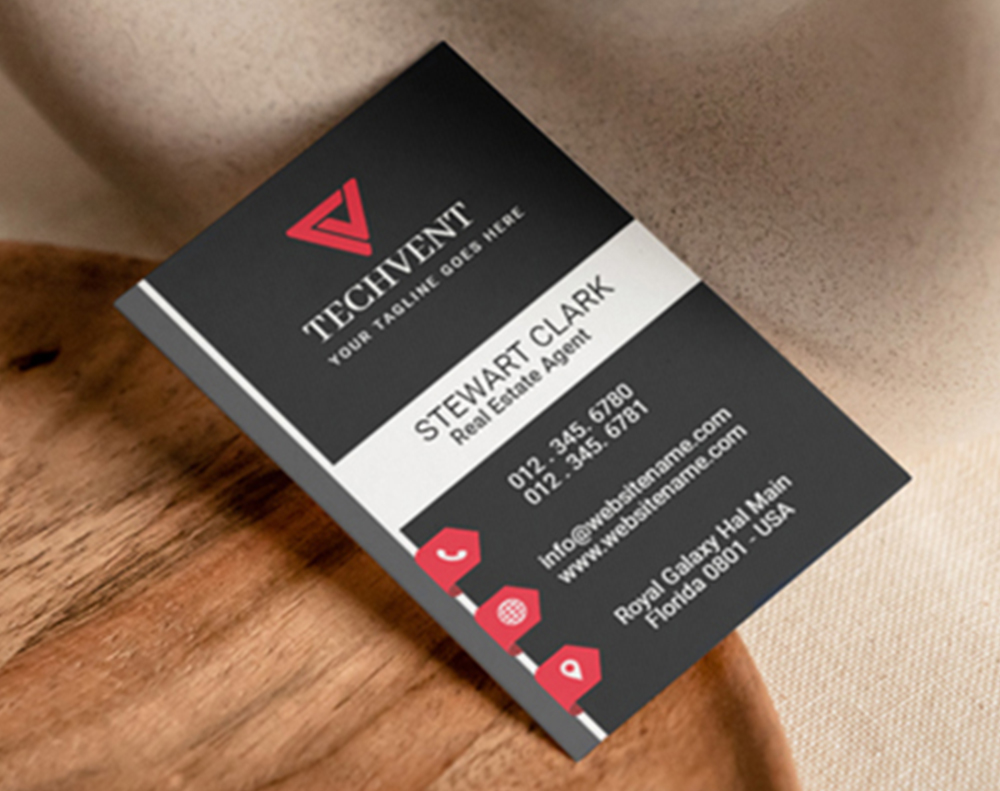
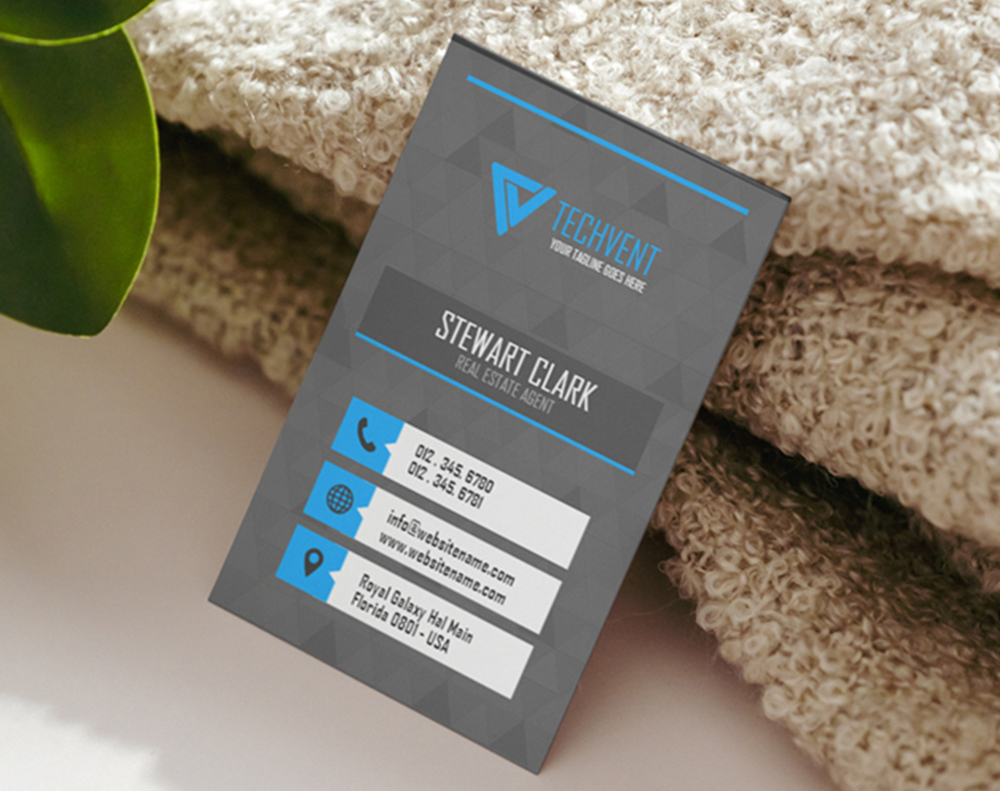
If your art is ready, download a blank. Each blank business card template is drawn at the real 2" x 3.5" trim with the 1/8" bleed and safe margin marked, so the code stays clear of the cut. Place your design and code on the template below and upload.
Press-Ready Blank Templates




How Much Do QR Code Business Cards Cost
QR code business cards start at $17.57 per set of 100, about 18 cents a card, and the price per card keeps falling as the run grows. A 900 card run is $53.83, and at 8,000 cards each card costs near 2 cents. Set your count on the slider below to see the set total and the cost per card, and stop where the next step barely changes your budget.
Wally puts your whole site on a card
One scan from a $17.57 card opens your link, no typing.
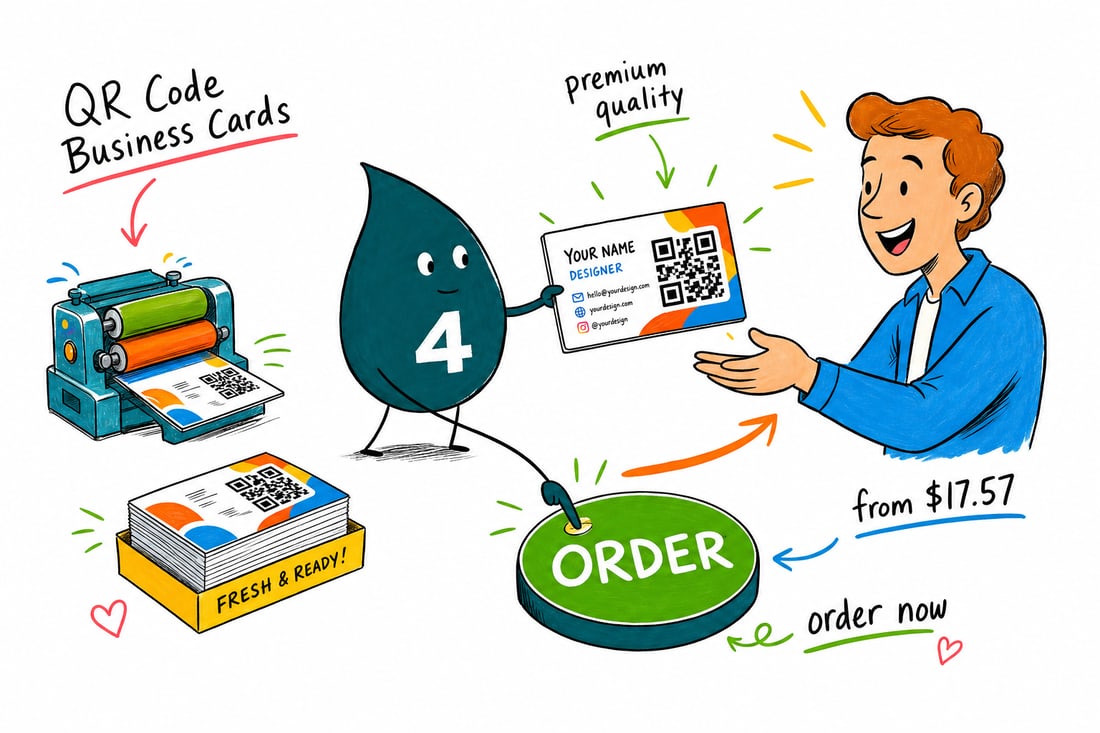
A hundred QR code business cards costs $17.57, and each one carries a code that opens your site, booking page, or saved contact in one scan. Pick a stock, print the code on the front or back, set your speed, and Wally gets them in your hand fast.
QR Code Size, Quiet Zone and Contrast in Short
Print the code at least 0.8" square, leave a clear quiet zone of four modules of empty space on all four sides, keep strong dark-on-light contrast, and test the printed proof before the run. Those four things decide whether a phone reads it.
A module is one of the small squares the code is built from, so the quiet zone scales with the code: the bigger you print it, the wider that empty border becomes. Nothing goes in it, not a logo, not a border rule, not a background photograph. Dark code on a light field is what phone cameras are tuned for, so keep the code dark on light rather than inverted. Test with more than one phone before approving, in ordinary indoor light rather than under a desk lamp.
What to Link a QR Code Business Card To
The code can open anything with a web address, so the choice is about what you want to happen in the first ten seconds after the handshake. The usual destinations:
- A contact card, so the person saves your number and email in one step instead of typing it from the card later.
- A booking page, for anyone whose next step is an appointment: a consultation, a viewing, a table.
- A portfolio or a product page, when the work sells itself and the card is only the doorway.
- A single social profile rather than a list of them. One destination scans, a menu of links loses people.
Then print the code on the side that stays clean, away from the name and logo.
Static or Dynamic QR Code on a Printed Card
A static code has the web address written into the pattern itself. It never expires and needs no account, but the destination is fixed the moment the cards are printed. A dynamic code points at a short redirect address, and the redirect can be changed later, so a card printed for a launch page can point at the booking page next month without a reprint. Dynamic codes come from a QR service and usually cost a subscription, and the code dies if that service does.
For a printed card, a static code to a page you control is the safe default. Go dynamic when the destination will change or when you want scan counts. Either kind prints the same way, and the free online proof is where you test it with your own phone.
QR Code Cards vs NFC Digital Business Cards
Both put your details on a phone without typing. They fail in different places.
| Printed QR code card | NFC digital business card | |
|---|---|---|
| How it works | The other person points a camera at the card and the link opens. | The other person taps their phone against the card and the link opens. |
| Phone compatibility | Any phone with a camera, on any operating system, at any age. Nothing to enable. | Needs an NFC-capable phone with the reader active. Older and budget handsets miss out, and on some phones it has to be switched on. |
| Range | Works across a table, from a screen, off a poster, and from a photo someone takes of the card. | Contact only. The two devices have to touch. |
| Cost per card | Printed with the artwork, so the code costs nothing on top of the card. | Every card carries a chip, so the unit cost is far higher and handing them out freely gets expensive. |
| Handing out at volume | Give away hundreds at an event without thinking about it. | Usually kept as one reusable card you tap and take back. |
A printed QR code is the safer choice whenever you are handing cards out and will not see them again, whenever the room is full of phones you cannot vet, and whenever the card also has to work as a card, read across a table or photographed and sent to someone else. An NFC card makes more sense as a single personal card you keep and tap repeatedly. If you carry both, a QR code on the back of the printed card is the fallback for every phone the tap misses.
How Do QR Code Cards Compare to the Rest of the Range
Pick the QR card when you want the link to work the moment you hand it over. It costs no more than Standard Business Cards, the lowest entry among the 135 business card styles in the panel below.
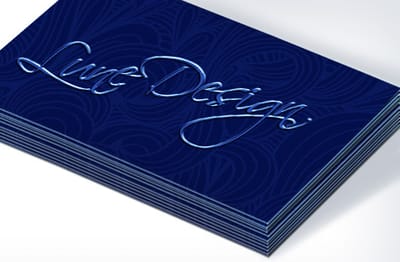
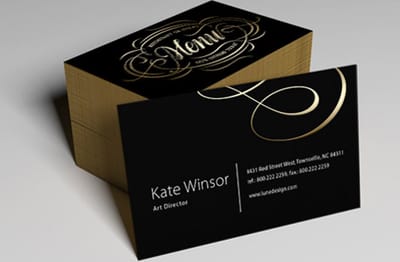
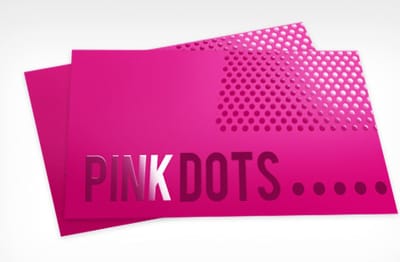
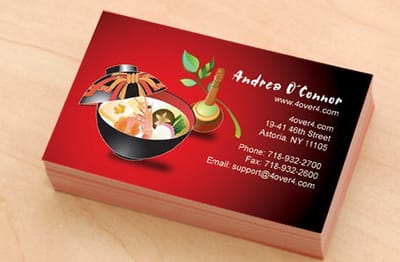
Real Business Cards Our Customers Printed
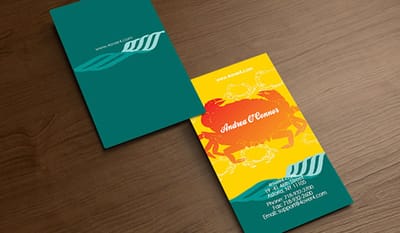
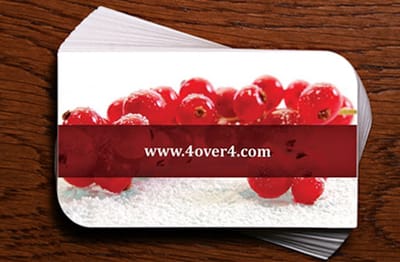
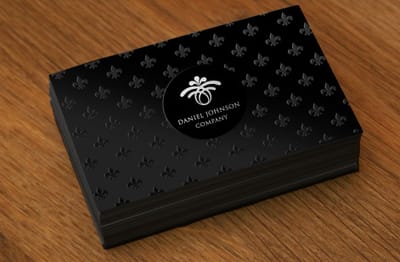
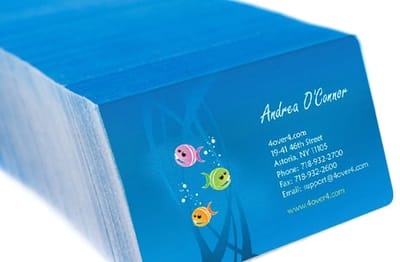
How Fast Can You Get QR Code Business Cards
QR code business cards print on a 3 business day standard turnaround, and when a date sneaks up you can move that to 2-day, Next-Day or even Same-Day production. The faster tiers add a percentage to the base price, so a reorder with time to spare costs least on the standard schedule. Same-Day orders need to be approved by noon EST to ship that day. 99.8% of 4OVER4 orders land on time and 82% ship early, so you are not gambling on the date.
See the Rest of Our Cards
Square Business Cards put the code on a 2" x 2", 2.5" x 2.5" or 3" x 3" card. The full print product range covers everything beyond cards.
More From Professional Business Cards






Print Your QR Code Business Cards Today
At 4OVER4.COM, quality comes first, and it's backed by a satisfaction guarantee and 25+ years of printing since 1999. Send the file with the code placed and its quiet zone empty, and the cards go to press in our NYC plant. Our Same-Day production keeps you covered. Print your QR code business cards today.
QR Code Business Cards: Frequently Asked Questions
Where does the QR code print on the card?
On the front or the back, wherever it sits best in your layout, as long as it keeps an empty square around it.
What is the minimum order for QR code business cards?
Sets start at 100 cards, with 39 quantity steps above that and a lower price per card at each one.
What card stocks can I choose from?
There are 74. The thinnest are 13pt Uncoated (100% PCW) and 13pt Metallic Pearl Silver, and the thickest is 80pt UltraWhite Uncoated Cover. The full list opens in the Paper Type menu.
Are these a standard business card size?
Yes, the standard 2 x 3.5 inches; adding the code does not change the format.
Can I print on both sides of a QR card?
Yes. 4/4 ink prints full color on both sides and 4/1 adds a black back, while 4/0 leaves the back blank.
What finish options are available?
Two: the Standard Finish, or a High Gloss UV Coating for a shinier card.
Do I have to create my own QR code?
Yes. Make it with any QR generator and place it in your layout like a logo.
Is it hard to set up business cards with QR codes?
No. The code drops into the layout like a logo, and the card orders like any other business card.
Questions about QR Code Business Cards? See answers