
Best Resolution for Printing, DPI and Pixels


Resolution is the difference between a print that looks professional and one that looks soft. Here is the honest rule for every size, from a business card to a banner, plus a pixel-to-print cheat sheet you can keep.
The best resolution for print is 300 DPI at the final printed size for anything held in the hand. Cards, postcards, flyers, and brochures look sharp at 300 dots per inch. Posters and banners are read from a distance, so 100 to 200 DPI is plenty. To find the pixels you need, multiply the print width and height in inches by your target DPI. Judge resolution at the size you will print, never at the size it opens on screen.

Start here
The best resolution for print in one paragraph
Aim for 300 DPI at the final printed size for anything read up close, and 100 to 200 DPI for posters and banners viewed from a distance. Resolution is measured against the size you print, not the size on your screen, and the pixels you need are simply the print width and height in inches multiplied by your target DPI. Start from a large original, keep logos and text as vector or live type, and 4OVER4.COM prints your file exactly as sharp as it deserves.
See the difference
What resolution actually looks like on paper
Same artwork, two files. On the left, enough pixels for the size. On the right, a low-resolution image stretched to fit. The press can only print the detail the file carries in.
You cannot add detail after the fact. Enlarging a small image only spreads the same pixels over more paper, which is exactly what produces the blocky look on the right.
Why resolution decides whether your print looks sharp or soft
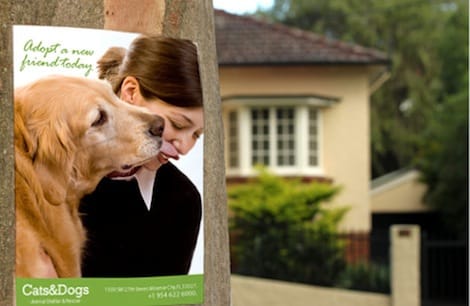
Print the same photo twice, once from a proper high-resolution file and once from an image saved off a web page, and the difference shows the moment both leave the tray. One is clean and confident. The other has fuzzy edges, soft type, and a faint blockiness in the shadows. Nothing about the printer changed. The file did.
Resolution is the quiet variable behind almost every print that disappoints. It is not about buying a better camera or a more expensive stock. It is about giving the press enough detail to work with at the exact size you are printing. A crisp large-format banner and a sharp business card obey the same rule, just at different scales.
This guide explains what print resolution really is, settles the 300 DPI question, shows why posters and banners can go lower, and hands you a pixel-to-size cheat sheet you can keep. If you would rather not sweat the math, our design templates and online designer are already built at print resolution, so files come out ready.
What is print resolution?

Print resolution is the density of detail in a printed image, measured in dots per inch, or DPI. It describes how many ink dots the press lays down across every inch of paper. Pack more dots into each inch and edges look crisp and photos look smooth. Spread the same picture over more inches and those dots thin out until the image turns soft.
The key idea is that resolution is relative to size. An image is not simply high or low resolution in the abstract. A 2,550 by 3,300 pixel photo is high resolution for a letter-size flyer and low resolution stretched across a poster. That is why professional printers always ask two things together: how many pixels, and how big is the final piece.
Getting the source right at the start saves every headache later. Starting from a large original, using vector logos, and keeping text as live type rather than a screenshot are the habits that keep a design sharp. When you want ready-made files that already meet these standards, our design templates take care of it, and free paper samples let you preview how that detail lands on real stock.
DPI vs PPI vs screen resolution

Three terms get tangled together, so it helps to separate them. PPI, pixels per inch, describes a digital image: how many pixels sit in each inch of the picture at a given size. DPI, dots per inch, describes the printed result: how many ink dots the press puts down per inch. In everyday design the two track closely enough that people use them interchangeably, and the practical target is the same number.
Screen resolution is the trap. Monitors typically show images at around 72 to 96 pixels per inch, so a graphic that fills your screen and looks perfectly sharp can hold nowhere near the detail a press needs. An image can look flawless in your browser and still print soft, because the screen was flattering it the whole time.
The fix is to design in print units from the beginning: set your document to the real finished size and aim for 300 PPI there, rather than trusting how a file looks on a display. Our online designer works in true print dimensions, which quietly removes this whole class of mistake before it reaches the press.
The best resolution for print: the 300 DPI rule

For anything a person holds and reads up close, 300 DPI at the final size is the standard, and it has been for decades. At 300 dots per inch the eye stops seeing individual dots, photographs render smoothly, and small type stays crisp all the way down to fine print. Go much below it and you start to notice softness before you can name the cause.
This is the target for the pieces you touch: business cards, postcards, greeting cards, flyers, brochures, and menus. It is why a 3.5 by 2 inch card needs a 1,050 by 600 pixel image, and a letter-size flyer needs 2,550 by 3,300. Meet the number and the print looks professional. Miss it and even great artwork looks like a photocopy.
A few factors change how forgiving 300 DPI feels in practice. Bold graphics and vector shapes tolerate a little less than fine photographic detail, glossy coatings make softness more obvious than matte, and heavy uncoated stock absorbs ink and hides tiny flaws. When in doubt, aim for 300 and let the material work in your favor. Our guide on how to make business cards shows the rule at the smallest, least forgiving scale.
Viewing distance: why posters and banners can go lower

Large-format printing follows a friendlier rule, and it surprises people. A 24 by 36 inch poster or a booth banner does not need 300 DPI, because nobody presses their nose to it. The farther away a piece is read, the fewer dots per inch the eye can resolve, so the honest requirement drops as the print grows.
A rough field guide: a retail poster viewed from three or four feet looks crisp at 150 to 200 DPI, while a trade-show or storefront banner read from ten feet or more holds up beautifully at 100 DPI. Designing a giant banner at a full 300 DPI would create an enormous file for detail no one could ever see. Match the density to the distance instead.
Recommended resolution by product
| Product | Resolution at final size | Read from |
|---|---|---|
| Business cards | 300 DPI | In the hand |
| Postcards | 300 DPI | In the hand |
| Brochures and flyers | 300 DPI | In the hand |
| Posters | 150 to 200 DPI | Three to four feet |
| Canvas prints | 200 to 300 DPI | Two to four feet |
| Large banners | 100 DPI | Ten feet or more |
Read down the table and it is one rule rather than six: the closer a piece is held, the more dots it needs. Nothing in that column is a minimum you have to hit blindly, it is the point where extra pixels stop being visible.
Two habits keep large work sharp no matter the DPI: build the document at the true finished dimensions, and keep logos and text as vector art or live type so they stay perfectly clean at any scale. Our guides on how to make posters and how to make banners set this up from the first step.
How to check your image resolution before you print
Checking a file takes ten seconds and saves a reprint. Open the image and read its pixel dimensions, then divide each number by the size you intend to print in inches. If a photo is 1,800 by 1,200 pixels and you print it at 6 by 4 inches, you are at 300 DPI and in great shape. Send that same photo to a 12 by 8 inch print and it falls to 150 DPI, which is fine for a poster but soft for a card.
Watch for the usual warning signs: images pulled from a website, logos saved as small JPGs, and screenshots almost never hold enough detail for close-up print. If a graphic looks jagged when you zoom to 100 percent on screen, it will look worse on paper. The cure is a larger original, a vector version of any logo, or live text set in your layout rather than pasted as an image.
When you want to be certain before a full run, order free paper samples or print a single proof so you can judge sharpness in the hand rather than on a screen. Our walkthrough on filling text with images in Photoshop also covers reading and preparing a file so it prints exactly as intended.
Order sharp prints: size, stock, and live pricing
Once your file meets the resolution it needs, printing it is the easy part, and the cost is simple to reason about. Resolution does not change the price. The physical choices do. Cost scales with quantity, size, material, and finish, and the number updates live in the configurator as you set each option, so there are no surprises at checkout.
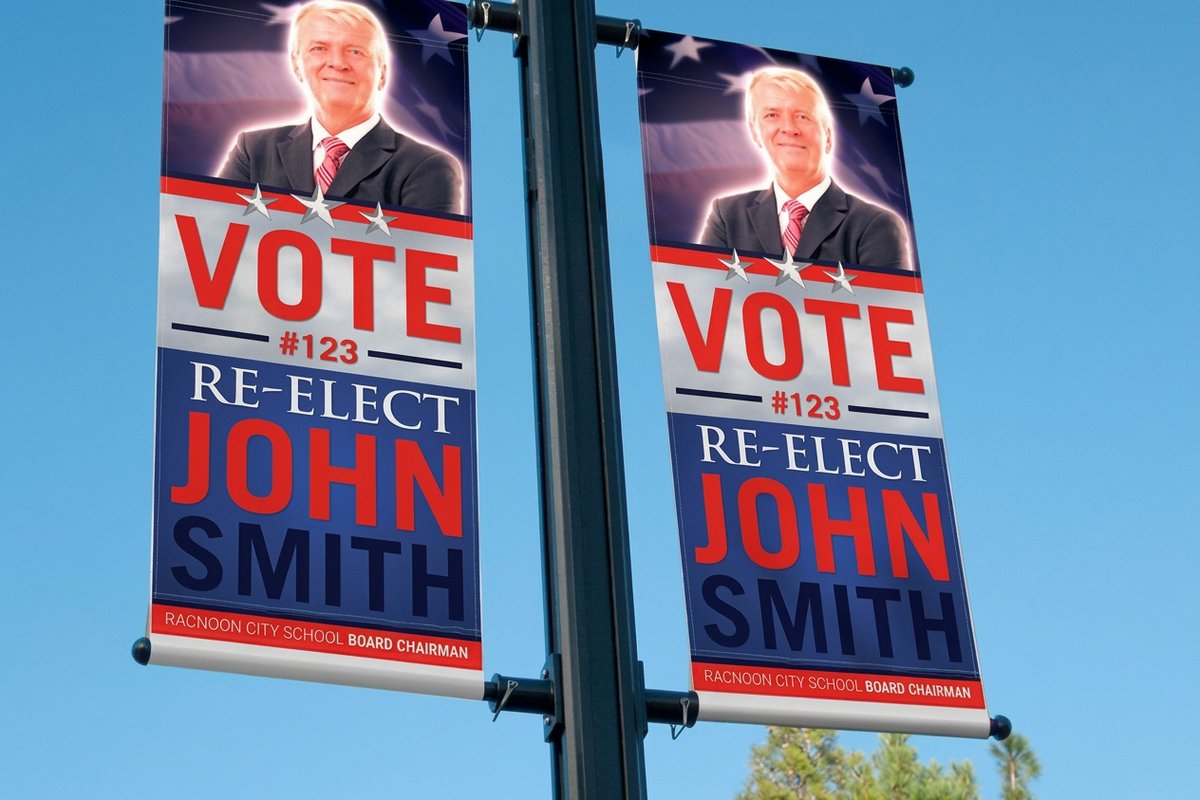
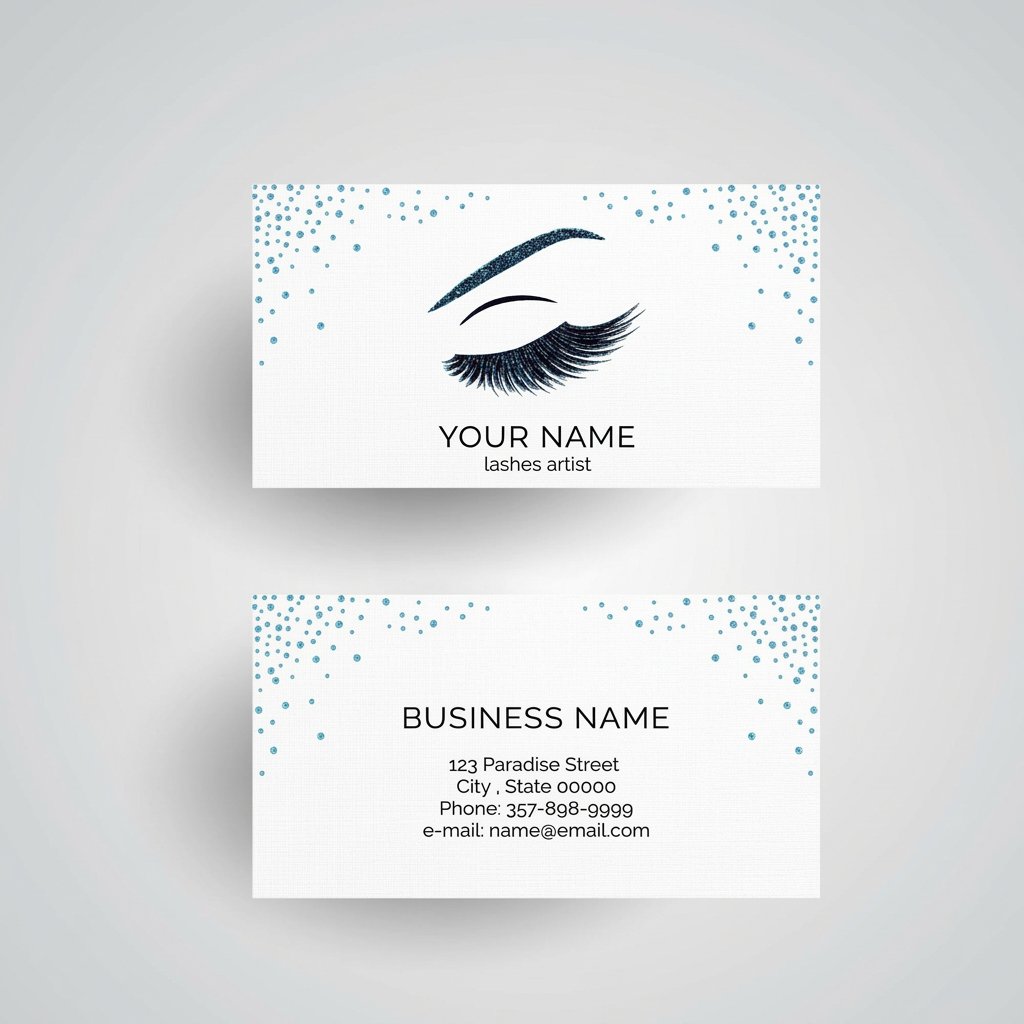
That means you can plan around real figures. Make-up artist business cards start around $17.57 for a small, close-read piece, while a 2 Sided Blockout Banner starts around $108.75 because it uses far more material across a large surface. In both cases the per-unit price falls as the quantity climbs, and the resolution rule stays the same: 300 DPI for the card, closer to 100 DPI for the banner.
Pick your size, choose a stock or material, and use the specs and pricing panel below to see the exact combinations. If you would rather feel the paper before committing ink, free samples ship first, and our design templates give you a print-ready starting point at the correct resolution.
72 DPI vs 300 DPI, the difference on paper
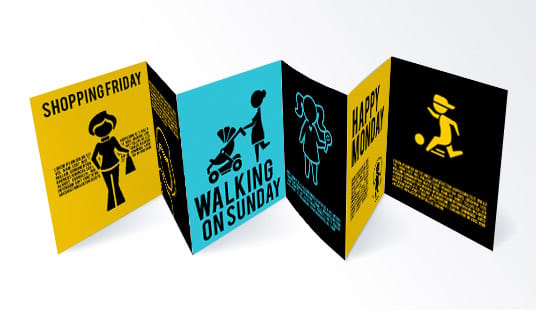
72 DPI is a screen convention, not a print spec. It describes how many dots an old monitor packed into an inch, and paper has never cared. Printed at the same size, 300 DPI lays down more than four times as many dots across every inch, which works out to roughly seventeen times the detail over the same square inch.
That gap lands exactly where the eye looks first. The edge of a letterform goes from crisp to furry, a face loses eyelashes and skin texture, and a smooth gradient picks up blocky steps where the file simply ran out of pixels. No press setting recovers it, because the detail was never in the file to begin with.
The number written inside the file is not the problem either. Take one image 2,400 pixels wide. Print it 8 inches wide and it is 300 DPI. Print the same file at about 33 inches wide and it is 72 DPI. Nothing changed but the size, which is why a file is only ever high or low resolution for a given print.
So do not push a small file up to 300 in an editor, because resampling invents pixels and still prints soft. Go back for the bigger original, swap a logo for vector art, set type live in the layout instead of pasting it as an image, and check the result at 100 percent zoom at final size before you order. Our design templates start you at the right resolution, and free samples let you judge sharpness in the hand.
Wally explains resolution
The press can only print the detail your file brings in
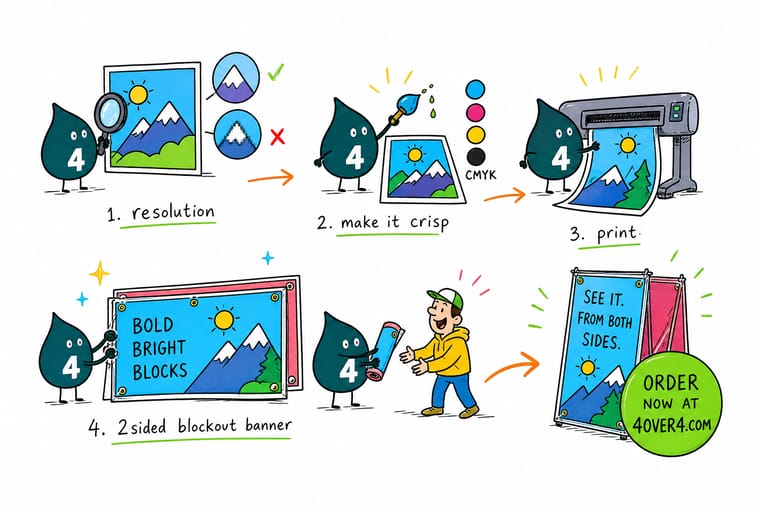
Wally likes to say resolution is a promise between your file and the paper. Give the press 300 dots per inch at the real print size and cards and flyers come out crisp; step back for a poster or banner and 100 to 200 is plenty because distance hides the dots. Check the pixels against the size before you send, and 4OVER4 prints your image exactly as sharp as it can be.
Print your design →Cheat sheet
Pixel-to-print size chart
Pixels equal inches times DPI. Save this table and check any image against the size you plan to print before you send the file.
Large-format numbers look huge, but the recommended DPI is lower because posters and banners are read from a distance. Match the density to how close people stand.
Specs and pricing
Blockout banner specs and live pricing
Large format is the clearest test of resolution and viewing distance together. Here are the live specs and price-per-unit for 2 Sided Blockout Banners at 4OVER4.COM, straight from the configurator.
| Quantity | Price Per Unit | Total |
|---|---|---|
| 1 | $108.75 | $108.75 |
| 2 | $108.74 | $217.47 |
| 3 | $108.74 | $326.22 |
| 4 | $97.76 | $391.02 |
| 5 | $97.76 | $488.78 |
| 6 | $97.76 | $586.53 |
| 7 | $89.28 | $624.98 |
| 8 | $86.77 | $694.18 |
Print it
Print sharp at any size with 4OVER4
See it in use
Real customer prints, sharp at every size
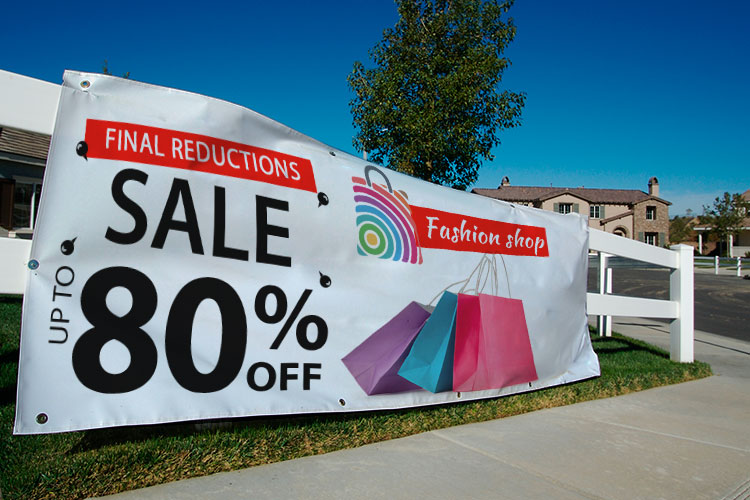
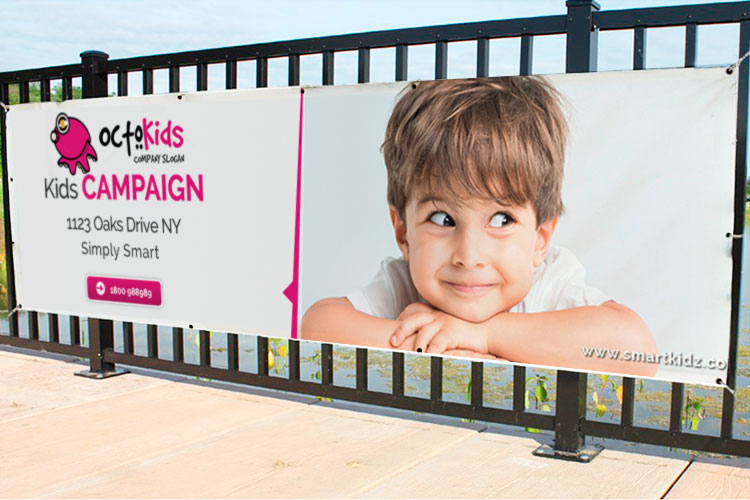
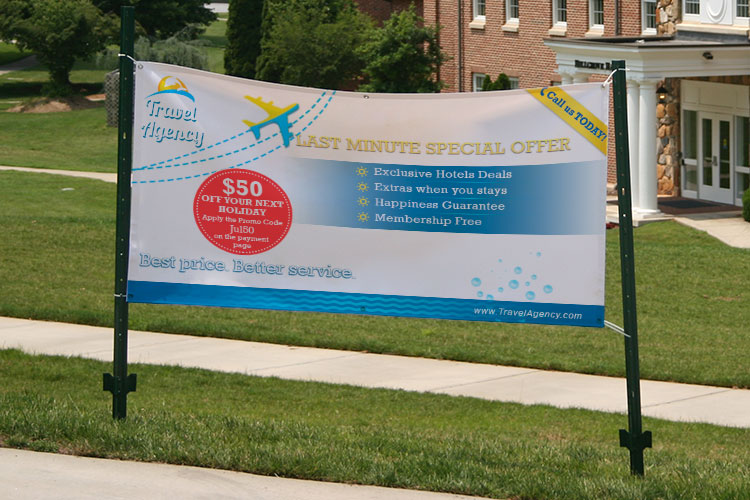
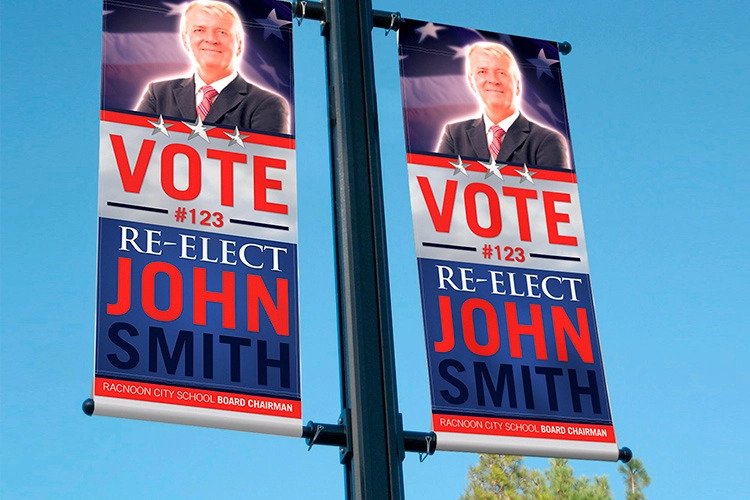
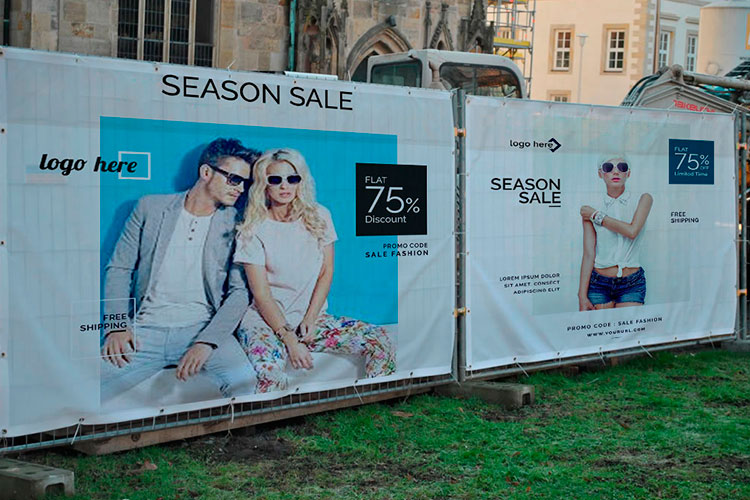
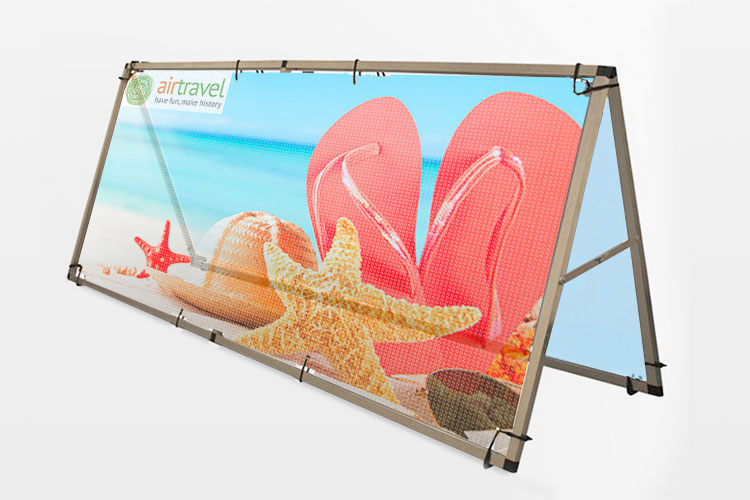
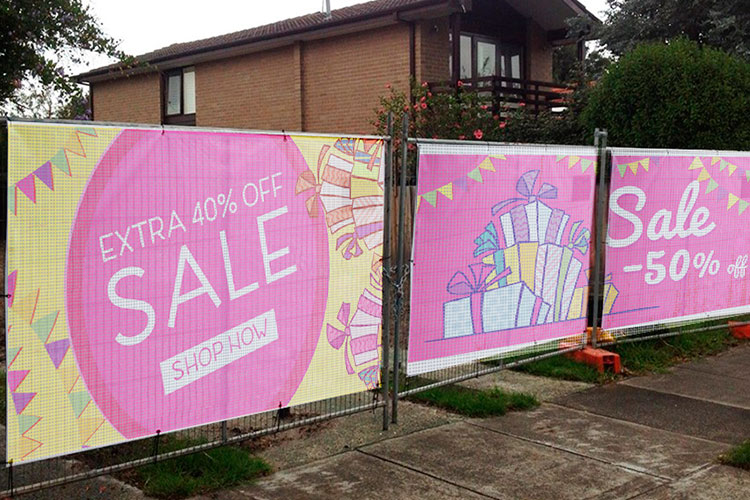
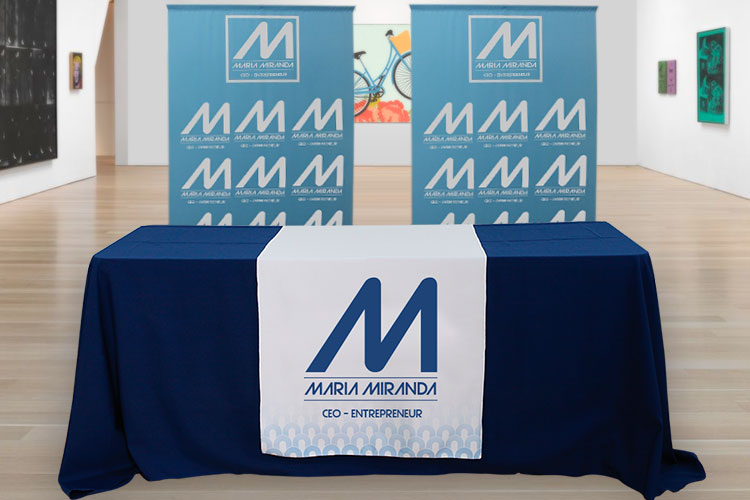
Explore more
Where to go next

By the numbers
Printing you can count on at 4OVER4
Common Questions
Common questions about print resolution
What is the best resolution for print?
For anything read up close, 300 DPI at the final printed size is the reliable answer. That is enough detail for smooth photos, clean edges, and legible small type on business cards, postcards, flyers, and brochures. Large-format pieces like posters and banners are the exception: because they are viewed from a distance, 100 to 200 DPI usually looks just as sharp to the eye. The rule that never changes is to measure resolution at the size the piece will actually print, not at the size it happens to open on your screen.
What DPI should I use for printing photos?
The best DPI for printing photos is 300 at the final print size. At 300 DPI a photo keeps skin texture, hair, and the fine edges the eye checks first when a print is held at reading distance. Below 200 DPI photos start to look soft, and only large prints viewed from a few feet away get away with less. To find the largest sharp print, divide each pixel dimension by 300, so a 3,000 by 2,400 pixel photo prints beautifully at 10 by 8 inches and begins to soften past that. Resampling a small photo up to 300 in an editor does not rescue it, because that invents pixels instead of recovering detail.
What is the difference between 72 DPI and 300 DPI on paper?
72 DPI is a screen convention and 300 DPI is a print spec. Printed at the same size, 300 DPI lays down more than four times as many dots across every inch, which is why type edges stay crisp and faces keep their texture while the 72 DPI version reads furry and soft. The number tagged inside the file is not what decides it: pixel count against printed size is. A 2,400 pixel wide image is 300 DPI at 8 inches wide and 72 DPI at about 33 inches wide, from one identical file.
What does high resolution for printing actually mean?
High resolution means the image carries enough pixels to fill the printed area at a fine dot density without stretching. A file is not high or low resolution on its own. It is high resolution for a given print size. A 2,550 by 3,300 pixel image is high resolution for a letter-size flyer at 300 DPI, but the very same file would be low resolution blown up to a 24 by 36 inch poster. Always pair the pixel count with the intended dimensions before you judge it.
How do I check the resolution of an image before I print?
Open the file in any editor and read its pixel dimensions, then divide each number by the print size in inches. If a photo is 1,800 by 1,200 pixels and you want to print it at 6 by 4 inches, that is 300 DPI, which is ideal. If the same photo is destined for a 12 by 8 inch print, it drops to 150 DPI. Photoshop, Preview, and most design tools show pixel dimensions directly, and our guide on filling text with images and creating duotones in Photoshop walks through inspecting a file before you commit it to print.
Is 72 or 150 DPI ever good enough for print?
It depends entirely on viewing distance. At arm’s length, 72 DPI looks visibly pixelated and 150 DPI looks soft, so neither is right for cards or flyers. For a poster seen from a few feet away, 150 DPI is clean, and for a banner read from across a room, even 100 DPI holds up. The eye simply cannot resolve individual dots at distance, which is why large-format work does not need the same density as print you hold in your hand.
How do I choose the right resolution for posters and banners?
Match the dot density to how far away people will stand. A retail poster viewed from three or four feet looks crisp at 150 to 200 DPI. A trade-show or storefront banner viewed from ten feet or more is fine at 100 DPI, which keeps file sizes manageable without any visible loss. Design at the true finished dimensions, keep logos and text as vector or live type wherever possible, and the print stays sharp at any scale. Our banner and poster guides cover setting this up end to end.
What pixel size do I need for a specific print size?
Multiply the width and height in inches by your target DPI. Pixels equal inches times DPI. A 3.5 by 2 inch business card at 300 DPI needs 1,050 by 600 pixels. An 8.5 by 11 inch flyer needs 2,550 by 3,300. An 18 by 24 inch poster at 200 DPI needs 3,600 by 4,800. The pixel-to-print cheat sheet on this page lists the most common sizes so you do not have to run the math yourself.
What does high-resolution printing cost and how is the price set?
Resolution itself does not change the price. The physical choices do. Cost scales with quantity, size, paper or material, and finish, and the price updates live as you set each option in the configurator. Make-up artist business cards start around $17.57, while a large 2 Sided Blockout Banner starts around $108.75 because it uses far more material. You can order free paper samples first to feel a stock, then dial in the exact combination and watch the per-unit price fall as the quantity climbs.
Get Started
Ready to print your images at their sharpest?
Bring a high-resolution file to 4OVER4.COM and print it on the size, stock, and finish that shows it off. Adjust every option and watch your price update live.
Legal Disclaimer
Gold Standard guarantees apply to all standard orders placed through 4over4.com. Price match requires verifiable proof of a competitor's published price for an equivalent product with matching specifications and turnaround time. Satisfaction guarantee covers manufacturing defects and print quality issues. Contact support with order number and documentation. On-time delivery rate based on tracked orders 1999 to 2026. Individual results may vary based on shipping carrier performance.
