
5 Free Business Card Design Tools, and the Easiest Way to Print


Free Tools Are Everywhere, Printing Is Where It Gets Hard
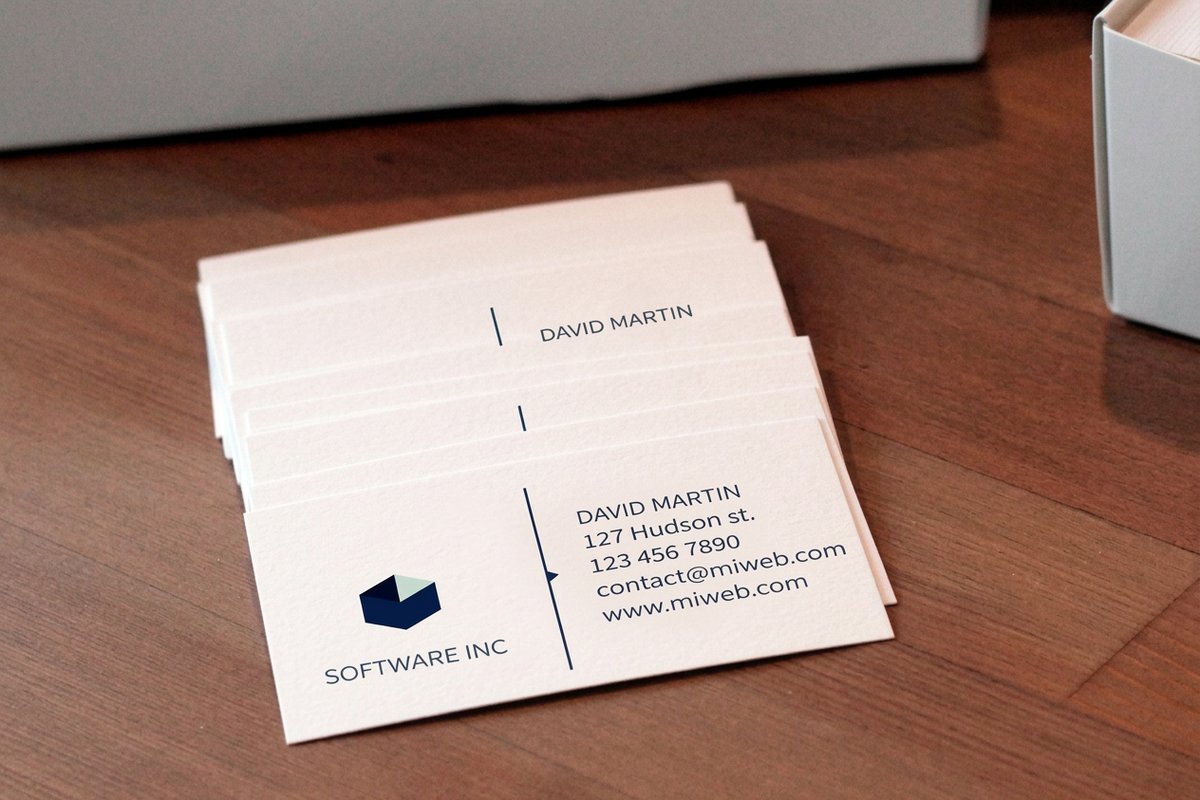
Designing a business card has never been easier or cheaper. A handful of genuinely free tools will get you a good-looking layout in minutes, with templates, drag-and-drop, and thousands of fonts. The hard part is not the design anymore. It is the gap between a finished design and a card in your hand.
That gap trips up most people. A card that looks perfect on screen still needs a print-ready file with bleed, safe margins, and the right dimensions, and then it needs to be uploaded to a printer who may or may not accept it cleanly. This guide runs through five free design tools honestly, then shows the shortcut that removes the export-and-upload step entirely.
4OVER4.COM builds both the tool and the press, so the design and the print live in one place. If you want the design fundamentals first, the card font size guide and the card size and dimensions guide cover the specs a print-ready card must meet.
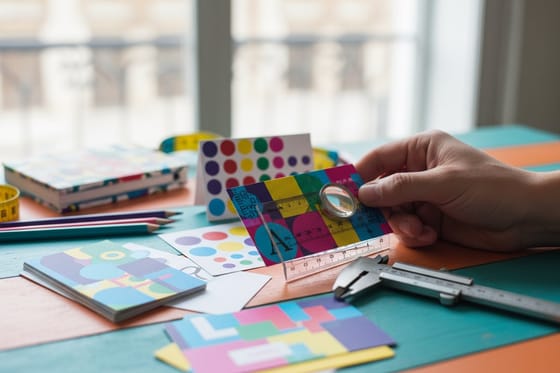
Design and print in one place
Business cards printing
Every stock and finish, designed and ordered in the same free tool.
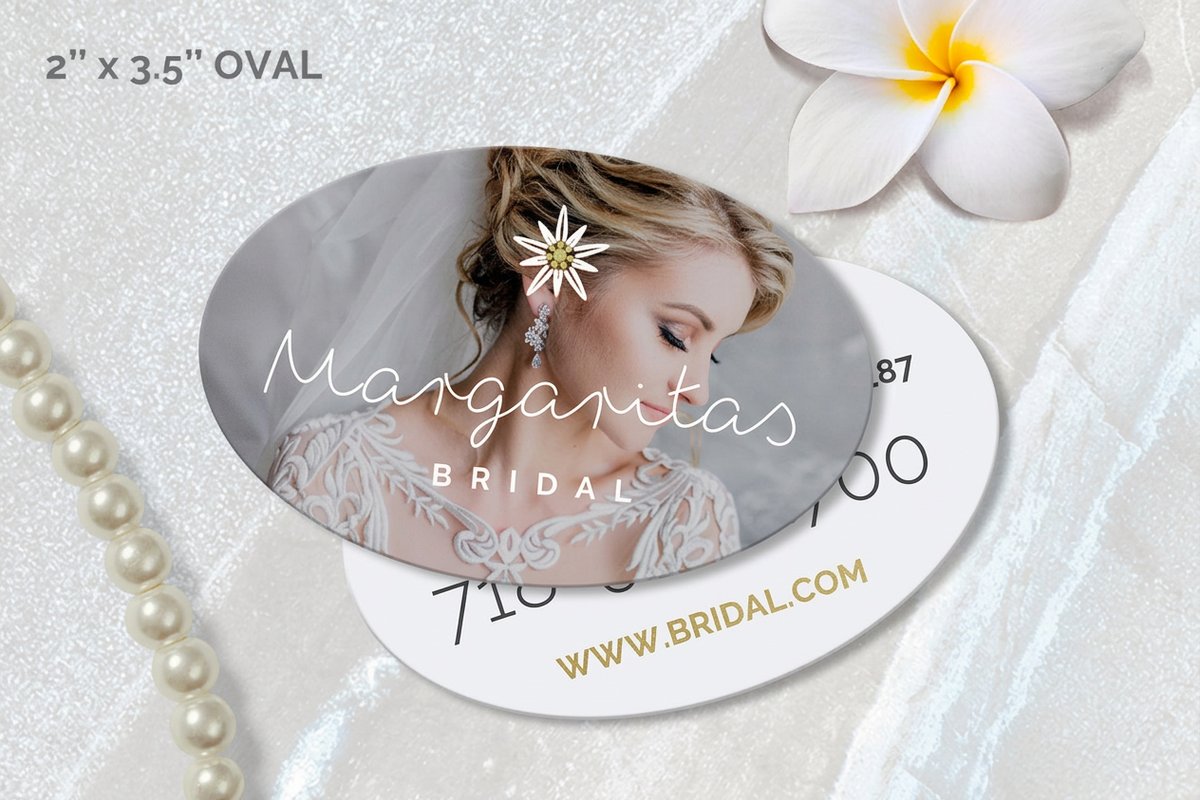
The 5 Free Business Card Design Tools Compared
Each of these is genuinely free to design with, with different strengths depending on your experience and what you already use. Here is an honest read on where each one fits.
- Canva. The most popular starting point. A huge template library and true drag-and-drop make it beginner-friendly, and it exports a print-ready PDF. The catch is that the best templates and some export options sit behind the paid tier, and you still upload the file to a printer yourself.
- Adobe Express. The free, lightweight cousin of Adobe's pro apps. Clean templates and solid type controls suit anyone who wants a polished result without learning Illustrator. As with Canva, you design here and print elsewhere.
- Fotor. Strong on quick edits and photo-led cards, with a simple interface. Good for a fast, image-heavy design, though the template depth is thinner than Canva's and print setup is on you.
- Microsoft Designer. A newer, AI-assisted tool that generates layouts from a prompt. Handy for ideas and quick drafts, especially if you live in Microsoft 365, but it is built for social and general graphics more than print-ready cards.
- Print-shop online designers. Tools built into a printer's own site, like the 4OVER4 free online designer. You design and print in the same place, so there is no export or upload, and the file is already correct for the press.
The first four are excellent for the design itself. The fifth solves the part they all leave to you: getting the finished card printed correctly.
The Friction With Most Tools
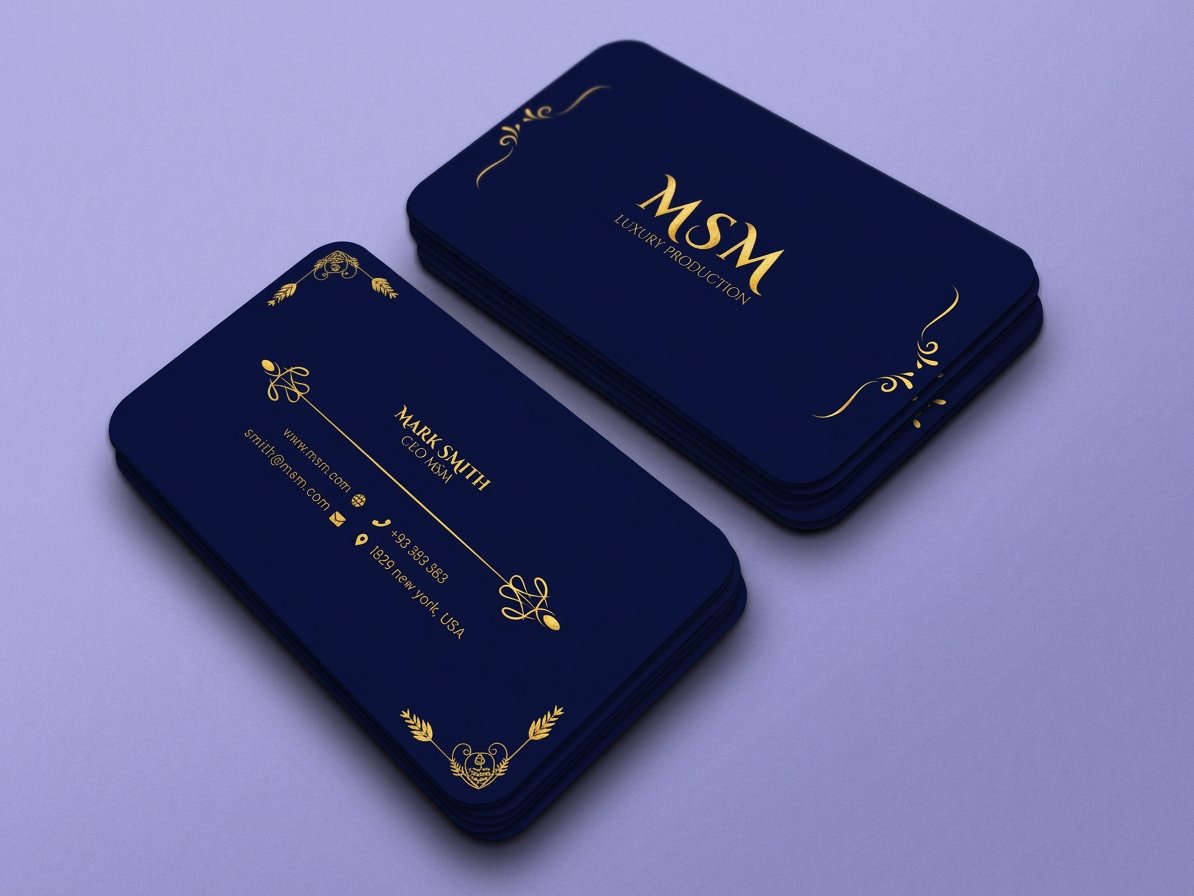
General design tools are built to make graphics, not to print business cards, so the last mile is where the trouble lives. The design looks great, and then reality intervenes at the handoff to a printer.
- Bleed and margins. Cards are cut, so artwork must extend past the trim and keep text inside a safe zone. General tools often do not set this up for a specific printer's spec.
- Export settings. The wrong file type, resolution, or color mode can shift colors or soften edges once printed. It is easy to export something that looks fine on screen and prints poorly.
- The upload gamble. Even a correct file has to be uploaded and accepted by the printer, and a rejected file means back-and-forth, delays, and guesswork.
- No proof of the real thing. A screen preview is not a print proof, so the first time you see the actual card is when the box arrives.
None of this is a dealbreaker if you are comfortable with print files. But for most people it turns a five-minute design into an anxious afternoon.
The spec is built in
Standard business cards
Design with correct bleed and margins, approve a free proof, and order in one place.
Design and Print in One Place
The simplest fix is to design where you print. The 4OVER4 free online designer is a print-shop tool, so every constraint the general apps leave to you is already handled. You start from a real product, lay out your card, and order it without ever exporting a file or gambling on an upload.
- The spec is built in. Bleed, safe margins, and dimensions are set for the exact card you are ordering, so nothing gets clipped or mis-sized.
- No export, no upload. The design becomes the print order directly, which removes the step that breaks most workflows.
- A free proof. You approve a proof of the real card before anything prints, so there are no surprises in the box.
- Finishes you can actually order. Choose spot UV, foil, rounded corners, or a shape right in the tool, then see the price update live.
If you already have a design from Canva or Adobe Express, you can bring it too. Otherwise, start fresh in the free online designer and print straight from it. Compare the cards you can design and order below, then browse the full range in business cards printing.
Design and order
Three cards you can design and print in one place
Live prices in the tool, with a free proof before anything prints.
Standard Business Cards From $17.57 Design and print in one place, with the spec built in and a free proof. Premium Business Cards From $17.57 Heavier stock and a premium feel, ordered straight from the designer. 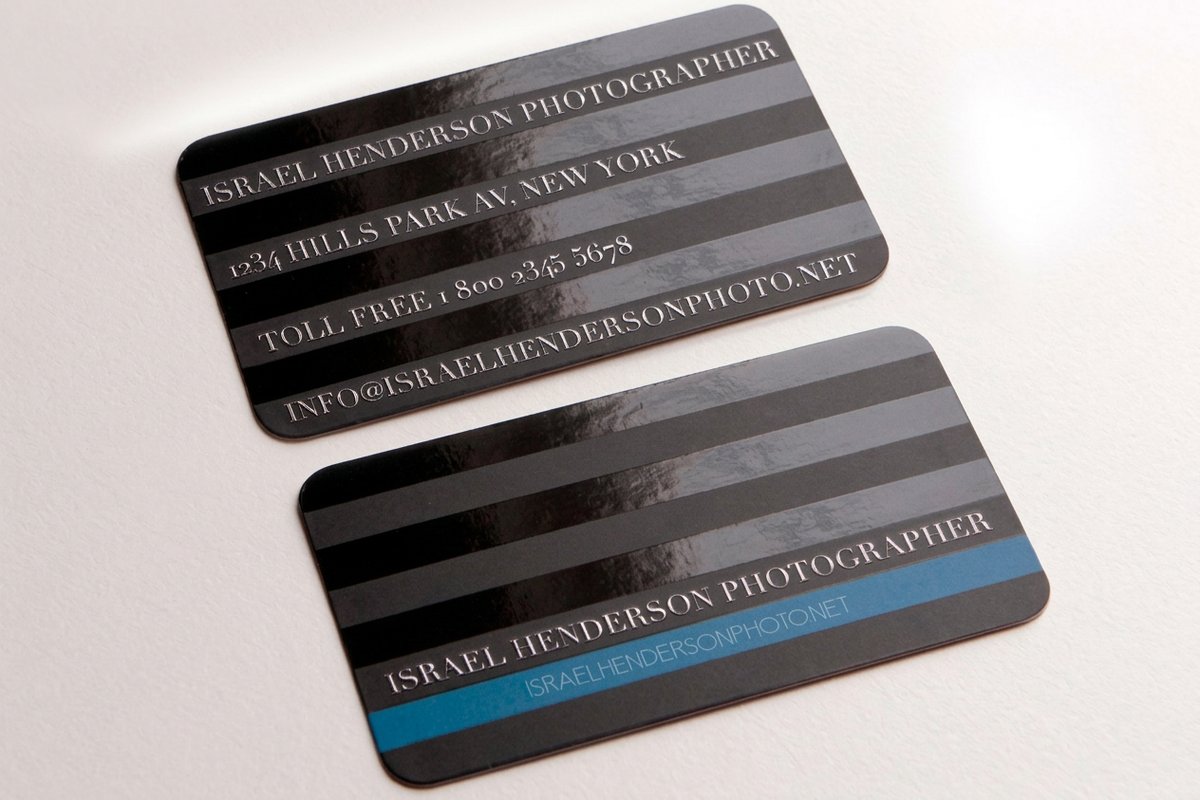 Spot UV Business Cards From $76.88 Add a glossy finish in the tool and see the price update live.
 Compare cards
Popular business cards, side by side
Stock, finish, size, quantity, turnaround, and from-price across the cards you can design and order.
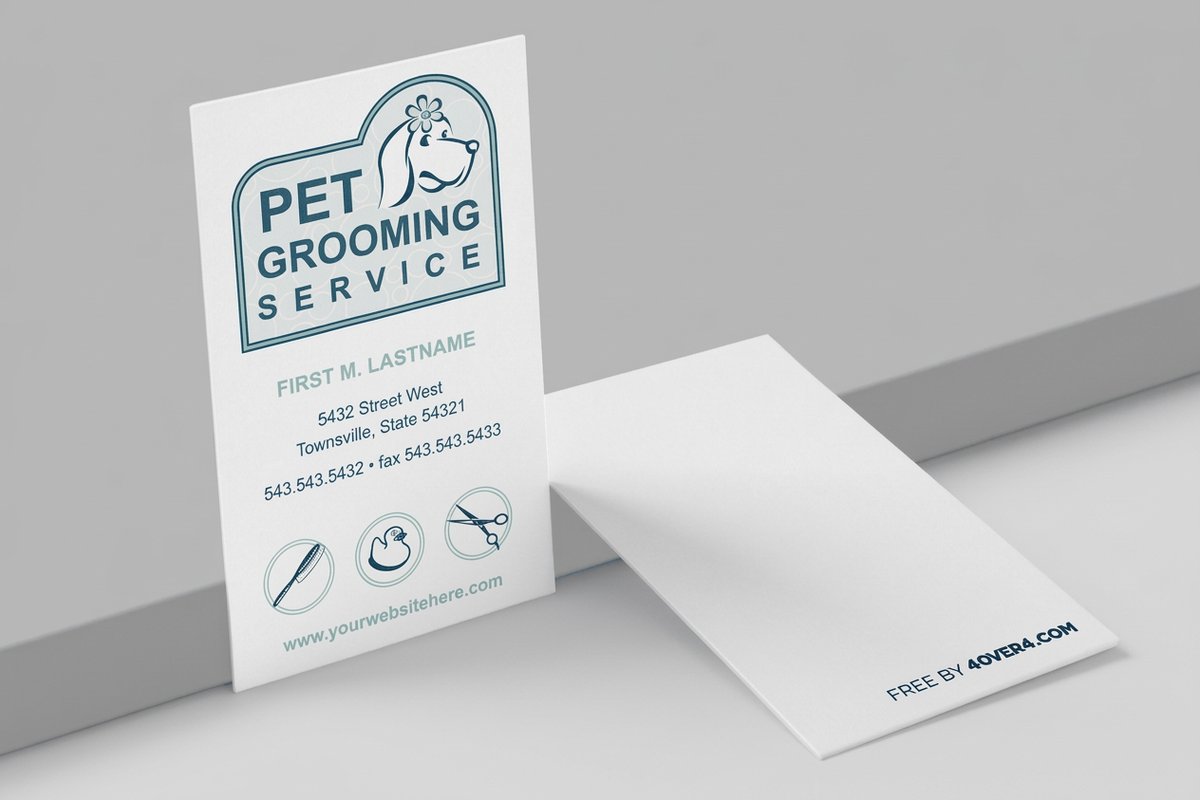 free business cards | Standard Business Cards | 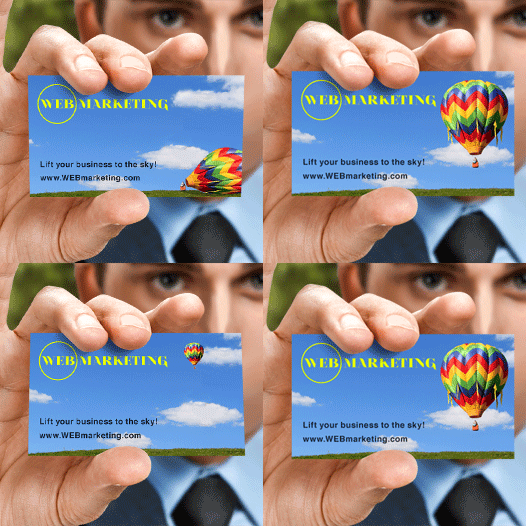 3D Lenticular Business Cards | 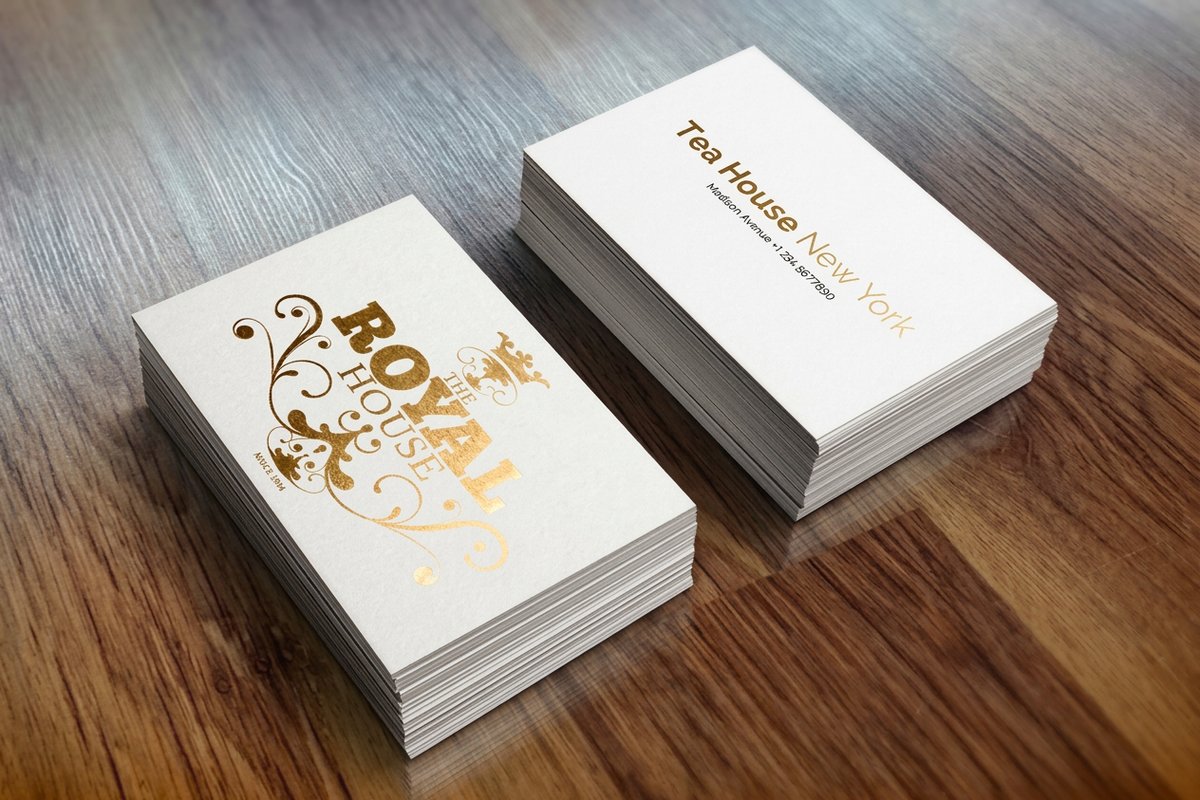 Metallic Foil Business Cards | |
|---|---|---|---|---|
| Min price | Free | $17.57 | $690.88 | $222.13 |
| Paper / stock | 14pt Gloss Cover | 14pt Gloss Cover | 31pt Lenticular Lens | 16 Point Silk Laminated |
| Finish | - | Standard Finish | - | - |
| Size | 2" x 3.5" | 2" x 3.5" | 2" x 3.5" - Vertical | 2" x 3.5" |
| Default qty | 200 | 100 | 500 | 500 |
| Turnaround | 5 business days | 3 business days | 22 business days | 7 business days |
| Rating | ||||
| View & customize | View & customize | View & customize | View & customize |
Wally skips the handoff
Design is the easy part, printing is where tools trip you up
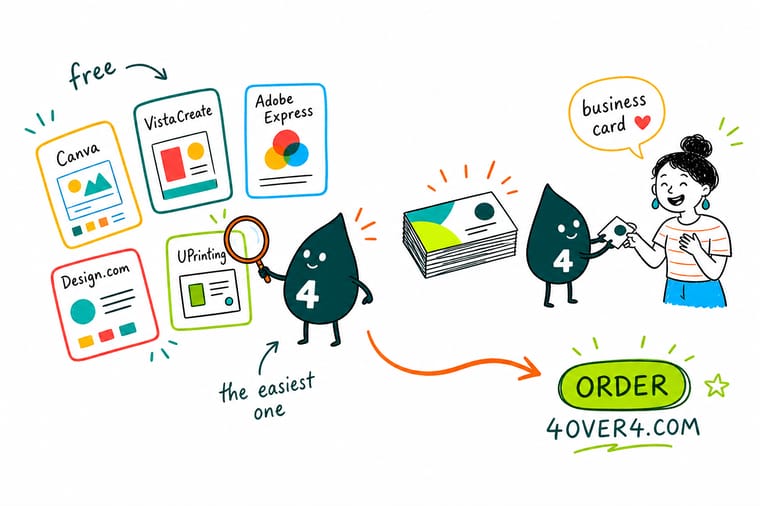
Canva, Adobe Express, Fotor, and Microsoft Designer all design a card for free, but they leave you to export a print-ready file and gamble on an upload. The 4OVER4 free online designer builds the spec in, so you design and print in one place, approve a free proof, and skip the friction entirely. Cards start at $17.57, printed right the first time.
Open the free online designer →Choosing a tool, then getting a real print
Explore more
More ways to design and print your card
Related pages across 4OVER4.COM, one card each, so you can go from idea to printed card.
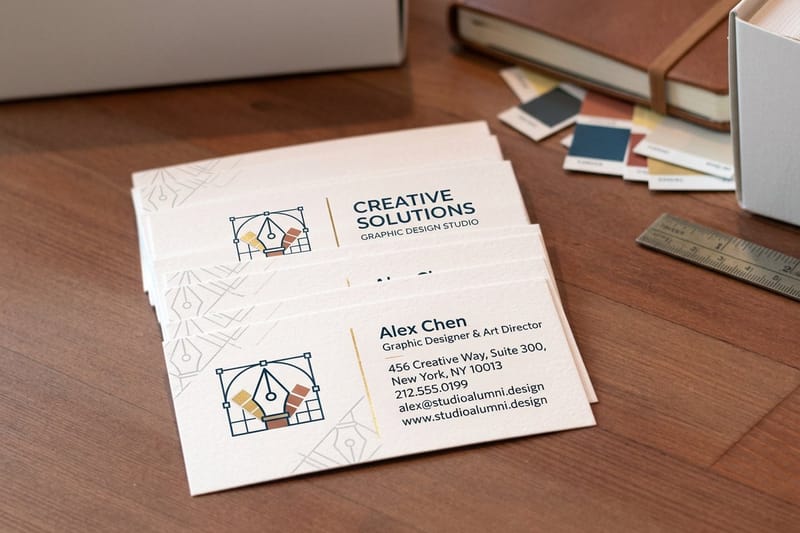 Service Free Online Designer Design and print a card in one place, no software.
  Category Business Cards Printing Every stock and finish you can design and order.
 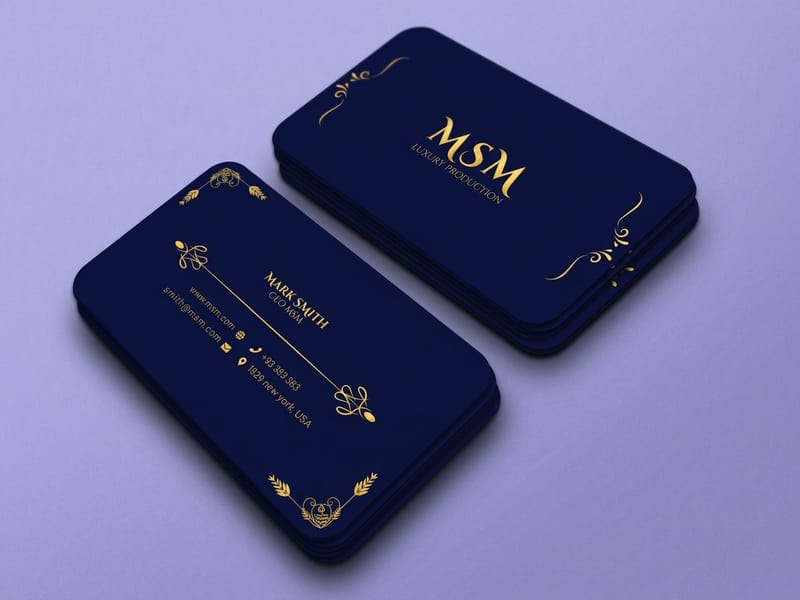 Product Premium Business Cards Heavier stock, ordered straight from the designer.
 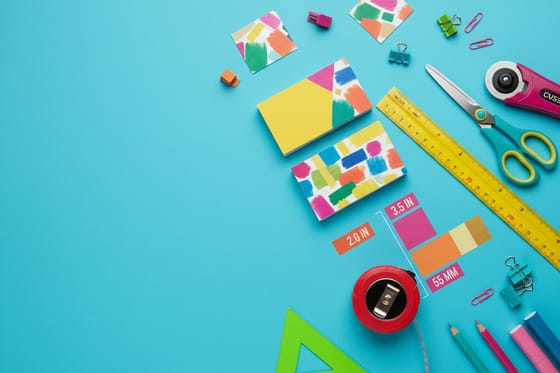 Article Card Size and Dimensions The specs a print-ready card must meet.
  Guides All Printing Guides How-tos for design, files, and card printing.
 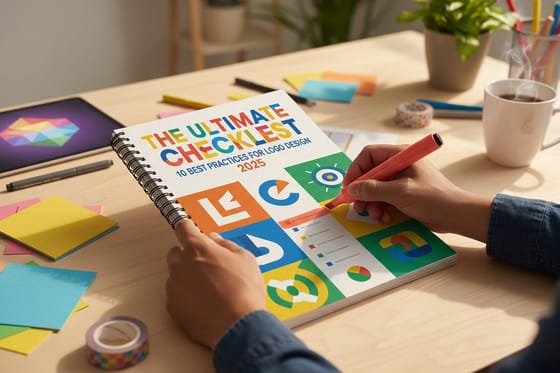 Guide Logo Design Best Practices A print-ready mark for the card you design.
  Article Card Font Size Keep your card type legible at print size.
  Benefit Same Day Printing Design today and ship today when timing counts.
 Design it and print it in the same place.
Skip the export, the upload, and the guesswork. Design in the free online tool, approve a proof, and print. 4OVER4.COM prints on brand and on time, as fast as same day.
Free-tool questions before you print cards
Is Canva good for designing business cards?
Canva is one of the best places to start. It has a huge template library and true drag-and-drop, so a beginner can produce a good-looking card in minutes, and it exports a print-ready PDF. The trade-offs are that some of the best templates and export options sit behind the paid tier, and, like all general design tools, you still have to export the file and upload it to a printer yourself, making sure the bleed, dimensions, and color are correct. If you would rather skip that step, a print-shop online designer handles it for you.
Is Adobe Express good for business cards?
Adobe Express is the free, lightweight cousin of Adobe's professional apps, and it is a strong choice for a polished result without learning Illustrator. The templates are clean and the type controls are solid. As with Canva, though, it is a general design tool, so you design in Express and then print elsewhere, which means exporting a correct print file and uploading it to a printer. Designing directly in a printer's own online designer removes that handoff, because the spec is already set for the card you are ordering.
What is the friction with most free business card design tools?
General design tools are built to make graphics, not to print cards, so the last mile is where trouble appears. Cards are cut, so artwork needs bleed past the trim and text inside a safe zone, and general tools often do not set that up for a specific printer. The wrong export file type, resolution, or color mode can shift colors once printed, and even a correct file has to be uploaded and accepted, which can mean delays. Finally, a screen preview is not a print proof, so the first time you see the real card is when it arrives.
What is the easiest way to design and print a business card?
Design where you print. A print-shop online designer, like the free 4OVER4 designer, builds the spec into the tool, so bleed, safe margins, and dimensions are already correct for the exact card you are ordering. The design becomes the print order directly, with no export and no upload gamble, and you approve a free proof of the real card before anything prints. You can also choose finishes like spot UV, foil, or a custom shape right in the tool and watch the price update live, then order in one place.
What does it cost to print a business card, and how are prices set?
The design tools here are free, and at 4OVER4.COM standard and premium business cards start at $17.57, with spot UV cards from $76.88 for a premium finish. Price depends on the stock, the finish, and the quantity, and ordering more brings the per-card cost down. Because you design and print in one place with a free proof, there are no export headaches or reprints from a bad upload adding hidden cost. Check the exact configurator numbers on each product page in business cards printing.
