
What Canva Print does well, and where it stops
Canva earned its place by making design approachable, and Canva Print rides on that by letting you order a piece without leaving the editor. For a quick flyer or a simple card, that convenience is real. Menus are where it runs out of room. Canva Print offers a short list of standard paper stocks, no true lamination, few sizes, and no pre-press review, which is fine for a one-off but wrong for a document that lives on every table and gets handled hundreds of times a week.
Where a menu needs more than a design tool
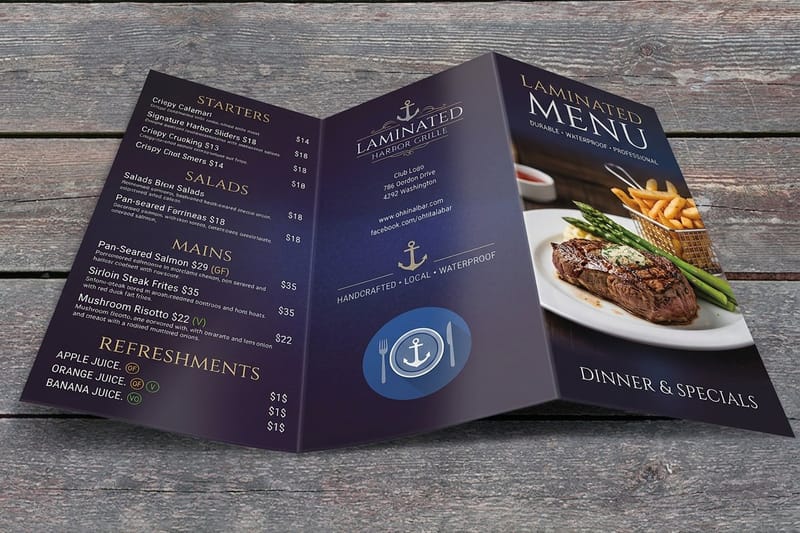
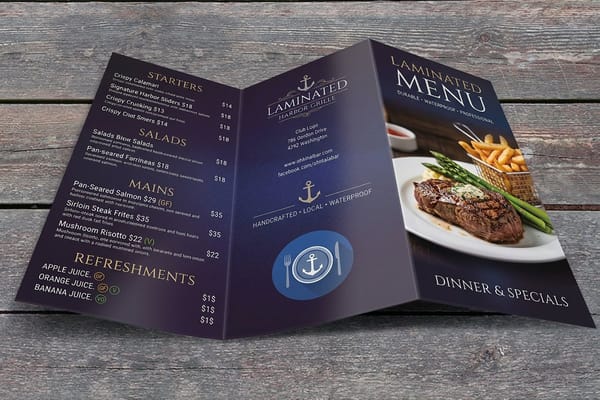
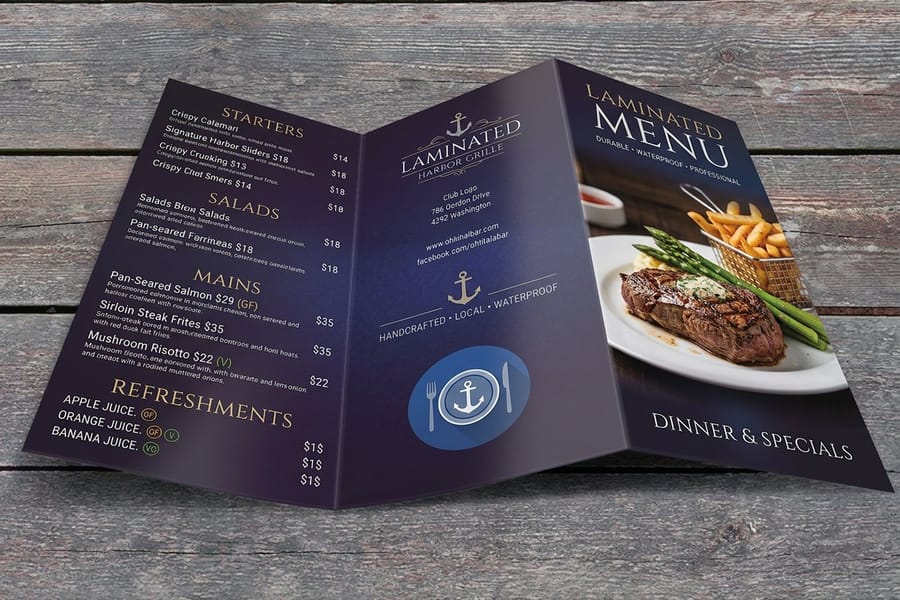
Three things separate a printed menu from a printed page. First, durability: a menu is touched constantly, so gloss or matte lamination that wipes clean is the difference between one print run a season and one a week. Second, stock and format: kraft, heavy cover, and folded layouts set the tone before a guest reads a word, and a design tool’s paper cannot do that work. Third, a proof: a free pre-press check catches the bleed and resolution issues that a Canva export can hide, so the printed menu matches the one on your screen. None of that means Canva is bad, it means a menu asks for a printer, not a print button.
How the upload-and-order path works
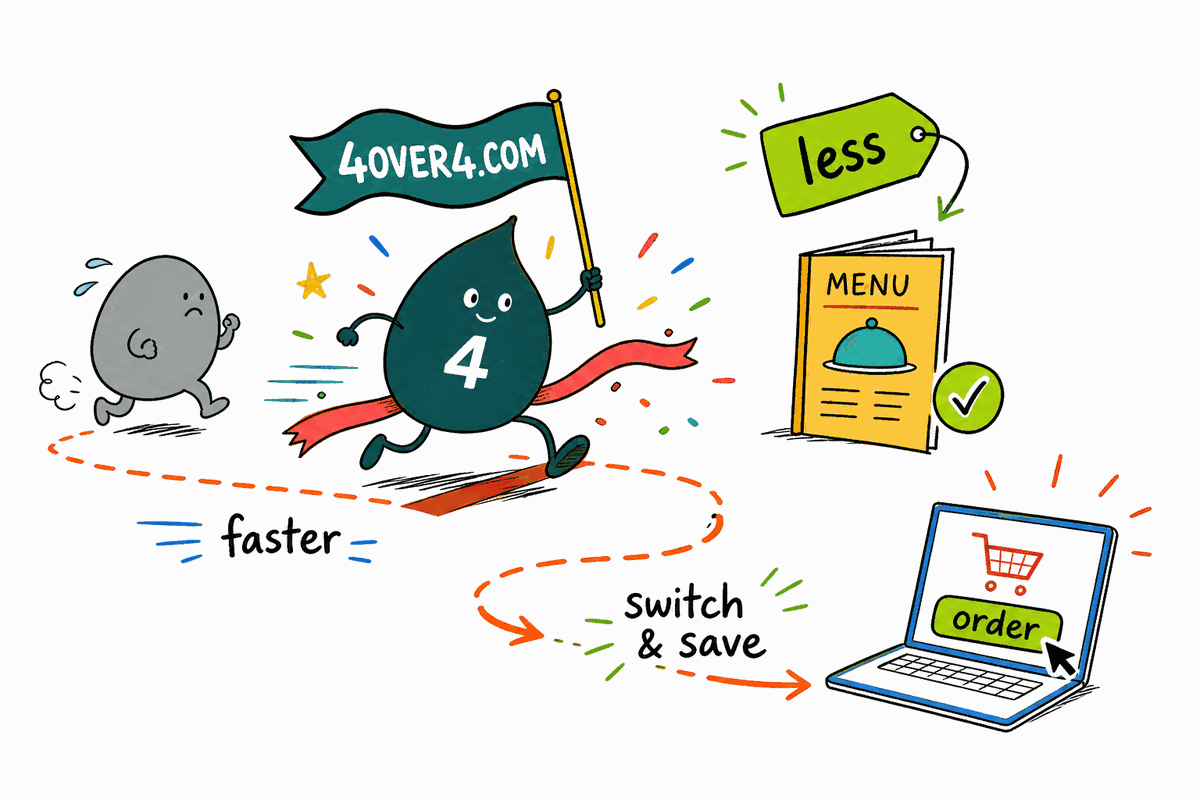
You do not start over. Export your finished Canva design as a PDF with crop marks and bleed, upload it to the menu product you want, and 4OVER4.COM handles the rest, from the pre-press check to the lamination to the fold. Change your stock, your size, or your quantity without touching the artwork, and reorder the moment the specials change. It is the same design you already love, printed the way a working menu needs to be. Our guide to designing a restaurant menu in Canva covers the export settings in detail.
Stocks, lamination, and folds
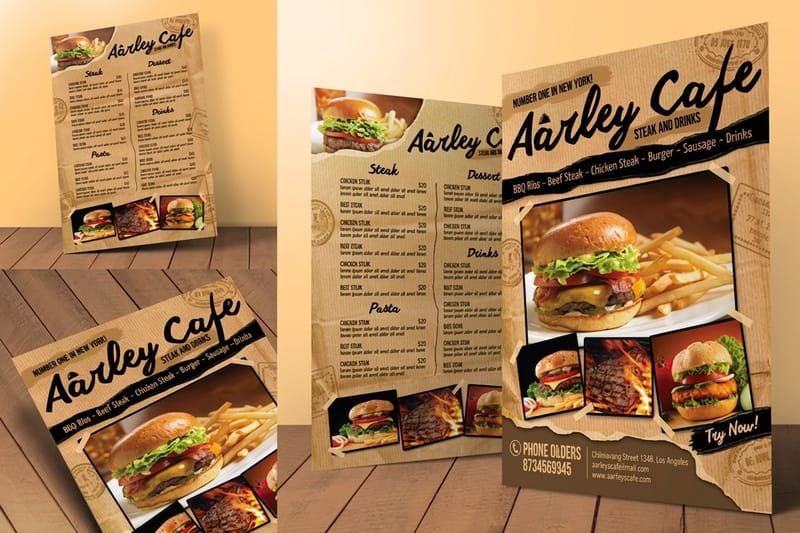
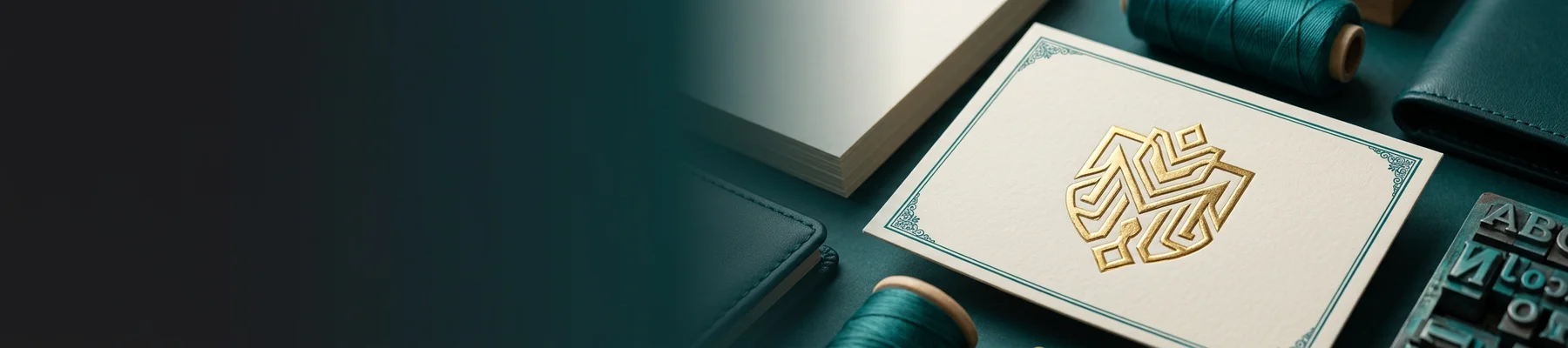
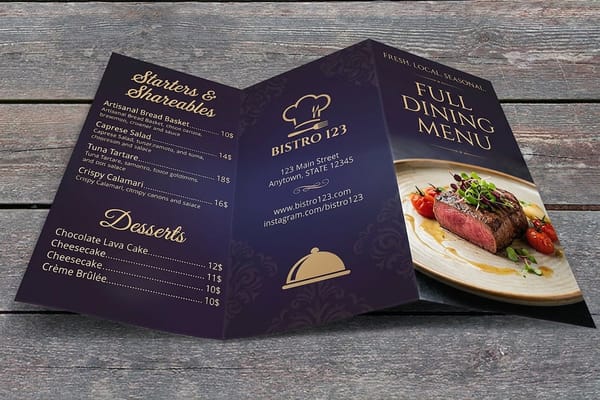
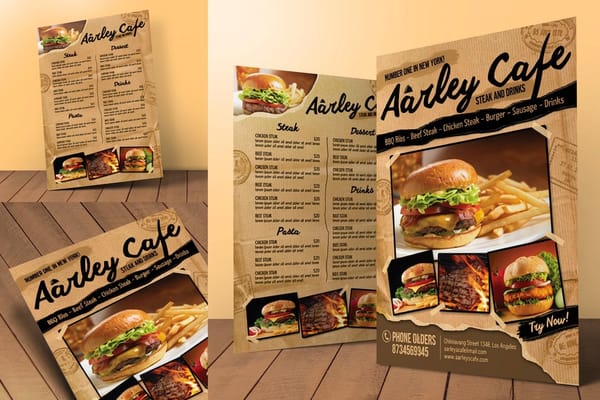
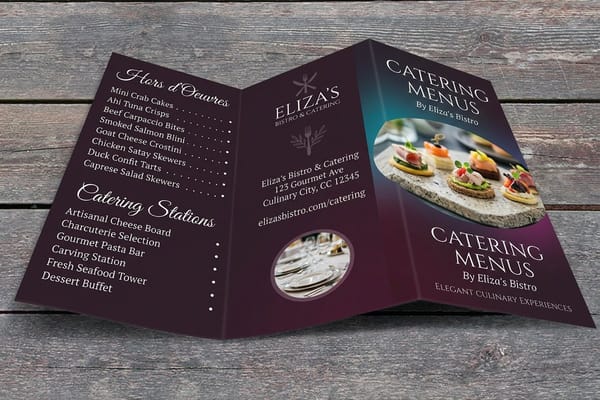
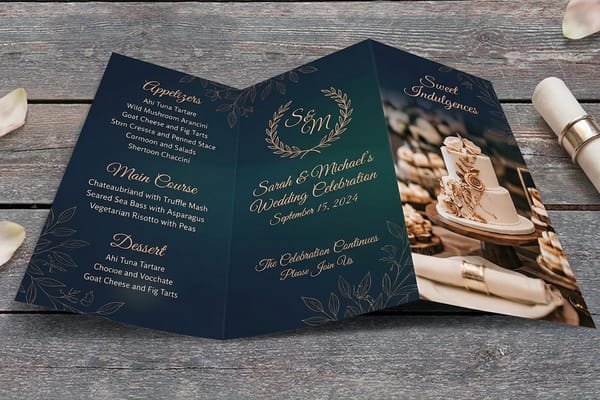
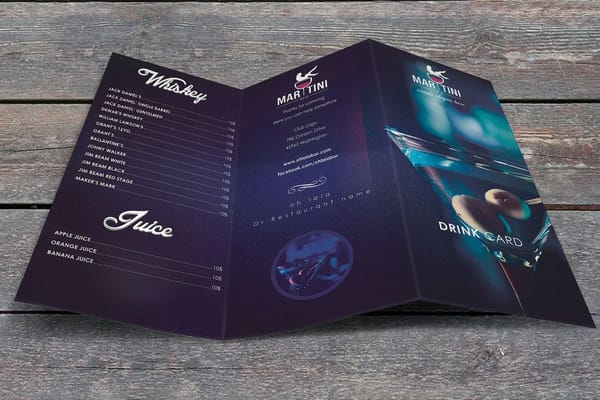
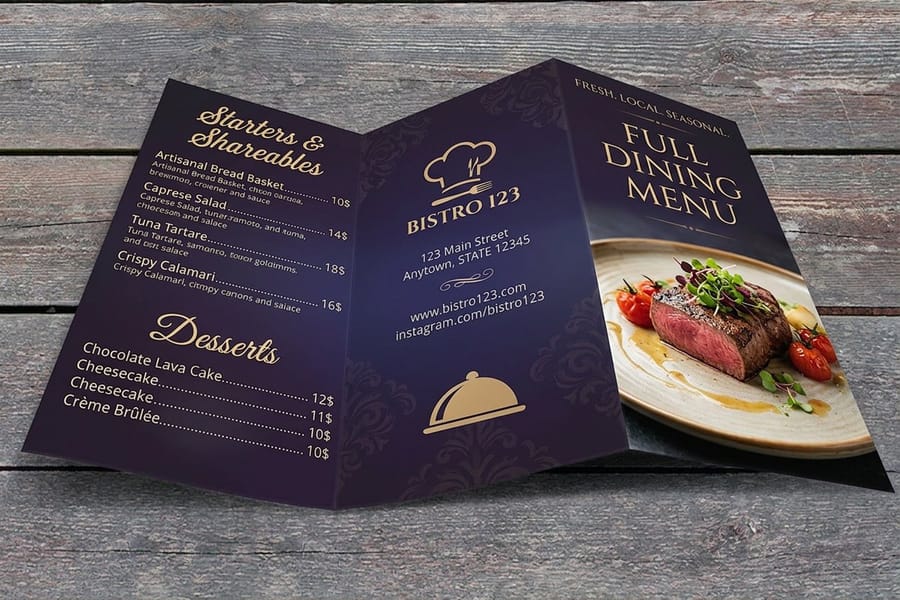
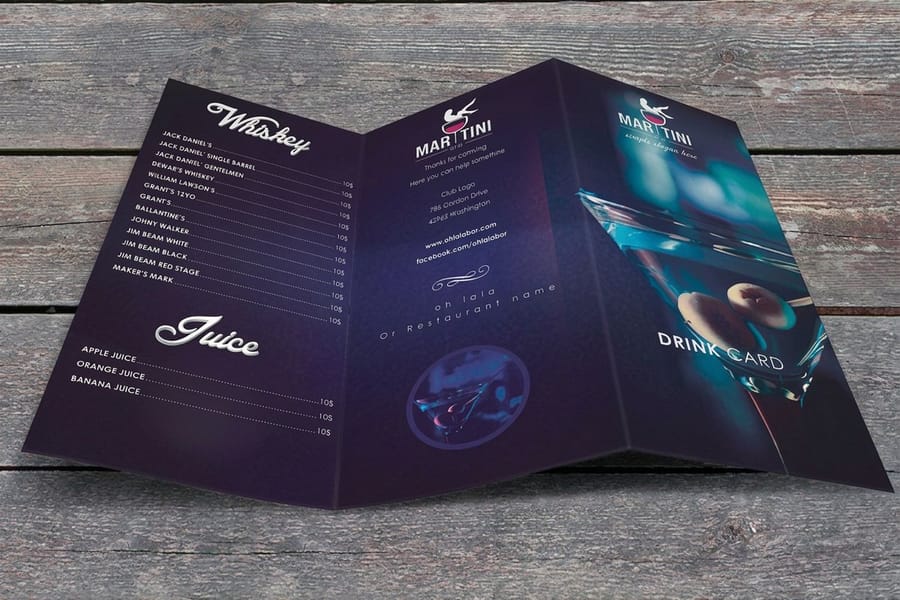
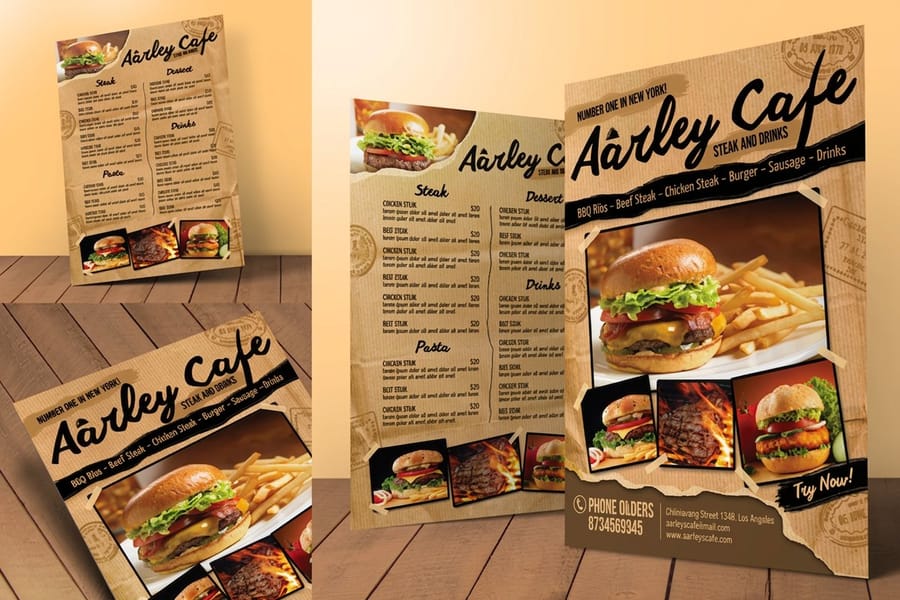
This is where a real printer pulls clearly ahead. 4OVER4.COM prints on gloss or matte laminated stock for durability, warm kraft and uncoated cover for character, and heavy weights that feel solid in the hand. Bi-fold, tri-fold, and gate-fold layouts turn a single page into a proper menu, and seven preset sizes cover a takeout half-sheet through a large counter or wall board. Every run gets a pre-press check on calibrated presses with a free proof, so the finish and the color are settled before printing. Feel the stock first with a free samples kit, then upload your file.
How pricing compares
A menu is not printed once. It is printed by the dozen, then reprinted every time the kitchen changes the specials, which is exactly where a fixed per-piece price hurts. 4OVER4.COM starts from $57.11 for a menu run and drops into deep bulk tiers as the count grows, so the unit cost falls the more you print, then a 110% price match and loyalty coins land on top. See the full 4OVER4.COM vs Canva breakdown for how the value stacks up across the whole catalog.
Who 4OVER4.COM is the right alternative for
Restaurants, cafes, and caterers get laminated durability, real stock choices, and bulk pricing for the reprints menus demand. Event planners and couples get wedding menus and catering menus on stocks that match the day. Anyone who designed in Canva and does not want to rebuild gets an upload-and-order path that keeps the artwork and upgrades the print. If you only need a single simple sheet and nothing more, Canva Print is fine. For a menu that has to work through service, 4OVER4.COM is the alternative built for it.
What sets 4OVER4.COM apart
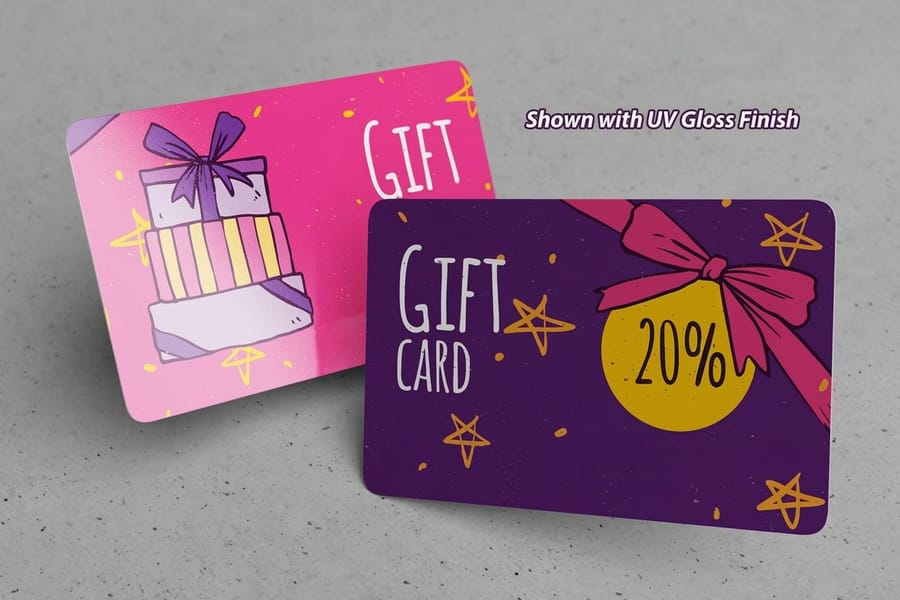
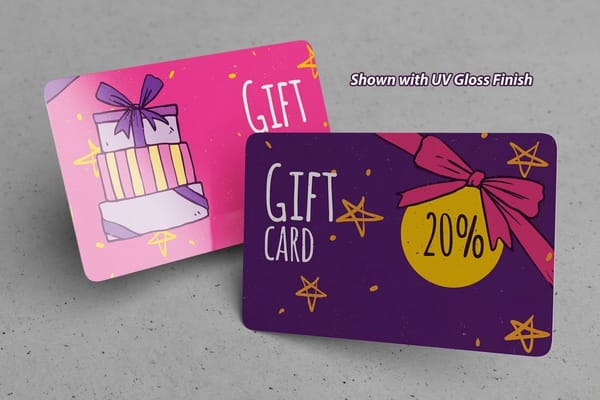
Durability you can count on: laminated stock that survives the table, not paper that curls by the weekend. Stocks and formats that set the tone: kraft, heavy cover, and folded layouts a design tool cannot print. And value that compounds: a starting price of $57.11, deep bulk tiers, a 110% price match, free samples, and 1,000+ products, so the menu ships alongside the banners, table tents, and gift cards. Explore the range in the menus printing collection and print the menu your room deserves.