
How to Make QR Code Cards That Scan Every Time


Four steps, three numbers, and one test on a printed proof. This is what separates a card people scan from a card with a decorative square on the back.
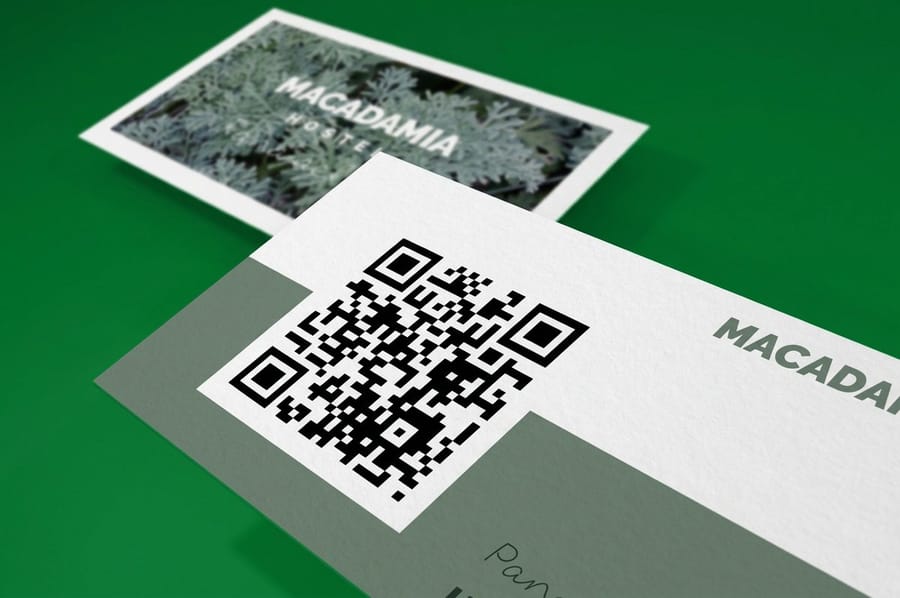
Generate the code from a short URL, place it on the card at 0.8 inches square or larger, leave four blank modules of quiet zone on every side, keep it dark on a light background, and export it as vector. Then print a proof at final size and scan it in dim light, at arm length, at an angle, before you order the run. Codes fail for three reasons and only three: too small, crowded quiet zone, or not enough lightness contrast.
Quick answer
Size, quiet zone, contrast, then proof
A printed QR code works when three numbers are right and fails when any one of them is not. Print it 0.8 inches square or larger, keep four blank modules of quiet zone around every edge, and make sure the dark modules are clearly darker than the background rather than merely a different color. Shorten the destination URL before generating so the pattern stays coarse, export vector, and keep gloss and foil off the code itself. Then scan a printed proof in ordinary indoor light before you commit to the run.
Step One, Build a Code That Prints Well
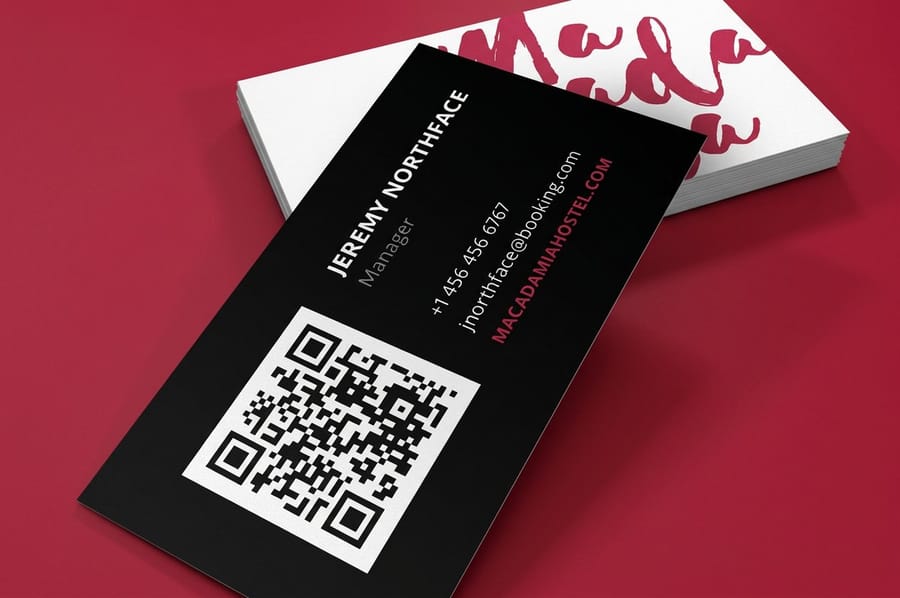
The decisions that make or break a printed code all happen in the generator, before the card layout exists. Four of them matter.
Shorten the destination. The number of modules in the pattern grows with the amount of data. A 90 character tracking URL produces a visibly denser grid than a 25 character short link, and at the same printed size those extra modules are each physically smaller. Shorten first, then generate.
Pick the error correction level deliberately. The standard offers four: L, M, Q and H, recovering roughly 7, 15, 25 and 30 percent of a damaged code. M is the sensible default for a card. Move up to Q or H only if you are placing a logo in the center of the code or printing on a textured uncoated stock, and accept that higher correction adds modules and makes the pattern denser.
Export vector. Take the code out as SVG or EPS so it stays crisp at any size. If your generator only gives you a bitmap, download it at least four times larger than the printed size and check the module edges are hard, not fuzzy. A blurry code prints as a blurry code.
Decide static or dynamic now. Static encodes the URL in the pattern and never expires. Dynamic encodes a redirect you can repoint later, which is worth having on a large run, but it makes your printed cards dependent on a service staying alive. Our complete QR code guide covers what each generator setting is doing to the pattern.
Step Two, Size the Code and Protect Its Quiet Zone
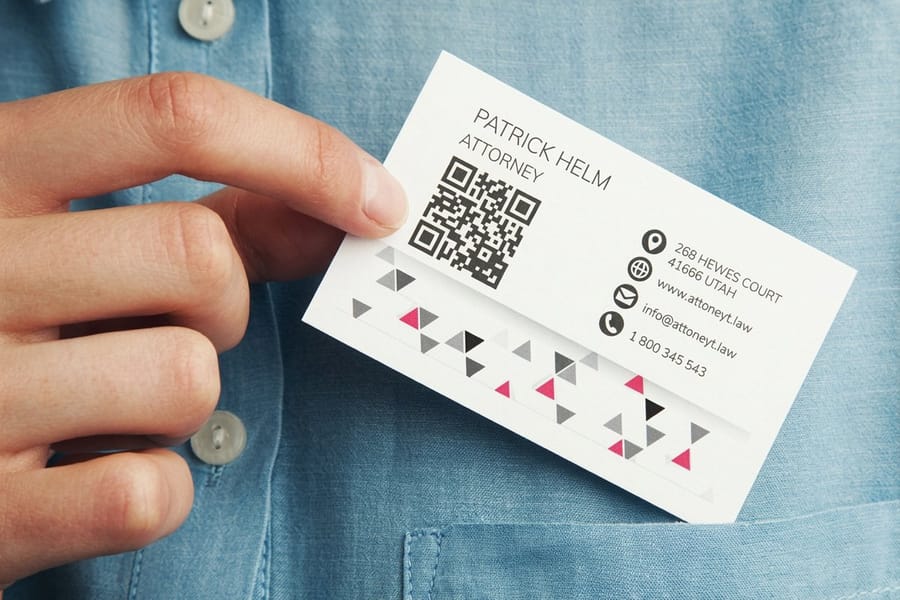
Two numbers do most of the work here. The code itself should print at 0.8 inches square or larger, and the blank band around it should be four modules wide on every side.
The quiet zone is the part designers delete. It looks like wasted space, so a border creeps in, or a background photo runs up to the pattern, or the tagline gets nudged across. Scanners use that blank frame to work out where the code begins, and without it the read either takes several seconds or never happens. Treat the quiet zone as part of the code and move the other elements.
Placement follows a simple rule of thumb the trade uses: a code scans reliably from about ten times its own width. A 0.8 inch code is an arm-length code, which is exactly right for something handed across a counter. A code on a poster read from ten feet needs to be a foot wide. Sizing for the distance is why the same artwork cannot be reused from a card to a sign without scaling the code.
| Piece | Trim size | Practical code size | Best placement |
|---|---|---|---|
| Business card | 3.5 x 2 in | 0.8 to 1 in | Back of the card, one corner, with a caption line under it. |
| Postcard | 4 x 6 in | 1 to 1.25 in | Address side, clear of the barcode band the post office needs. |
| Rack card | 4 x 9 in | 1.25 to 1.5 in | Lower third, visible while the card sits in the rack. |
Keep the code at least 0.125 inches inside the trim so a normal cutting variance never clips the quiet zone. If you are laying the file out yourself, start from a correctly sized document in the blank template library rather than building the page from scratch.
Step Three, Contrast and Finish, Where Good Design Kills the Scan
A code fails for optical reasons, not aesthetic ones, and the two most expensive mistakes both come from the design side.
The first is contrast. Scanners read lightness, not color. A dark blue code on ivory works. A mid teal code on a mid gray panel can look high contrast on screen and be almost invisible to a camera, because the two colors are nearly the same lightness. Test it by converting both to grayscale: if they read as similar greys, pick a different pair. And keep the code darker than the field behind it. Inverted, light-on-dark codes read on some current phones and fail on older handsets and on most fixed scanners at a till. If the card has to be dark, drop the code into a light rectangle.
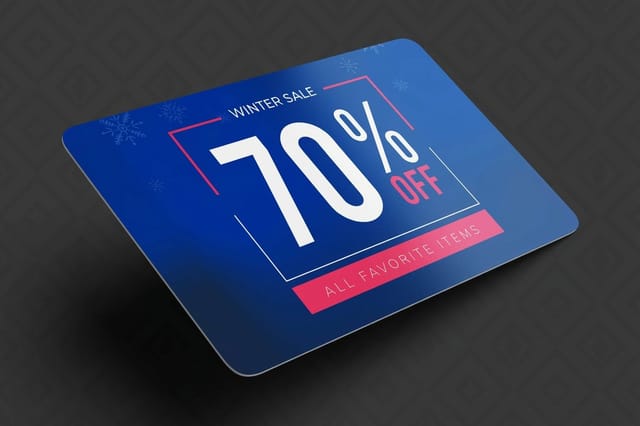
The second is finish. Gloss lamination, spot UV and foil all throw a hard highlight back at the lens, and under a shop light that highlight can cover enough of the pattern to break the read. Matte laminate is the friendly option. On a card that lives in a wallet and gets scanned repeatedly, a durable substrate helps more than a coating does, which is why plastic discount cards at $226.11 hold up where a coated paper card would have softened at the corners after a month.
One more: never rasterize the code into a photo layer or scale it non-proportionally. A stretched code is a dead code. Place it as vector, at 100 percent, on its own layer.
Step Four, Test the Proof, Then Order the Run
Scanning the code on your monitor proves nothing. A screen is backlit and perfectly flat, which is the easiest possible condition for a camera. Print a proof on a home printer at the exact final size and scan that instead.
Run four checks on the printed proof. Scan it in dim room light rather than under a desk lamp. Scan it at arm length, not four inches away. Scan it tilted at maybe 30 degrees, the way somebody actually holds a card. And scan it with an older phone if there is one in the office, because the newest camera in the room is not the one your customers are carrying. If any of those four fail, the code is too small, too dense, or too low in contrast, and the fix is upstream in the file.
Then check the destination on a phone rather than a desktop. A code that opens a page which is unreadable on mobile has wasted the scan. Add the caption line under the code as well: three or four words saying what happens, such as book an appointment or leave a review. An unlabeled code asks people to gamble, and most of them will not.
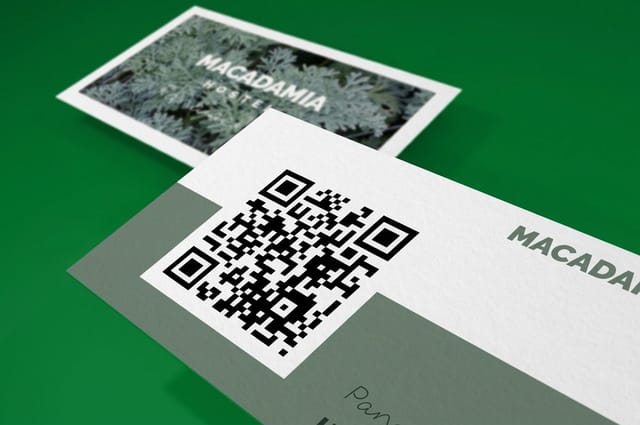
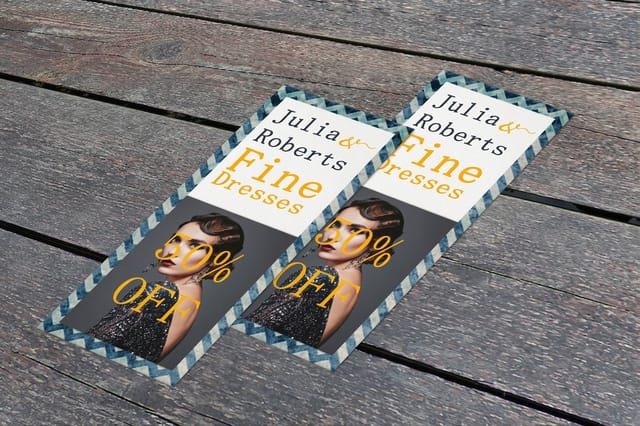
When the proof passes, order. QR Code Business Cards start at $17.57, standard postcards at $16.48, and standard rack cards at $42.84, so a first run is cheap enough to treat as a test of the destination as much as the design. For the wider campaign thinking behind where the codes go, read how to use QR codes to grow a small business, and browse the full range of stocks and finishes in business card printing.
Wally explains QR code cards
Big enough, blank around it, dark on light
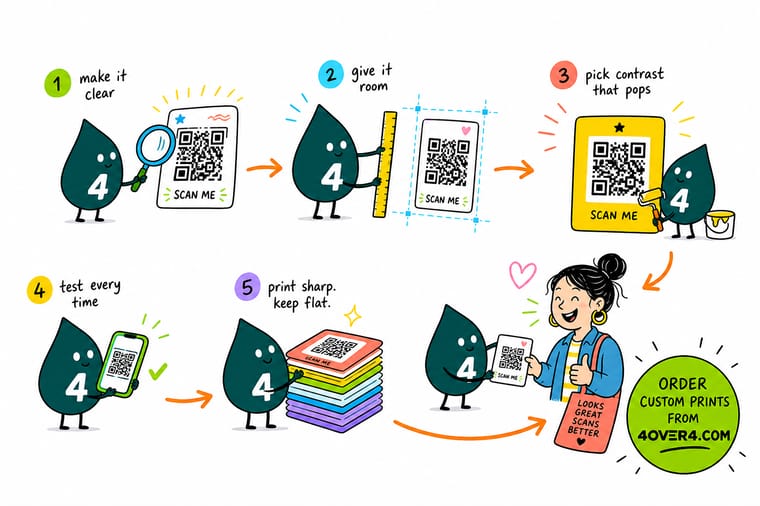
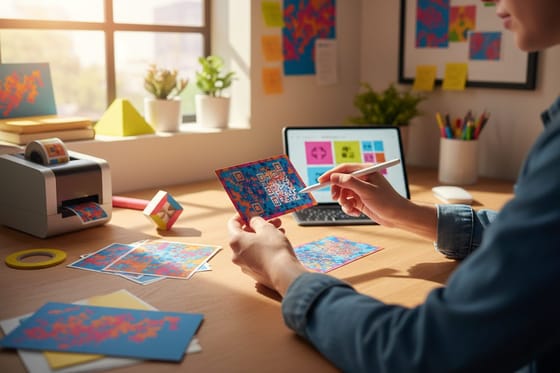
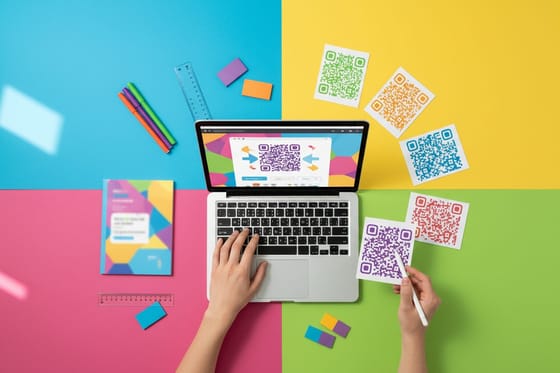
Wally shortens the link first so the pattern stays chunky, prints the code at 0.8 inches, and refuses to let anything into the blank band around it. He keeps the code darker than whatever sits behind it, leaves the gloss for the rest of the card, and scans a printed proof in dim light at arm length before he orders 500. If it reads on an old phone at an angle, it will read on the street.
Order QR code business cards →Specs and pricing
Stocks, sizes and starting prices for QR pieces
Configure the card the code will live on, with live options and starting prices straight from the 4OVER4.COM configurator.

Print it
Cards built to carry a code
Explore more
Where to go next


By the numbers
Card printing you can count on at 4OVER4
Common Questions
Your QR code card questions, answered
What is the smallest QR code I can print on a business card?
Plan for 0.8 inches square as the working floor, and treat 1 inch as comfortable. The limit is not the code, it is the camera: below about 0.8 inches the modules shrink to a size that phone cameras struggle to resolve in dim indoor light or at a slight angle. If your layout will not give up that much room, shorten the destination URL first. A shorter link produces a lower version code with fewer, larger modules, which buys back the space you were trying to save.
How much white space does a QR code need around it?
Four modules on every side. A module is one of the small squares in the pattern, so the quiet zone scales with the code rather than being a fixed measurement. On a 0.8 inch code built from a short URL that works out to roughly 0.1 inches of clear space on each edge. Nothing goes in that band. Not a hairline border, not the edge of a photo, not the last letter of a phone number. Scanners use the blank frame to find where the code starts.
Should I use a static or a dynamic QR code on printed cards?
Static if the destination will never change, dynamic if it might. A static code holds the URL inside the pattern itself, so it works forever and depends on nobody, but the card is locked to that address the moment it prints. A dynamic code holds a short redirect URL and lets you repoint it later, which is genuinely useful on a run of 5,000 cards. The trade you are making is real: if the redirect service shuts down or your subscription lapses, every card you printed goes dead. Own the short domain if you can.
Can a QR code be printed in color or in my brand colors?
Yes, within one constraint. The dark modules and the light background need a clear difference in lightness, not just in hue. A navy code on cream reads fine. A mid teal code on a mid gray background has plenty of color difference and almost no lightness difference, and it fails. Convert the two colors to grayscale in your head or in the file: if they look close, the scanner sees the same thing. Keep the code darker than its background, never lighter.
Will spot UV or foil over a QR code stop it scanning?
Often, yes. Gloss coatings and metallic foil throw a specular highlight back into the lens, and under a shop light or direct sun that highlight covers enough modules to break the read. It is the reason raised and foiled cards should keep the code in a matte area. If you want a premium finish on the card and a reliable code, spot the gloss around the code and leave the code itself uncoated or matte laminated.
What should the QR code on a business card link to?
One thing, and something that is worth pulling a phone out for. A code that opens a homepage is ignored. A code that opens a booking calendar, a review form, a portfolio gallery, or a saved contact card gets used. Put a short line of text under the code saying exactly what happens when it is scanned, because an unlabeled code is a guess and most people do not guess. QR Code Business Cards start at $17.57 at 4OVER4.COM, so testing two different destinations across two small runs costs very little.
Get Started
Ready to print a code people actually scan?
Pick your stock, place the code with room to breathe, and we print cards that read on the first try in a dim room at arm length.
Legal Disclaimer
Gold Standard guarantees apply to all standard orders placed through 4over4.com. Price match requires verifiable proof of a competitor's published price for an equivalent product with matching specifications and turnaround time. Satisfaction guarantee covers manufacturing defects and print quality issues. Contact support with order number and documentation. On-time delivery rate based on tracked orders 1999 to 2026. Individual results may vary based on shipping carrier performance.
