
The A to Z of QR Codes


Sofia is our design and templates voice, built from the knowledge of our production team, with over 20 years in printing.
Every QR code type, what each one does, and how to design and print codes that scan on the first try. Static or dynamic is the first fork, and it cannot be changed after the ink dries.
A QR code list is the full set of QR code types you can create and print, grouped by what they do: website URL, vCard contact, Wi-Fi login, email, phone, SMS, plain text, location, PDF, app store, social profile and payment codes. Each type encodes a different action, and static codes lock the data in while dynamic codes let you edit the destination after printing. At 4OVER4.COM you can print any of them razor sharp on business cards, stickers, flyers and more. Make the code with the free QR code generator, then place it in your artwork as a vector.
Quick tips
Quick tips for QR codes that scan
Match the QR code type to the action you want, then keep it dark on a light background with a clear quiet zone around every edge. Print it at least 0.8 inches square on a matte panel, place it as a vector or at 300 dpi, and scan a printed proof on two phones before the full run. Choose a dynamic code for anything you might update later so you never have to reprint. 4OVER4.COM customers who follow these rules get codes that scan on the first try, every time.
The full QR code list: every type explained
Thirteen QR code types cover nearly every printed job. They all look like the same black and white square, and the only difference is the data written inside and the action the phone offers after the scan. Pick the type from the action you want first, then size the code and its quiet zone so it reads on the first try.
- 1. URL code. Holds a web address and opens it in the phone browser. The common one in print: send a card, flyer or postcard reader to a landing page, a booking form or a review page. A social profile link, opening your Instagram, LinkedIn or other channel to follow in a tap, is the same URL type pointed at a profile page.
- 2. vCard code. Holds name, job title, phone, email, company and website as a contact file, so the phone offers to save you to the address book. This is the reason to put a code on the back of a business card.
- 3. Wi-Fi code. Holds the network name, the security type and the password. Print it on a table tent, a window sign or a small card at the front desk and nobody has to read a password out loud.
- 4. SMS code. Opens a new text message addressed to your number with the first line already typed. Good on yard signs, vehicle magnets and door hangers, where people have a few seconds and would rather text than call.
- 5. Email code. Opens a blank email addressed to you with the subject line filled in. Print it on order forms, invoices and trade show handouts so replies arrive already sorted by subject.
- 6. Phone code. Loads your number into the dialer ready to call. Best on anything read at arm's length: banners, posters, magnets and shipping boxes.
- 7. Payment code. Opens a payment app or a checkout page with the payee, and often the amount, already set. It prints well on invoices, tip cards, market stall signs and receipts.
- 8. App store code. Sends iPhone users to the App Store and Android users to Google Play from one square. Use it on packaging inserts and flyers so a single printed piece serves both platforms.
- 9. PDF code. Opens a hosted PDF, so a spec sheet, price list, catalog or manual sits behind one small square instead of a heavy printed booklet.
- 10. Menu code. A URL code with a digital menu behind it. Print it on table tents, window clings and takeout bags, then change dishes and prices online without reprinting anything.
- 11. Event code. Holds a calendar entry with title, date, time and place, and offers to drop it into the phone calendar. Print it on invitations, save the dates and conference badges.
- 12. Geolocation code. Holds map coordinates and opens directions. Print it on postcards, wedding invitations and storefront decals so nobody types the address wrong.
- 13. Plain text code. Shows text on screen with nothing to open. Useful for batch numbers, care instructions, warranty notes and short serials printed on labels and packaging.
Two more choices sit on top of that list. A static code writes the data straight into the pattern and can never be edited, which suits a vCard or a Wi-Fi password that will not change. A dynamic code stores a short redirect, so you can point the same printed square somewhere new and still read the scan counts. Whichever type you choose, print it at least 0.8 inches square with a clear quiet zone around it, keep it on a matte or uncoated panel where glare cannot sit, and scan a proof under real light before the full run. On edge painted business cards that usually means the back panel, held clear of the edge color.
What a QR code actually is
A QR code, short for Quick Response code, is a square barcode that stores data your phone camera can read in an instant. On the back of a 2 x 3.5 inch business card it needs a panel of only 0.8 to 1 inch square, plus its quiet zone. Where an old-style barcode holds a line of numbers, a QR code packs hundreds of characters into a grid of black and white squares, so it can carry a full web address, your contact details or a Wi-Fi password.
The magic is speed. Point a camera at the code, and the phone decodes the pattern and offers the action right away, with no typing and no app to download. That is why QR codes have become the quiet bridge between a printed piece and everything you do online, from a menu to a review page to a payment.
On a piece of print, a QR code turns a static object into a doorway. A card sitting in someone hand can open your portfolio, save your number, or start a message, all from one clean square. Add one to a set of edge painted business cards and the card keeps working long after the conversation ends.
The anatomy of a QR code

Every QR code is built from the same handful of parts, and knowing them helps you understand why some codes scan and some do not. The three big squares in the corners are the finder patterns, and they let a camera figure out the orientation no matter which way you hold the card. On a code printed at 0.8 inches square, keep any logo, edge color or foil off all three, because the camera looks for them first. The smaller square near the fourth corner is an alignment pattern that keeps the grid straight on curved or tilted surfaces.
The rest of the grid is the data area, where your actual content lives, wrapped in error correction that lets a code still scan even if part of it is smudged or covered by a small logo. Around the whole thing sits the quiet zone, an empty margin that must stay clear so the camera can tell where the code begins. Skip that margin and even a perfect code can fail to read.
Static vs dynamic QR codes
This is the single most important choice on the whole QR code list, and it turns on whether the destination can change after you print.
Static codes store the data directly inside the pattern. The web address, phone number or text is baked in, so the code works forever with no third party involved. The trade-off is that it is fixed. If the link ever changes, the printed code is done.
Dynamic codes store a short redirect link instead. That link forwards to your real destination, and you can change where it points at any time from a dashboard, without touching the printed piece. Dynamic codes also let you track scans, which is gold for measuring a campaign. Use static for something permanent like a Wi-Fi login, and use dynamic for anything you might update, like a menu, a promotion or a landing page.
Putting a QR code on your business card
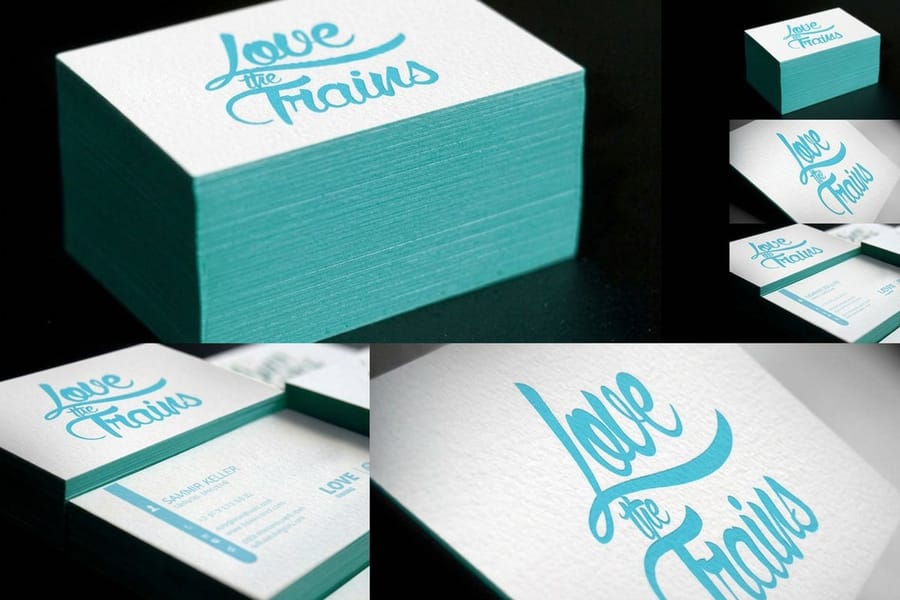
The business card is where QR codes earn their keep. A vCard code turns a handshake into a saved contact, and a URL code sends people to your work while the conversation is still fresh. It is the difference between a card that goes in a drawer and one that actually gets used.
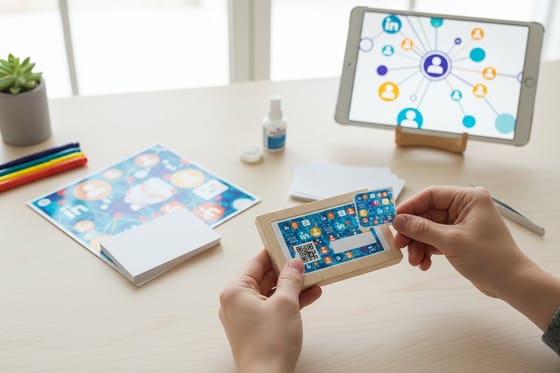
Keep the layout calm. Give the code its own clear panel, usually on the back, at roughly 0.8 to 1 inch square with a healthy quiet zone. Pair it with a short prompt like "Scan to save my details" so people know what happens next. Our walkthrough on QR scan code business cards shows where that prompt sits on real layouts. If you want your channels front and center, our guide on business cards with social media icons shows how to combine a code with clean icons, and the walkthrough on putting LinkedIn on a business card is a great starting point.
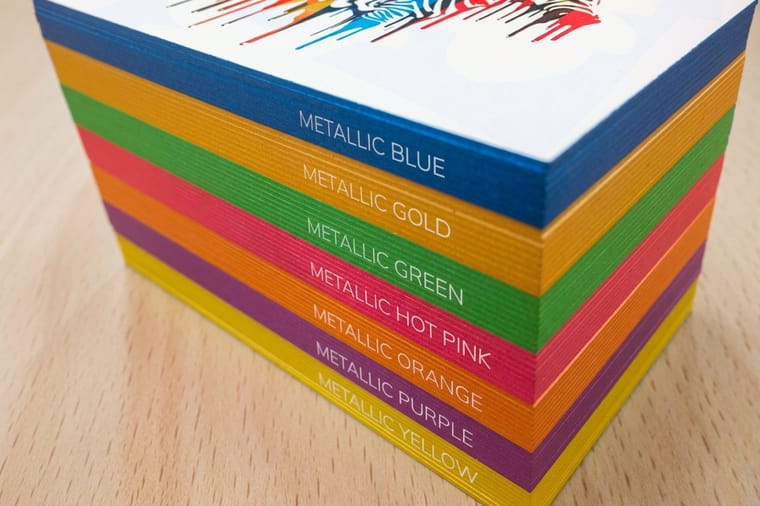
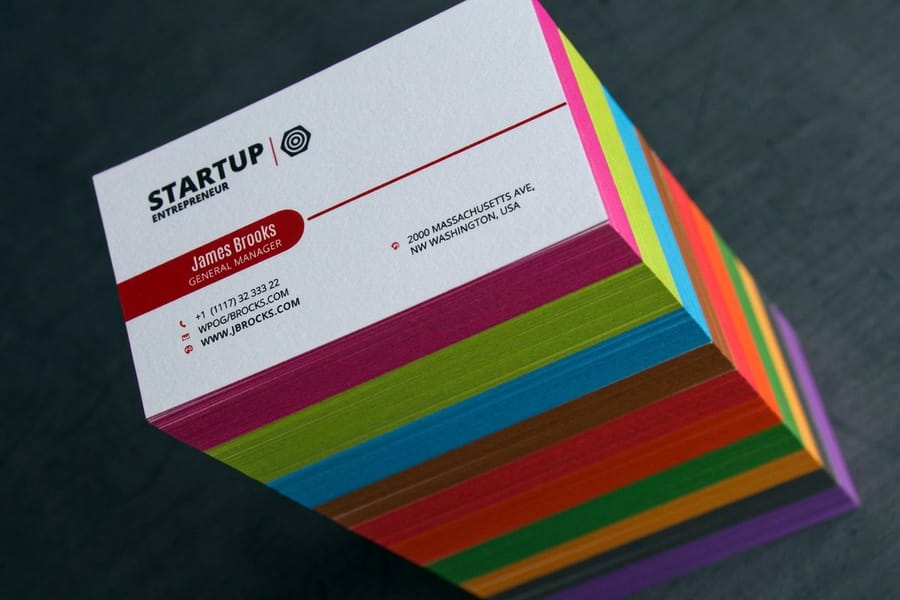
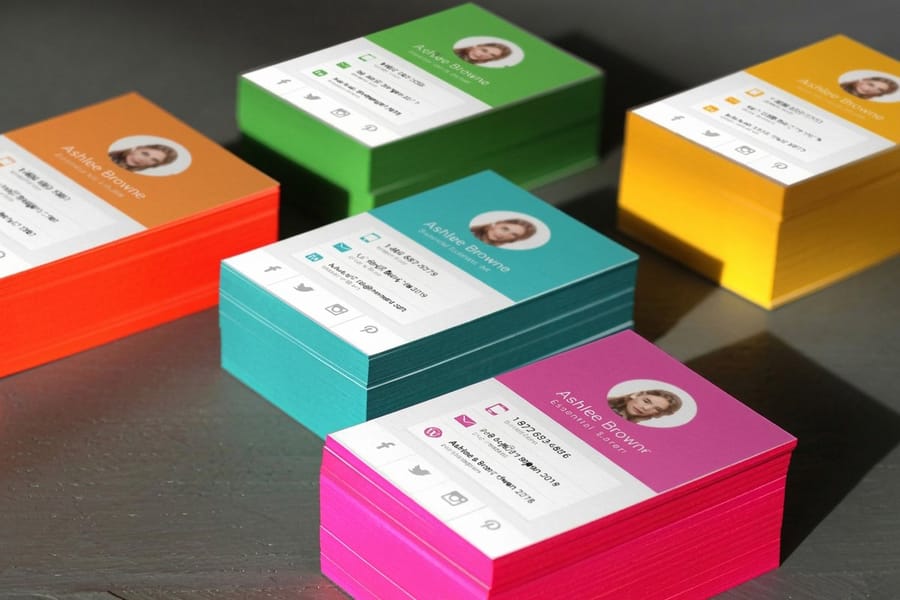
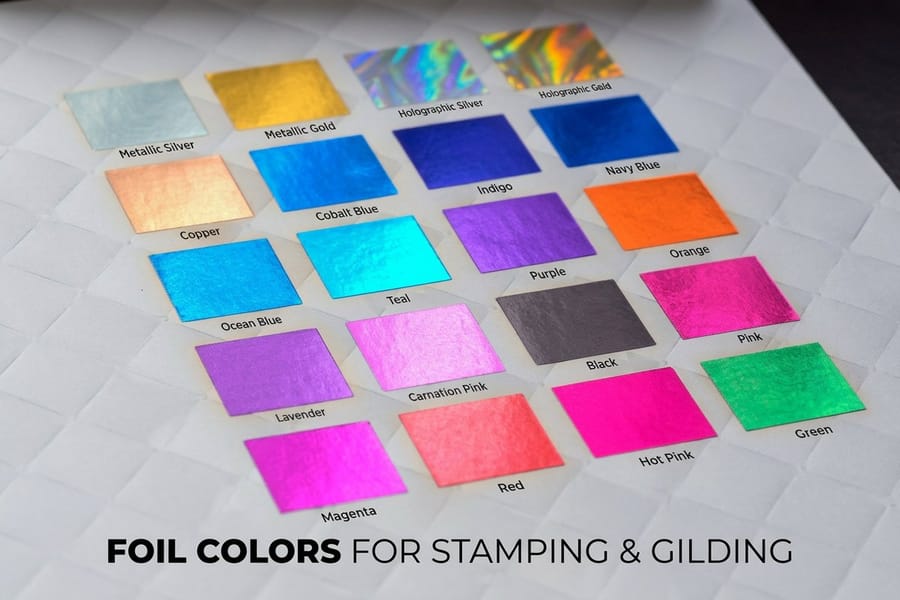
Finish matters too. A code sits best in a matte or unfinished area, even on a card that shows off a bold treatment elsewhere, like the color-wrapped edges of edge painted business cards or the shimmer of glitter spot UV. Build the art in the browser with the 4OVER4.COM online designer, then send it straight to print.
Designing and printing QR codes that always scan
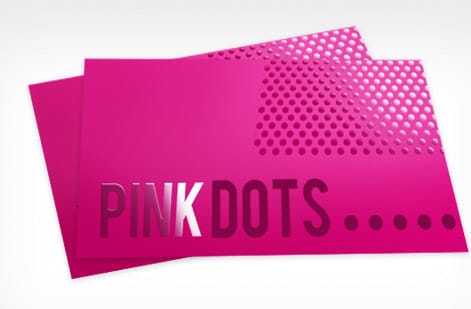
A QR code is only as good as its scan. These are the rules that keep it reading every time.
- Hold strong contrast. Dark code on a light background is the safe default. Inverted or low-contrast codes often fail, so test before you commit.
- Protect the quiet zone. Leave a clear margin equal to about four squares of the code all the way around. Never let text or art crowd the edge.
- Size for the distance. A card code can be under an inch, but a poster or window code needs to scale up. A simple rule is a tenth of the scan distance.
- Use vector or high resolution. Place the code as a vector or at 300 dpi so the squares stay crisp. A blurry code is a dead code.
- Test on real phones. Print a proof, then scan it with a couple of different phones under normal light before you run the full order.
Stock and finish play a part as well. Matte and uncoated papers scan reliably because they kill glare, while high-gloss and metallic panels can bounce light into the camera. When you order through 4OVER4.COM you can request free paper samples first, and lean on our marketing materials printing range to keep every piece on brand.
Where QR codes work hardest in print
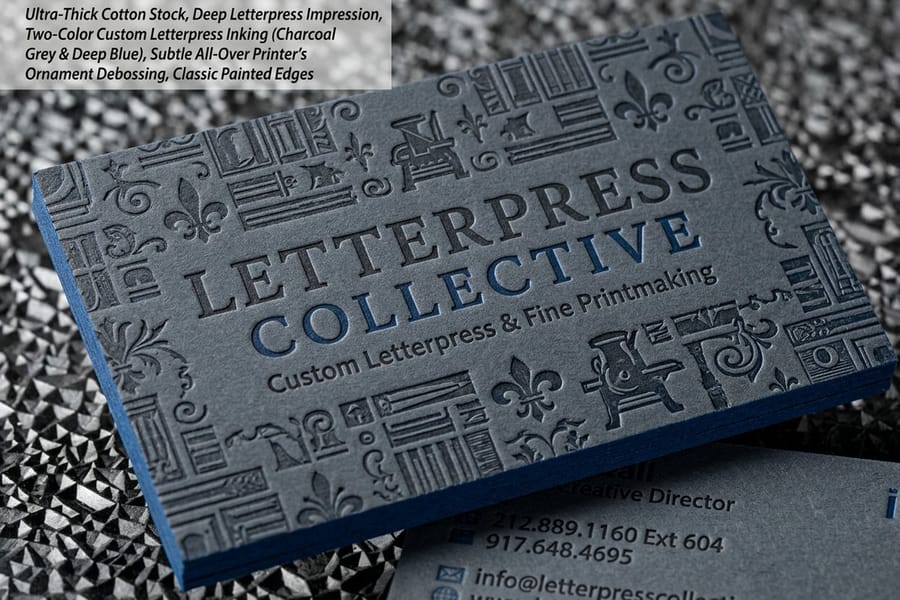
A QR code adds a tap-through to almost any printed piece, and the best campaigns spread the same code across several touchpoints. Size it with the tenth of the scan distance rule: 0.8 to 1 inch on a card read in the hand, about 2.4 inches on a flyer read from two feet, and about 12 inches on a window poster read from ten feet.
On stickers and packaging, a code sends buyers to a how-to video, a registration page or a review form. On postcards and direct mail, it turns a mailer into a measurable landing page. On flyers and posters, it lets a passer-by act in the moment instead of trying to remember a URL later.
The trick is consistency. Use a dynamic code so one printed campaign can point everywhere you need over time, keep the visual style of the code steady, and always give a reason to scan. For more ideas across formats, browse the full 4OVER4.COM guide library, or see finished work in the business card design showcase.
QR code mistakes that stop a scan
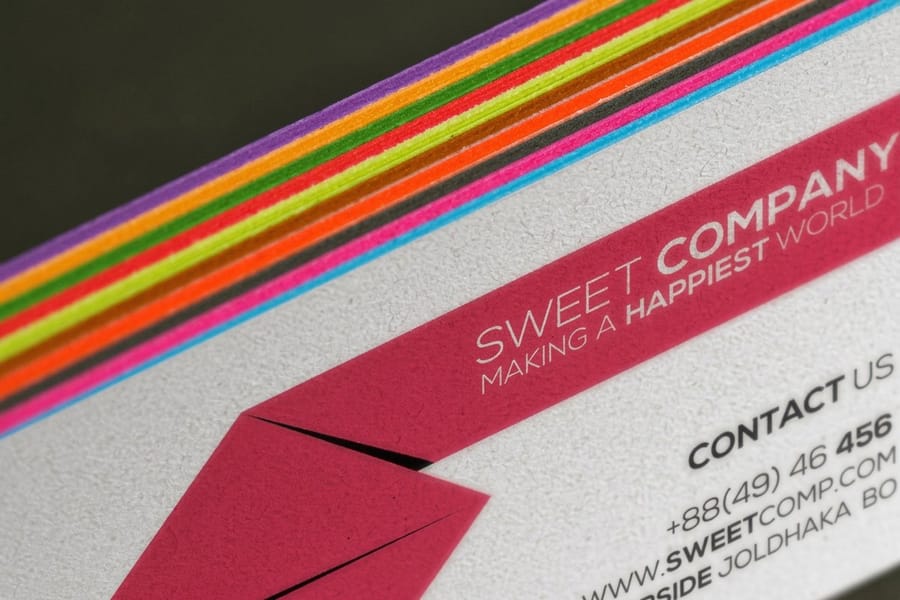
Most QR failures come down to a short list of avoidable errors. Dodge these and your codes just work.
Printing the code too small. Squeeze it under half an inch and phones struggle. Give it room to breathe.
Killing the quiet zone. Butting text or a border right against the code is the number one cause of a no-read. Keep the margin clear.
Low contrast or inverted colors. A light code on a dark card looks cool and scans badly. Keep it dark on light unless you have tested otherwise.
Placing it over a busy photo. Background clutter confuses the camera. Give the code a solid, quiet panel.
Using a static code for something that changes. If the link might move, use a dynamic code so you never reprint. This is the mistake that costs the most.
Never testing the proof. Always scan a printed proof with more than one phone before the full run. 4OVER4.COM makes it easy with free samples so you can check a real print, not just a screen.
Wally explains QR codes
One clean square that turns print into a tap
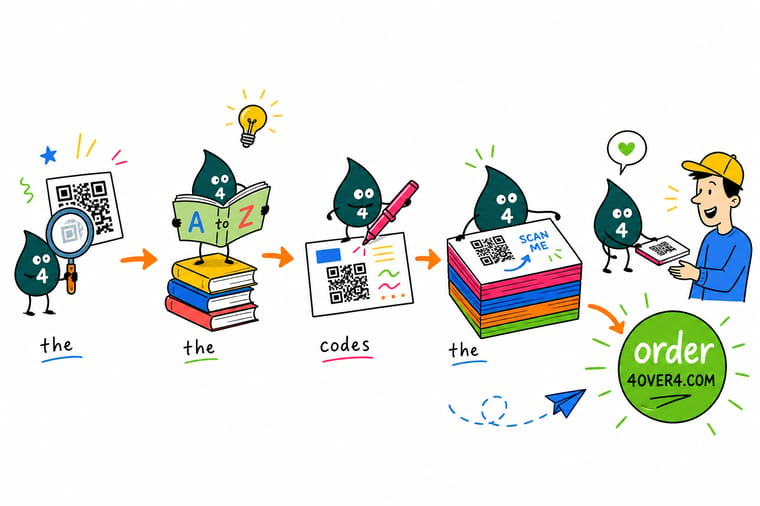
Wally thinks of a QR code as a tiny door printed on your card: get the contrast right, leave the quiet zone clear, and every phone walks straight through to your site or your saved contact. Pick a dynamic code for anything you might change, keep it dark on light, and print it sharp. When you are ready to put a code to work, print it on crisp edge painted business cards at 4OVER4.
Order business cards →
Specs and pricing
Business card specs and pricing for your QR code
Edge painted cards run 250 for $141.70, which is $0.57 each, with live specs and price-per-unit below. They print on 32pt UltraWhite uncoated cover at 2 x 3.5, 2.125 x 3.375 or 2.5 x 2.5 inches, so the uncoated back gives a QR code a panel free of glare while one of 15 edge colors or a custom mix carries the brand.
| Quantity | Price Per Unit | Total |
|---|---|---|
| 250 | 56.7¢ | $141.70 |
| 500 | 37.1¢ | $185.63 |
| 1,000 | 28.4¢ | $284.49 |
| 2,000 | 24.1¢ | $482.19 |
Print it
Cards that make a QR code shine at 4OVER4
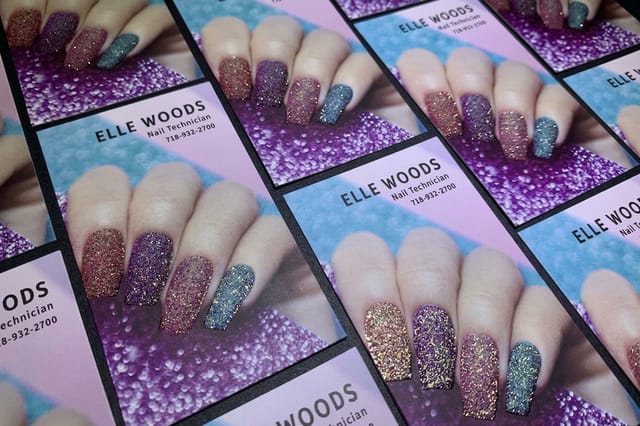
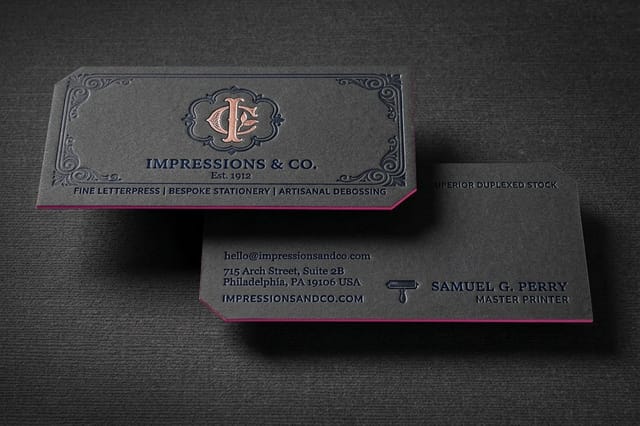
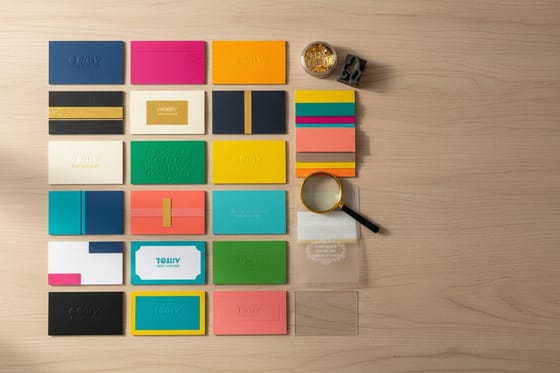
Glitter spot UV cards start at 500 on 16pt silk laminated stock, and letterpress and debossed cards start at 250 on 32pt or 48pt silk or velvet laminated stock. On all three, keep the code in an unfinished area, clear of the glitter, the press impression or the deboss.

See it in use
Coded cards we printed on specialty stock
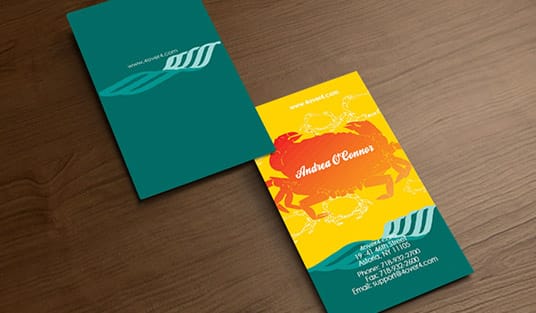
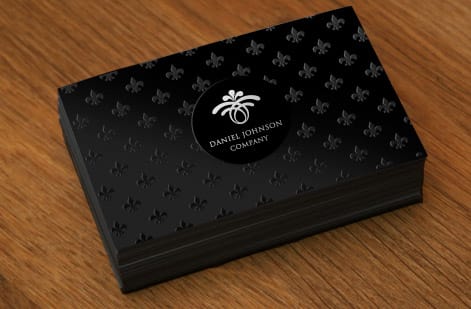
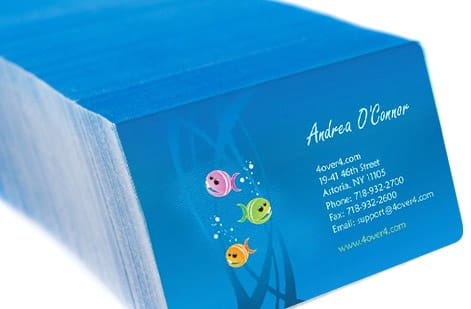
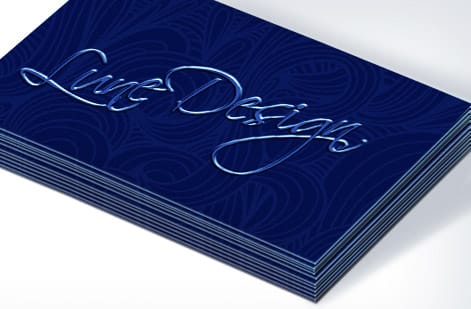
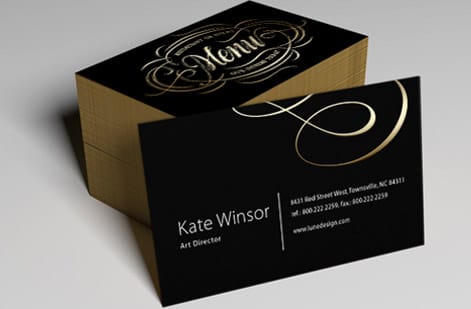
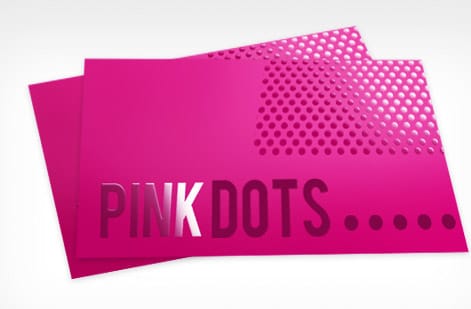
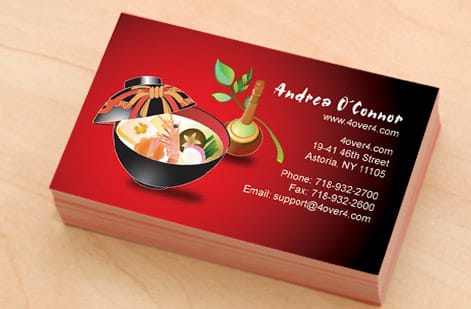
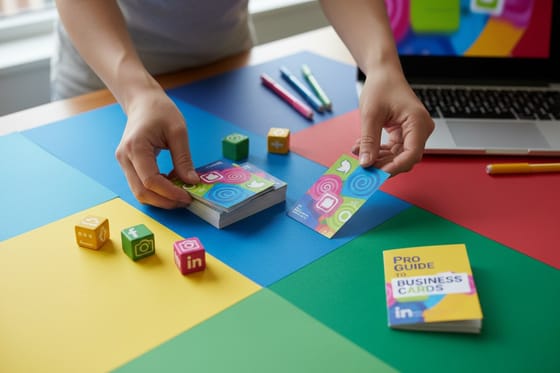
Use these finished cards to plan your layout: the code goes on a clear back panel, at least 0.8 inches square, away from the glitter, foil and painted edges on the front.


Explore more
Where to go next

By the numbers
Letterpress, debossed, edge painted, glitter UV
Common Questions
Common questions about QR codes
How many types of QR codes are there?
Thirteen types cover nearly every printed job: a website URL, a vCard contact card, a Wi-Fi login, an SMS message, an email, a phone number, a payment prompt, an app store link, a PDF, a menu, a calendar event, a map location and plain text. They are all the same square pattern with different data written inside, so the type you pick is really the action you want after the scan. On top of that, any type can be printed static, where the data is baked into the pattern for good, or dynamic, where the code holds a short redirect you can repoint later without reprinting.
Which QR code type should I put on a business card?
A vCard code if you want your details saved to the phone, and a dynamic URL code if you want the card to send people somewhere you control, such as a portfolio, a booking form or a review page. A vCard never changes, which is fine while your number stays the same. A dynamic URL keeps working after a new title, a new site or a new offer, because you edit the destination instead of reprinting the cards. Print either one at a minimum of 0.8 inches square with a clear quiet zone, keep it on a matte or uncoated panel so glare does not kill the scan, and test it with two or three different phones before you approve the run.
What is a QR code list?
A QR code list is the full set of QR code types you can generate and print, grouped by the data each one carries. The common types are a website URL, a vCard or contact card, a Wi-Fi login, an email, a phone number, an SMS message, plain text, a map location, a PDF, an app store link, a social profile and a payment prompt. Each type encodes a different action, so the list is really a menu you pick from based on what you want the person scanning to do next.
Static or dynamic, which code should go on paper?
Start from the action, not the code. If you want people to visit a page, use a URL code. If you want them to save your details, use a vCard code. If you want a menu, a booking form or a review page, a dynamic URL code is best because you can change the destination later. For anything you might edit after printing, choose dynamic over static so you never have to reprint. When in doubt, a plain URL code pointing at a page you control is the most flexible choice.
What does printing QR codes cost and how is the price set?
A QR code adds no extra fee on its own. It prints as part of your artwork, so the cost is simply the cost of the product it sits on. Price is set by the product, the quantity, the paper stock, the size and any finishes you add. On business cards, for example, the price per card drops sharply as your quantity climbs. You can see live pricing for edge painted business cards further down this page, straight from the configurator.
What sizes, stocks and finishes work for QR codes?
Almost all of them, as long as the code keeps strong contrast and a clear quiet zone. Matte and uncoated stocks scan reliably because they cut glare. High-gloss and metallic finishes can look stunning but need testing under real light, and it is safest to keep the code itself in a matte or unfinished panel. On business cards, aim for a printed code of at least 0.8 inches square with a clear margin so every phone camera reads it fast.
How long does printing take and ship?
Turnaround depends on the product and the options you choose, and it is shown live in the configurator before you check out. Many 4OVER4.COM products ship same day or next day from our Queens, New York facility, and 99.8 percent of orders leave on time. Add your delivery address at checkout to see the exact production and shipping window for your QR-coded order.
Will a printed QR code still scan months later?
A static code scans forever because the data lives inside the pattern itself and never changes. A dynamic code keeps working as long as the short link behind it stays active, which is why it is worth using a provider you trust and pointing it at a page you own. Either way, a clean, high-contrast print on quality stock is what keeps a code readable through handling, sunlight and time.
Get Started
Order 250 edge painted business cards from $141.70
Pick your card, drop in your logo, text and QR code, and we print a crisp, scannable piece that turns every handshake into a tap.
Legal Disclaimer
Gold Standard guarantees apply to all standard orders placed through 4over4.com. Price match requires verifiable proof of a competitor's published price for an equivalent product with matching specifications and turnaround time. Satisfaction guarantee covers manufacturing defects and print quality issues. Contact support with order number and documentation.
