
How to Use QR Codes to Grow Your Small Business


Sofia is our design and templates voice, built from the knowledge of our production team, with over 20 years in printing.
A QR code is the shortest path between something a customer is holding and the page that wins you the job. This guide covers the use cases worth printing, the four rules that decide whether a code scans, and how to make yours for free with our free QR code generator.
To use QR codes to grow a small business, give every printed piece its own code, point each one at a single page that answers the question that piece raised, and track each one separately. Generate the code free, keep the printed square at least 0.8 inches with a clear margin on all four sides, print it dark on a light matte surface, and scan a real printed sample with two phones before you approve the full run.
Start here
Where a QR code earns its space on printed work
A QR code earns its place when it removes a step the customer would otherwise have to take on their own. Choose one destination per printed piece, encode a short link you control so the target can change without a reprint, and add campaign parameters so each piece reports its own scans. Then print it big enough, dark enough and with enough clear space around it that a phone locks on without anyone tilting their wrist. Everything else in this guide is detail on those four moves.
Why a QR code earns its place on paper, not on a screen

A QR code on a screen is redundant, because anything on a screen is already a tap away. On paper the code does something no other printed element can do: it closes the gap between a physical object in someone's hand and the exact page you want them on, with no typing, no misspelled domain and no lost interest halfway through. On a 2 x 3.5 inch business card that takes a code of at least 0.8 inch on the back, and on a sign the code grows about an inch for every ten feet of viewing distance.
That is why the strongest use of a code is on the pieces people keep or carry. A card in a wallet, a flyer on a fridge, a sticker on a shipping box. Our print marketing guide makes the same point about repetition, and a code turns that repeated exposure into a measurable click instead of a hopeful impression.
High impact QR code use cases for a small business
Start with the moments where someone is already interested and the next step is annoying. A code on a service invoice that opens a review form. A code on a takeaway menu that opens ordering. A code on a booth banner that opens a calendar with your open slots. Each one removes friction at the exact second attention is highest.
Other placements earn their space quietly. Put a code on packaging inserts so buyers can reorder without hunting. Put one on a thank you card so a happy customer can refer you in a single scan, an idea that pairs neatly with creative thank you card ideas. Put one on a hiring flyer so applicants land straight on the form. For the note that sits beside a referral code, our guide to writing thank you notes has more thank you card ideas.
Resist the urge to send every code to your home page. A home page asks the visitor to start searching again, which is precisely the work the code was supposed to save them. Send each code to the one page that answers the question the printed piece raised, and nothing else.
Designing codes that scan on the first try

Four things decide whether a phone locks on instantly. Size, quiet zone, contrast and surface. Get all four right and scanning feels automatic. Get one wrong and the customer holds their phone at three angles, then gives up and blames the code rather than the layout.
Size first. On a piece held in the hand, keep the printed code at least 0.8 inches square, and add roughly one inch of code for every ten feet of viewing distance on signage. Quiet zone next: leave clear space of at least four modules on all four sides, which in practice means a margin about the width of two of the little squares in the pattern.
Contrast is where most codes die. Dark pattern on a light field, always, and never the reverse. Avoid low contrast pairings such as navy on charcoal, and be careful with metallic or fluorescent inks. Finally, watch the surface. Gloss stock under a bright ceiling light can bounce a highlight straight into the lens, so matte, uncoated and soft touch finishes are the safer choices when a code has to work in any room.
Generating your free QR code, step by step
Our generator is free, has no expiry and gives you a file at print resolution rather than a screen sized image. Work through it in this order and the output will drop straight into your layout.
- Decide the destination. Pick the single page the scan should open, then create a short redirect on your own domain that points to it, so you can change the target later without reprinting.
- Add tracking parameters. Append campaign parameters to the destination, one unique set per printed piece, so cards, flyers and packaging report separately.
- Open the generator. Head to our free QR code generator and paste the short link. Shorter links create simpler patterns with larger modules, which scan faster and survive smaller print sizes.
- Set error correction. Choose a higher correction level only if you plan to place a logo in the center or expect scuffing. Higher correction means a denser pattern, so do not raise it without a reason.
- Download for print. Take the vector or the highest resolution file offered, place it in your layout at final size, and keep it pure black rather than a rich black build so the edges stay crisp.
- Test before you order. Print the layout on a home printer, then scan it with two phones, including an older one. If either hesitates, enlarge the code or increase the contrast before the file goes to press.
Placing QR codes on cards, flyers and packaging

Placement is a hierarchy problem. The code should be easy to find without becoming the loudest element on the piece, because a bare square with no reason attached gets ignored. Pair every code with a short line of text that names the reward: see the menu, book a slot, claim ten percent, leave a review.
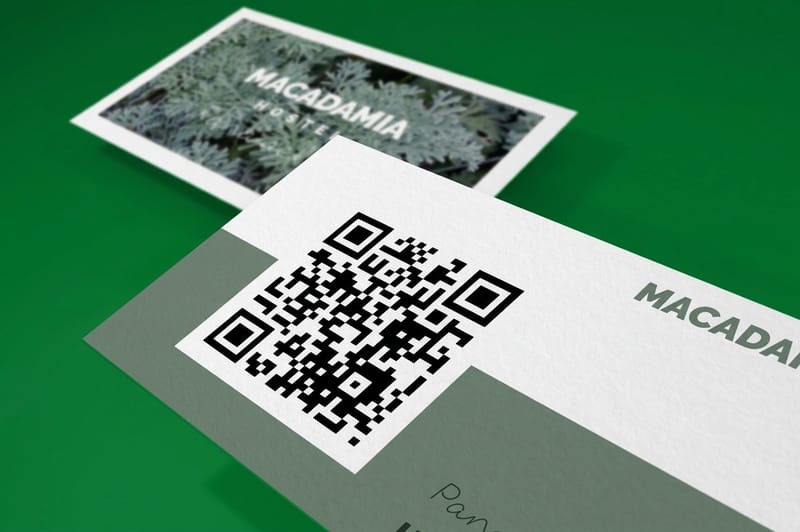
On a business card, the back is usually the right home. It keeps the front clean for your name and role, and it gives the code the quiet space it needs. Our QR code business cards start at $17.57 and are built around exactly this layout, with the code placed and sized for reliable scanning.
On flyers and posters, keep the code out of the fold and away from the trim edge, and give it a light background panel if the artwork behind it is busy. On packaging and labels, avoid curved surfaces and seams. A code that wraps around a corner is a code that never scans, whatever the file resolution said.
Printing your QR materials, and what it costs
Once the code is placed and tested, printing is the straightforward part. Price is set by the product, the quantity, the stock and finish, and the turnaround you choose, and the per piece cost drops sharply as quantity rises because press setup is shared across the run. QR code business cards and artist business cards start at 100 cards with 3 business days of production, and 3D lenticular cards start at 500 with 22 business days.
QR code business cards start at $17.57. If you want the card itself to earn a second look before anyone scans it, 3D lenticular business cards start at $690.88 for that motion effect, while artist business cards start at $17.57 for creative work that needs the portfolio link right there on the card. Order free paper samples first and scan a code printed on each finish, because the stock decides as much as the design does.
Wally explains QR codes
A code is a promise, so tell people what they get
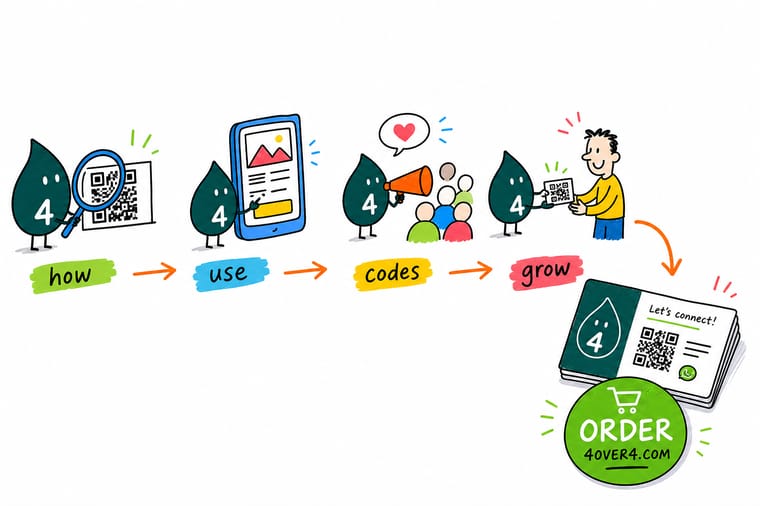
Wally has scanned a lot of squares that led nowhere. His rule is simple: never print a code without a short line of text next to it saying what happens when someone scans. Book a table, claim ten percent, see the portfolio, leave a review. A code with a reason gets scanned. A bare square on a card gets ignored, no matter how neatly it was placed.
Print QR code business cards →%22%2F%3E%3Ccircle%20cx%3D%2241%22%20cy%3D%2249%22%20r%3D%2226%22%20fill%3D%22%2314b8a6%22%20opacity%3D%220.15%22%2F%3E%3Ccircle%20cx%3D%2278%22%20cy%3D%2258%22%20r%3D%2214%22%20fill%3D%22%2314b8a6%22%20opacity%3D%220.1%22%2F%3E%3Crect%20x%3D%2271%22%20y%3D%2228%22%20width%3D%2226%22%20height%3D%2234%22%20rx%3D%224%22%20fill%3D%22%2314b8a6%22%20opacity%3D%220.08%22%20transform%3D%22rotate(36%2080%2030)%22%2F%3E%3C%2Fsvg%3E)
Diagram
Where to put a QR code and how to size it
One frame with the seven placement and print rules that decide whether a code scans on the first try: a quiet zone of four modules, a minimum size of 0.8 inch in the hand, dark on light contrast, placement off folds and seams, a matte surface, a short link and a line that says the reward. Add the habit that saves you from reprinting a whole box of cards.
Run all seven checks on a printed proof rather than on screen. A code that passes on a monitor can still fail on coated stock under warm light, and the proof is the only honest test.
Specs and pricing
QR code business card specs and live pricing
Once the code is placed and tested, the numbers below show the stocks, finishes and quantity breaks available, with live pricing that updates as you change the run size. QR code business cards print at 2 x 3.5 inches on stocks from 14pt gloss cover to 80pt UltraWhite uncoated, in a standard or high gloss UV finish, from 100 cards in 3 business days.
| Quantity | Price Per Unit | Total |
|---|---|---|
| 100 | 17.6¢ | $17.57 |
| 200 | 11.5¢ | $23.07 |
| 300 | 9.15¢ | $27.46 |
| 400 | 7.96¢ | $31.86 |
| 500 | 7.25¢ | $36.26 |
| 600 | 6.77¢ | $40.64 |
| 700 | 6.43¢ | $45.04 |
| 800 | 6.18¢ | $49.43 |
Print it
Cards built to carry your code
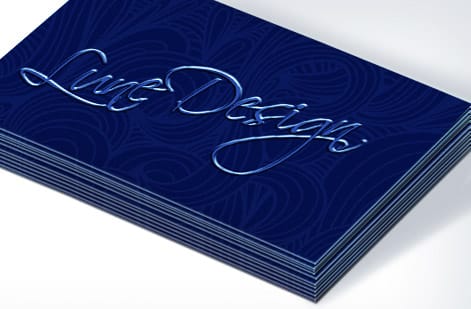
All three print the code on the back of a 2 x 3.5 inch card. QR code and artist business cards start at 100 on the same stock range, and 3D lenticular cards print on a 31pt lenticular lens from 500 when the front should move before anyone scans.
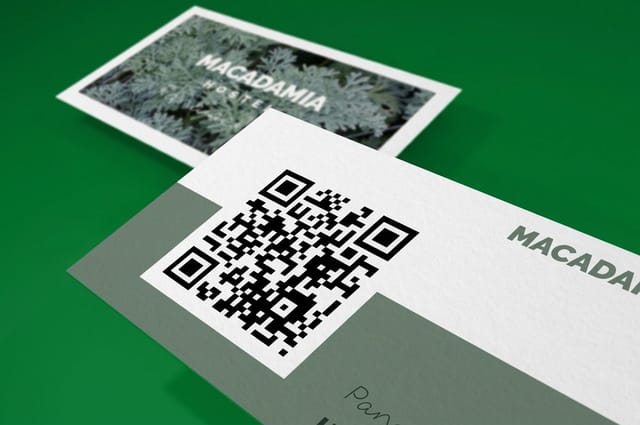
See it in use
Real card designs, printed in house
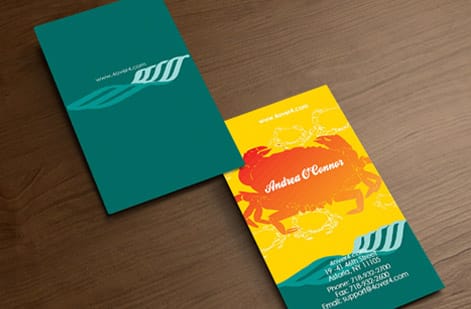
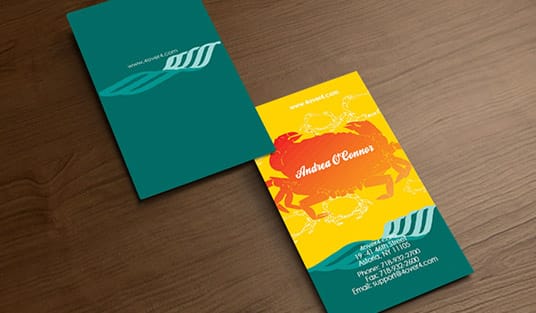
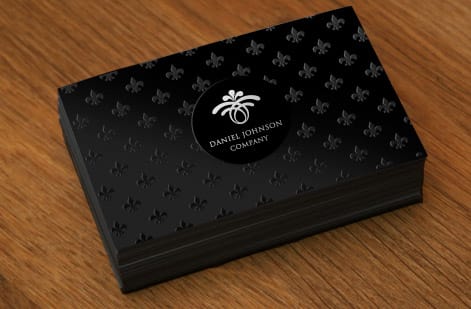
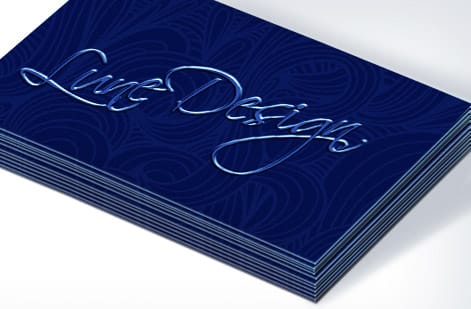
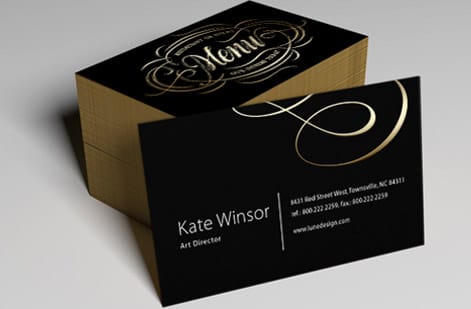
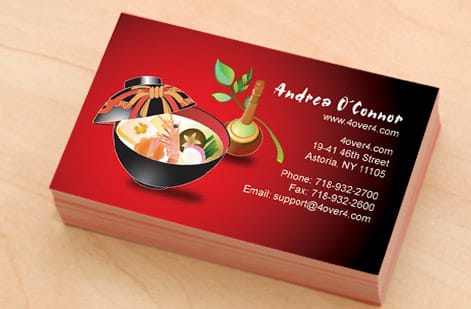
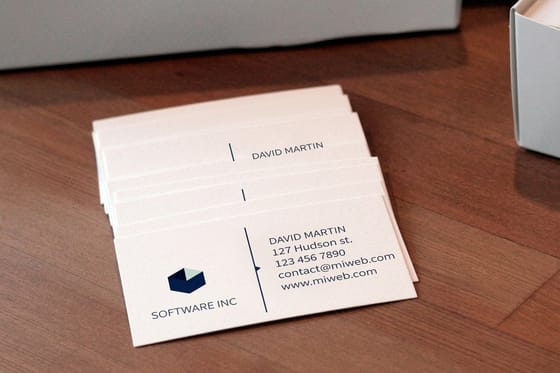
These cards came off our presses with codes on the back. Look for the white margin around each code and the short line beside it that says what the scan opens.

Explore more
Where to go next
Make your code in our free generator, see where print outperforms ads in the print marketing tips, and look established on a budget with seven branding strategies.
By the numbers
One printer for every piece that carries the code
Common Questions
Common questions about QR codes for business
What is a QR code generator?
A QR code generator is a tool that turns a destination, usually a web address, into the square pattern of black and white modules that a phone camera can read. The pattern encodes the characters of your link plus error correction data, so the code still resolves when part of it is scuffed or covered by a logo. Our free generator produces a print ready file at the resolution presses need.
What should a QR code generator give me before I print the code?
Look for three things. First, a vector or high resolution download, because a small web image will print with soft, unreadable edges. Second, no expiry, so the code does not stop working when a trial ends. Third, honest tracking, so you can see scans without handing your customer list to a third party. A generator that hides the download behind a subscription is a liability once the cards are printed.
What does a QR code cost and how are prices set?
Generating the code itself is free with our tool. The cost sits in the printing, and printing price is set by four things: the product, the quantity, the paper stock and finish, and the turnaround you choose. QR code business cards start at $17.57, and the per piece price falls sharply as quantity rises because setup is shared across the run.
What sizes, stocks and finishes work best for QR codes?
Keep the printed code at least 0.8 inches square for handheld pieces and larger for anything read at a distance. Uncoated and matte stocks are the most forgiving, since gloss can throw a reflection straight into the camera. Soft touch and silk finishes scan well in most lighting. Spot gloss over the code looks striking but should be sample tested before you commit to a full run.
How long does printing take once my QR code is ready?
Standard turnaround on business cards and flyers runs a few business days in production, with faster options available when a launch or an event will not wait. Production time starts after your file passes prepress, so upload a print ready PDF with the code placed at final size, and confirm the proof quickly to keep the clock moving.
Can I change where a QR code points after it is printed?
Only if the code encodes a short link you control rather than the final address. Point the code at a redirect on your own domain, then change the redirect target whenever the campaign changes. This one habit saves you from reprinting an entire box of cards because a landing page moved.
Do QR codes still work if the design covers part of the code?
Yes, within limits. Error correction lets a code survive damage or a logo placed dead center, and at the highest correction level a code can lose roughly a third of its modules and still resolve. Push past that, or crowd the code with artwork on all four sides, and phones begin to hesitate or fail outright.
Get Started
Put the code on 100 business cards for $17.57
Generate your code for free, drop it into a card that scans on the first try, and let every conversation keep working long after the handshake.
Legal Disclaimer
Gold Standard guarantees apply to all standard orders placed through 4over4.com. Price match requires verifiable proof of a competitor's published price for an equivalent product with matching specifications and turnaround time. Satisfaction guarantee covers manufacturing defects and print quality issues. Contact support with order number and documentation.
