
Laptop Vinyl Sticker Ideas Built to Outlast the Bag


What Makes a Vinyl Computer Sticker Worth Buying
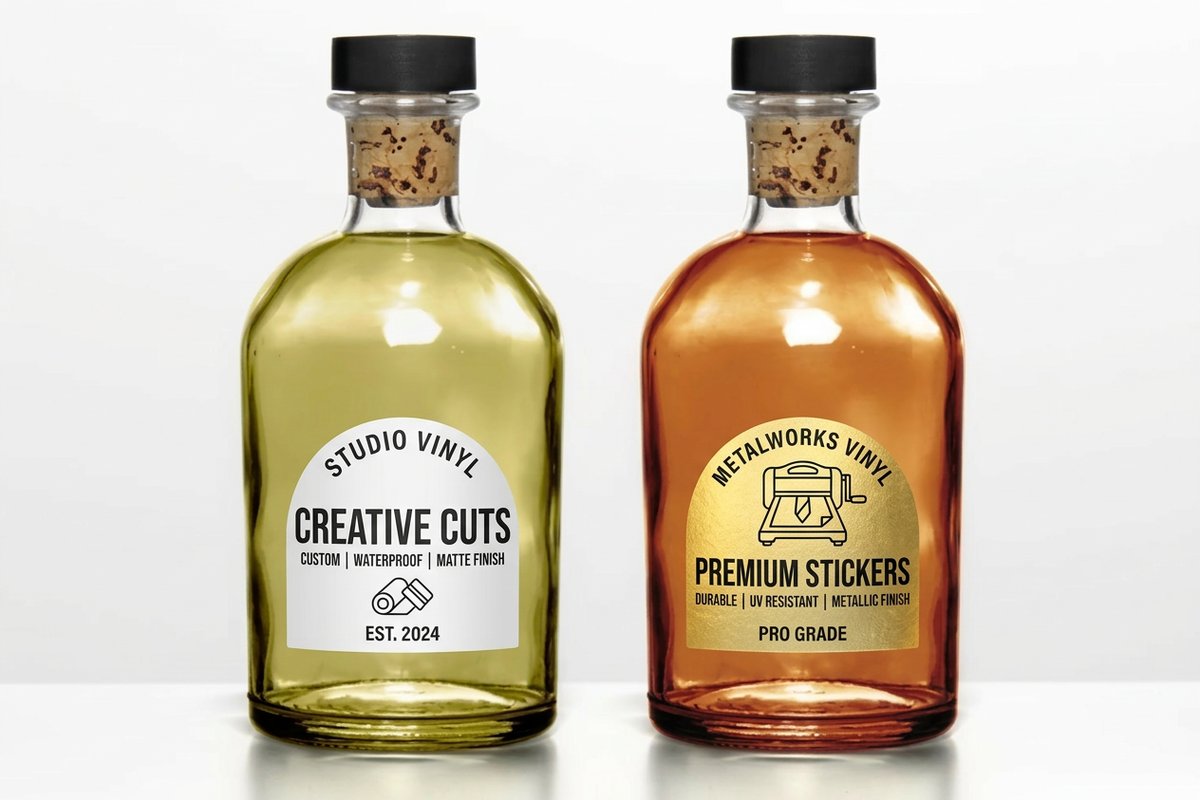
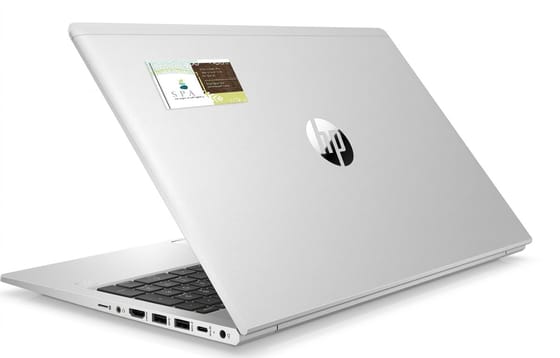
A laptop lid is one of the harshest places you can ask a sticker to live. It gets slid in and out of bags, wiped down with alcohol, warmed by the vents underneath, and scraped by zippers and desk edges. A vinyl computer sticker is built for exactly that abuse, which is why a good one still looks new a year later.
Most of the disappointment people feel with custom stickers traces back to the material rather than the artwork. A coated paper label photographs beautifully on day one and then curls at the corners within weeks. Vinyl behaves differently because the face stock is a flexible film that bends with the surface instead of fighting it.
4OVER4.COM has printed 10 billion+ cards and print products since 1999, and stickers are one of the formats customers reorder most, usually because the first batch outlived the campaign it was made for. This guide walks through the four decisions that separate a sticker that survives from one that peels: the material, the adhesive, the cut, and the finish. Get those four right and everything else, including your price per piece, falls into place fast.
Decision 1: the material under the ink
Ask for vinyl film rather than coated paper. Vinyl handles the flat and gently curved surfaces of a laptop lid, a water bottle, and a hard case without lifting, and it shrugs off moisture. Paper stock belongs on packaging and shelf labels, where the sticker is disposable by design.
Decision 2: the adhesive you actually need
Removable adhesive peels away cleanly and leaves no residue, which matters enormously on a work machine or a leased device. Permanent adhesive grips harder and is the right call for equipment tags, tool cases, road cases, and anything handled every single day.
Decision 3: the cut around your artwork
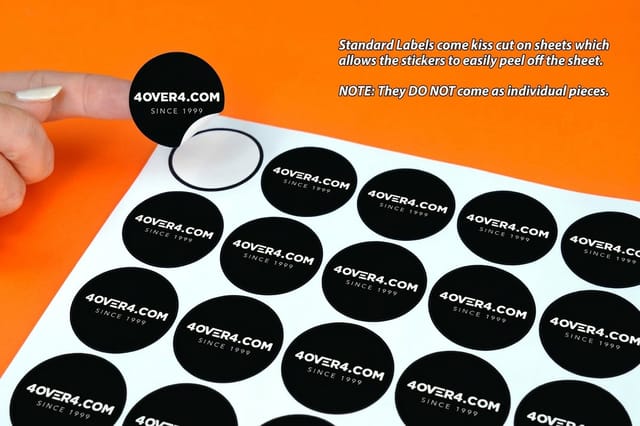
A die-cut sticker is trimmed to the outline of your design, so the silhouette itself becomes recognizable across a room. Kiss-cut leaves the sticker sitting on a square backing, which is far easier to peel with cold hands and travels better inside mailers and press kits.
Decision 4: the finish on top
Gloss makes color jump and holds up to wiping. Matte reads as premium and photographs cleanly under office lighting. Holographic and clear finishes change the entire personality of the same logo, so print a small test run before you commit a full order to one look.
Shop the format
Custom printing collection
Stickers, decals, and every other custom format printed to your exact size and quantity.
Why Vinyl Beats Paper on a Laptop Lid
The real test is not how a sticker looks on day one. It is how it looks after ninety commutes, three coffee spills, and a dozen alcohol wipes. Vinyl passes that test because the ink sits on a film that will not absorb water, and because the adhesive stays flexible instead of drying brittle at the edges.
For most laptop and desktop projects, Vinyl Stickers from $25 cover the everyday run, while Vinyl Decals from $93.37 suit larger single-piece graphics on monitors, glass, and equipment panels. When the goal is to make somebody pick the laptop up and look closer, Custom Holographic Stickers from $322.98 shift color as the lid moves.
- Water and cleaning. Vinyl takes a wipe-down without softening, blistering, or bleeding ink into the surrounding film.
- Edge life. Paper wicks moisture from the cut edge inward, which is exactly where laptop stickers start to fail first.
- Flexibility. Film conforms to the slight curve of a lid or a bottle, so the corners are not permanently under tension.
- Color hold. Vinyl keeps saturated color far longer under desk lamps, window light, and the daily open-and-close cycle.
- Clean removal. Removable vinyl comes off in one piece, while paper tears into fragments you end up scraping away.
There is one honest exception. If the sticker exists for a week, on a box that gets recycled, paper is cheaper and completely fine. Everything meant to ride around on a computer, a case, a bottle, or a car window should be vinyl, because the whole point of that sticker is repeated exposure to the same person over months.
Print picks
Three sticker formats built for computers
Live starting prices, ready to configure with your size, cut, and quantity.
Removable and Permanent Adhesive, and When to Use Each
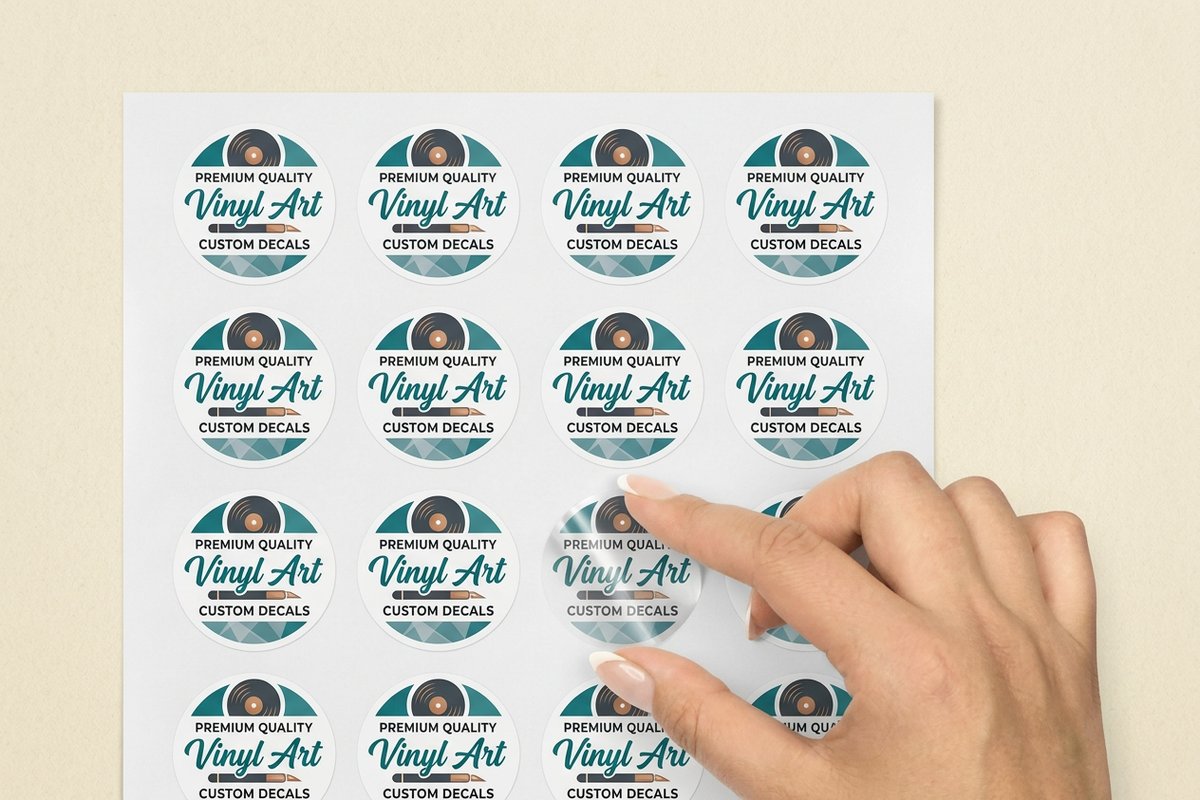
Adhesive is the decision people skip, and it is the one that generates the most regret. Removable and permanent vinyl can print identically and cost nearly the same, yet they behave like two different products the moment somebody tries to take one off a company laptop before returning it.
The practical rule: if the surface belongs to the person keeping the sticker, permanent is safe. If the surface belongs to an employer, a landlord, a school, or a rental fleet, specify removable and say so on the packaging insert. Nobody has ever complained that a sticker came off too politely.
- Removable. Best for employee laptops, leased machines, conference giveaways, student devices, and anything covered by an asset policy.
- Permanent. Best for tool cases, hard hats, road cases, equipment panels, warranty seals, and gear that will not be resold.
- Repositionable in practice. Removable vinyl tolerates one careful lift and replace during the first minutes, which saves a crooked application.
- Surface prep matters more than the glue. A quick alcohol wipe and a dry surface doubles how well any adhesive holds.
- Give it a day. Adhesive reaches full grab after roughly twenty-four hours, so avoid testing the corners before then.
Die-Cut, Kiss-Cut, and Sheet Formats Explained
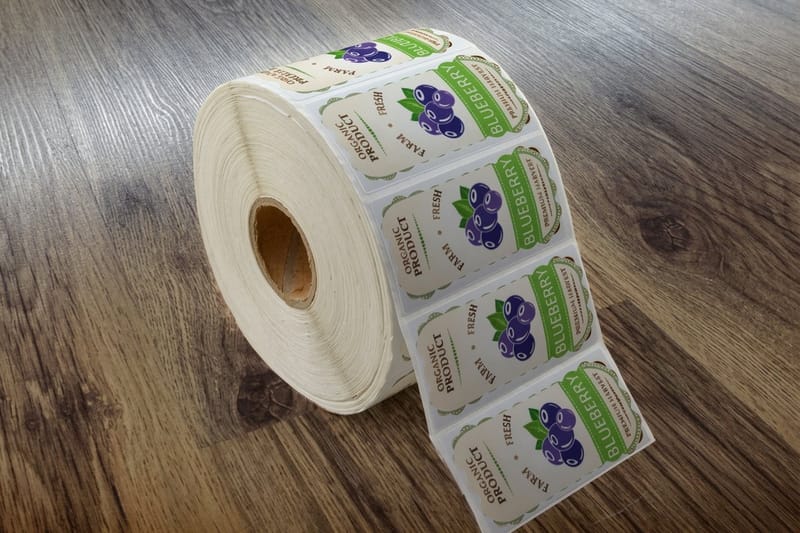
The cut decides how the sticker feels in someone's hand and how it reads once it is applied. It also quietly decides how many you can hand out per minute at a booth, which matters more than most people expect on a busy trade show floor.
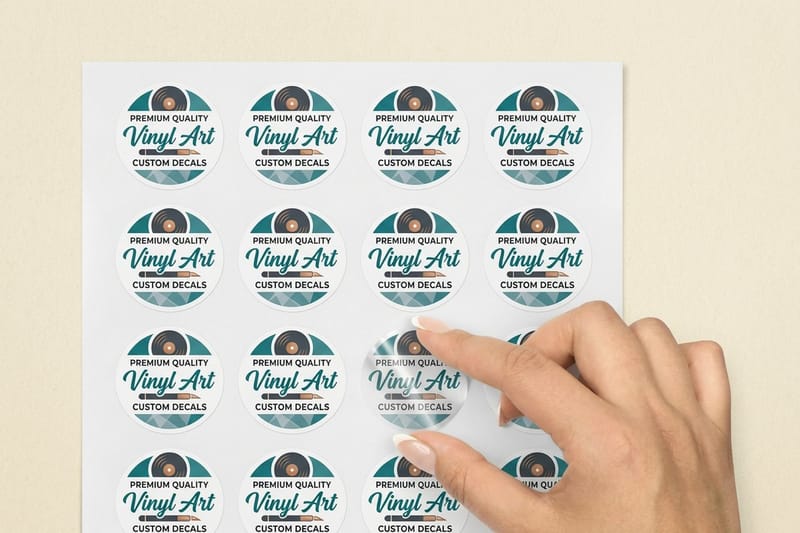
Die-cut is the format people picture when they think of a laptop sticker: one shape, cut to the outline of the art, no visible border. Kiss-cut keeps a backing square around the shape. Sheets group several small designs on one backing, which is the cheapest way to put five variations in every envelope.
- Die-cut. Strongest visual identity, since the silhouette of your logo becomes the sticker itself with no dead space.
- Kiss-cut. Easiest to peel, tidiest in a mailer, and the safest choice for older hands or gloved hands at an event.
- Sheets. Several designs on one backing, ideal for onboarding kits, fundraiser packs, and subscription box inserts.
- Circles and squares. The lowest cost per piece, and still the right pick for QR codes, version labels, and seals.
- Thin details. Keep any cut line at least an eighth of an inch thick so fine points do not tear during peeling.
Sticker Sizes and Placement That Fit a Real Laptop
Size is where good artwork goes wrong. A logo designed for a business card gets ordered at four inches, lands on a thirteen inch lid, and suddenly the machine looks branded by a sponsor rather than personalized by its owner. Scale to the lid, not to the file.
Two to three inches is the sweet spot for a laptop sticker somebody will actually apply. That size stays legible from across a meeting table, leaves room for the two or three other stickers people like to collect, and avoids covering vents or the manufacturer logo.
- 1 to 1.5 inches. Accent stickers, QR codes, asset tags, and the small pieces that fill out a sheet.
- 2 to 3 inches. The default laptop and bottle size, readable at conversation distance without dominating the lid.
- 4 to 5 inches. Statement pieces for hard cases, toolboxes, and the center of a bare laptop lid.
- 6 inches and up. Move to decals, which are engineered for large single graphics on glass, monitors, and panels.
- Bleed and safety. Keep critical type a tenth of an inch inside the cut line so trimming never clips a letter.
Quantity and price
Vinyl sticker pricing and specs
Real configurator numbers. The cost per sticker drops quickly as the run gets deeper.
| Quantity | Price Per Unit | Total |
|---|---|---|
| 1 | $25.00 | $25.00 |

Holographic, Matte, Gloss, and Clear Finishes Compared
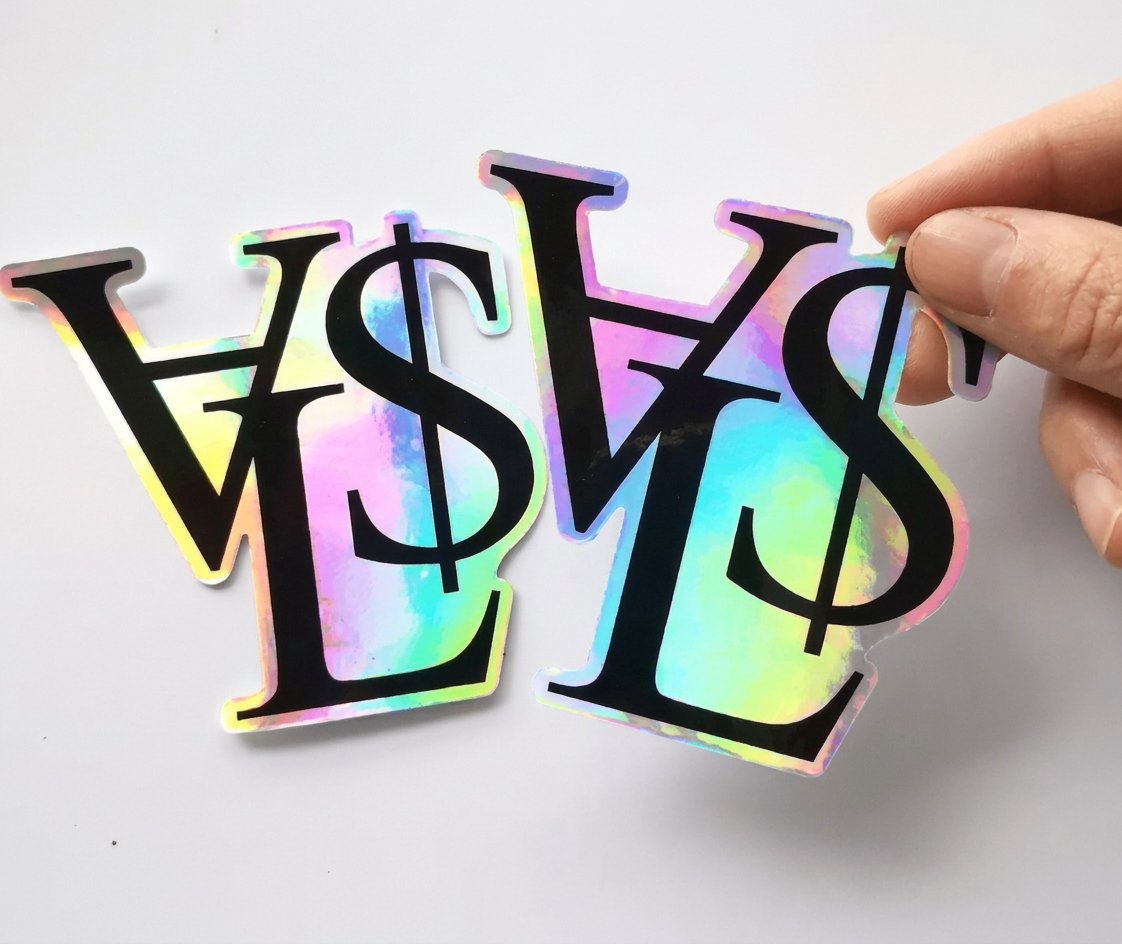
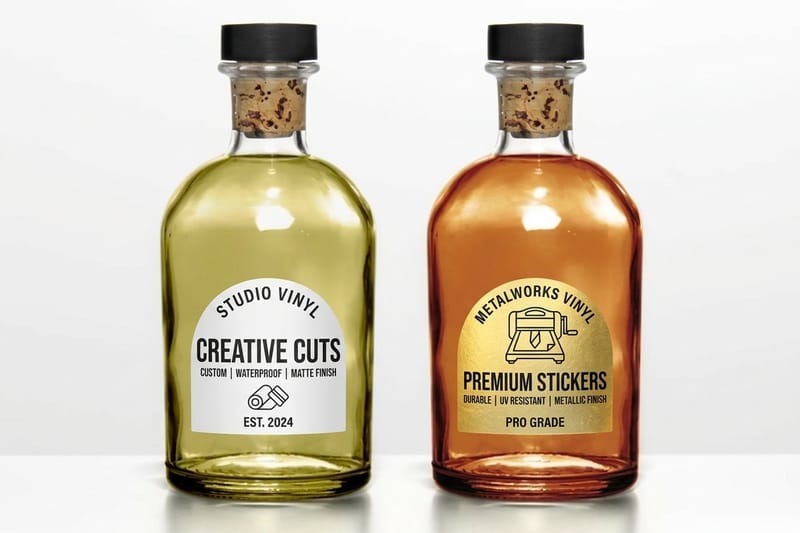
Finish is the cheapest way to make the same logo feel like a different product. It changes what the sticker signals before anyone reads a word of it, and it is the single easiest upgrade to justify when you are trying to make a giveaway feel worth keeping rather than worth pocketing and forgetting.
Holographic film is the one that stops people. The rainbow layer sits under the ink and shifts as the lid angle changes, so the sticker behaves differently in daylight and under office lights. It flatters bold shapes and simple type, and it fights busy photographic artwork, so simplify the design before you commit to it.
- Gloss. Maximum color saturation, easy to clean, and the most forgiving finish for photos and gradients.
- Matte. Low glare and a soft, premium hand feel that photographs well for product shots and press kits.
- Holographic. Rainbow shift that rewards bold marks, thick type, and generous negative space in the artwork.
- Clear. The design appears to float on the lid, which suits single-color logos and light-colored laptops.
- White vinyl base. The reliable default when brand color accuracy matters more than the visual effect.
Premium finish
Custom holographic stickers
A rainbow layer under the ink that shifts as the laptop lid moves through the light.

Design Ideas for Business, Gifts, and Fundraisers
The best sticker projects are not logo dumps. They give someone a reason to display the thing, which is why an inside joke from a team retreat outperforms a corporate wordmark on every laptop in the building. Design for the person applying it, and the branding travels for free.
For business, run a small set rather than one design: the logo, a product mark, and one line of copy your customers already repeat back to you. For gifts, personalize with a name or a date. For fundraisers, price a sheet so a single donation feels generous and the sticker becomes the proof of it.
- Onboarding kits. A three-sticker set in the welcome box gets applied on day one, when enthusiasm is highest.
- Conference giveaways. Kiss-cut, two to three inches, one bold design, and no phone number crowding the artwork.
- Product versioning. Small stickers marking model, batch, or release date look deliberate and cost very little.
- School and team fundraisers. Sheets of mascot art sell faster than single stickers at the same total price.
- Gifts. A name, a pet portrait, or a shared date turns a two inch sticker into something nobody throws away.
Go bigger
Vinyl decals for large graphics
When the artwork outgrows a laptop lid, decals carry it onto monitors, glass, doors, and equipment panels without losing edge quality.
Ordering Vinyl Stickers in Bulk Without Waste
Sticker pricing rewards volume harder than almost any other print format, because the setup work is identical whether you print one hundred or one thousand. The mistake is not ordering too many, it is ordering too many of one design that ties you to a message you will outgrow next quarter.
Split the run instead. Order the evergreen mark deep, since a logo sticker stays useful for years, and keep the campaign-specific design shallow. That way the box in the supply closet never becomes a reminder of a slogan you retired, and your cost per piece still lands where you need it.
- Go deep on evergreen art. Logos and mascots never expire, so this is where volume pricing pays off cleanly.
- Go shallow on dated art. Event years, campaign taglines, and version numbers should be short runs by default.
- Order one test batch first. Check color, cut, and peel in your own hands before committing to the deep run.
- Plan the handout. Kiss-cut for booths and mailers, die-cut for anything you want photographed and shared.
- Budget the shipping window. Decide your in-hand date first, then work backward through production and transit.
Compare formats
Popular sticker products, side by side
Stock, finish, size, quantity, turnaround, and price in one view.
 Standard Stickers | 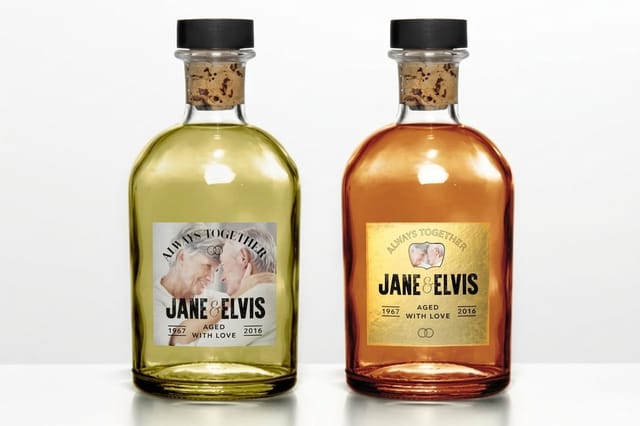 Premium Stickers | 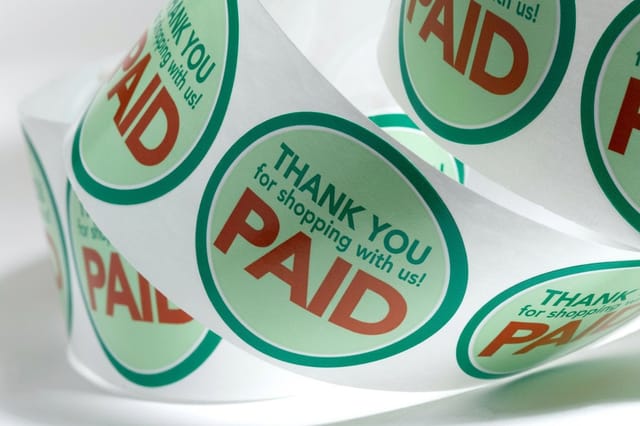 Roll Sticker |  Bumper Stickers | |
|---|---|---|---|---|
| Min price | $23.88 | $29.16 | $322.98 | $38.44 |
| Paper / stock | Standard Uncoated Label | Uncoated Label | White Gloss (Indoor) | White Vinyl Permanent |
| Finish | - | - | - | UV Coating |
| Size | .5" Circle | 3" x 5" | 1" x 1" | 2" x 5" |
| Default qty | 25 | 25 | 100 | 25 |
| Turnaround | 3 business days | 3 business days | 6 business days | 5 business days |
| Rating | ||||
| View & customize | View & customize | View & customize | View & customize |
Getting Artwork Print Ready for Die-Cut Stickers
Nearly every sticker file that comes back for revision fails on the same three things: resolution, the cut path, and text sitting too close to the trim. Fixing them before you upload removes a day of back and forth and gets the order into production on the first pass.
Start from a print-ready layout, drop in your art, and export a vector file wherever possible, since vector edges stay razor sharp at any cut size. If you only have a raster file, supply it at 300 dpi at final print size rather than scaling a small logo up and hoping the cut line hides the softness.
The pre-flight checklist
- Resolution. 300 dpi at the actual finished size, or vector art, which is always the safer submission.
- Bleed. Extend the background an eighth of an inch past the cut line so no white slivers appear on the edge.
- Safety margin. Pull all text and logos a tenth of an inch inside the cut path to survive normal trim variation.
- Color mode. Build in CMYK and flag any brand color that must match, especially strong oranges and deep blues.
- Cut path. Supply the die line as its own labeled layer, drawn as a single closed shape with no stray points.
Start fast
Sticker templates and print-ready blanks
Free layouts plus exact-size blanks so your cut line and bleed are right before you upload.

Wally helps you pick the right vinyl sticker
Material, adhesive, cut, and finish in that order
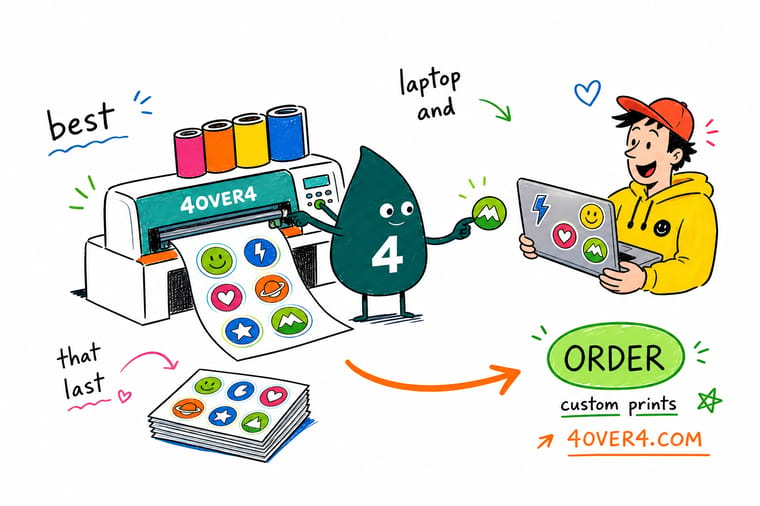
Not sure where to start? Choose vinyl film over paper for anything that lives on a computer, then pick removable adhesive if the machine belongs to work or school and permanent if the owner keeps it. Die-cut makes your logo silhouette the sticker, kiss-cut peels faster at a booth. Save the finish decision for last, since gloss, matte, holographic, and clear each change the message before anyone reads a word.
Design your vinyl stickers →Choosing Stickers That Survive the Laptop Lid
Keep reading
Sticker guides and honest comparisons
Deeper reading on decals, floor graphics, and how our stickers stack up elsewhere.
 Guide Vinyl Decals vs Stickers Which format fits your surface, size, and budget.
 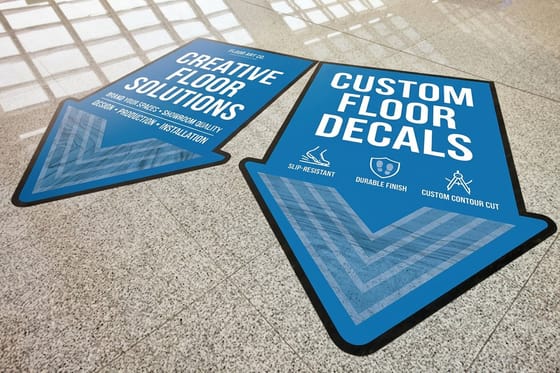 Guide Custom Floor Stickers Guide Heavy-duty vinyl for high traffic surfaces.
 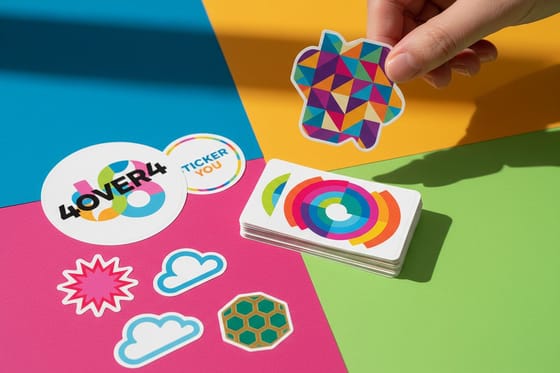 Alternative 4OVER4 vs StickerYou How the two compare on stock, cuts, and bulk pricing.
 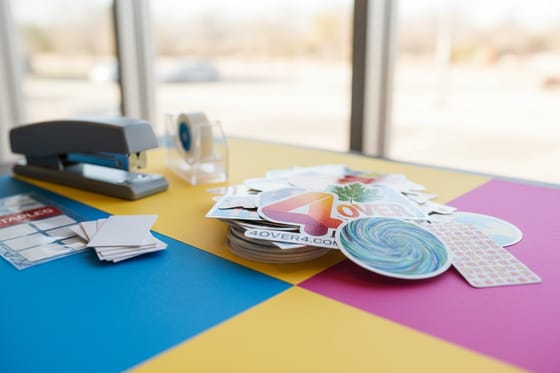 Alternative A Better Staples Sticker Option What changes when stickers are printed by a print shop.
 Explore more
More ways to put your brand on vinyl
Related pages across 4OVER4.COM, one card per direction you might take this.
 Article 5 Ways Custom Stickers Can Rebrand Your Business on a Budget 5 ways custom stickers rebrand your business on a small budget, covering packaging seals, window decals, lapto
  Collection Custom Printing Collection Custom stickers, decals, and everything else made to order.
  Product Vinyl Stickers The everyday laptop and bottle sticker, from $25.
  Product Vinyl Decals Larger graphics for monitors, glass, and equipment.
 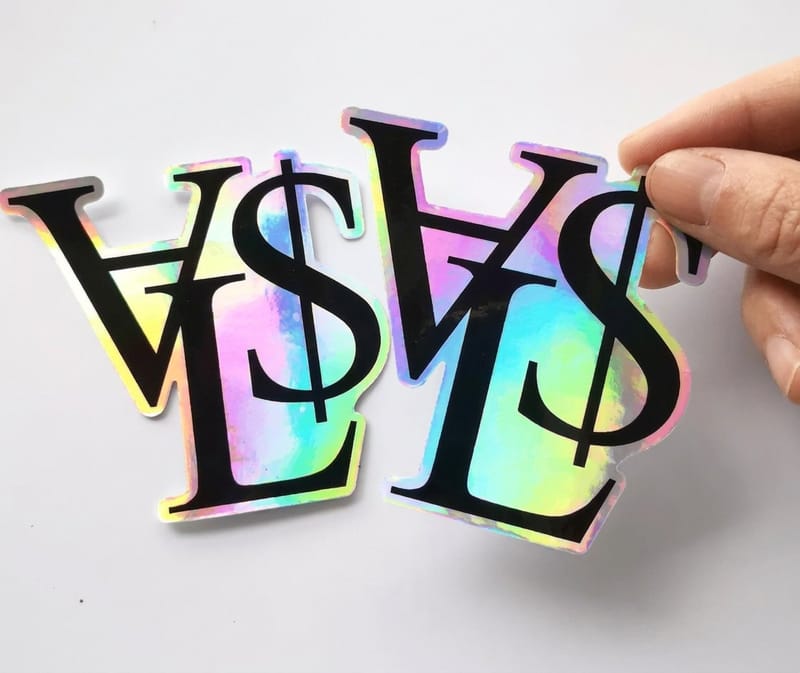 Product Custom Holographic Stickers Rainbow shift that changes with the viewing angle.
  Article Can You Iron Vinyl? How heat behaves on vinyl, and where it goes wrong.
 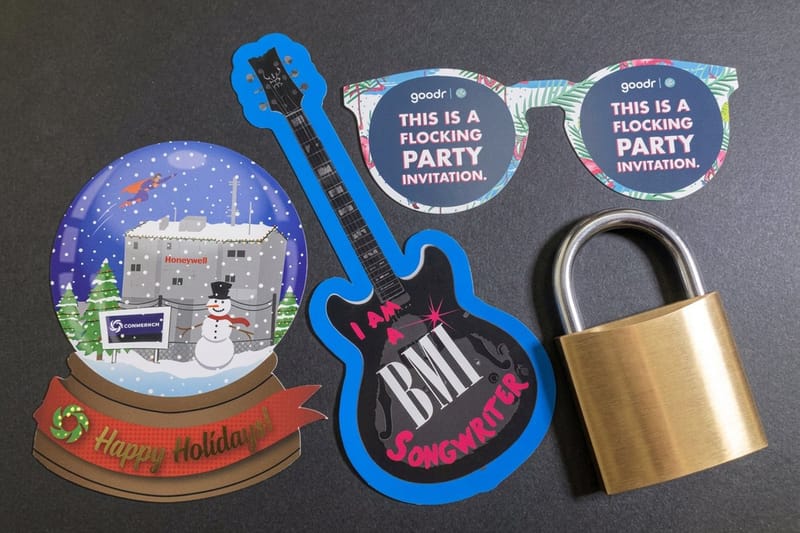 Article DIY Custom T-Shirts Vinyl on fabric without transfer paper.
 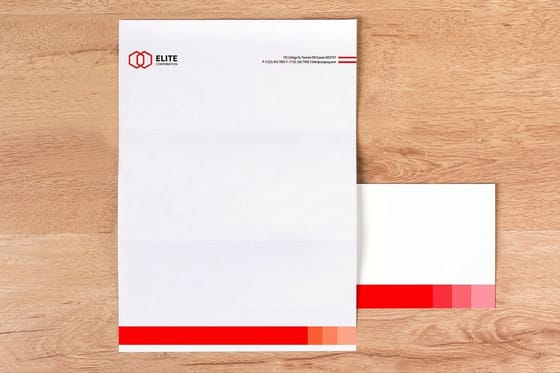 Article Custom Branded Office Supplies Put the same mark on the desk, not just the laptop.
 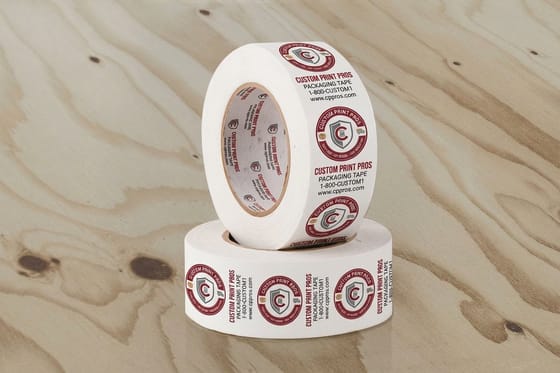 Article Custom Business Tape Brand the box before the sticker ever gets opened.
 Ready to print stickers people actually keep on their laptops?
Pick your size, choose removable or permanent adhesive, and upload your die line. Vinyl Stickers start at $25 and the cost per piece drops fast as the run grows.
Vinyl Computer Sticker FAQ
What is a vinyl computer sticker?
It is a sticker printed on flexible vinyl film rather than coated paper, cut to shape and backed with either removable or permanent adhesive. The film resists water, alcohol wipes, and the constant friction of a bag, which is why it holds up on a laptop lid where a paper label would curl. Sizes typically run one to five inches for computers. For the difference between stickers and larger applied graphics, see our vinyl decals vs stickers guide.
How do I choose the right vinyl computer stickers?
Work through four decisions in order. Pick vinyl film over paper for anything that lives on a computer. Pick removable adhesive if the machine belongs to an employer or school, permanent if the owner keeps it. Pick die-cut when you want your logo silhouette recognized, kiss-cut when people need to peel it quickly at an event. Then pick the finish, since gloss, matte, holographic, and clear each change what the same artwork signals.
What do vinyl computer stickers cost and how are prices set?
Vinyl Stickers start at $25, Vinyl Decals at $93.37, and Custom Holographic Stickers at $322.98. Price is driven by four inputs: quantity, finished size, the cut, and the material or finish you choose. Quantity moves the number most, because the setup work is the same whether you print one hundred or one thousand, so the cost per piece drops sharply as the run grows. Configure your exact size and quantity on the product page for live pricing.
What sizes, stocks, and finishes are available for vinyl computer stickers?
Stickers print on white vinyl, clear vinyl, and holographic film, in gloss or matte, with removable or permanent adhesive. Common computer sizes run from one inch accent marks up to five inch statement pieces, in circles, squares, rounded rectangles, and full custom die-cut shapes drawn to your artwork. Anything larger than about six inches is usually better ordered as a decal, which is engineered for big single graphics on glass and panels.
How long does printing and shipping take for vinyl computer stickers?
Turnaround depends on the product, quantity, and finish you select, and the exact production window appears in the configurator once your options are set. Specialty finishes such as holographic and custom die-cut shapes add production time compared with standard shapes on white vinyl. The safest approach is to fix your in-hand date first, then work backward through transit and production and place the order with a few days of margin.
