








Print File Setup Guides for Flawless Results

Latest Layout File Setup Guides

All Layout File Setup Guides

How to Convert Pantone (Spot) Color to CMYK in Illustrator

How to Convert Pantone (Spot) Color to CMYK in Illustrator

Convert Pantone and spot colors to CMYK in Adobe Illustrator step by step, watching the bright blues, greens and oranges that shift the most.

Tobias Reed
How to Convert Text to a Shape in Photoshop for Print-Ready Files

How to Convert Text to a Shape in Photoshop for Print-Ready Files

Convert text to shapes in Photoshop so letters become vector outlines and a missing font never breaks your layout on press, then upload for a file check.

Jordan Kim
How to Design an Envelope That Looks Professionally Printed

How to Design an Envelope That Looks Professionally Printed

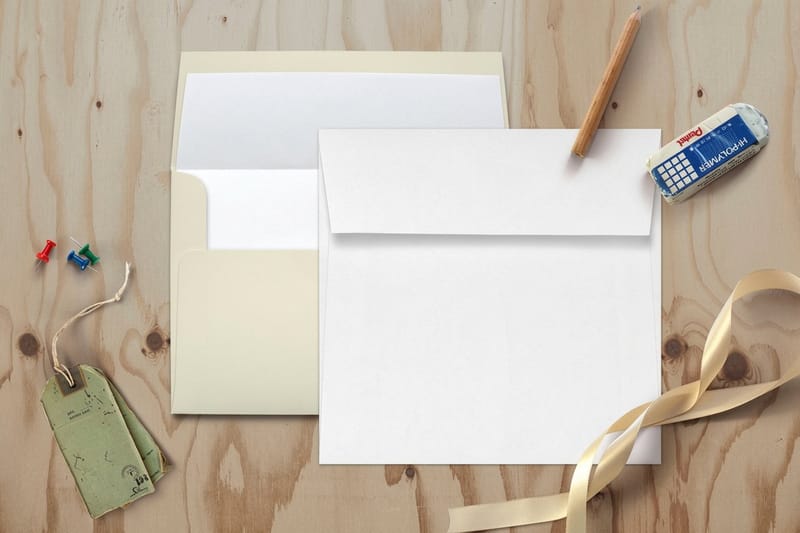
Envelope design basics, from sizes like #10 and A7 to the return address, bleed and safe zones, postal clear zones and letterhead you can match to it.

Sofia Ramirez
How to Export a Print-Ready PDF From Illustrator or InDesign

How to Export a Print-Ready PDF From Illustrator or InDesign

Export a print-ready PDF from Illustrator or InDesign with bleed, crop marks, CMYK and embedded fonts, then upload it to any 4OVER4 product page.

Sofia Ramirez
How to Make an Image Less Pixelated Before You Print

How to Make an Image Less Pixelated Before You Print

Fix blurry, pixelated images before you print (resolution, color mode, file type) so your posters, cards and stickers come out crisp at 4OVER4.

Emma Davis
How to Set Up White Ink Printing with Spot Colors in Adobe Illustrator

How to Set Up White Ink Printing with Spot Colors in Adobe Illustrator

Set up white ink spot colors in Adobe Illustrator with the right swatch naming and overprint, then order white ink, clear and spot UV products at 4OVER4.

Tobias Reed
How to Use Layout Templates in Illustrator for Print-Perfect Artwork

How to Use Layout Templates in Illustrator for Print-Perfect Artwork

How to use a locked layout template layer in Adobe Illustrator so your artwork lines up to trim, bleed and safe margins, then download templates and print.

Sofia Ramirez
Rich Black Explained and the CMYK Recipe for Deep Solid Blacks

Rich Black Explained and the CMYK Recipe for Deep Solid Blacks

What rich black is, the right CMYK recipe for deep solid blacks, when to use it, and the file setup that avoids muddy or off register prints, from 4OVER4.

Marcus Chen
Top 10 Print Errors and How to Prevent Them

Top 10 Print Errors and How to Prevent Them

The 10 most common printing errors (color, bleed, fonts, low-res) and how to avoid each, backed by 4OVER4's free proofs and reprint guarantee.

Emma Davis
How to Design the Back of a Postcard That Mails and Converts

How to Design the Back of a Postcard That Mails and Converts

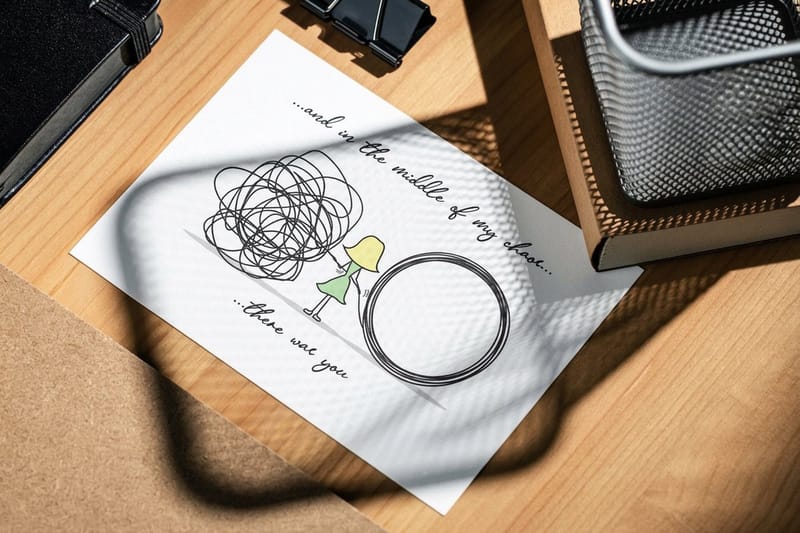
The back of a postcard splits in two, with the address, stamp and barcode zone on the right and your message and call to action on the left side.

Emma Davis
How the CMYK Color Bar Keeps Your Prints Color Accurate

How the CMYK Color Bar Keeps Your Prints Color Accurate

Learn what the CMYK color calibration bar on a press sheet does and how it keeps your prints color-accurate, then order color-true prints at 4OVER4.

Tobias Reed
What Is Color Management in Prepress?

What Is Color Management in Prepress?

What prepress color management is, the profiles and tools that keep a color consistent from screen to press, and the four file checks before you order.

Emma Davis
Sofia Ramirez
Sofia Ramirez Design & Templates Editor at 4OVER4.COM

Inside This Collection

These 42 guides handle the setup work that happens before a file reaches press: brand colors that survive the switch to CMYK, logo files that scale, and layouts built around a real trim size. Good places to start are Hand Lettering Tutorial With 20 Examples to Master Your Style, Best Color Profile for Printing and When to Use CMYK vs RGB and Logo Design Best Practices for Print-Ready Brand Identity.

Color and Layout Settings for Press

Pick brand colors on screen, then check them in CMYK before you lay out the page, since a pairing with strong contrast in RGB can flatten in four color ink. Set the document to the product's trim, extend backgrounds 0.125 inch into the bleed, and keep logos as vector art so they print sharp from a 2 x 3.5 inch business card to a 24 x 36 inch sign.

Standard Business Cards start at 100 for $17.57, Flyers at 50 for $39.54 and Postcards at 50 for $16.48, so a test run of a new layout costs little before you commit to a larger order.

Beyond This Section

Turn the theory into product at all printing categories. For adjacent topics, the guides hub lists every section like this one, and free business cards remain the zero-risk way to judge the print quality first.


Pick, Customize, Print Three steps from a ready template to a finished order, with a free 30-point file check before anything prints. Start With a Template →
FSC Certified Printer #C013635
G7 Certified Color Accuracy
25+ Years Since 1999
150,000+ Businesses Served