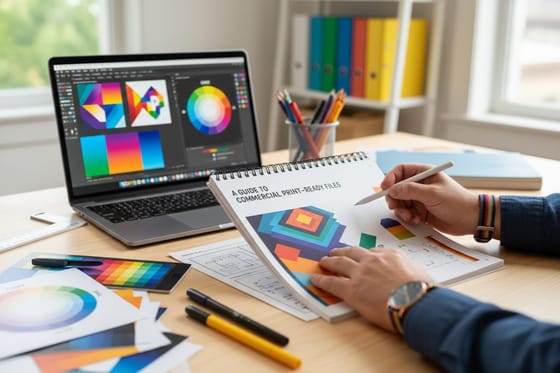



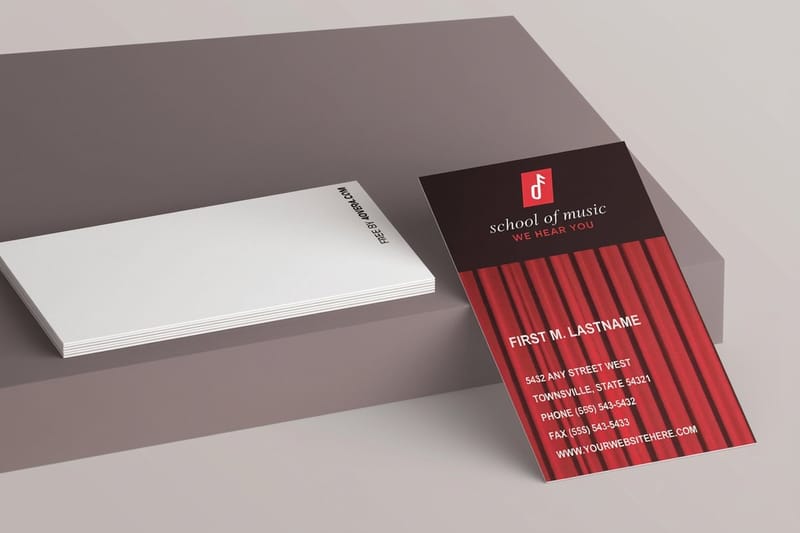
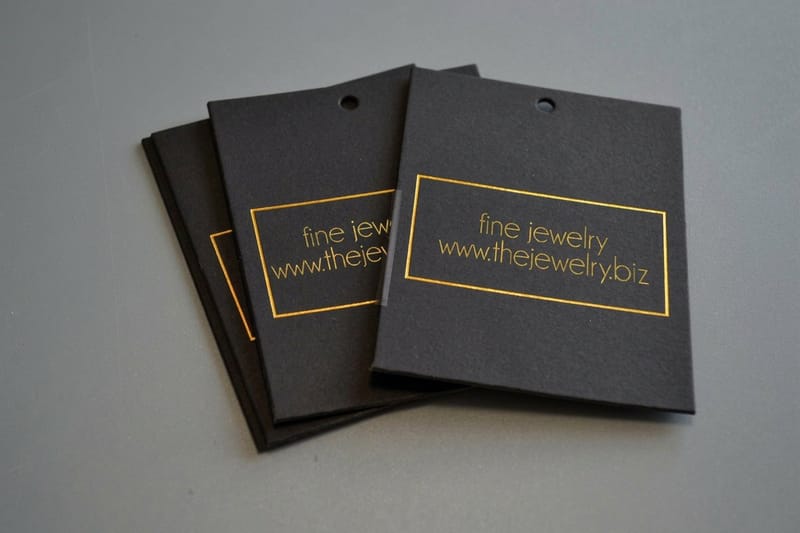


Most reprints happen because of a file, not a press, a missing bleed, low resolution, or artwork that runs off the trim. These guides cover DPI, bleeds, cut lines, and the print-ready checklist that gets your job approved on the very first proof.
A Print-Ready File Checklist
Before you upload, check five settings: the trim size matches the product you ordered, 0.125 inch of bleed runs past the trim on all sides, photos sit at 300 DPI at their printed size, the document is in CMYK, and the exported PDF embeds or outlines every font.
Small type needs its own check: the smallest font size guide sets the floor for fine print, and how to enlarge a photo for printing covers a low resolution image you cannot replace. For a starting file at the right size, use our blank templates.