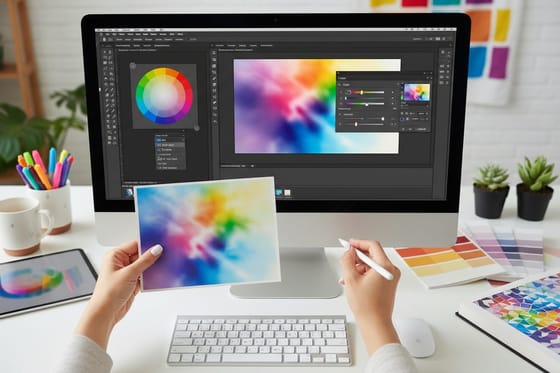



Whether you live in Photoshop, Illustrator, or Canva, getting a file print-ready comes down to a handful of moves the software won't make for you. These guides show the exact steps, color mode, resolution, export settings, to hand off a file that prints exactly as you designed it.
Setting Up the Document in Each App
In InDesign, set the trim size and 0.125 inch of bleed in the new document dialog, turn facing pages off for a single card, and export a PDF/X file. In Illustrator, convert text to outlines before you save so no font goes missing. In Photoshop, start the canvas at 300 PPI at print size and switch the color mode to CMYK before you place brand colors.
A folded card is a good first project: Greeting Cards print flat at 8.5 x 5.5 inches to fold to 4.25 x 5.5, or 10 x 7 to fold to 5 x 7, from 50 for $56.02. To skip desktop software, Canvs, our free online designer, starts each template at the product's print size.