
Best Color Profile for Printing and When to Use CMYK vs RGB


Screens show color in RGB light, presses print with CMYK ink. Convert every print file to CMYK, match the profile to your paper, and keep it at 300 DPI. Those three steps are what close the gap between your screen and the sheet.
The best color profile for printing in North America is US Web Coated SWOP v2 for coated stocks and US Web Uncoated v2 for uncoated stocks, both in CMYK at 300 DPI. RGB is built for screens and shifts on paper, so convert before you export and embed the profile in your PDF.
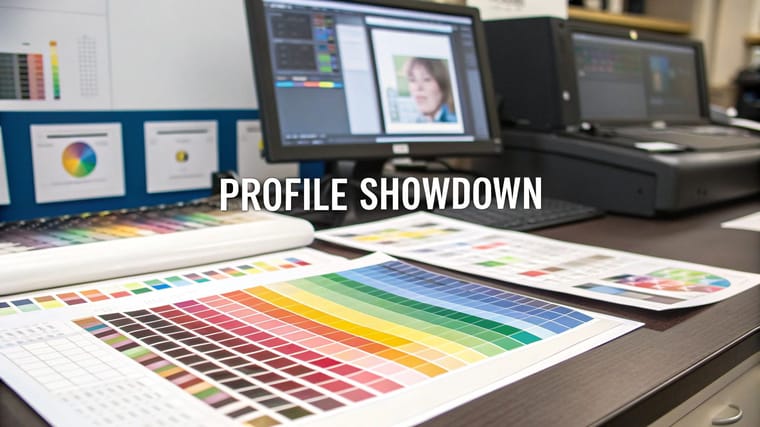
Quick tips
Quick tips for print-ready color
| Paper or product | CMYK profile | PDF preset | Resolution |
|---|---|---|---|
| Coated stock: gloss, silk, semi-gloss, spot UV | US Web Coated (SWOP) v2 | PDF/X-1a | 300 DPI at final size |
| Uncoated stock: kraft, linen, cotton, recycled | US Web Uncoated v2 | PDF/X-1a | 300 DPI at final size |
| Plastic cards | US Web Coated (SWOP) v2 | PDF/X-1a | 300 DPI at final size |
| Large format: banners, posters, signs | US Web Coated (SWOP) v2 | PDF/X-1a | 150 DPI at full print size |
| Metallic ink business cards: PMS 877 Silver or PMS 872 Gold | Spot channel named for the metallic ink, CMYK for the rest | PDF/X-4, spot channel preserved | 300 DPI at final size |
Soft-proof in your design app before you export. It catches most color shifts on screen. When a logo arrives as a spot color, follow how to convert Pantone (spot) color to CMYK in Illustrator.
Why your color profile choice determines print quality
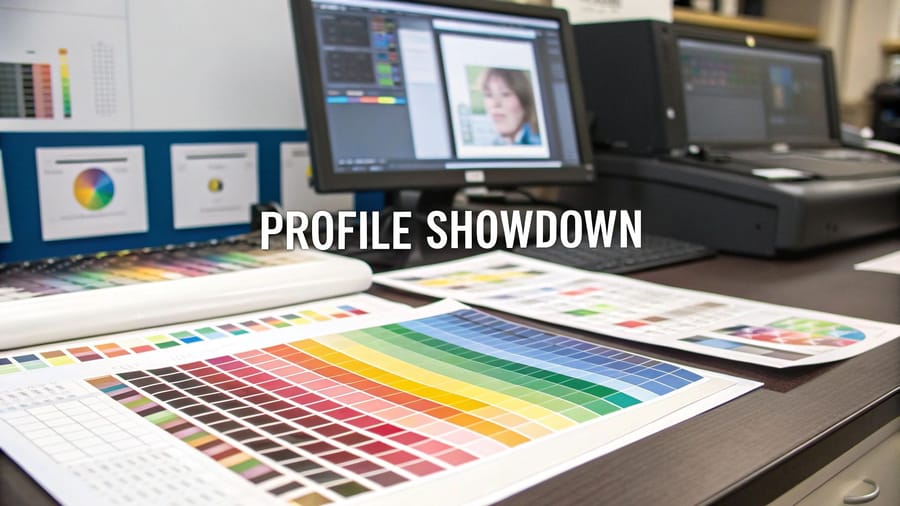
Color profiles act as translators between your screen and the printing press. Your monitor mixes red, green and blue light (RGB) across roughly 16.7 million colors. A press lays down cyan, magenta, yellow and black ink (CMYK) across around 16,000. Without the right translation, that electric blue on your screen prints as a muddy purple. That neon green comes out olive.
Bleed, safe margins and resolution come next in our Print File Setup Guides for Flawless Results.
What a color profile actually is
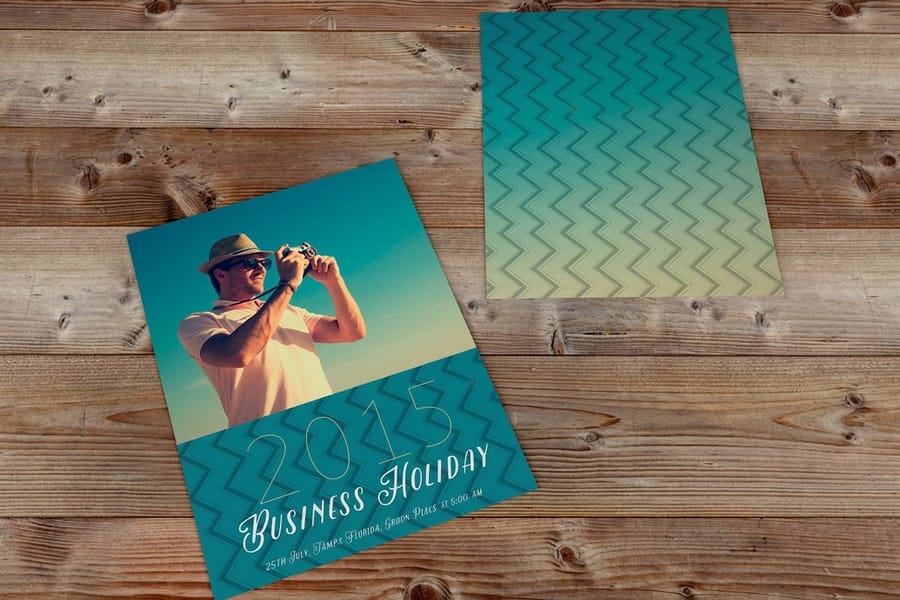
A color profile is a set of data, saved as an ICC file, that tells devices how to interpret and reproduce color. Think of it like a recipe. Your screen follows one recipe (RGB) to mix light and create colors. For print you pick a CMYK recipe matched to the paper. If you hand a printer the wrong recipe, the dish comes out wrong.
The International Color Consortium (ICC) created standardized profiles so different devices can agree on what a specific color looks like. When you embed an ICC profile in your file, you are giving the printer exact instructions. Skip this step and the printer guesses, and guessing leads to color shifts.
RGB vs CMYK, built for different jobs
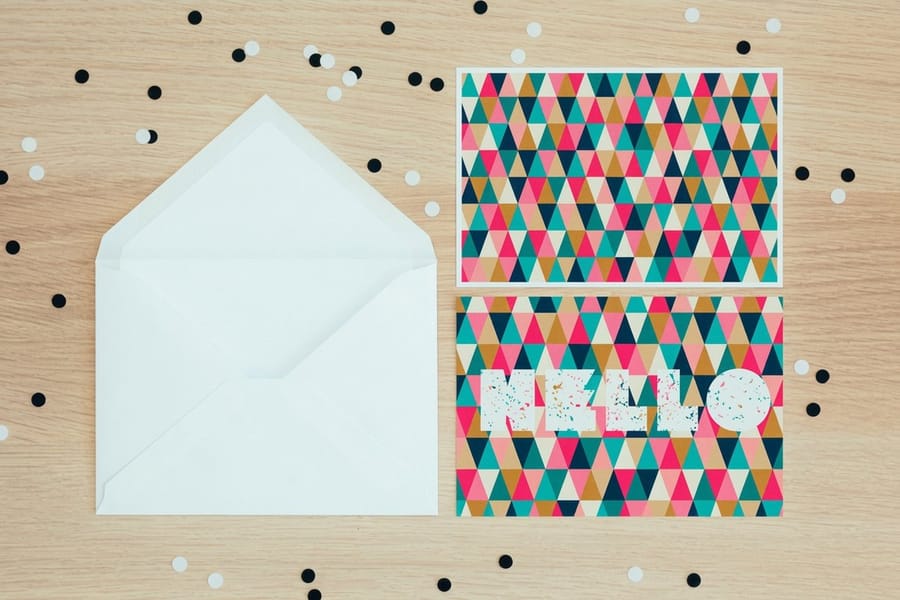
RGB stands for Red, Green, Blue. These three colors of light combine to create every color you see on monitors, phones, and tablets. RGB can produce roughly 16.7 million color combinations, a far wider range than any ink-on-paper process can replicate. The catch is that RGB includes colors like electric neon green and vivid cyan that physically cannot be reproduced with printing ink. Send an RGB file to a press and the software force-converts those out-of-range colors to the nearest CMYK equivalent, which is where dull, shifted color comes from.
Use RGB for anything staying on screen: websites, social media graphics, email headers, and digital presentations. If you are learning how to make flyers for digital distribution only, RGB works fine. The moment that file hits paper, switch to CMYK.
CMYK stands for Cyan, Magenta, Yellow, and Key (black). These four inks combine on paper to create the full spectrum of printed color, and every commercial offset and digital press uses it. The CMYK gamut is smaller than RGB, around 16,000 colors, but that is a strength for print work. When you design in CMYK from the start, what you see in your software closely matches what comes off the press, with no surprises.
Which CMYK profile to pick
The specific CMYK profile matters too. For most commercial printing in North America, use US Web Coated (SWOP) v2. This profile is calibrated for coated paper stocks, the glossy and semi-gloss finishes most business cards, brochures, and postcards use. For uncoated paper, use US Web Uncoated v2. Colors on uncoated stock absorb more ink and appear slightly muted, and this profile accounts for that.
SWOP v2 is our default for most print jobs across our 60+ paper types.
You will also see GRACoL 2013 offered in the same dropdown. GRACoL is the sheetfed profile, calibrated for commercial sheetfed presses rather than web offset, so it suits short-run premium work on heavy coated stock where the printer has told you the job runs sheetfed. If nobody has told you that, stay on SWOP v2. Fogra39 belongs to European presses and should not be used for a North American print run.
US Web Coated or US Sheetfed Coated for a magazine file

Photoshop's Convert to Profile list shows both US Web Coated (SWOP) v2 and US Sheetfed Coated v2. The web profiles describe web offset presses that print on paper fed from rolls. The sheetfed profiles describe presses that print on cut sheets. Each profile sets its own total ink limit and its own dot gain, so the same photo converts with different shadow depth and saturation.
For a magazine, use the profile the magazine or its printer names in the ad specs, and keep the file at 300 DPI. When the specs name no profile, ask before you convert. Pick the wrong one and your dark tones can fill in or print flat, and saturated colors shift away from the proof you approved on screen.
Pantone, when exact color is non-negotiable
The Pantone Matching System (PMS) uses pre-mixed spot colors. Instead of combining four inks to approximate a color, a Pantone color is a single, specific ink formula. This guarantees consistency across every print run, every printer, every time.
Brands like Coca-Cola, Tiffany, and UPS use Pantone colors for their logos. If your brand guidelines specify a Pantone number, use it for logo elements. For everything else on the page, photos, backgrounds, and gradients, CMYK handles the job, and most commercial print jobs combine Pantone spot colors with CMYK process printing.
On our menu, the spot inks are PMS 877 Silver and PMS 872 Gold on metallic ink business cards. Every other product prints CMYK, so convert a brand Pantone to its closest CMYK build before you upload. Browse the guide hub for more detail on when spot colors make sense.
Setting up the right profile in your design software
Adobe Photoshop
Go to Edit then Color Settings. Under Working Spaces, set CMYK to US Web Coated (SWOP) v2 and set RGB to sRGB IEC61966-2.1 so your screen preview stays accurate. Under Color Management Policies, set CMYK to Preserve Embedded Profiles, then click OK. When creating a new document for print, go to File then New and select CMYK Color as the Color Mode at 300 DPI. That combination is the foundation of every print-ready file.
Adobe Illustrator
Same path, Edit then Color Settings, and match the CMYK working space to US Web Coated (SWOP) v2. When creating new documents, choose Print from the profile presets and Illustrator sets CMYK and the correct resolution for you. If you are designing envelopes or magnets, the same profile applies, and our guides on how to make envelopes and custom magnets cover file setup in detail.
Adobe InDesign
Go to Edit then Color Settings and select North America Prepress 2 from the Settings dropdown. This configures CMYK to SWOP v2 and RGB to Adobe RGB (1998). When exporting to PDF, use the PDF/X-1a preset, which flattens transparency and embeds the CMYK profile.
Canva and free tools
Canva Pro exports in CMYK: go to Share then Download, select PDF Print, and check Flatten PDF and CMYK color profile. Free Canva only exports RGB, so you will need to convert afterward. 4OVER4.COM's Online Designer handles color conversion on the backend, so you do not need manual profile setup when designing directly on the platform.
Converting RGB files to CMYK without wrecking the color

Already designed in RGB? Do not panic, you can convert, but do it carefully. In Photoshop, go to Image then Mode then CMYK Color, and Photoshop converts using your working space profile. Some colors will shift. Bright blues get duller and vivid greens lose saturation. This is normal, because those RGB colors were outside CMYK's printable range.
After converting, review every element and adjust saturation and brightness where needed. Blues and purples shift the most, often appearing more muted or slightly red. Bright neon and lime greens have no CMYK equivalent and appear darker. Smooth RGB gradients can show banding, so add a touch of noise to prevent it. Photographs usually convert well, though skin tones may need minor correction, and brand logos should be checked against your brand guidelines after conversion.
A pro tip: design in CMYK from the start. Converting after the fact always involves compromise, but when you begin in CMYK you are working within the printable range from minute one.
Color profile settings for specific products

Different print products have different needs. Business cards on coated 30mil clear plastic cards need different consideration than a half fold brochure on 70# uncoated text: the clear cards print CMYK plus a white ink layer (5/0 or 5/5), so build a white channel under any color that has to stay opaque.
Colors appear more vivid on coated papers because ink sits on top of the surface. On uncoated and textured papers the ink soaks in and reads softer, so bump up saturation slightly in your design to compensate.
For brochures with folds, our guide on how to fold a brochure covers layout tips that work hand in hand with proper color profile setup.
Set the profile per product before you upload: postcards and standard business cards print on coated stock by default, while brochures are ordered on both. If you are unsure what happens to a file you already exported, read can I send an RGB file for printing and can you match PMS and CMYK colors in the help center.
Resolution and color depth, the other half of the equation
300 DPI is the minimum for print. Anything lower and you will see pixelation, soft edges, and fuzzy text. Your color profile can be perfect, but if your resolution is 72 DPI (screen resolution), the print will look terrible.
Color depth matters too. Work in 8-bit color for most print projects. 16-bit gives you more editing flexibility in Photoshop but produces larger files. When you export your final print-ready PDF, 8-bit CMYK at 300 DPI is the sweet spot.
Ready to start clean? These blank templates come set up so your next project begins with the correct color profile already configured: carbonless forms and large format posters.
Color profile mistakes that ruin print jobs

Even experienced designers slip up with color profiles. These five cause most color complaints.
- Designing in RGB and never converting. Your screen looks perfect and your print looks washed out, so always check your color mode before exporting.
- Using the wrong CMYK profile. There are dozens of them. A European profile like Fogra39 on a North American press produces different results, so stick with US Web Coated (SWOP) v2 unless told otherwise.
- Setting black as RGB (0,0,0) instead of rich black. In CMYK, use C:40 M:30 Y:30 K:100 for deep, rich black on large areas. Pure K:100 can look washed out or show streaks.
- Ignoring soft proofing. Most design apps preview how CMYK will look on screen. Use View then Proof Colors in Photoshop to catch issues before ordering.
- Forgetting to embed the profile in the exported PDF. An untagged PDF forces the printer's software to guess your color intent, so always embed.
When you are ready to test your setup, a free business cards order is the fastest way to see how CMYK translates to paper. Watch the free business cards video before you place that order. For a logo palette to test, start from 10 logo color combinations that work for small businesses, and note that standard labels come in five stocks from uncoated to clear, so match the coated or uncoated profile to the one you pick.
Wally explains print color
What you see on screen is not always what prints
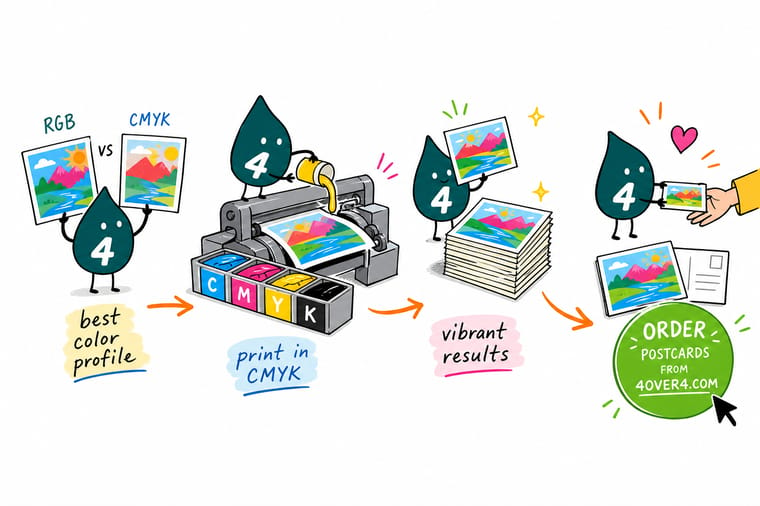
Wally thinks of RGB and CMYK like two languages. Your screen speaks in light, the press speaks in ink, and the color profile is the translator between them. Convert to CMYK before you print, match the profile to your paper, keep the file at 300 DPI, and the colors you designed are the colors that land on the page. Skip the translation and bright blues turn muddy. Get it right and your print looks exactly like your screen.
Order postcards →
Specs and pricing
Postcard specs and pricing at 4OVER4
Postcards are photographic and color-critical, which makes them a good test of a clean CMYK file. Sizes run from 2.5 x 2.5 to 6 x 11 inches. Use US Web Coated (SWOP) v2 for 14pt Gloss Cover or 100# Silk/Matte Cover, and US Web Uncoated v2 for 14pt White Linen or 18pt Uncoated Cover. The live specs and price per unit below come straight from the configurator.

| Quantity | Price Per Unit | Total |
|---|---|---|
| 50 | 33.0¢ | $16.48 |
| 100 | 24.2¢ | $24.16 |
| 200 | 15.9¢ | $31.86 |
| 300 | 12.8¢ | $38.45 |
| 400 | 11.3¢ | $45.04 |
| 500 | 10.3¢ | $51.62 |
| 600 | 9.89¢ | $59.31 |
| 700 | 9.57¢ | $67.00 |
Postcards, brochures, premium cards
Color-critical print, done right at 4OVER4


See it in use
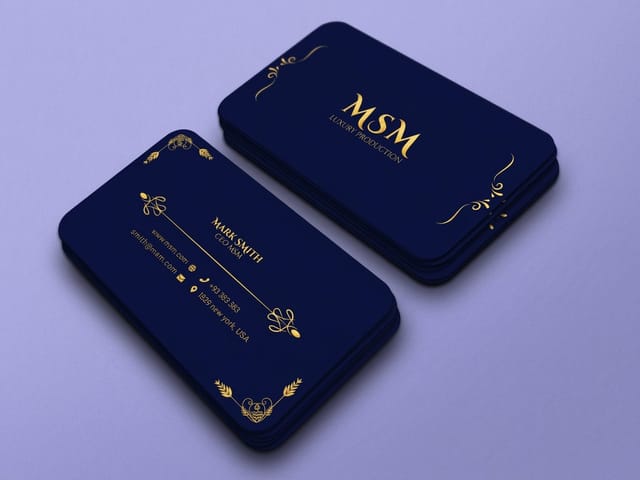
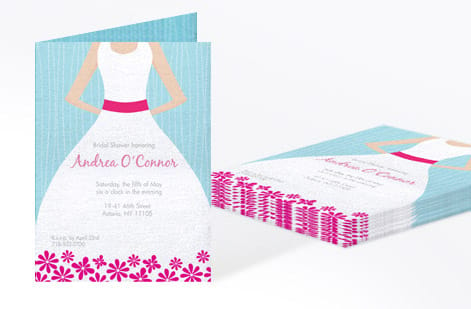
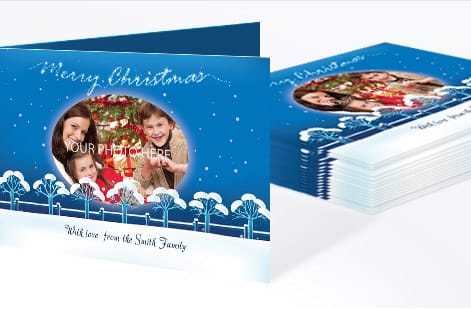
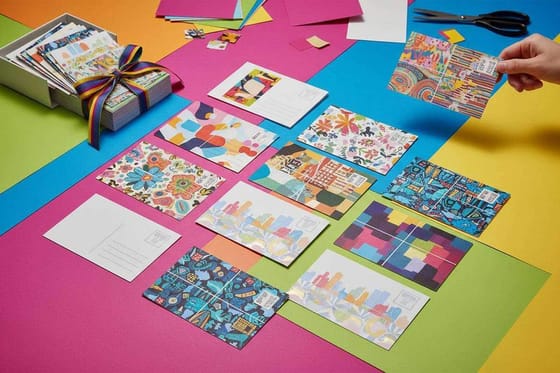
Full color postcards printed from customer files






Explore more
Where to go next




By the numbers
Ten billion cards through the same color process
Common Questions
Common questions about choosing color profiles for print
What is the best color profile for printing business cards?
The coated profile covers the gloss and High Gloss UV cards, and the uncoated one covers kraft, linen, cotton and uncoated cover cards. Check which group your stock sits in before you convert, because the same build prints darker on uncoated board.
Can I print an RGB file, or do I have to convert to CMYK?
You can submit an RGB file and the press will auto-convert it, but you will not control how colors shift during that conversion. Bright blues, greens, and purples lose vibrancy. Converting to CMYK yourself lets you adjust colors before printing so the final product matches your vision.
Why do my prints look different from my screen?
Screens use light (RGB) to display color while printers use ink (CMYK), and these two systems have different color ranges. A calibrated monitor helps, but the best solution is designing in CMYK from the start and using soft proofing in your design software to preview how colors will print.
What's the difference between US Web Coated SWOP v2 and other CMYK profiles?
SWOP v2 is calibrated for web offset printing on coated paper in North America. Other profiles like Fogra39 are European standards, and GRACoL is optimized for commercial sheetfed presses. For most 4OVER4.COM products, SWOP v2 produces the most accurate and consistent results.
Do I need Pantone colors for my print project?
Only if your brand guidelines require an exact ink match. At 4OVER4.COM the spot inks on offer are PMS 877 Silver and PMS 872 Gold on metallic ink business cards; flyers, postcards and other cards print CMYK, so convert the Pantone to a CMYK build.
What resolution should I use alongside my color profile?
Use 300 DPI at final size for cards, postcards and brochures, and 150 DPI at full print size for banners and posters, as the quick tips table shows. Export as PDF/X-1a.
Get Started
Order 50 brochures on 100# Gloss Text for $57.11
Set your file to CMYK, upload it, and we print sharp, accurate color on your choice of 60+ paper stocks.
Legal Disclaimer
Gold Standard guarantees apply to all standard orders placed through 4over4.com. Price match requires verifiable proof of a competitor's published price for an equivalent product with matching specifications and turnaround time. Satisfaction guarantee covers manufacturing defects and print quality issues. Contact support with order number and documentation.
