All Guides
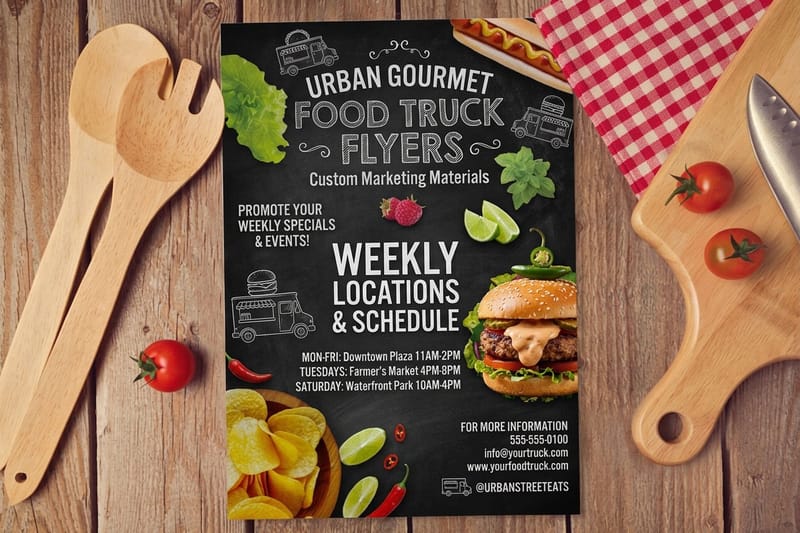
How to Order Custom Sandwich Wrap Paper for a Deli or Food Truck
Which grease-resistant stock to specify, the sheet sizes delis use, and how to brand sandwich wrap with labels or sleeves instead of a big minimum.
Order Custom Sized Cardboard Boxes Built to Your Exact Dimensions
Order custom sized cardboard boxes by entering inside length, width and height, with board grades, clearance, minimums and right-sizing explained.

How to Order Customizable Gift Bags That Fit, Hold and Print Right
How to order customizable gift bags: size from the gift, kraft or laminated finish, handle strength, the three zones that never print and tissue.
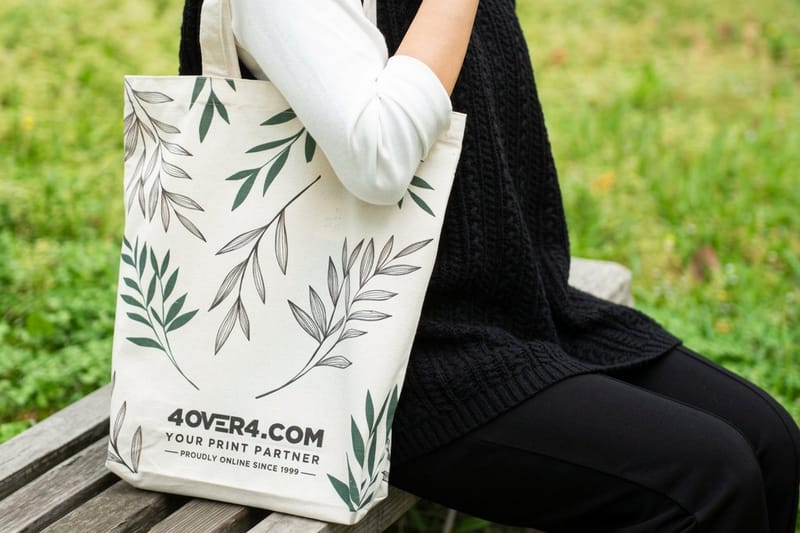
How Custom Plastic Bags Are Printed and the Reusable Bags That Replace Them
How plastic bags are printed with flexo, screen and gravure, why the film is corona treated first, and the reusable totes and kraft bags that replace them.
How to Reuse and Recycle Packaging Boxes, Pouches and Inserts
Which packaging boxes, pouches and inserts to reuse, which to recycle, how to sort each material, and how to design a box that earns a second life.
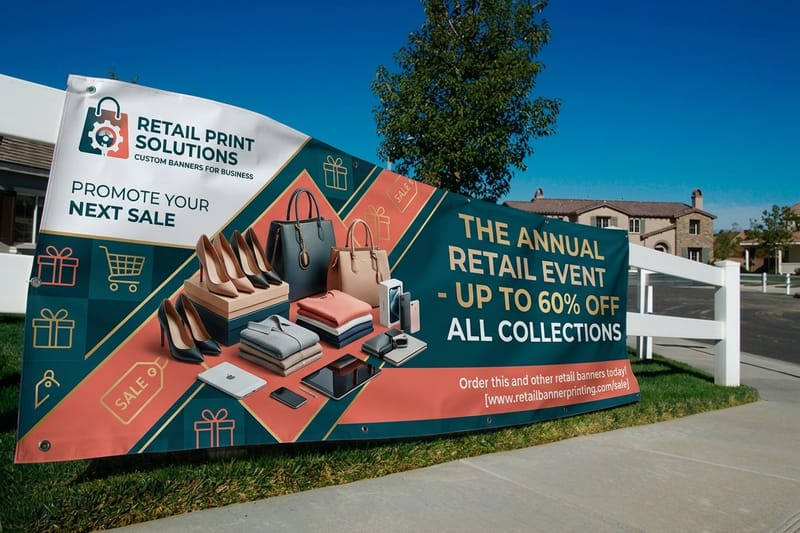
Minimalist Packaging Benefits for Your Brand and the Planet
How minimalist packaging cuts components, print runs and shipping weight, where a plain box loses on a retail shelf, and the rules that keep it sharp.
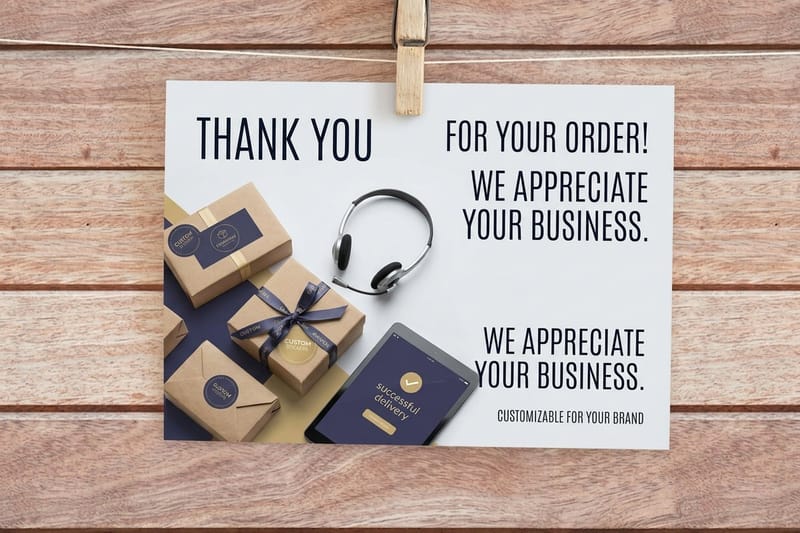
What Ecommerce Brands Print and How to Source the Whole Stack in One Order
The five print pieces an ecommerce brand ships with, from mailer boxes and packaging labels to tissue, tape and thank you cards, with real starting prices.
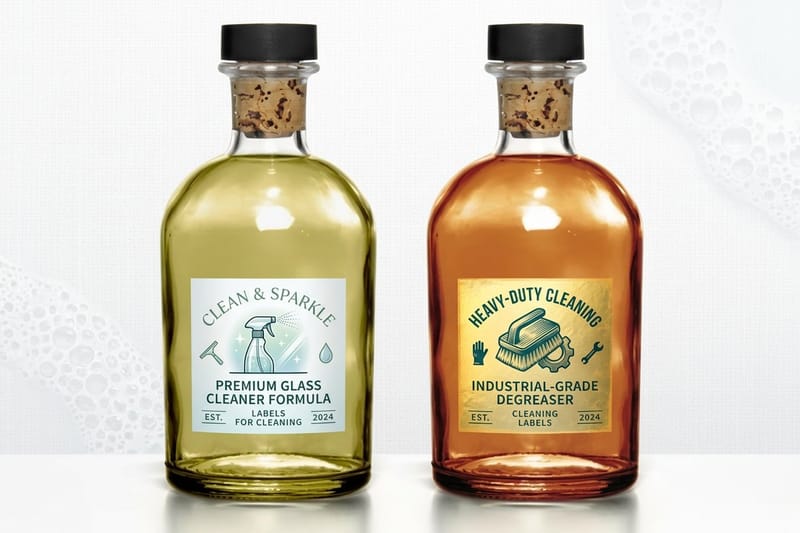
Product Certification Marks for Packaging and What Each One Means
What each certification mark on packaging means, which seals you must be licensed to print, and where every mark legally belongs on a label or carton.
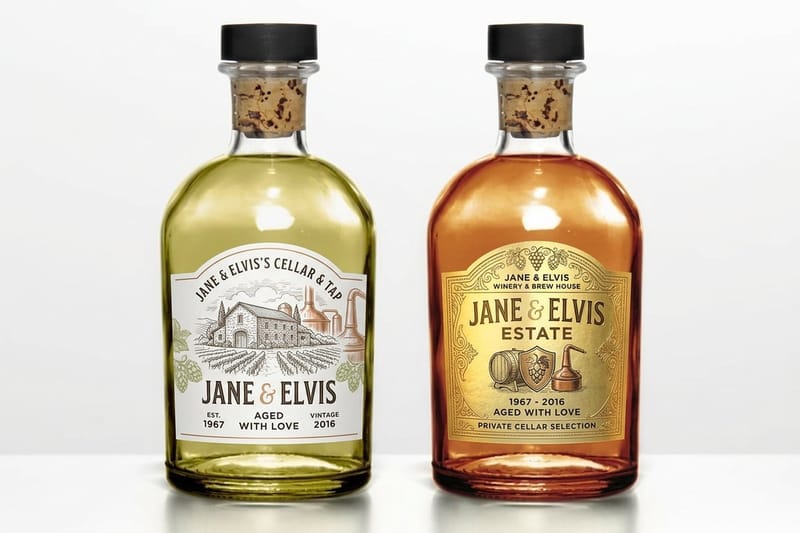
Pouch Bag Printing and Stand Up Pouches Explained
How stand up pouches are built, which barrier suits coffee, snacks or refills, how sizes are quoted, and where printed labels beat a custom pouch run.
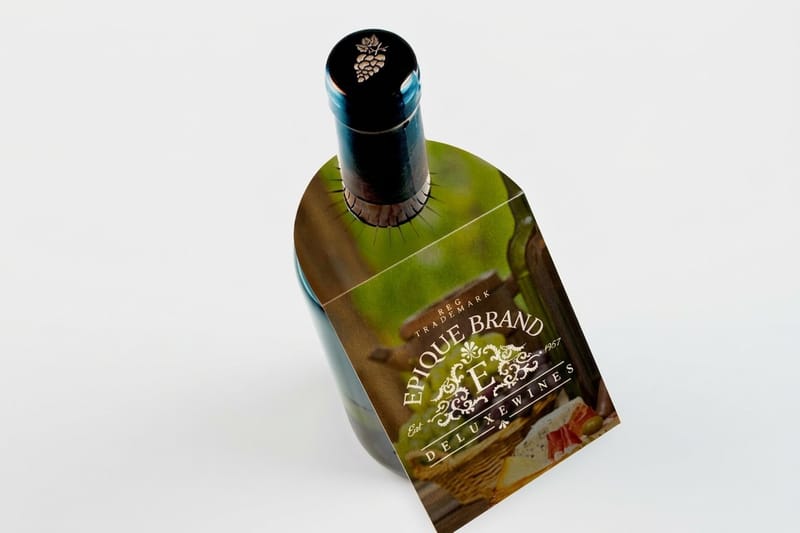
Custom Wine Packaging That Sells the Bottle Before It Is Opened
Wine packaging that fits the bottle: a 3.23 in box around a 3 in bottle, label stocks that survive an ice bucket, neck tags and tissue, with real prices.
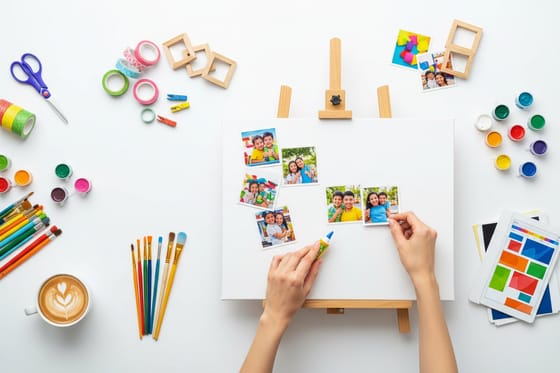
Canvas Photo Collage, 4 Tips to Make a Photo Canvas the Easy Way
Turn digital photos into a canvas photo collage the easy way, with 4 tips for choosing a layout, prepping photos and printing a canvas that lasts.
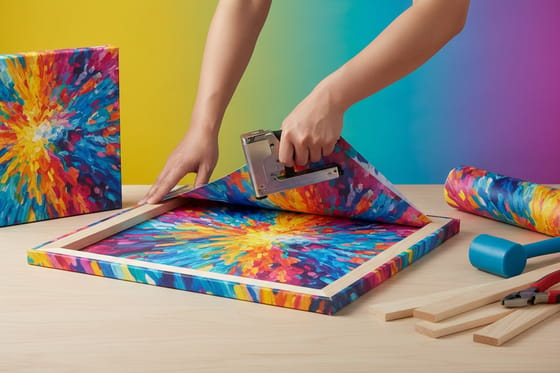
Wrapped Canvas Prints Explained from Gallery Wrap to Stretched Canvas
Wrapped canvas explained: what a gallery wrap is, how it differs from stretched canvas, edge and depth options, sizes, and fast turnaround from 4OVER4.