All Guides
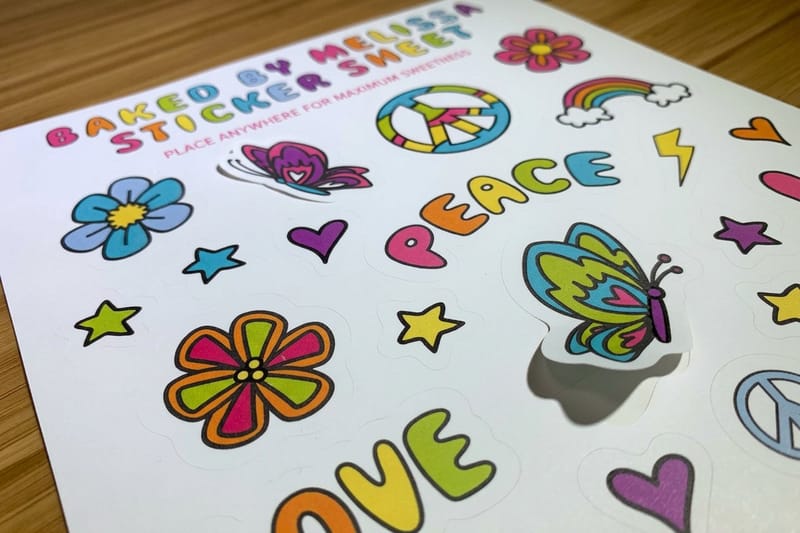
How to Make Your Own Sticker Book
Make your own sticker book step by step with custom sticker sheets, a repositionable backing and a bound booklet, then print both at 4OVER4.

How To Market New Construction Homes
Market new construction homes with layered print: sign the site, mail the blocks around it, hand buyers a brochure, and funnel all to the model home.
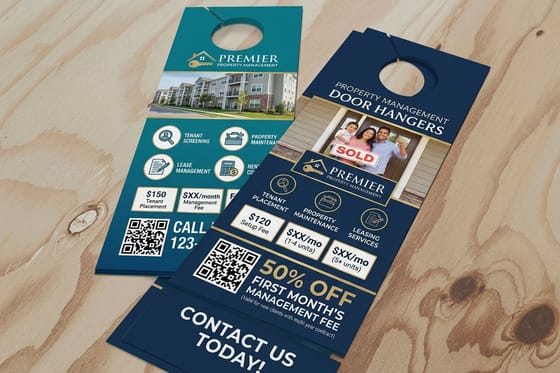
How to Market to Apartment Renters With Direct Mail
Reach apartment renters with door hangers on every unit and EDDM postcards by route instead of buying mailing lists, then print and mail at 4OVER4.
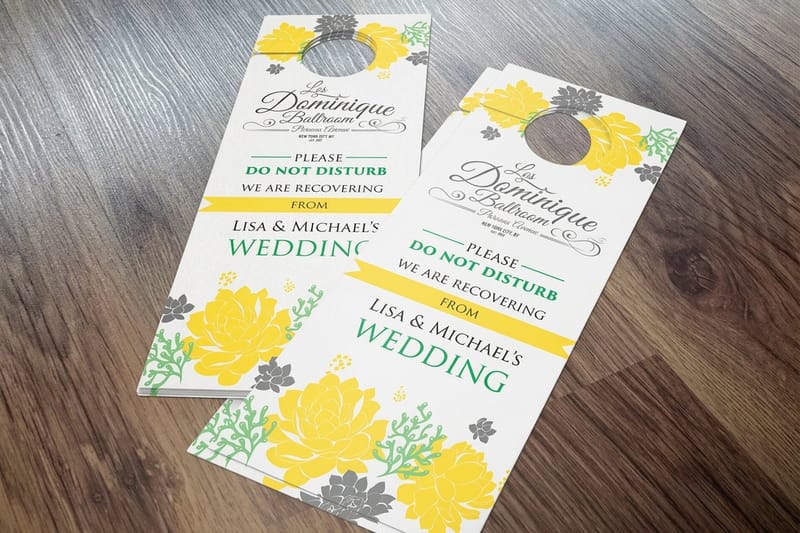
How to Market to Budget-Conscious Consumers With 8 Value-Driven Strategies
Budget-conscious consumers are most households, so lead with a real number, keep the design simple, and reach them with postcards and door hangers.

How to Market Yourself as a New Real Estate Agent
Lead generation tactics for a new real estate agent, each tied to a printed piece, from business cards to farm postcards and weatherproof yard signs.
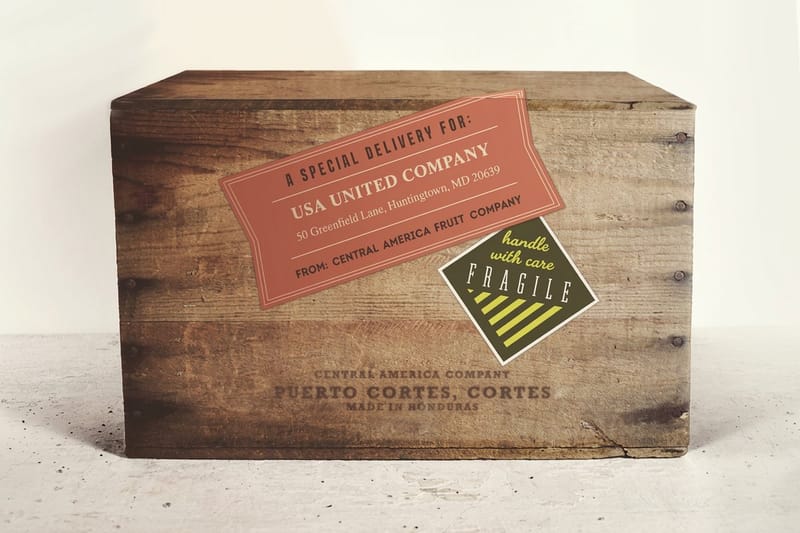
How to Measure a Box for Shipping
How to measure a box for shipping by length, width and height, inside vs outside, and dimensional weight, then order custom shipping boxes from 4OVER4.
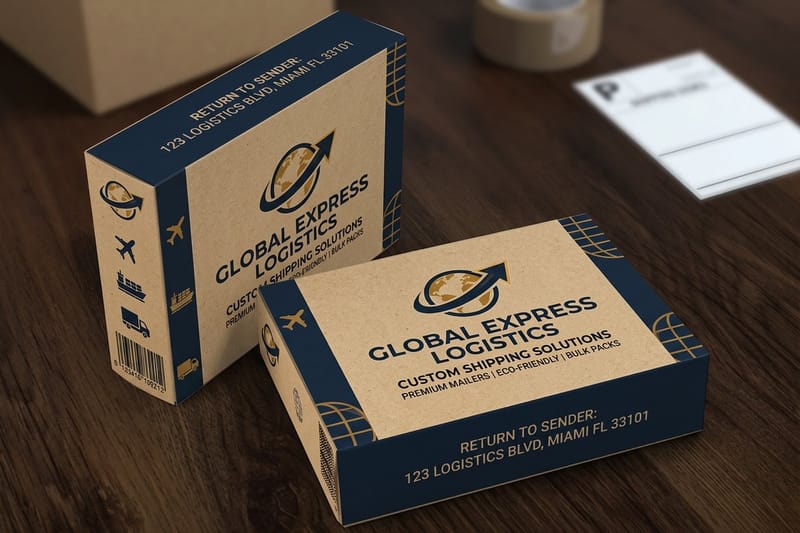
How to Measure the Girth of a Box: Step-by-Step
Learn how to measure box girth for shipping with a simple formula and examples, so you avoid oversize fees, then print custom boxes with 4OVER4.
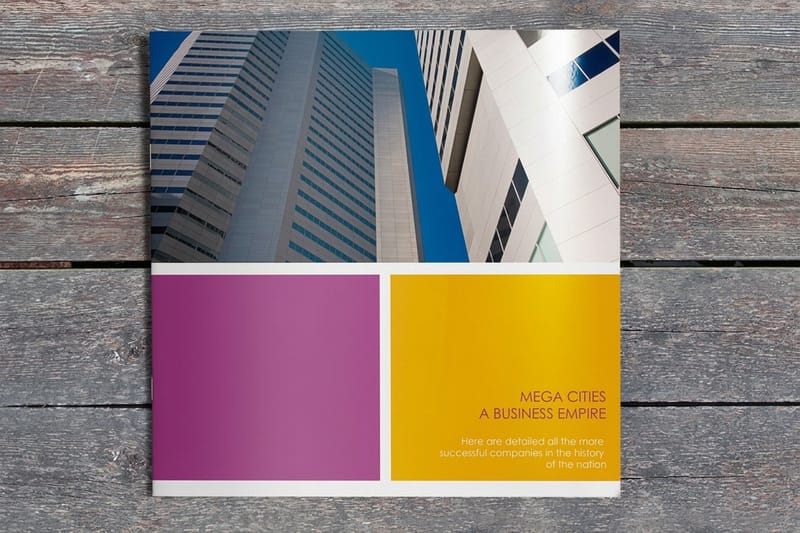
How to Order Booklet Printing
How to order booklet printing: choose the size, count pages to a valid total, pick saddle stitch or perfect binding, then set up files and quantity.
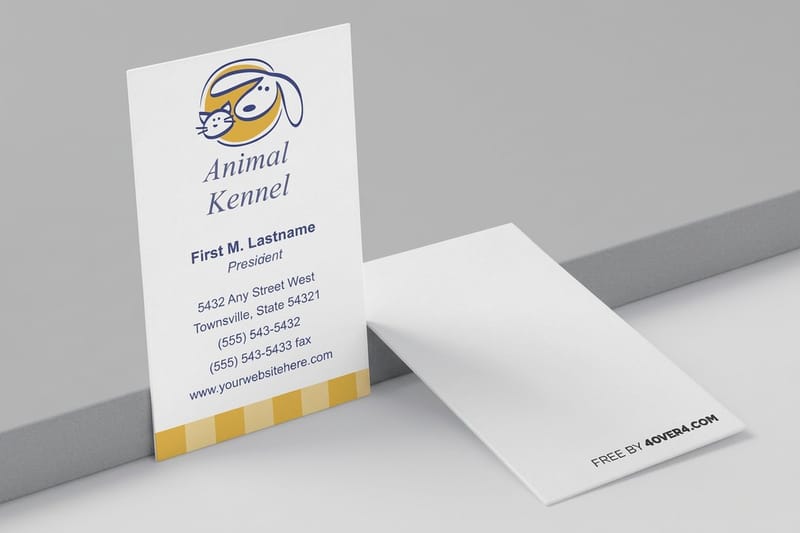
How to Order Custom Business Cards Online
How to order business cards online: pick size, stock and finish, upload your design, run the free file check and proof every line before you order.

How to Order Custom Packing Tape
Custom packing tape options, poly or kraft paper, widths and branding for shipping and unboxing, then order custom printed packaging tape at 4OVER4.
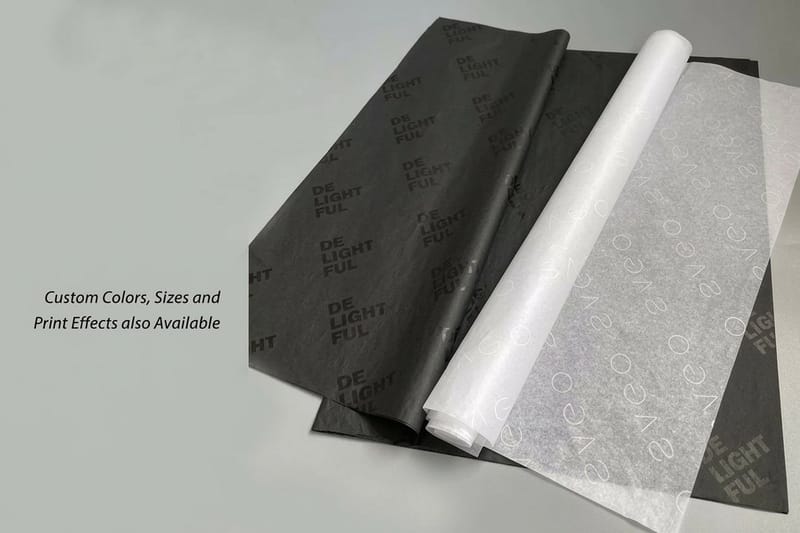
How to Order Custom Paper Bags for Retail and Gifting
Custom paper bag options for retail and gifting, from kraft and sizes to handle types and printing, then order the bags with matching tissue and tape.

How to Order Custom Printed Boxes
Box styles, sizes and materials for custom printed boxes, including mailer, tuck-top, pillow and cube styles, plus artwork setup, then order at 4OVER4.