
How to Design a Giant Poster That Stays Sharp at Full Size


Tobias is our voice for cutting, binding and large format, built from the knowledge of our production team, with over 20 years in printing.
Scaling a design up to 3 feet or 8 feet changes the resolution you need, the software you can use, and the material the job belongs on. Here is the math and the file setup.
A giant poster does not need 300 DPI. Set the resolution from the viewing distance at final size: about 150 DPI at 3 to 5 feet, 100 DPI at 6 to 10 feet, and 60 DPI beyond 15 feet. Draw everything you can as vector, because vector has no size limit at all. When the canvas will not stretch far enough, build at quarter or tenth scale and multiply your document DPI by the same factor. Then match the material to the place: poster paper indoors, scrim vinyl anywhere weather can reach it.
Quick answer
Distance sets the resolution, and vector ignores size entirely
Measure the resolution at the finished size, not on the file you started from. A poster read from 6 feet holds up at 100 DPI, which is 3,600 by 2,400 pixels across 36 by 24 inches. Keep logos and type as vector so they scale without cost, and reserve your pixel budget for photographs. If the software will not open a canvas that big, work at quarter or tenth scale and raise the document DPI by the same factor. Choose paper for indoors and scrim vinyl for anything outdoors, then plan 0.25 inch of bleed and a generous safe margin before you place a single word.
What Counts as Giant, and What It Should Print On
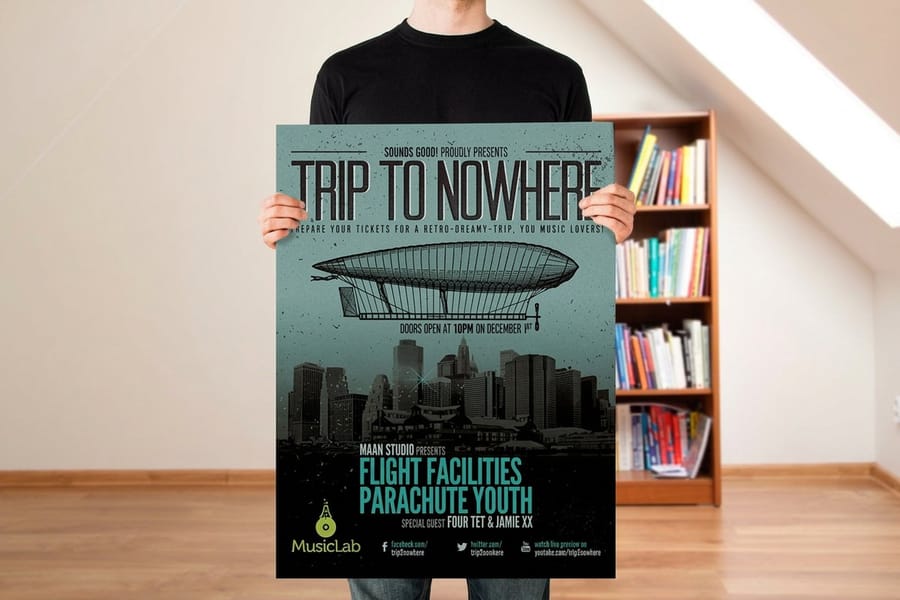
Nobody agrees on where a poster stops being a poster, but the practical line sits around 24 by 36 inches. Below that you are still in small format territory and a desktop file will do. Above it, the material decides more than the design does.
Start from where the piece will live, then pick the substrate, then design. That order saves the reprint. A 36 by 48 inch sheet of poster paper is beautiful on a lobby wall and useless on a chain link fence.
| Material | Common giant sizes | Where it belongs | Starts at |
|---|---|---|---|
| Large format poster paper | 24 x 36, 27 x 40, 36 x 48 | Indoor walls, lobbies, retail windows. Ships rolled or flat. | $25 |
| Mounted poster | 24 x 36, 30 x 40 | Easels and trade show stands, anywhere it has to stand up by itself. | $39.99 |
| Foam core panel | Cut to the size you specify | Rigid indoor signage that gets carried from room to room. | $49.99 |
| Vinyl banner | 3 x 6 ft, 4 x 8 ft and larger | Outdoors. Weather, wind, fences and building faces. | $79 |
| Framed poster | 24 x 36 | Permanent placement in a hallway or reception area. | $87.86 |
Two notes on that table. Large format posters are the cheapest way to get big, because a single sheet comes off a wide format roll with no press setup at all. Standard posters run on press instead and start at $108.75, which only makes sense once you need a stack of the same design rather than one wall piece. If the poster has to stand on an easel, order it as mounted posters rather than trying to glue a flat sheet to board yourself, because a hand mount traps air bubbles that show under gallery lighting. For the full range of substrates, the large format printing category lists what each one is built to survive.
For a large poster design, the configurator sets the limits. Large format posters come in thirteen sizes from 11 x 17 to 48 x 96 inches, or any size up to 48 x 96, on 10mil semi gloss or hi gloss paper, 32 lb uncoated, canvas, blockout vinyl, adhesive vinyl, backlit film or weatherproof polypropylene, with 3 mil gloss or matte lamination on one side or both. You can order a single poster, with 2 business days of standard production. Mounted posters go up to 40 x 60 inches on 3/16 inch white or black foam core.
The Resolution Math, and Why 300 DPI Is the Wrong Target Here
The 300 DPI habit comes from small format work, where the piece is held at arm's length. A giant poster is not held. It is read from across a room, and the eye stops resolving detail long before 300 DPI.
Human acuity is roughly one sixtieth of a degree. Run that through the geometry and at 3 feet the smallest visible detail is about a hundredth of an inch, and at 12 feet it is about a twenty fourth of an inch. That puts the theoretical floor near 95 DPI at 3 feet and near 25 DPI at 12 feet. Real jobs sit above the floor, because gradients, thin type edges and halftone dots want headroom, but not four times above it.
| Viewing distance | DPI at final size | Pixels for a 36 x 24 in poster |
|---|---|---|
| Under 2 ft | 200 to 300 | 10,800 x 7,200 |
| 3 to 5 ft | 150 | 5,400 x 3,600 |
| 6 to 10 ft | 100 | 3,600 x 2,400 |
| 15 ft and beyond | 60 | 2,160 x 1,440 |
The column that matters is the third one. A 12 megapixel phone photograph is 4,032 by 3,024 pixels, which lands at 112 DPI across a 36 by 24 inch poster. That is enough for a wall piece somebody reads from 6 feet, and it is nowhere near enough for a poster people walk up to and study. Check the image at 100 percent on screen before you decide, because that view is close to what the printed sheet will show.
So 300 DPI poster printing only pays for a piece read from under 2 feet. When you order, upload one PDF at the final size, at the DPI the table gives for your viewing distance, with vector type left live, and pick the size, the stock and any lamination on the product page; large format posters start from a single sheet.
One thing the table cannot tell you: a photograph and a flat graphic fail differently. Flat color and vector type look clean even at low DPI. Photographs go soft, and heavily processed phone images go blotchy in skies and shadows before they go soft. Our image resolution guide covers how to judge a source file, and what DPI actually measures explains why the number on the file is not the number on the wall.
Vector First, and the Scale Trick When the Canvas Will Not Go Big Enough

Draw everything you can as vector. Logos, headlines, rules, shapes and icons in Illustrator have no resolution at all, so the same file prints correctly on a business card and on a 4 by 8 foot banner. Only photographs carry a fixed pixel count, and they are the only part of the file you have to budget.
Then you hit the ceilings. An Illustrator artboard stops at 227 inches on a side. An InDesign page stops at 216 inches. A Photoshop PSD stops at 30,000 pixels per side, and only the PSB format goes past that. A 10 foot banner at 150 DPI is 18,000 pixels wide before you have added a second layer.
The answer printers have used for decades is to build at a scale. Pick a ratio, usually 1:2, 1:4 or 1:10, then multiply your working DPI by the same factor so the full size result is what you wanted. A quarter scale document at 300 DPI prints as 75 DPI at full size. A tenth scale document at 600 DPI prints as 60 DPI. Set up the page at the reduced dimensions, work normally, and write the ratio into the file name so nobody has to guess.
Poster enlargement from an existing file follows the same arithmetic in reverse. A 12 x 18 inch file at 300 DPI enlarged to 24 x 36 inches prints at 150 DPI, the right figure for a poster read from 3 to 5 feet, and enlarged again to 48 x 72 inches it drops to 75 DPI, which only holds up from 6 feet and beyond.
Two traps live inside that trick. Stroke weights, type sizes and margins all scale with the document, which is fine, but effects specified in absolute pixels do not behave the way you expect: a 20 pixel Gaussian blur in a quarter scale file becomes an 80 pixel blur on the wall. Rasterize effects at the working resolution, or rebuild them at full size. The second trap is proofing. A quarter scale file printed on a desktop printer looks sharper than the real thing, so judge the artwork on screen at 100 percent instead. If you would rather skip the setup entirely, the blank template library has correctly sized layouts with bleed and safe zones already drawn, and the poster design walkthrough covers composition before any of this file work starts. For posters, the blank template set covers the standard sizes, and for tall narrow formats, our guide to long poster sizes and where tall narrow prints win picks up where this one stops.
Bleed, Safe Zone, and the Errors That Cost a Reprint
Large format cutting has more play in it than a small format guillotine, so the tolerances you learned on cards are too tight. Give a giant poster 0.25 inch of bleed on every side instead of 0.125 inch, and keep anything readable at least 1 inch inside the trim.
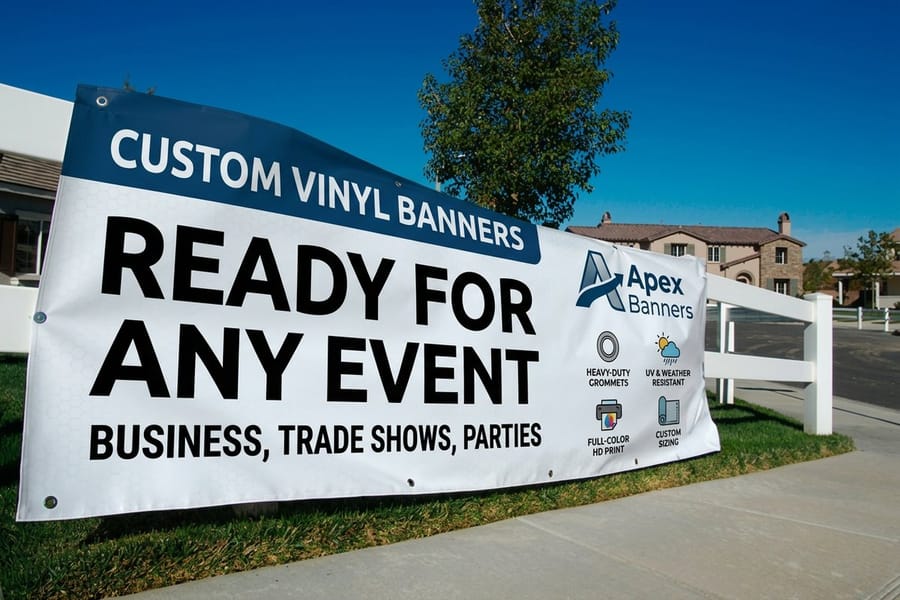
Banners need more room than posters, and the reason is mechanical. A welded hem folds an inch or so of material back on itself, grommets punch through that hem every 2 to 3 feet, and a pole pocket swallows 3 to 4 inches at the top and bottom. Artwork that runs to the edge disappears into the fold. Hold live text 2 to 3 inches in and design the border as if it were decorative, because part of it will be.
The other reprints come from color and from flat areas. Neon greens, bright oranges and electric blues that glow on a monitor sit outside the CMYK gamut and print duller, and the difference is far more obvious across 8 square feet than across a postcard. A rich black wash over a whole poster is the other reliable disappointment: large solid areas expose banding and roller marks, so a single flat black or a subtle texture reads cleaner than a four color build. Our color profile guide covers which profile to convert into before export.
Export a single page press ready PDF with a PDF/X preset, fonts embedded or outlined, transparency flattened, and the images left as vector where they started as vector. The file type guide explains when a flattened TIFF is the safer choice, and where to print posters covers what changes when the job goes to a wide format shop rather than a press.
Wally explains giant poster resolution
Step back and the poster needs fewer dots
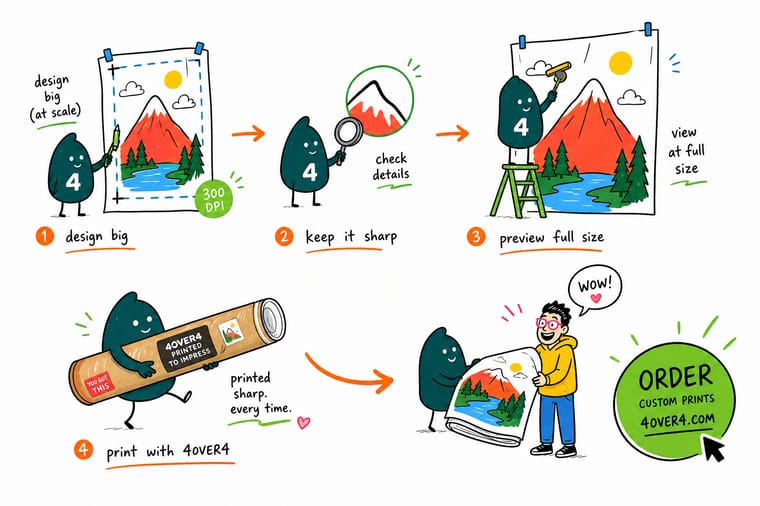
Wally measures the distance first, then the file. Stand 3 feet away and he wants about 150 dots per inch at full size. Step back to 12 feet and 60 will do, because the eye has already stopped counting. He draws the logo and the headline as vector so they never care how big the sheet gets, and he saves the pixel budget for the photograph, which is the only part that can run out. When the canvas will not open big enough, he builds at quarter scale at four times the DPI and writes the ratio on the file.
Print a large format poster →
Specs and pricing
Poster sizes, stocks, and starting prices
Standard posters start at $108.75 for 50 and large format posters print in 2 business days, with each product page setting its own sizes.



Print it
Order the poster your artwork was built for
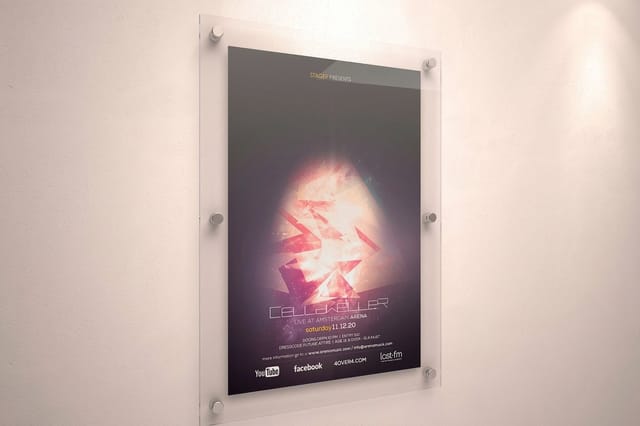
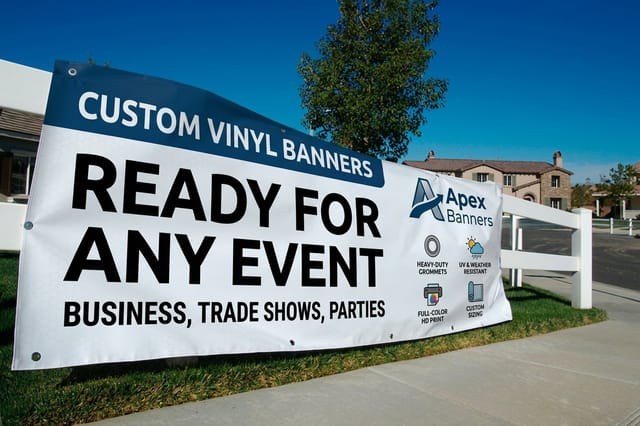
Large format posters from one sheet up to 48 x 96 inches, mounted posters on 3/16 inch foam core up to 40 x 60 inches, and vinyl banners from 2 x 4 feet on 13oz or 15oz vinyl when the piece goes outdoors.


Explore more
Where to go next
Four guides, the large format range and the FAQs: every poster size in inches, what DPI measures, banner sizes for events, hanging a poster flat, and posters, banners and rigid signs on wide format equipment.




By the numbers
The wide format press behind a giant poster
Common Questions
Your giant poster questions, answered
What resolution does a giant poster need?
Set the resolution from the viewing distance, measured at the finished size. Roughly 150 DPI for something read from 3 to 5 feet, 100 DPI from 6 to 10 feet, and 60 DPI for a poster hung above head height or across a room. For a 36 by 24 inch poster that works out to 5,400 by 3,600 pixels at 150 DPI and 3,600 by 2,400 pixels at 100 DPI. The eye resolves about one sixtieth of a degree, so at 12 feet the smallest detail anyone can pick out is about a twenty fourth of an inch, which is why 60 DPI looks perfect there and 300 DPI is invisible effort.
Can I use a photo from my phone on a giant poster?
Often yes, and the math is easier than people expect. A 12 megapixel phone image is 4,032 by 3,024 pixels. Spread across a 36 by 24 inch poster that is 112 DPI, which is fine for anything read from about 6 feet. The real risks are not resolution: phone images are heavily sharpened and noise reduced, so skin, sky and dark corners can go blotchy once they are three feet wide. Look at the file at 100 percent on screen before you commit, because that view is close to what a full size print will show.
Should I design a giant poster at full size or at a scale?
Full size whenever the software allows it, because there is nothing to convert and nothing to explain. Use a scale when the canvas will not go big enough or the raster file becomes unworkable. Illustrator artboards top out at 227 inches per side, InDesign pages at 216 inches, and a Photoshop PSD at 30,000 pixels per side. At quarter scale you set your document to 4 times the DPI you want at full size, so 300 DPI in a quarter scale file lands as 75 DPI on the wall. Put the ratio in the file name so the press operator cannot miss it.
What file format should I send for a giant poster?
A single page press ready PDF, exported with a PDF/X preset, with fonts embedded or converted to outlines and transparency flattened. Keep vector elements as vector rather than rasterizing the whole page, since that is the reason the type stays crisp at any size. If the artwork is a single large photograph, a flattened TIFF is also safe. Avoid sending native Illustrator or InDesign files with linked images, because a missing link at 4 feet wide shows up as a gray box.
Paper poster or vinyl banner for something going outdoors?
Vinyl, without hesitation. Poster paper buckles in humidity and tears at the first gust, even when it is laminated. A 13 ounce scrim vinyl banner with welded hems and grommets is built for wind and rain, and mesh vinyl is the version to ask for when the piece hangs on a fence or a building face where wind load matters. Paper belongs indoors on a wall, an easel or a frame. Our vinyl banners start at $79 and our large format posters start at $25, so the material decision costs less than a reprint.
How much bleed and safe margin does a giant poster need?
Give it 0.25 inch of bleed on every side rather than the 0.125 inch that small format work uses, because large format cutting has more play in it. Keep anything you need to read at least 1 inch inside the trim on a poster, and 2 to 3 inches on a banner, since a welded hem folds over the edge and grommets punch through it. If the banner has pole pockets, subtract another 3 to 4 inches from the top and bottom before you place a single word.
Get Started
Order 50 posters from $108.75
Pick your dimensions, choose paper for indoors or scrim vinyl for outdoors, and we print it wide format so the type stays crisp from across the room.
Legal Disclaimer
Gold Standard guarantees apply to all standard orders placed through 4over4.com. Price match requires verifiable proof of a competitor's published price for an equivalent product with matching specifications and turnaround time. Satisfaction guarantee covers manufacturing defects and print quality issues. Contact support with order number and documentation.
