
Google Fonts Are Free for Commercial and Print Use, With Two Real Limits


Sofia is our design and templates voice, built from the knowledge of our production team, with over 20 years in printing.
The license question takes one paragraph. The rest of this page is the part that actually breaks jobs: getting the font out of the browser and into a file a press can hold. It is written for the business cards, letterheads, flyers and posters where the typeface carries the whole design.
Yes. Almost every family on fonts.google.com is released under the SIL Open Font License 1.1, which allows commercial work, print work, embedding in a PDF and selling the printed result, with no fee and no separate desktop license. The license blocks two things only: selling the font files on their own, and shipping a modified version under the original Reserved Font Name. Everything else on this page is production, not law.
Quick answer
Free to use, free to print, not free to resell
The SIL Open Font License 1.1 covers nearly the whole Google Fonts library, and it grants commercial use outright. You can set a font in artwork, embed it in a press-ready PDF, sell the printed piece, hand the files to your printer, and modify the typeface for your own use. Two limits apply: the font files may not be sold on their own, and a modified font must be renamed if the original declares a Reserved Font Name. The real work is downstream, in the download you choose and the way the type reaches the RIP.
How Google Fonts Licensing Actually Works
Google does not own most of the fonts it hosts. It hosts them because their designers released them under an open license, and the library is a distribution point rather than a foundry. That is why there is no account, no seat count and no invoice. Your first step is the Download family button on the family page: the zip holds the variable .ttf, a static folder with one file per weight, and the OFL.txt that states the license.
The license in question is the SIL Open Font License 1.1, written by SIL International and used across almost the entire library. It grants four rights outright: use the font for anything, study it, modify it, and redistribute it. There is no expiry and no revocation for a copy you already hold.
It attaches four conditions, and all four are easy to satisfy:
- The font files cannot be sold on their own. Bundled inside something else, sold or given away, is fine.
- A modified font must be renamed if the original declares a Reserved Font Name, which most do. The name sits in the first lines of the OFL.txt in the download.
- A modified font stays under the Open Font License. You cannot close it.
- If you pass the files to someone else, the copyright notice and license text go with them.
A small number of older families sit under Apache License 2.0 instead, which is looser still on naming, and the Ubuntu family carries the Ubuntu Font License, which has its own renaming rule. Every family page on fonts.google.com shows which license applies. Read it there rather than assuming, because the answer occasionally differs from the family sitting next to it. If you are still choosing a typeface, our roundup of designer fonts that work in print and the breakdown of lettering styles and font classes are the better starting points.
Are They Free for Commercial Use, and Where Does That Stop
Yes, for every commercial situation a print buyer runs into. Client work you bill for, packaging on a retail shelf, a menu, a book you sell, signage on a building, a logo you register. None of it needs a separate purchase, and none of it counts impressions.
What makes this unusual is the absence of tiers. A commercial foundry typically sells a desktop license by workstation, a web license by monthly pageview, an app license by title and an ebook license by publication, and a growing business quietly outgrows the one it bought. The Open Font License has none of that structure. One license, all uses, forever.
The stop line is narrow and specific: you cannot sell the font files themselves. You cannot list a Google Font on a marketplace as a font product, and you cannot bundle a set of them into a font pack you charge for. Charging a client for design work that happens to use one is not selling the font, because the font is not the thing being sold.
One more trap worth naming. Mirror sites repackage the library and sell "font bundles" that include Open Font License families next to fonts they have no right to redistribute. The zip looks identical. Download from fonts.google.com or from the family maintainer, and the provenance question never comes up. For a flyer, our list of the best flyer fonts and the sizes that keep them readable starts from families that hold up on paper. Once the typeface is settled, the rest of the file matters more than the license does, and our guide to building commercial print-ready files covers what a press actually needs. A test run on standard flyers starts at $39.54 for 50, which is a cheap way to see a font on paper before it goes on ten thousand pieces.
Using Google Fonts in Print Artwork

This is where the jobs actually go wrong, and none of it is a licensing problem. The library is built for the web first, and the print path needs three deliberate choices.
Download the family, do not copy the CSS. The Google Fonts page offers embed code that points at a .woff2 file served to browsers. That format will not install on a Mac or a PC and no layout application will list it. Use the Download family button, unzip, and install from there.
Install the static weights, not just the variable file. Recent downloads put a variable .ttf at the root of the zip and a static folder underneath with one file per weight. Current InDesign and Illustrator handle variable instances fine, but older RIPs, sign-cutting software and some preflight tools still misread a named instance. Installing the statics costs a minute and removes an entire category of downstream surprise.
Check the glyph coverage before you commit. Language support varies enormously between families. If your copy carries Polish or Turkish accents, Vietnamese tone marks, or a currency symbol the designer never drew, the application substitutes another face silently and you end up with two typefaces inside one word. Open the Glyphs panel and look, especially on a family with a small download size.
Weight choice matters more on paper than on screen. A 200 or 300 weight that reads beautifully backlit will thin out on uncoated stock at 8 point, because ink spread and paper fibre eat the stroke. Our guide to the smallest font size you can print gives the practical floor per stock. On a piece where type is the whole design, such as standard letterheads at $99.95 for 50 or a standard poster at $108.75 for 50, that one decision changes the result more than the typeface does.
Set the file up for the piece before you order it:
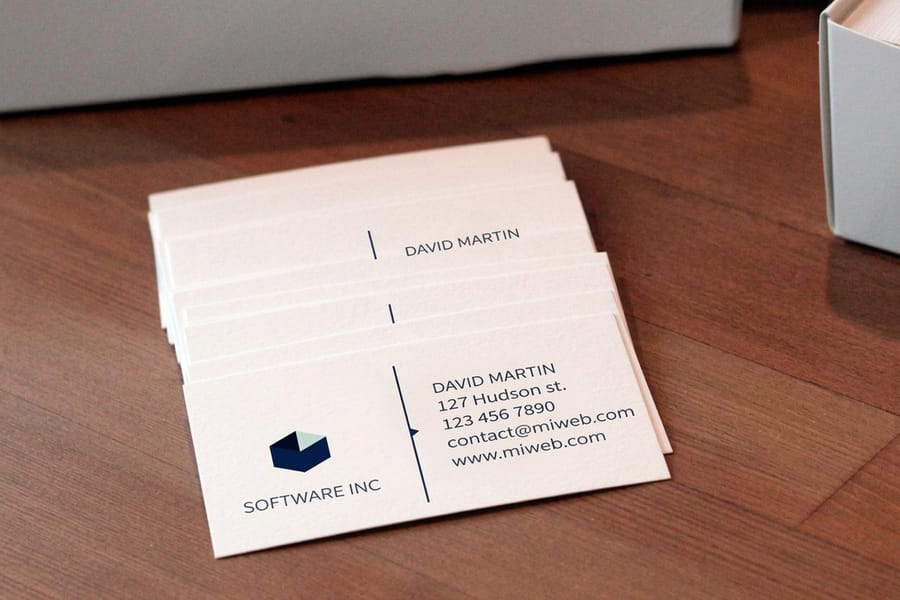
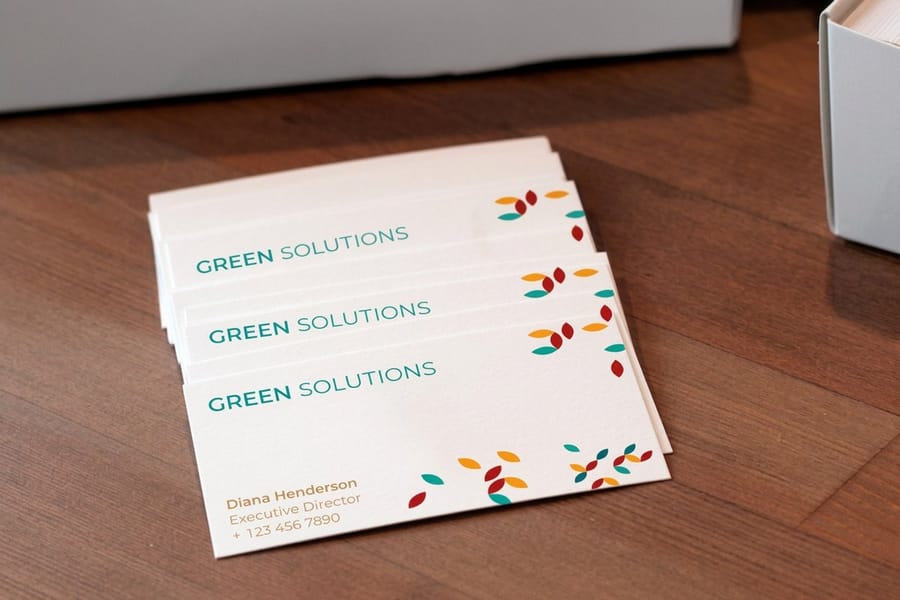
- Business cards. Build at 2 x 3.5 inches and keep body type at a weight of 400 or heavier if you pick an uncoated stock such as 14pt Uncoated Cover.
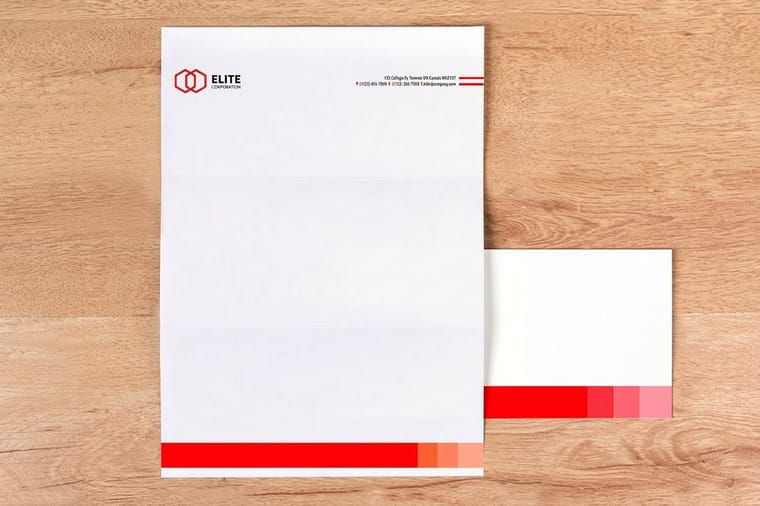
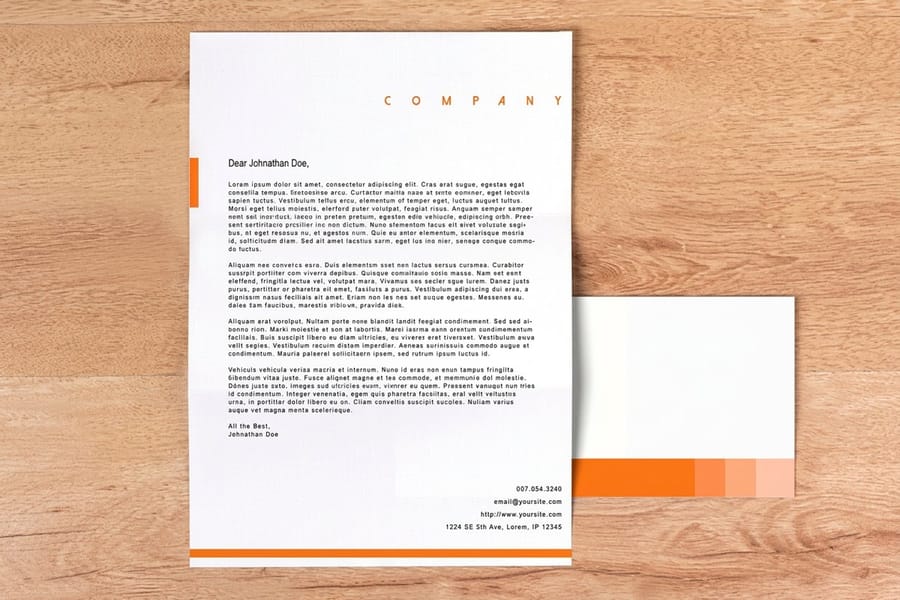
- Letterheads. Build at 8.5 x 11 inches. The 24# Royal Laid and 28# Royal Linen sheets have a texture that thins a light weight, so test the address line before a run of 500.
- Posters. Pick one of six sizes from 11 x 17 to 22 x 28 inches and set display type in the static Bold or Black file, not a synthesized weight.
- Every piece. Export PDF/X-1a or PDF/X-4, check that each font reads Embedded Subset, and choose the free online proof in the configurator to see the type before it prints.
Embedding and Outlining Fonts for Print
Both are permitted. The Open Font License explicitly allows a font to be embedded in a document, and permits that document to be sold. Outlining is simply not distribution at all, since no font data leaves your machine. So the choice is a production decision, and it goes one way for body copy and the other way for marks.
| Handoff | What travels in the file | What you give up | Use it for |
|---|---|---|---|
| Embed and subset | Only the characters actually used, carried inside the PDF. | Nothing, provided the export preset is a PDF/X flavour. | Body copy, tables, anything text-heavy, anything a typo might still hit. |
| Convert to outlines | Vector paths. No font data at all. | Editability, hinting, and searchable text in the PDF. | Logos, wordmarks, cut vinyl, laser paths, EPS handoffs, unknown workflows. |
| Package the fonts | The live document plus the .ttf files and the OFL.txt. | Nothing legally. It is a bigger upload and needs the printer to edit. | Jobs where the printer is genuinely typesetting for you. |
Embedding is the default and it should be. Exporting to PDF/X-1a or PDF/X-4 from InDesign or Illustrator embeds and subsets automatically, and the InDesign setting that reads "subset fonts when percent of characters used is less than 100%" is doing exactly what you want at 100: always subset, so only the glyphs on the page ride along.
Outlining trades away more than people expect. Hinting is the instruction set that keeps small type crisp, and outlines have none, so 6 to 8 point body copy converted to paths can render very slightly heavier and softer than the same text embedded. A page of outlined body copy also bloats the file and slows the RIP. Reach for it where it earns its place: the logo, a headline with tracking you fought over, and any artwork going to a cutter that needs paths rather than characters.
Whichever way you go, save the live version separately before you outline anything, because Create Outlines is one-way. The step-by-step sits in our guide on creating outlines in Illustrator, and the export settings are covered in exporting a print-ready PDF.
Other Free Commercial-Use Font Sources, and One to Avoid
Google Fonts is the largest open library but not the only one, and the licences behind the alternatives differ in ways that matter the moment a printer asks for your files.
| Source | Typical license | Can you send the file to a printer | Watch for |
|---|---|---|---|
| Google Fonts | Open Font License 1.1, some Apache 2.0, Ubuntu Font License. | Yes, with the license text included. | Mirror sites that repackage the library into paid bundles. |
| Font Squirrel | Varies per family, filtered to commercial-use titles. | Usually yes, but read the EULA in the zip. | Each family carries its own terms. There is no single license to learn. |
| Velvetyne, League of Movable Type | Open Font License. | Yes. | Smaller character sets and fewer weights than a mainstream family. |
| Adobe Fonts | Licensed to your Creative Cloud subscription. | No. Redistribution is not permitted. | Fonts deactivate when the subscription lapses, and packaged folders arrive empty. |
| General font-download sites | Often personal use only, license stated per file. | No. | Commercial and personal-use fonts sit on the same page with the same download button. |
That last row is where real money gets lost. "Free for personal use" means free for things you do not earn from, and a restaurant menu, a product label or a promotional flyer is not personal use. Foundries do monitor commercial work and they do send invoices, and the invoice arrives after the job is printed, which is the worst possible time. Check the license line before the font enters a layout, and if a download arrived with no license at all, treat it as unusable for commercial work.
The Adobe Fonts row is worth reading twice if you work with outside printers. The library is excellent and the license is generous about use, but it is tied to a live subscription and the font files may not be handed on, so the packaged folder your printer receives will be missing exactly the thing they asked for. Export a PDF with the fonts embedded and the problem disappears. If you would rather skip typeface sourcing altogether, our online design templates and the blank template library already ship with licensed type in place.
Avoiding Font Problems at Print Time
Ninety seconds of preflight catches almost everything on this page. Open your finished PDF in Acrobat, go to File, Properties, Fonts, and read the list.
Every line should end in Embedded or Embedded Subset. A bare font name with nothing after it means the file is asking the RIP to supply that font, and when the RIP substitutes, the line usually reflows and your careful line break moves. If the file is not a PDF yet, the guide to choosing the right file type for printing shows which formats keep the type intact. If you see Type 3 anywhere in the list, the PDF came out of a print driver rather than a real export, and the type is now bitmapped outlines that will look rough at press resolution.
The everyday causes, in the order they occur:
- Printing to PDF from Word instead of exporting. Use Save As, choose PDF, and pick the print option rather than the web one. Our guide to converting a Word document to a print-ready PDF walks through the settings.
- Exporting with a screen-oriented preset. Choose PDF/X-1a for a straightforward CMYK job or PDF/X-4 if the artwork needs live transparency.
- Only Regular installed while the layout calls for Bold and Italic. Install every weight from the static folder, then reapply the real styles rather than the toolbar buttons.
- Small type built from four-color black. Set anything under about 10 point in 100 percent K only, because a hair of misregistration on a rich-black recipe fuzzes every edge. The rich black recipe explained covers where the heavy mix does belong.
Two habits prevent the rest. Keep the download zip with the job folder so a reprint two years from now starts from the same font files rather than a newer release with different metrics. And print one piece before you print a thousand. Small type on a coated business card and the same type on an uncoated envelope behave differently, which is why printed envelopes at $142.99 for 250 and standard business cards at $17.57 for 100 sometimes want a slightly different weight of the same family. If the file is otherwise ready, the whole ordering path is laid out in our print-ready file guide and the wider file prep and setup guides.
Wally reads the font license
Free to print, free to sell, just do not sell the font
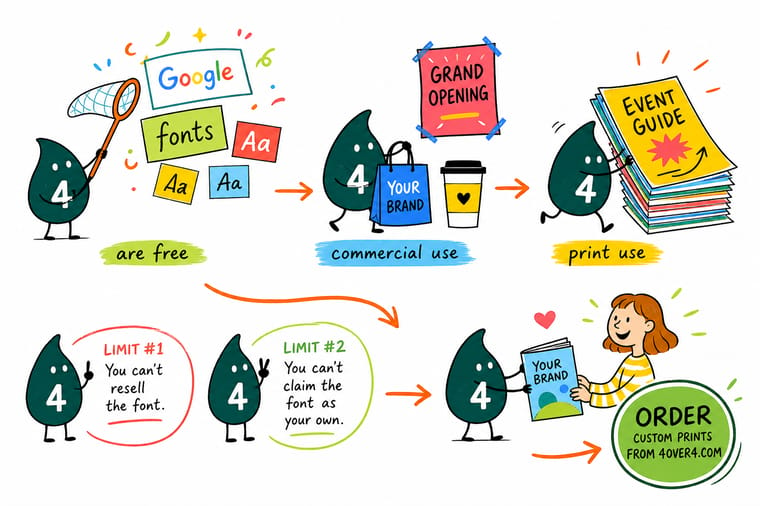
Wally downloads the family, not the web snippet, because the .woff2 the browser uses will not install anywhere. He installs every weight, so nothing has to fake a Bold. He embeds and subsets the body copy and outlines only the logo. Then he opens the PDF, checks File, Properties, Fonts, and makes sure every line says Embedded Subset. The license let him do all of it. The preflight is what made it print.
Print 100 business cards for $17.57 →%22%2F%3E%3Ccircle%20cx%3D%2242%22%20cy%3D%2245%22%20r%3D%2227%22%20fill%3D%22%23f59e0b%22%20opacity%3D%220.15%22%2F%3E%3Ccircle%20cx%3D%2280%22%20cy%3D%2262%22%20r%3D%2226%22%20fill%3D%22%23f59e0b%22%20opacity%3D%220.1%22%2F%3E%3Crect%20x%3D%2272%22%20y%3D%2221%22%20width%3D%2227%22%20height%3D%2232%22%20rx%3D%224%22%20fill%3D%22%23f59e0b%22%20opacity%3D%220.08%22%20transform%3D%22rotate(7%2080%2030)%22%2F%3E%3C%2Fsvg%3E)
Specs and pricing
Type-led products, sizes, and starting prices
Business cards start at $17.57 for 100 at 2 x 3.5 inches, flyers at $39.54 for 50 in nine sizes up to 11 x 25.5 inches, and posters at $108.75 for 50 from 11 x 17 to 22 x 28 inches. The stock and size choices for each come live from the 4OVER4.COM configurator.


Print it
Put your typeface on paper
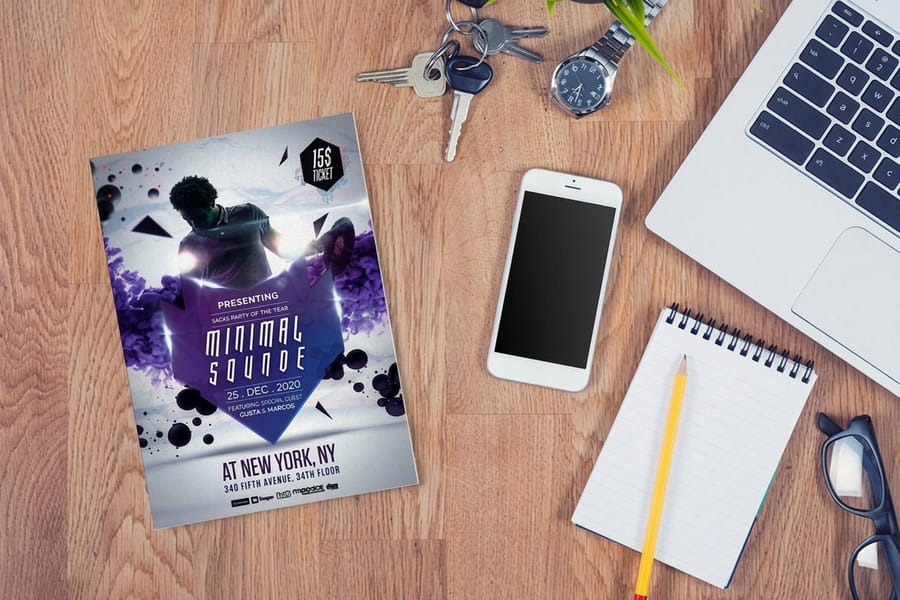
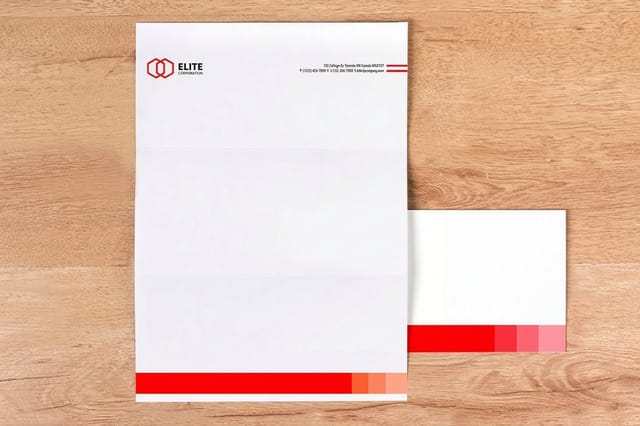
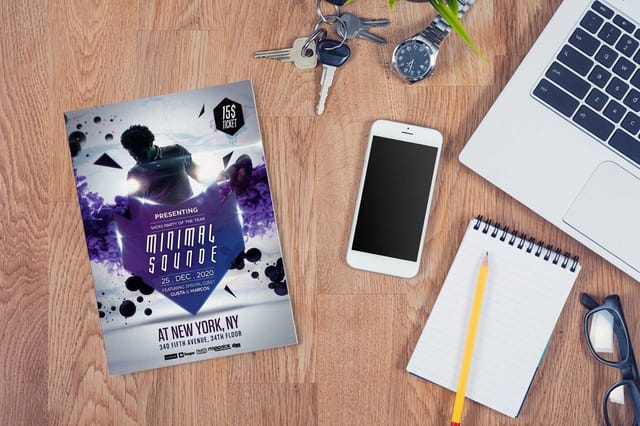
Business cards carry your type at its smallest, letterheads print at 8.5 x 11 inches on 24# Royal Laid or 28# Royal Linen from $99.95 for 50, and flyers show a headline face at full size from $39.54 for 50.

%22%2F%3E%3Ccircle%20cx%3D%2249%22%20cy%3D%2220%22%20r%3D%2224%22%20fill%3D%22%232dd4bf%22%20opacity%3D%220.15%22%2F%3E%3Ccircle%20cx%3D%2254%22%20cy%3D%2227%22%20r%3D%22-3%22%20fill%3D%22%232dd4bf%22%20opacity%3D%220.1%22%2F%3E%3Crect%20x%3D%2279%22%20y%3D%22-9%22%20width%3D%2234%22%20height%3D%2220%22%20rx%3D%224%22%20fill%3D%22%232dd4bf%22%20opacity%3D%220.08%22%20transform%3D%22rotate(44%2080%2030)%22%2F%3E%3C%2Fsvg%3E)
Explore more
Where to go next
Outline a logo in Illustrator, choose a typeface that survives paper, find the smallest size a light weight can print at, and set the PDF/X preset that embeds and subsets your fonts.



By the numbers
What the press needs embedded
Common Questions
Your Google Fonts licensing questions, answered
Are Google Fonts really free for commercial use?
Yes. The SIL Open Font License 1.1 that covers nearly the whole library grants the right to use, study, modify and redistribute the font, for any purpose, including commercial work, with no fee and no time limit. Business cards you sell, packaging on a shelf, a book with an ISBN, a client job you invoice, a logo on a truck: all of it is covered by the same license, with no upgrade to buy. Commercial foundries split rights into desktop, web, app and ebook tiers priced separately. The Open Font License has no tiers at all.
Do I have to credit the font designer on my printed piece?
No. The Open Font License requires that the copyright notice and license text travel with the font FILES if you pass those files to someone else. It says nothing about the printed result. You do not put a credit line on a poster, a card or a package because you set it in Lora. If you hand the .ttf to a printer or a collaborator, include the OFL.txt that came in the zip and you have met the condition.
Can I use a Google Font in a logo and trademark the logo?
Yes. Set the wordmark, convert it to outlines, and the resulting paths are artwork you own and can register as a trademark. The Open Font License grants the use; it does not claim your design. Two practical cautions. A logo built from unmodified type is weak as a trademark precisely because anyone can set the same word in the same free font, so most designers redraw the letterforms after outlining. And if you modify the font files themselves and then pass them on, the renaming rule applies: the derivative cannot carry the original Reserved Font Name.
Can I send the font file to my printer?
Yes, and that is a genuine advantage over subscription fonts. The Open Font License permits redistribution, so packaging an InDesign job with its fonts and uploading the whole folder is fine, as long as the license text goes along. An Adobe Fonts family is the opposite: it is licensed to your Creative Cloud subscription and may not be redistributed at all, which is why a packaged folder from Creative Cloud arrives with the fonts missing. In practice most jobs never need this, because a press-ready PDF carries an embedded subset already.
What is the difference between the Open Font License and "free for personal use"?
They are opposite things, and confusing them is the most expensive font mistake a small business makes. An Open Font License family is free for commercial work outright. A "free for personal use" font from a font-download site is licensed only for things you do not make money from, and using one on a flyer, a menu or a product label is an infringement the foundry can invoice for. Download sites mix both categories on the same page. Read the license line before the font goes in a layout, and if the file arrived without one, do not use it commercially.
Why does my PDF say the font is not embedded?
Open the file in Acrobat and check File, Properties, Fonts. Every line should read Embedded or Embedded Subset. A bare font name with nothing after it means the RIP will substitute something else, and the substitution usually reflows the line. The three common causes are printing to PDF from a driver instead of exporting, a PDF preset that was not a PDF/X flavour, and a font the operating system flagged as protected. Export again with the PDF/X-1a or PDF/X-4 preset and the problem normally disappears.
Are variable fonts safe to send to a printer?
Usually, but the static files remove the question, and on a job that matters that is worth doing. Current InDesign and Illustrator handle variable instances and export them correctly, but older RIPs, sign-cutting software and some third-party preflight tools still stumble on a named instance. The Google Fonts zip has a static folder with one file per weight. Install those, use them, and nothing downstream has to interpret an axis value.
Get Started
50 letterheads cost $99.95 on 70# uncoated text
Set it in whichever open-license family you like, embed the fonts, upload the PDF, and we print it on the stock you choose with no licensing question to answer.
Legal Disclaimer
Gold Standard guarantees apply to all standard orders placed through 4over4.com. Price match requires verifiable proof of a competitor's published price for an equivalent product with matching specifications and turnaround time. Satisfaction guarantee covers manufacturing defects and print quality issues. Contact support with order number and documentation.
