4OVER4 Tools
Image Tools for Print
BetaImage tools aimed at one job: making artwork printable. Faithful engines only, so nothing invents detail in your logo or a customer's face, and every tool ends at the product that prints it.

Blurry, tiny, cluttered? Hand it over. I'll make it print-worthy.
BetaThis is in beta, so some things may not work yet. We’d love your feedback.Send feedback
20 image tools tools

Logo Maker
Three original logos as vector SVG, with your name in real type and the one-colour and reversed versions.
Makes Symbol and name, symbol only, or a free name-only logo
Leads to Standard Business Cards
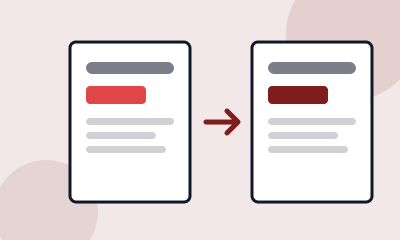
Flyer Updater
Change the wording on an old design you no longer have the file for.
Makes dates, prices, phone numbers and short lines of text
Leads to Standard Flyers
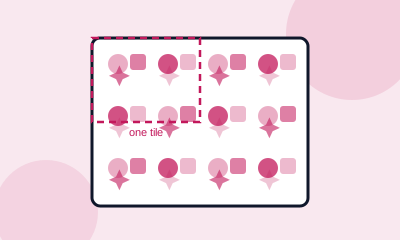
Pattern Maker
Repeating vector patterns, with the repeat shown so you can check it.
Makes geometric, floral, abstract and festive
Leads to Tissue Paper
Colouring Page Maker
A photo turned into clean line art, thick for children or fine for adults.
Makes two line weights
Leads to Standard Booklets
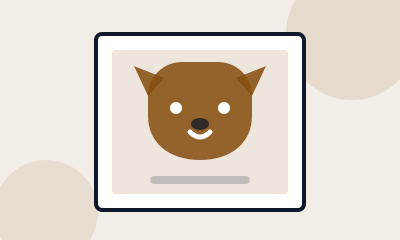
Pet Portrait
Your pet painted in watercolour, oil, ink or pop art, ready for canvas.
Makes four painting styles
Leads to Premium Canvas Prints
Sticker Maker
Die-cut stickers from a description or your own art, with the white border and a real CutContour cut path.
Makes Illustration, clear-background and vector stickers, plus your own art
Leads to Die-Cut Stickers
Background Remover
Transparent PNGs from logos and flat artwork, free and private in your browser.
Includes Logos, icons and products on a plain background
Leads to Die-Cut Stickers
Vectorize a Logo
PNG or JPG logos turned into scalable SVG, free and in your browser.
Includes Flat logos and icons in 2 to 8 colours
Leads to Standard Business Cards
Upscale an Image for Print
Images enlarged to the exact pixels a print size needs, with the DPI before and after.
Makes Up to 24 MP of output, sized from the product configurator
Leads to Standard Posters
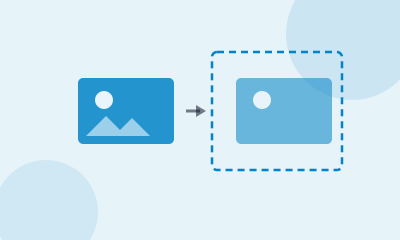
Resize a Design to Another Print Size
One design refitted to another product's shape, without stretching or cropping.
Makes Postcards, flyers, posters and business cards
Leads to Standard Flyers
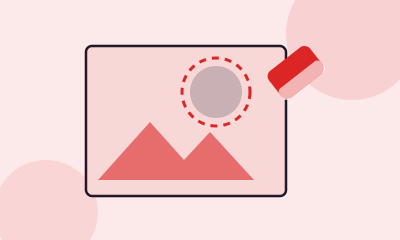
Remove Objects From a Photo
Paint over anything unwanted in a photo and it is removed cleanly.
Makes People, signs, cables, stains and clutter
Leads to Standard Flyers
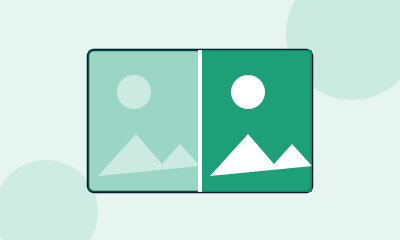
Enhance a Photo for Print
Sharper photos and cleaner faces before printing, at high fidelity.
Makes Portraits, event photos and product shots
Leads to Premium Canvas Prints
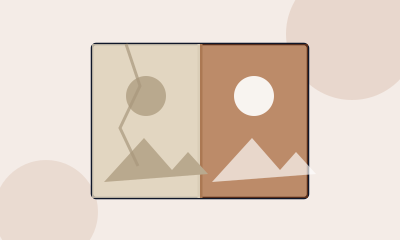
Restore an Old Photo
Faded and damaged old photos repaired and enlarged for reprinting.
Makes Scans of prints, slides and old family photos
Leads to Premium Canvas Prints
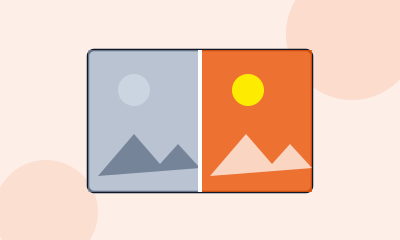
Colorize a Black and White Photo
Black and white photos in natural colour, ready to print.
Makes Family photos, portraits and old snapshots
Leads to Premium Canvas Prints
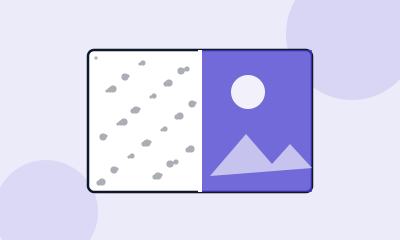
Denoise and Deblur a Photo
Grainy low-light photos and slight blur cleaned up for print.
Makes Low-light, phone and event photos
Leads to Standard Flyers

Art Maker for Print
Original artwork from a description, shaped for the product you will print.
Makes Backgrounds, illustrations and artwork with readable words
Leads to Standard Posters
Product Photos
Pack shots, lifestyle scenes and a new background, from one plain photo.
Makes Pack shot on white, and marble, wood, outdoor and studio scenes
Leads to Standard Flyers
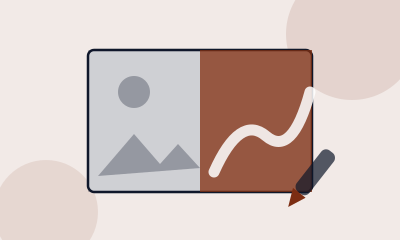
Turn a Photo Into Art
Photos restyled as watercolor, line art or vintage for themed cards.
Makes Six styles, from watercolor to oil paint
Leads to Wedding Invitations
Mockup Maker
Your design on a card, postcard, flyer or mug before you order.
Includes Business cards, postcards, flyers and mugs
Leads to Standard Business Cards
Headshots
Eight professional business headshots from your own photos.
Makes Studio, office and city looks
Leads to Standard Business Cards
Common questions
Are these image tools free?
Some are: the background keyer for flat artwork, the vectorizer, and the template mockups. The ones that run on a paid engine cost coins, priced per result.
Will they change my logo?
Faithful tools only, for anything that has to stay true. A logo is rebuilt as vector rather than redrawn, and the Logo Maker sets your name in a real typeface rather than drawing letters.
What do the coins cost?
100 coins is one dollar. Most single-image results are 10 to 25 coins, and the first use of most tools is free.
Can I upscale a photo for a big print?
Yes. The Print Upscaler enlarges to the exact pixels your chosen size needs at its print resolution, without inventing detail.
Faithful, not creative
A model that invents plausible detail is wonderful for an illustration and wrong for a logo. Enlarge a wordmark with a creative model and it will redraw the letters into something that is almost your brand. The tools here use faithful engines for anything that has to stay true, and say what they did.
Watermark removal is refused outright. Headshots are made from your own face only.
Priced by the result, in coins
The Background Remover, the Vectorizer and the template mockups run in your browser and are free. The rest run on paid engines and cost coins, priced per result: a set of three logos, one sticker, one upscaled image. 100 coins are worth one dollar.
Print it with us
Every one of these tools ends at a real product. Die-Cut Stickers are printed to the specifications these tools give you.