Background Remover
Beta
Poof, the background's gone. I'm basically a magician.
BetaThis is in beta, so some things may not work yet. We’d love your feedback.Send feedback
Enjoying this tool?
You might also like Clear Stickers
A cut-out with no background prints beautifully on clear stickers, with no white box around it.
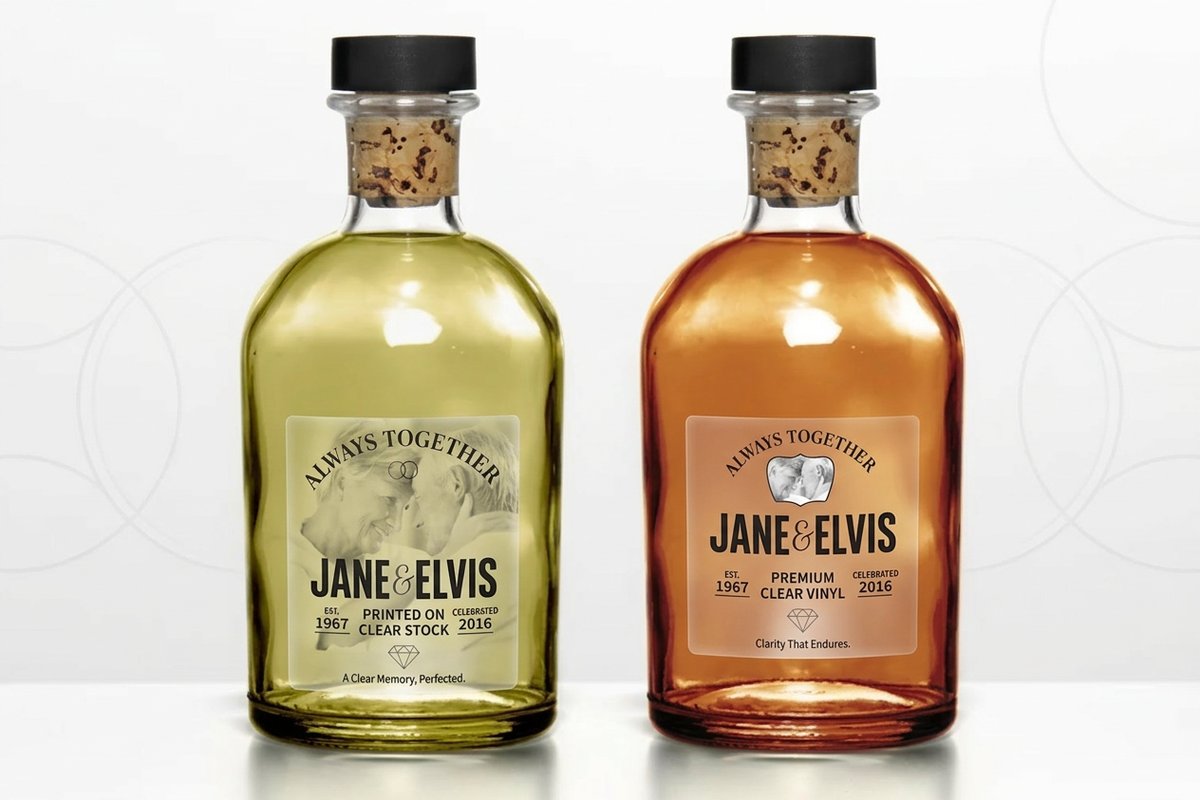 Clear StickersFrom $25.004.9·16 reviewsShop now
 About the background remover
Upload a logo or flat artwork and download it on a transparent background. Free, and nothing leaves your browser.
Free blank templatesWhen it works best
This is a hard-edge remover. It finds the colour around the edge of your image and clears it, which gives crisp, clean edges on logos, icons and products shot against a plain wall or sheet. That is exactly what print needs: sharp corners, not a soft halo.
If your logo has holes the background shows through, like the inside of an O, switch on Inside letters too.
Transparency and print
A transparent PNG is what you want for stickers, labels and for placing a logo over a photo on a card. For large sizes, a vector file is better still: run the result through the Vectorizer.
Common questions
Questions about background remover
Is it really free?
Yes. It runs in your browser, so it costs us nothing and costs you nothing. There is no limit.
Is my image uploaded?
No. The file never leaves your device. The work happens on the page.
Does it work on photos of people?
It is built for logos and products on plain backgrounds. Busy photo backgrounds and hair need a matting model, which this free tool does not use.
Is my photo uploaded?
In the free mode nothing leaves the page. In the photo mode the image goes to the cutout engine, comes back cut out, and is not kept.
What file do I get?
A transparent PNG, ready to drop onto a sticker, a label or a flyer.
Explore more
Where to go next
Vectorize a Logo
PNG or JPG logos turned into scalable SVG, free and in your browser.
Sticker Maker
Die-cut stickers from a description or your own art, with the white border and a real CutContour cut path.
Product Photos
Pack shots, lifestyle scenes and a new background, from one plain photo.
Brand Colours
Pull a palette out of a logo, or build one from a single colour.