Upscale an Image for Print
Beta
Small picture, big dreams. Let's make it poster sized.
1. Your image
Checking the engine2. Print size
4 x 6 in plus 1/8 in bleed on every side, so the file is 4 1/4 x 6 1/4 in: 1275 x 1875 px at 300 DPI.
3. Check and enlarge
Upload an image to see how many DPI it gives at your print size, and how sharp it will look before and after.
BetaThis is in beta, so some things may not work yet. We’d love your feedback.Send feedback
Enjoying this tool?
You might also like Standard Posters
Your image now has the pixels a big print needs. Send it to a poster and see it sharp.
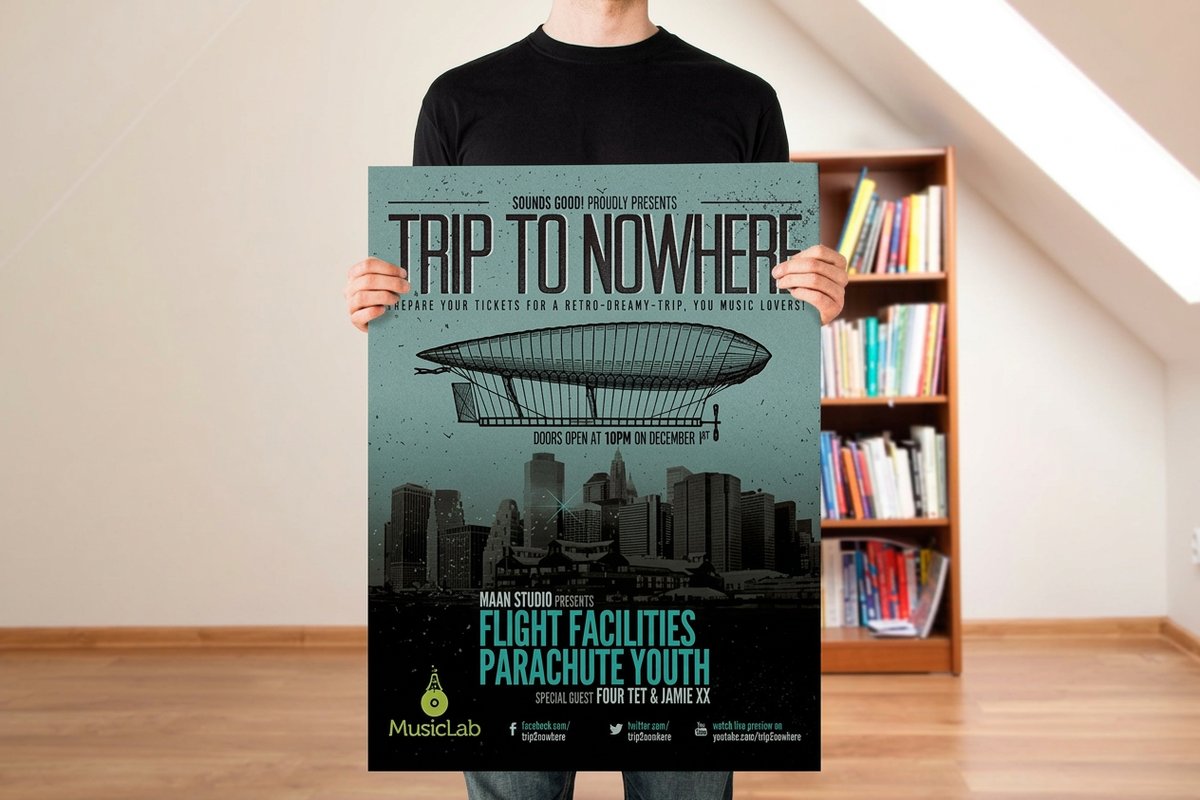 Standard PostersFrom $108.754.9·70 reviewsShop now
 About the print upscaler
Pick what you are printing. It tells you your DPI now and enlarges the image to exactly what that size needs.
Free blank templatesTransparency and upscaling do not mix
If your image has a transparent background, upscale it first and remove the background second, never the other way round. Recraft states it plainly in its own documentation: upscaling does not support transparent images, and an upscaled image with a transparent background comes back with a white background instead.
That is why this tool warns you when the file you upload already has transparency. A die-cut sticker or a cut-out logo that goes through an upscaler in the wrong order silently gains a white box, and nobody notices until it is printed.
Why low resolution gets files rejected
A print is sharp when there are enough pixels for every inch: 300 DPI for things you hold, like cards and flyers, and 150 DPI for things you read from across a room, like posters. A 1200 pixel photo is 300 DPI on a 4 inch card and 50 DPI on a 24 inch poster.
The upscaler reads the product's size, bleed and resolution from the product configurator, works out exactly how many pixels you need, and enlarges your image to that.
Faithful, not creative
Upscaling for print has to keep what is there. This tool uses faithful upscaling engines that sharpen and enlarge without redrawing faces, logos or text into something new.
Common questions
Questions about upscale an image for print
What DPI do I need for printing?
300 DPI at the finished size for anything read in the hand, and 150 DPI for posters, signs and banners read from a distance.
How big can it enlarge?
Up to 24 megapixels of output. That covers a 16 x 20 in print at 300 DPI or a 24 x 36 in poster at 150 DPI.
What does it cost?
25 coins for results up to 2 MP, like a business card or a small postcard, and 50 coins above that.
Does upscaling add detail?
No tool adds detail that was never photographed. It reconstructs a larger image from what is there, which is why the result is sharp rather than blurred, but a tiny original stays limited.
How big can it go?
Up to 24 megapixels, which covers a 16 x 20 in print at 300 DPI or a 24 x 36 in poster at 150 DPI.
Explore more