Product Photos
Beta
Lights, camera, product! I'll handle the lights.
Set it up
Checking the engineThe product itself is never redrawn. It is cut out and put on a new background, so the label, the shape and the colour stay exactly as they were photographed.
Result
BetaThis is in beta, so some things may not work yet. We’d love your feedback.Send feedback
Enjoying this tool?
You might also like Sales Sheets
Put your new product shots to work on a sales sheet your buyers can hold.
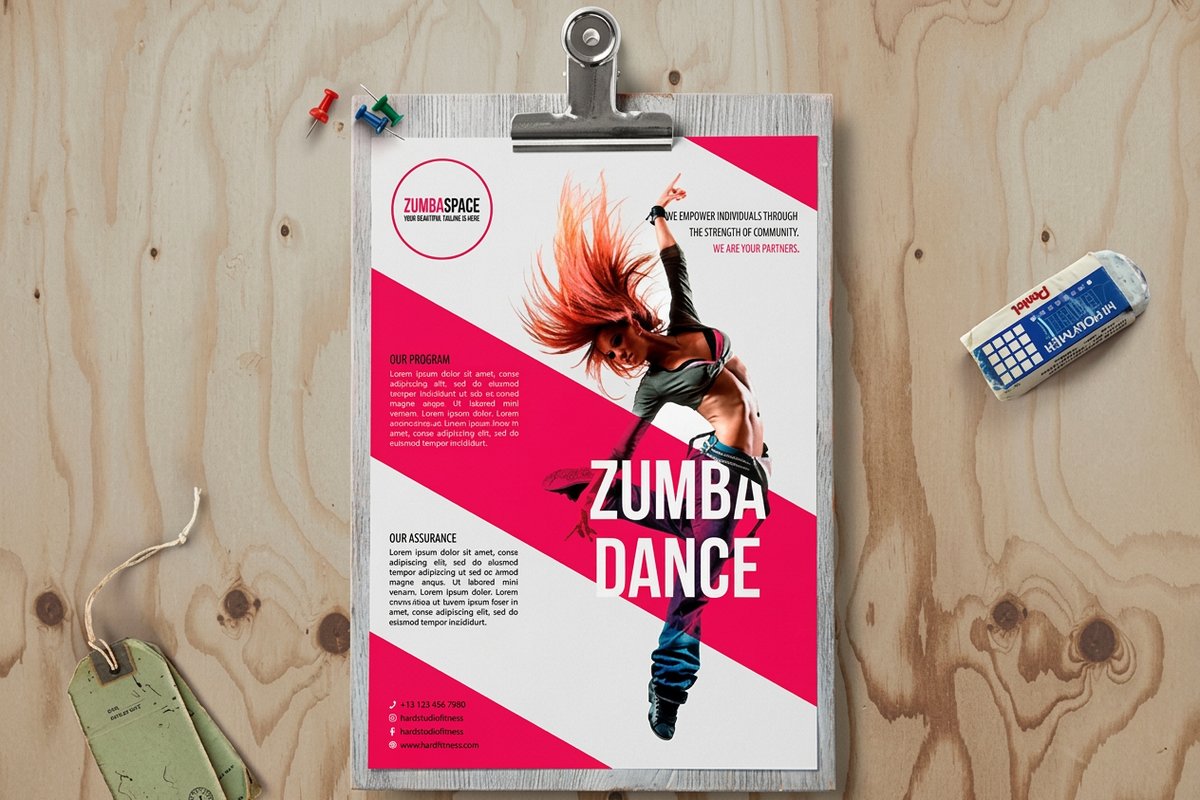 Sales SheetsFrom $75.805.0·63 reviewsShop now
 About the product photos
Upload a plain product photo. Get a studio pack shot with a real shadow, a lifestyle scene, or a background you describe.
Free blank templatesPack shot or scene
A pack shot puts the product alone on seamless white with a soft contact shadow, the look of a catalogue or a sell sheet. A lifestyle scene keeps your product exactly as it is and builds a setting around it: a marble counter, a wood desk, daylight outdoors or a studio gradient.
Start with a sharp photo taken straight on in even light. The product itself is kept; only what is around it changes.
Common questions
Questions about product photos
Does it change my product?
No. The product is cut out and kept. Only the background, light and shadow around it are made.
What does it cost?
25 coins for a pack shot or a scene.
What photo should I start with?
A plain, well-lit photo of the product on a simple surface. The tool needs to see the product clearly to cut it out.
Is the product redrawn?
No. It is cut out and placed on a new background, so the label, shape and colour stay exactly as photographed.
What does it cost?
25 coins per shot, and the first one is free.
Explore more
Where to go next
Background Remover
Transparent PNGs from logos and flat artwork, free and private in your browser.
Remove Objects From a Photo
Paint over anything unwanted in a photo and it is removed cleanly.
Mockup Maker
Your design on a card, postcard, flyer or mug before you order.
Art Maker for Print
Original artwork from a description, shaped for the product you will print.