How to Make Custom Prints: Step-by-Step Guides
All Step By Step Creation Guides

Design Birthday Invitation Cards Guests Actually Keep
How to design and print birthday invitation cards: size, wording and premium stocks. Order custom birthday invitations from 4OVER4.
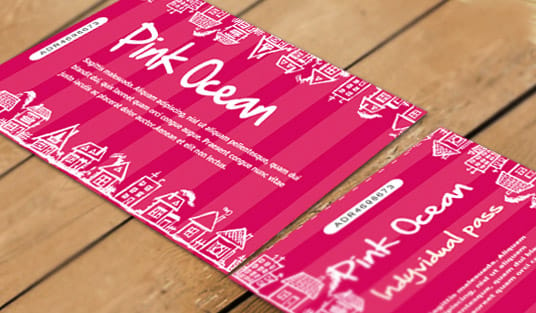
How to Design Custom Event Tickets People Cannot Fake
How to design custom event and raffle tickets people cannot fake, with sequential numbering, perforated stubs and event details, then order from 4OVER4.
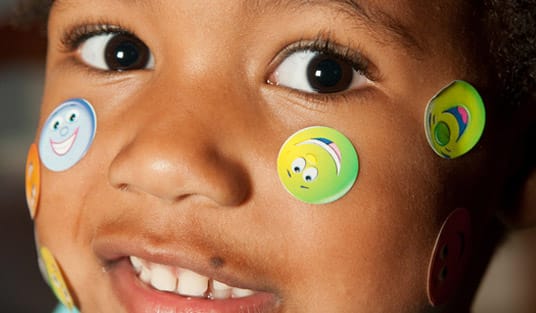
How To Design Custom Stickers Step By Step
Design custom stickers step by step, from a bold concept and die-cut shape to 300 DPI art, bleed past the cut and a full size proof, then order them.
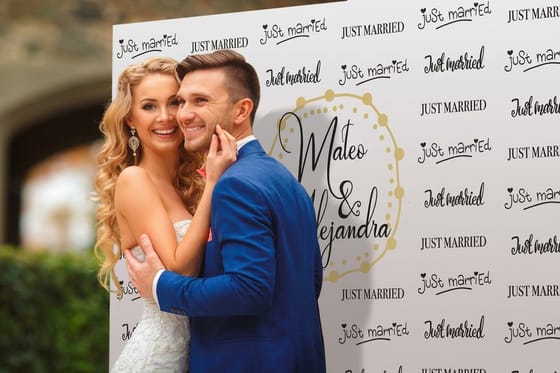
How To Design Step And Repeat Banners For Photo Walls
Design a step and repeat by tiling the logo on a staggered brick grid so a whole mark lands behind every guest, then pick fabric or vinyl and a stand.
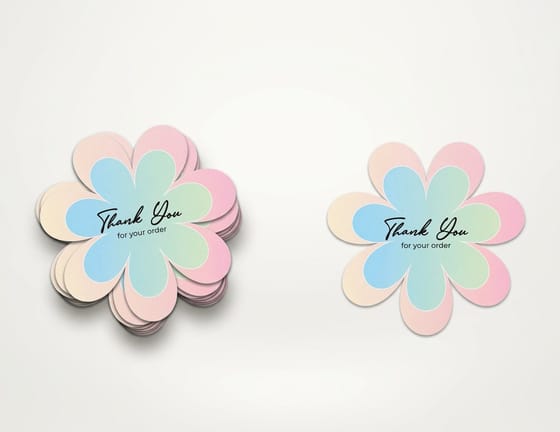
How to Get Sticker Residue Off a Laptop Without Damage
Warm the residue with a hair dryer, lift what you can, then wipe with seventy percent isopropyl on a microfiber cloth and finish with packing tape.

How to Hang and Attach a Banner the 10 Best Ways
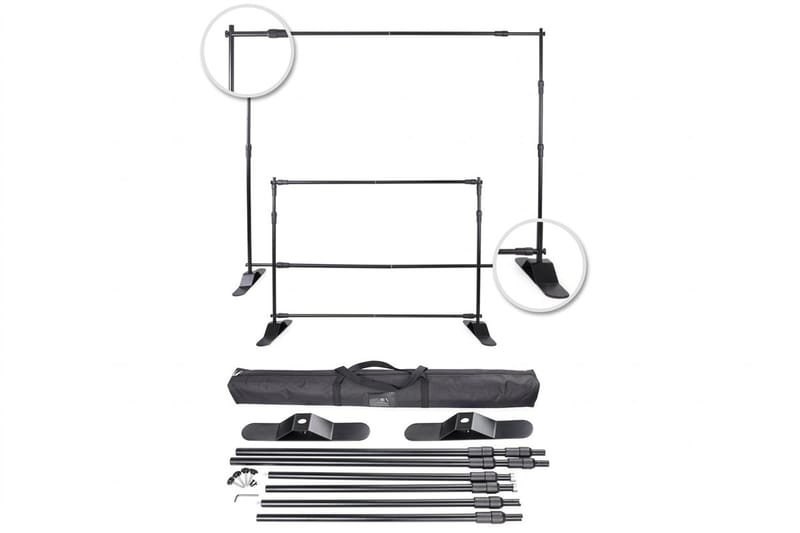
To hang a banner on a table, drape it over the front edge, clamp the top and clip the bottom grommets to the legs, plus nine more ways to hang one.
How to Learn Calligraphy Step by Step as a Beginner
Start calligraphy the right way with this beginner guide to tools, strokes and practice, then print your lettering on cards and invites at 4OVER4.
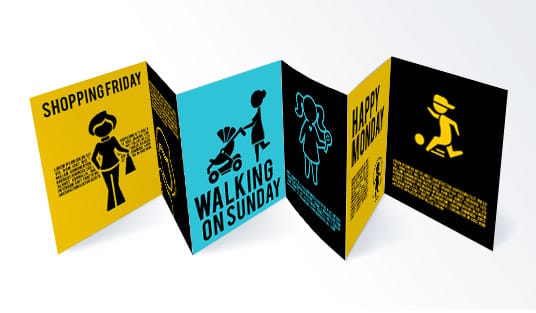
How to Make a Brochure in Google Docs and Print It Professionally
Make a trifold brochure in Google Docs in 8 steps with Landscape Letter, 0.25 inch margins and three columns, then export a PDF to order from 4OVER4.

How to Make a Logo Transparent for Print and Web
Turn any logo into a clean transparent PNG or SVG, learn where transparent logos matter, and print them on stickers and apparel you order at 4OVER4.
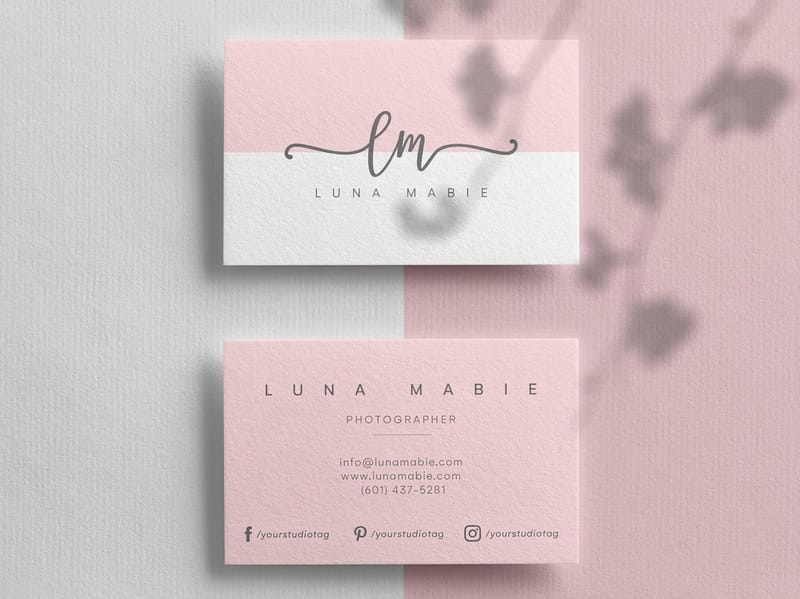
How to Make a Patrick Bateman Business Card
Recreate the iconic Patrick Bateman card with a bone off-white 32pt stock, centered serif type and a blind emboss, then order premium business cards.

How to Make a Google Review QR Code for Print
Copy your Google review link, paste it into a free generator, then print the QR code at 0.8 inch or larger on table tents, cards or stickers.
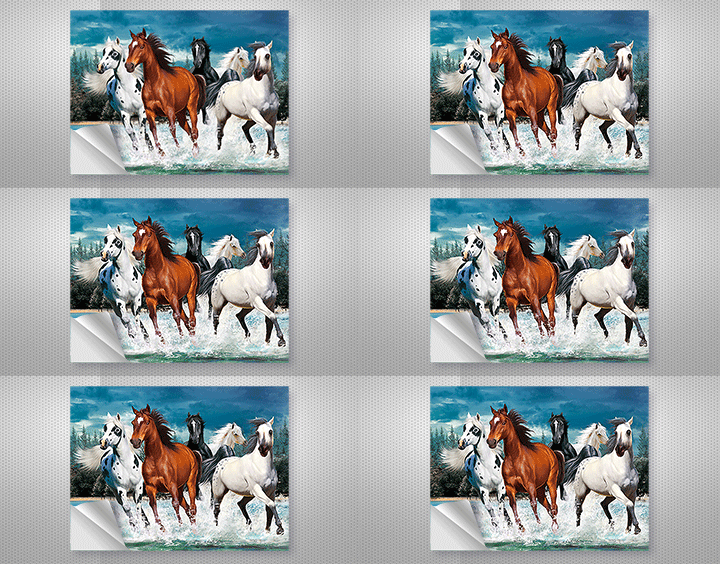
How to Make Stickers Sticky and Reusable Again
Safe ways to make stickers sticky and reusable again, from cleaning the adhesive to heat and tape, plus durable vinyl and die cut stickers from 4OVER4.