
Foil Labeling Explained and How to Set Up the Foil Layer


Jordan is our labels, packaging and sustainability voice, built from the knowledge of our production team, with over 20 years in printing.
Foil labeling, or foil label printing, transfers a metal film onto the label rather than printing an ink onto it. Four processes put it there, only some artwork survives them, and this guide shows how to build the foil separation so the press can read it.
Foil labeling transfers a thin metallic film onto a label, either with a heated die (hot foil stamping), with an adhesive printed on press and foil laminated over it (cold foil), by fusing foil to dry toner (digital foil), or by printing on a metallized stock so the bare silver shows through. The foil goes on at full strength or not at all, so there are no tints and no gradients. It lives in your file as a separate vector layer filled with a 100 percent spot swatch set to overprint, held back about 0.125 in from the trim, and kept clear of the barcode. The digital route is explained in how digital foil printing puts metal on paper without a die.
Quick answer
A metal film, a spot separation, and no tints anywhere
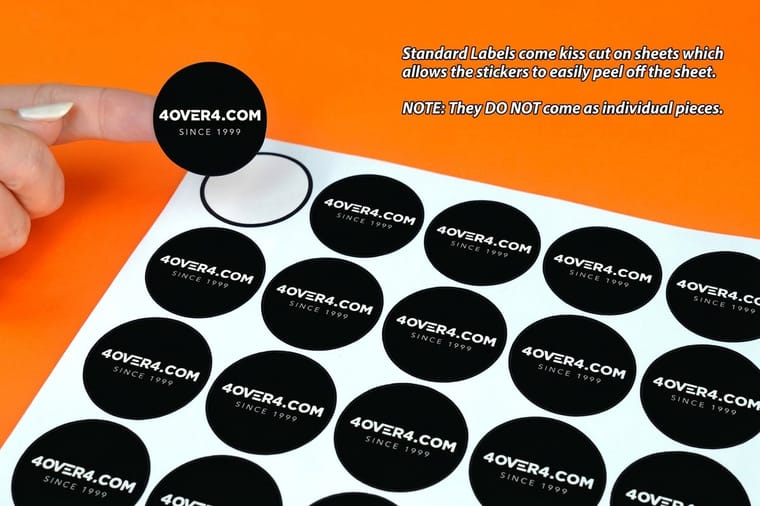
Foil is transferred, not printed. A heated die, a printed adhesive, or dry toner pulls a layer of aluminum off a carrier film and leaves it on the label, and metallized stock skips the transfer entirely by printing color over a silver substrate. Because the metal arrives whole, the foil separation in your file is binary: a single vector layer, one spot swatch at 100 percent, overprint on, no gradients and no effects. Hold it 0.125 in inside the trim, keep rules at 0.5 pt or heavier, and leave the barcode on plain white.
Foil Labeling in Five Steps
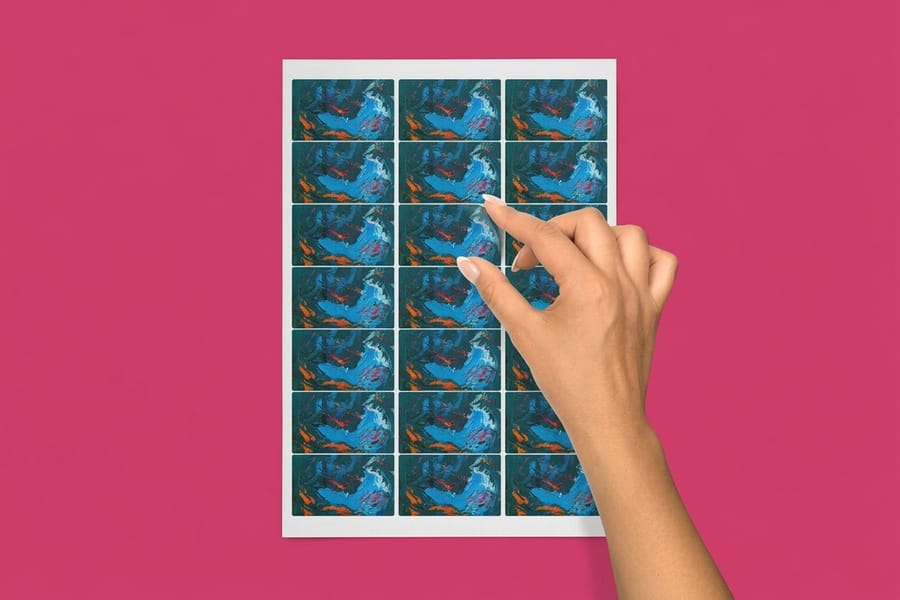
Foil labeling is five decisions made in order, and each one narrows the next.
- Pick the method. Hot foil for fine type on a die, cold foil for long runs and color over metal, digital foil for short runs with no tooling, metallized stock for whole-label shine.
- Pick the stock. A smooth face, since foil on rough uncoated stock loses most of its brightness.
- Build the separation. One vector layer, one spot swatch named Foil at 100 percent, overprint on, rules at 0.5 pt or heavier and bold type from 6 pt.
- Clear the edges. Hold the foil 0.125 in inside the trim and keep the barcode on plain white.
- Proof it. Check the foil shapes against the artwork on the free online proof before the run.
Foil Label Printing, the Products and Their Specs
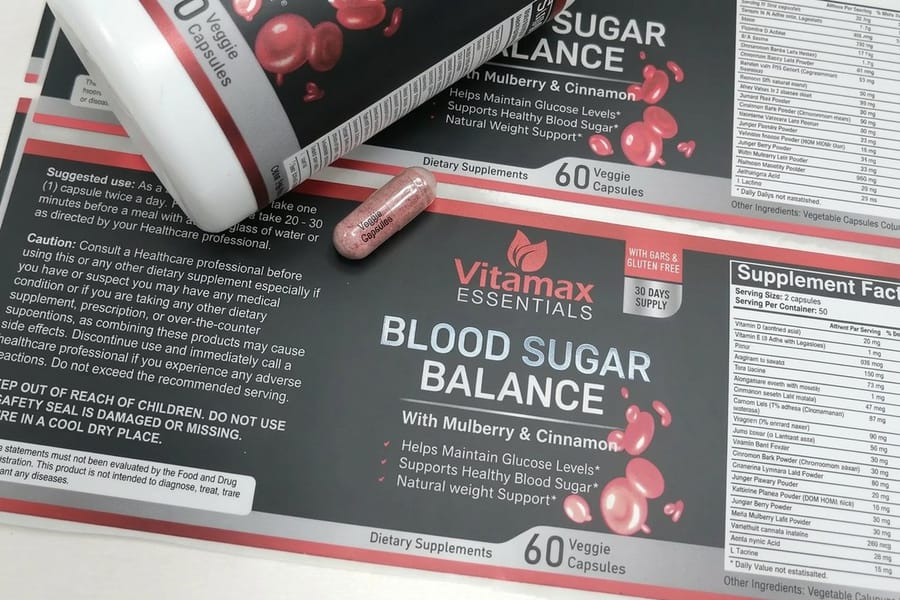
Foil label printing at 4OVER4.COM runs on three products, each with its own sizes and minimum.
- Foil labels. Over 90 sizes and shapes, from a 0.25 by 1 inch strip to circles and ovals, on bright shiny silver metallic foil, white gloss, or white or clear BOPP, with straight or 1/8 inch rounded corners, from 100 labels at $322.98 in 6 business days.
- Metallic labels. 20 sizes from 1.5 by 3.5 to 6 by 9 inches on semi-gloss label with a metallic foil accent on the front and a high gloss UV coat, from 500 at $108.75 in 7 business days.
- Holographic labels. The same size range and stocks as foil labels, from 100 in 6 business days.
What Foil Labeling Actually Puts On the Label
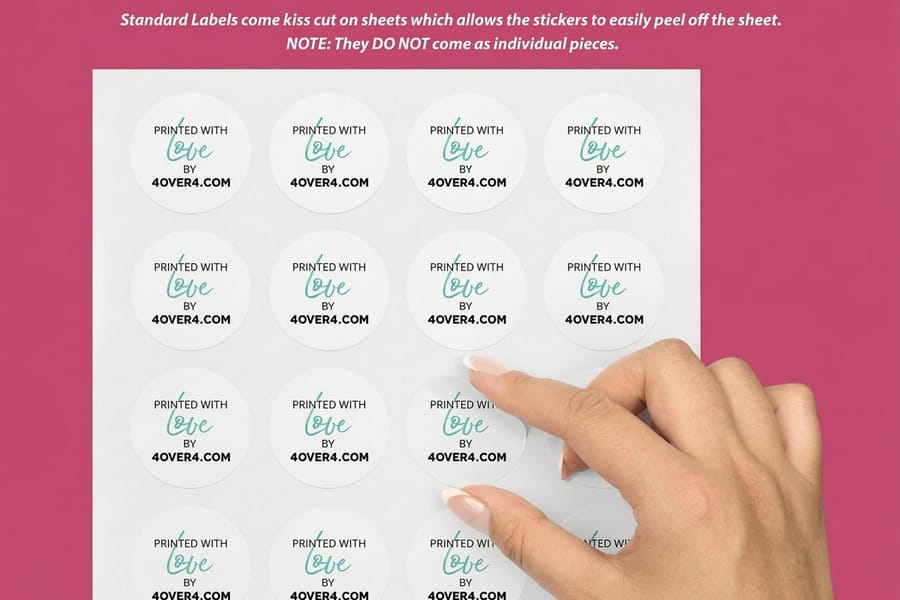
Pull a roll of stamping foil apart and it is five layers on a polyester carrier: a release coat, a colored lacquer, a whisper of vacuum-deposited aluminum, and a heat-activated size that grabs the label. Apply heat and pressure and the release coat lets go. The metal stays on the label, the carrier winds onto a take-up reel, and what is left behind is a genuine mirror rather than a printed approximation of one.
That is the whole reason a foiled label looks different across a shelf. Metallic ink is aluminum flake suspended in a vehicle, so it scatters light in every direction and reads as a dull gray-gold from anywhere except straight on. Foil is a continuous reflective surface. It flips from dark to blazing as the customer moves past it, which is why the effect belongs on the part of the label you want someone to notice from two metres away, not spread across the whole thing. The same physics is covered from the business-card side in our gold foil versus metallic gold ink comparison.
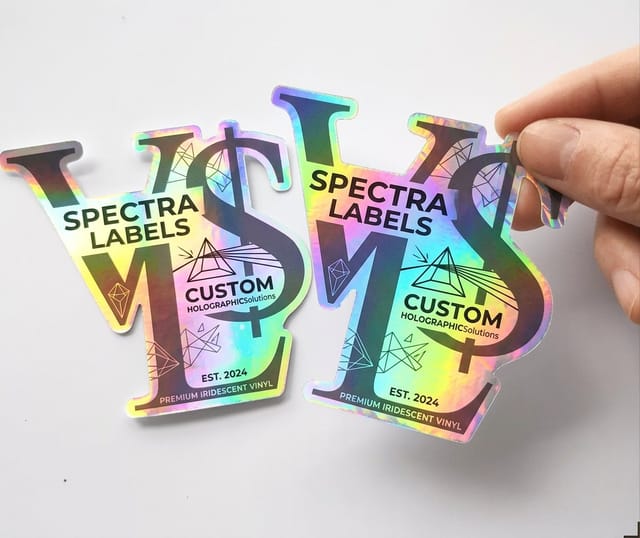
Foil also comes in more than gold and silver. Pigment foils give you flat opaque colors including white and black, holographic foils carry an embossed diffraction pattern that splits light into a rainbow, and matte foils dial the reflection down to a soft brushed-metal look.
Hot Foil, Cold Foil, Digital Foil and Metallized Stock
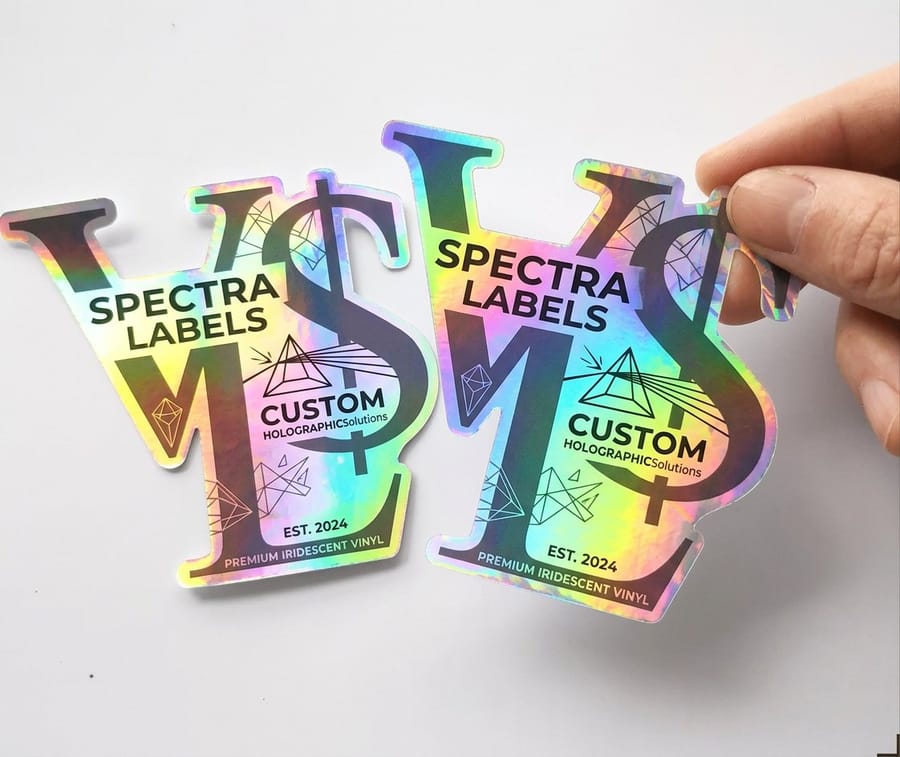
Four processes get metal onto a label and they are not interchangeable. The one that suits your job is decided by run length, by how much of the label is metallic, and by whether you need color printed over the metal.
| Method | How the metal lands | Tooling | Where it wins |
|---|---|---|---|
| Hot foil stamping | A heated brass or magnesium die presses the foil against the label so the size coat activates only where the die touches. | One die per foil shape, cut for the job. | The crispest small type and fine rules, and the only route to a combined foil-and-emboss in one hit. |
| Cold foil | The press prints a UV adhesive in the shape of the foil, laminates foil over the whole web, cures it, and strips the rest away. | A printing plate instead of a die. | Longer runs and large metallic areas, and it is the method that lets CMYK print over the metal to make metallic colors. |
| Digital foil | Foil is fused to dry toner under heat and pressure after printing, so the toner itself defines the shape. | None at all. | Short runs, samples, and versioned or variable artwork where a die would never pay for itself. |
| Metallized stock | Nothing is transferred. CMYK prints onto a silver metallized film or paper and the unprinted areas stay bare metal. | None, but white ink is needed for opaque areas. | Whole-label shine at the lowest cost, and tonal metallic effects that stamping cannot produce. |
Read the last column and the choice usually makes itself. A monogram and a rule on a wine label want hot foil. Two hundred labels for a market stall want digital foil, because no die cost has to be recovered. If you want the wider view of how finishing decisions interact, our print finishing techniques guide lays the options side by side, and holographic foil stamping covers the rainbow variant in depth.
Building the Foil Layer in Your File
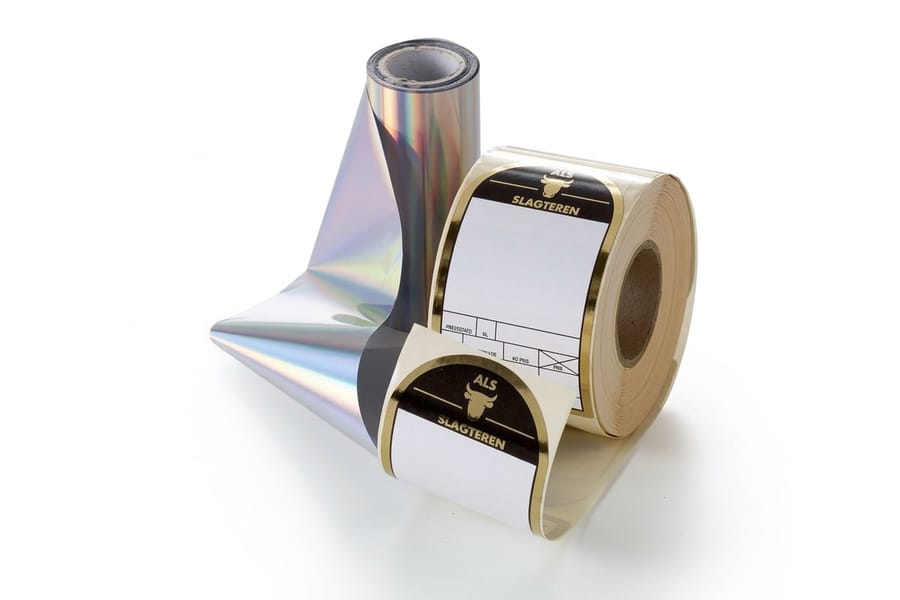
The foil is a separation, exactly like a spot color, and it has to arrive as one. Everything below comes from jobs that had to go back to the designer.
- One layer, one swatch. Put every foil shape on its own layer, fill it with a spot swatch named Foil at 100 percent, and set it to overprint so it does not knock a hole in the artwork underneath.
- Vector only, effects flattened. Drop shadows, glows, transparency and blend modes have no meaning in a foil separation. Expand all strokes to outlines and convert type to outlines before export.
- No tints, no gradients. Anything less than 100 percent still transfers as solid metal. If the design needs a fade, either build it from discrete shapes or move to metallized stock and let the CMYK do the work.
- Minimums that hold. Rules at 0.5 pt or heavier, bold sans-serif type from 6 pt up, serif faces from 8 pt. Leave a little air between two foil shapes so the adhesive cannot bridge the gap.
- Pull back from the trim. Hold foil about 0.125 in inside the cut line. Foil that crosses the die line can flake when the matrix is stripped, and on a roll it can pick up on the rewind.
- Allow for register. The foil unit and the print unit are not the same station, so a small shift is normal. Do not butt a foil edge exactly against a printed edge; overlap them slightly or leave a visible gap that a shift will not spoil.
Export a single press-ready PDF with the artwork and the foil separation in it, not two separate files, and keep both on the same trim and bleed. Our foil file setup guide walks the same steps inside Illustrator and InDesign, and the blank template library gives you a correctly sized label to start from. If the size itself is still open, choosing the correct label size is worth reading first, since the foil layout depends on it.
Where Foil Earns Its Money and Where It Backfires
Foil pays where the label is competing for a glance. Retail shelving is lit from above at an angle, which is precisely the geometry a mirror finish exploits, so a foiled cap seal or a foiled brand mark reads from further away than anything you can achieve with ink. Spirits, cosmetics, candles and specialty food are the categories where it has become close to table stakes. Our guide to optimizing food labels for shelf appeal covers the rest of that battle, and wine bottle label dimensions handles the sizing side for wine labels.
It backfires in four places, and all four are avoidable. Barcodes on metal do not scan reliably. Large foil panels on a squeezable tube or bottle craze into fine cracks because the metal layer will not flex as far as the substrate. Foil on a rough uncoated stock loses most of its brightness, since the reflection needs a smooth surface to be a reflection at all. And a metallized film label complicates the recycling stream for the container it is stuck to, which matters if the pack carries a recyclability claim.
Cost is the honest last consideration. The setup portion is fixed, which means the premium per label shrinks as the run grows. For a launch batch, a foil accent on a smaller run of die-cut labels often buys more attention than a plain label at twice the count. Everything else about how labels are printed and finished is in our complete guide to how label printing works.
Wally explains foil labeling
Heat lifts the metal off the carrier and leaves it on your label
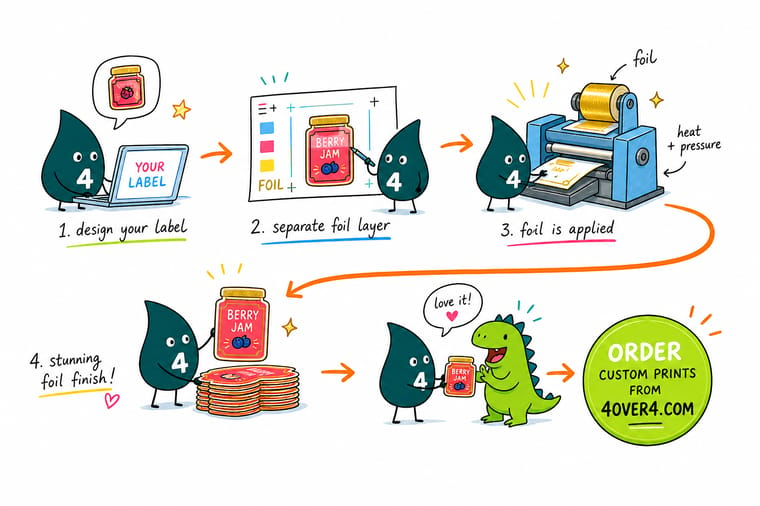
Wally runs the label through, heat lets the foil release from its carrier film, and a layer of real metal stays behind exactly where the die touched. That is why foil has no light setting: it is on or it is off, so a gradient in the foil layer comes back as one solid block. Give him a bold mark, rules at half a point or heavier, and an eighth of an inch of clearance from the cut, and it comes off the press blazing. Put a barcode on it and the scanner sees a mirror.
Order foil labels →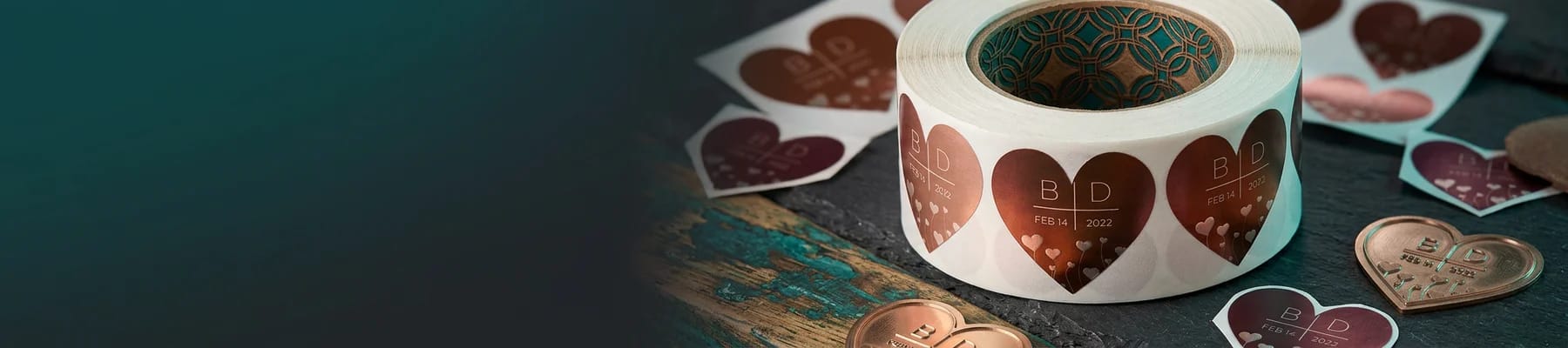
Specs and pricing
Label options, sizes, and starting prices
Standard labels come in 55 sizes on five label stocks from 25 in 3 business days, and metallic labels in 20 sizes from 1.5 by 3.5 to 6 by 9 inches with a metallic foil accent and high gloss UV, from 500 in 7 business days. Set each panel to your size and quantity to see the live price.
Print it
Order a label people notice from across the aisle
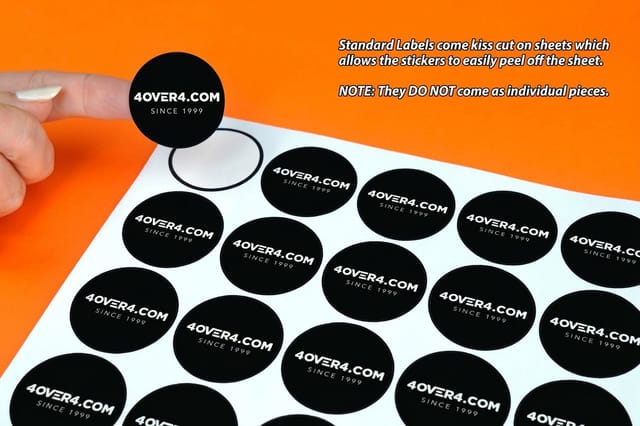
Order metallic labels from 500 for a foil accent on a product line, holographic labels from 100 for the rainbow effect, and standard labels from 25 for the plain back label that carries the barcode.


Explore more
Where to go next
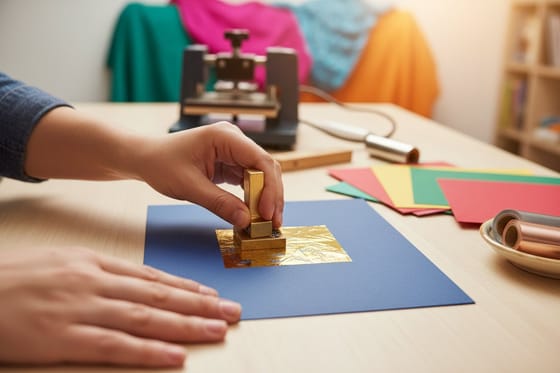
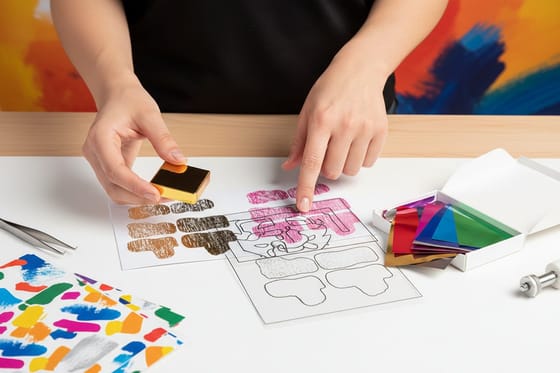
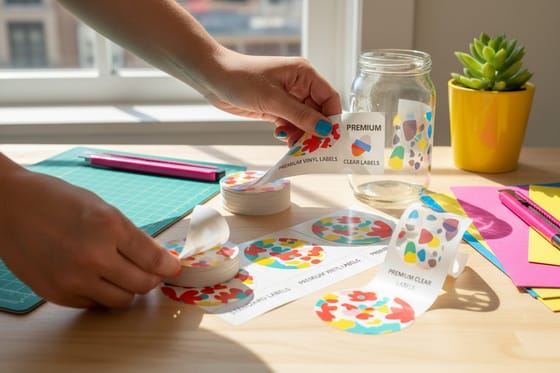
The cards below cover the stamping die and heat, foil file setup, paper against vinyl and clear labels, and roll against sheet labels.
By the numbers
Foil labels run alongside 1,000+ other printed products here
Common Questions
Your foil labeling questions, answered
What is foil labeling?
Foil labeling is the application of a metallic film to a label rather than printing a metallic ink. The foil arrives on a roll as a polyester carrier coated with a release layer, a colored lacquer, a vacuum-deposited aluminum layer and a heat-activated adhesive. Heat and pressure, or a printed adhesive plus a curing lamp, transfer the metal onto the label and the carrier film winds away with nothing left on it. What lands on the label is a true mirror surface, which is why it looks nothing like a silver or gold ink printed from a can.
Can foil print as a gradient or a lighter shade?
No. Foil transfers at full strength or not at all, so there is no 30 percent gold and no fade from metal to nothing. If you place a gradient inside the foil separation it will output as a solid shape covering the whole gradient area, which is the single most common surprise on a first foil job. The workarounds are honest ones: build the illusion with fine line work or a stepped pattern, or move to a metallized stock where CMYK prints over the silver and the ink density controls how much metal shows.
Will a barcode scan if it sits on foil?
Usually not. A scanner reads the contrast between the dark bars and a light, diffuse background, and a mirror surface bounces the beam back at whatever angle the label happens to be sitting. Keep the barcode on plain white or a light matte area, leave the quiet zone clear, and if the whole label is metallized, print an opaque white patch under the barcode before the black. This applies to a silver metallized film just as much as to a stamped foil panel.
How small can foil type and rules go?
Half a point is the practical floor for a rule, and 6 point holds for a bold sans-serif face. Fine serifs, hairline strokes and tightly reversed type are where foil jobs fall apart, because the adhesive either fails to grip a shape that thin or bridges a narrow gap and fills it in. Expand every stroke to an outline before you export, so what the platemaker sees is the actual shape rather than a stroke weight that scaling can change.
Does foil survive moisture, fridges and handling?
On a film label with a laminate or varnish over it, yes. Condensation on a chilled bottle is the standard test and a foiled BOPP label passes it. A paper label is the weak link, not the foil: soak the paper and the whole label lifts. Large foil panels on a squeezable container are the other failure mode, because the metal layer does not flex as far as the substrate and it can craze into fine cracks. Keep foil to accents on anything that gets squeezed.
What does a foil label cost compared with a plain one?
At 4OVER4.COM, Foil Labels start at $322.98 and Holographic Labels at $322.98, while Metallic Labels start at $108.75 and Standard Labels at $23.88. Those starting prices sit at different minimum quantities, so they are a guide to the tier, not a like-for-like comparison. Price the quantity you actually need in the configurator before you decide, because foil setup is a fixed cost that spreads out fast: the gap between a foiled label and a plain one narrows considerably by the time you are ordering thousands.
Get Started
500 metallic labels cost $108.75, or 22 cents each
Pick your stock and shape, add a foil accent or a metallized silver base, and we print labels that catch the light from the end of the aisle.
Legal Disclaimer
Gold Standard guarantees apply to all standard orders placed through 4over4.com. Price match requires verifiable proof of a competitor's published price for an equivalent product with matching specifications and turnaround time. Satisfaction guarantee covers manufacturing defects and print quality issues. Contact support with order number and documentation.
