
Catalog Design and Printing Basics for a Booklet Buyers Keep


Emma is our prepress and print production voice, built from the knowledge of our production team, with over 20 years in printing.
Catalogs are bound, and the binding sets the rules. The page count follows a rule, the grid has to survive the spine, the images need preparing, and each of those decides whether you reprint.
A catalog is a saddle stitched booklet, so its page count moves in fours and its layout works in spreads, not single pages. Plan the running order first, round the page count up to the next multiple of four, set one column grid and hold it across every spread, give the spine the widest margin, extend images 0.125 inch past the trim, and put the money into a 14pt cover. Standard Catalogs run 8 to 60 pages in three sizes, from $240.55 for 25.

Quick answer
Fold, staple, and count in fours
Everything difficult about catalog design comes from the fact that a catalog is folded sheets held by two staples. One folded sheet makes four pages, which is why page counts jump from 8 to 12 to 16 and stop at 60. The reader always sees two pages at once, so the unit of design is the spread. The staple pulls at the spine, so the inner margin is the one that has to be generous. Get those three right and the rest is ordinary layout work.
Plan the Catalog Structure Before You Open a Layout File

A catalog is a sequence, not a pile of product pages. Decide the order first and the layout gets easy, because every spread already knows what it is for.
Write the running order on paper before anything else: front cover, an opening spread that says who you are in under a hundred words, the product sections in the order a buyer shops them, then an ordering or contact page, then the back cover. Group products the way customers ask for them rather than the way your warehouse stores them. A hardware buyer looks for the job, not the SKU family.
Then count. Give each product a full page, a half page, or a quarter page depending on how much explaining it needs, add the front and back matter, and you have a page count. Round it up to the next multiple of four, because saddle stitch cannot do anything else. If the round-up leaves you two blank pages, fill them with a size chart, an application photo, or a page of frequently asked questions rather than white space that reads like an error.
If the count lands under about 8 pages, the piece is probably a folded sheet rather than a book. A standard brochure starts at $57.11 for 50 and does the same job for a short range. Our comparison of flyers, brochures and booklets walks through where each format stops working.
Page Count and Binding Decide Almost Everything Else
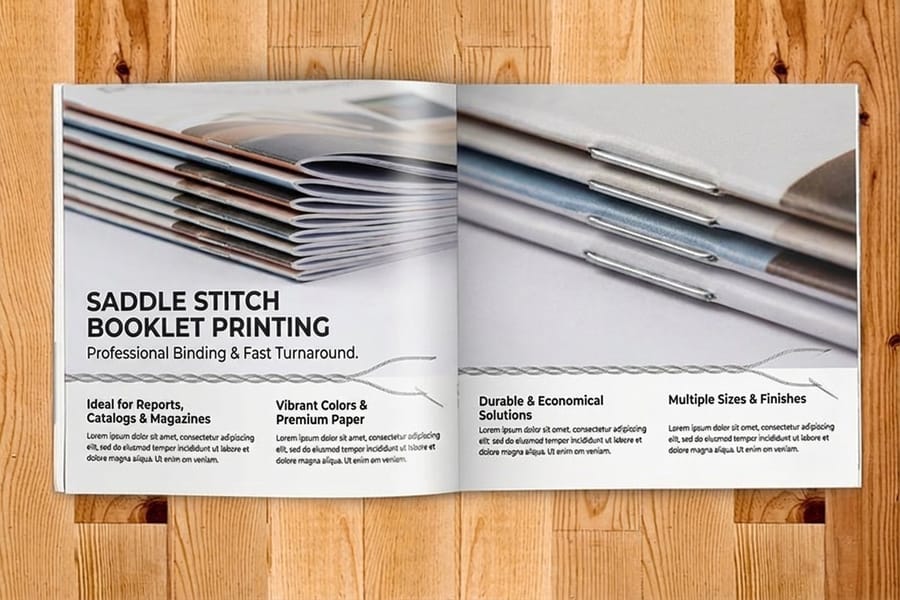
Saddle stitch is the binding behind nearly every short run catalog, and its limits shape the design. Sheets are folded in half, stacked inside one another, and stapled twice through the spine crease. That is why the book opens flat, and why pages arrive four at a time.
| Page count | What fits comfortably | Watch for |
|---|---|---|
| 8 pages | Cover, a short intro, and roughly six to twelve products. | Feels thin in a hand. Heavier cover stock fixes most of it. |
| 16 to 24 pages | A full seasonal range with room for lifestyle photography. | The sweet spot for cost per page on most catalogs. |
| 32 to 48 pages | A multi-category line, a wholesale book, a property portfolio. | Creep becomes visible. Keep the inner margins generous. |
| 60 pages | The largest saddle stitched catalog in the configurator. | Above this the staple stops holding and you need a quote from support. |
Creep is the one detail beginners never hear about. The inner sheets sit further from the fold, so their outer edges push out and get trimmed slightly narrower than the outer sheets. On an 8 page catalog nobody notices. On a 48 page catalog a page number sitting 0.15 inch from the outer edge can end up on the trim line. Keep folios and edge-anchored graphics well inside the safe zone once you go past about 32 pages.
Three products cover the range. Catalog Printing start at $240.55 for 25 in three sizes and 14 page counts. Saddle Stitch Booklets are the same construction sold by the binding. Square Booklets take the same page counts to a true 11 by 11 inch format when the photography deserves it. All three sit together on booklets and catalogs printing.
Build One Grid and Hold It Across Every Spread
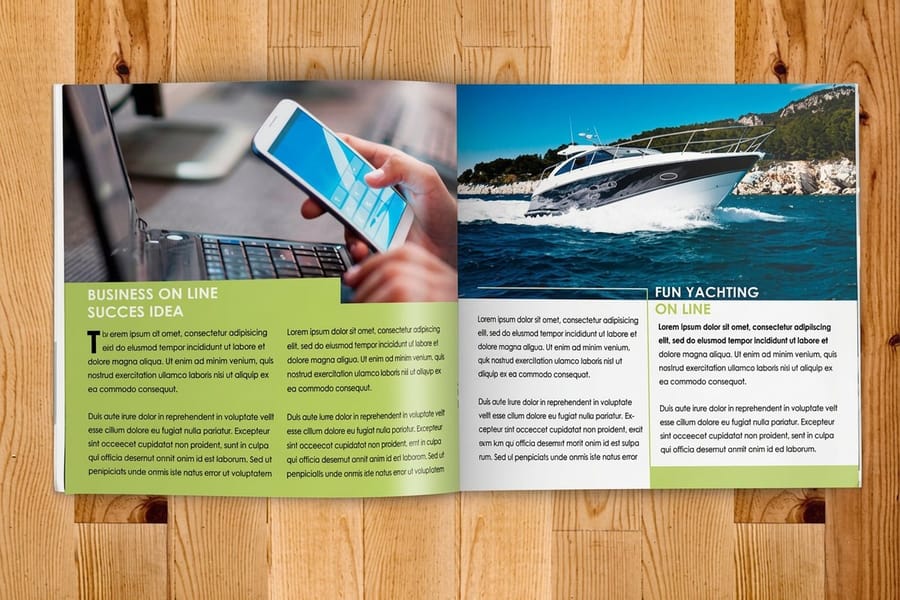
The fastest way to make a first catalog look amateur is to lay out each page on its own. Readers see spreads, so design spreads.
Set a column grid once and use it everywhere. Three columns on a 5.5 by 8.5 inch page and four on an 8.5 by 11 inch page will carry almost any product layout: one column for the photo, one for the name and price, one for the specs, or any pair of those combined. Keep the baseline of your body text the same on every page so type lines up across the gutter. When headlines, prices and images sit on the same invisible lines page after page, the catalog reads as a single publication rather than a folder of exports.
Give hierarchy three levels and no more. Product name, price, then description. Set the price in the same weight and position on every single product, because that is the number a buyer scans for, and a price that moves around the page slows the whole book down. Reserve the largest type for section openers so a reader flipping the catalog can find the category without reading a word.
Margins are not decoration. Outer and top margins can match, the bottom can run slightly deeper to hold folios, and the inner margin at the spine should be the widest of the four. Half an inch at the spine on a 32 page catalog looks like too much on screen and exactly right in print. The elements of brochure design covers the same hierarchy rules on a folded sheet, and starting from a correctly sized blank template means the trim and bleed are right before you draw anything.
Photography, Bleed, and Files That Print the Way They Look
A catalog lives or dies on its product photography, and the print file rules are short enough to memorize.
Shoot or source everything at the size it will print, at 300 dpi. A 3 inch wide product image needs about 900 pixels across. Web images are usually 72 dpi and RGB, which is why a photo that looks sharp on a site turns soft and dull on paper. Convert to CMYK before you place images, and expect bright screen blues and oranges to settle down in print, because ink cannot reach the same intensity as a backlit display. If a brand color has to match across the whole catalog, say so when you order rather than hoping four color process lands on it.
Extend any image or background that touches an edge 0.125 inch past the trim on all four sides, and keep type, logos and prices at least 0.125 inch inside the trim. Never let a product photo run across the spine unless it is a soft background, since the staple and the fold will cut through whatever sits in the middle. A model's face split by a fold is the classic first-catalog mistake.
Export a single press ready PDF with all pages in reading order, fonts embedded or converted to outlines, and images embedded rather than linked. Supply pages as single pages, not as printer spreads, and let the imposition happen at our end. Our guide to how online printing works covers the handoff from file to finished box.
Covers, Stocks, and the Finishes Worth Paying For
Stock is where a catalog either feels like a product or feels like a handout. There are two decisions, and they are independent of each other.
Inside pages come from seven options: 100# gloss text, 100# silk or matte text, 70# uncoated text, and heavier cover weights if you want a rigid book. Gloss text makes photography pop and is the default for product catalogs. Silk sits between gloss and matte, and it is the better pick when there is a lot of body copy, because gloss reflects light straight back at the reader. Uncoated 70# is the choice for an editorial, tactile feel, and it will soften photographs, which is a trade you accept deliberately or not at all.
The cover has three options, and 14pt gloss cover is the one that changes how the catalog behaves. It resists curling, survives a shipping box, and holds a crisp fold at the spine. A 40 page catalog with a text weight cover starts looking tired within weeks on a busy desk. There is also a 30 percent recycled cover if that matters to the brand.
Printing runs 4/4 full color both sides or 1/1 black both sides, and 1/1 is a real option for a technical parts catalog where photography is line art and the savings go into more pages instead. If you want to feel the stocks before committing to a 5,000 book run, order the samples first. The paper terms guide explains text weight against cover weight if the numbers are new to you.
Proof It Once, Print It Once
The last step is the cheapest place to catch an expensive mistake, and it is the one people rush.
Before you upload, print the whole catalog on your office printer at 100 percent, fold the stack in half, and staple it. It takes ten minutes and it exposes things no screen will: a spread where the eye jumps the wrong way, a price in the wrong column, a section that ends two pages early. Then read every price and product code out loud against your source data. Catalog errors are almost never typography, they are numbers.
Take the free online proof seriously. It shows the file as it will image, and it is your last chance to catch a missing font, an RGB image, or a page in the wrong position. Check the page order, the trim on any full bleed image, and that the front cover is page one rather than the first inside page.
Then plan the schedule backwards. Standard turnaround on catalogs is 7 business days after proof approval, plus shipping, and rush speeds exist but cost more than planning does. If the catalog has to be on a trade show table, count back from the show date and set your file deadline two weeks earlier. For a shorter companion piece to hand out alongside it, folded brochures print on a 3 business day standard turnaround, and cutting print costs without cheap results covers where to save and where not to.
Wally counts catalog pages in fours
One folded sheet, four pages, two staples
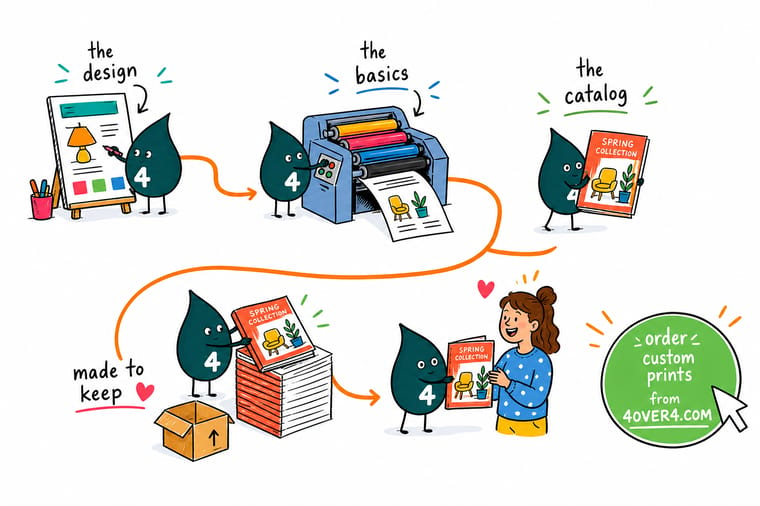
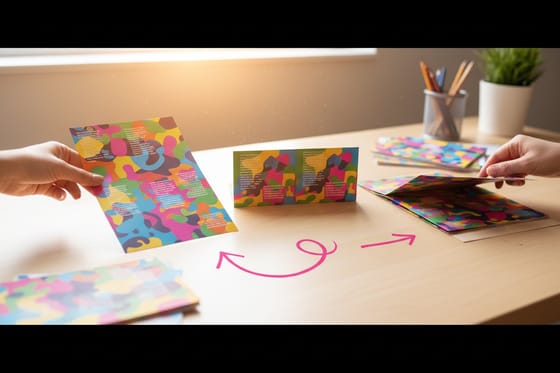
Wally prints a sheet, folds it once, and gets four pages out of it. Stack a few folded sheets inside each other, staple twice through the crease, and that is a catalog. It is also why he cannot print you a 9 page book: it is 8 pages or 12. He lays out the left and right page together because that is how you will read them, and he leaves extra room at the spine, because the staples pull the paper and the fold eats whatever sits too close to it.
Configure Standard Catalogs →
Specs and pricing
Sizes, page counts, and starting prices
All three formats come at 5.5 x 8.5, 8.5 x 11 or 11 x 11 inches, saddle stitched, from 8 to 60 pages. Inside pages print on 100# Gloss Text, 100# Silk/Matte Text or 70# Uncoated Text, with a 100# Gloss Text, 80# Gloss Cover or 14pt Gloss Cover wrapped around them. Compare the bound formats side by side, with live configuration choices and starting prices straight from the 4OVER4.COM configurator.


Print it
Order the catalog you just planned
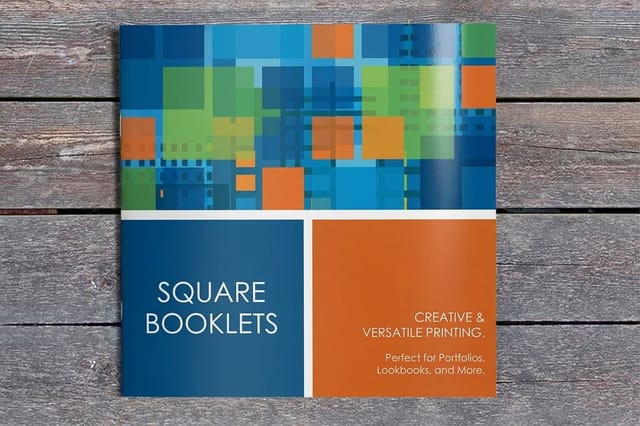
Choose the standard catalog for a letter size range book, the saddle stitch booklet when you order by binding, and the square booklet when the photography wants a true 11 x 11 inch page. Set 4/4 color for a product range, or 1/1 black for a price list that changes each season.



Explore more
Where to go next
Read the flyers, brochures and booklets comparison if your count lands under 8 pages, and the brochure design guide for the same hierarchy rules on a folded sheet.




By the numbers
Catalogs, booklets and folded brochures
Common Questions
Your catalog questions, answered
How many pages should a first catalog have?
Start at 8 and let the range decide the rest. Eight pages is a cover plus four inside pages, which fits roughly six to twelve products with real photography. If your line needs a full page each, count the products, add a cover, an intro spread and an order or contact page, then round up to the next multiple of four. Standard Catalogs run across 14 page counts from 8 up to 60, and the jump from 16 to 20 pages costs far less than a second print run later in the season.
Why does a catalog have to be a multiple of four pages?
Because saddle stitch binds folded sheets, not single leaves. One sheet folded in half gives you four printed sides, so every sheet you add brings four more pages. There is no such thing as a 9 page or 14 page saddle stitched catalog. If your content lands between two counts, either cut a spread or fill the extra pages with something useful such as a size chart, a care guide, or a full bleed lifestyle image.
What size should a product catalog be?
Three sizes cover almost every job. The 5.5 by 8.5 inch is a pocket lookbook that mails in a standard envelope and costs the least to ship. The 8.5 by 11 inch is the letter page, and it is the right call when you need spec tables, long descriptions, or large product shots. The 11 by 11 inch square reads as a considered art book and suits fashion, interiors and food, where the picture is the product. Custom sizing is available up to 11 by 11 inch.
How much bleed does a catalog need?
Extend every image and background 0.125 inch past the trim on all four sides, and keep type and logos at least 0.125 inch inside the trim. On a bound catalog add more room at the spine than at the outer edge, because staples and creep pull the inner column toward the fold. A quarter inch of clear space along the spine is cheap insurance on a job you cannot re-trim.
Should the cover use a different stock from the inside pages?
Almost always, and it is the single upgrade most first catalogs skip. Inside pages usually run 100# gloss or silk text, or 70# uncoated when you want a matte, editorial feel. The cover has three options, including 14pt gloss cover, which is stiff enough to survive a mailbag and a month on a desk. A soft cover on a 40 page catalog starts curling before the season is over.
How much does catalog printing cost?
Standard Catalogs start at $240.55 for 25 booklets, about $9.62 each, and the per booklet price falls hard as the run grows, to roughly 62 cents at 1,000 and about 24 cents at 5,000. Page count, stock and turnaround move the total, and the configurator shows the exact number before you order. Standard turnaround is 7 business days, with rush speeds available when a trade show date will not move.
Get Started
Catalogs run 25 for $240.55 in seven business days
Pick a size, a page count and a cover stock, and we saddle stitch your catalog and ship it on a 7 business day standard turnaround, faster if the show date says so.
Legal Disclaimer
Gold Standard guarantees apply to all standard orders placed through 4over4.com. Price match requires verifiable proof of a competitor's published price for an equivalent product with matching specifications and turnaround time. Satisfaction guarantee covers manufacturing defects and print quality issues. Contact support with order number and documentation.
