
Online Printing Explained From Upload to Delivered Box


Jordan is our labels, packaging and sustainability voice, built from the knowledge of our production team, with over 20 years in printing.
Online printing is a commercial press you order through a browser. The flow has five stages, ganging is what makes it cheaper, and there are four jobs it handles badly.
Online printing, also called web to print, is commercial printing you configure and order on a website: you pick size, stock, quantity and turnaround, upload a press ready PDF, approve a proof, and the job runs on the same offset and digital presses a trade printer uses before it ships to your door. It costs less than a one off local run because your order is ganged onto a shared press sheet with dozens of others, which is also why the size menu is fixed and the turnaround is measured in days. The quoted turnaround starts when you approve the proof, not when you pay.
Quick answer
A real press, a fixed menu, and a clock that starts at the proof
Online printing replaces the counter, not the press. You configure the job on the site, upload a print ready PDF, approve a proof, and your sheets run alongside other orders on the same large press sheet. That sharing is what drops the price, and it is also the source of every constraint you will meet: preset sizes, quantity breaks that reward larger runs, and turnaround counted in production days that begin the moment you approve. Get the file right the first time and the rest of it is a checkout.
Upload, Proof, Print, Ship, and Who Owns Each Hour
Every online print order runs the same five stages, and the schedule only makes sense once you know which of them are on your clock.
One, you configure and upload. Size, stock, quantity, finishing and turnaround go into the configurator and the price moves with each choice. You then upload a press ready PDF. Nothing is charged to the press yet.
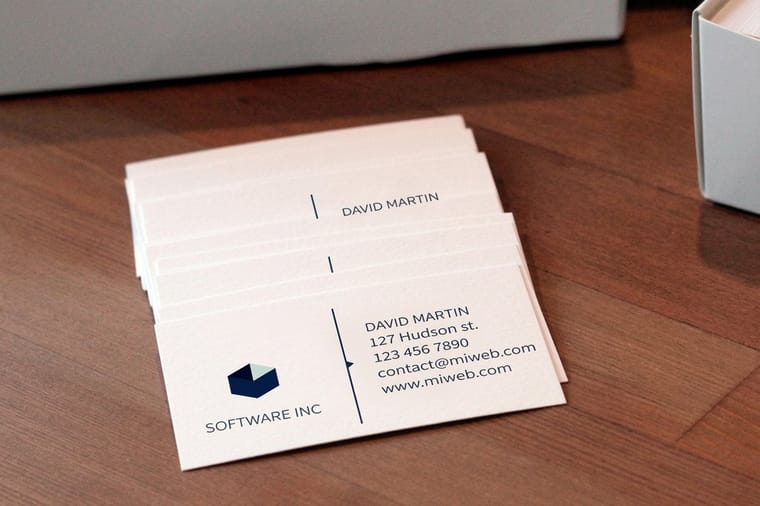
On standard business cards those choices are concrete: 4 sizes, from the 2 by 3.5 inch US card to a 2 by 2 inch square, stocks from 14pt gloss cover up to 80pt UltraWhite, ink printed on the front only or on both sides, a first quantity of 100, and a standard turnaround of 3 business days. The file itself is a PDF at 300 dpi, in CMYK, with an eighth of an inch of bleed on every edge your artwork touches.
Two, preflight checks the file. An automated pass looks for bleed, color space, resolution, embedded fonts and anything sitting too close to the trim. If the file fails, the order pauses and waits for you. This stage is the one people underestimate.
Three, you approve the proof. The proof shows the layout with the trim and bleed lines drawn on it. Approval is the starting gun: the turnaround you paid for begins here, not when you placed the order.
You pick the proof in the configurator. The choices on cards, flyers and postcards are straight to production, a free online proof, or a next day hardcopy proof, and the hardcopy option adds a day before the press can start.
Four, the job goes to press alongside other orders on the same stock and sheet size, then gets cut, folded, coated or drilled as ordered.
Five, it ships boxed and tracked. Transit sits outside the turnaround, so a two day job across the country is not a two day delivery. The production side of stages four and five is covered in detail in our guide to how online printing works.
Why the Same Cards Cost Less Online
The saving is not a discount and it is not thinner paper. It is ganging. A commercial press costs the same to set up whether it runs one job or forty, so an online printer waits until it has forty orders on 16pt coated stock at the same trim size, lays them all onto one large sheet, runs them together, and splits the make ready between them.
Three consequences follow from that, and all three are visible on the order form.
| What you notice | Why ganging causes it | What to do about it |
|---|---|---|
| Fixed size menu | Odd dimensions do not tile onto a shared sheet without waste. | Design to a standard size unless the shape is the point of the piece. |
| Price drops hard with quantity | More of your own pieces fit the same shared sheet you already paid a share of. | Check the next quantity break before you order. It is often barely more money. |
| Turnaround is in days, not hours | The press waits for the sheet to fill before it runs. | Order the faster turnaround if the date is real, or plan a few days of slack. |
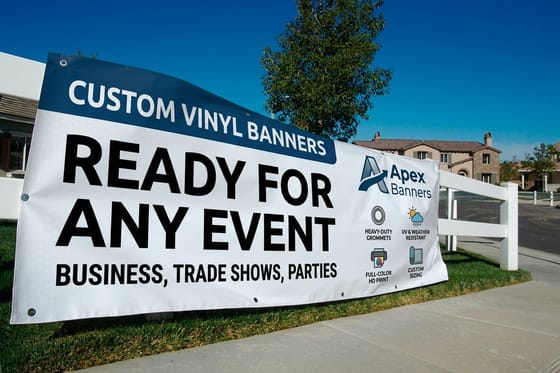
The numbers make it concrete. Standard business cards start at $17.57, standard postcards at $16.48, standard flyers at $39.54, and standard brochures at $57.11. Those are entry prices at the smallest quantity, and the per piece cost keeps falling as the run grows, which is the single reason marketing print moved online in the first place. Larger format work behaves the same way, so vinyl banners start at $79 rather than at a custom quote.
The Three File Faults That Cost You a Day
Preflight rejects the same three things over and over, and each one costs a full production day because the clock does not start until the corrected file is approved.
- No bleed. Artwork that stops exactly at the trim line leaves a white hairline on one edge after cutting, because paper shifts a fraction of a millimeter in the guillotine. Extend background color and photos an eighth of an inch past the trim on every side. The mechanics are in our guide to crop marks and bleed.
- RGB artwork. Screens mix light, presses mix ink, and the bright blues and greens a monitor shows do not exist in CMYK. Convert before you export so you see the shift on your own screen rather than in the box. Our guide to CMYK against RGB covers the conversion and the colors that move most.
- Low resolution images. A logo pulled off a website is typically 72 dpi. Printed at 300 dpi it comes out at a quarter of the size you placed, or blurred if scaled up. Ask whoever made the logo for the vector file and place that instead.
The fastest insurance is to start from a layout that already carries the trim and bleed guides. Our blank template library has one for every size we print, and dropping your design into it removes two of the three faults above before you ever open the upload dialog.
Printing Services Online, Product by Product
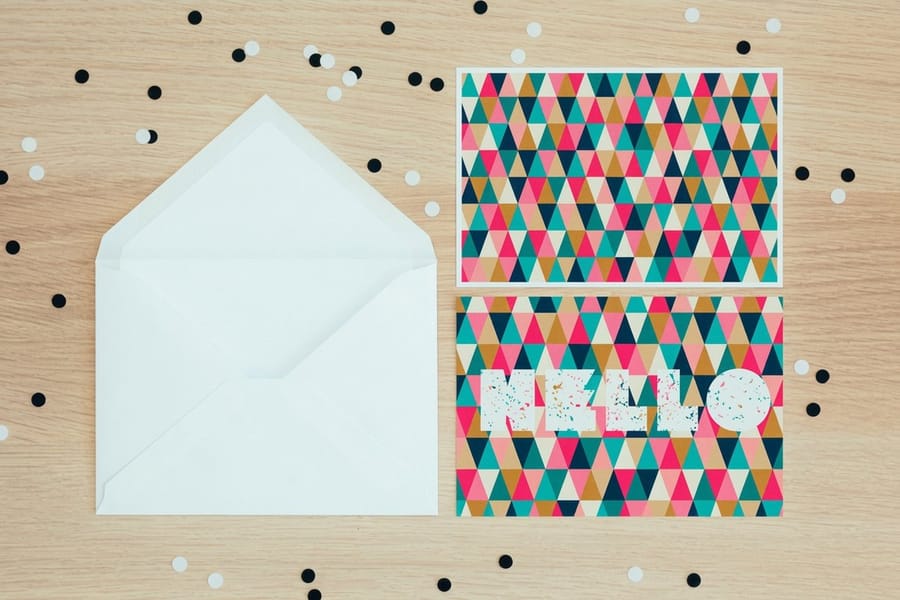
Printing services online cover the same jobs a trade shop quotes over the counter, each with its own fixed menu. The four below account for most first orders, and every one of them runs on a standard turnaround of 3 business days once you approve the proof.
| Service | Preset sizes | Stocks on the menu | First quantity |
|---|---|---|---|
| Business cards | 4, from 2 x 3.5 in to 2 x 2 in | 14pt gloss cover up to 72pt gloss cover | 100 |
| Flyers | 9, from 4.25 x 5.5 in to 11 x 25.5 in | 100# gloss text, 100# silk text, 70# uncoated, cover stocks to 14pt | 50 |
| Postcards | 14, from 2.5 x 2.5 in to 6 x 11 in | 14pt and 16pt gloss, 24pt ultra thick, uncoated, linen | 50 |
| Vinyl banners | 23 presets from 2 x 4 ft to 8 x 20 ft, or any size | 13oz outdoor vinyl, 15oz blackout vinyl | 1 |
Pick the row that matches the job, then the stock. Cards and postcards add rounded corners and a high gloss UV coating as options, and banners add grommets, hems and pole pockets. If a job is not on any menu, describe it on the custom project page with the size and quantity you need.
Where Online Printing Is the Wrong Call
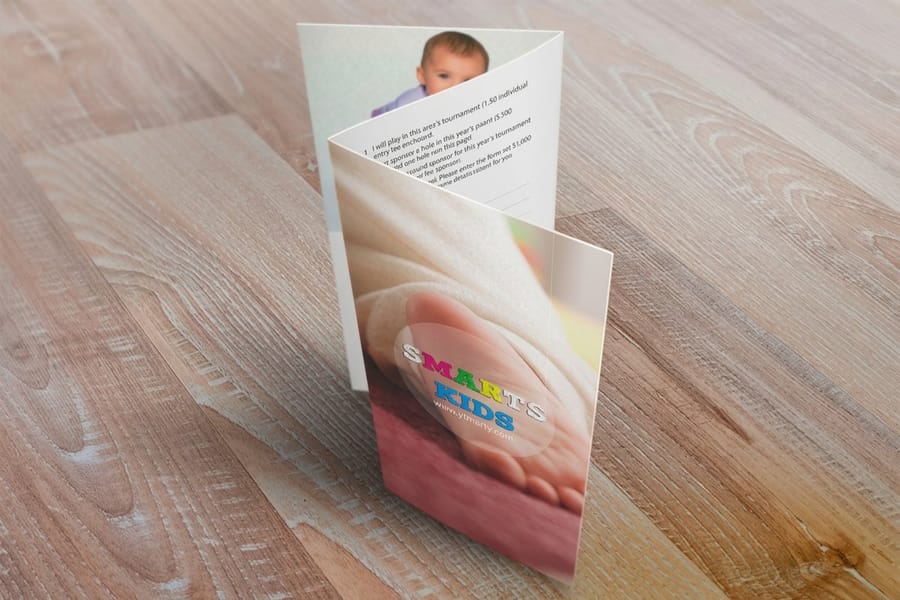
A page that only sells the model is not useful, so here are the jobs where uploading is the worse choice.
Small and urgent. Ten sheets needed this afternoon belongs at a copy shop. No online printer can beat a ten minute walk, and at that quantity the price gap is a couple of dollars.
Color that has to match an existing piece exactly. Ganged printing balances ink across a whole sheet of unrelated jobs, so a specific brand red can land slightly differently between two runs on different days. If an exact match matters, order a hard copy proof, print the reorder in one go rather than in batches, or specify a spot color product where one is offered.
Anything you have never seen in the flesh. Paper weight is impossible to judge from a screen, and 14pt against 16pt is a decision your fingers make in a second and your eyes never will. Order samples first. The same applies to uncoated against matte against high gloss, where the photographs on any product page flatten the difference.
Very small runs of an expensive finish. Setup driven finishes stay expensive at low quantities, so twenty five foil cards cost close to what a hundred cost. Order the hundred.
Everything outside those four cases is where the model earns its keep. If you are weighing a local card printer against uploading, our comparison of a business card printer against online printing puts the two side by side on price, speed and finishing range, and the full product range shows what the fixed size menu actually covers.
Wally explains online printing
Same press, different counter
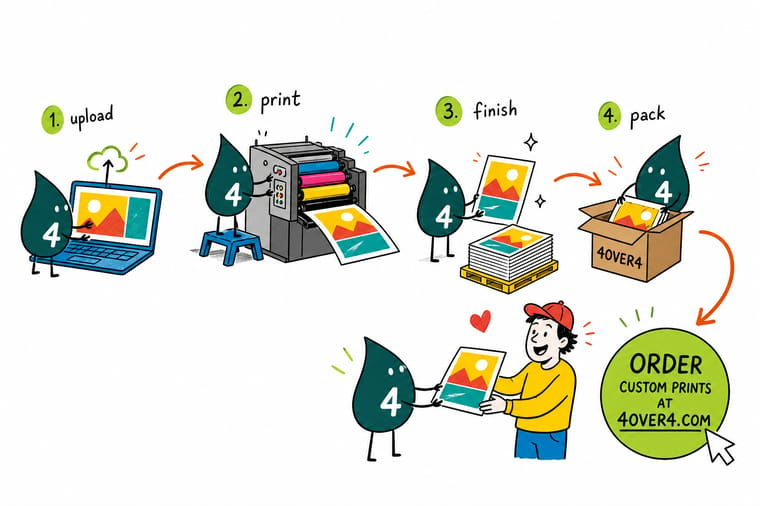
Wally takes your PDF through the browser instead of over a counter. He checks it for bleed, color and resolution, sends you a proof, and only starts the turnaround clock once you say yes. Then your cards ride the same big press sheet as forty other orders, which is exactly why they cost less than a run of their own. Give him a fixed size and a clean file and he is fast. Ask him for ten copies in an hour and he will tell you to walk to the copy shop.
Configure standard business cards →
Specs and pricing
Sizes, stocks and starting prices you can order tonight
Business cards come in 4 sizes and start at 100 pieces. Flyers come in 9 sizes, from 4.25 by 5.5 inches to 11 by 25.5 inches, on 7 stocks. Postcards come in 14 sizes and start at 50. Each widget below reads the live 4OVER4.COM configurator, so the sizes, stocks and quantity breaks match what you can order tonight.


Print it
Start with the jobs online printing does best
Cards, flyers and brochures fill the most ganged sheets, which keeps their prices low. Business cards start at 100 pieces, flyers and brochures at 50, and all three ship on a standard turnaround of 3 business days after proof approval.



Explore more
Where to go next
The local shop guide shows the quantity where uploading beats walking in. The bleed guide fixes the eighth of an inch that trips preflight, and the copy services guide prices everyday office jobs.



By the numbers
Web printing services backed by a real plant
Common Questions
Your online printing questions, answered
What is online printing?
Online printing, also called web to print, is commercial printing ordered through a website instead of over a counter. You choose a product, size, paper stock, quantity and turnaround in a configurator, the price updates as you choose, you upload a print ready file, and you approve a proof. The order then runs on the same commercial offset and digital presses a traditional trade printer uses, gets trimmed and finished, and ships to your address. Nothing about the printing itself is different. What changed is the ordering, the quoting and the proofing, which used to take phone calls and now takes a few minutes in a browser.
Is online printing cheaper than a local print shop?
Usually yes on quantities above a few hundred, and often not on very small runs. An online printer gangs many customer jobs onto one large press sheet, so the setup cost of the press is divided across all of them rather than charged to you alone. Standard business cards start at $17.57 and standard flyers at $39.54 at 4OVER4.COM, prices a one off local run rarely matches. For ten copies of one sheet, a local copy shop is faster and the difference in money is trivial, which is the honest comparison laid out in our guide to printing locally against printing online.
How long does an online print order take?
Count three separate stretches. First, however long you take to fix and upload the file. Second, the production turnaround you selected, which starts when you approve the proof, not when you place the order. Third, transit time from the plant to your address. A job with a two day turnaround approved on a Monday morning is printed by Wednesday and lands a day or several later depending on the shipping service. Approving late in the day is the most common reason an order that looked like a two day job takes four.
What file format do online printers want?
A press ready PDF, exported at 300 dpi, in CMYK, with fonts embedded or converted to outlines, and with an eighth of an inch of bleed on every edge that has artwork running off it. PDF is preferred because it locks the layout, the fonts and the color space into one file that cannot reflow. JPEG and PNG are accepted for simple single image jobs but carry no bleed information and no vector type, so small text prints softer. The rules and the export settings are in our guide to choosing the right file type for printing.
What is a proof and can I skip it?
A proof is the rendered version of your file exactly as the press will lay it out, with the trim line and the bleed shown. It is your last chance to catch a wrong phone number, a photo that shifted, or type sitting too close to the cut. You can approve it in seconds, but skipping the look is a bad trade: reprints for content errors are on the customer, not the printer, at every online shop including ours. Spend the thirty seconds.
Why can I not order any size I want?
Because fixed sizes are what make ganging work. Cards, flyers and postcards are laid out in preset sizes so many orders at the same stock and dimensions fit one press sheet with almost no waste. Custom sizes break that arrangement and get priced as their own run, which costs more and takes longer. Most online printers, including us, do offer custom dimensions on several products, but the standard sizes are always the cheaper and faster path.
Get Started
Brochures run 50 for $57.11, three business days
Pick a size, choose your stock and quantity, upload the PDF, and approve the proof. The turnaround starts the second you do.
Legal Disclaimer
Gold Standard guarantees apply to all standard orders placed through 4over4.com. Price match requires verifiable proof of a competitor's published price for an equivalent product with matching specifications and turnaround time. Satisfaction guarantee covers manufacturing defects and print quality issues. Contact support with order number and documentation.
