
How to Pick the Best Size and Paper for Your Brochure


Sofia is our design and templates voice, built from the knowledge of our production team, with over 20 years in printing.
Start with the job, choose one of four standard sizes, then match it to a paper weight and coating. The rack or the envelope decides the size long before taste does.
Pick the size for the job, then match the paper: an 8.5 by 11 letter trifold on 100 lb gloss or matte text handles most hand-outs and mailers, an 11 by 17 bifold on 100 lb cover reads like a catalog, and a 4 by 9 rack card on cover stock stands up in a display. Gloss makes photos pop, matte reads premium, and silk splits the difference.
Quick tips
The short version
Decide the job first, then let it choose the size and stock. Letter trifold on 100 lb gloss or matte text is the safe default for hand-outs and mailers. Move up to 100 lb cover for rack cards and leave-behinds that have to survive handling. Pick gloss for photo-heavy pieces, matte for a calm premium read, and silk when you want a bit of both. Lock size and paper before you design so your panels, bleeds, and fold lines land right the first time. Start the file from a blank brochure template with the size, bleed and safe zone already set.
Why size and paper decide whether a brochure works
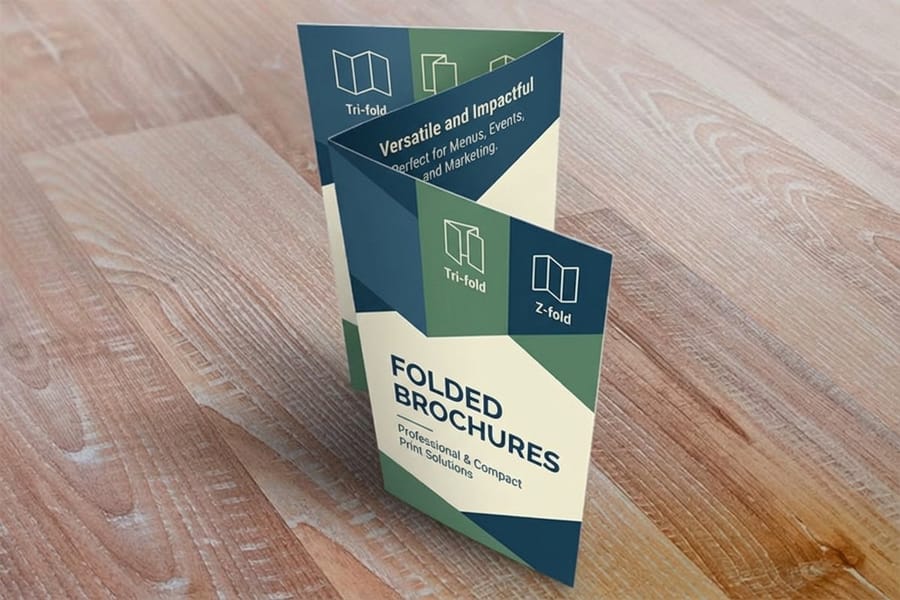
A brochure is a small set of decisions stacked on top of each other, and the two that people rush past are the two that matter most: how big is it, and what is it printed on. Get those right and the layout almost designs itself. Get them wrong and you end up with panels that crack on the fold, a piece that will not fit the envelope, or a flimsy sheet that feels like a throwaway. At 4OVER4 the choice runs across six flat sizes, 5.5 by 8.5 up to 11 by 25.5 inches, on 100# gloss text, 100# silk or matte text, 70# uncoated text or 14pt gloss cover.
The good news is that these choices are not really about taste, they are about the job. A brochure that lives in a display rack has different needs from one that gets mailed, and both differ from a glossy leave-behind you hand a client across a desk. This guide pairs each standard size with the paper weight and coating that suit it, so you stop guessing. When you are ready, you can configure the exact size and stock on 4OVER4.COM brochure printing or build the file in our online designer.
Standard brochure sizes and their best uses
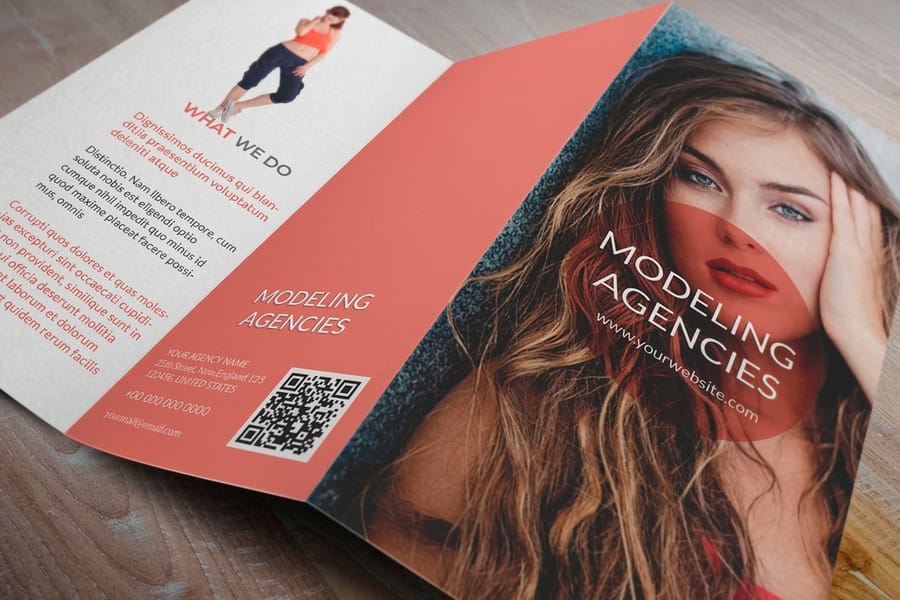
Four flat sizes cover almost every brochure you will ever print. Pick by where the piece has to fit.
- 8.5 by 11 (letter): The default. Folded into three panels it becomes a trifold that slides into a #10 envelope and sits neatly in standard racks. Cheapest to print at volume, which is why most brochures use it.
- 8.5 by 14 (legal): Same width, more length. You get a longer trifold or a roomy Z-fold with an extra panel for a menu, a map, or a price list, while still mailing in a standard envelope.
- 11 by 17 (tabloid): Folded in half it makes a bifold that reads like a mini-booklet. Big panels are great for real estate, catalogs, and photography-led pieces.
- 4 by 9 (rack card): Not a fold at all, but the go-to for display racks and counter stands. It is really a heavy-stock flyer sized to fit the slot.
If you want dimensions and layouts spelled out panel by panel, our complete guide to brochure sizes and folds goes deeper. For the everyday jobs, most people land on Standard Brochures or ready-to-fold Folded Brochures and never look back.
Match the fold to the size and the message
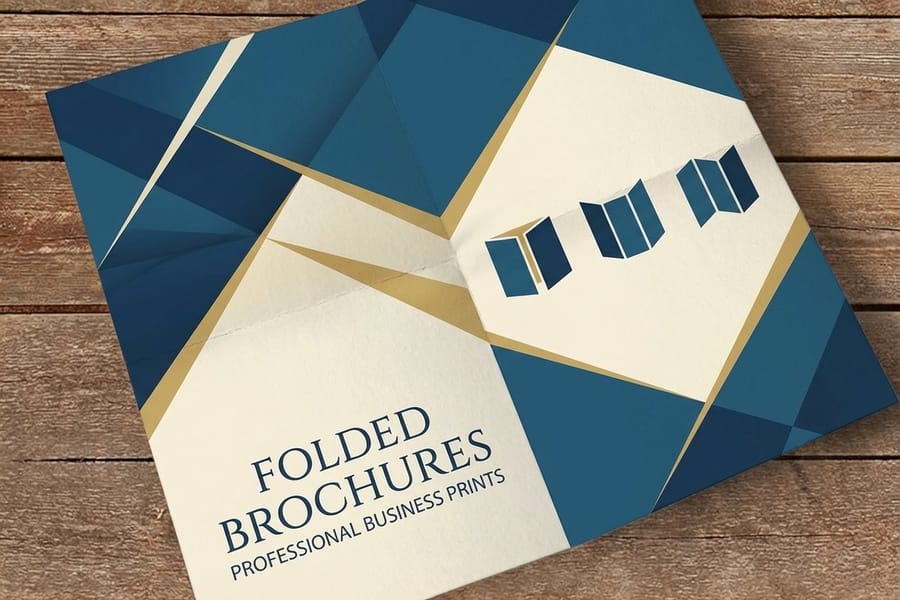
Size and fold travel together. The same 8.5 by 11 sheet can become three very different pieces depending on how you crease it.
Trifold gives you six panels and a clean reveal, one section at a time, which suits a service overview or a step-by-step story. Z-fold uses the same panels but opens like an accordion, so it is better when you want the whole spread visible at once, like a timeline or a comparison. Bifold on a larger sheet gives you four big panels for a cover-and-spread layout that feels like a catalog.
The fold also changes how the paper behaves, and heavier stock needs a proper score to fold without cracking. Our how to fold a brochure guide covers each style, and print folding options shows how 4OVER4.COM scores and folds so your panels line up. When you order Folded Brochures we fold them for you, so they arrive ready to hand out.
Choosing the ideal paper weight
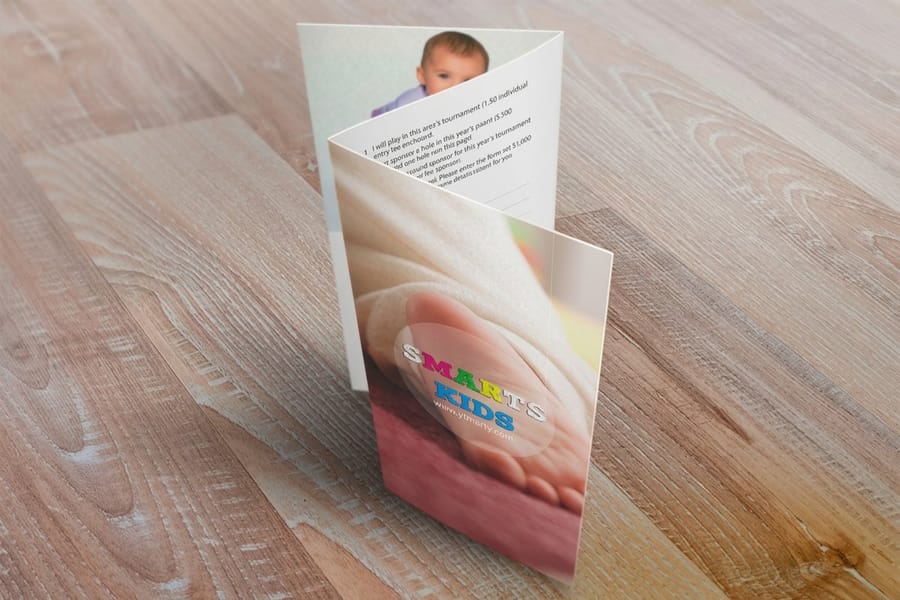
Paper weight is where most people freeze, so simplify it into two families.
Text weights (80 lb to 100 lb text) are thinner and fold beautifully. They are the right call for high-volume hand-outs, mailers, and anything trifold, because 100 lb gloss text creases clean and still feels substantial. This is the single most popular brochure stock for a reason.
Cover weights (80 lb to 100 lb cover) are noticeably thicker, closer to a postcard or a mini-catalog cover. They resist bending, hold up in a mailbox, and signal quality the moment someone picks them up, which makes them ideal for rack cards, real estate pieces, and premium leave-behinds.
The plain rule: the longer the piece needs to survive, the heavier you go. If the terms are fuzzy, the printing terms glossary defines text versus cover weight, and the ultimate brochure paper guide breaks down every stock. Not sure how a weight feels in hand? Order free paper samples before you commit.
Coating and finish: gloss, matte, or silk
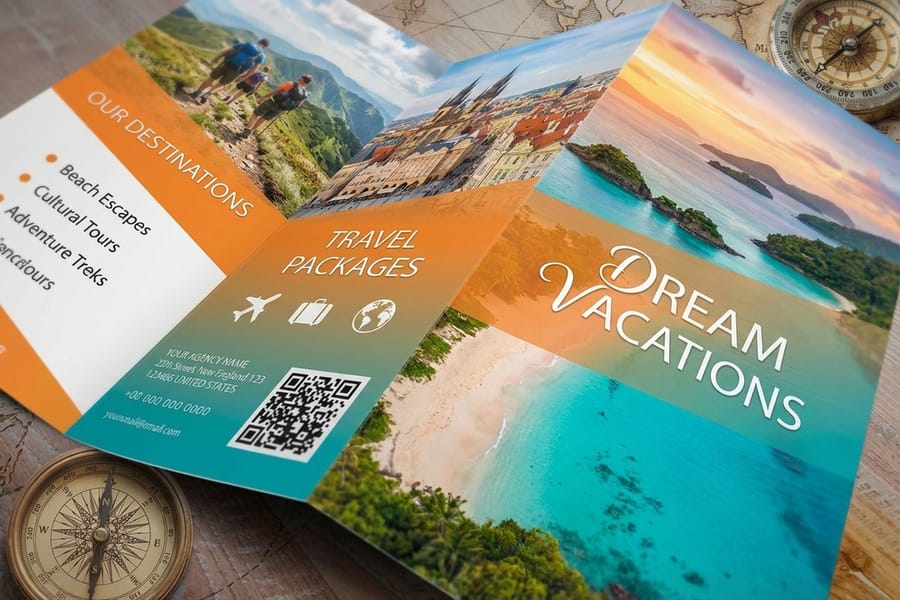
Coating changes both the look and the feel, and it should follow the content.
Gloss is the loudest. It deepens contrast and makes photography and bright color leap off the page, so it suits travel, retail, food, and anything visual. Matte is the calm, premium option: no glare, easy to read, and a soft touch that reads high-end, which suits text-heavy or upscale pieces. Silk sits in between, a subtle sheen that photographs well and hides fingerprints, which is why so many designers default to it.
Still deciding? Our matte vs glossy brochure comparison lays out the trade-offs with examples. Whatever you pick, coated stock is what keeps ink crisp and color rich, which is why brochures are printed on it rather than plain office paper.
Pairing each size with its ideal stock
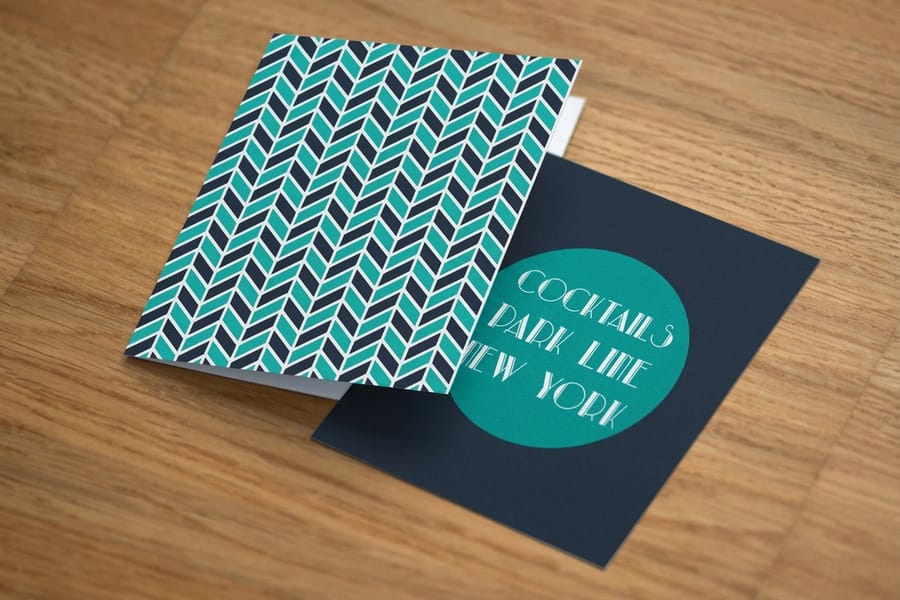
Once you know the job, the size and the stock pair up almost automatically.
Letter trifold, hand-outs and mailers: 8.5 by 11 on 100 lb gloss or matte text. Folds clean, mails easy, prints cheap at volume.
Legal Z-fold, menus and price lists: 8.5 by 14 on 100 lb gloss text. The extra panel earns its keep without adding bulk.
Tabloid bifold, catalogs and property pieces: 11 by 17 on 100 lb gloss cover. The heavier stock makes the big spread feel like a booklet.
Rack card, racks and counters: 4 by 9 on 100 lb gloss cover. Rigid enough to stand in a slot and survive handling.
The visual below maps the four sizes to their recommended stock at a glance. It is the shortcut most of our customers screenshot before they order.
What size and paper do to the price
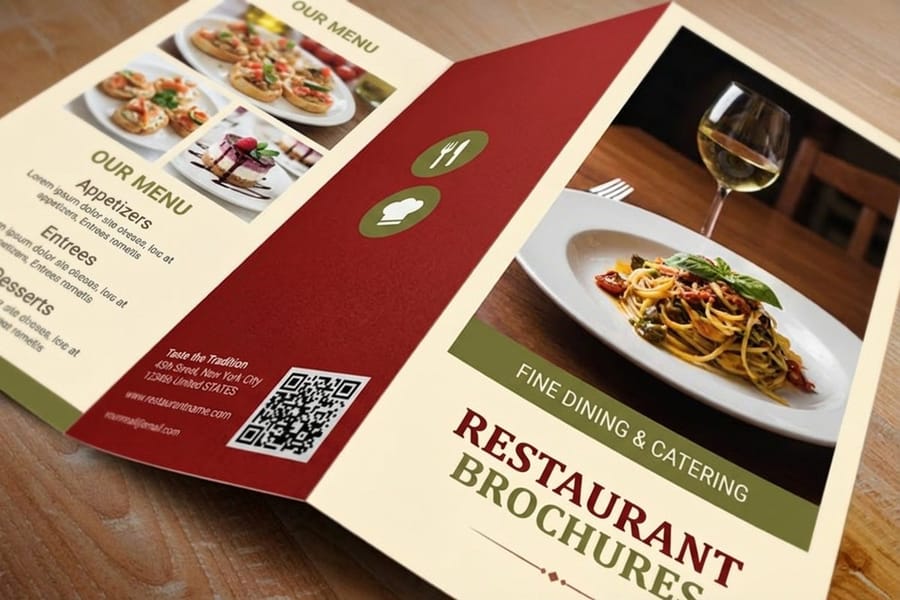
Size and stock are the two biggest levers on cost, so it helps to know how they move the number before you order. Brochures start at $57.11 for 50, and 3 business days is the standard turnaround.
Four things set the price: quantity, flat size, paper stock, and turnaround. Bigger flat sizes and heavier cover weights cost more per piece, while higher quantities drop the per-unit price sharply, which is why a run of 1,000 is far cheaper each than a run of 100. Coating and turnaround adjust the total from there.
Rather than quote a number that goes stale, 4OVER4.COM shows the live price-per-set for every size and stock right in the configurator. Change the paper or the quantity and the price updates instantly, so you can weigh a lighter text stock against a premium cover before you commit. The specs and pricing table further down pulls those exact numbers for standard and folded brochures.
Setting up your file for the size you chose
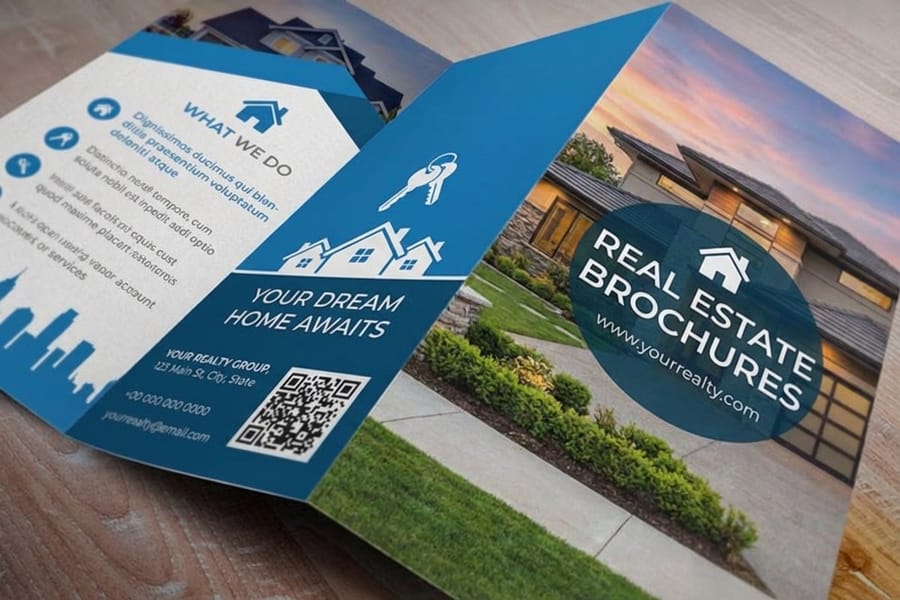
Once size and stock are locked, the file setup is straightforward, and doing it right keeps the print sharp.
- Build at the flat size (for example 11 by 8.5 for a letter trifold laid out landscape), not the folded size, and add the fold guides so your panels are even.
- Add a bleed of 0.125 inch on every edge for anything that runs to the border, and keep text safely inside the trim. Our bleed and trim guide shows exactly how much room to leave.
- Design in CMYK at 300 DPI so colors print the way you expect. The CMYK vs RGB guide explains why RGB files can shift on press.
- Mind the panel widths on a trifold, since the inner tuck panel is slightly narrower so it folds inside without buckling.
Prefer not to wrestle with a template? The online designer loads the correct size, bleed, and fold lines for you, and how to make brochures walks through the whole process end to end.
Mistakes that quietly ruin a brochure
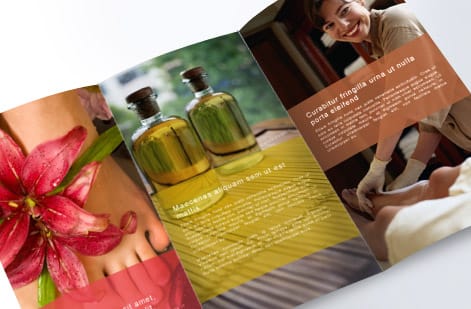
Most brochure regrets trace back to a size or paper decision made too late. Avoid these and you are most of the way there.
Designing before you pick the size. Laying out panels at the wrong dimensions means a full re-flow later. Choose the size first, then design into it.
Going too light on a piece that has to travel. A mailer or a rack card on thin text stock arrives bent and dog-eared. Step up to cover weight when the brochure has a hard life ahead.
Ignoring the fold when choosing stock. Heavy cover stock folded without a score will crack along the crease. If you fold in-house, expect to score first. If we fold it, we handle that for you.
Forgetting the envelope or the rack. A gorgeous brochure that will not fit its display or its mailer is a reprint. Confirm the finished size against where it has to live.
Wally sizes it up
Pick the job, and the size and stock pick themselves
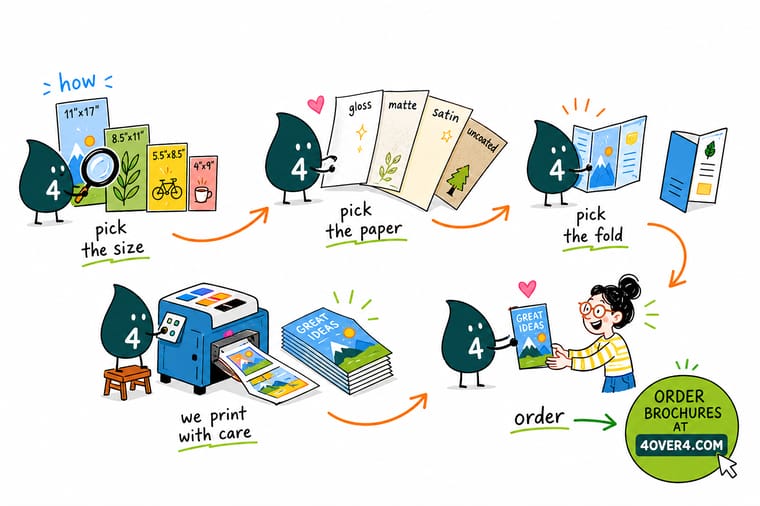
Wally treats a brochure like a tool: first ask what it has to do, then let that choose the size and the paper. Mailing it? Letter trifold on gloss text folds clean and drops in a #10 envelope. Handing it across a desk? Step up to cover weight so it feels like it means business. Lock both before you design and your panels, bleeds, and fold lines land right the first time. Configure the exact size and stock at 4OVER4.
Configure your brochure →At a glance
Size meets paper: the pairing map
Four standard brochure sizes, each with the stock that suits it best: the 4 by 9 inch rack card on gloss cover, the 8.5 by 11 letter trifold on gloss or matte text, the 8.5 by 14 legal trifold on gloss text, and the 11 by 17 tabloid bifold on gloss cover. Screenshot this before you order.

Specs and pricing
Brochure specs and live pricing
Once you have your size and stock in mind, here are the specs and live price-per-set for standard and folded brochures at 4OVER4.COM, straight from the configurator. Both run from 5.5 by 8.5 up to 11 by 25.5 inches, from $57.11 for 50, printed on one side or both, with an optional high gloss UV coating.

| Quantity | Price Per Unit | Total |
|---|---|---|
| 50 | $1.14 | $57.11 |
| 100 | 82.4¢ | $82.38 |
| 200 | 53.3¢ | $106.55 |
| 300 | 41.0¢ | $123.02 |
| 400 | 34.9¢ | $139.49 |
| 500 | 31.2¢ | $155.97 |
| 600 | 26.7¢ | $160.36 |
| 700 | 23.5¢ | $164.75 |
| Quantity | Price Per Unit | Total |
|---|---|---|
| 50 | $1.14 | $57.11 |
| 100 | 82.4¢ | $82.38 |
| 200 | 53.3¢ | $106.55 |
| 300 | 41.0¢ | $123.02 |
| 400 | 34.9¢ | $139.49 |
| 500 | 31.2¢ | $155.97 |
| 600 | 26.7¢ | $160.36 |
| 700 | 23.5¢ | $164.75 |
Print it
Order brochures in the exact size and stock
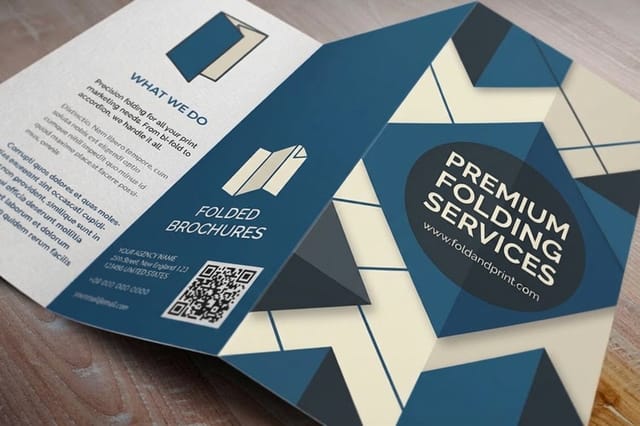

See it in use
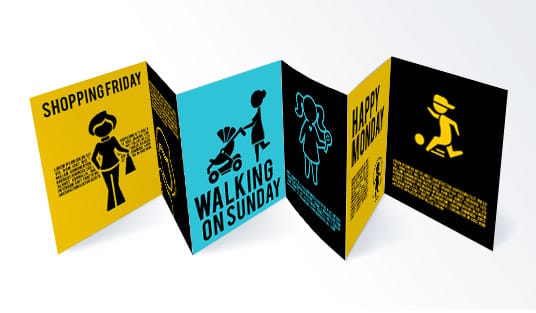
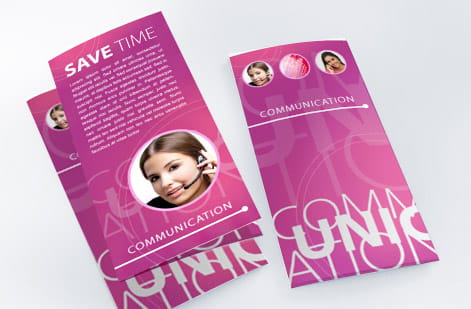
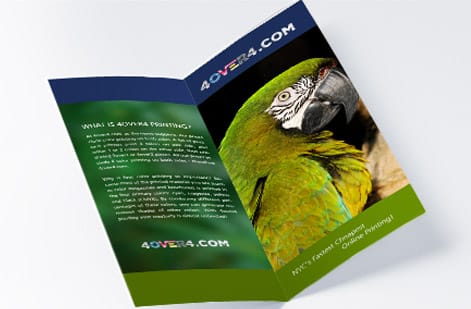
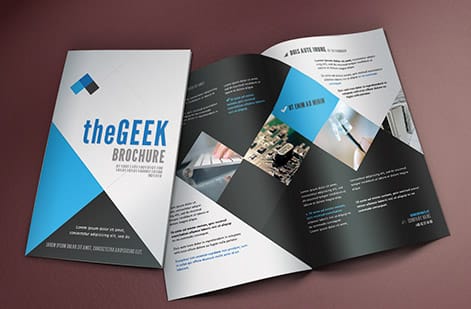
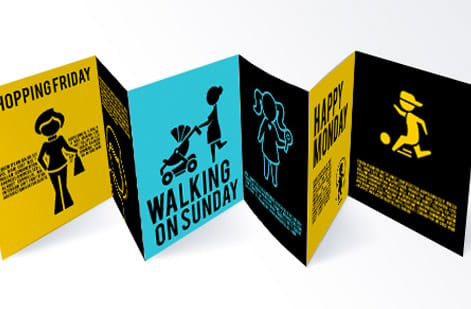
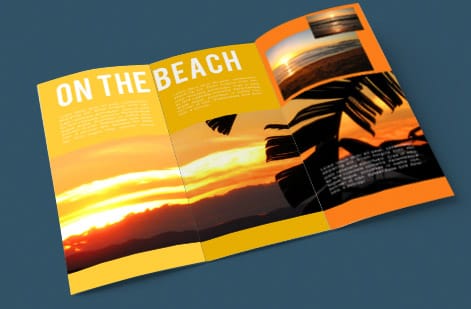
Size and stock pairings we printed



Explore more
Where to go next




By the numbers
Gloss, silk and uncoated text at $1.14 each
Common Questions
Common questions about brochure size and paper
What is the best paper for a trifold brochure?
For most trifold brochures, 100 lb gloss text is the sweet spot. It is heavy enough to feel substantial in the hand, thin enough to fold into three clean panels without cracking, and it makes photography and color look sharp. If the brochure needs to feel more like a premium leave-behind or survive shipping, step up to 100 lb gloss cover. For a softer, more editorial look, choose 100 lb matte or silk text instead.
What paper weight should I use for brochures?
Think in two families. Text weights (80 lb to 100 lb) fold easily and are ideal for high-volume hand-outs and mailers. Cover weights (80 lb to 100 lb cover, which is noticeably thicker) feel like a catalog and hold up to handling, so they suit rack cards, real estate pieces, and anything meant to last. As a rule, the longer the brochure needs to survive, the heavier the stock.
What are the standard brochure sizes?
The four everyday sizes are 8.5 by 11 (letter, the default trifold), 8.5 by 14 (legal, for a longer trifold or Z-fold), 11 by 17 (tabloid, folded in half into a booklet-style bifold), and the 4 by 9 rack card. Letter trifold is the most common because it mails in a #10 envelope and fits standard display racks.
Gloss or matte for brochures?
Choose gloss when the brochure leans on photography, bright color, or a lively retail feel, since the coating deepens contrast and makes images pop. Choose matte when you want a calm, high-end, easy-to-read look, or when the piece has a lot of text. Silk is the middle ground: a soft sheen that resists fingerprints and photographs well, which is why many designers default to it.
What type of paper is used for brochures?
Brochures are printed on coated paper, either gloss, matte, or silk, in a text or cover weight. Coated stock holds crisp ink and rich color, which is why it is the standard choice over uncoated office paper. At 4OVER4.COM you can order brochures on 100 lb gloss text, 100 lb matte, silk, or 100 lb cover, and request free samples before you commit.
How much does brochure printing cost and how is the price set?
Price is driven by four things: quantity, flat size, paper stock, and turnaround. Larger sizes and heavier cover stocks cost more per piece, while higher quantities lower the per-unit price sharply. Coating and any add-ons factor in too. The live price-per-set for every size and stock combination shows in the 4OVER4.COM configurator, so you can compare options before ordering.
Get Started
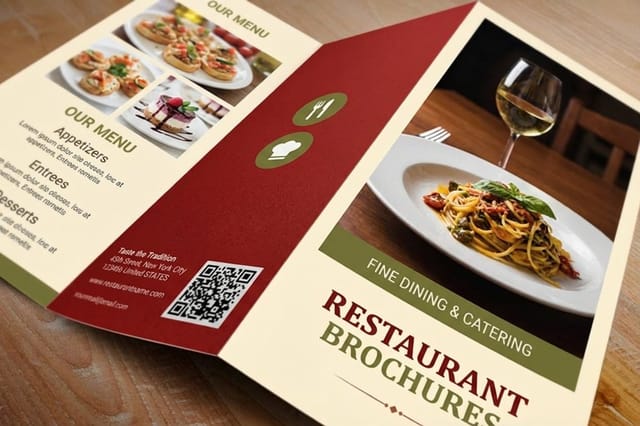
Order 50 restaurant brochures from $57.11
Pick your size, choose the paper weight and coating that fit the job, and we print folded brochures that arrive ready to hand out.
Legal Disclaimer
Gold Standard guarantees apply to all standard orders placed through 4over4.com. Price match requires verifiable proof of a competitor's published price for an equivalent product with matching specifications and turnaround time. Satisfaction guarantee covers manufacturing defects and print quality issues. Contact support with order number and documentation.
