
How to Use QR Codes on Flyers, Brochures, and Postcards


Nadia is our customer education voice, built from the knowledge of our production team, with over 20 years in printing.
A QR code turns a printed flyer, brochure, or postcard into a doorway to your website, menu, booking page, or promo. Here is how to add one that scans on the first try and actually earns the tap.
To use a QR code on print, go dynamic so you can update the link and track scans, keep it at least 0.8 inches (about 20 mm) wide with a clear quiet zone, print it in solid dark ink on a light background, and place it where the reader naturally finishes reading, away from folds and the mailing block. Pair it with a one-line reason to scan, then test the printed proof before the full run.
Quick tips
Quick tips for QR codes on printed marketing
Use a dynamic QR code so you can re-point the link and read the scan data, size it to at least 0.8 inches with a clean quiet zone, and print it in solid dark ink on a light area of the design. Put a one-line prompt beside it that says what happens when someone scans. 4OVER4.COM carries 60+ paper stocks across its range, and flyers, brochures and postcards each offer matte and uncoated choices among them, so the code lands crisp on whatever finish you choose.
Watch it printed
See standard brochures on the press, in 153 seconds
Why a QR code belongs on your printed marketing
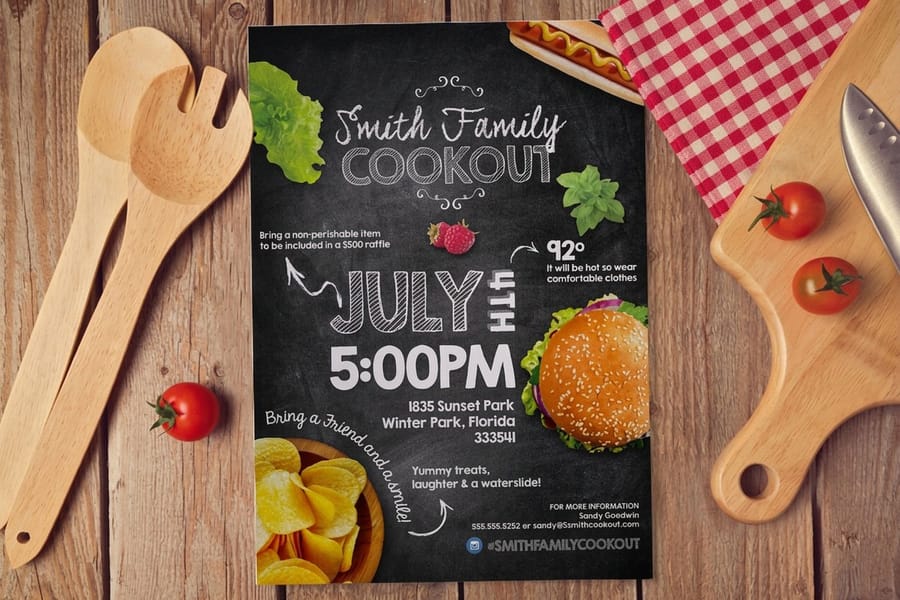
A flyer, brochure, or postcard is a physical moment. Someone is holding it at arm length, reading it, deciding whether you are worth another few seconds, which is why the code on it needs to be 0.8 to 1 inch square. A QR code is the bridge from that moment to the thing you actually want them to do next: open your menu, book the appointment, watch the demo, claim the discount, leave the review. Print gets attention. The code carries that attention somewhere it can convert.
That handoff is the whole point. Instead of asking a reader to type a long URL, remember a promo word, or find you later, they lift their phone and land on the exact page you chose. It shortens the distance between "interested" and "acted," which is where most printed campaigns quietly lose people. If you are still weighing whether print pulls its weight, our roundup of local print marketing campaign ideas shows how a scan closes the loop.
This guide walks through choosing the right kind of code, sizing and placing it, designing it so it scans on the first try, and testing before you commit to a run. For the deeper mechanics of how the codes themselves work, keep the complete guide to QR codes handy, and browse marketing materials printing when you are ready to build the piece.
Static vs dynamic QR codes: the choice that matters most
Before you worry about size or color, decide what kind of code you are printing, because you cannot change your mind after the ink dries.
A static code stores the destination URL directly inside the pattern. It works, it is free, and it is permanent in the worst way: if the page moves or breaks, the printed code is dead, and you learn nothing about who scanned. A dynamic code (sometimes called a variable QR code) stores a short redirect link instead, and that link points wherever you tell it to. You can re-target it after the piece is printed, and every scan is counted.
For a one-off with a URL that will never change, static is fine. For anything tied to a campaign, an offer, an event, or a landing page you might tweak, dynamic is the obvious call. It lets one printed brochure quietly follow your website as it evolves, and it hands you the scan data that turns a guess into a decision. When you are ready to generate the code itself, our walkthrough on generating QR codes in InDesign covers the file side, and our free QR code generator makes the code itself.
Where to place the code on a flyer, brochure, or postcard
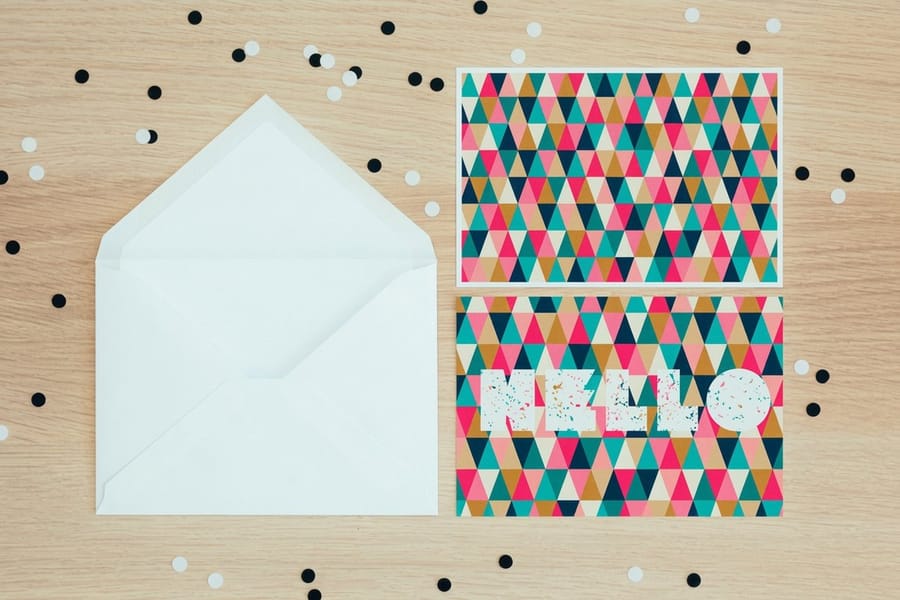
Placement changes with the format, because each piece is read differently. Put the code where the eye naturally finishes, next to the reason to scan.
Flyers. Readers scan a flyer top to bottom, so the lower third, beside your call to action, is prime real estate. Keep the code clear of the very edge so it survives trimming, and give it a plain background. Our flyer distribution best practices pair well here, since where the flyer ends up affects how people scan it.
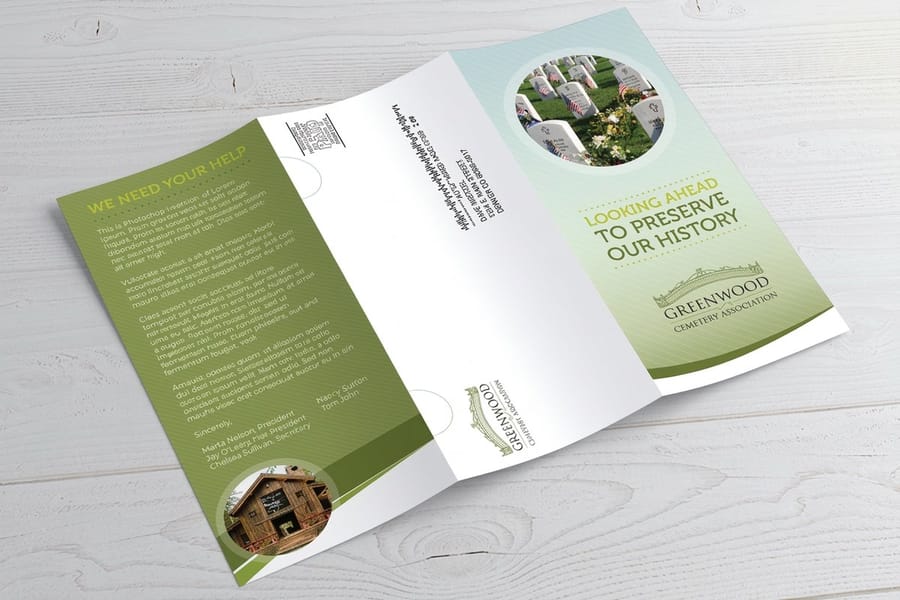
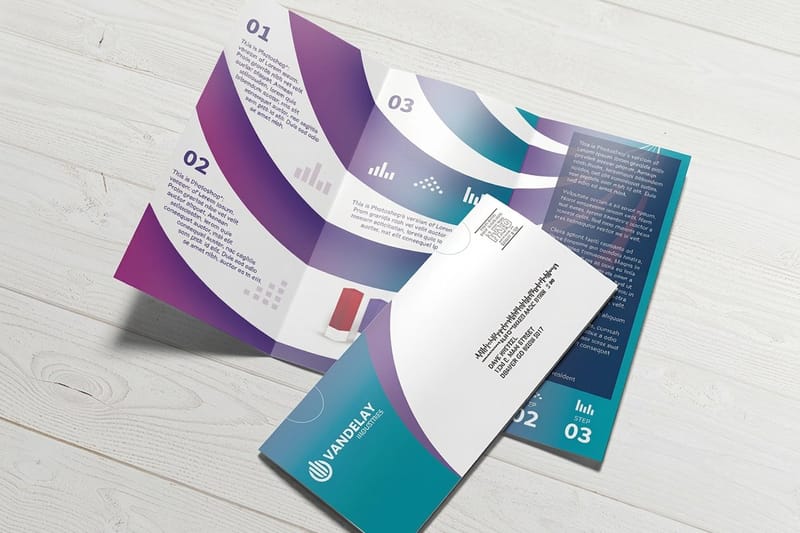
Brochures. Folds are the hazard. Never let a code straddle a crease, or the pattern warps and fails. The back panel or the inside call-to-action panel usually works best. If you are still mapping panels, review how to fold a brochure and standard brochure sizes and folds so the code lands on a flat, uninterrupted surface.
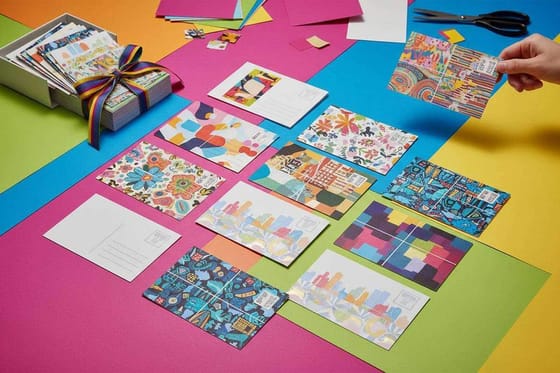
Postcards. A postcard has two jobs: the message side and the address side. Keep the code on the message side, well away from the stamp, return address, and USPS barcode zone. Our guides on adding a QR code to postcards and postcard stamps, addresses, and rules cover the mailing-safe zones in detail.
How big should a printed QR code be?
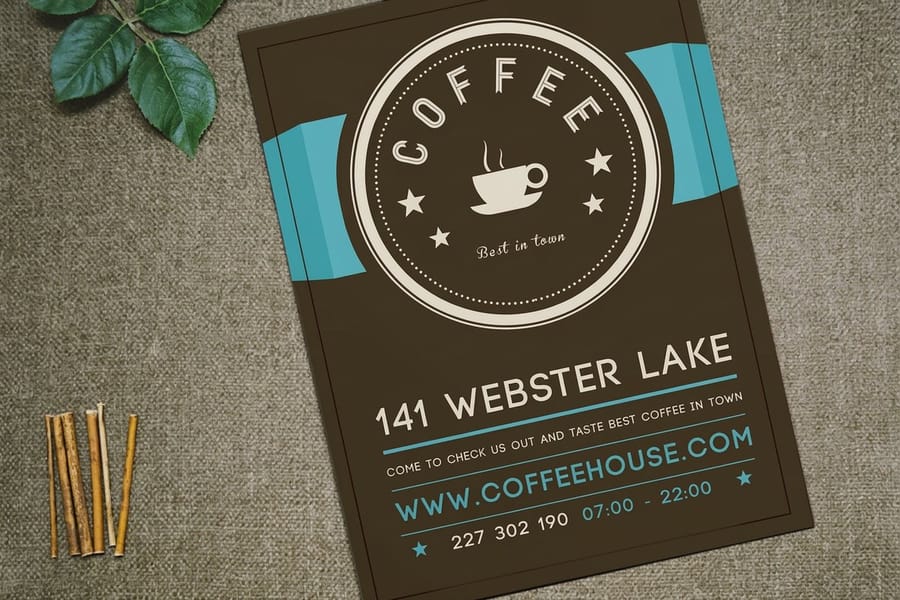
Too small is the quiet killer of printed codes. The right size depends on how the piece is held and how much data the code carries.
For anything hand-held, a flyer or a postcard, keep the code at least 0.8 inches (about 20 mm) square, with its quiet zone counted inside that footprint. Denser links make denser patterns, so shorten your URL and size up when the modules start to look cramped. For pieces read from a distance, use a simple rule: code width of roughly one tenth of the scan distance, so a code meant to be scanned from three feet away wants to be around four inches.
That empty margin around the code, the quiet zone, is not optional. Scanners use it to find the pattern, and crowding it with text or graphics is one of the fastest ways to break a scan. Leave four clear modules on every side. If you are locking down overall dimensions, our flyer size guide and postcard size guide help you budget the space early.
Design a code that scans every time: color, contrast, and CMYK
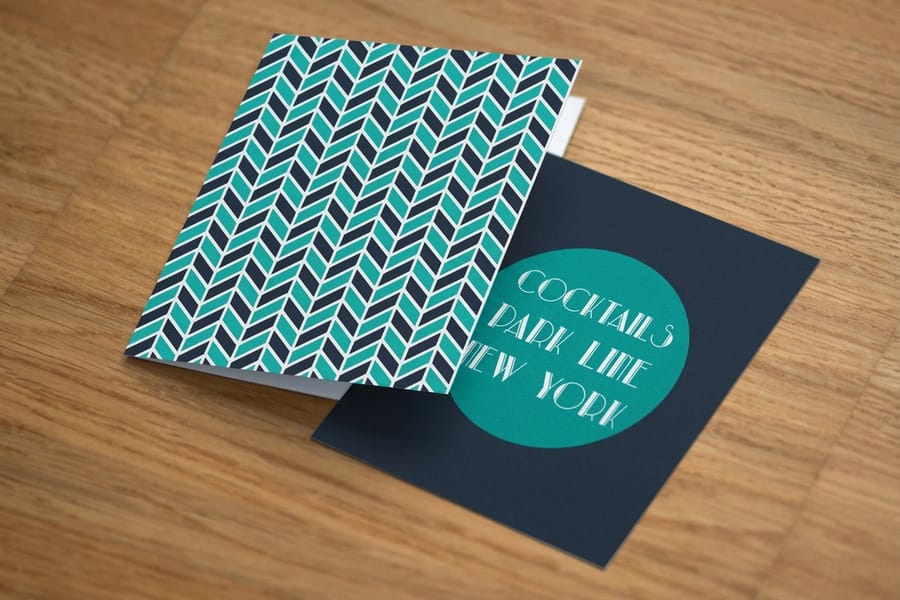
A QR code is read by a camera, so it lives and dies on contrast. Dark modules on a light background is the format phones expect, and it is the one that scans without drama.
Resist the temptation to get clever. Light-on-dark codes, gradients, and two colors that sit close together on the wheel all raise the failure rate. If you want the code to sit on a photo, drop a solid light panel behind it first and keep the modules a deep, solid dark. A little brand color in the code can survive if the contrast stays strong, but test it, do not assume it.
Then remember that print is CMYK, not RGB. A neon on-screen code can print muddy and low-contrast, so build in the print color space from the start, and be careful with rich-black recipes that can look uneven at small sizes. Our guides on CMYK vs RGB for printing and print resolution and DPI keep the code crisp from screen to stock.
Give people a reason to scan
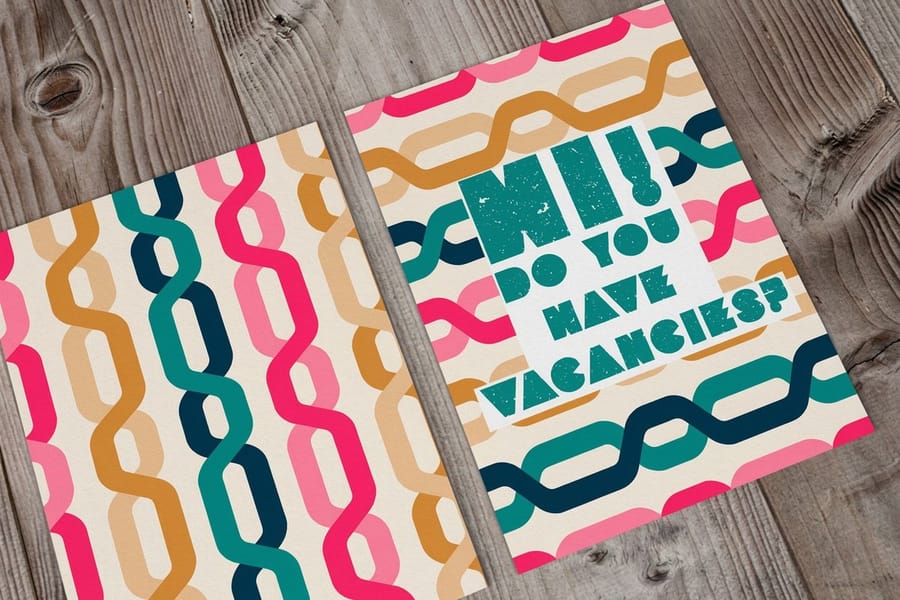
A bare code is not a call to action. Nobody scans a mystery. The code needs a one-line promise sitting right next to it that answers the only question the reader has: what do I get?
Make the prompt specific and active. "Scan to see tonight's menu." "Scan for 15% off your first order." "Scan to book in 30 seconds." "Scan to watch it in action." The verb plus the reward is what earns the tap, and it doubles as instructions for anyone who has never scanned a code before. Keep it short enough to read in a glance.
Match the destination to the promise, too. If the prompt says "menu," the scan should land on the menu, not a homepage the reader has to dig through. That tight match is what separates campaigns that convert from ones that collect scans and lose them. For inspiration on formats that pair a print piece with a strong offer, see effective direct mail formats, and build the layout with the online designer.
What to point the code at, trade by trade
The destination is the decision most people skip. A code that lands on a homepage wastes the scan, because the reader then has to go looking for the thing your flyer promised. Point it at the one page that finishes the job.
- Restaurants and bars. The menu, not the website. A table tent or a takeaway flyer scans straight to tonight's list.
- Events and venues. The ticket page or the schedule. Put the code on the back panel where someone can scan it while queuing.
- Services and trades. The booking page with the calendar already open, so a scan turns into an appointment in one step.
- Retail. The offer itself, with the discount already applied, rather than a code someone has to type at checkout.
- Publishers and studios. A sample, a first chapter or a trailer, since the scan is a try before you buy.
- Property and real estate. A virtual tour or a floor plan gallery, which is what a printed photo cannot show.
Use a variable code for all of these so the link can be re-pointed when the menu, the offer or the tour moves. Then print the piece it lives on, whether that is a flyer, a postcard or a brochure.
Print-ready file setup for QR codes
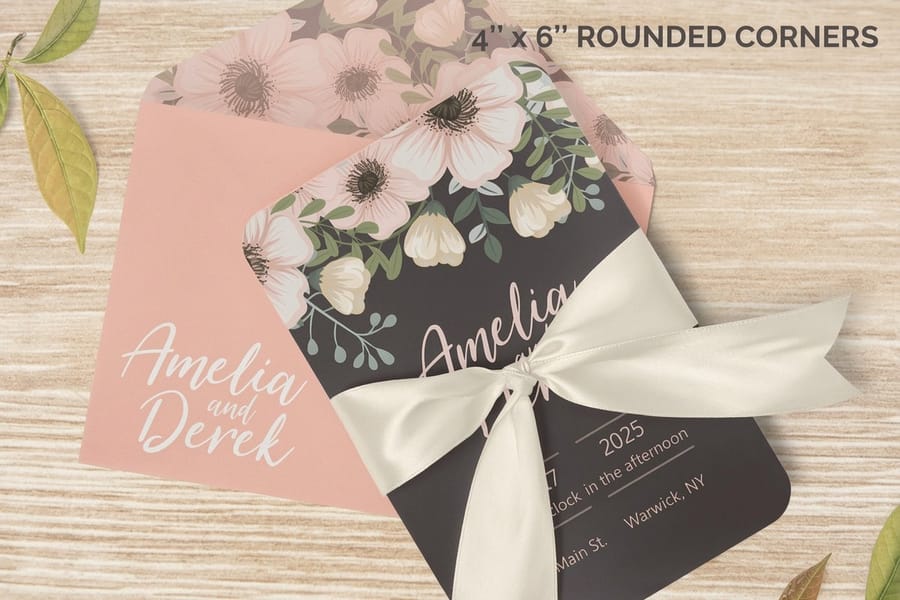
A code that looks perfect on screen can still print soft if the file is wrong. Set it up so the edges of every module stay razor sharp.
- Vector first. Export the code as SVG or EPS when you can, so it scales without blurring. If you must use a raster image, make it 300 DPI or higher at final print size.
- Keep the quiet zone in the file. Do not let a background or a neighboring element eat into the margin around the code.
- Mind bleed and trim. Position the code well inside the safe area so it is never clipped at the cut. Our bleed and trim guide shows the safe margins.
- Pick the right format. Flatten and export in a print-ready file type, not a screen-optimized one. See choosing the right file type for printing.
Treat the code as its own locked element rather than something baked into a photo layer, and it will survive scaling, folding, and finishing without losing a single module. When the file is clean, uploading and ordering on any brochure, flyer, or postcard product page is straightforward.
Test before you print, then track what happens
Never approve a run on a screen preview alone. Print a proof and scan the actual paper, because glare, ink, and stock behave nothing like a monitor.
Test across a few phones, both iOS and Android, at an angle, in dim light, and from the distance a real reader will use. Watch how a glossy finish throws light back at the camera. If the code stumbles, move it to a matte area or switch stock. Ordering free paper samples first is the cheapest insurance you will buy on the whole job, since you can scan the code on the exact finish you plan to run.
Once it is live, the dynamic code earns its keep. Scan counts, timing, and device data tell you what worked, so you can A/B two versions across a mailing and pour the budget into the winner. Fold that reading into your next push with our guides on running a successful direct mail campaign and types of direct mail advertising.
Common mistakes that quietly kill scans
Most failed QR campaigns fail for the same handful of reasons. Rule these out and your scan rate takes care of itself.
Printing a static code you can never fix. One dead page and the whole run is wasted. Go dynamic so the link outlives the piece.
Making it too small or crowding the quiet zone. Under about 0.8 inches, or with text pressed against the edges, cameras struggle to lock on.
Low contrast or an inverted code. Light-on-dark and near-matching colors are the top design cause of no-scans. Keep it dark on light.
Sitting it on a fold, a photo, or the address block. Folds warp the pattern, busy photos confuse it, and the mailing zone is off limits on postcards.
Sending scanners to a slow or non-mobile page. The scan is the easy part. A clunky landing page loses everyone who made the effort.
Skipping the reason to scan, and skipping the test. No prompt means no taps, and no printed-proof test means you find the problem after 5,000 copies. For more places your finished piece can go to work, see 20 places to leave print flyers and real direct mail marketing examples.
Wally explains scannable print
A code is only as good as the reason to scan it
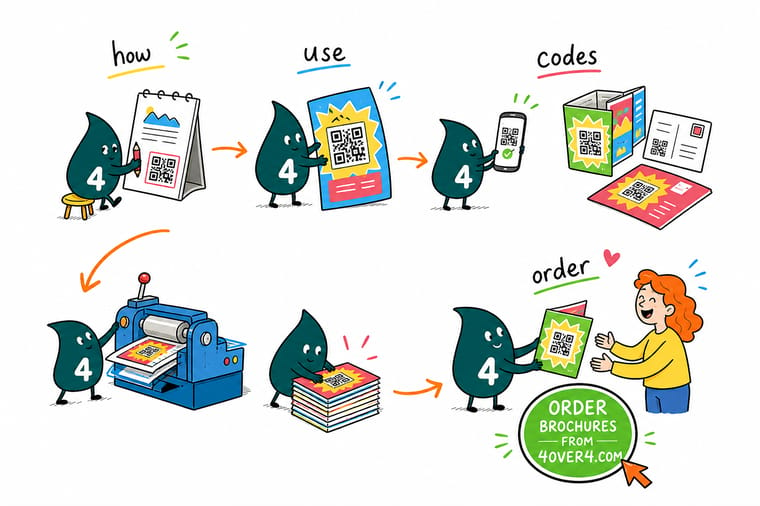
Wally thinks of a QR code as a handshake between paper and phone: print grabs the eye, the code carries the reader to the offer. Go dynamic so you can re-point the link and count every scan, keep the code dark on light with a clear margin, and give people one honest reason to lift their phone. Then let 4OVER4 print it crisp on the stock of your choice.
Add a QR code to your brochures →
Specs and pricing
Brochure specs and live pricing
Ready to print the piece your code lives on? A standard brochure prints flat at 5.5 x 8.5 to 11 x 25.5 inches on 100# gloss or silk/matte text, 70# uncoated text or 14pt gloss cover, from 50 copies in 3 business days. Here is what a standard brochure gives you at 4OVER4.COM, with live specs and price-per-unit straight from the configurator.

| Quantity | Price Per Unit | Total |
|---|---|---|
| 50 | $1.14 | $57.11 |
| 100 | 82.4¢ | $82.38 |
| 200 | 53.3¢ | $106.55 |
| 300 | 41.0¢ | $123.02 |
| 400 | 34.9¢ | $139.49 |
| 500 | 31.2¢ | $155.97 |
| 600 | 26.7¢ | $160.36 |
| 700 | 23.5¢ | $164.75 |
Print it
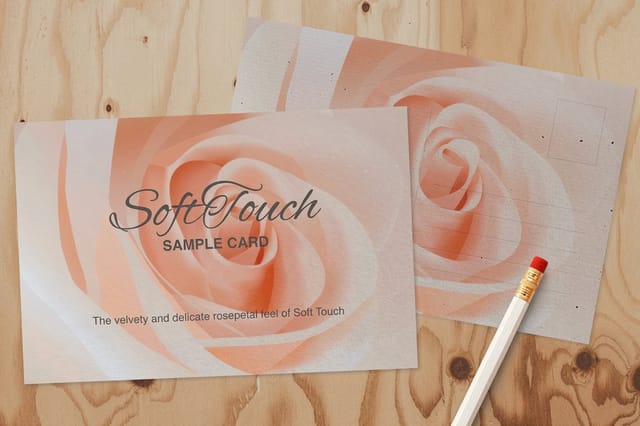
Flyers, brochures, and postcards ready for a scan
See it in use
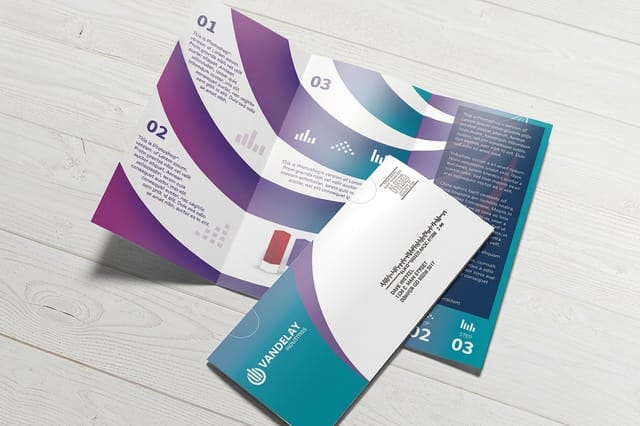
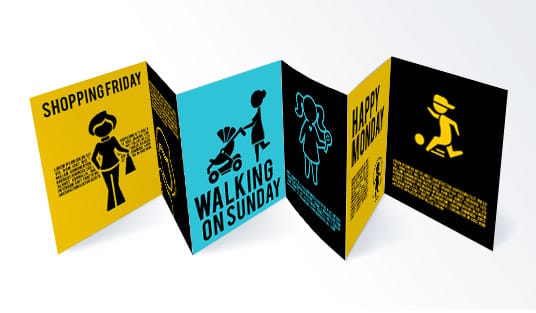
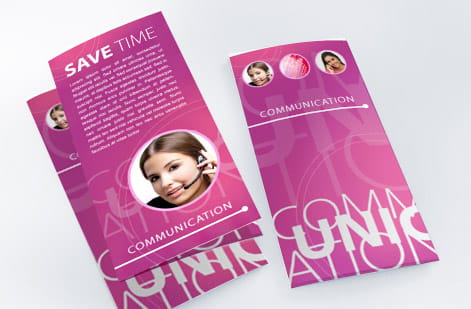
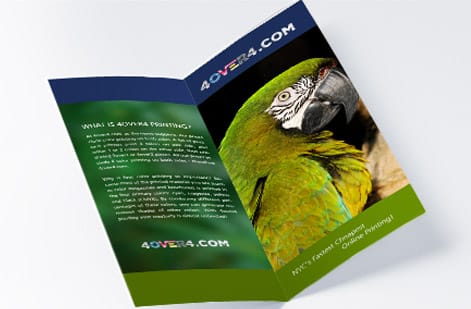
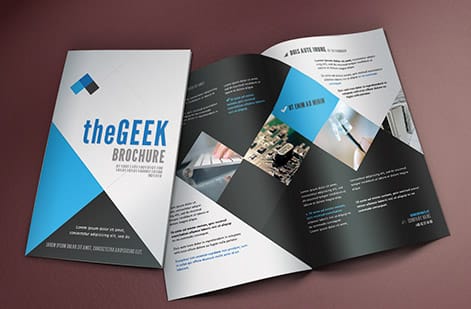
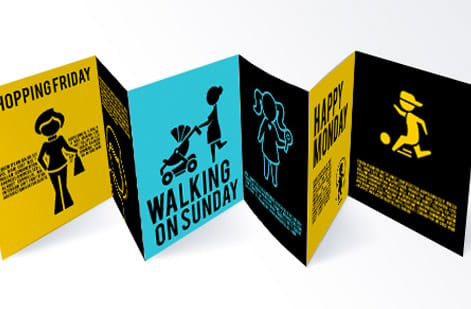
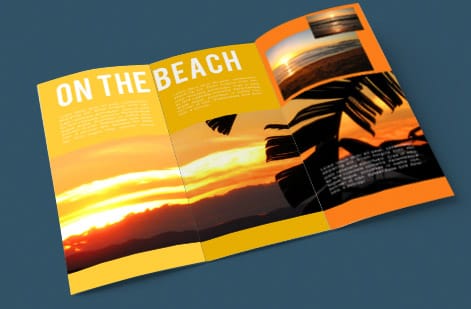
Brochures our customers printed with a code on the panel



Explore more
Where to go next


By the numbers
Our press floor, sized for a flyer run or a brochure reprint
Common Questions
Common questions about QR codes on print
Is it legal to put a QR code on a billboard?
There is no law against printing one, and plenty of campaigns do. The practical problems are the ones worth planning for. A billboard is read from a moving vehicle, so size the code to the scan distance, which means roughly a tenth of that distance in code width, and a driver cannot safely scan at speed anyway. Roadside signage is also regulated for driver distraction in many places, so check the local sign rules before you buy the space. Codes on billboards work best where traffic is stopped or where people are on foot.
Where should a QR code go on a brochure?
On a flat panel, never across a fold. A crease warps the pattern and the scan fails. The back panel or the inside call-to-action panel usually works best, because that is where the reader finishes. Keep the code well inside the safe area so the trim never clips it, leave four clear modules of quiet zone on every side, and put the one-line reason to scan directly beside it rather than on another panel.
Can I make a QR code flyer in Canva?
Yes, and any generator works as long as the file that reaches the press is sharp. Export the code as a vector where the tool allows it, or at 300 DPI or higher at final print size, and keep it as its own locked element rather than flattening it into a photo layer. Check the quiet zone survived the layout, keep the modules solid dark on a light background, and convert the document to CMYK before you export. Then scan the printed proof, because a code that works on screen can still fail on gloss stock.
Can you print a QR code on a flyer, brochure, or postcard?
Yes. A QR code is just artwork, so it drops into the same print file as the rest of your design. The trick is treating it like a functional element rather than decoration: give it a solid dark-on-light block, a clear quiet zone, and enough size to scan. 4OVER4.COM prints QR-coded flyers, brochures, and postcards on 60+ paper stocks, and the code holds up on gloss, matte, silk, and uncoated finishes alike.
Should I use a static or dynamic QR code on print?
Dynamic, in almost every case. A static code hard-codes one URL that can never change once the piece is printed, and it gives you no data. A dynamic (or variable) code points to a short redirect link you own, so you can re-target the destination after printing, fix a broken landing page, and see exactly how many scans came in, on which devices, at what times. For anything tied to a campaign, offer, or event, dynamic pays for itself.
How small can a QR code be on a printed piece?
For something people hold in their hands, like a flyer or postcard, keep the code at least 0.8 inches (about 20 mm) square, quiet zone included. The more characters your link contains the denser the code gets, so shorten the URL and size up if the pattern looks busy. For pieces scanned from a distance, a good rule is code width of roughly one tenth of the scan distance: about 4 inches for a 3-foot reach.
What sizes, stocks, and finishes work best for QR-coded flyers, brochures, and postcards?
Any standard size works as long as you leave room for the code and its quiet zone away from folds and trim. Matte and uncoated stocks scan the most forgivingly because they never throw glare. Heavy gloss can bounce light back at the camera, so if you love a glossy finish, keep the code out of the shiniest area. 4OVER4.COM offers 60+ stocks with matte, gloss, silk, soft touch, and uncoated options, plus configurable sizes for every product.
How much does it cost to print flyers, brochures, or postcards with a QR code?
The QR code itself adds nothing to the price. You pay for the print job. Pricing is set by product, size, paper stock, quantity, and finish, and it drops fast at higher volumes. Standard postcards start at $16.48, brochures at $57.11, and flyers scale with size and stock. Use the live price table on any product page to see the exact cost for your run before you order.
How long does printing and shipping take?
Turnaround depends on the product, stock, and finish you choose, with production times shown right in the configurator as you build your order. 4OVER4.COM ships from its Queens, NY facility with same-day and next-day options on many products, and hits on-time delivery 99.8% of the time. If a mail-ready postcard or brochure is on a deadline, check the turnaround estimate before you finalize.
Do printed QR codes expire or stop working?
A static code never expires because the URL lives inside the pattern, but if that page ever goes down the code is effectively dead. A dynamic code keeps working as long as you keep the redirect service active, and it survives the page moving because you just re-point the link. That is the quiet advantage of dynamic: the printed piece never has to change even when your website does.
Will a QR code scan if it is printed over a photo or in color?
It can, but you are gambling. Codes scan most reliably as dark modules on a plain light background with strong contrast. Placing a code over a busy photo, using a light code on a dark field, or picking two similar colors all raise the failure rate. If you want the code to sit on an image, drop a solid light panel behind it and keep the modules dark. Always test the printed proof, not just the on-screen version.
Get Started
Ready to print flyers, brochures, or postcards with a QR code?
Design your piece, drop the code where the eye lands, and we print it sharp on 60+ stocks so every scan connects.
Legal Disclaimer
Gold Standard guarantees apply to all standard orders placed through 4over4.com. Price match requires verifiable proof of a competitor's published price for an equivalent product with matching specifications and turnaround time. Satisfaction guarantee covers manufacturing defects and print quality issues. Contact support with order number and documentation.
