
How to Design an Instagram Post Template That Gets Engagement


Sofia is our design and templates voice, built from the knowledge of our production team, with over 20 years in printing.
A good template is a reusable frame: set your size, safe zones, colors, and fonts once, and every post looks on-brand. Build it at 300 DPI in CMYK with bleed and the same artwork prints as a counter flyer or an 18 by 24 inch wall poster without a redraw.
An Instagram post template that gets engagement starts with the right canvas (1080 by 1080 for a square post, 1080 by 1350 for portrait), keeps every headline and logo inside a safe zone, and reuses one fixed layout so your feed stays consistent. Design for the small thumbnail with one bold headline, high contrast, and two or three brand colors, then export the same file at 300 DPI so it doubles as a printed flyer or poster from 4OVER4.COM.
Quick tips
Quick tips for a high-engagement post template
Build your template on the right canvas first, 1080 by 1080 for square or 1080 by 1350 for portrait, and keep headlines and your logo inside a safe zone. Lock two or three brand colors and one or two fonts, then reuse the exact same frame on every post so your feed reads as one brand. Design for the thumbnail, add one clear call to action, and export the artwork at 300 DPI so it doubles as a printed flyer or poster from 4OVER4.COM. Order the printed version as flyers on 100 lb gloss text from 50 pieces, or as posters from 11 by 17 inches.
Why a reusable Instagram post template gets more engagement
People save and share posts they recognize. When your posts share the same frame, colors, and type, your followers know the post is yours before they read a word, and familiar content earns more saves, shares, and follows than a feed that looks different every day. That is the real job of an instagram post template: it turns scattered one-off graphics into a coherent brand.
A template also makes you faster. Instead of rebuilding a layout each time, you drop in a new headline or photo and publish. That speed keeps you posting on schedule during a busy week. You can build one in minutes with the 4OVER4.COM Online Designer or start from our ready-made design templates.
This guide walks through the exact post sizes and safe zones, free template options, layout and hierarchy, on-brand color and type, and the part most guides skip: how to reuse that same artwork as a printed flyer or poster so your campaign lives on the wall and in the hand, not just on the screen.
Instagram post dimensions and safe zones
Get the canvas right first, because everything else sits on top of it. Instagram supports three shapes that matter for a template:
- Square, 1080 by 1080 pixels (1:1). The simplest, most predictable feed post and the easiest ratio to reuse across a tidy grid.
- Portrait, 1080 by 1350 pixels (4:5). The tallest shape the feed allows, so it takes up more screen and tends to pull more attention.
- Story and Reel, 1080 by 1920 pixels (9:16). Full vertical for the parts of the app that fill the whole phone.
Whatever the shape, respect the safe zone. Keep your headline, logo, and any important detail roughly 100 to 150 pixels in from every edge, and keep the bottom clear where the caption, username, and interface buttons sit. Anything that hugs the edge risks being cropped by a thumbnail or covered by the interface.
Print sizes are a different world with far more room to breathe. When you are ready to move a design off screen, our flyer size guide and poster size guide lay out the standard dimensions and how to set the file up cleanly.
Free template options to start from
You do not have to build from a blank canvas. Starting from a template you can customize is faster and usually looks more polished, and 4OVER4.COM gives you three free starting points: a 1080 by 1080 or 1080 by 1350 frame you lay out in the browser, fully styled design templates, and blank templates already sized for print with the bleed built in.
The 4OVER4.COM Online Designer lets you lay out your post in the browser, drop in your logo and text, and save a reusable frame. Our design templates give you fully styled starting points, while our blank templates hand you correctly sized, print-ready canvases when you want full control of the design.
Plenty of tools offer free customizable Instagram post templates, and they are great for the on-screen post. The difference here is what happens next: because 4OVER4.COM is a print shop, the same template you use for social flows straight into a real flyer or poster order, so your social media templates and your printed marketing come from one file and keep the same colors and type.
Layout and visual hierarchy basics
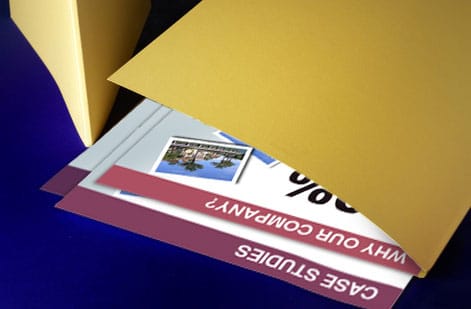
A strong post layout guides the eye in a clear order: what to read first, second, and last. Build that order into your template once and every future post inherits it.
- Set consistent margins. A steady border around the artwork frames the content and keeps text out of the crop zone.
- Give the headline its own zone. One dominant message, large and high-contrast, so the point lands even at thumbnail size.
- Pick a single focal point. One photo, one graphic, or one big number. Competing focal points cancel each other out.
- Reserve a fixed logo spot. Same corner, same size, every time. That repetition is free brand recognition.
- Use whitespace on purpose. Empty space is not wasted space. It makes the important element louder.
A quick way to test hierarchy is to shrink the design to the size of a thumbnail. If the main message still reads, the layout works. For more on building a mark that anchors your layout, see our logo design best practices.
On-brand colors and fonts
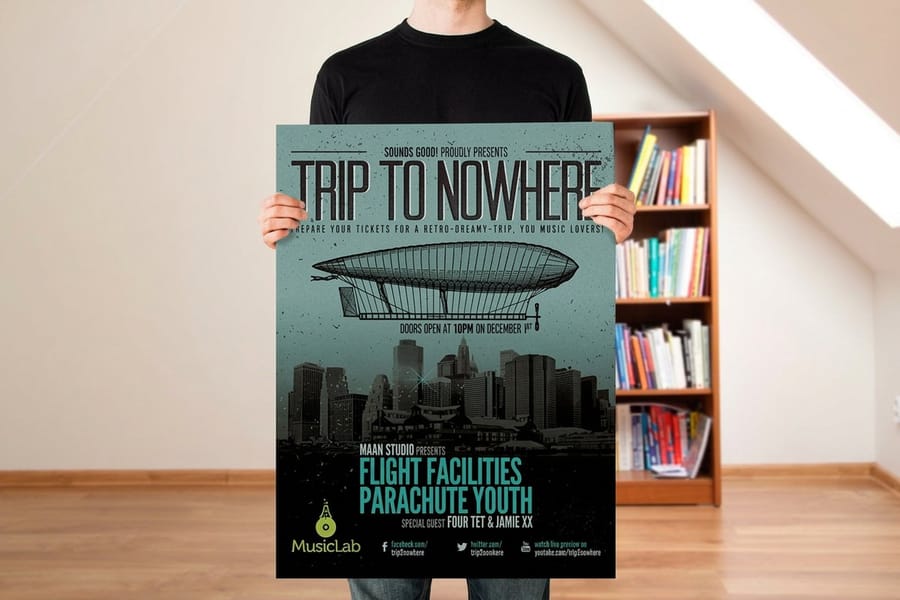
Consistent color and type are the fastest path to a recognizable feed. Lock these into your template and never negotiate them post to post.
Colors: choose two or three brand colors plus a neutral, and use them in the same roles every time (one for backgrounds, one for headlines, one for accents). Make sure text has enough contrast against its background so it stays readable on a small screen. Screens use RGB, but print uses CMYK, so if you plan to reprint the design, our CMYK vs RGB guide explains how to keep the colors true when the file moves to paper.
Fonts: one or two typefaces is plenty. Pair a bold display font for headlines with a clean, readable font for supporting text, and keep those choices identical across posts. If a stripped-back look fits your brand, our guide on building a minimal brand identity shows how far a small, disciplined system can go. This is the heart of clean instagram design.
Design choices that earn saves, shares, and comments
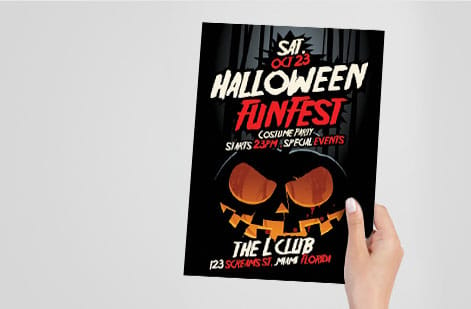
A consistent template gets you recognition. These choices get you engagement. Bake them into the frame so they happen automatically.
- Lead with one bold headline. Give people a reason to stop scrolling in the first second. Curiosity, a clear benefit, or a surprising fact all work.
- Make it legible tiny. If the text is unreadable at thumbnail size, most of your audience never reads it. Size up and simplify.
- Include one clear call to action. Ask for the save, the share, the comment, or the click. One ask, not five.
- Use carousels for depth. A strong first slide earns the swipe, and multi-slide posts hold attention longer. Keep the frame consistent across every slide.
- Show your handle. Reposts travel, so put your name on the art. The same thinking applies offline, which is why we cover how to put your Instagram handle on a business card and add social media to business cards.
You need no extra design skill for any of this. Put these elements in the same place on the template and every post starts with them.
Turning your Instagram post into a printed flyer or poster
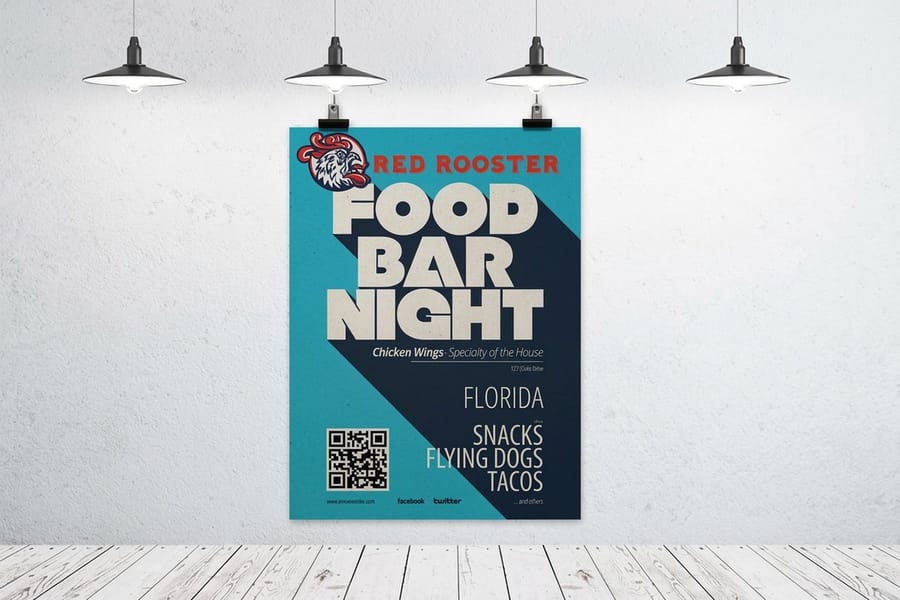
This is where a social design earns its keep twice. The template you built for the feed is most of the way to a printed flyer or poster, so a post that performs online can go straight onto a counter, a community board, or a wall. Our flyer vs poster guide helps you pick between the two, and the guide to a printed flyer that stands out covers the layout once you choose.
To move a screen design to print cleanly, do three things:
- Export at 300 DPI. Screen graphics are often 72 DPI, which looks blurry on paper. A 1080 pixel square is only 3.6 inches wide at 300 DPI, so rebuild or export the artwork at print resolution for the physical size you want instead of enlarging the post.
- Add bleed and mind the trim. Extend backgrounds past the edge and keep text inside a safe margin so the trim never clips your message, the same discipline as the on-screen safe zone.
- Convert to CMYK. Match the file to how presses mix ink so the printed colors match what you designed.
From there it is a short hop. Our how to design flyers and how to make posters guides cover the setup, then you order the physical piece from flyers printing or posters printing. Send us the PDF at the flyer or poster size and we print the same colors and type your followers already know.
Posting cadence and reuse tips
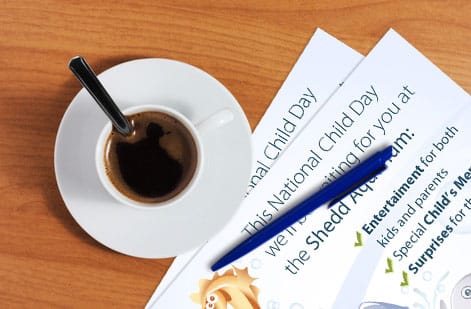
A template pays off most when you use it to work in batches. Design once, produce many, and stay consistent without burning out.
Batch your content. Sit down with the template and make a week or a month of posts in one session. Same frame, new messages. It is far faster than starting cold each day, and the feed stays coherent.
Repurpose across formats. One idea can become a square post, a portrait post, a story, and a printed flyer with minor adjustments: move the headline inside the new safe zone, extend the background into the bleed, and export at the new size.
Bridge online and offline. Pair your social pushes with printed marketing materials so a campaign shows up everywhere your audience is. Our article on promoting your business locally with print shows how flyers and posters extend the reach of a social campaign into the real world.
Common mistakes that kill Instagram engagement
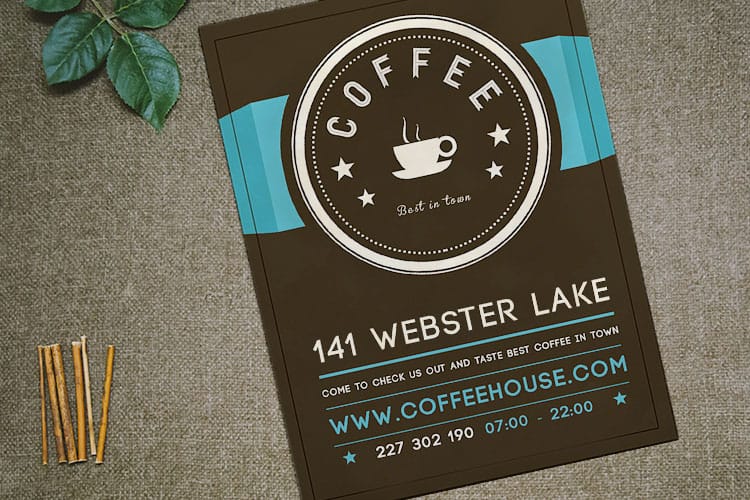
These are common mistakes in a social file sent to print, and each one costs you on the feed too.
Text too small to read. The single most common miss. Design for the thumbnail, then check it at that size before you post.
Too much on one post. Cramming five messages into one square means none of them land. One idea per post, one clear headline.
Ignoring the safe zone. Edge-to-edge text gets cropped by thumbnails and covered by the interface. Keep the important stuff inside the margins.
Off-brand, inconsistent color. A different palette every day erases recognition. Lock two or three colors and hold the line.
No call to action. If you never ask, people rarely act. Build one clear ask into the template.
Low-resolution files when printing. A 72 DPI screen graphic looks blurry as a flyer. When you print with 4OVER4.COM, export at 300 DPI so the piece looks as sharp on paper as it does on screen.
Wally explains post templates
One frame online and on paper
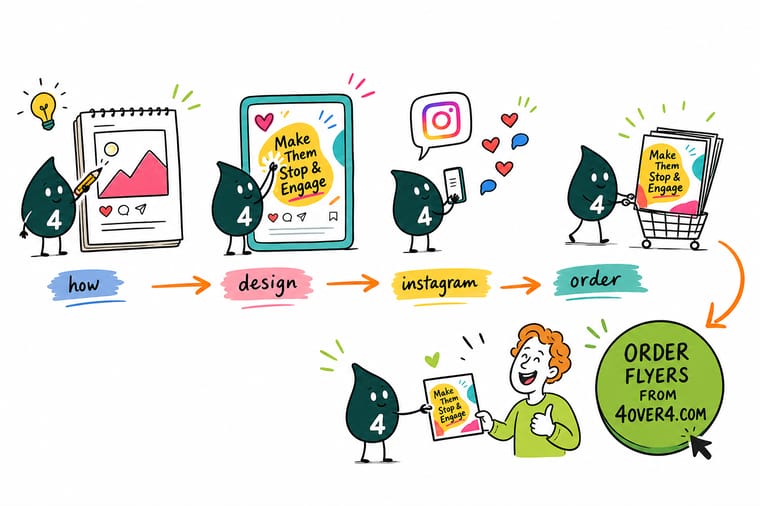
Wally treats a post template like a stencil: set the size, safe zone, colors, and fonts once, and every post lands on-brand in seconds. The secret most people miss is that the same artwork prints. Export it at 300 DPI and your best post becomes a flyer or poster from 4OVER4.COM, so your campaign shows up in the feed and on the counter.
Print your design as flyers →
Specs and pricing
Flyer specs and pricing to print your design
Flyers print from 4.25 by 5.5 up to 11 by 25.5 inches on 100 lb gloss text, in runs that start at 50 pieces. The specs and price-per-unit below come straight from the 4OVER4.COM configurator. Never a guessed price, always the current rate.

| Quantity | Price Per Unit | Total |
|---|---|---|
| 50 | 79.1¢ | $39.54 |
| 100 | 57.1¢ | $57.11 |
| 200 | 37.3¢ | $74.69 |
| 300 | 28.6¢ | $85.68 |
| 400 | 24.4¢ | $97.76 |
| 500 | 21.8¢ | $108.75 |
| 600 | 18.7¢ | $112.03 |
| 700 | 16.5¢ | $115.33 |
Print it
Take your design to flyers and posters
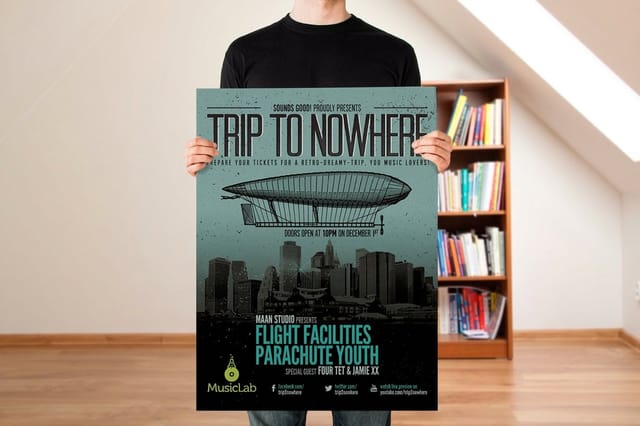
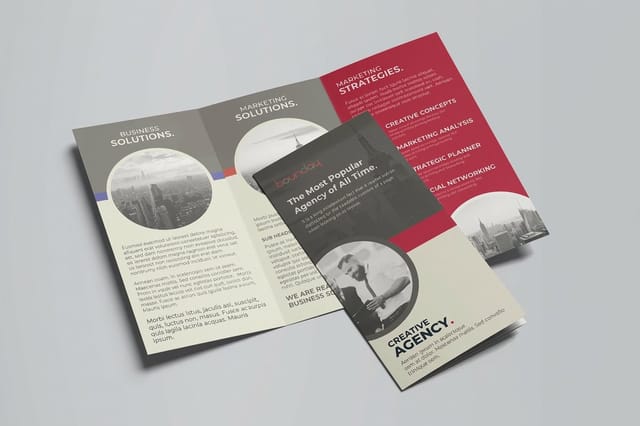
A square post becomes a flyer on 100 lb gloss text, a 1080 by 1350 portrait post keeps its 4:5 shape on a 16 by 20 inch poster, posters run from 11 by 17 up to 22 by 28 inches, and a carousel with a story to tell can run as a folded flyer from 5.5 by 8.5 inches.
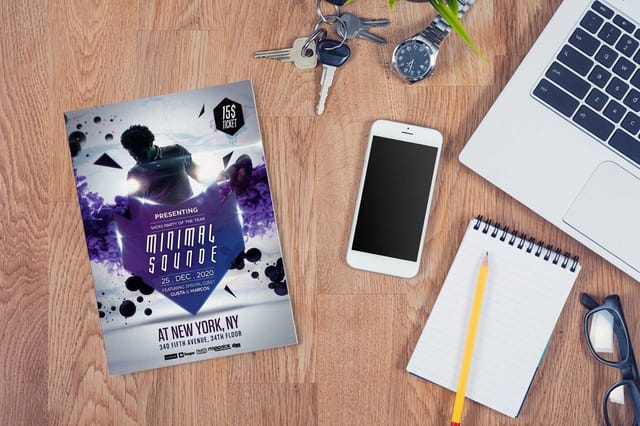
See it in use
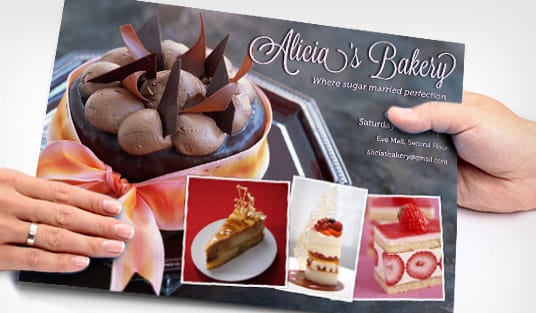
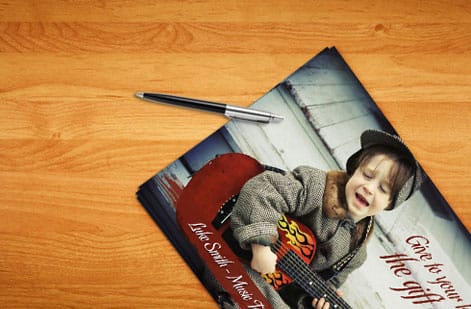
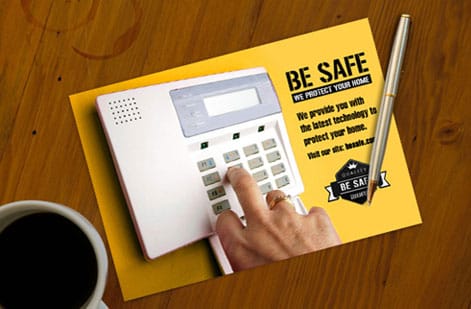
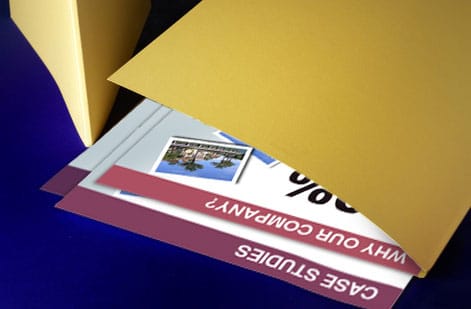
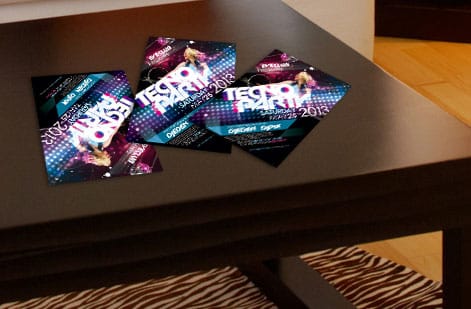
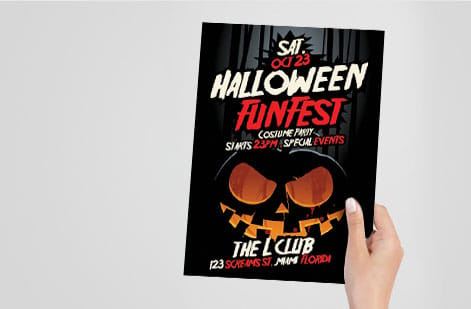
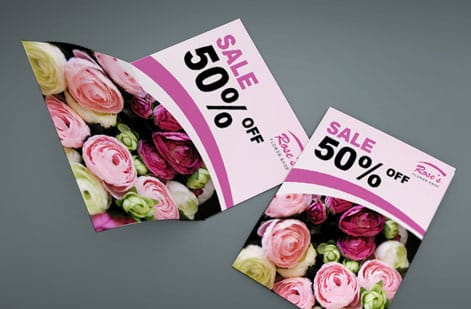
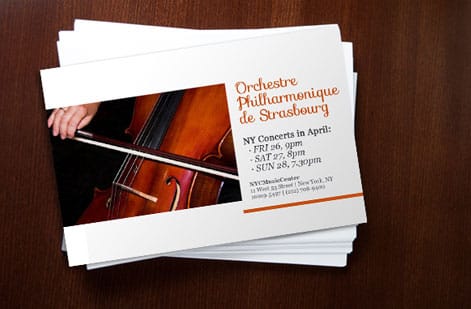
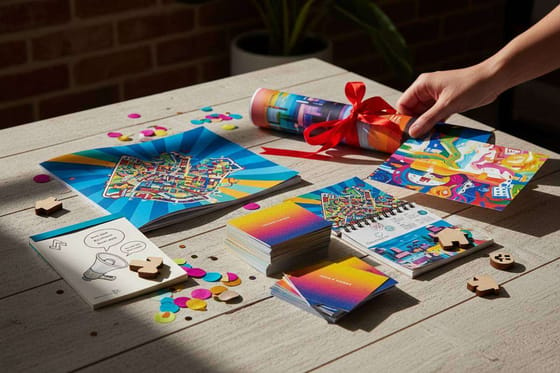
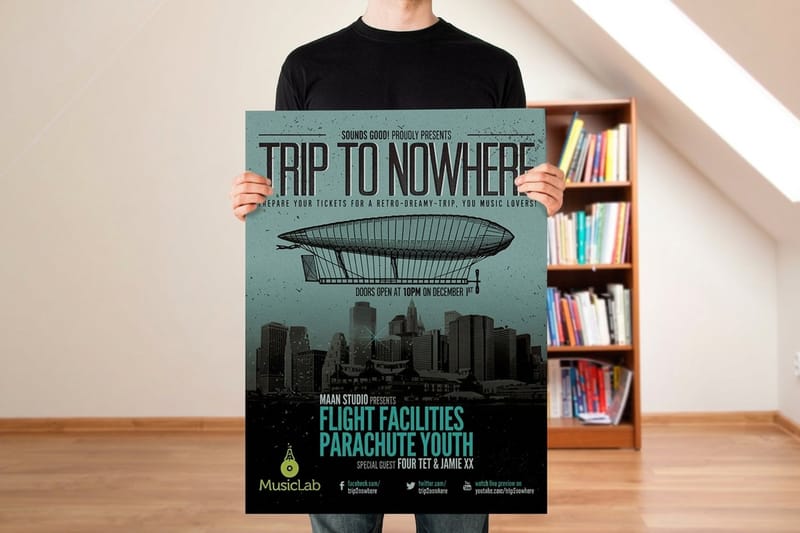
Social artwork we printed as flyers
Explore more
Where to go next

By the numbers
From a 1080 square to a 50-flyer run
Common Questions
Common questions about Instagram post templates
What is an Instagram post template?
An Instagram post template is a reusable design frame sized for the feed, usually 1080 by 1080 pixels for a square or 1080 by 1350 for a portrait post. It fixes the margins, headline zone, brand colors, fonts, and logo placement so you can drop in new text or a new photo and publish an on-brand post in minutes. Instead of starting from a blank canvas every time, you swap the content and keep the structure, which is exactly what makes a feed look consistent and professional.
What size and safe zone does an Instagram post need?
Pick the layout that matches how you post. Choose square (1:1) if you want the simplest, most predictable look, or portrait (4:5) if you want the post to take up more vertical space in the feed and grab attention. Then match the template to your brand: the colors, fonts, and logo spot should feel like the rest of your marketing. If you plan to reprint the design as a flyer or poster, start from a template that keeps text away from the edges so it survives both the crop on Instagram and the trim in print. The 4OVER4.COM Online Designer and our design templates give you an on-brand starting point.
What does an Instagram post template cost, and how are prices set?
Designing the template itself is free. The 4OVER4.COM Online Designer, design templates, and blank templates cost nothing to use for your social graphics. You only pay when you turn that artwork into a printed piece. For flyers and posters, the price is set by size, paper stock, finish, and quantity, and it drops as the run gets larger. The specs and price table on this page pull live pricing straight from the configurator, so you always see the current rate rather than a guess.
What sizes, stocks, and finishes are available when I print my design?
On screen, stick to 1080 by 1080 or 1080 by 1350 pixels. In print, you have far more room. Flyers come in common sizes like 4 by 6, 5 by 7, 8.5 by 11, and more, on stocks that range from lightweight text weight to heavy cardstock, with matte, gloss, and specialty finishes. Posters scale up to large-format wall sizes on paper, matte, or vinyl. See the live options on the flyers printing and posters printing pages, plus our flyer size guide and poster size guide.
How long does it take to print and ship a design from my template?
Turnaround depends on the product and options you choose, and it is shown live in the configurator before you check out. 4OVER4.COM prints and ships from our Queens, New York facility with a 99.8% on-time record, and many products offer fast or same-day shipping. Order your flyers or posters to see the exact production and delivery estimate for your size and quantity.
What is the best Instagram post size for engagement?
Portrait posts at 1080 by 1350 pixels (the 4:5 ratio) take up the most vertical space Instagram allows in the feed, so they push competing content off screen and tend to earn more attention than square posts. Square at 1080 by 1080 is still a safe, clean default and is the easiest ratio to reuse across a grid. Whichever you pick, upload at full resolution so the image stays crisp, and keep your key message inside the safe zone so it never gets clipped.
Get Started
Print 50 flyers of your best post from $39.54
Take the same on-brand artwork from your feed and turn it into a crisp flyer or poster. Pick your size, drop in your file, and we handle the rest.
Legal Disclaimer
Gold Standard guarantees apply to all standard orders placed through 4over4.com. Price match requires verifiable proof of a competitor's published price for an equivalent product with matching specifications and turnaround time. Satisfaction guarantee covers manufacturing defects and print quality issues. Contact support with order number and documentation.
