Relight a Product Photo
BetaChange the light on your photo, from soft morning to golden hour.
Set it up
Checking the engineThe result comes out at about one megapixel. For a print, run it through the Print Upscaler.
Result
BetaThis is in beta, so some things may not work yet. We’d love your feedback.Send feedback
Enjoying this tool?
You might also like Standard Postcards
Your product in its best light belongs on a postcard. Upscale it, then print it as standard postcards.
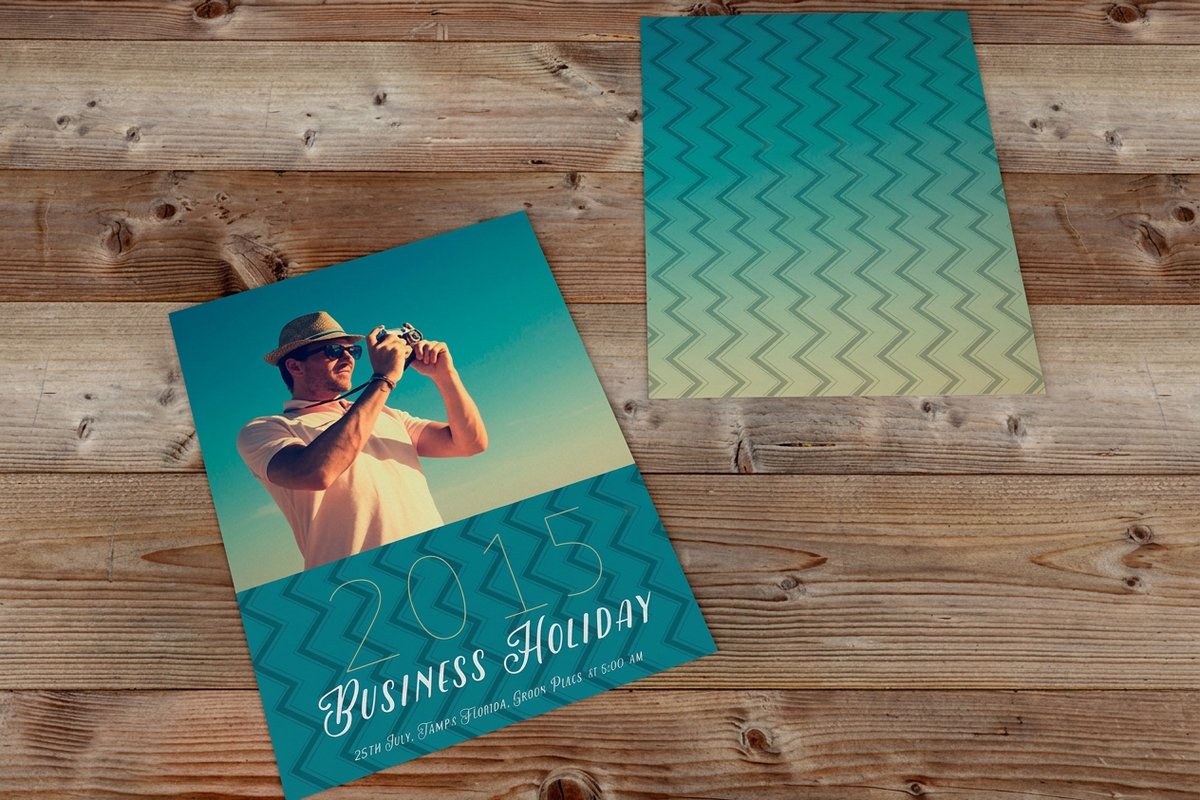 Standard PostcardsFrom $16.484.9·247 reviewsCustomize yours
About the relight
Upload a product photo or a cutout. Pick a light and the side it comes from, and you get the same product in a new light and setting.
Free blank templatesHow to use the relight
- Upload a product photo or a cutout.
- Pick a light: Window daylight, Golden hour, Clean studio, Sunset glow or Neon night.
- Pick where the light comes from: Left, Right, Above or Below.
- Sign in and press Relight it. It costs 40 coins.
- Download the result. It comes out at about 1 megapixel, so run it through the Print Upscaler before you print it on Standard Postcards.
Light sets the mood
The same bottle looks fresh in window daylight, warm at golden hour and loud in neon. Relight keeps your product and changes the light and setting around it, so one photo can fit a summer flyer, a holiday postcard and a night event.
The side you pick is where the light comes from. Light from the left or right gives shape and shadow. Light from above is flat and clean.
Size it up before you print
The relit photo comes out at about one megapixel. That is plenty for a web page or a social post, but only a few inches of sharp print. Run it through the Print Upscaler first, then put it on a postcard or a flyer.
Common questions
Questions about the relight
Which lights can I pick?
Window daylight, golden hour, clean studio, sunset glow and neon night, from the left, the right, above or below.
How big is the result?
About 1 megapixel. Use the Print Upscaler before you print it.
Does it change my product?
It keeps your product and builds new light and a setting around it. Strong colored light can shift colors a little, so check labels and brand colors.
What does it cost?
40 coins a photo. There is no free first run on this one.
Explore more
Where to go next
Product Photos
Pack shots, lifestyle scenes and a new background, from one plain photo.
Add a Shadow to a Product Photo
A natural shadow or reflection under your cutout product, free.
Upscale an Image for Print
Images enlarged to the exact pixels a print size needs, with the DPI before and after.
Flat Lay Maker
2 to 4 products laid out together in one top-down photo.