Add a Shadow to a Product Photo
BetaA soft shadow that makes your product sit on the page.
Set it up
Free, runs in your browserResult
BetaThis is in beta, so some things may not work yet. We’d love your feedback.Send feedback
Enjoying this tool?
You might also like Sales Sheets
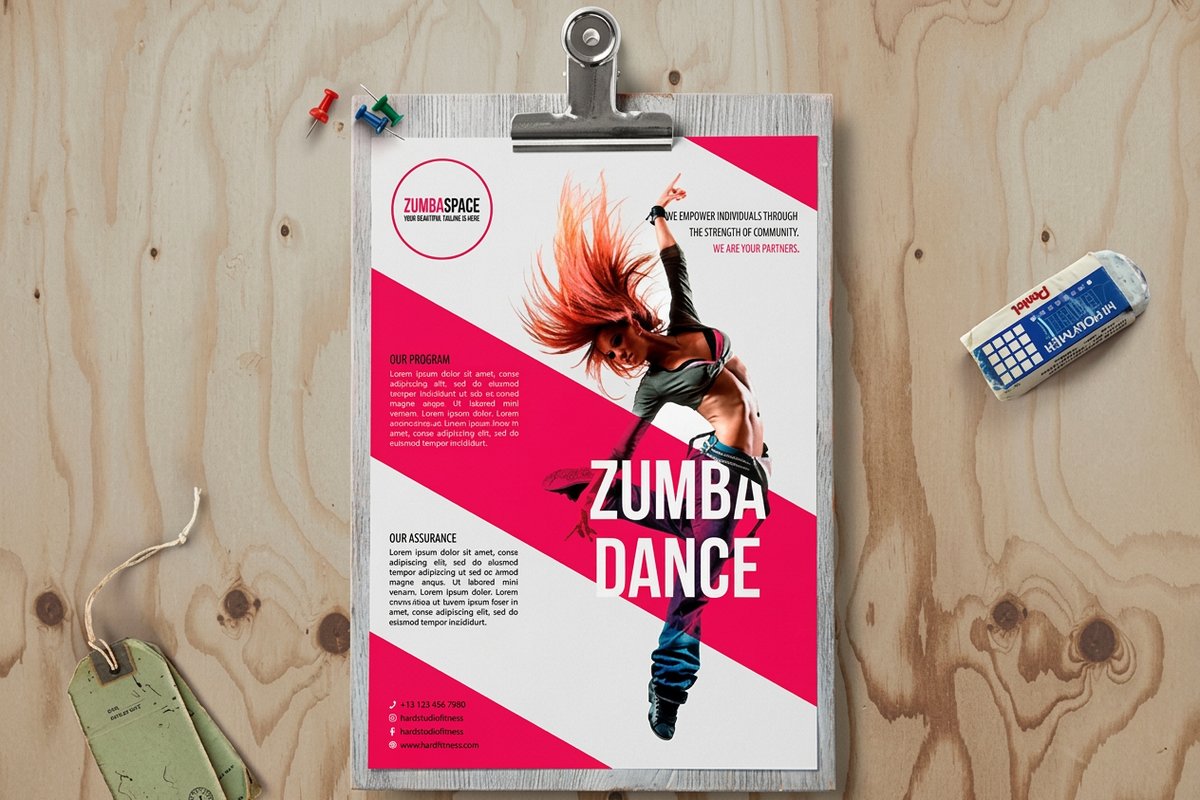
A cutout with a real shadow looks right on paper. Put it on a sales sheet in front of your buyers.
 Sales SheetsFrom $75.805.0·63 reviewsCustomize yours
About the add shadow
Upload a cutout PNG of your product. Add a floor shadow, a drop shadow or a reflection, so it stands on the page instead of floating.
Free blank templatesHow to use the add shadow
- Upload a cutout PNG of your product, on a transparent background. No cutout yet? Make one with the Background Remover first.
- Pick a shadow: Floor shadow, Drop shadow or Reflection.
- Pick a background: White, Light gray or Transparent, and set the strength with the slider.
- Sign in and download the PNG. It is free.
- Put the product on Sales Sheets or a flyer.
Why a cutout needs a shadow
A product cut out of its background looks pasted on, because nothing anchors it to the page. A soft shadow under it tells the eye it stands on something. It is a quick way to make a cutout look photographed.
A floor shadow sits under the base, like a product on a table. A drop shadow falls behind and below, for a lifted catalog look. A reflection mirrors the product below it, the glossy look of a shop window.
Start with a real cutout
The shadow follows the transparent edges of your PNG. If the image has no transparent background, the tool tells you, and the shadow lands behind the whole rectangle. Cut it out with the Background Remover first.
Pick Transparent to keep the result free of any background and place it on any design. The strength slider runs from 10 to 90 percent.
Common questions
Questions about the add shadow
Is it free?
Yes. It runs in your browser, with no limit. You sign in to download.
What file do I get?
A PNG, on white, light gray or a transparent background.
Does it need a cutout?
Yes. Use a PNG with a transparent background. If yours has none, cut it out with the Background Remover first.
Is my photo uploaded?
No. The shadow is drawn on the page and the photo never leaves your device.
Explore more
Where to go next
Background Remover
Transparent PNGs from logos and flat artwork, free and private in your browser.
Product Photos
Pack shots, lifestyle scenes and a new background, from one plain photo.
Relight a Product Photo
Your product photo in new light, from daylight to neon.
Marketplace Image Resizer
Product photos at the exact size each marketplace wants, free.