Flat Lay Maker
BetaYour products laid flat and neatly arranged, ready to post.
Set it up
Checking the engineResult
BetaThis is in beta, so some things may not work yet. We’d love your feedback.Send feedback
Enjoying this tool?
You might also like Custom Mailer Boxes
Your flat lay shows what goes in the box. Print the box too, as custom mailer boxes in your brand.
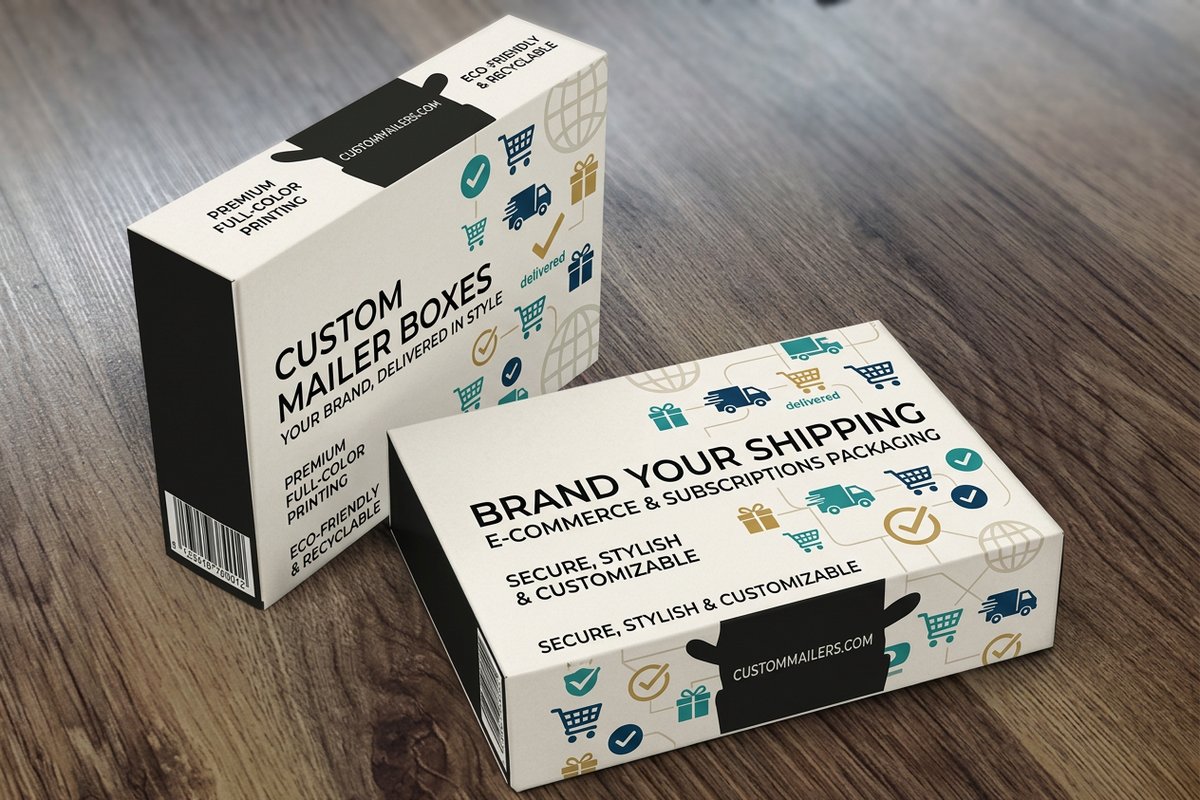 Custom Mailer BoxesFrom $711.784.7·12 reviewsCustomize yours
About the flat lay maker
Upload two to four product photos. You get one photo shot from above, with every product laid out together on the surface you pick.
Free blank templatesHow to use the flat lay maker
- Upload 2 to 4 product photos, one product in each photo, on a plain background.
- Pick a surface: White table, Linen, Light wood, Marble, Kraft paper or Pastel paper.
- Sign in and press Make the flat lay. It costs 25 coins, and your first one is free.
- Download the flat lay and use it in your shop, on social media, or to show what ships in your Custom Mailer Boxes.
What a flat lay is for
A flat lay is a photo shot straight down on a table, with the products laid out around each other. It is the standard look for a gift set, a subscription box or a shop's new arrivals, because it shows everything in the set at once.
Here you give it a separate photo of each product and it builds the scene: the surface you pick, soft even light from above and natural shadows, with space around each item.
Get a cleaner result
Use one product per photo, shot on a plain background, so each item is easy to pick out. Four products is the most it takes, and fewer items give each one more room.
Each product is meant to appear once and keep its shape, labels and printed detail. Still, check small text closely before the photo goes on a box insert or a flyer.
Common questions
Questions about the flat lay maker
How many products can I put in one flat lay?
2 to 4. Upload them together, one product in each photo.
Which surfaces can I pick?
White table, linen, light wood, marble, kraft paper and pastel paper.
Will my labels stay readable?
The tool is told to keep every label, text and printed detail as it is. Small print can still shift, so check it before you use the photo.
What does it cost?
25 coins a flat lay, and your first one is free.
What can I print it on?
A flyer, a thank you card or a box insert. It also shows customers what comes in your Custom Mailer Boxes.
Explore more
Where to go next
Bundle Image Maker
2 to 4 products on one square white image for a bundle listing.
Product Photos
Pack shots, lifestyle scenes and a new background, from one plain photo.
Relight a Product Photo
Your product photo in new light, from daylight to neon.
Add a Shadow to a Product Photo
A natural shadow or reflection under your cutout product, free.