
How to Make Barcode Labels That Scan Every Time


Jordan is our labels, packaging and sustainability voice, built from the knowledge of our production team, with over 20 years in printing.
Which symbology to use, how small a barcode may legally print, the blank space a scanner needs, and the face stock that keeps the bars readable.
To make a barcode label that scans, choose the symbology for the scanner that will read it, generate the symbol as vector art, size it by magnification with its full quiet zone left blank, and print the bars as solid 100 percent black on a light matte background. A UPC-A at 100 percent is 1.469 by 1.020 inches and may print between 80 and 200 percent of that. Then match the face stock to the surface and the environment, and use variable data if every label needs its own code.
Quick answer
The four decisions that make a label scan
The scanner decides the symbology, and the symbology decides the minimum width. The quiet zone sets how much blank space goes around it, and the surface picks the face stock. The diagram below draws that blank space to scale, because it is the part of a label that looks like empty margin and is not.
Pick the Symbology Before You Pick the Label
A barcode is not artwork, it is an encoding with published tolerances. Which encoding you use is decided by the machine that will read it, and that decision sets the minimum width of the symbol, which in turn sets the smallest label you can order.
| Symbology | What it encodes | Where it gets scanned | Quiet zone |
|---|---|---|---|
| UPC-A | 12 digits, fixed length | US retail checkout, licensed through GS1 | 9 modules each side |
| EAN-13 | 13 digits, fixed length | Retail outside the US, same GS1 license | 11 left, 7 right |
| Code 128 | Any ASCII, variable length | Shipping labels, warehouse bins, asset tags | 10 modules each side |
| Code 39 | Digits and capitals, variable length | Older internal, defense and healthcare systems | 10 modules each side |
| QR | Text, numbers, a URL | Phone cameras and 2D imagers | 4 modules all round |
| Data Matrix | Text and numbers, very dense | Machine vision on small parts and vials | 1 module all round |
Two practical consequences fall out of that table. Code 128 gets wider as you add characters, so a 20 character part number needs a noticeably longer label than an 8 character one, and there is no way to fix that with a smaller font. And 2D codes hold far more in far less space, which is why a Data Matrix ends up on a vial where a linear barcode would never fit.
If you are selling through a retailer, the number itself is licensed. GS1 issues the company prefix behind every legitimate UPC and EAN, and the retailer will check it. For internal use, an asset tag or a warehouse location, nobody licenses anything and Code 128 over your own numbering is the normal answer. The guide to company labels for asset tagging covers how those internal schemes usually get built.
Sizing the Symbol and Protecting the Quiet Zone
Every dimension in a linear barcode is a multiple of one number, the X-dimension, which is the width of the narrowest bar. Change it and the whole symbol scales with it. A UPC-A at 100 percent has an X-dimension of 0.0130 inches, which produces a symbol 1.469 inches wide and 1.020 inches tall.
GS1 lets that print anywhere from 80 to 200 percent. At the 80 percent floor the symbol is about 1.175 inches wide, and that is genuinely the floor: below it the bars land inside the mechanical tolerance of a checkout scanner and reads start failing under real store conditions, on a curved package, at an angle, through a scuffed window. Going the other way costs you nothing in readability but eats label real estate fast.
The quiet zone is easy to delete by accident. It is the blank space on either side of the symbol that tells the scanner where the code begins, and it is measured in modules, not in a fixed distance. Nine modules on a 100 percent UPC-A is 0.117 inches of nothing. Put a hairline border there, run the product name into it, or trim the label tight to the bars, and a scanner that would otherwise read the code instantly will hunt and fail.
Then wrap the label around all of that: quiet zone, plus clear space, plus your own bleed and safe area. That is why so few retail barcode labels come out smaller than 2 by 1 inches once the product name and the legal copy are on there too.
| UPC-A size | Symbol with quiet zones | Label to order | When it fits |
|---|---|---|---|
| 80 percent | About 1.175 by 0.816 inches | 1.5 by 2 inches, or 2 by 1 with a short product name | Small cartons and jars, the legal floor |
| 100 percent | 1.469 by 1.020 inches | 2 by 2 or 2 by 3 inches | Most retail packaging |
| 200 percent | About 2.938 by 2.040 inches | 3 by 4 inches | Large cases scanned from a distance |
Sheet labels come in 50 sizes, from a half inch circle to a 4 by 6 oval, and roll labels in 102 from 0.25 by 1 inch up, so there is a stock size for each row above. Work the arithmetic through with how to choose the correct label size, or start from a correctly built layout in the blank template library.
Designing and Printing It So a Scanner Can Read It
A laser scanner does not see your barcode. It sees the difference in reflected light between a dark bar and a light space, and everything below is about protecting that difference.
- Generate vector, never raster. A barcode exported as a JPEG or scaled up from a screenshot has soft, resampled bar edges. Place it as vector art from a barcode generator or a font that produces real geometry, and never rescale it non-proportionally.
- Bars are 100 percent K, nothing else. Rich black builds the bar from four inks, and any registration drift blurs the edges and shifts the widths. One plate, one clean edge.
- Never print bars in red, orange or yellow. A typical retail scanner uses a red laser around 660 nm, and those colors reflect it almost as well as white paper does. Black, dark blue and dark green work. Anything warm reads as blank.
- Keep the background light and flat. White is best. A tint, a photo or a gradient under the bars kills the contrast, and so does a heavy gloss laminate under bright store lighting, which throws glare straight back at the reader.
- Expect ink gain and plan for it. Bars spread slightly on press, more on absorbent uncoated stock than on coated. Production files for demanding jobs get bar width reduction applied so the printed widths land where the spec wants them.
Retailers grade barcodes rather than eyeballing them, on the ISO 15416 scale from A down to F, and GS1 sets C as the minimum for retail symbols. That grade covers contrast, edge sharpness and how close the bar widths land to nominal, so it fails for exactly the reasons above. The one about resolution is worth reading properly in print resolution explained.
| Specification | Target | What breaks it |
|---|---|---|
| X-dimension | 0.0130 inch at 100 percent UPC-A | Rescaling the symbol by eye |
| Magnification | 80 to 200 percent | Shrinking below 1.175 inches wide |
| Quiet zone | 9 modules each side on UPC-A, 10 on Code 128, 4 on QR | Borders, type or a tight trim |
| Bar color | 100 percent K | Rich black, red, orange or yellow |
| Background | White, flat, matte | Tints, photos, gloss glare |
| Artwork | Vector symbol | JPEG exports and screenshots |
| Grade | ISO 15416 C or better | Any of the rows above |
Hand that table to whoever builds the file, and check each row on the proof.
Choosing a Material the Barcode Survives On
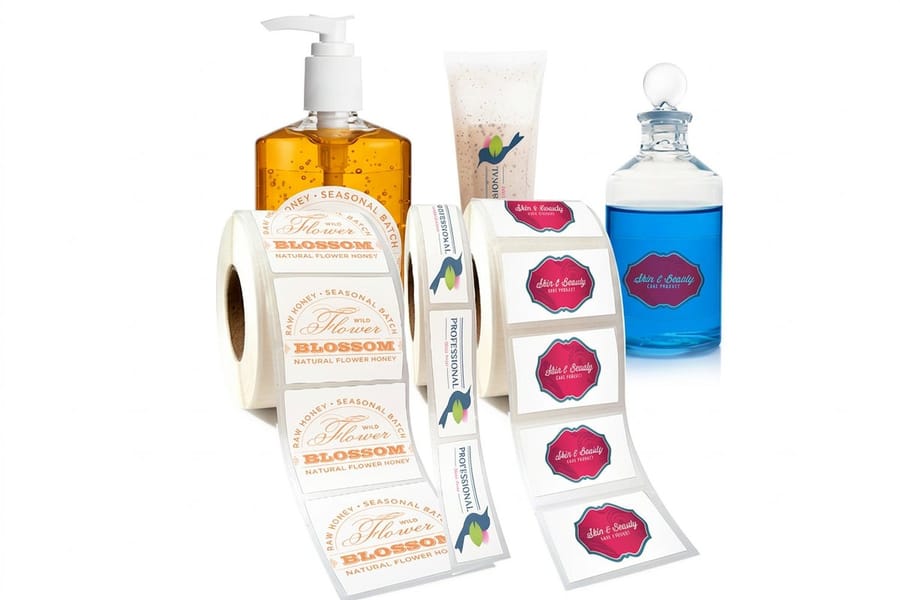
A barcode that scans on the day it is printed and fails after three weeks in a walk-in cooler was never a design problem. Face stock and adhesive do most of the work here.
Coated paper is the cheapest and the right answer for anything indoors, dry and short lived: shelf tags, pick labels, retail cartons. It scuffs, it wrinkles when damp, and a wrinkled bar is a wrong bar. BOPP and vinyl films survive moisture, oils and handling, which is why product labels on bottles, jars and anything refrigerated get printed on film rather than paper. Paper vs vinyl vs clear labels compares the three faces properly.
A barcode on paper scans best on a matte face. Sheet labels come as standard uncoated, semi-gloss and hi-gloss paper, plus white vinyl and clear, and the uncoated or semi-gloss sheet is the safe pick for bars, because hi-gloss throws the same glare back at a scanner that a gloss laminate does. Print the bars in black ink only when the label has no color artwork, since a one color run keeps every bar on a single plate. On rolls, white gloss suits indoor use, white BOPP covers indoor and outdoor, and a matte or silk laminate protects the bars without the glare. Skip the silver metallic foil roll stock for barcodes: its mirror face throws the scanner light straight back.
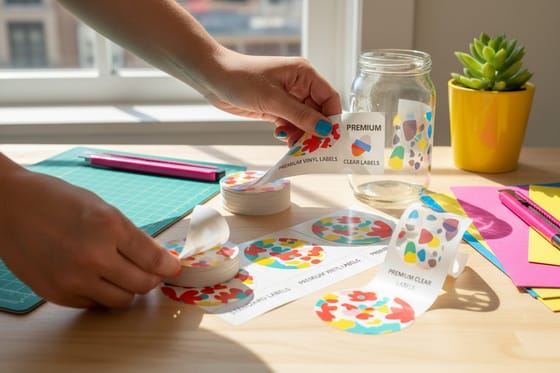
Clear film needs one extra decision. Transparent stock has no background, so the scanner ends up reading the bars against the container behind them. On a white bottle that is fine. On amber glass or a dark plastic tub the contrast disappears entirely. Roll clear labels print on Clear BOPP with no white underprint option, so on a dark container put the barcode on a white BOPP label instead, and keep the clear film for a light container or a label with no bars. The roll clear labels story shows the film on real containers.
Two more things decide the material. A curved surface pulls a rigid face stock away at the edges, so a barcode wrapped around a small diameter needs a conformable film and a stronger adhesive. And laminate helps against abrasion but hurts against glare, so matte laminate is the compromise on anything a hand scanner will fight with. If the labels ship on cartons rather than products, how to label a package for shipping covers placement on corrugated.
When Each Label Needs Its Own Code
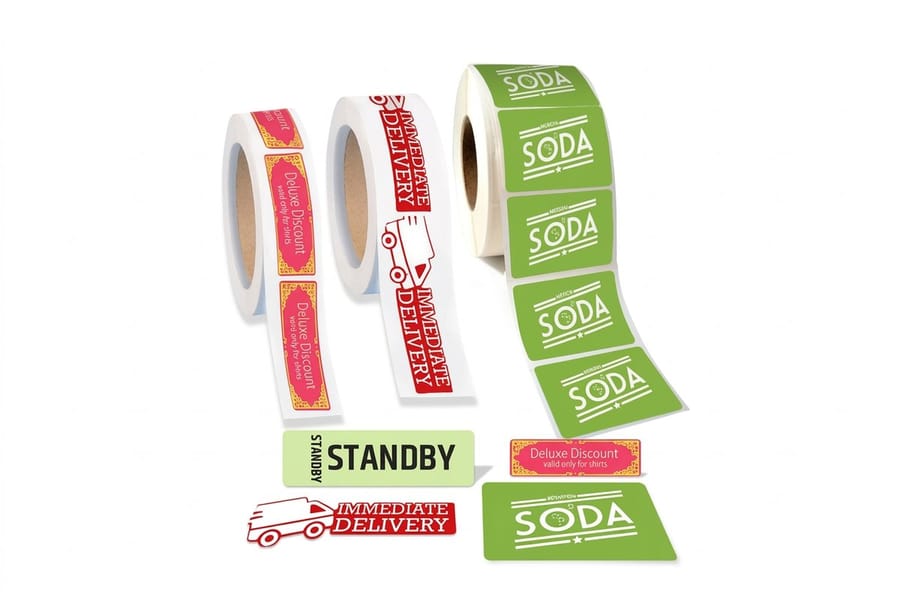
Serial numbers, asset tags, lot codes and unique coupon codes all need a different symbol on every label. That is variable data printing, a separate job from the static label products on this page. Standard custom labels take up to 12 designs per order as separate sets, which covers a short run of different product codes, but not a serial number on every label. Equipment tracking is the common case for full serials, and our guide to foil asset tags for equipment tracking with barcodes and serial numbers covers the tag version.
Whoever prints a serial run, the file handoff is the same: a CSV with one row per label, a column holding the exact code string, and a row count that matches the quantity. Leading zeros are the classic trap: a spreadsheet strips them from a number column, so format the code column as text before you export or the codes come out short.
Check both ends of a sequence on the proof, not just the first record, and scan the proof with the reader that will be used in production rather than a phone. The variable data printing guide lists what else to ask a printer before you hand the file over.
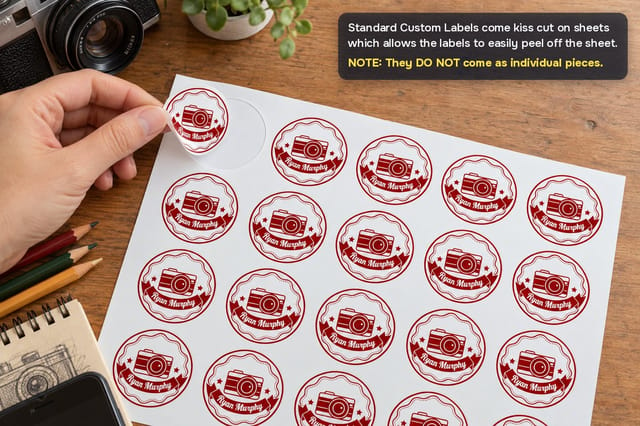
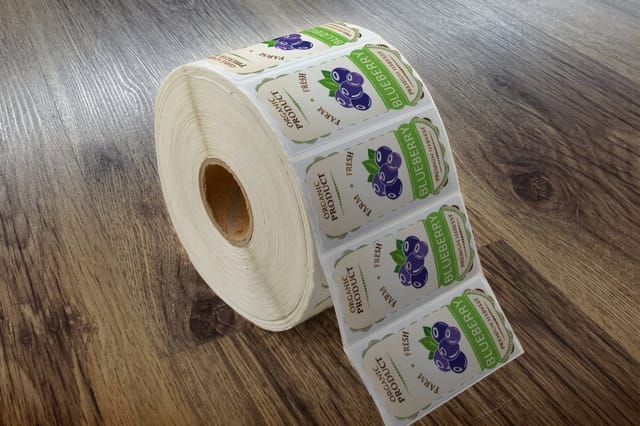
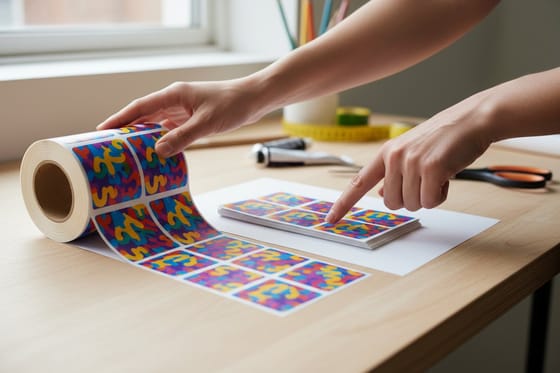
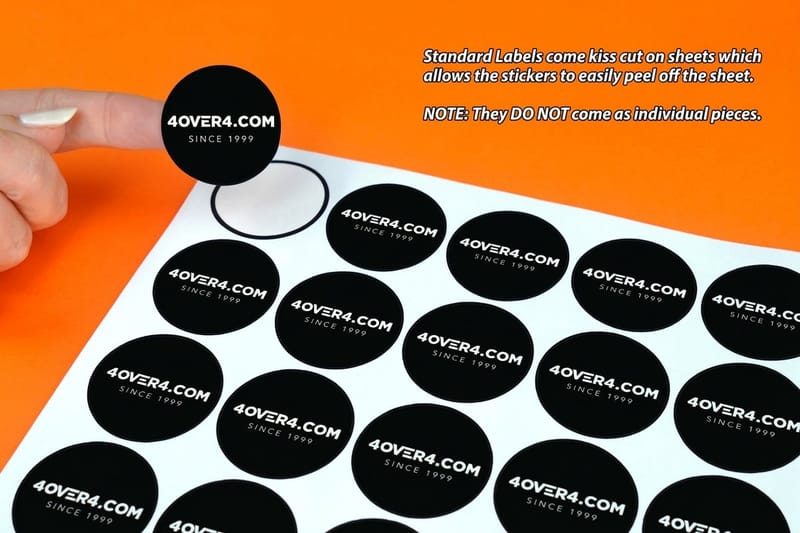
Format follows application. If a machine applies the labels, order roll labels and specify the wind direction and core size the applicator needs. If a person peels them, sheets do the job, and the standard custom labels video shows the sheet format. Roll labels list at $322.98 for anything from 100 to 500 and ship in 6 business days, so print a sheet, scan it, and only then commit to a roll.
Wally explains the quiet zone
The blank space is part of the barcode
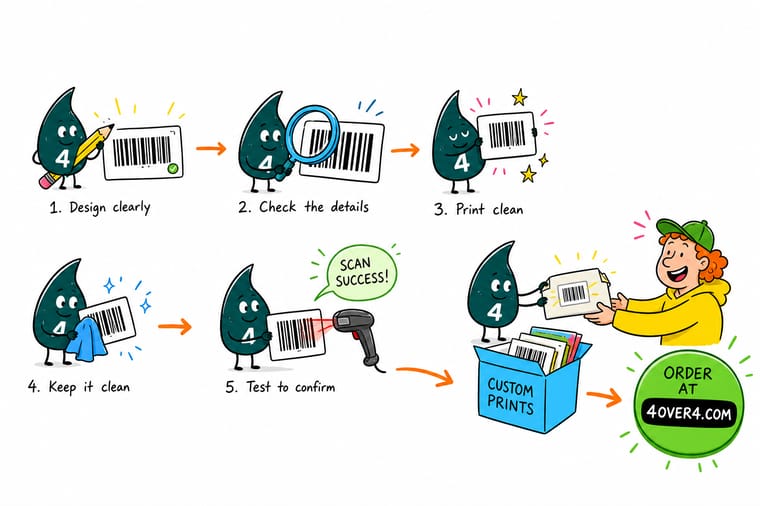
Wally keeps 9 blank modules on each side of a UPC-A, which is about 0.117 inches of nothing at full size. That white space tells the scanner where the code starts. Push the product name into it, run a hairline border through it, or trim the label tight to the bars, and the reader hunts and gives up. The bars themselves go down as solid black, never red and never rich black, on a light matte background. Then Wally picks the face stock for where the label lives: paper for a dry shelf, film for a cooler, and a white ink layer under the symbol on any clear label.
Order custom labels →
Specs and pricing
Label formats, sizes, and starting prices
Sheets for short runs and hand application, from 25 labels at $23.88 in 50 sizes. Rolls for applicators and volume, on a 3 inch core with the unwind direction you choose, in white gloss, white BOPP, clear BOPP, silver metallic foil or eggshell felt. Configure the size, the face stock and the quantity below, with starting prices straight from the 4OVER4.COM configurator.

Print it
Order barcode labels that read first time
Order a sheet of standard custom labels to scan-test the symbol, then roll labels for the applicator run, or custom shaped roll labels when the barcode shares a die-cut product label.
%22%2F%3E%3Ccircle%20cx%3D%2240%22%20cy%3D%2249%22%20r%3D%2225%22%20fill%3D%22%232dd4bf%22%20opacity%3D%220.15%22%2F%3E%3Ccircle%20cx%3D%2278%22%20cy%3D%2258%22%20r%3D%2214%22%20fill%3D%22%232dd4bf%22%20opacity%3D%220.1%22%2F%3E%3Crect%20x%3D%2270%22%20y%3D%2228%22%20width%3D%2225%22%20height%3D%2234%22%20rx%3D%224%22%20fill%3D%22%232dd4bf%22%20opacity%3D%220.08%22%20transform%3D%22rotate(35%2080%2030)%22%2F%3E%3C%2Fsvg%3E)
Explore more
Where to go next
Work the size arithmetic with the label size guide, pick the face stock with the paper, vinyl and clear comparison, and read the variable data guide before you send a CSV.


By the numbers
The printer behind your labels
Common Questions
Your barcode label questions, answered
How do I make barcode labels that actually scan?
Most failures trace back to the file rather than the press. Before you order, scan a home print of the label at actual size with the same kind of scanner the store or warehouse uses, and measure the quiet zone on the printout with a ruler against the module counts in the table above.
What size should a barcode label be?
Size it from the symbol out: the symbol at your chosen magnification, its quiet zones, then at least an eighth of an inch of clear space before any border or type. The size table above gives the label to order at 80, 100 and 200 percent, and our guide on how to choose the correct label size walks through the same maths for labels without a barcode.
Can I put a barcode on a clear label?
Only on a light container. A scanner reads dark bars against a light background, and on clear film the background is whatever sits behind the label. Our roll clear labels have no white underprint option, so for amber, cobalt or dark plastic, print the barcode on a white BOPP label.
Do I need to buy a GS1 barcode number?
If the product will be sold through retailers or listed on most marketplaces, yes. Retail UPC and EAN numbers are licensed from GS1, and the prefix identifies you as the brand owner. If the barcode is only for your own warehouse, your own asset tags, or an internal pick-and-pack workflow, no license is needed and Code 128 over your own numbering scheme is the usual choice. We print whatever number you supply, we do not issue GS1 prefixes.
Can you print a different barcode on every label?
Not on these label products: they print a fixed design, and standard custom labels take up to 12 different designs per order as separate sets. A serial number on every label is a variable data job, and the variable data printing guide linked above covers what to ask for.
Sheet labels or roll labels for barcodes?
Sheets for hand application and short runs; rolls for an applicator, a dispenser or any run in the thousands. If a machine applies the label, the roll wins and the unwind position matters, so pick it from the five options when you order.
Why does my barcode scan on my phone but not at the register?
Phone cameras are far more forgiving than a laser. A camera reads the whole image and can work around a shortened quiet zone, a slightly blurred edge or a low-contrast background. A retail laser scanner sweeps a line and needs the widths inside tolerance, the quiet zones intact and a print contrast that grades C or better on the ISO scale. Passing a phone test proves the number is encoded correctly, nothing more.
Get Started
Order 25 barcode labels from $23.88
Send the artwork, pick a face stock that suits the surface, and we print labels on sheets or rolls with the quiet zones intact.
Legal Disclaimer
Gold Standard guarantees apply to all standard orders placed through 4over4.com. Price match requires verifiable proof of a competitor's published price for an equivalent product with matching specifications and turnaround time. Satisfaction guarantee covers manufacturing defects and print quality issues. Contact support with order number and documentation.
