
How to Choose a Variable Data Printing Company That Gets Every Record Right


Nadia is our customer education voice, built from the knowledge of our production team, with over 20 years in printing.
Variable data printing merges a spreadsheet into a fixed template so every piece carries its own name, offer or barcode. The merge works to a set of rules, and a few questions sort a real VDP shop from one improvising with a mail merge.
Variable data printing prints a run where every piece is different: the fixed artwork stays put while mapped fields such as names, offer codes, barcodes and even images change on each impression. Choose the company on four answers: how they clean and standardize your list, what a blank cell prints, whether you can proof records other than the first one, and whether they mail the finished job under their own postal permit or hand you boxes.
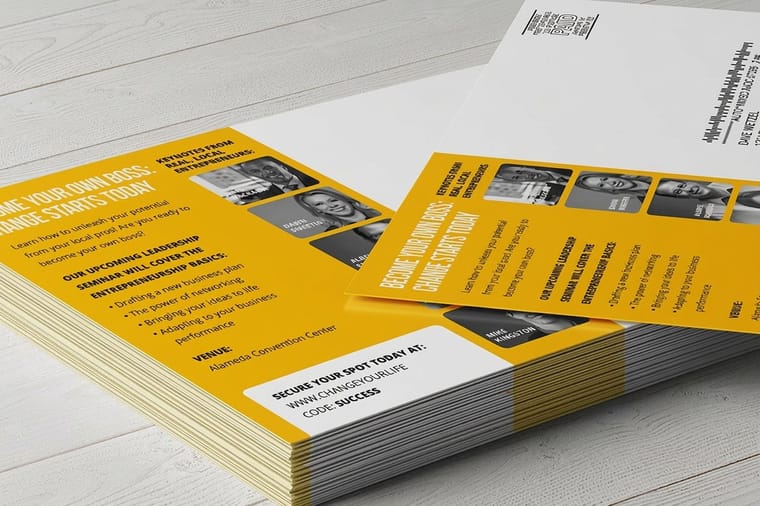
Quick answer
One template, one list, a different sheet every time
Variable data printing is a merge between a master template and a data file with one row per recipient. The static artwork is processed once and only the mapped fields re-render per record, which is why the work runs on a digital press instead of an offset plate. Our explainer on variable digital printing covers how that press handles each record. The printer you want is the one who asks about your columns before your artwork: what a blank cell should print, how long a name can get, whether the list has been standardized and move updated, and who is dropping the job at the post office.
What Variable Data Printing Does to a Print Run
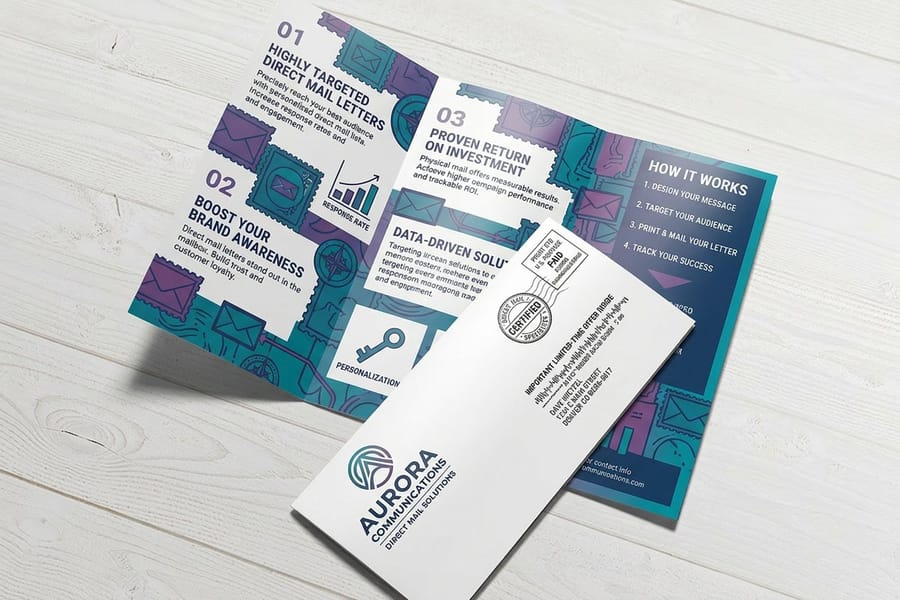
A normal print run makes one image thousands of times. A variable data run makes a thousand different images from one template, and the difference sits entirely in how the file is built rather than in how the sheet feels.
The template carries the fixed part: logo, layout, colors, legal line. Inside it are named fields, and each field is wired to a column in your data file. At the press the static artwork is processed once, then the machine re-renders only the mapped fields for every record as the sheets run. Because there is no plate to swap, the work has to happen on a digital press, and that single fact explains most of the pricing you will be quoted.
What can vary is wider than people expect. Text and numbers are the obvious case. Barcodes and QR codes are the useful one, since a unique code per recipient is what makes a response measurable rather than guessed at. Images can vary too, pulled by filename from a column, and whole layout blocks can swap so a dental list and a veterinary list receive different offers off the same setup. Our variable data printing service covers the mapping and the merge; its two narrower relatives, sequential numbering for tickets and forms and barcoding for scannable codes, are the right ask when the only thing changing is a number.
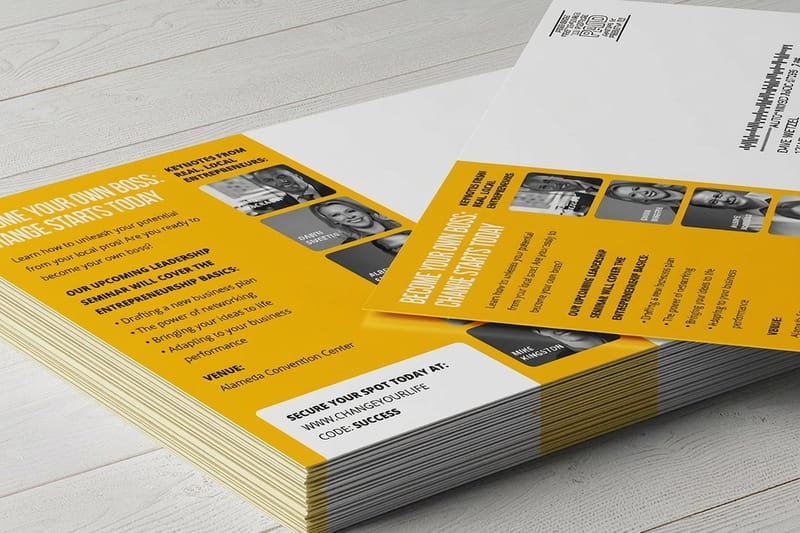
The pieces that carry it best are the ones a person reads alone: direct mail letters for anything that needs a sentence of context, and direct mail postcards when the offer has to land in two seconds at the mailbox.
Send a Data File That Merges Without a Fight
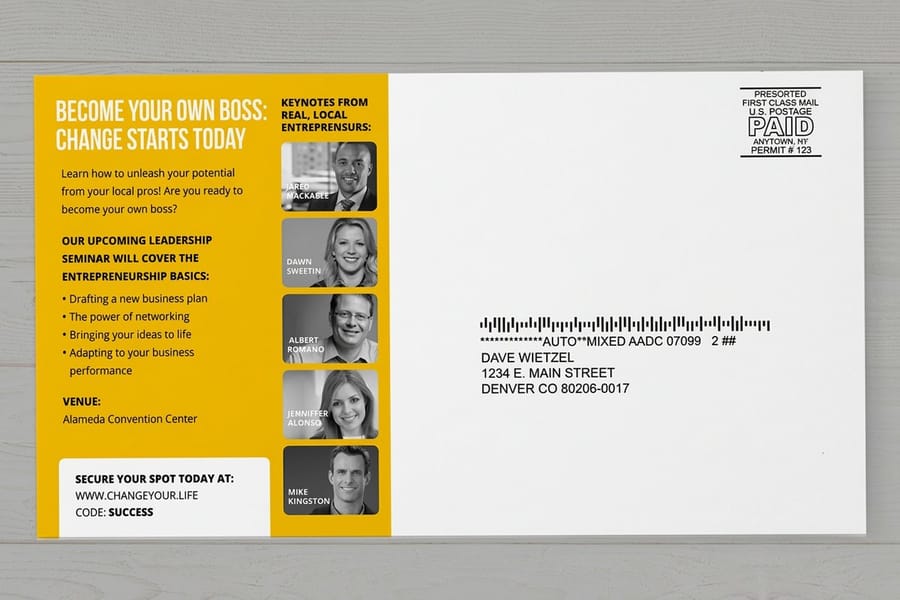
More variable data jobs are delayed by the spreadsheet than by the printing. None of the fixes are hard, and a printer who asks about them before quoting is telling you something useful.
Export to CSV with one header row and one row per printed piece. Name columns for the data, not the design: first_name, offer_code, expires, not Line 1 and Line 2. Keep every merged cell, every filter and every summary row out of the export. Save ZIP codes and phone numbers as text, because a spreadsheet treats 07030 as a number and prints 7030, which is the failure that shows up after the pieces are already in the mail. Dates travel best written out as text as well, since regional formats turn 03/04 into two different days depending on who opens the file.
Then decide, column by column, what an empty cell should print. A default value per field is a five minute conversation that prevents a batch of letters that open with a greeting and a comma and nothing between them. Give the printer a rule for long values too. A field set at a fixed point size will either overflow the box or push a line onto the next one when a name runs to twenty characters, and the answer is a copyfitting rule that shrinks or truncates on purpose rather than by accident.
Two more habits worth keeping. Accented and hyphenated names need the file saved as UTF-8 or they arrive as question marks. Variable images have to be referenced by exact filename including case and extension, and a missing asset prints a blank frame rather than stopping the run. Build the artwork at final size from a correctly sized layout in the blank template library, and follow the address side rules in our postcard address and barcode clear zone guide so the variable block does not land where the postal barcode has to go.
The Questions That Separate a VDP Printer From a Mail Merge
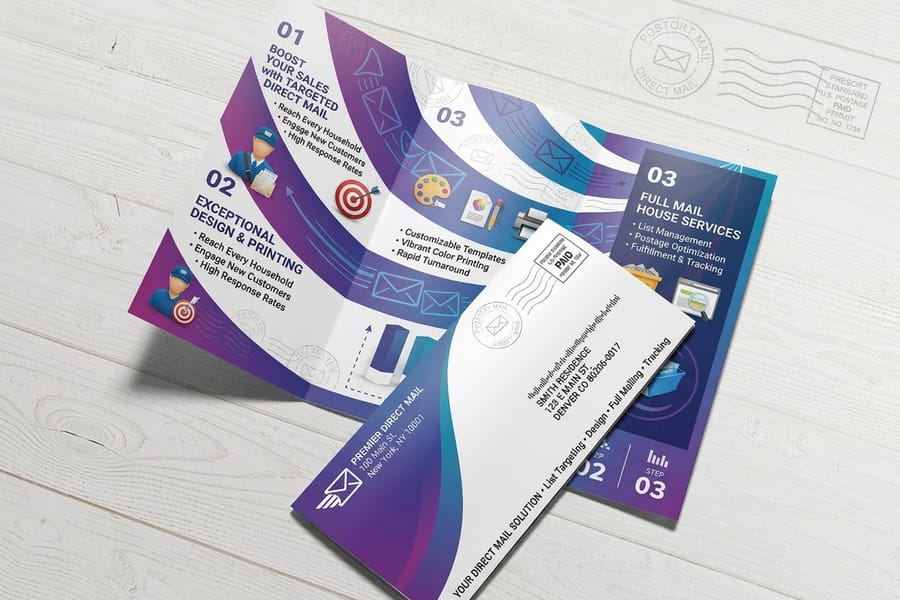
Every commercial printer will say yes to variable data. The seven answers below, from CASS and NCOALink list cleaning and the 95 day move update window to the Intelligent Mail barcode and a stated deletion window for your list, sort the shops that run it every day from the ones that will open your file in a word processor and hope.
| Ask this | Why it matters | An answer that should worry you |
|---|---|---|
| How do you clean my list? | CASS standardization fixes and formats addresses, NCOALink catches people who moved, and de-duping stops one household getting three pieces. The USPS Move Update standard expects addresses refreshed within 95 days of the mail date for presort prices. | We print whatever you send. |
| What does a blank cell print? | Fallback values per field are the difference between a warm greeting and an empty one. It also reveals whether they have set up a merge before. | It will just be blank, no problem. |
| What happens to a name that is too long? | Fixed point size plus a long value equals overflow. A copyfitting or truncation rule handles it deliberately. | That never happens. |
| Can I proof more than one record? | A merged PDF lets you read the extremes of the list. Errors sit at the ends of a file, not at the top. | We will send a sample of record one. |
| Do you apply the Intelligent Mail barcode? | The IMb is what earns automation prices and lets you track the drop. Generating it correctly per address is a data job, not a design job. | You can add a barcode in your artwork. |
| Do you hold a USPS permit and mail it? | Decides whether you receive boxes or the mailbox does, and whether postage is quoted separately. | We can recommend someone for that part. |
| How is my list transmitted and how long do you keep it? | Customer lists carry personal data. A secure upload and a stated deletion window are the minimum. | Email it over as an attachment. |
Read the third column as a set. One weak answer is a conversation; three of them means the personalization will be handled by whoever is least busy that afternoon. If a printer runs the data work in house, they will volunteer the vocabulary before you finish the question, and they will quote the list handling as a line item rather than folding it invisibly into the print price. Our breakdown of direct mail cost per piece shows how those line items normally separate.
What Personalization Costs, and When It Stops Paying
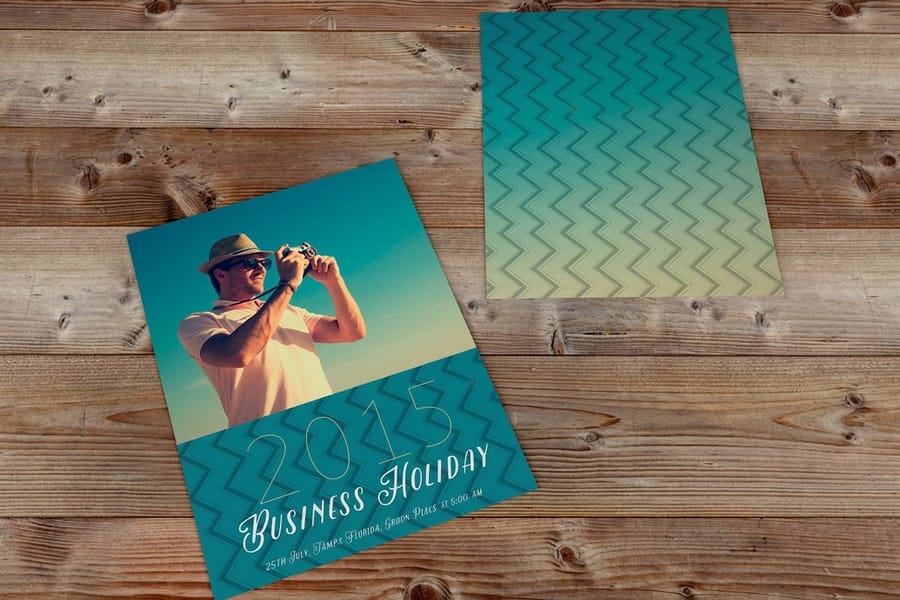
Variable data changes the shape of the price, not just the number. Static offset spends money once on plates and makeready and then gets cheaper with every thousand. Digital variable work carries a steadier per sheet cost plus a one-time charge for mapping the data, so doubling the quantity roughly doubles the print bill.
That shape has a practical consequence. Personalization earns its cost on smaller, better lists, and loses it on big anonymous ones. A run of 1,500 pieces that names a customer, references what they bought and carries a unique code is a different proposition from 15,000 pieces that say Dear Neighbor, and the second one is usually the more expensive mistake once postage is counted. Postage is the same per piece either way, which is why the list quality, not the printing method, decides whether a mailing pays.
For the print side at 4OVER4.COM, direct mail postcards start at $89.68 and direct mail letters start at $238.73, against $16.48 for plain standard postcards you address yourself. That gap is not the cost of personalization alone; the mail products include the addressing and mailing work that the plain postcard leaves entirely to you.
One honest limit. If the only column in your file is the mailing address, you are buying addressing, not variable data, and you should not pay a data mapping fee for it. Personalization needs a second field worth using. When you do not have one, put the money into stock and size instead and compare the options across the postcard printing range.
Who Actually Puts the Job in the Mailbox

The last question is the one most quotes are vague about, and it moves the total more than any design decision. Printing personalized pieces and mailing them are separate capabilities, and only some printers do both.
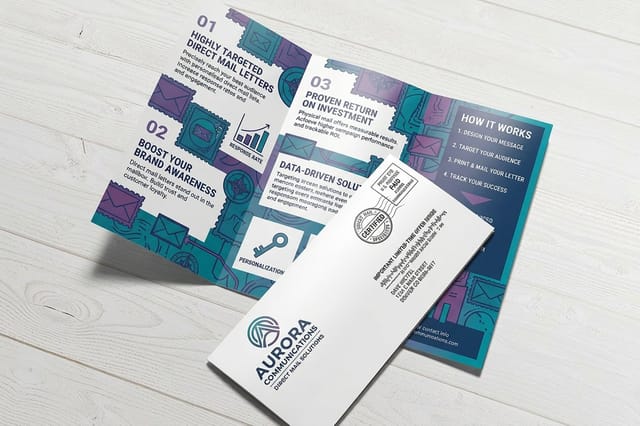
A full mailing service takes your list, standardizes it, applies the Intelligent Mail barcode, sorts the job to earn presort prices, prints the permit indicia, completes the postal paperwork and delivers the trays to a postal facility. Postage is normally billed at cost on top of the print price, which is why a mailing quote and a print quote are not comparable numbers. Our direct mail service covers that end of the job, and the whole set sits together in the direct mail services collection.
Worth knowing before you buy any of it: EDDM is the opposite trade. It drops to every address on a carrier route with no names and no list at all, which makes it cheap per piece and impossible to personalize. If you want saturation coverage of a neighborhood, EDDM is the right tool and variable data is wasted money. If you want to say something specific to someone specific, you need the list, and the two approaches should not be compared on unit price. The submission paths differ as well, which our guide to EDDM retail versus BMEU walks through.
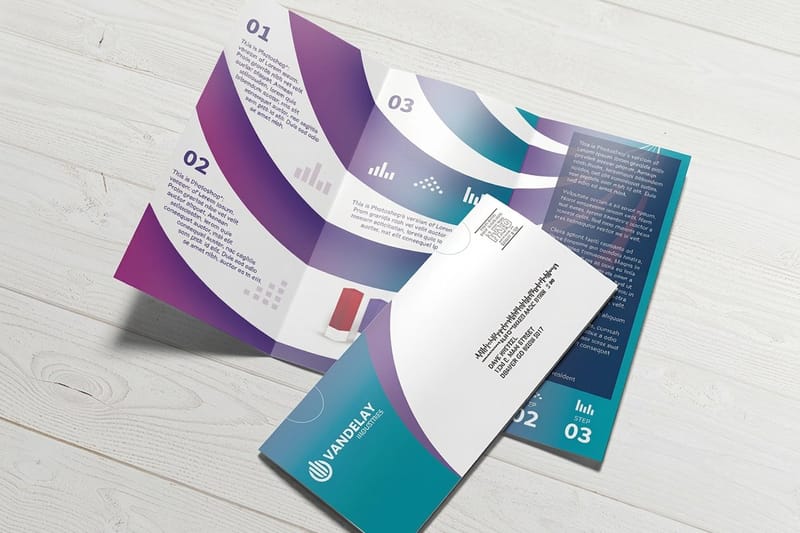
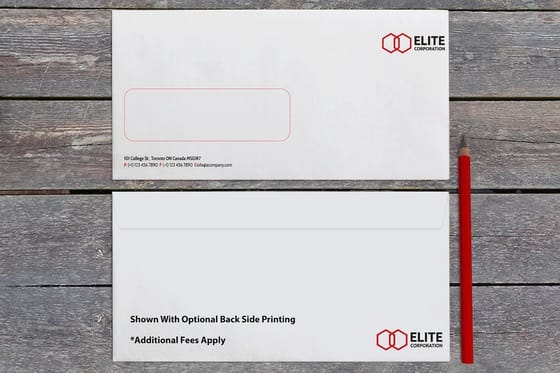
For letter mail, the envelope is part of the data conversation too. A window envelope lets the merged address on the letter show through and saves a second addressing pass, while a closed printed envelope has to be addressed on its own run. Check the full range in envelope printing before the letter layout is locked, because the window position dictates where the address block has to sit. Our guide to window envelopes explained and how to line up the address block walks through that setup.
Wally explains the variable data merge
One template, a column for every field, a different piece each pass
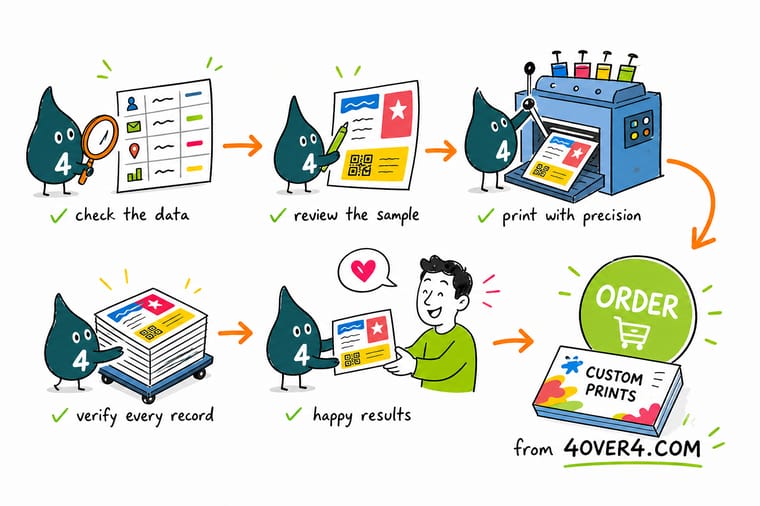
Wally locks the artwork once, then wires each field to a column: first name here, offer code there, the barcode built from the ZIP. The press keeps the fixed part and redraws only the fields, so every card leaves with its own name. Ask him what happens to the row with an empty name cell and he will show you the default value he set beforehand. Skip that step and the greeting prints with nothing in it.
Order direct mail postcards →
Specs and pricing
Mail products, sizes, and starting prices
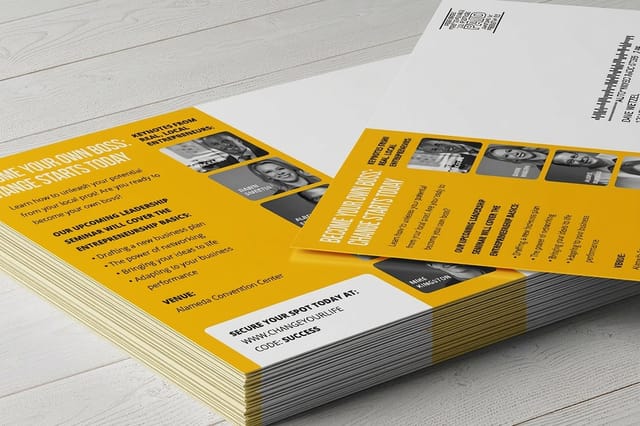
Compare the pieces that carry personalization best, with live configuration choices and starting prices straight from the 4OVER4.COM configurator. Direct mail postcards start at 500 for $89.68 in nine sizes from 4 by 6 inches, with 4 business days of production. Direct mail letters start at 500 for $238.73 at 8.5 by 11 up to 11 by 17 inches, with fold options from half fold to gate fold and 6 business days. Plain postcards start at 50 for $16.48 in 14 sizes.



Print it
Order a personalized mailing
Start at 500 pieces: direct mail postcards from $89.68 or direct mail letters from $238.73, and printed envelopes from $142.99 for 250 in #10 regular or window styles when the letter needs its own envelope.

%22%2F%3E%3Ccircle%20cx%3D%2243%22%20cy%3D%2245%22%20r%3D%2228%22%20fill%3D%22%23a78bfa%22%20opacity%3D%220.15%22%2F%3E%3Ccircle%20cx%3D%2280%22%20cy%3D%2262%22%20r%3D%2226%22%20fill%3D%22%23a78bfa%22%20opacity%3D%220.1%22%2F%3E%3Crect%20x%3D%2273%22%20y%3D%2221%22%20width%3D%2228%22%20height%3D%2232%22%20rx%3D%224%22%20fill%3D%22%23a78bfa%22%20opacity%3D%220.08%22%20transform%3D%22rotate(8%2080%2030)%22%2F%3E%3C%2Fsvg%3E)
Explore more
Where to go next
Split a mailing quote into print, data, postage and drop fees, follow the five steps from list to postal drop, keep the barcode clear zone clear, and choose between EDDM retail and BMEU, then open direct mail services.
By the numbers
Twenty five years of variable data runs
Common Questions
Your variable data printing questions, answered
What is variable data printing?
Variable data printing is a digital print run in which parts of every piece change from one impression to the next. A master template holds the fixed artwork, a data file holds one row per recipient, and named fields in the template pull values from that row: a first name, an offer code, an expiry date, a barcode, sometimes a whole swapped image. Nothing is added to the surface of the sheet, which is why it is a data process rather than a finishing process like foil or spot UV.
Can I just send a spreadsheet, or do I need special software?
A spreadsheet is fine, and it is what most jobs arrive as. Export it to CSV with a single header row, one row per printed piece, and column names that describe the field rather than the design. The two exports that cause the most reprints are ZIP codes and phone numbers saved as numbers instead of text, because a Newark ZIP of 07030 comes out as 7030 and an address block silently fails. You do not need the printer software; the printer maps your columns to the template fields.
Does variable data printing cost more than printing the same piece 5,000 times?
Per piece, usually yes, and the gap widens as the quantity climbs. Static offset spreads plate and makeready cost across the run, so unit price keeps falling. Digital variable work carries a fairly flat click cost per sheet plus a one-time data mapping charge, so 10,000 pieces cost close to twice what 5,000 cost. The math only works in your favor when the personalization changes what the recipient does, which is why a 1,500 piece list with real customer history often beats a 15,000 piece generic drop.
Can variable data be printed on an offset press?
Not the variable part. An offset plate carries one fixed image, so the personalized elements have to be added on a digital pass. Long runs sometimes do use both: the color-heavy static side prints offset, then the sheet goes through an inkjet or toner device that lays down the names, codes and barcodes. Ask whether the printer runs that hybrid workflow or prints the whole piece digitally, because the two produce a visibly different match on solid color areas.
What happens when a field in my data file is blank?
Whatever the template was told to do, which is often nothing at all. If no fallback is mapped, a blank first name prints as an empty space and a greeting reads Hello with a comma after it. A printer who runs variable work daily will ask you for a default value per field before the job is set, something like Neighbor or Valued Customer, and will also ask what to do with a record that has no mailing address rather than printing it and mailing it into a void.
Does the printer mail the pieces or ship them back to me?
Both models exist and the price difference between two quotes is often exactly that. Full mailing service means the printer addresses, sorts, applies the Intelligent Mail barcode, prepares the paperwork and drops the job at a postal facility under a permit, with postage billed at cost on top of print. Print-only means boxes arrive at your door and the mailing is your problem. Confirm which one a quote covers before you compare two numbers that look the same.
How do you proof a job where every piece is different?
You proof the template and then you proof the extremes of the data. Ask for a merged PDF rather than a single sample: check the record with the longest name, one with an accented or hyphenated name, one with a blank optional field, the first row and the last row. Also ask the printer to confirm the record count in the proof matches the row count in your file, because a header row read as data or a trailing empty row is the most common reason a run comes out one piece short or one piece strange.
Get Started
Order 500 direct mail letters from $238.73
Send the list, pick the piece, and we map the fields, set the fallbacks, apply the barcode and drop the job at the post office.
Legal Disclaimer
Gold Standard guarantees apply to all standard orders placed through 4over4.com. Price match requires verifiable proof of a competitor's published price for an equivalent product with matching specifications and turnaround time. Satisfaction guarantee covers manufacturing defects and print quality issues. Contact support with order number and documentation.
