
Free Blank Flyer Templates and Print Ready Setup for Every Size


Sofia is our design and templates voice, built from the knowledge of our production team, with over 20 years in printing.
The three boxes inside every blank flyer template, the sizes worth downloading, and the handful of settings that decide whether your file prints clean or comes back with a white edge.
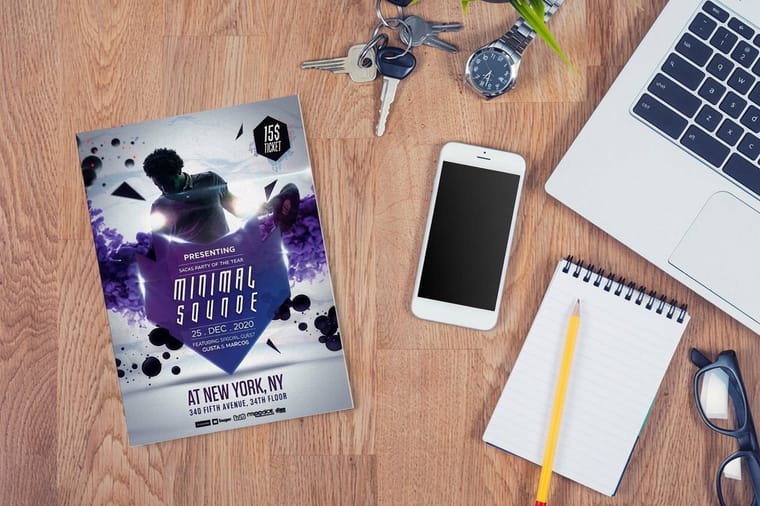
A blank flyer template is an empty file built at the exact flyer size, with three boxes already drawn: bleed, trim and safety. Download the one matching your size, run background artwork out to the bleed line at 0.125 inches past the trim, keep type 0.125 inches inside the trim, then export a CMYK PDF with bleed switched on. On an 8.5 by 11 inch flyer that means a 8.75 by 11.25 inch page and a 8.25 by 10.75 inch safe area.
Quick answer
Three boxes, one size, and a file that survives the blade
A blank flyer template is a correctly sized empty page with bleed, trim and safety guides on it. Its whole job is to stop two failures: artwork that stops short of the cut and leaves a white sliver, and type crowded so close to the edge that a shifting stack shaves it. Everything else stays your responsibility, including color mode, image resolution and whether the guide layer prints. Get the size right first, then build outward from the bleed line inward. Layout, paper and distribution reads sit in our flyer guides.
What Is Actually Inside a Blank Flyer Template
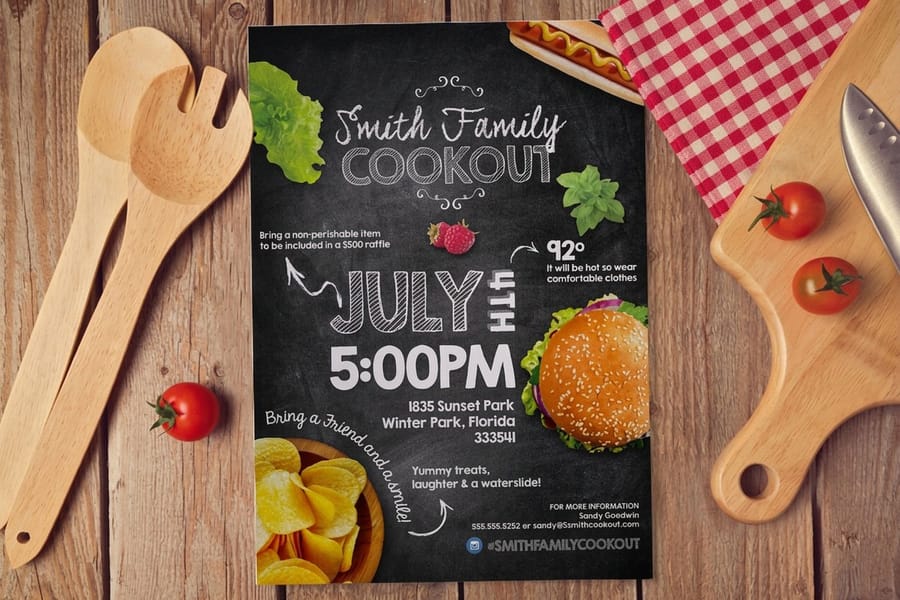
Open one and you get an empty page at the finished flyer size, plus three rectangles on a locked guide layer. That is the whole product. There is no design in it, and there should not be.
The bleed box sits 0.125 inches outside the finished size. On a letter flyer that makes it 8.75 by 11.25 inches. Any background that is meant to reach the edge has to be dragged out to this line, because a stack of paper shifts a fraction under the guillotine and the blade will occasionally land inside your artwork.
The trim box is the finished size, 8.5 by 11 inches. It is where the cut is aimed, not where it always lands.
The safety box sits 0.125 inches inside the trim, at 8.25 by 10.75 inches. Headlines, phone numbers, QR codes and logos live inside it. Push a phone number 2 millimeters past that line and on a bad day you lose the last digit on part of the run.
Everything else the file gives you is convenience: the right page size so you are not rebuilding it, the right orientation, and often a CMYK color mode already set. The bleed and trim guide goes deeper into why the cut moves at all. Templates for every product we print, flyers included, are in the blank template library.
Pick the Size Before You Download the Template
Downloading the wrong size and rebuilding later is the slowest way to make a flyer. The size is a distribution decision more than a design one: how the piece gets handed over usually settles it before you open any software.
| Size | Bleed page | Safety box | What it is for |
|---|---|---|---|
| 8.5 x 11 in | 8.75 x 11.25 | 8.25 x 10.75 | The default. Counter displays, folders, event handouts, anything that also has to photocopy. |
| 5.5 x 8.5 in | 5.75 x 8.75 | 5.25 x 8.25 | Half sheet. Street handouts and door drops, where volume matters more than presence. |
| 4.25 x 5.5 in | 4.5 x 5.75 | 4 x 5.25 | Quarter sheet. Bag stuffers, table drops, takeout inserts. One offer, nothing more. |
| 11 x 17 in | 11.25 x 17.25 | 10.75 x 16.75 | Tabloid. A flyer doing a poster's job on a wall or a noticeboard. |
| 4 x 6 in | 4.25 x 6.25 | 3.75 x 5.75 | Mail sized. Cheap to send, though at this size a postcard stock holds up better in a mailbag. |
Two things people get wrong here. The first is assuming 8.5 by 11 inches and A4 are interchangeable: they are not, A4 is narrower and taller, and relabeling one as the other stretches your layout. The second is choosing tabloid for a handout. It is impressive on a wall and a nuisance in a hand, and it costs noticeably more per piece. If you are torn between a flyer and a folded piece, the format comparison settles it faster than a mockup will. Full size breakdowns sit in the flyer size guide.
Where Free Flyer Templates Quietly Fail
A blank template protects you from exactly one class of mistake: wrong dimensions. It does nothing about the rest, and the rest is what comes back looking wrong. These are the failures we see on files built from a correct template.
- No bleed, because the template came from a word processor. Word and Google Docs cannot make the page bigger than the sheet, so their flyer templates are a trim box with margins. Fine for a design with a white border. Wrong for anything that touches the edge.
- RGB left in the file. A template downloaded from a design site is often RGB. Bright RGB oranges and blues shift when they convert to CMYK on press, and the shift is largest exactly where people expect punch. Set CMYK before you build, not after. The color profile guide covers which profile to use.
- 72 DPI images inside a 300 DPI layout. The template is correct and the photo is not. An 8.5 by 11 inch flyer wants 2550 by 3300 pixels of real image data. A screenshot scaled up to fill the page will look fine on screen and mushy on paper.
- The guide layer printed. Bleed and trim rectangles are set to print in more submitted files than you would believe. Switch the layer off, export, then look at the PDF.
- Type sitting on the safety line. Designers push text out to the edge for a modern look, then lose a character or two on part of the run. Inside the safety box, always.
- Single sided artwork for a double sided job. The template is one page. If you ordered two sided, send two pages in the correct order rather than a single page and a note.
None of these show up in a preview on screen. They show up on the pallet. Prepress catches most of them before we print, and every catch costs you a day.
From Blank Template to a File the Press Can Use
The path from an empty template to a file that runs without a phone call is short. Do these in order and the export takes minutes.
Set the document up once. Bleed page size, CMYK, 300 DPI effective resolution on every placed image. Check resolution at final size, not at the size the image was saved.
Build inward from the edges. Push backgrounds past the bleed line first, then place type inside the safety box, then fill the middle. Working the other way around means moving things twice.
Outline or embed fonts. A missing font substitutes silently and reflows a headline. Outlining removes the risk entirely, though keep an editable copy for the next print run.
Export with bleed switched on. Every PDF exporter has a separate checkbox for it, and every one of them defaults to off. A file exported without it hands us the trim size with no margin for the cut.
Proof the PDF, not the layout. Open the exported file and check that guides are gone, images are sharp at 100 percent, and the page count matches the sides you ordered.
Then upload. Standard flyers start at $39.54 and configure by size, stock and quantity. If the piece needs to fold, standard brochures start at $57.11 and use their own templates with fold marks built in. Larger wall pieces go to standard posters at $108.75. Everything flyer shaped, with live pricing, is on the flyer printing category, and stock weight is worth five minutes in the paper weight guide before you commit a run. If you would rather not build the file at all, our design templates give you an editable layout instead of an empty one.
Wally explains blank flyer templates
Three boxes, and only one of them is the cut
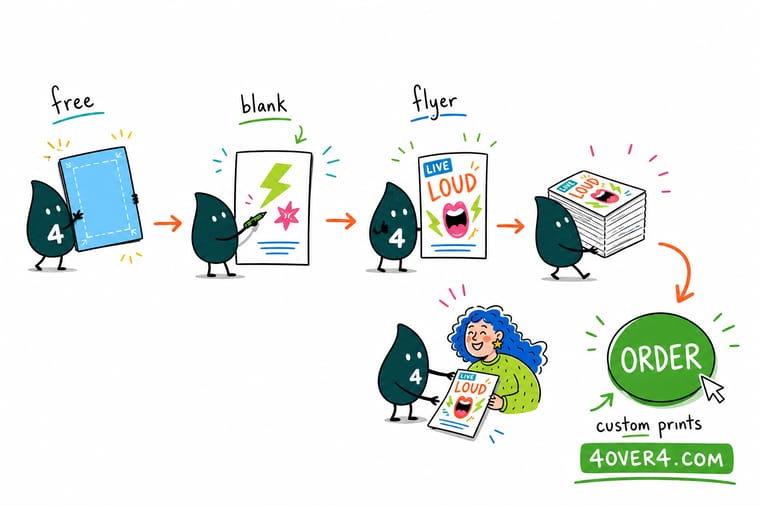
Wally lays the blank template down and points at the outer dashed line first. That is the bleed box, 0.125 inches wider than the flyer on every side, and your background has to reach it. The solid line inside is the trim, where the blade is aimed. The inner dashed line is safety, and anything you actually want people to read stays behind it. He hands the file back with one instruction: turn the guide layer off before you export, because those lines look great on screen and terrible on 5,000 flyers.
Configure your flyer print run →%22%2F%3E%3Ccircle%20cx%3D%2243%22%20cy%3D%2245%22%20r%3D%2228%22%20fill%3D%22%23a78bfa%22%20opacity%3D%220.15%22%2F%3E%3Ccircle%20cx%3D%2280%22%20cy%3D%2262%22%20r%3D%2226%22%20fill%3D%22%23a78bfa%22%20opacity%3D%220.1%22%2F%3E%3Crect%20x%3D%2273%22%20y%3D%2221%22%20width%3D%2228%22%20height%3D%2232%22%20rx%3D%224%22%20fill%3D%22%23a78bfa%22%20opacity%3D%220.08%22%20transform%3D%22rotate(8%2080%2030)%22%2F%3E%3C%2Fsvg%3E)
Specs and pricing
Sizes, stocks and starting prices for flat and folded pieces
The same template rules apply across these products. Flyers run from 4.25 by 5.5 to 11 by 25.5 inches on text stocks from 70# uncoated to 100# gloss or on 80# to 14pt cover, and brochures add a half fold on 8.5 by 11 up to 11 by 25.5 inch sheets. Postcards start at 2.5 by 2.5 inches on 14pt to 26pt cover, which is why the 4 by 6 mail size belongs there.



Print it
Take the finished file straight to press
Upload the PDF and choose a free online proof or send it straight to production. Flyers and brochures start at 50 pieces and postcards at 50, all with 3 business days of standard production.



Explore more
Where to go next
Check every flyer trim size, the 0.125 inch bleed rule, the paper weight that stops a flyer feeling cheap, and the layout that carries one message. The last two cards price flyers live and open the blank template library.


By the numbers
Template flyers among 1,000+ products we print
Common Questions
Your blank flyer template questions, answered
What is a blank flyer template?
A blank flyer template is an empty layout file built at the exact size of a finished flyer, with three guide boxes already drawn: the bleed box that artwork must run past, the trim box where the blade cuts, and the safety box that keeps type away from the edge. It carries no design and no placeholder text. You drop your own artwork in, keep the guides in mind, then export a print ready PDF. Ours sit in the blank template library, sorted by product.
What size should a blank flyer template be?
8.5 by 11 inches is the default and it is what most people mean by a flyer. It is the same trim as a sheet of letter paper, so it fits a counter display, a folder and a mailer without extra work. 5.5 by 8.5 inches is the half sheet used for handouts and door drops because you get twice as many pieces for a similar press run. 4.25 by 5.5 inches is the quarter sheet for inserts and table drops. 11 by 17 inches is the tabloid used when the flyer has to work as a small poster.
How much bleed does a flyer template need?
0.125 inches on every side, which is the standard across our catalog. An 8.5 by 11 inch flyer is set up on an 8.75 by 11.25 inch page, with the background pushed out to that outer edge. Keep live text 0.125 inches inside the trim as well, so the safety box lands at 8.25 by 10.75 inches. Those two numbers do more to save a job than any other setting in the file.
Can I use a Word or Google Docs flyer template?
You can, with one caveat that matters. Neither program can build a page larger than the finished sheet, so there is no true bleed, which means any design running to the edge will either be scaled up by the printer or come back with a thin white line. If your flyer has a white margin all the way around, a Word template is fine. If the background is a photo or a solid color that reaches the edge, start from the PDF or InDesign template instead and let the artwork overshoot.
Do I need to remove the guide layer before printing?
Yes. Templates ship with the bleed, trim and safety lines on their own layer, and that layer is set to print in a surprising number of files people send us. Switch it off or delete it before you export, then open the PDF and look at it once more. A magenta trim rectangle printed across 5,000 flyers is the single most common template mistake we see.
What file should I send after using a blank flyer template?
A press ready PDF, CMYK, with fonts outlined or embedded, images at 300 DPI at final size, and bleed included in the export settings. Flatten transparency if your layout software offers it. Upload it during checkout on standard flyers and our prepress team checks size, bleed, resolution and color mode before anything goes on press.
Get Started
Template filled in? Send it over.
Pick your size and stock, upload the PDF, and our prepress team checks bleed, resolution and color mode before your flyers go on press.
Legal Disclaimer
Gold Standard guarantees apply to all standard orders placed through 4over4.com. Price match requires verifiable proof of a competitor's published price for an equivalent product with matching specifications and turnaround time. Satisfaction guarantee covers manufacturing defects and print quality issues. Contact support with order number and documentation.
