
Lead Generation With LinkedIn Ads That Sales Actually Wants

Marcus is our print marketing voice, built from the knowledge of our production team, with over 20 years in printing.
The format decision, the targeting layers that deliver, the three defaults to switch off, and the printed follow-up that turns a form fill into a booked call: postcards for the contacts who never replied, presentation folders for the meeting and business cards for the handshake, with the size and stock for each.
LinkedIn generates leads two ways: a native Lead Gen Form that prefills from the member profile, or a paid click to your own landing page. The form wins on volume and the landing page wins on intent, so pick the one that fixes the bottleneck you have. After that, three things decide the result: targeting on job function and seniority instead of job title, switching off Audience Expansion and the Audience Network, and optimizing on a CRM stage rather than on form fills.
Quick answer
Two legs, and only one of them is paid
A LinkedIn campaign buys the first contact and nothing else. The ad pays for an impression, a click and a form fill, and that is where the platform stops reporting anything useful. The return leg runs on paper: a postcard from $16.48 to the named contacts who never replied, a 9 x 12 inch presentation folder with business card slits from 10 for $108.75 for the booked call, and a card from $17.57 for the meeting. Whether the record becomes revenue is decided on the return leg, in the sequence, the call and the piece that stays on the desk afterward. Judge the campaign at the CRM stage, not the form-fill count, and the ranking of your audiences will change.
Lead Gen Form or Landing Page: Pick the Bottleneck You Have
Every LinkedIn lead generation campaign turns on one early decision: does the member fill in a form inside the feed, or do you pay to move them onto your own site. The rest of the setup follows from that answer.
A Lead Gen Form is prefilled from the profile. Name, job title and work email are already in the fields, so submitting takes one tap. Volume goes up. Intent goes down, because a person who spent two seconds on you has spent nothing at all, and some of them will not remember the exchange when a rep calls. A landing page reverses both effects. You lose people at the click and again at the form, and the ones who survive have chosen to leave the feed, typed their own details, and seen your positioning in your own words.
| Format | What the member does | What you get | Where it fails |
|---|---|---|---|
| Lead Gen Form | Taps a prefilled form inside the feed and submits without leaving LinkedIn. | The highest record count per dollar, with clean profile data. | Soft intent, no site visit, and no first-party retargeting pixel fired. |
| Website conversion | Clicks out to your landing page and completes your own form. | Fewer, warmer leads plus analytics and retargeting on your own domain. | Two drop-off points instead of one, so cost per lead rises sharply. |
| Document ad | Swipes through a few pages of the asset in-feed, then hits a gate. | Leads who have already read part of the thing they are asking for. | Needs an asset good enough to survive being previewed for free. |
| Conversation ad | Opens a message and picks a branch, like book a call or send the guide. | Self-sorting by stated intent, which routing can act on immediately. | Restricted in several regions, and it reads as intrusive if the copy is careless. |
The document ad deserves more attention than it usually gets. Letting people read two or three pages before the gate filters out the collectors, and it makes the form fill mean something. The trade-off is honest: if the asset is thin, showing part of it for free just proves the point. Our guide to building a converting content funnel covers what belongs behind a gate at each stage, and the landing page frameworks guide covers the page a website conversion campaign lands on.
Building an Audience LinkedIn Will Actually Deliver Against
Targeting is the reason LinkedIn charges what it charges, and it is the part most campaigns set up backwards. Start with the floor: LinkedIn will not serve a campaign to fewer than 300 members, and a matched audience built from an uploaded account list needs 300 successful matches, not 300 rows in the spreadsheet. Old domains and personal email addresses eat into that, so upload well past the minimum.
Then drop job title targeting. Titles are free text that people write themselves, which means Head of People, VP People Ops and CHRO are three different strings describing one buyer. Job function plus seniority reaches the same humans without you guessing their wording, and it keeps working when someone gets promoted. Layer company size or industry on top, and stop there. Every extra layer multiplies against the others and shrinks the audience faster than it sharpens it.
Three defaults spend your budget outside the audience you built:
- Audience Expansion adds members LinkedIn judges similar to yours. Off, until you know the core audience performs.
- The LinkedIn Audience Network serves your ad on third-party apps and sites at lower cost per click and much lower quality. Off for any lead generation test.
- No exclusions means you pay to advertise to current customers, your own staff, and anyone who already converted. Build the exclusion lists on day one.
Watch frequency once it runs. A precise audience is a small audience, and a small audience saturates: the same few thousand people see the ad again and again, click-through slides, and cost per lead drifts up. That is a creative problem or an audience-width problem, and adding budget makes it worse. Rotate the creative on a schedule rather than waiting for the numbers to sag.
The Follow-Up Is Where the Money Is
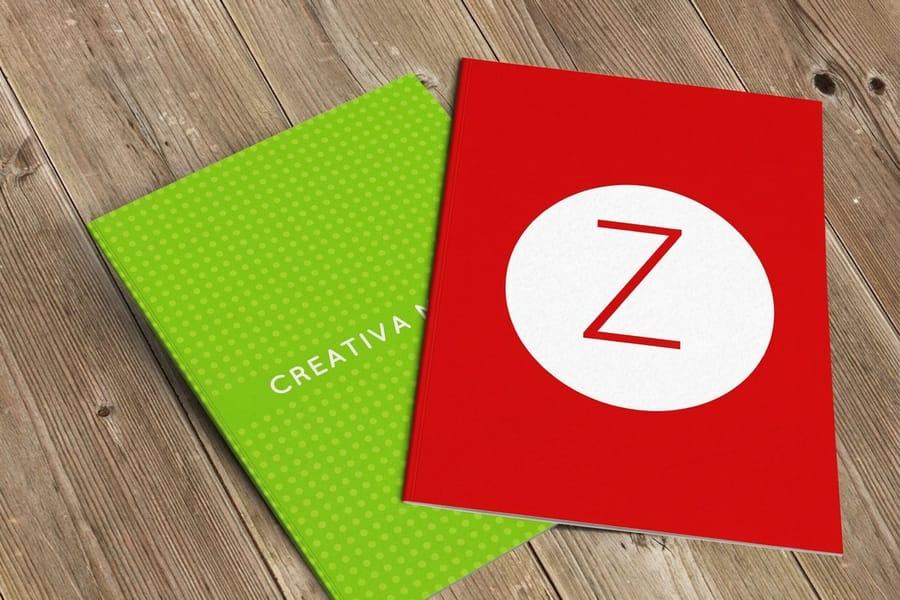
A form fill gives you permission to try, and most teams waste that permission by sending three emails into an inbox that already ignores forty a day. The campaigns that pay for themselves treat the ad as the first contact and put real effort into the second and third.
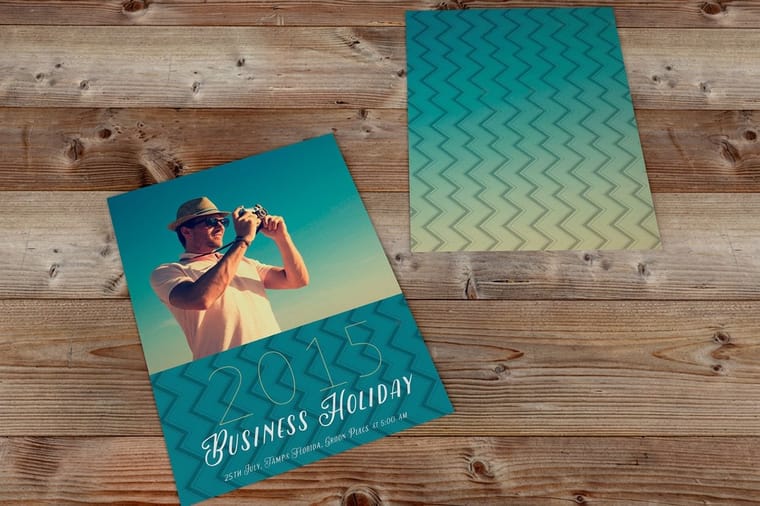
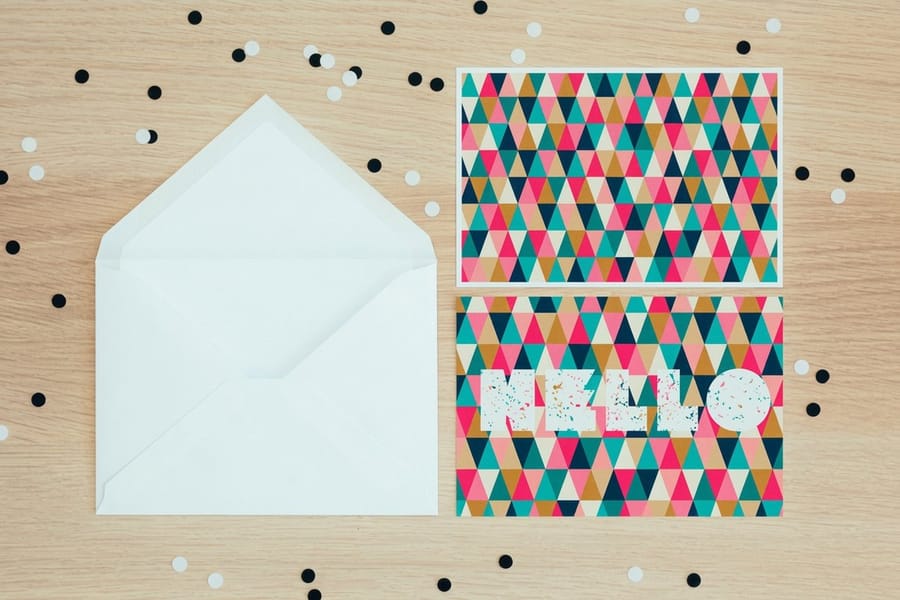
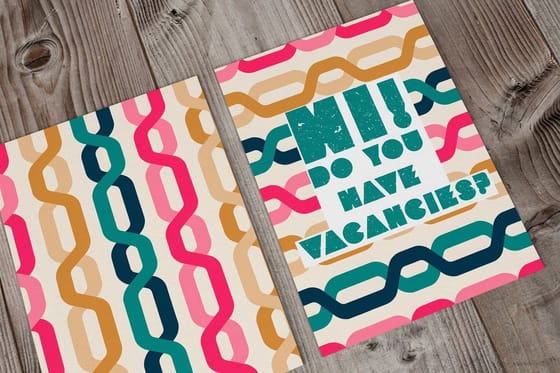
Start with the people who never converted. You already uploaded an account list to build the matched audience, so you have the company names, and the addressing work is mostly done. A printed piece reaches a named contact with no inbox to compete in and no spam filter in the way. Standard postcards start at $16.48 and carry one offer and one URL, which is all a follow-up needs. Our guide to building or renting a mailing list covers getting from an account list to deliverable addresses, and direct mail versus digital marketing compares what each channel costs to find out.
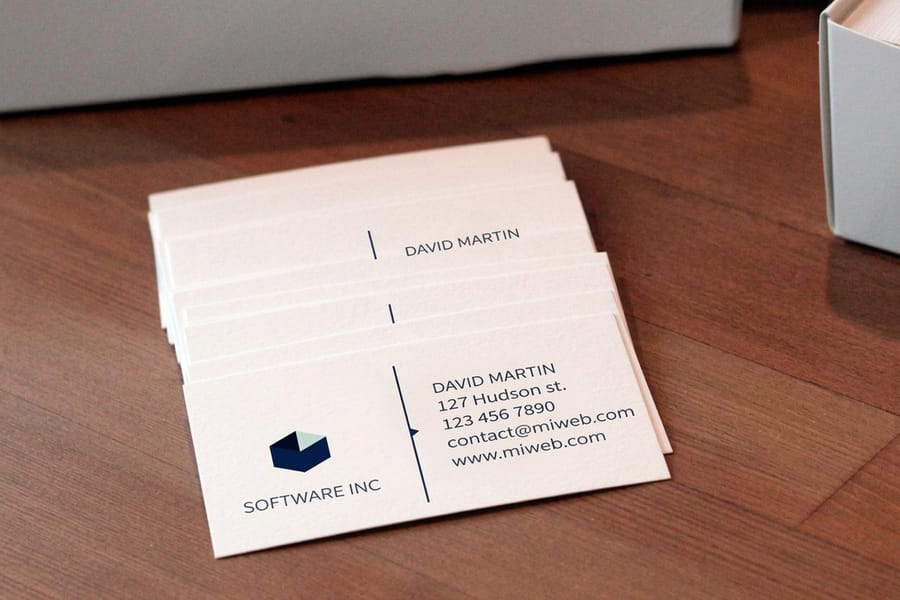
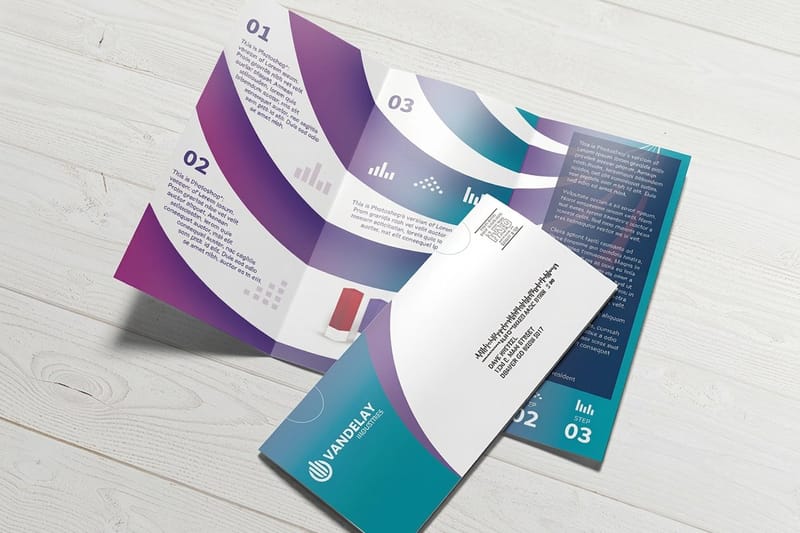
Then handle the meetings the campaign does produce. A proposal emailed as a PDF is closed and forgotten in the same minute; the same proposal in a folder sits on a desk through the decision. Short run presentation folders start at $108.75, which is the right batch size when four reps each need a dozen rather than a warehouse pallet. If the proposal runs on legal paper, read legal size folder dimensions and what actually fits inside before you order. Put the pricing sheet in one pocket and a standard business card in the slot, from $17.57, and the leave-behind costs less than one LinkedIn click on most audiences.
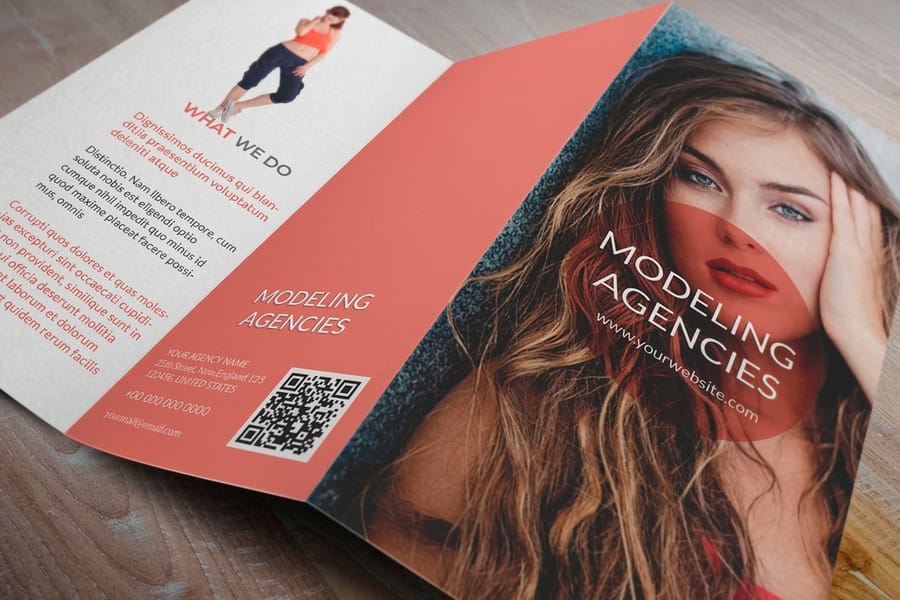
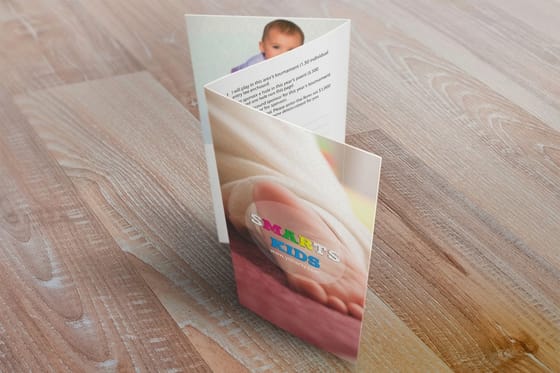
For anything with a longer buying cycle, a printed brochure from $57.11 does work an email thread cannot: it gets passed to the person who was not on the call. That is usually the person who signs. The brochure guide covers what to put in it, and the direct mail services collection handles print, address and mail in one order so nobody on your team is stuffing envelopes.
| Piece | When it goes out | Size and stock | From |
|---|---|---|---|
| Postcard | To the account contacts who never converted, with the same offer as the ad. | 14 sizes from 2.5 x 2.5 to 6 x 11 in, 13pt to 26pt cover stocks | 50 for $16.48 |
| Presentation folder | After a booked call, holding the proposal and the pricing sheet. | 9 x 12 in, 14pt gloss cover, card slits optional | 10 for $108.75 |
| Brochure | When the decision moves to someone who was not on the call. | 5.5 x 8.5 to 11 x 25.5 in, 100# text or 14pt gloss cover | 50 for $57.11 |
| Business card | At every in-person meeting the campaign produces. | 2 x 3.5 in standard, gloss, uncoated or kraft stock | 100 for $17.57 |
All four print in 3 business days. Upload a PDF at the finished size with an eighth of an inch of bleed, and print the same offer wording and URL that the LinkedIn ad used.
Measure Cost per Qualified Lead, Not Cost per Form Fill
LinkedIn will happily report a low cost per lead on a campaign that has never produced a customer. The number is real and the conclusion is wrong, because the platform can only see what you tell it, and by default you tell it that a form submission is the goal.
Fix that by pushing sales stages back. LinkedIn accepts offline conversions from a CRM, so a lead that reaches a booked call or an opportunity can be reported as the conversion the algorithm optimizes toward. Once that loop is closed, the ranking of your campaigns usually changes. The audience with the expensive leads is often the one producing the meetings, and the cheap one is filling the CRM with people who downloaded a checklist.
Two structural habits keep the data readable. Build one campaign per audience rather than per creative, so the audience is the variable you can compare. And keep the creative rotation inside a campaign, so the audience data accumulates instead of resetting every time you change an image. On reporting cadence, the content marketing analytics guide covers which numbers to review weekly and which only mean anything at a quarter.
One last check, and it is the one that kills more accounts than any setting: work the arithmetic backwards. Take the share of qualified leads that turn into signed deals, divide the value of a deal by that share, and you have the ceiling on what a qualified lead can cost you. LinkedIn clicks sit at the expensive end of paid media, and our paid marketing strategy guide sets that ceiling beside the other paid channels. If the ceiling is low, the channel will not clear it, and the same money spent on mail to a named account list usually does better. More marketing strategy guides work through the same maths for other channels.
Wally explains LinkedIn lead gen
The ad buys the introduction, not the deal
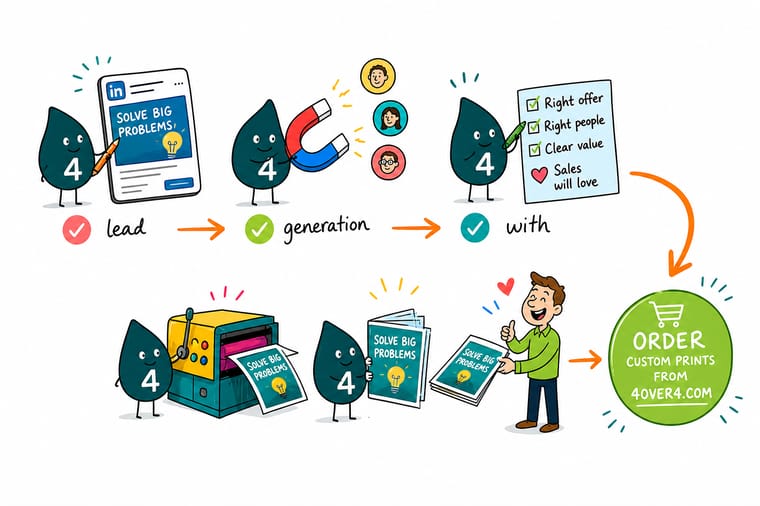
Wally targets by job function and seniority, not by job title, because people write their own titles and half of them do not match his list. He switches off Audience Expansion and the Audience Network so the budget stays inside the audience he built. Then he stops trusting the form-fill count and looks at which audience produced booked calls. The ones who never replied get a postcard, because there is no inbox to compete in on a doormat.
Print your follow-up postcards →
Specs and pricing
The follow-up pieces, sizes and starting prices
Postcards for the non-responders run in 14 sizes from 2.5 x 2.5 to 6 x 11 inches, from 50 for $16.48. Brochures for the longer case run from 5.5 x 8.5 to 11 x 25.5 inches, from 50 for $57.11. Short run presentation folders are 9 x 12 inches on 14pt gloss cover, from 10 for $108.75. All three print in 3 business days. Configure the printed half of the campaign, with live options and starting prices straight from the 4OVER4.COM configurator.


Postcards, folders and cards
Give the campaign something to hand over


%22%2F%3E%3Ccircle%20cx%3D%2236%22%20cy%3D%2220%22%20r%3D%2231%22%20fill%3D%22%23a78bfa%22%20opacity%3D%220.15%22%2F%3E%3Ccircle%20cx%3D%2233%22%20cy%3D%2229%22%20r%3D%2210%22%20fill%3D%22%23a78bfa%22%20opacity%3D%220.1%22%2F%3E%3Crect%20x%3D%2276%22%20y%3D%2210%22%20width%3D%2221%22%20height%3D%2220%22%20rx%3D%224%22%20fill%3D%22%23a78bfa%22%20opacity%3D%220.08%22%20transform%3D%22rotate(16%2080%2030)%22%2F%3E%3C%2Fsvg%3E)
Funnel, landing page and mail guides
Where to go next

From our Queens facility
The printing side of your campaign, handled
Common Questions
Your LinkedIn lead generation questions, answered
Are LinkedIn Lead Gen Forms better than sending traffic to a landing page?
Neither is better on its own. The form removes almost all friction because LinkedIn fills in name, job title and work email from the profile, so you collect more records for the same spend. That is also the problem: a person who taps submit in two seconds has invested nothing and may not remember doing it. A landing page costs you volume and gives you a visitor who chose to leave the feed, plus your own analytics and retargeting. Run the form when the sales team is under-fed and can afford to sort. Run the landing page when they are drowning in records that go nowhere.
Why are my leads students, job seekers and people outside my target?
Three settings cause almost all of it. Audience Expansion adds profiles LinkedIn considers similar to yours. The LinkedIn Audience Network serves your ad on third-party apps and sites. And job title targeting matches text, so a student listing an internship title lands inside a senior-title audience. Turn the first two off for any lead generation test, target job function plus seniority instead of title strings, and add a seniority exclusion for entry level and training.
What is the smallest audience LinkedIn will run against?
Three hundred members. Below that, a campaign will not deliver, and a matched audience built from a customer or account list needs at least that many successful matches, not that many rows in the file. Account lists lose members to old domains and personal email addresses, so upload comfortably more than the floor. If a tight account-based audience keeps falling short, widen the seniority band before you widen the company list, because seniority is the cheaper layer to loosen.
How long should a LinkedIn campaign run before I judge it?
Long enough to collect a meaningful number of clicks at your target audience size, and long enough for the leads to reach a sales stage. Judging a B2B campaign in three days measures the learning phase, not the campaign. Watch frequency as you go: on an audience of a few thousand members, the same people see the ad repeatedly within weeks, click-through falls, and the fix is a new creative or a wider audience rather than a bigger budget.
Can I follow up on a LinkedIn audience with printed mail?
Yes, and it is one of the few ways to reach the same account list without competing in an inbox. You already uploaded a company list to build the matched audience, so the mailing list work is largely done. Send a printed piece to the named contacts who never converted, referencing the same offer. Standard postcards start at $16.48 at 4OVER4.COM, and our guide to building or renting a mailing list covers how to get from an account list to deliverable addresses.
What should a sales rep leave behind after a call that came from LinkedIn?
Something with a physical shelf life, because the ad and the email both disappear. A pocket folder holding the proposal, one sales sheet and a card keeps your pricing on a desk instead of in an archived thread. Short run presentation folders start at $108.75 for small quantities, which is the right batch size when a handful of reps each need a few. Standard business cards start at $17.57 and still get handed over at every in-person meeting the campaign eventually produces.
Does LinkedIn make sense for a low-priced product?
Rarely. Clicks on LinkedIn sit at the expensive end of paid media because the targeting data is unusually good, and you pay for that. Work the arithmetic backwards before funding anything: take your close rate from qualified lead to signed deal, divide the value of a deal by that rate, and you have the most you can pay for a qualified lead. If that ceiling is low, the channel will not clear it, and the same budget usually works harder as direct mail to a named account list.
Get Started
Order 10 short run presentation folders from $108.75
Postcards to the accounts that never replied, folders for the calls that get booked, and cards for the meetings that follow. Upload the file and we print, address and ship it.
Legal Disclaimer
Gold Standard guarantees apply to all standard orders placed through 4over4.com. Price match requires verifiable proof of a competitor's published price for an equivalent product with matching specifications and turnaround time. Satisfaction guarantee covers manufacturing defects and print quality issues. Contact support with order number and documentation.
