
How to Make a Custom Photo Postcard That Prints as Sharp as It Looks


Nadia is our customer education voice, built from the knowledge of our production team, with over 20 years in printing.
The pixel counts, the three boundary lines, the color shift nobody warns you about, and how to build the whole thing in the online Designer without opening Photoshop.
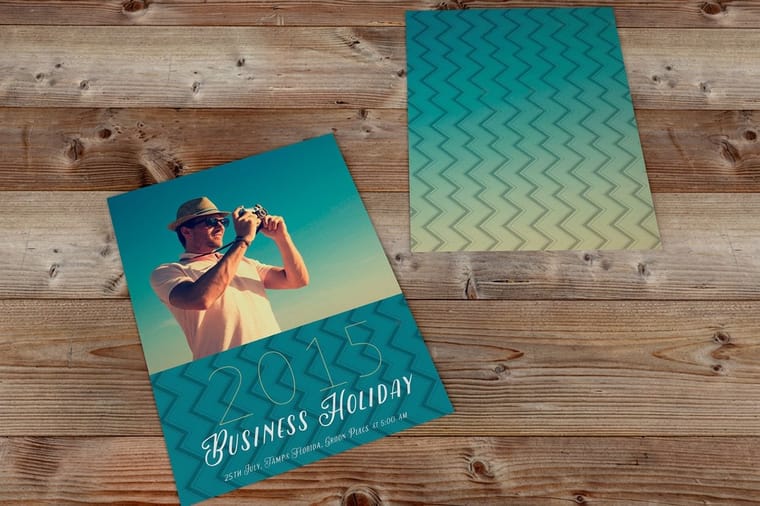
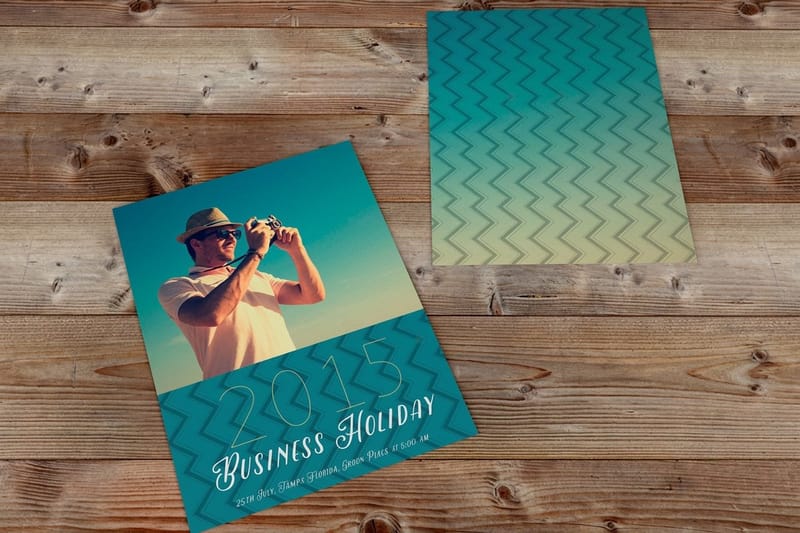
Set the photo to 300 dpi at the finished card size, extend it an eighth of an inch past the trim on all four sides, keep every word an eighth of an inch inside the trim, and upload a flattened CMYK PDF. A 6 by 4 inch postcard needs 1800 by 1200 pixels trimmed and 1875 by 1275 with bleed, which a phone photo covers easily and a social media download does not. If the card gets mailed, leave the right half of the back and the bottom strip clear for the address and the barcode.
Quick answer
Three lines decide whether a photo postcard prints right
Build the file at the bleed size, cut on the trim line, keep type inside the safe zone. The photograph runs an eighth of an inch past the trim so the cutting tolerance eats spare image instead of leaving a white sliver. Text pulls an eighth of an inch inward so the same tolerance never shaves a word. Between those two edges is the card people actually hold. Get the resolution right at the bleed size and there is very little left to go wrong. For a custom postcard with saturated color, print the photo on 14pt or 16pt Gloss Cover and add the High Gloss UV Coating, which keeps ink on the surface; convert to CMYK first so the brightest skies and greens do not surprise you on the proof.
Start With a Photo That Has Enough Pixels
Everything else on this page is recoverable. Resolution is not. A file that arrives at 900 pixels across gets printed at 900 pixels across, and the softness shows up on a card held twelve inches from someone's face.
The rule is 300 dpi measured at the finished size, with bleed counted in. Do the arithmetic once and it stops being abstract.
| Card size | Trimmed at 300 dpi | With 1/8 in bleed | Smallest file worth printing |
|---|---|---|---|
| 4 x 6 in | 1200 x 1800 px | 1275 x 1875 px | 850 x 1275 px |
| 5 x 7 in | 1500 x 2100 px | 1575 x 2175 px | 1050 x 1500 px |
| 6 x 9 in | 1800 x 2700 px | 1875 x 2775 px | 1275 x 1875 px |
| 6 x 11 in | 1800 x 3300 px | 1875 x 3375 px | 1275 x 2250 px |
That last column is 200 dpi, the point where a photograph is still acceptable and type over it starts to look furry. Below it, print the card smaller rather than pretending.
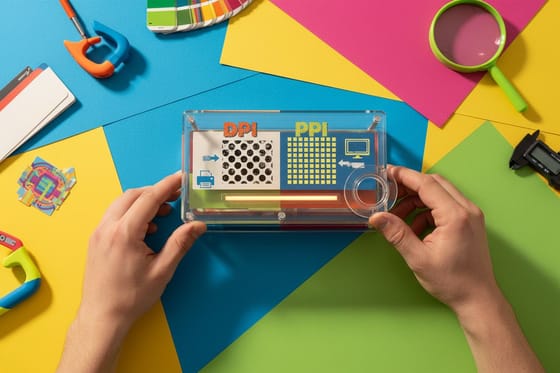
Here is the part that catches people. Your phone is almost certainly good enough: a 12 megapixel camera gives roughly 4032 by 3024 pixels, which covers a 6 by 9 card comfortably. What fails is the copy of the copy. A photo pulled out of a group chat, saved from a social post, or exported from a shared album at reduced size often lands near 1080 pixels wide, which fills 3.6 inches and no more. Go back to the original on the camera roll every time. If the difference between the two numbers on a file is confusing, DPI and PPI explained untangles it in a page.
Bleed, Trim and the Safe Zone on a Photo Card
A photo postcard is cut from a larger printed sheet, and the blade lands within about a sixteenth of an inch of where it aims. That tolerance is the whole reason bleed and safe zones exist.
Build the artboard an eighth of an inch larger than the card on every side, so a 6 by 4 becomes 6.25 by 4.25. Extend the photograph all the way to that outer edge. When the blade drifts inward you lose a sliver of photograph nobody notices. When there is no bleed and the blade drifts outward, you get a white hairline down one side of the card, and it appears on some cards in the box and not others, which looks worse than a consistent border would.
Then pull everything you want to keep an eighth of an inch inside the trim line. Type, logos, a phone number, the edge of a signature. On a photograph the same discipline applies to the subject: if a person's head is a few millimeters from the top of the frame on screen, budget for it being cropped closer in print. Recompose with room rather than trusting the cut.
Two things are easy to get wrong here. Rounded corners eat further into the layout, so a design with corner elements needs more clearance than a square cut card. And a border that looks crisp on screen is the least forgiving layout of all, because the eye compares the left margin to the right one directly. Keep borders at a quarter inch or heavier. Bleed and trim explained goes deeper into why the tolerance exists, and the blank template library gives you a file with all three lines already drawn.
Why the Print Looks Different From Your Screen
A monitor makes color by emitting light. Paper makes color by absorbing some wavelengths and bouncing the rest back at you. Those are different physics, and there are colors a screen can show that no ink set can reach.
In practice the shifts are predictable. Bright cyan skies come back a shade deeper and slightly greyer. Electric greens in grass and foliage lose their glow. Vivid purples and hot pinks are the two that most often surprise people, because they sit right at the edge of what CMYK can print. Skin tones, browns, grays and most muted palettes travel almost unchanged.
The fix is not to argue with the press, it is to see the shift before you commit. Convert the file to CMYK on your own machine, look at it, and adjust while you still have the layers. If a sky flattens out, lift the contrast a little rather than the saturation. Converting RGB to CMYK for print covers the profile settings.
Stock changes the result as much as the conversion does. Gloss coated keeps ink sitting on the surface, which holds saturation and gives a photograph snap. Matte coated calms it slightly and is easier to read text on. Uncoated absorbs ink into the fiber, so photographs come out softer and darker, which suits a muted or vintage image and fights a bright one. If somebody has to write on the card by hand, uncoated is the only comfortable choice.
Laying Out the Back When the Card Gets Mailed
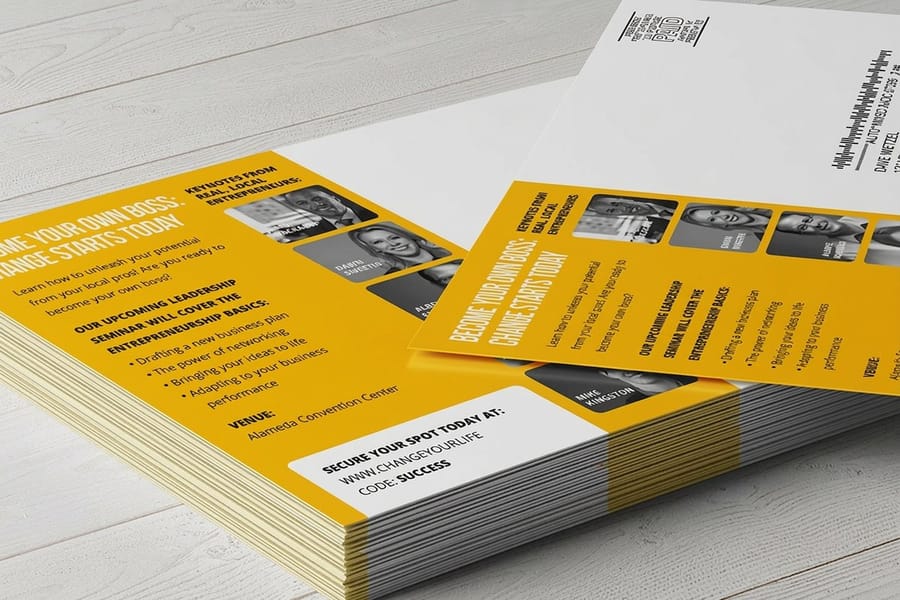
If the card is a handout, the back is yours. If it goes through the mail, roughly the right half of the back belongs to USPS and you design around it rather than into it.
That reserved area holds the delivery address, the return address, the indicia or stamp in the top right corner, and a clear strip along the bottom edge where automated equipment reads the barcode. Nothing of yours goes into the bottom strip, not a rule, not a pale background tint, not a corner of a photograph. Left of that block you have a genuine half card for a message, a headline, an offer, or a photo caption.
Two details cost people reprints. First, a dark or photographic background behind the address block makes the address hard to read for both a machine and a carrier, so keep that panel light. Second, if you plan to handwrite the address, the coating matters: ballpoint and gel pen skate on gloss, and a marker smears. Ask for uncoated or a matte back on any card people will write on.
The full breakdown of every zone lives in the anatomy of a postcard, and if you are sending a batch rather than a handful, how to send direct mail postcards covers list preparation and the drop.
Customizing the Card in the Online Designer
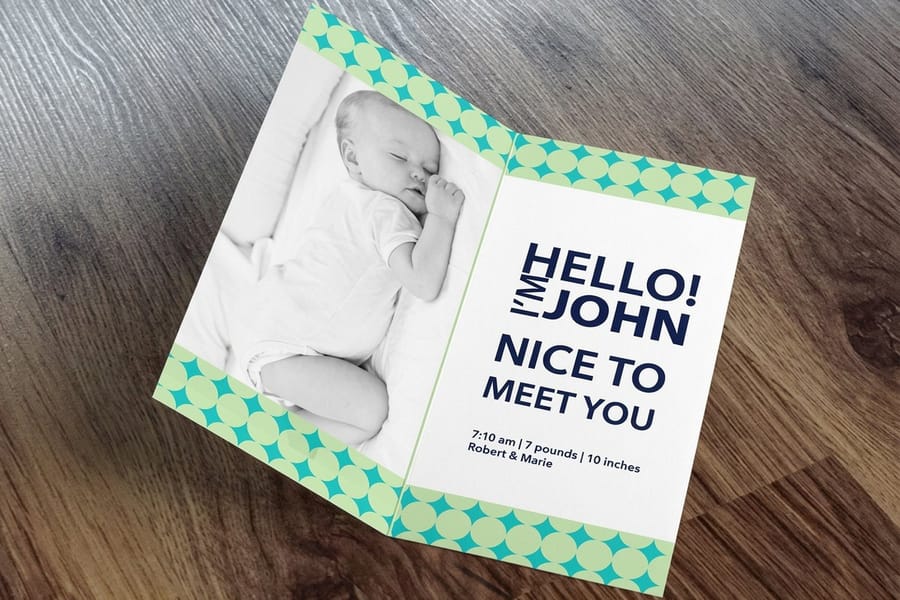
You do not need design software for this. Open the online Designer, choose the postcard size, and the canvas arrives with the bleed, the trim and the safe zone already in place. Upload your photo, scale it until it covers the outer dashed edge, and drop your text inside the inner guide. The Designer will not let a photo sit short of the bleed line without telling you, which is the single most common file error it removes.
Where the Designer stops being the right tool is color critical work. If the photograph is the product, a family portrait you are printing a hundred of, or artwork you have already color corrected, prepare it in Photoshop or Lightroom, export a flattened CMYK PDF at the bleed size, and upload that instead. You keep control of the conversion that way. For type over a photograph, pick something with weight: postcard fonts that hold up explains why a thin script disappears into a busy image.
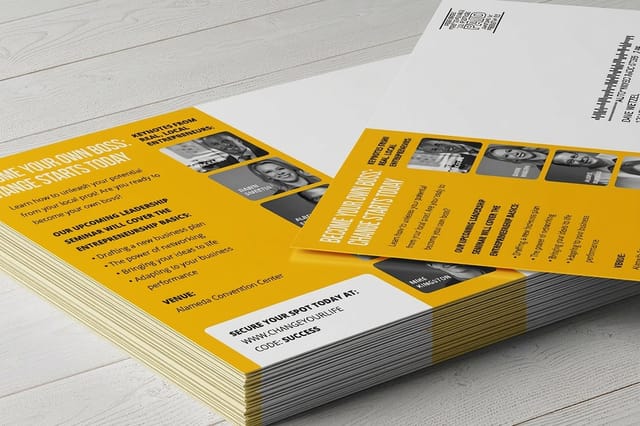
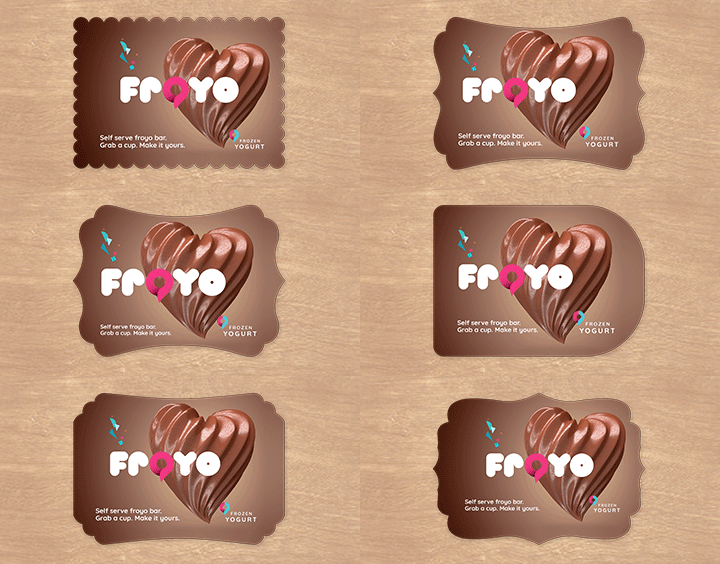
Then pick the format. Standard postcards start at $16.48 and cover the great majority of photo cards. Folded postcards at $84.36 give you four panels instead of two, which is what you want when one photo is not the whole story. Custom shaped postcards at $135.11 cut the card to an outline, and they are worth the money only when the shape says something the photo cannot. Direct mail postcards at $89.68 add addressing and the USPS handoff. Everything sits together on the postcard printing page if you want to compare stocks and sizes first.
Wally explains photo postcards
Stretch the picture out, pull the words in
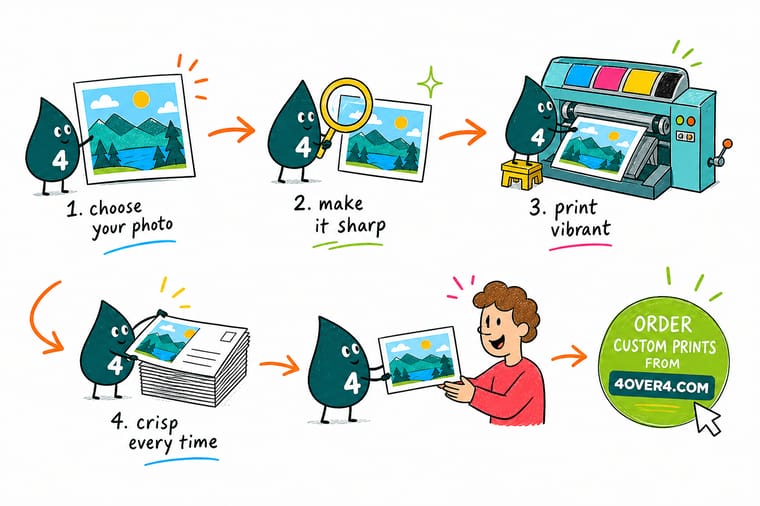
Wally builds the card an eighth of an inch bigger than it will finish, then drags the photo all the way to that outer dashed line. The blade wanders a little, so it eats spare picture instead of leaving a white hairline. Then he pulls every word an eighth of an inch back from the cut, because the same wander would shave a phone number. Last thing he checks is the pixel count at final size: 1800 by 1200 for a 6 by 4 card. Your phone has that. The copy you saved off a social feed does not.
Design your photo postcards →
Specs and pricing
Postcard sizes, stocks and starting prices
Standard postcards start at $16.48 for 50 in 14 sizes from 2.5 x 2.5 to 6 x 11 inches on 22 cover stocks, direct mail postcards arrive addressed and mailed in nine sizes, and folded postcards start at $84.36 for 50 in eight folded formats. Compare the formats side by side, with live size and stock choices and starting prices straight from the 4OVER4.COM configurator.

Print it
Turn the photo into a card people keep
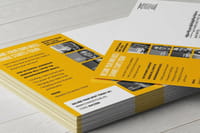
Print a 4 x 6 or 5 x 7 photo card on 16pt gloss as standard postcards, have direct mail postcards addressed and mailed for you, or cut the photo into a custom shape when the card has to stand out on a fridge.


Explore more
Where to go next
Read the bleed and trim guide before you size the file, the DPI against PPI guide if the photo came from a phone, and open the online Designer when the layout is ready.

By the numbers
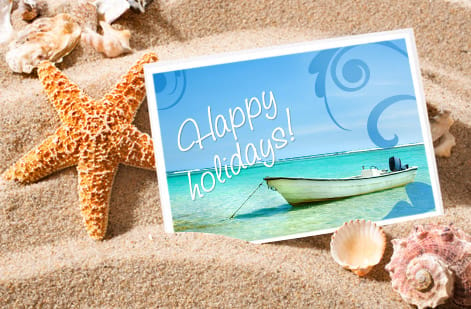
Photo cards trimmed with bleed on every edge
Common Questions
Your photo postcard questions, answered
What resolution does a custom photo postcard need?
300 dpi measured at the finished size of the card, with bleed included. For a 6 by 4 inch postcard that is 1800 by 1200 pixels trimmed and 1875 by 1275 pixels with an eighth of an inch of bleed on all four sides. For a 5 by 7 it is 1500 by 2100 trimmed and 1575 by 2175 with bleed. Anything below roughly 200 dpi starts to look soft on a card people hold at arm's length, and no amount of sharpening in software puts back detail the sensor never captured.
Can I use a photo from my phone?
Usually yes, and that surprises people. A 12 megapixel phone photo is about 4032 by 3024 pixels, which covers a 6 by 4 inch card at 300 dpi with pixels to spare. The problem is almost never the camera, it is what happened to the file afterwards. A photo saved from a text message, downloaded from a social feed, or pulled out of a shared album at reduced size can land around 1080 pixels wide, and that only fills 3.6 inches. Always start from the original file on the phone or in the cloud backup, not from a copy that has been through an app.
Do I still need bleed if my photo does not touch the edge?
If the photo sits inside a white border, no image needs to run off the sheet, but the file still has to be built at the bleed size so the trim lands where you expect. The bigger risk with a bordered layout is that the border itself becomes the tell: a border half an inch on one side and three eighths on the other is more visible than a sliver of white on a full bleed photo, because the eye compares two parallel edges. If you want a border, make it at least a quarter of an inch so normal cutting variance never reads as a mistake.
Why does my photo look duller printed than on my screen?
A screen emits light, paper reflects it, so the brightest values on a monitor have no equivalent in ink. The shades that move most are saturated cyans and blues in skies, electric greens in grass and foliage, and vivid purples. Convert the file to CMYK before you upload and you will see the shift on your own monitor rather than discovering it in the box. Stock matters too: the same file prints noticeably richer on a gloss coated postcard than on uncoated stock, which absorbs ink and softens contrast. Our guide on converting RGB files to CMYK walks through the settings.
What size should a custom photo postcard be?
4 by 6 is the standard and the cheapest to mail at postcard rates. 5 by 7 gives a photo noticeably more presence in a stack of mail and is the size most people pick for save the dates and holiday cards. 6 by 9 and larger read as marketing rather than personal, and they move into letter rate postage. If you are pairing the card with an envelope rather than mailing it bare, check the fit first in our postcard and envelope size guide.
Can 4OVER4.COM address and mail the postcards for me?
Yes. Direct mail postcards start at $89.68 and cover printing, addressing from your list, and the USPS handoff, so the cards leave here rather than coming back to you in a box to stamp. If you would rather write on them yourself, order standard postcards from $16.48 and keep the back blank on one half. The mailing route only pays for itself above a couple of hundred pieces, because below that the hour you spend at the kitchen table costs less than the service does.
Get Started
Order 50 custom shaped postcards from $135.11
Pick your size and stock, drop the picture into a layout that already holds the bleed and the safe zone, and we print a card that stays sharp in the hand.
Legal Disclaimer
Gold Standard guarantees apply to all standard orders placed through 4over4.com. Price match requires verifiable proof of a competitor's published price for an equivalent product with matching specifications and turnaround time. Satisfaction guarantee covers manufacturing defects and print quality issues. Contact support with order number and documentation.
