
How to Design a Takeout Menu People Keep and Reorder From


Sofia is our design and templates voice, built from the knowledge of our production team, with over 20 years in printing.
A takeout menu lives in a bag and ends up on a fridge. Here is the size to print, the layout that scans in five seconds, the stock that shrugs off grease, and where the QR code belongs.
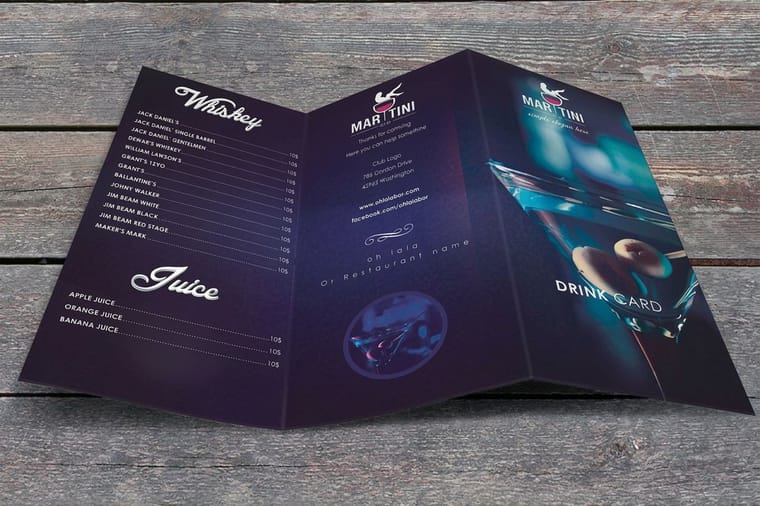
Design a takeout menu as one flat 8.5 by 11 sheet with prices in a single right aligned column and the phone number set large in the top strip. Print it on coated 100 lb gloss cover so grease beads on the surface instead of soaking through, and repeat the name, phone number and hours on the outside panel, because a folded menu in a bag or a menu under a fridge magnet only ever shows one face.
Quick answer
One sheet, one price column, and a phone number you can read across a kitchen
A takeout menu is a list, not a brochure. Flat 8.5 by 11 fits a bag and reprints cheaply, prices align right in one column so the eye runs down instead of across, and coated 100 lb gloss cover keeps a sauce thumbprint from soaking through the page. The ordering details belong in the top four inches and again on the outside panel, since those are the only areas that survive being folded into a bag or pinned under a magnet. Everything that changes often, such as specials and seasonal dishes, belongs behind the QR code or on a table tent instead of on the printed sheet.
Pick the Size Around the Bag, Not the Menu
Most takeout menus are sized backwards. Somebody counts the dishes, discovers they need more room, and jumps to a big folded piece that nobody ever opens past the first panel. Start from where the menu physically ends up: stapled to a bag, dropped in a mailbox, or stuck under a magnet on a fridge door.
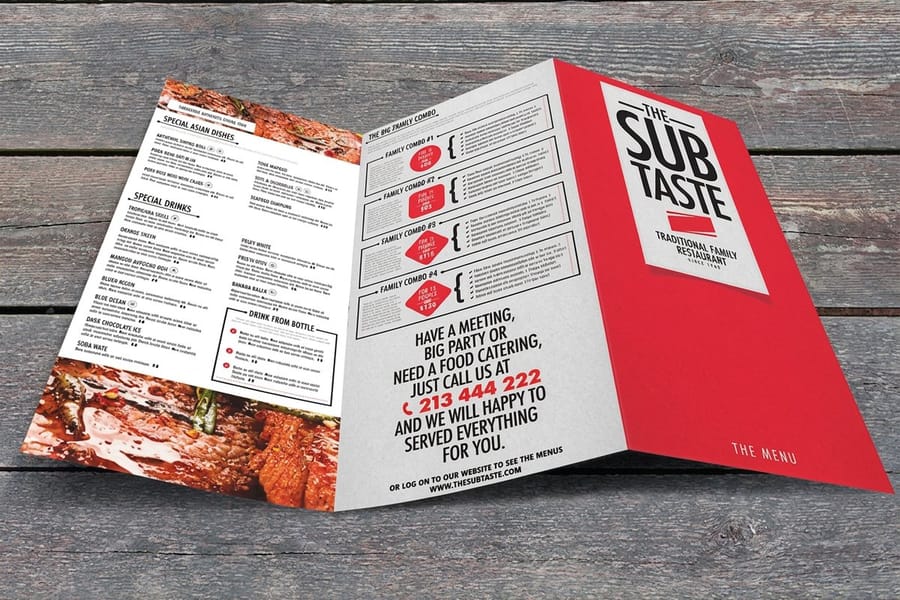
Flat 8.5 by 11 covers most restaurants. Two sides hold roughly 40 to 60 items with readable type, it slides into a takeout bag without a second fold, and it is the cheapest thing on this list to reprint when prices move. Half folding it to 8.5 by 5.5 makes it sit flatter against a container and gives you an outside panel that acts like a cover.
The moment you go bigger, you buy capacity and lose attention. An 11 by 17 folded menu holds close to a hundred items, but every extra fold is one more decision the customer has to make before they read anything. If your list is genuinely that long, the honest fix is usually to cut the list. Our breakdown of restaurant menu sizes lays out what each format really holds, and the standard menu size guide covers the dine-in formats alongside them.
| Format | Roughly holds | How it travels | Best for |
|---|---|---|---|
| Flat 8.5 x 11 | 40 to 60 items over two sides | Slides into a bag flat, fits a mailbox | The default takeout menu, cheapest to reprint |
| Half fold 8.5 x 5.5 | 30 to 45 items with a cover panel | Staples to a bag, sits flat on a container | Bag stuffers and door drops that need a front face |
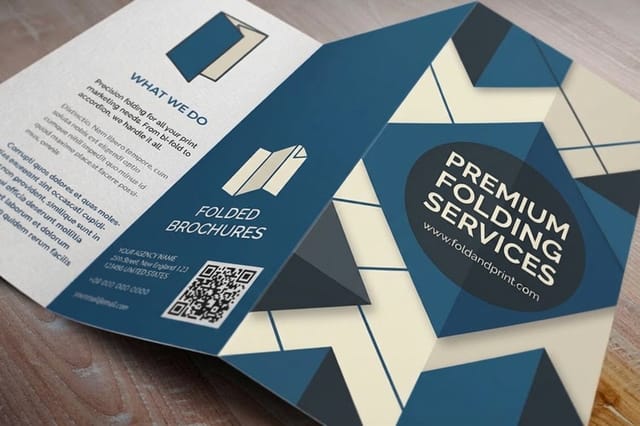
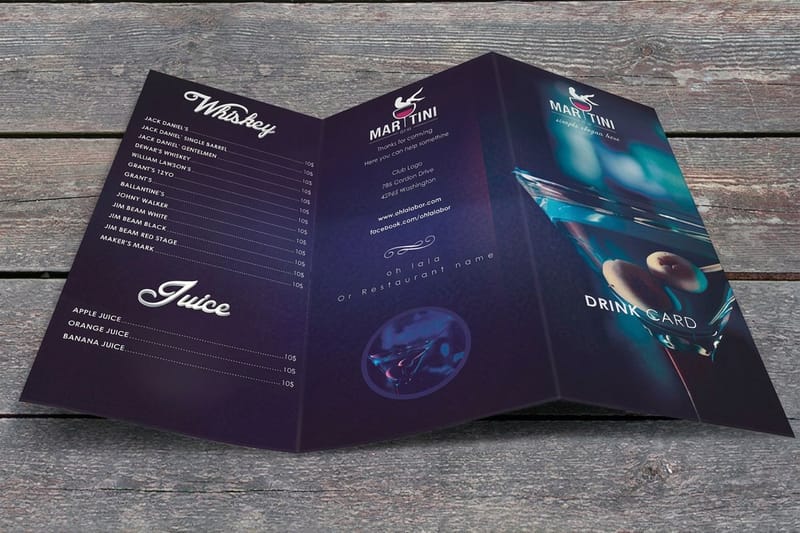
| Tri fold 8.5 x 11 | 35 to 50 items across six panels | Pocket sized, needs two unfolds | Menus that double as a brochure with a story panel |
| Folded 11 x 17 | 80 to 100 items | Bulky, rarely opened fully | Long menus where every item genuinely sells |
If the tri fold is where you land, the fold style changes what the customer sees first, and the fold types guide walks through which panel becomes the cover in each one.
Lay Out the Page So Prices Read Straight Down
A dine-in menu is read sitting down with a drink. A takeout menu is read standing at a counter or held in one hand while the other dials. That difference decides the whole layout.
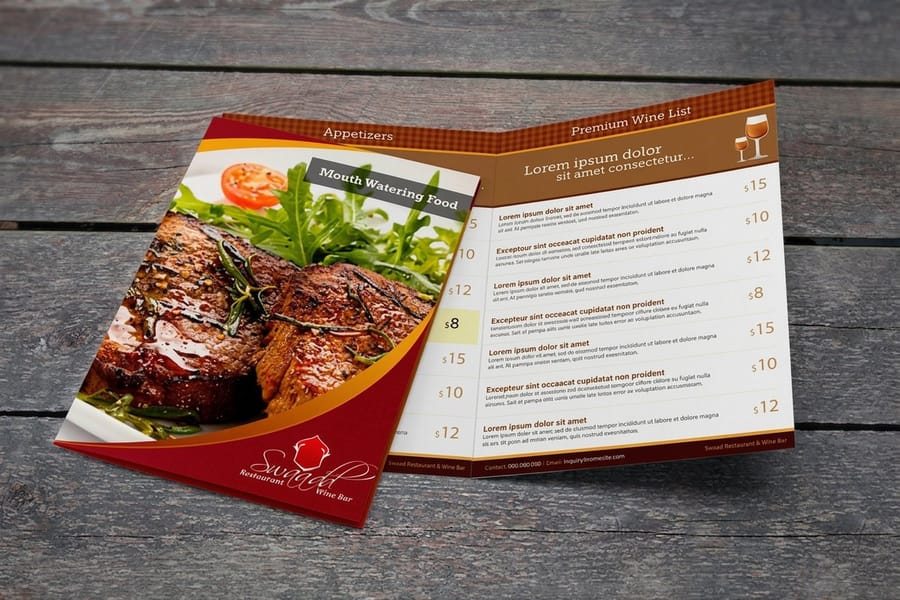
Put prices in a single column aligned right, and drop the dot leaders. Leaders were a fix for wide dine-in pages and on a narrow takeout column they just add visual noise between the name and the number. Drop the dollar signs too. A column of bare numbers reads faster and, as a side effect, makes the prices feel less like a total.
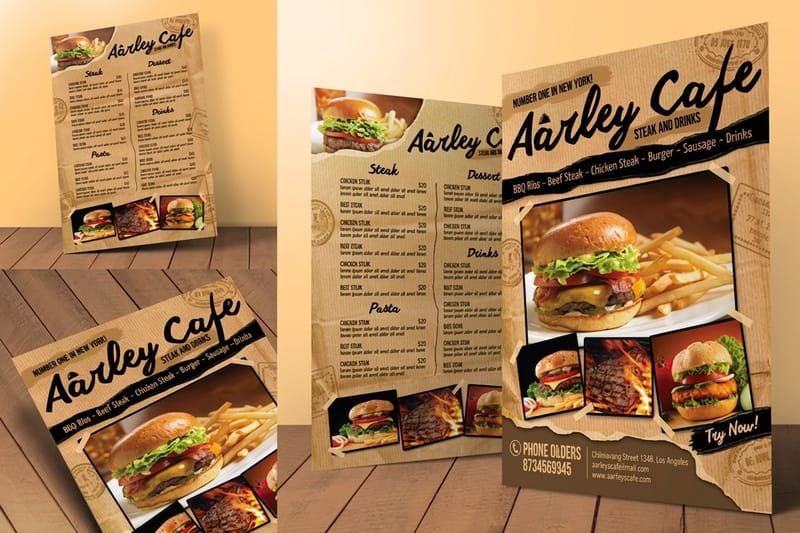
Group by how people order, not by how the kitchen is organized. Starters, mains, sides, drinks. Inside each group, put the two or three items you actually want to sell at the top and bottom of the block, because those are the positions the eye stops at when it scans a list. Keep item names at 10 point or larger and give descriptions a lighter weight so the names carry the scan.
The one thing to oversize is the phone number. Set it at 24 point or above, in the top strip, and repeat it at the bottom of the page. Then repeat it again on the outside panel if the menu folds, because the folded face may be the only thing anyone ever looks at. For the deeper layout thinking, how to lay out a menu that sells covers the item positions that carry the margin, and writing the menu itself covers the wording.
Choose Stock and Coating That Survive Grease
Grease is the thing that kills takeout menus. A sauce thumbprint on an uncoated sheet spreads, goes translucent, and takes the item name with it. On a coated gloss sheet the same thumbprint sits on the surface and wipes off.
For a menu that gets kept, 100 lb gloss cover is the right weight. It is stiff enough to survive a fridge magnet and a bag, and the gloss coating handles the grease. For a lighter sheet you hand out in volume, 100 lb gloss text costs less per piece and still resists a spill, but it creases if it lives in a pocket. The 100 lb gloss cover explainer compares the two side by side, and the flyer paper weight guide is the closest thing if you are printing a lighter promotional sheet alongside.
Here is the trade-off nobody mentions until the boxes arrive. Gloss coating repels pen ink as well as grease. If your drivers circle items, write a total, or scribble an address on the menu, the coating that saves it from sauce makes it useless as a notepad. In that case go uncoated or matte and accept a shorter life. A UV coating pushes the gloss further and gives a genuinely wipeable surface, which suits a menu you leave on a counter, but it is the least writable option of all.
One more mechanical detail: on cover weights, a fold needs to be scored first. Folding 100 lb cover without a score cracks the coating along the crease and leaves a white line through whatever artwork crosses it. We score before folding, but it is worth designing so no dark solid or logo sits on the fold in the first place.
Put the QR Code Where a Thumb Already Is
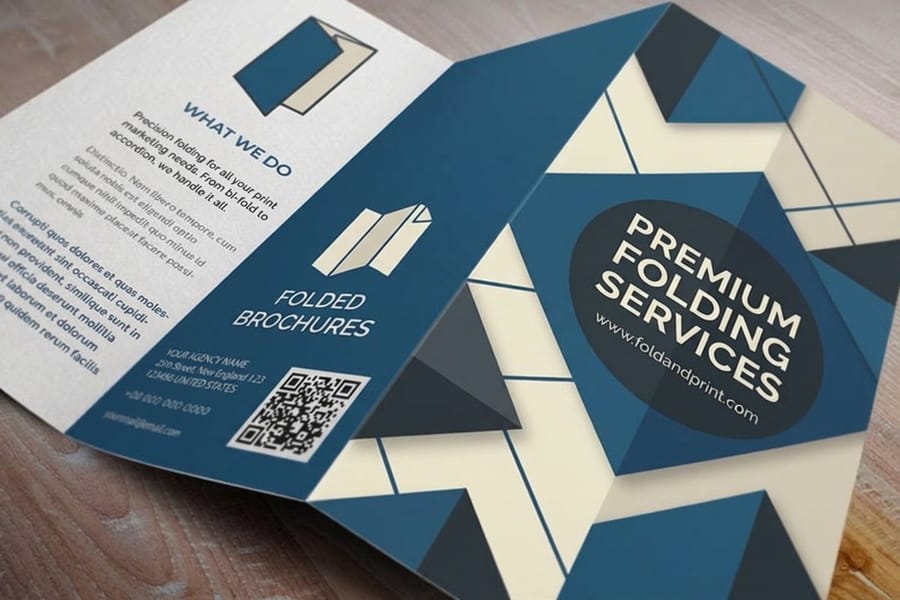
A QR code on a takeout menu earns its space only if it removes a step. Pointing it at your homepage does not remove a step, it adds one, because the customer still has to find the ordering page from there. Point it at the ordering page, or at the specific section you want ordered from.
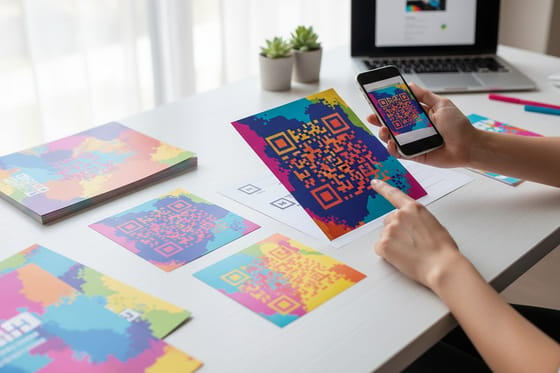
Physically, four rules cover almost every failed scan. Print it at least one inch square, since anything smaller struggles on a coated sheet under kitchen lighting. Leave a clear margin of white on all four sides, roughly the width of four modules, because a code pressed against a border or a photo loses its edge detection. Keep it dark on light, never light on dark, whatever the brand palette says. And keep it away from the fold, since a score line breaks the contrast right through the middle of the pattern.
Test the printed piece, not the screen version. Order a proof or a short run, then scan it with the oldest phone in the building at arm's length in ordinary light. That is the condition the code has to work in. Our guide to QR codes on printed pieces covers sizing and quiet zones in detail, and QR code cards shows the same rules applied on a smaller surface.
Give the code a job written next to it. "Scan to order" beats a bare square by a wide margin, and a code with no caption at all is usually ignored. Start the file from a correctly sized layout in the blank template library so the code lands inside the safe area rather than near a trim edge.
Print It Once and Get It Into the Right Hands
Press setup is the same whether you order 500 menus or 5,000, so the per piece cost falls hard with quantity. That makes the real question how long the printed prices will hold. Count the months you are confident about, add your weekly bag stuffers plus whatever you drop door to door, and order that number rather than a round one.
Standard menus start at $57.11 and cover the flat and folded formats. If your menu doubles as a story piece with a panel about the kitchen, folded brochures start at the same $57.11 and give you the extra panels. For a lighter insert that goes in every bag, standard flyers start at $39.54 and are cheap enough to reprint when a special changes.
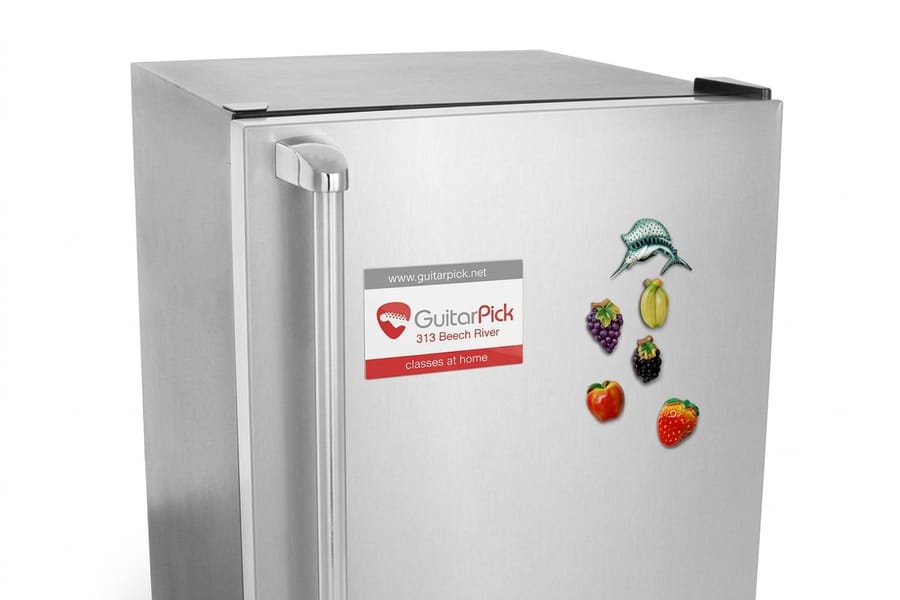
Two companion pieces do more for reorders than a bigger menu does. Standard magnets start at $19.68 and put your phone number on the fridge door permanently, which is the same job the top strip of the menu is doing, made durable. Table tents hold the specials you deliberately left off the printed sheet, so you can change them without touching the menu run.
Browse the full range on the menu printing category, or read the complete guide to menu printing services for turnaround times, finishing options and what to send us. If the menu is part of a wider restaurant piece, designing a restaurant brochure covers the format that carries both, and a printed restaurant brochure starts at a run of 50.
Wally explains the takeout menu
Only one face of it ever gets seen

Wally prints the menu flat, folds it in half, and drops it in a takeout bag. Now only the outside panel is visible. He sticks the same menu on a fridge with a magnet, and now only the top four inches are visible. So the restaurant name, the phone number, the hours and the QR code go in both places, and the long list of dishes fills everything else. Prices sit in one column on the right with no dot leaders, because a customer standing at a counter reads down, not across.
Order takeout menus →
Specs and pricing
Menu formats, sizes, and starting prices
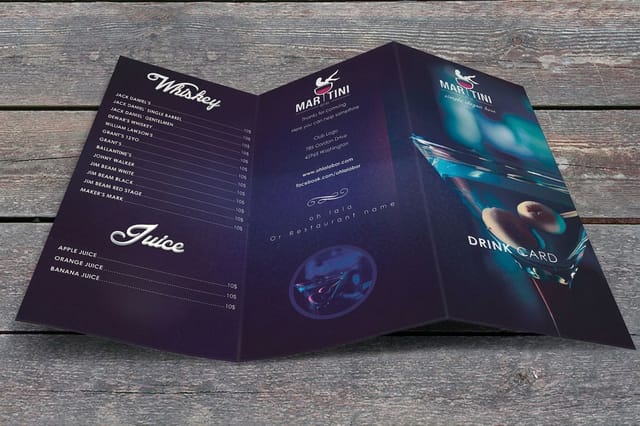
Compare the three formats a takeout menu is usually printed on, with live configuration choices and starting prices straight from the 4OVER4.COM configurator. Menus run seven sizes from 4.25 x 11 to 11 x 25.5 inches, flat, half fold or trifold, on 100 lb gloss text or 70 lb uncoated text; folded brochures and flyers add the same flat sizes on text and cover stocks, all from 50.

Print it
Order the menu your customers keep
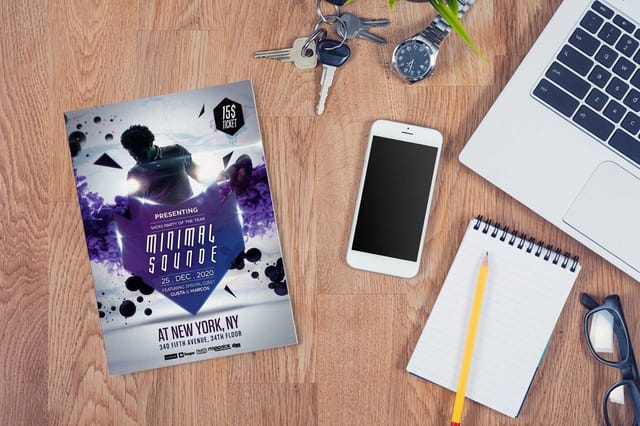
Standard menus from 50 in the flat and folded formats, folded brochures from 50 when the menu carries a story panel, and flyers from 50 for the specials insert that goes in every bag.

Explore more
Where to go next
Four guides, the menu range and the FAQs: restaurant menu sizes, a layout that sells, 100 lb gloss cover, QR codes on print, flat, folded and laminated menus, and the printing FAQs.

By the numbers
Takeout sheets on stock that handles grease
Common Questions
Your takeout menu questions, answered
What size should a takeout menu be?
Flat 8.5 by 11 inches is the default, because it fits a standard takeout bag without extra folding, holds roughly 40 to 60 items across two sides, and costs the least to print. Half fold it to 8.5 by 5.5 if you staple it to bags, since the folded piece sits flat against the container and the outside panel carries the phone number. Go to 11 by 17 folded only when the menu genuinely runs past about 90 items, and accept that fewer people will open it all the way.
What paper is best for a takeout menu?
A coated 100 lb gloss cover for a menu that gets handled and kept, and 100 lb gloss text for a lighter sheet you hand out by the hundred. The gloss coating is the part that matters: grease beads on the surface instead of soaking through and turning the paper see-through. Uncoated and matte stocks feel better in the hand and take pen ink, which is why kitchens that mark orders on the menu still ask for them.
Should a takeout menu have photos?
One or two, at most, and only for items you will still sell next year. Photos eat the space that item descriptions need, they date the menu the moment a plating changes, and a mediocre phone photograph of food does more damage than no photograph at all. If you want images to carry the marketing, put them on a separate piece such as a flyer or a postcard and keep the menu itself a clean list.
How many takeout menus should I print?
Enough to cover the reprint trigger, which is almost always a price change rather than running out. Work out how many months of prices you are confident about, count your weekly bag stuffers and drop distribution, and order that. Since the press setup is identical at 500 or 5,000, the per piece cost drops steeply with quantity, so the real question is how long the printed prices will stay accurate.
Where should the QR code go on a takeout menu?
Top right of the outside panel, at least one inch square, with clear white space around all four sides. Keep it off the fold, keep it dark on light rather than the reverse, and point it at your ordering page rather than your homepage so the first tap is not a navigation problem. Print a test sheet and scan it with an old phone before the full run, because a code that works on screen can still fail once it is printed small on a coated sheet.
How do I stop prices going out of date on a printed menu?
Split the menu into what is stable and what is not. Core items with settled prices go on the printed sheet. Specials, seasonal dishes and anything you are still testing go behind the QR code or onto a table tent you can reprint cheaply. Some restaurants drop prices entirely from the delivery menu and keep them online only, which works if your customers already order through an app and fails badly with an older phone-in crowd.
Get Started
Print 50 takeout menus from $57.11
Pick your size, choose a coated gloss stock that shrugs off grease, and we print menus that still read clearly six months later on a fridge door.
Legal Disclaimer
Gold Standard guarantees apply to all standard orders placed through 4over4.com. Price match requires verifiable proof of a competitor's published price for an equivalent product with matching specifications and turnaround time. Satisfaction guarantee covers manufacturing defects and print quality issues. Contact support with order number and documentation.
