
Barcode Printing That Scans Right the First Time


Tobias is our voice for cutting, binding and large format, built from the knowledge of our production team, with over 20 years in printing.
A barcode has one job: beep on the first pass. Barcoding generates your codes in the right symbology, prints them where scanners expect them, and verifies the scan on the real stock. This page covers symbologies, placement, and how to order barcoding at 4OVER4.COM.
Barcoding is a printing service that generates machine-readable codes from your data, places them scanner-correctly in your design, prints them, and verifies they scan on the finished stock. It covers retail UPC and EAN codes, Code 128 for internal tracking, and QR codes for phone cameras, shared across a run or unique per piece. The codes ride on labels, hangtags, plastic cards, shipping labels, and key tags, and the scannability rules, contrast, size, quiet zone, clean surface, are handled at prepress so the checkout beep never becomes your problem.

Start here
What has to be true for a code to scan
Barcoding turns your numbers and URLs into correct scannable symbols, places them where scanners expect them, prints them on labels, tags, and cards, and verifies the scan before the run ships. Retail codes talk to registers, QR codes talk to phones, and many pieces carry both. The failure modes are known, weak contrast, undersized symbols, invaded quiet zones, decorated surfaces, and all four are prevented at prepress rather than discovered at the checkout.
Why the scan is the moment that matters
A barcode is invisible until the moment it is not: the beep at the register, the green light at the door, the pick confirmed in the warehouse. When the scan works, nobody notices. When it fails, a line forms, a cashier types fourteen digits by hand, and your beautifully printed label is suddenly the problem on the counter.
Barcoding as a print service exists to make that moment boring. The symbol is generated from your data in the correct symbology, placed where scanners expect it, printed with the contrast and quiet zone the readers need, and verified on the actual stock before the run ships. The design work and the scan physics get handled together instead of colliding at the checkout.
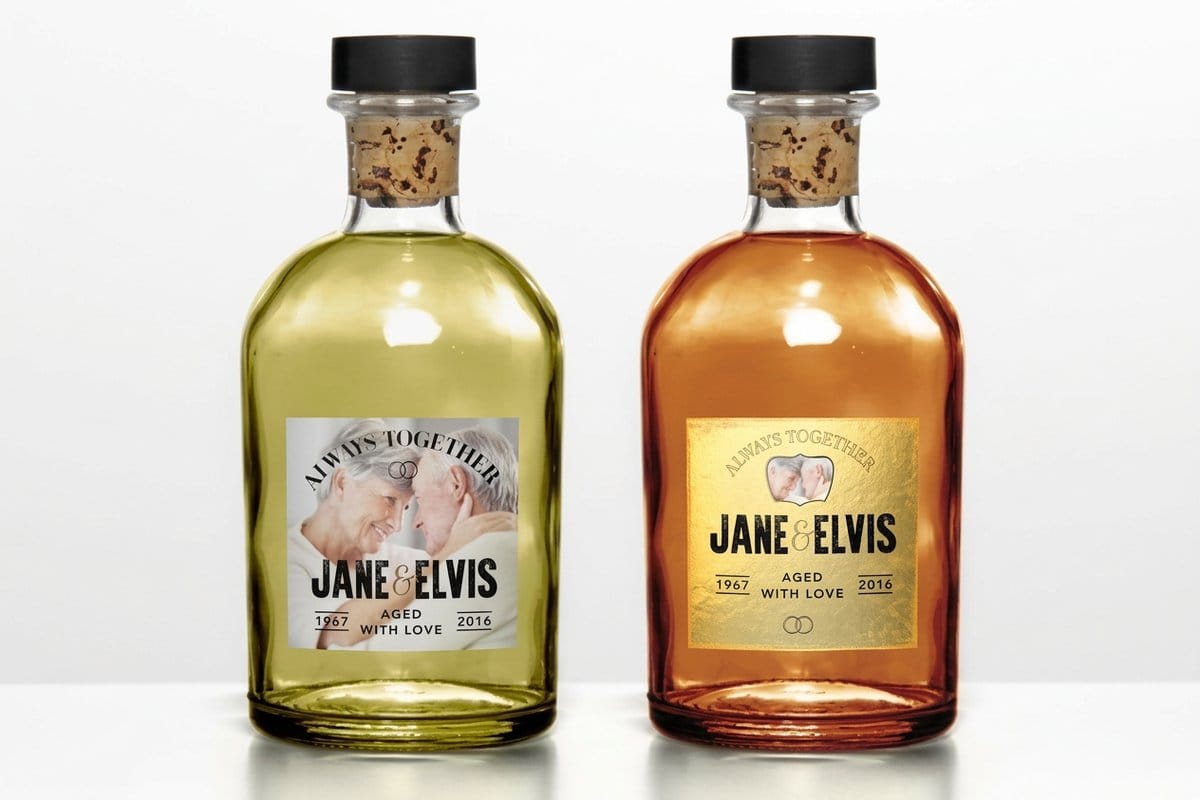
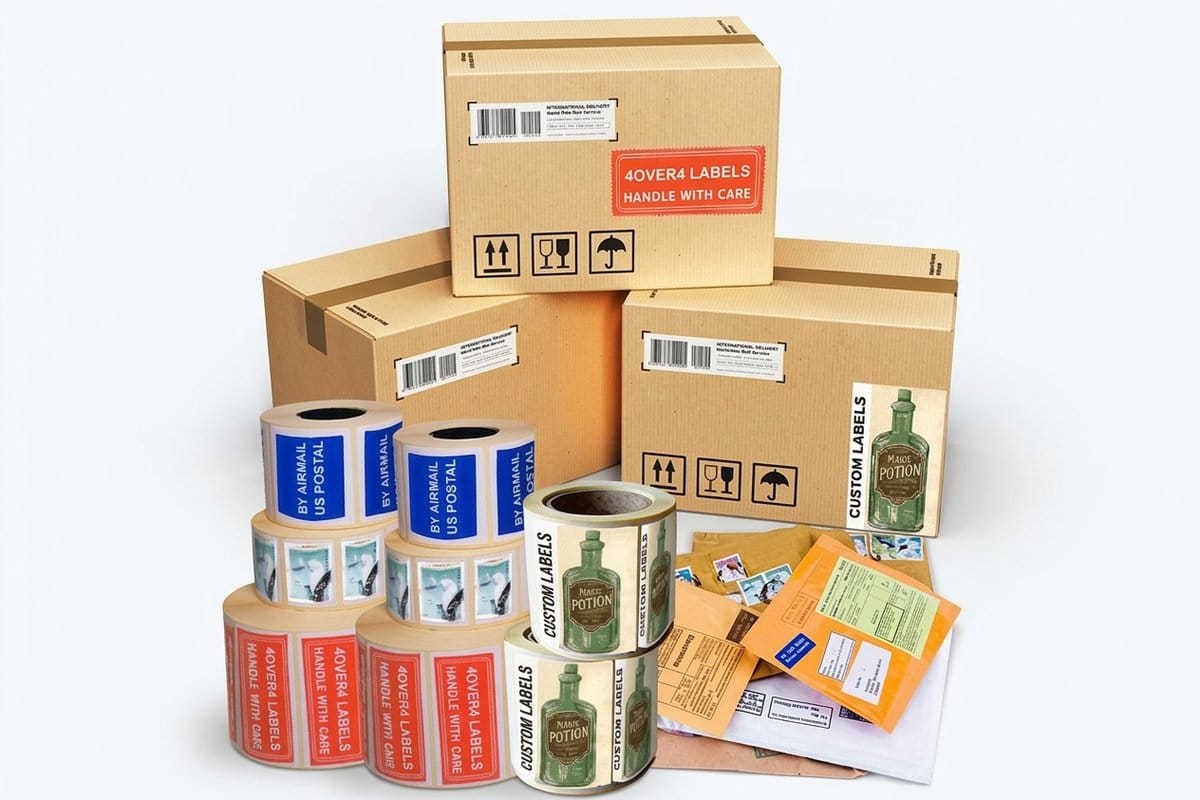
The codes ride on the products that do the selling: custom labels, hangtags, plastic gift cards, and key tags. This page covers the code types, where each belongs, the rules that keep symbols scannable, and how to order barcoded pieces at 4OVER4.COM.
What the barcoding service actually covers
Three things, in order. First, generation: your numbers, codes, or URLs are turned into correct symbols in the symbology your system expects, UPC for retail, Code 128 for internal tracking, QR for phone cameras. A barcode is math rendered as geometry, and getting the math right is not a design task.
Second, integration: the symbol is placed into your artwork at a scanner-friendly position with its quiet zone protected, sized within specification, and set in dark ink on a light field. This is where barcoding meets design judgment, the code has to coexist with the piece without either ruining the other.
Third, verification: the printed result is checked for scannability on the real stock, because a code that reads on a screen can fail on textured paper or under lamination. Codes can be shared across a run or unique per piece, unique codes run through the same data engine as variable data printing, fed by your spreadsheet, one row per piece.
Where barcodes live: labels, tags, cards, and keyrings
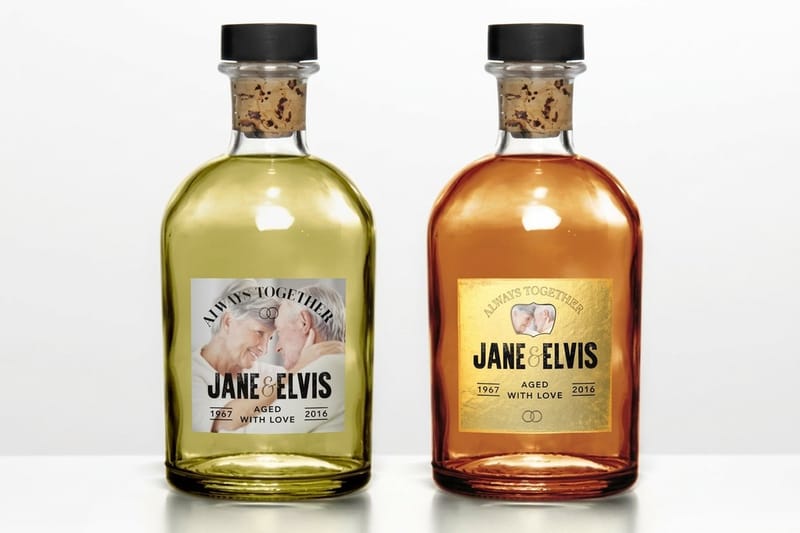
Product labels are the highest-volume carrier: every item that crosses a retail scanner needs its code, and the label is usually where it rides. Bottles, jars, boxes, and bags each bring their own placement questions, flat panel, no curve tighter than the scanner tolerates, and the label material matters, matte surfaces scan more forgivingly than gloss.
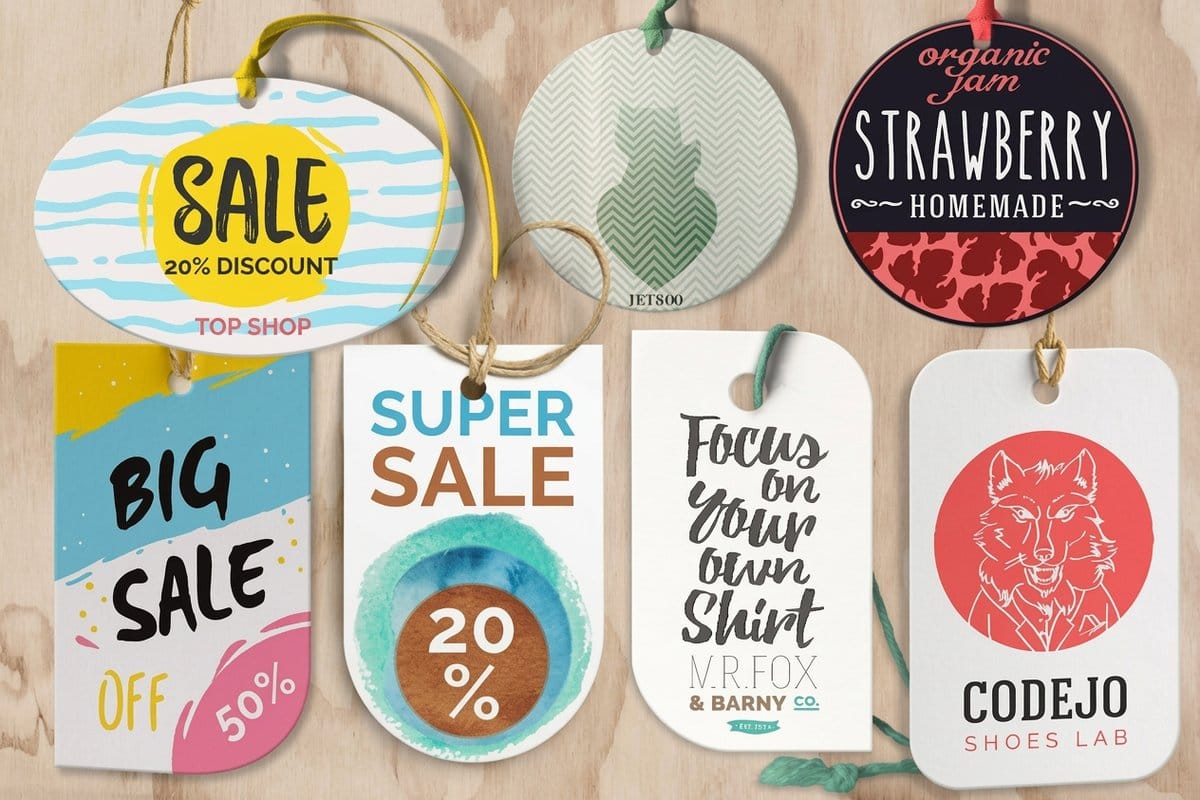
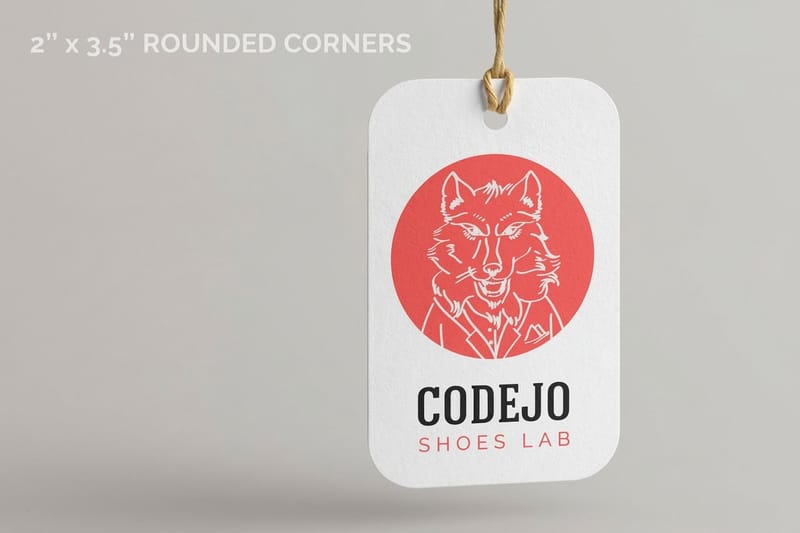
Hangtags carry the code for soft goods, garments, and anything a label will not stick to. The convention is the lower back of the tag, where a cashier flips first. Plastic Hangtags give the code a flat 2 by 3.5 inch face on 20 point white rigid vinyl or frosted stock. Shipping labels carry tracking codes that get scanned a dozen times across a delivery chain, the harshest scan environment a printed code faces.
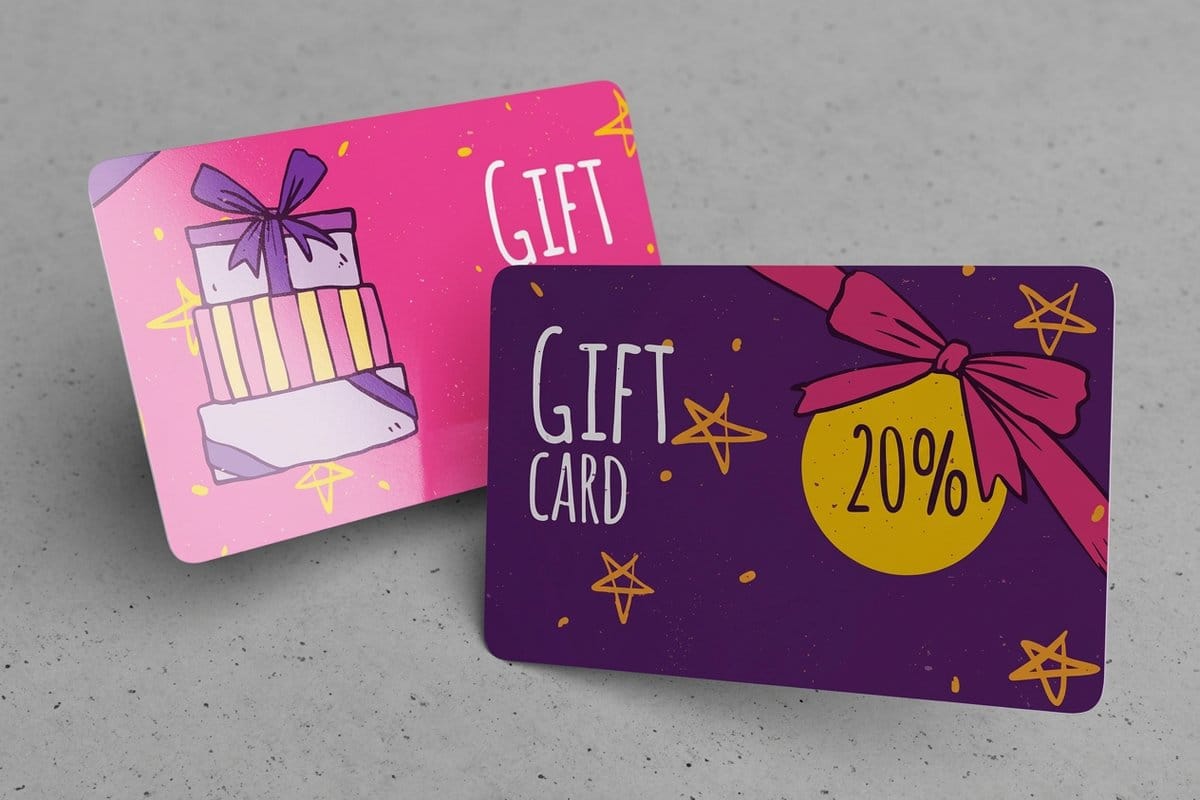
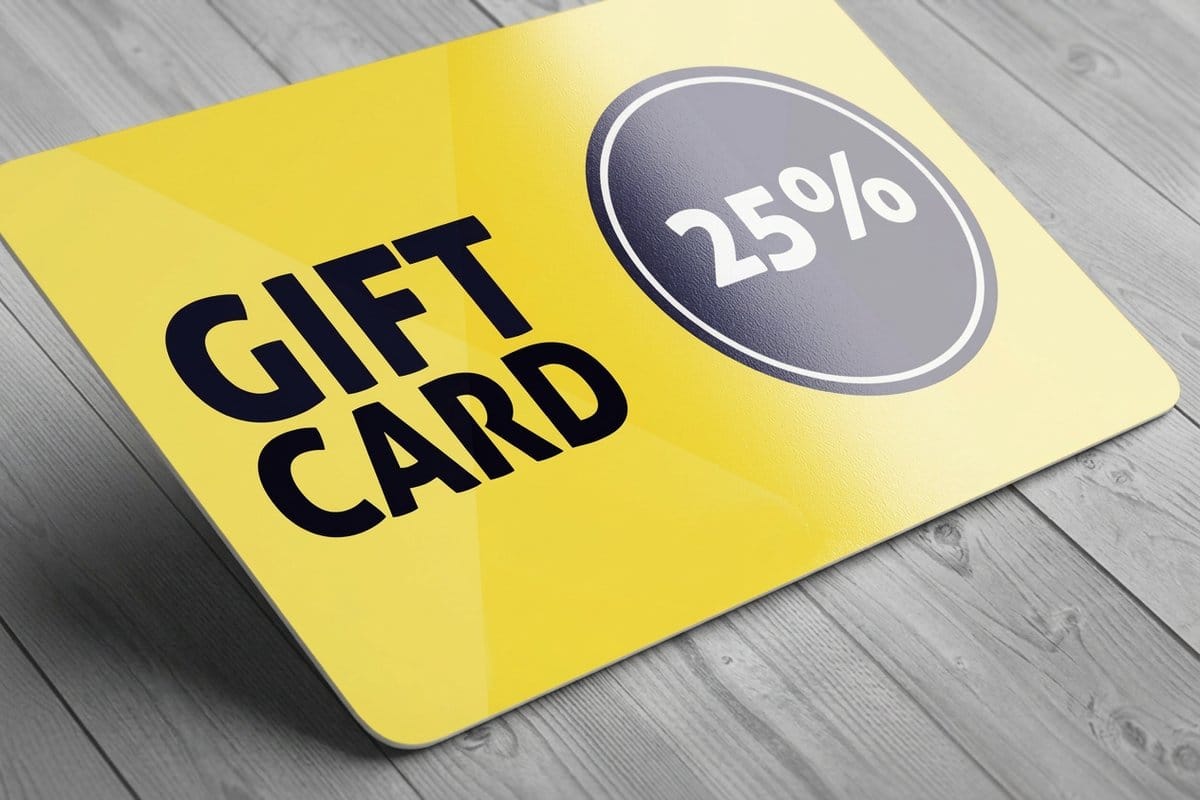
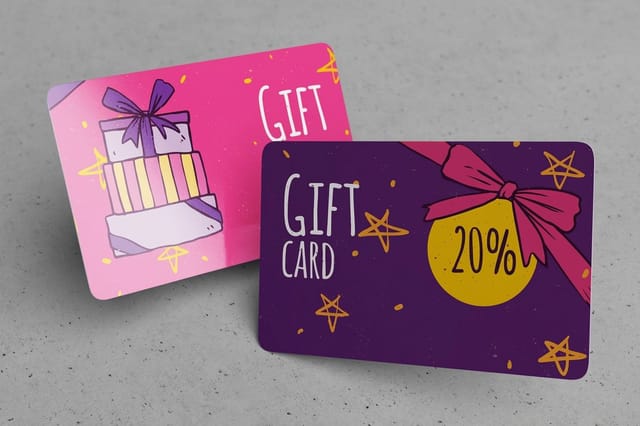
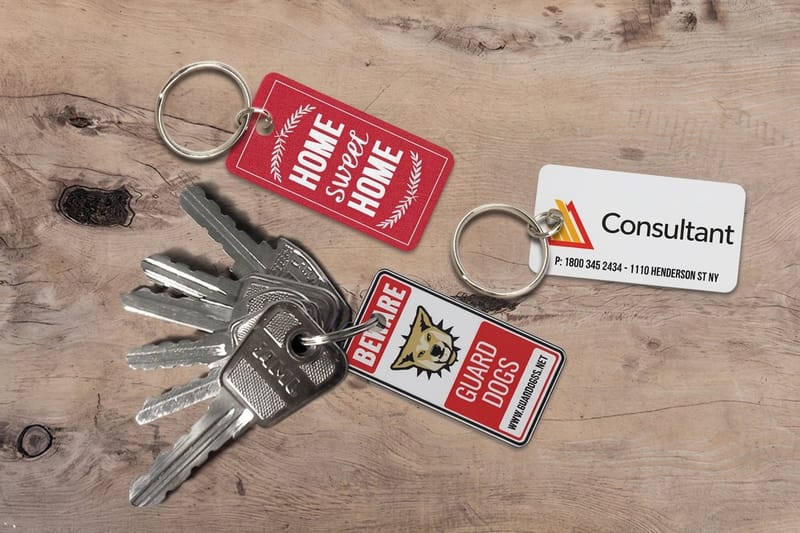
On plastic, gift cards and membership cards carry unique codes tied to accounts, and key tags put a loyalty code on a keyring where it is scanned weekly for years, durability and scannability in one small piece. Each carrier prices out in its own configurator with the code work attached.
Retail codes versus QR: pick by who is scanning
The choice is simpler than the acronyms suggest: who holds the scanner? If the answer is a register, a warehouse gun, or a door reader, you want a 1D retail or industrial code, UPC or EAN for products sold through retail, Code 128 for everything internal. These are the symbols point-of-sale systems are built around, and their rules are strict but well defined.
If the answer is a human with a phone, you want a QR code. It carries a URL, a menu, a payment link, a registration form, and it forgives casual scanning at odd angles. QR belongs on marketing pieces, packaging that links to instructions, table tents, and anywhere the goal is taking a person somewhere rather than telling a till what just sold.
Many pieces carry both without conflict: a hangtag with a UPC for the register and a QR linking to care instructions, a gift card with an account code for the system and a QR for balance checking. The two symbols do not compete because they talk to different readers. What matters is that each obeys its own sizing and quiet-zone rules, which we handle at generation.
The scannability rules: contrast, size, quiet zone, surface
Contrast is the first law. Scanners read the difference between bars and background, so dark bars on a light field is the spec, black on white being the gold standard. Reversed codes, light bars on dark, fail on most laser scanners, and mid-tone combinations fail everywhere.
Size is the second: every symbology has a minimum size at which its bars remain distinguishable, and shrinking a code to fit a design corner is the most common self-inflicted failure. Quiet zone is the third, the clear margin around the symbol that scanners use to find its edges. Design elements that creep into it blind the reader as surely as covering the code.
Surface is the one people forget. Foil, glitter, heavy texture, and busy photography behind a code all scatter the scanner's light. If your piece uses decorative finishes like foil stamping or spot UV, they must stay off the code area entirely, matte code zone, decorated everything else. We check all four rules at prepress and verify the scan on the printed stock.
Preparing your codes and data
For a shared code, one UPC per product, one QR per campaign, preparation is a single line: send the number or URL and name the symbology your system expects. We generate the symbol rather than accepting one exported from a random web tool, because generation errors, wrong check digits, malformed URLs, low-resolution exports, are the second-biggest source of field failures after surface problems.
For unique per-piece codes, the preparation is a spreadsheet: one row per piece, one column per variable, the same discipline as any variable data job. Deduplicate it, verify the numbers against your system before printing, and decide the human-readable question: most codes should print their digits beneath the bars, so a person can type what a scanner cannot read.
QR destinations deserve one extra thought: the URL printed on a physical object should be one you control and can redirect later, a thousand hangtags pointing at a dead page is a very durable mistake. Our printing guides cover file basics, and the services hub is the route for anything system-specific.
The code is cheap, the carrier is the cost

The code itself is cheap; the carrier is the cost. A shared symbol adds essentially nothing to a label or hangtag run, since it prints as part of the artwork. On 30 mil plastic gift cards and key tags, barcoding with numbering is its own line on the order page, in Code 128, Code 39, UPC-A or EAN-13, and the carrier sets the floor: gift cards start at 250 for $226.11, key tags at 500 for $309.69. Unique per-piece codes add a data setup step, mapping and proofing your spreadsheet, which is fixed and therefore shrinks per piece as quantity grows. Verification is included, because an unverified barcode is not a product.
Ordering follows the carrier: configure your labels, hangtags, gift cards, or key tags with quantity and options, attach your code data, and the live price updates as you build. The pricing panel below shows real numbers for the label product on this page.
If the run needs human-readable control instead of or alongside the machine code, sequential numbering prints the series in plain digits, and for runs where codes are one of many changing elements, variable data printing is the umbrella. The full service menu lives on the finishing services hub.
Compare the options
Machine-readable options side by side
A scannable symbol is one of four ways to give each piece an identity, and on a 2.125 by 3.375 inch plastic card you can order two of them together: barcoding with numbering and variable data are separate options on the same order page.
| Option | What it does | Best for |
|---|---|---|
| Retail barcode (1D) | The classic lines-and-spaces symbol, UPC on retail products, Code 128 for internal tracking, read by laser and camera scanners. | Products sold at a register, inventory, memberships, and asset tracking. |
| QR code | A square 2D code read by any phone camera, carrying a URL, a payment link, or hundreds of characters of data. | Marketing pieces, menus, packaging that links to instructions, and per-piece destinations. |
| Sequential numbering | Prints a human-readable consecutive number, the analog sibling of a scannable code. | Tickets and forms that people verify by eye rather than machine. |
| Variable data printing | Drives any per-piece content from a data file, unique codes included, plus names, offers, and images. | Runs where the barcode is one of several elements changing per piece. |
%22%2F%3E%3Ccircle%20cx%3D%2247%22%20cy%3D%2220%22%20r%3D%2222%22%20fill%3D%22%23a78bfa%22%20opacity%3D%220.15%22%2F%3E%3Ccircle%20cx%3D%2254%22%20cy%3D%2227%22%20r%3D%22-3%22%20fill%3D%22%23a78bfa%22%20opacity%3D%220.1%22%2F%3E%3Crect%20x%3D%2277%22%20y%3D%22-9%22%20width%3D%2232%22%20height%3D%2220%22%20rx%3D%224%22%20fill%3D%22%23a78bfa%22%20opacity%3D%220.08%22%20transform%3D%22rotate(42%2080%2030)%22%2F%3E%3C%2Fsvg%3E)
Infographic
Symbology, placement, and the verification scan
From your numbers to a code that beeps on the first pass, a barcoded run comes together in four stages. Plan the calendar by carrier: custom labels take 3 business days of production, plastic hangtags 7, key tags 13 and plastic gift cards 15.
Every symbol is generated from your data in the correct symbology and verified on the printed stock, so the scan is boring, which is the goal.
Specs and pricing
What the label carrying the code costs
The code rides on the product that carries it, so the carrier prices out in the configurator. Custom labels, the most common barcode carrier, come in 13 sizes from 2 by 3.5 to 5 by 7 inches, or any size, on 23 stocks, from uncoated and semi-gloss label to white vinyl, in runs up to 25,000. Here are their live specs and price-per-unit, straight from 4OVER4.COM.
| Quantity | Price Per Unit | Total |
|---|---|---|
| 25 | $1.00 | $25.00 |
Code these
Products that ship with barcodes
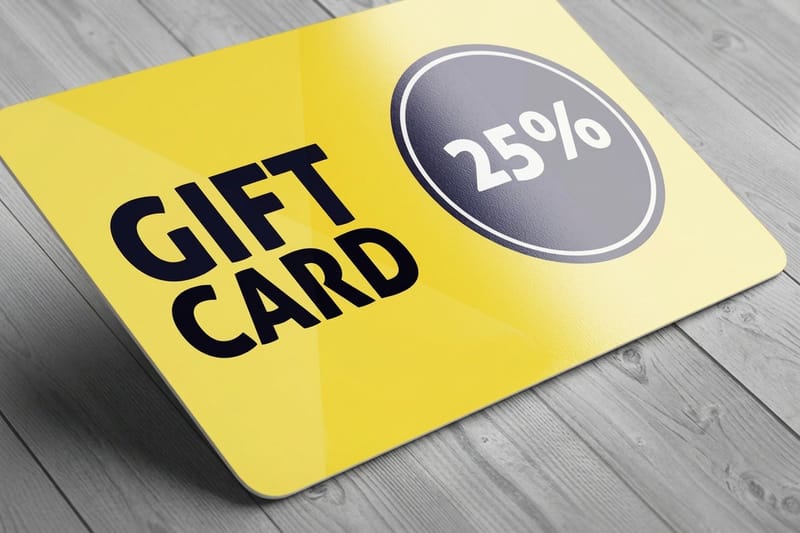
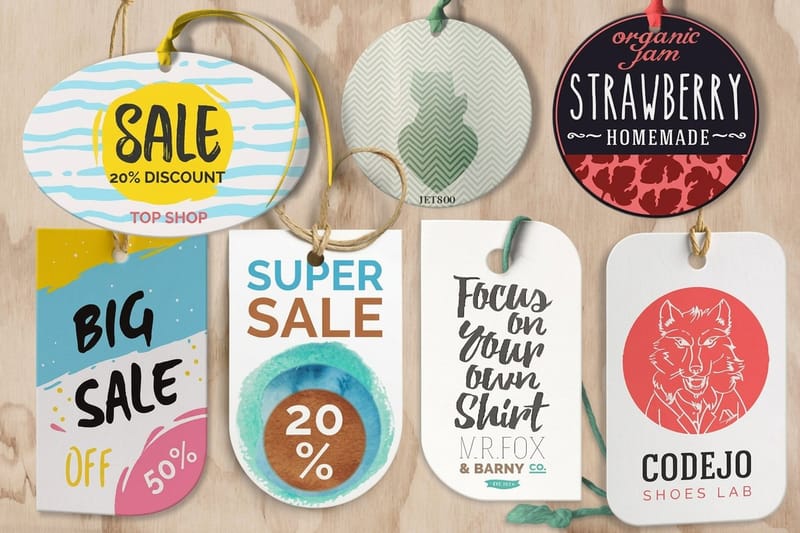
Each of these takes a code in its own place: custom labels from 2 by 3.5 inches, die-cut hangtags in seven shapes on 14pt to 18pt cover, and plastic gift cards at 30 mil credit card thickness with the barcode option on the order page.
Wally explains barcoding
The best barcode is the one nobody notices.
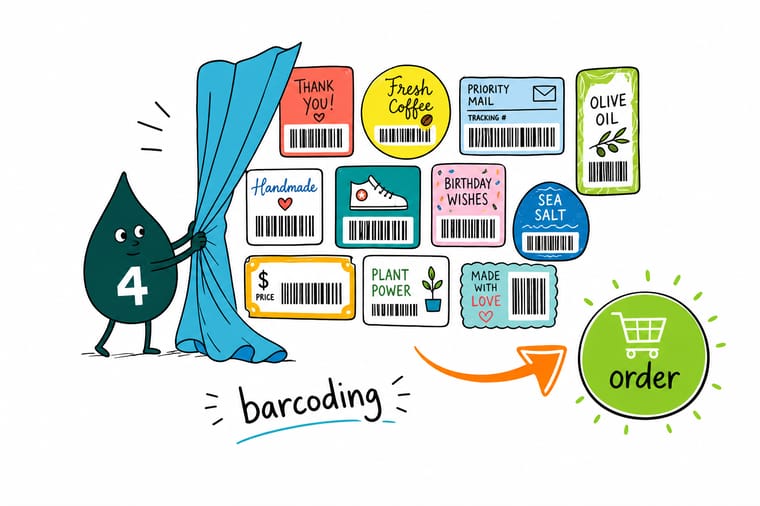
Wally judges a barcode by the sound it makes: one beep, first pass, next customer. Get the symbology right for whoever is scanning, keep dark bars on a light field, protect the quiet zone, and never let foil or texture touch the code area. Send 4OVER4 your numbers or your spreadsheet of unique codes, and every label, tag, and card ships scan-verified.
Start a barcoding project →
Get Started
Ready to make every piece scannable?
Bring your codes or your data file to 4OVER4.COM and print labels, hangtags, and cards that beep on the first pass. Configure your carrier and watch the price update live.
Explore more
Where to go next

By the numbers
Codes verified on the real stock before the run ships
Common Questions
Common questions about barcoding
What is barcoding in printing?
Barcoding is a printing service that puts machine-readable codes on your printed pieces: retail barcodes on product labels and hangtags, membership codes on plastic cards, tracking codes on shipping labels, QR codes on almost anything. The symbol is generated from your data, placed in the design at a scanner-friendly position, and printed as part of the normal run, then verified so it actually reads. The piece comes off the press ready to be scanned at a register, a door, or a warehouse.
What barcode types can you print?
The common families cover almost every use. UPC and EAN are the retail standards, what a grocery or retail point of sale expects on a product. Code 128 and Code 39 are the workhorses of internal tracking: inventory, assets, membership cards, warehouse bins. QR codes are the 2D option, readable by any phone camera and able to carry a URL or hundreds of characters. If your system expects a specific symbology, tell us with your order; the same data can usually be expressed in whichever format your scanner speaks.
Do I need my own UPC numbers for retail products?
If your product sells through third-party retailers, yes, UPC numbers are issued to your company through GS1, the global standards body, and each product variant needs its own. We print and verify the codes you have been issued; we do not issue numbers. For purely internal uses, your own shop, inventory, memberships, no registration is needed, and a Code 128 built from your own numbering scheme does the job without licensing anything.
Why do barcodes fail to scan, and how do you prevent it?
Almost every scan failure comes from one of four causes: weak contrast between bars and background, a symbol printed too small for the scanner, a missing quiet zone, the clear margin the scanner needs around the code, or a surface treatment like foil, heavy texture, or a busy photo behind the symbol. Prevention is mechanical: dark bars on a light matte field, sized within the symbology's specification, quiet zone respected, no decorative finish over the code area. We verify scannability on the printed stock before the run ships.
Can every piece carry a different barcode?
Yes. A shared code, the same UPC on every label of one product, is the simple case. Unique codes per piece run through the same variable engine that powers our variable data printing: gift cards each carrying their own account number, membership cards with per-member codes, asset tags numbered in series, coupons with one-use codes. You supply the data as a spreadsheet, one row per piece, and each printed symbol encodes its own row.
Where should the barcode go on my design?
Somewhere flat, findable, and boring. On retail labels and hangtags, the lower back area is where cashiers look first. Keep the symbol away from folds, seams, die-cut edges, and curves; a bent barcode confuses laser scanners. Leave the quiet zone clear on all sides, print dark bars on a light unpatterned background, and never run foil, heavy lamination texture, or design elements over the code. On plastic cards, the long back edge is standard, matching how cards swipe and scan at counters.
How much does barcoding cost?
Printing the code costs little beyond the piece itself, since the symbol is part of the artwork by the time the press runs. Shared codes add essentially nothing; unique per-piece codes add data setup, mapping and proofing your spreadsheet, a fixed cost that thins out over larger quantities. The carrier product is the real price: configure your labels, hangtags, or cards in the live configurator for actual numbers, and route data questions through the services hub.
Legal Disclaimer
Gold Standard guarantees apply to all standard orders placed through 4over4.com. Price match requires verifiable proof of a competitor's published price for an equivalent product with matching specifications and turnaround time. Satisfaction guarantee covers manufacturing defects and print quality issues. Contact support with order number and documentation.
