
Multipage Printing, How to Create Print Products


Sofia is our design and templates voice, built from the knowledge of our production team, with over 20 years in printing.
A multipage brochure is a bound booklet: multiple interior pages, saddle stitched or perfect bound. Plan the page count in fours, design in single pages, and 4OVER4.COM prints and binds it for you.
A multipage brochure is a bound print product with multiple interior pages, also called a booklet. Plan your content in multiples of four pages, design each page individually with bleed, and choose saddle stitching for thin books or perfect binding for thick catalogs. Upload a press-ready PDF to Standard Booklets at 4OVER4.COM and set your quantity, paper, and size to see the exact price. A disc insert follows its own rules, covered in CD booklet size and panel setup.
Quick tips
Quick tips for multipage brochure printing
Multipage printing means two different jobs: binding many pages into one booklet, and tiling one large image across several sheets. For the booklet, start at file setup. For the tiled image, go straight to printing one image across multiple pages. Booklet side: plan your booklet in multiples of four pages before you open any design software, design each page on its own with 0.125 inch bleed, keep the file in reading order, and export a single multipage PDF, never reader spreads. Pick saddle stitch for thin books and perfect binding for thick catalogs. Tiling side: enlarge in the Print dialog, leave about 0.5 inch of overlap per sheet, trim and tape from the back, and accept that the seams show, which is why one large format print wins for anything a customer will stand in front of. 4OVER4.COM prices every page count, paper, and quantity live, so you always know the real number before you order.
What a multipage brochure actually is
People say "multipage brochure" and "booklet" to mean the same thing, and mostly they are right. A multipage print product is any piece with bound interior pages, held together by staples through the spine (saddle stitch) or glue along the edge (perfect binding). That is the difference between a booklet and a folded brochure, which is one sheet creased into panels.
If your message needs more room than a tri-fold can give, you have moved into multipage territory. Program guides, product catalogs, lookbooks, annual reports, event books, and instruction manuals all live here. At 4OVER4.COM the default for this is Standard Booklets, and the whole family sits under booklets and catalogs printing.
Booklet or brochure, decided in one line: a brochure is a single sheet printed both sides and creased into panels, so the fold fixes the page count, six panels on a tri-fold and four on a half fold, and nothing is bound. A booklet has separate interior pages gathered inside a cover, so it grows in multiples of four and needs a spine treatment, staples through the fold for saddle stitch on thin books, glue along the edge for perfect binding on thick catalogs. If the content fits on panels and reads in one pass, print a brochure. If it needs a contents page, section order, or more than about a dozen panels of copy, print a booklet.
Looking for the other kind of multipage printing? If you want one large image enlarged and split across several sheets that you tape together rather than bind, jump to printing one large image across multiple pages for the Acrobat poster tile settings, the overlap to leave on each sheet, and the point where a single large format print beats a taped grid.
Not sure a booklet is what you need? Our plain-language guide to what a brochure is walks through the formats side by side so you can pick before you design.
Multipage content you'll be proud to give away
A multipage brochure earns its page count. Nobody keeps a booklet padded with filler, so every spread has to pull its weight. The pieces people actually hold onto tell a story in order: a strong cover, a clear promise on the first spread, proof in the middle, and a single obvious next step at the back.
- A cover that states the value, not just your logo. Give the reader a reason to open it.
- One idea per spread so the eye is never fighting the layout.
- Real photography of your product, team, or work. Stock images read as filler.
- Proof such as results, reviews, or short case snapshots that a single-page flyer has no room for.
- A closing spread with the offer, the web address, and how to buy.
This is where multipage printing beats a flyer: the extra pages let you build trust before you ask for the sale. If you are assembling a full kit, keep the booklet consistent with the rest of your marketing materials printing so the brand reads as one voice.
How to create your very own multipage print product
Creating a multipage print product is less about design software and more about planning the structure first. Follow these six steps and the file almost sets itself up.
- Plan your page count in multiples of four. Saddle-stitched booklets are printed on folded sheets, and each sheet holds four pages. Aim for 8, 12, 16, 20, or 24 pages, counting the covers.
- Set the trim size and bleed. Pick a finished size (5.5 x 8.5 and 8.5 x 11 are the popular ones) and extend any background 0.125 inches past the trim on every edge.
- Design in single pages, not reader spreads. Lay out page 1, page 2, page 3 in order. The press imposes them into printing spreads for you, so exporting spreads is the most common way to break a job.
- Choose your binding. Saddle stitch for up to about 64 pages, perfect binding for thicker catalogs and lookbooks that need a flat spine.
- Pick paper for the cover and the interior. A heavier cover stock protects the piece, and a lighter, smooth interior keeps it easy to flip. Our paper guide breaks down the trade-offs.
- Proof, then upload and order. Print one copy at home, fold it to check the page order, then upload your PDF to Standard Booklets and pick your quantity.
Prefer to design in the browser? The 4OVER4.COM online designer handles bleed and page order for you, so you can skip the setup math entirely.
Booklet, folded brochure, or catalog: pick the right format
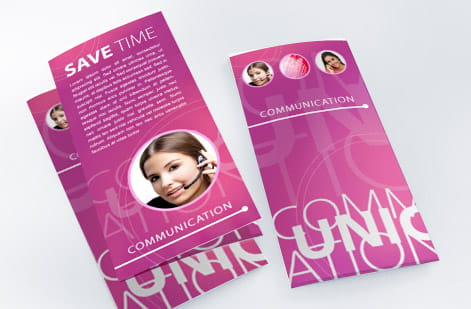
Multipage is a family, not a single product. Choosing the right member up front saves you a reprint.
Standard Booklets are the default for 8 to 48 pages: programs, guides, small catalogs, and lookbooks. Saddle stitched, quick to produce, and easy to mail.
Catalogs suit longer page counts and product-heavy layouts where you want a durable spine. Great for line sheets and seasonal collections.
Saddle stitch booklets give you finer control over stitched sizes when you have an exact spec in mind.
Still on the fence between a booklet and a single folded sheet? Compare the two in our folded brochure guide, or browse finished pieces in the booklet showcase.
Page count, binding, and paper: the mechanics
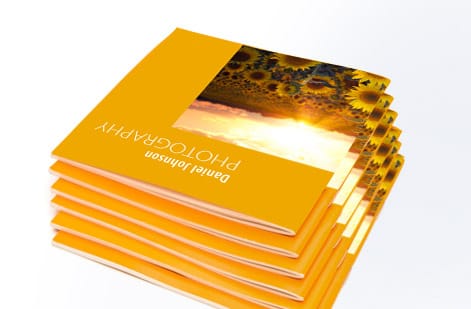
Three decisions control how a multipage brochure feels in the hand: how many pages, how it is bound, and what it is printed on.
Page count. Saddle stitch works best from 8 up to roughly 64 pages. Past that, the booklet starts to gape at the spine and perfect binding takes over. Always count in fours.
Binding. Saddle stitch, staples through the fold, is economical and lies reasonably flat. Perfect binding, a glued square spine, looks like a paperback and prints a title on the spine. Our binding guide covers every option in detail.
Paper. Most people pair a heavier gloss or matte cover with a lighter text interior. Heavier interiors feel premium but add cost and weight, which matters if you are mailing. Weigh the options in the paper guide before you lock the spec.
Setting up your file for multipage printing
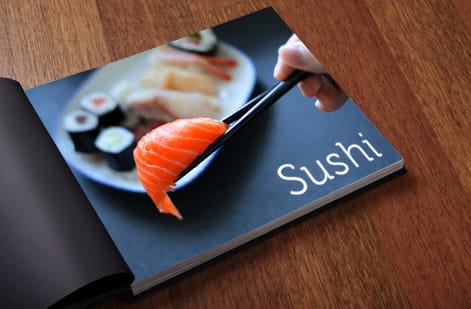
Most multipage reprints come from file mistakes, not design taste. Get these four things right and your job prints the way you see it on screen.
- Export single pages in reading order. Page 1, 2, 3, and so on as one multipage PDF. Never export reader spreads, because the press imposes them.
- Add 0.125 inch bleed on all four sides of every page, and keep important text at least 0.25 inch inside the trim.
- Keep the page count a multiple of four. If you land on 14 pages, add or cut two so the booklet folds cleanly.
- Flatten to CMYK at 300 dpi. RGB colors shift on press, and low-resolution images look soft once printed.
Working in Word or a template instead of pro design software? Our guide to making brochures shows the same setup in everyday tools, and the online designer removes the guesswork entirely.
Printing one large image across multiple pages (tiling)
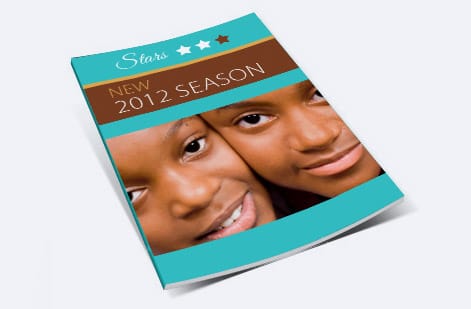
The other job people call multipage printing is the opposite of a booklet: one image, enlarged and split across several sheets that you tape together into a poster. Nothing is bound, the page count is whatever the grid needs, and the setup is different at every step.
- The Acrobat route. Open the PDF, choose Print, then pick Poster under Page Sizing and Handling. Raise Tile Scale to enlarge the image over more sheets, turn on Cut Marks so you know where to trim, and turn on Labels so every tile carries its own name. The preview shows the sheet count before you commit paper to it.
- The image editor route. In a basic editor, set the document to the finished size, open Page Setup, choose your paper, usually 8.5 by 11 inches, and print at a scale that spills across several sheets. Print one tile first as a test rather than the whole grid.
- Leave overlap. About 0.5 inch on each tile edge. Desktop printers cannot print to the edge of the sheet, so with no overlap you get white gutters running through the image. Trim one edge of each tile with a straight blade, butt it against its neighbor, and tape from the back so the seam does not shine.
- Keep the order. Number the back of each sheet as it comes out of the printer. A three by three grid scrambles fast once the tiles are face down on a table.
Tiling earns its place for a rough mockup, a stencil, a trade show sign you need tonight, or a size check before you commit to the real print. It is the wrong answer when the piece has to look bought: seams sit under every join, tape catches the light, office paper buckles where the ink is heaviest, and color rarely matches sheet to sheet. When the poster goes up in front of customers, one large format print in a single pass holds color evenly across the whole image and needs no assembly. The booklet rule from the rest of this page applies here too: give the press the work a desktop printer cannot do.
What a multipage brochure costs and how prices are set

There is no single price for a multipage brochure, because the number moves with a handful of choices. Standard Booklets start at 25 copies for $240.55, and from there four choices move the total: 14 page counts from 8 to 60, seven inside stocks, three trim sizes, and black or full color inside. Understanding the drivers helps you design to a budget instead of getting surprised at checkout.
- Page count. More pages means more paper and press time. This is usually the biggest lever.
- Quantity. Printing is a volume game. The per-unit cost drops sharply as you move from 25 to 250 to 2,500 copies.
- Paper and finish. Heavier stocks, coatings, and premium interiors raise the price and the perceived value.
- Trim size and binding. Larger sizes and perfect binding cost more than a compact saddle-stitched booklet.
Rather than quote a number that would be wrong for your spec, 4OVER4.COM prices every combination live. Open Standard Booklets, set your pages, quantity, size, and stock, and the exact total updates as you go. The specs and price table further down this page pull from that same live configurator.
Getting your multipage brochure printed at 4OVER4
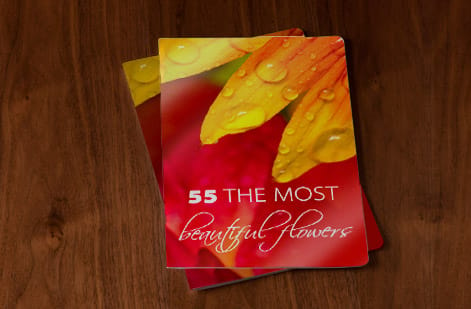
Once your file is set, production is the easy part: Standard Booklets print in 7 business days as standard, in runs from 25 to 5,000 copies. 4OVER4.COM has printed booklets and catalogs for over 150,000 businesses since 1999, from single test copies to large mail-ready runs.
Upload your press-ready PDF to Standard Booklets, or start from scratch in the online designer. Need the piece to match an existing campaign? Order it alongside the rest of your marketing materials so paper, color, and finish stay consistent across every touchpoint.
For inspiration before you commit, the booklet showcase is full of real customer work printed in-house, and service catalogs shows how businesses turn a stack of services into one handsome book.
Wally explains multipage printing
Plan in fours and the whole booklet falls into place
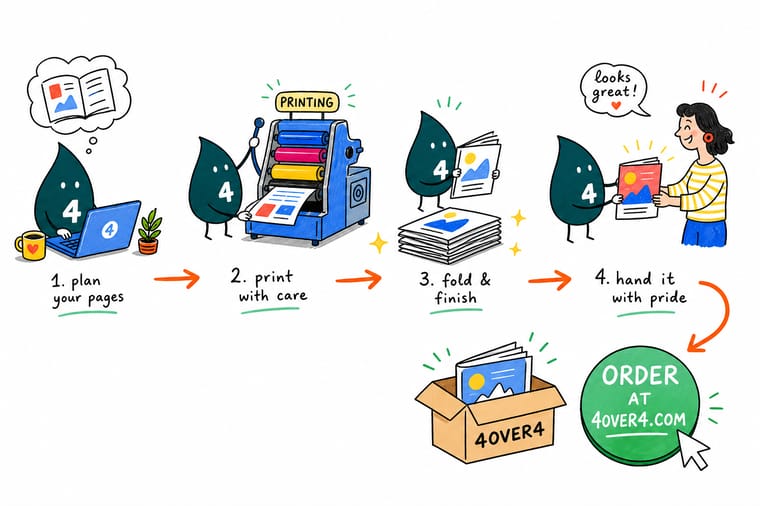
Wally builds a booklet the way you fold a single sheet: crease it once and you get four pages, so every multipage brochure counts up in fours. Lay out your pages in order, give each one a little bleed, and let the press do the imposition. When the plan is ready, 4OVER4 prints, binds, and ships a booklet people actually keep.
Order booklets →
Specs and pricing
Standard booklet specs and pricing
When you are ready to print, here is what a made-to-order Standard Booklet gives you at 4OVER4.COM, with live specs and price-per-unit straight from the configurator. Trim sizes are 5.5 x 8.5, 8.5 x 11 or 11 x 11 inches, saddle stitched on the long or the short edge, with a 100 lb gloss text, 80 lb gloss cover or 14pt gloss cover over seven inside stocks.
| Quantity | Price Per Unit | Total |
|---|---|---|
| 25 | $9.62 | $240.55 |
| 50 | $6.04 | $302.06 |
| 100 | $3.61 | $361.37 |
| 200 | $2.22 | $444.85 |
| 300 | $1.65 | $495.38 |
| 400 | $1.29 | $515.14 |
| 500 | $1.06 | $531.61 |
| 600 | 91.5¢ | $549.19 |
Print it
Order booklets, brochures, and catalogs at 4OVER4
Twenty-five standard booklets from $240.55 for a program or manual, 50 brochures from $57.11 when one folded sheet holds the content, and catalogs on the same saddle stitched build when the page count climbs.
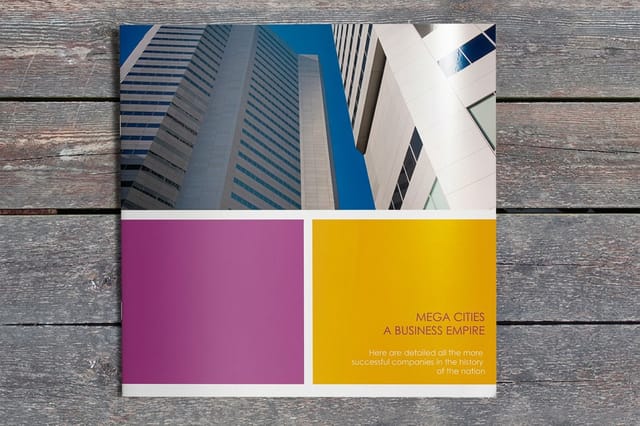

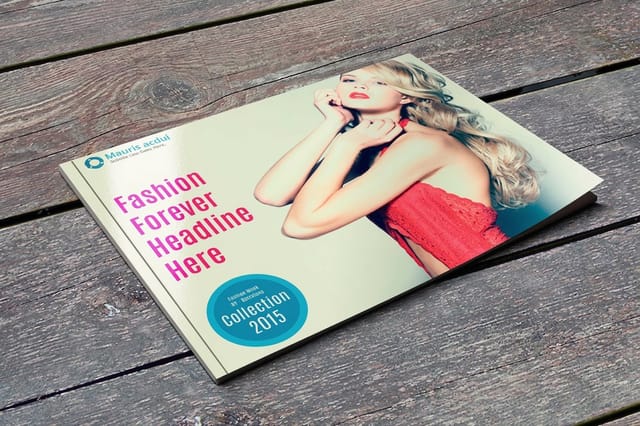
See it in use
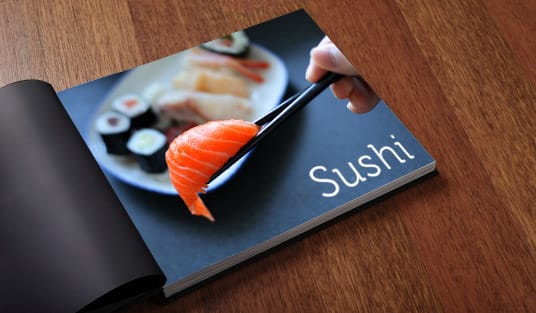
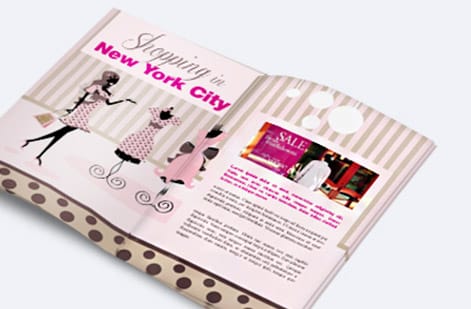
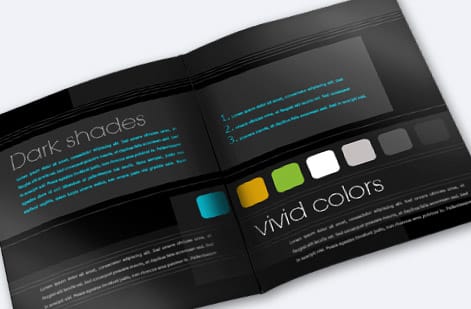
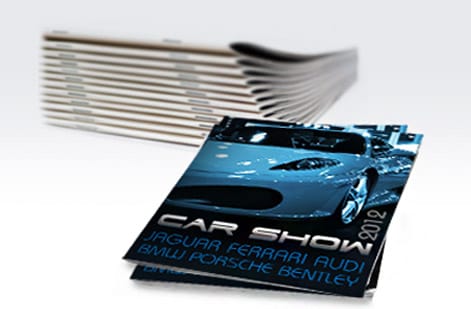
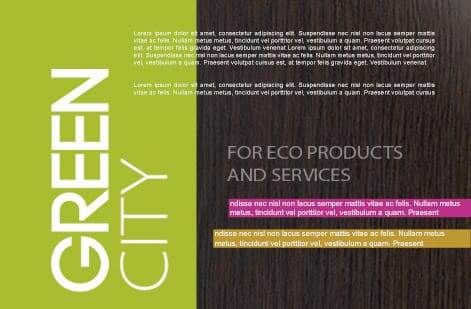
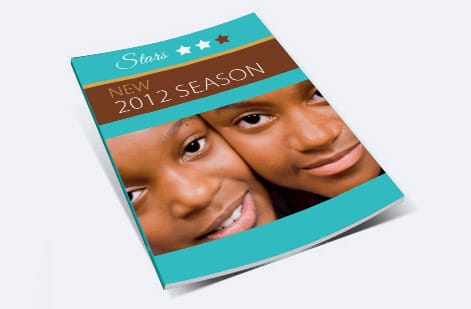
Booklets and catalogs we bound in-house
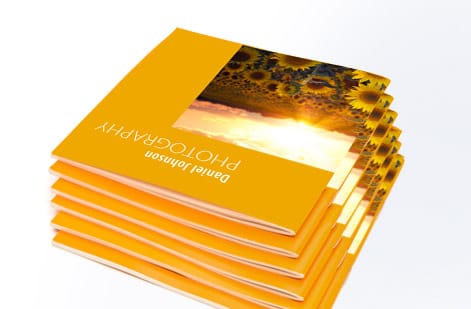
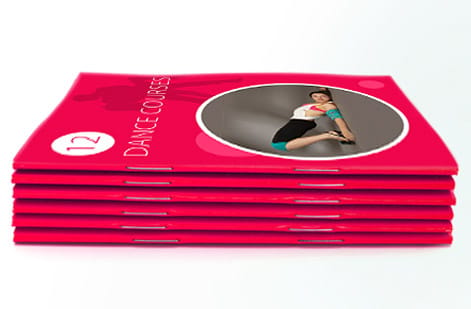
%22%2F%3E%3Ccircle%20cx%3D%2247%22%20cy%3D%2220%22%20r%3D%2222%22%20fill%3D%22%23a78bfa%22%20opacity%3D%220.15%22%2F%3E%3Ccircle%20cx%3D%2254%22%20cy%3D%2227%22%20r%3D%22-3%22%20fill%3D%22%23a78bfa%22%20opacity%3D%220.1%22%2F%3E%3Crect%20x%3D%2277%22%20y%3D%22-9%22%20width%3D%2232%22%20height%3D%2220%22%20rx%3D%224%22%20fill%3D%22%23a78bfa%22%20opacity%3D%220.08%22%20transform%3D%22rotate(42%2080%2030)%22%2F%3E%3C%2Fsvg%3E)
Explore more
Where to go next
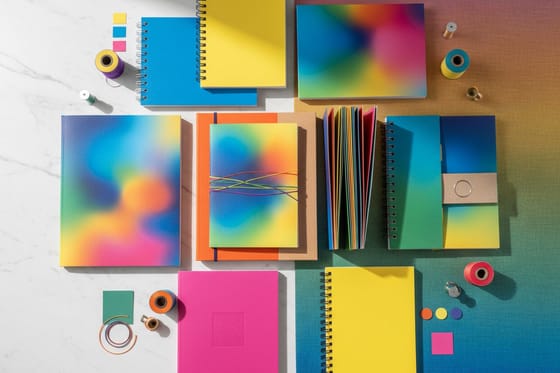
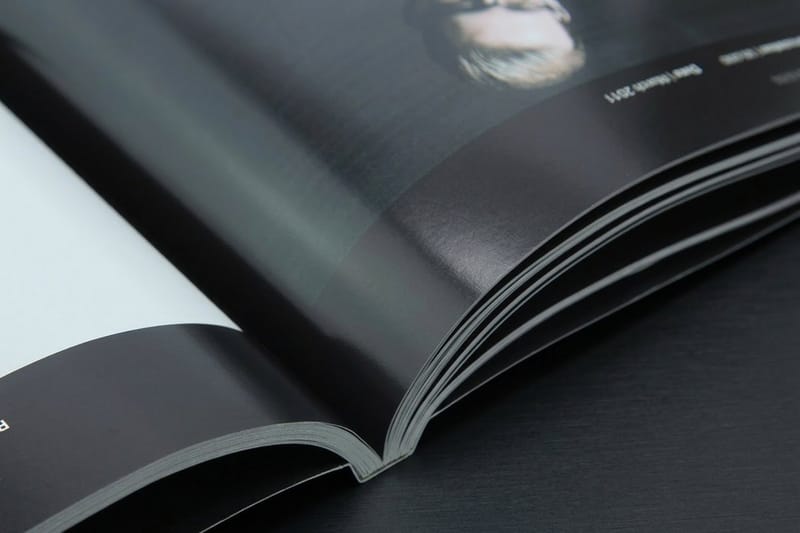



By the numbers
25 booklets at $9.62 a copy
Common Questions
Common questions about multipage printing
What is a multipage brochure?
A multipage brochure, often called a booklet, is a print product with several bound interior pages held together by saddle stitching or perfect binding. Unlike a folded brochure, which is one sheet creased into panels, a multipage brochure has distinct, page-numbered leaves. It suits programs, catalogs, lookbooks, and manuals where a single sheet cannot hold the content.
What is multipage content you'll be proud to give away?
It is content structured so every spread earns its place: a value-led cover, one idea per spread, real photography, proof such as reviews or results, and a clear closing call to action. Padding a booklet with filler is obvious to readers. The pieces people keep tell a story in order and never waste a page.
How do I create my own multipage print product?
Plan the page count in multiples of four, set the trim size with 0.125 inch bleed, design in single pages in reading order, choose saddle stitch or perfect binding, pick your cover and interior paper, then proof and upload to Standard Booklets. The 4OVER4.COM online designer handles bleed and page order automatically if you prefer.
When does a brochure have to become a booklet?
Match the format to your page count and use. Standard Booklets suit 8 to 48 pages for programs and small catalogs. Catalog printing handles longer, product-heavy books with a durable spine. Saddle stitch booklets give precise control over stitched sizes. Consider mailing weight and budget, then confirm with a printed proof.
What does a multipage brochure cost and how are prices set?
Price depends on page count, quantity, paper and finish, trim size, and binding. Page count and quantity move the number the most, and the per-unit cost drops as you order more. 4OVER4.COM prices every combination live in the Standard Booklets configurator, so you see the exact total for your spec before ordering rather than a generic estimate.
Why do booklet pages have to be a multiple of four?
Saddle-stitched booklets are printed on sheets folded in half, and each folded sheet creates four pages, two on each side. If your page count is not divisible by four, the bindery ends up with blank or mismatched pages. Aim for 8, 12, 16, 20, or 24 pages including the covers, and add or trim content to hit the nearest multiple.
Should I send single pages or spreads for a multipage print job?
Send single pages in reading order as one multipage PDF. Page 1, page 2, page 3, and so on. The press imposes them into printing spreads automatically. Exporting reader spreads is the most common file error and forces a rebuild, so keep every page separate with its own bleed.
Saddle stitch or perfect binding for a multipage brochure?
Use saddle stitch, staples through the spine, for thinner booklets up to about 64 pages. It is economical and lies reasonably flat. Choose perfect binding, a glued square spine, for thicker catalogs and lookbooks that need a printable spine and a bookstore feel. See the binding guide for every option and its page-count range.
Get Started
Order 25 saddle stitch booklets from $240.55 with the page count set
Set your page count, upload your PDF or design in the browser, and we print and bind a booklet that reads like something worth keeping.
Legal Disclaimer
Gold Standard guarantees apply to all standard orders placed through 4over4.com. Price match requires verifiable proof of a competitor's published price for an equivalent product with matching specifications and turnaround time. Satisfaction guarantee covers manufacturing defects and print quality issues. Contact support with order number and documentation.
