
How to Make Brochures That Inform and Convert


Sofia is our design and templates voice, built from the knowledge of our production team, with over 20 years in printing.
Pick a fold, give every panel one job, design in CMYK with a clean bleed, and send a press-ready PDF. The fold decides how many panels you get, and every other choice follows it.
To make a brochure, start with the fold: choose a flat sheet or a half fold (a bi-fold), then give the cover one hook and each inside panel one clear point. Design in CMYK with a 0.125 inch bleed, pick 100# gloss text for clean folds, and export a press-ready PDF at 300 DPI so the printed piece matches your file exactly.
Quick tips
Quick tips for making your brochure
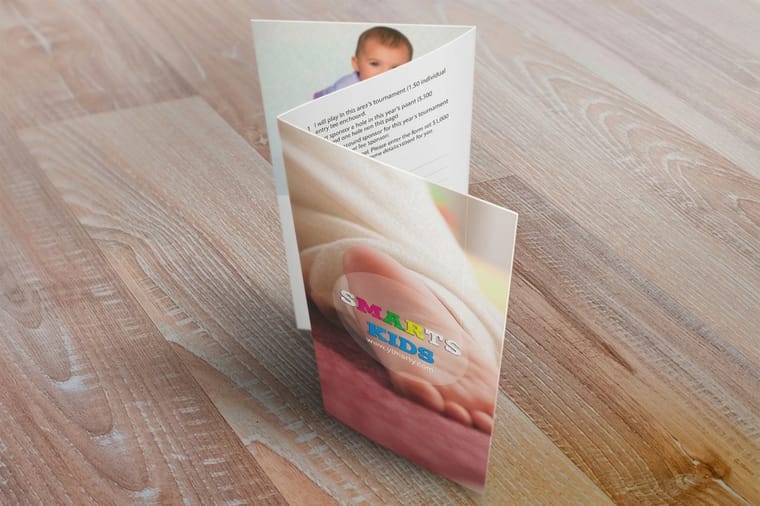
Lay out the folded piece before you design it. Fold a sheet of office paper the way the brochure will fold, number the panels in pencil, and write one point on each. That dummy shows which panel a reader sees first, and it travels with your file into the design tool.
Why knowing how to make brochures matters
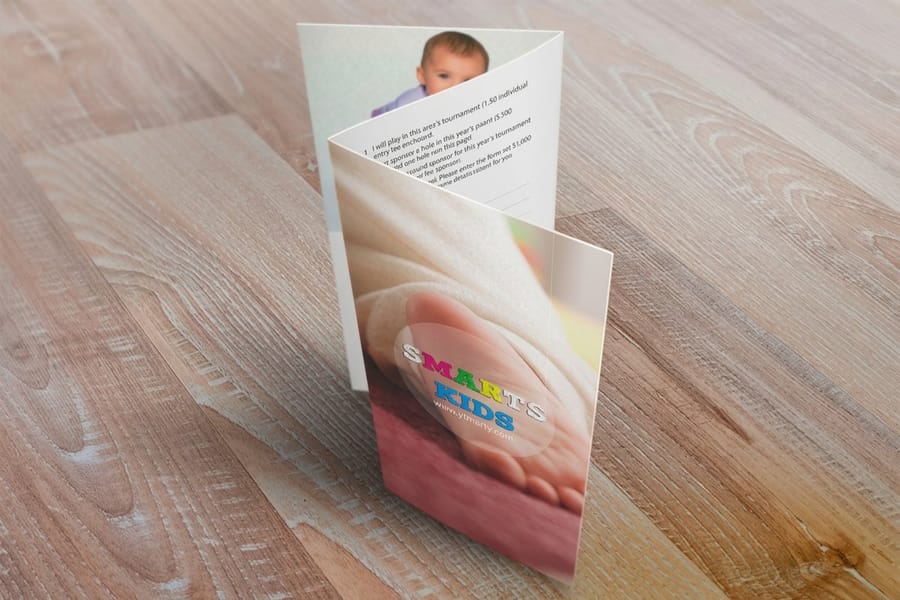
A half-fold brochure printed from a flat 8.5 x 11 inch sheet of 100# gloss text earns its keep in the few seconds someone spends deciding whether to hold onto it or drop it in the bin. Learning how to make brochures the right way means every panel does a job, from the cover that pulls a reader in to the inside spread that closes the sale. Get the structure right and a single folded sheet can carry your whole pitch.
A bi-fold for a trade show, a menu for a storefront, a mailer for a local campaign: a well built brochure turns interest into action. If you want to see what strong layouts look like before you start, browse real customer work in the Showcase for ideas you can borrow.
This guide walks through formats and folds, what to put on each panel, paper and finish, file setup, and the mistakes that quietly ruin an otherwise good design. Working on the rest of your kit too? Our Online Designer makes layout easy, and you can pair your brochure with matching flyers built from the same brand toolkit.
Understanding brochure formats and folds
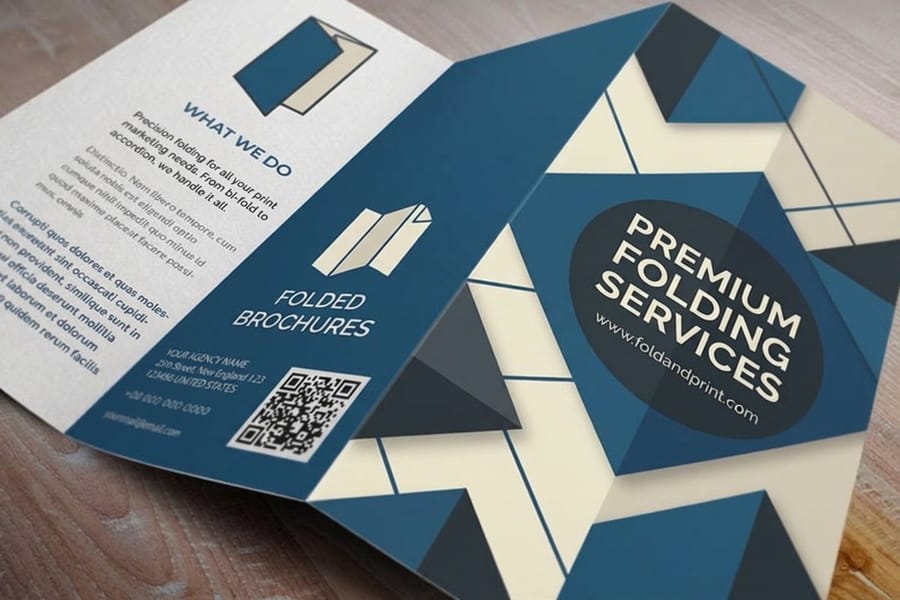
Before you design anything, pick a format. The format decides how many panels you have and how a reader moves through them.
- Bi-fold, the half fold, gives you four panels from a single sheet, ideal for a clean two-page story. It is the fold 4OVER4 brochures offer.
- Flat leaves the sheet unfolded: a one or two sided sales sheet with no panels to plan.
- Tri-fold, z-fold and gate-fold need two or more folds, which our brochure line does not offer. If your content needs six panels, a bigger half-folded sheet such as 11 x 17 gives you four large panels instead.
Standard brochure sizes start at 5.5 x 8.5 inches and run up to 11 x 25.5 inches for large folded pieces, so your fold and size should match how the brochure gets used and handed out. For a full walkthrough of each fold and how to lay the panels out, read our companion guide on how to fold a brochure.
What goes on each panel of a brochure
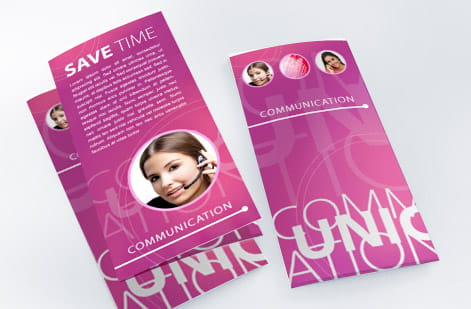
A brochure is not a wall of text. Each panel needs one clear idea and a reason to turn to the next.
- Cover panel carries your headline, a strong image, and your logo. It has one job, to earn the open.
- Inside panels hold the details, benefits, and proof, broken into short blocks a reader can scan in seconds.
- Back panel closes with contact details, hours or a map, and a clear next step.
Lead with benefits rather than a list of features, and keep sentences short. White space is not wasted space, it is what makes a dense brochure feel readable. If your brochure supports an event, round out the kit with matching invitations and other marketing materials so every piece speaks the same visual language.
How to design a brochure that informs and converts
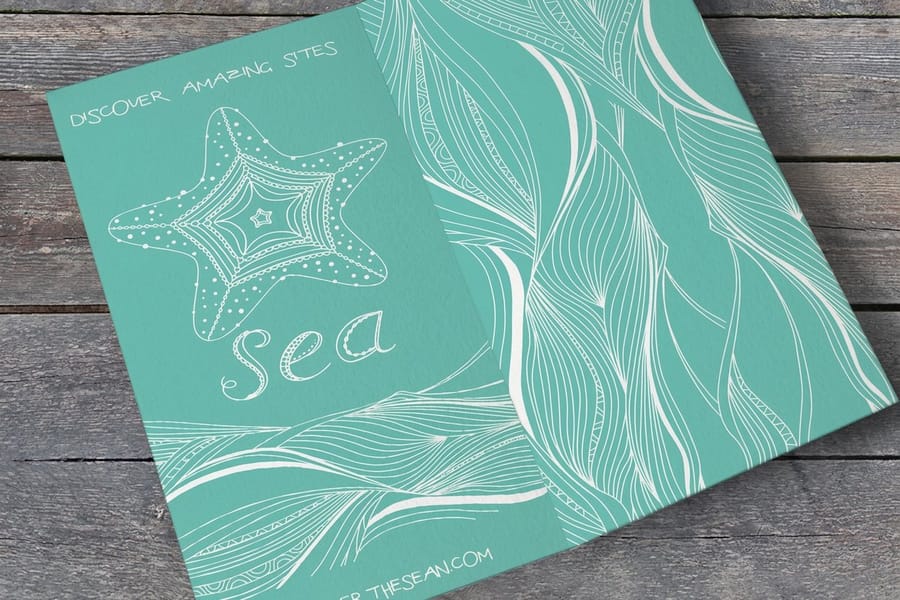
Design is where a brochure either guides the eye or loses it. You have limited space per panel, so every element needs to earn its spot.
Stick to two typefaces at most, one for headlines and one for body copy. Sans-serif faces read cleanly at small sizes, while a serif can add a note of formality on covers. Keep body text between 9 and 11 points so it stays comfortable in the hand, and make the cover headline the largest thing on the panel.
Build your palette from your existing brand and design in CMYK from the start, because bright RGB screen colors shift when they print. A restrained layout with strong hierarchy beats a busy one every time. For more layout inspiration across print formats, the guide hub covers everything from file prep to folding.
Choosing the right paper stock and finish
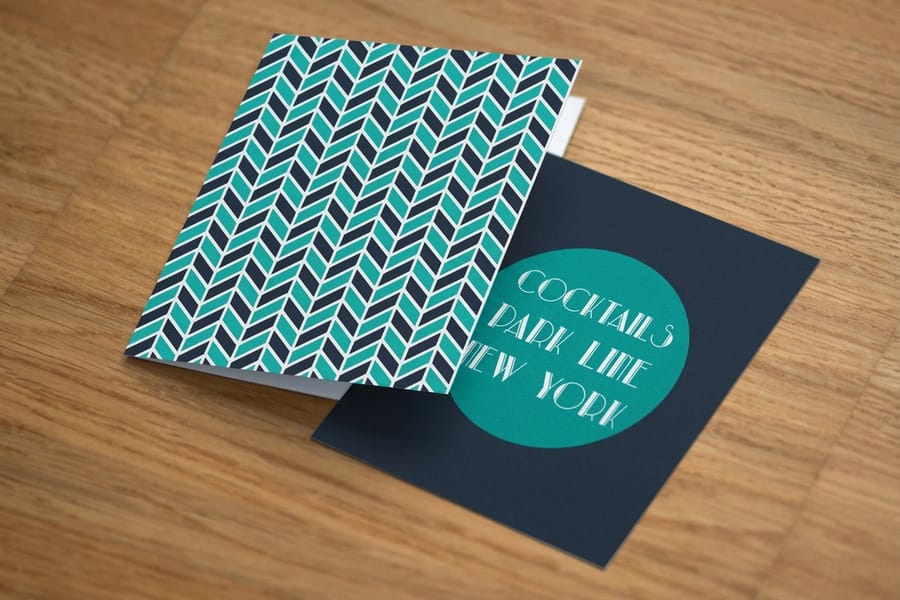
Paper is the first thing a reader feels, and it sets the tone before they read a word. Across its whole catalog 4OVER4.COM offers 60+ paper types, and brochures print on four of them: 100# gloss text, 100# silk matte text, 70# uncoated text and 14pt gloss cover.
100# gloss text takes color beautifully and folds cleanly without cracking. For a brochure that needs to stand on its own in a rack, 14pt gloss cover holds its shape and feels more substantial in the hand.
Finish changes both look and durability. Gloss text makes photos pop, silk matte text keeps type easy to read without glare, and a high gloss UV coating adds shine on top. On 14pt cover, keep heavy solid color off the fold line, since a fold through dark ink on a thick sheet can show the paper underneath. Want to feel the options first? Request free samples before you commit to a full run.
Setting up your brochure file for print
This is where making brochures gets technical, but the rules are simple once you know them.
Set your document to the flat, unfolded size and add a 0.125 inch bleed on every edge for anything that runs to the trim. Keep important text and logos at least 0.125 inch inside the trim line so nothing gets cut. On a half fold, place a guide on the fold line and keep text clear of it too.
Export at 300 DPI in CMYK as a press-ready PDF, not a JPEG or PNG, so your fonts and colors stay exactly as designed. Most printers, including 4OVER4.COM, review your file free before it goes to press. The same setup rules apply to matching pieces, so our guides on how to make envelopes and how to make flyers keep your whole brand package consistent.
Design tools you can actually use
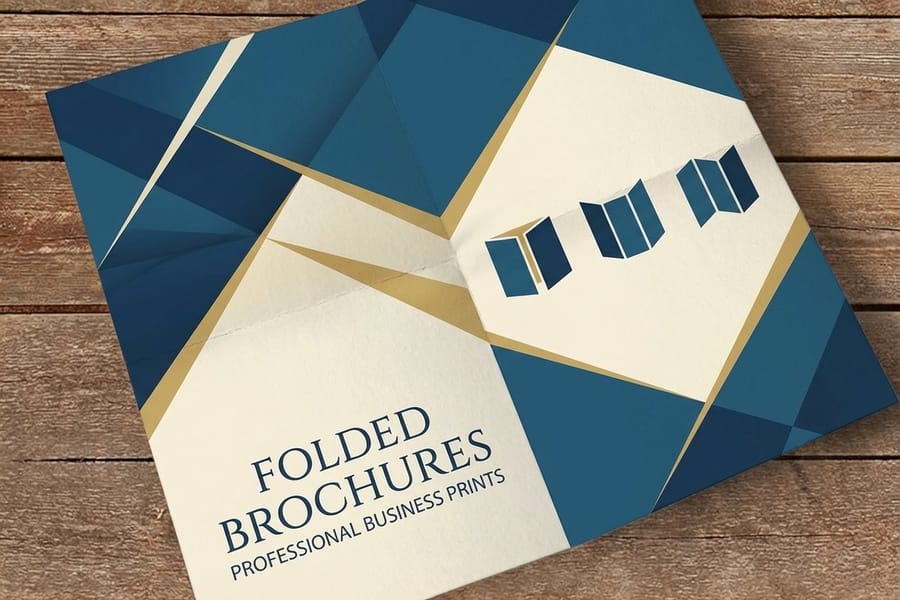
You do not need to be a professional designer to build a clean brochure. The options below sort by skill level.
For beginners, Canva has ready-made brochure templates you can drag, drop, and export as a PDF. 4OVER4.COM also provides blank templates sized to exact specs, so your bleed and fold lines are already in place.
For intermediate designers, Adobe InDesign, Illustrator, or Affinity Publisher give you full control over panels, color, and type. And for a quick turnaround, you can build the whole thing in the browser with our Online Designer, then send it straight to print. Whichever tool you pick, print a test fold at home first to check that the panels line up before you order a full run.
Professional printing vs DIY: the real difference
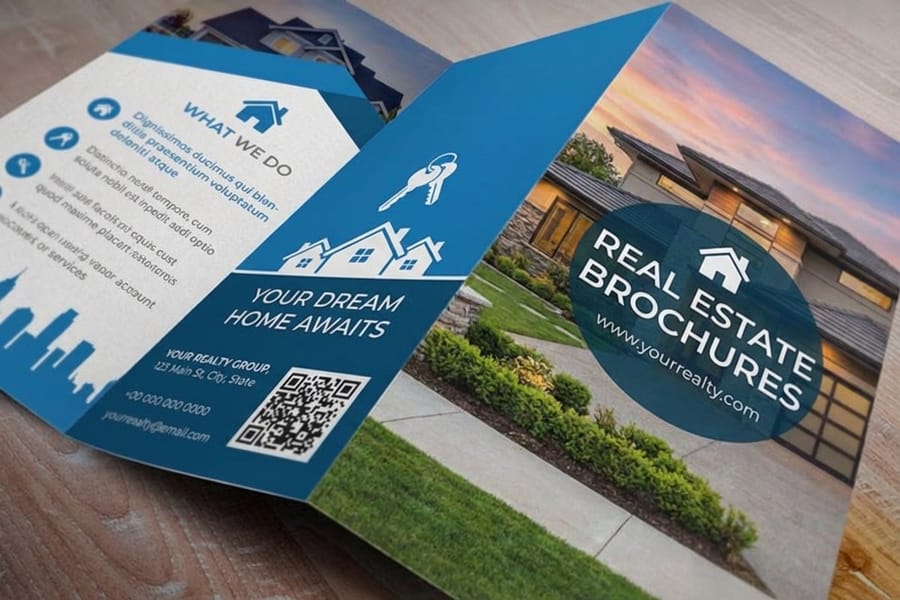
You can run a brochure through a home printer, but you give up clean folds, consistent color across a run of 250 or 500, paper choices beyond office stock such as 100# silk matte text or 14pt gloss cover.
Professional printing through 4OVER4.COM gives you stocks drawn from a catalog of 60+ paper types, precise trimming and folding, and color that matches your file. At 500, a standard brochure costs 31.2 cents each. When you need brochures fast, same day printing can turn a last-minute event into a non-issue.
Mistakes that ruin otherwise good brochures

Six errors undo an otherwise good brochure.
Cramming every panel full. A brochure is not a website. If a reader has to squint, the message is lost. Give each idea room to breathe.
Ignoring the fold. Text or images that cross a fold line get interrupted. Design with the panels in mind, not one flat page.
Designing in RGB. Bright screen colors turn muddy in print. Work in CMYK from the first panel.
Skipping the bleed. Backgrounds that stop at the trim leave white slivers after cutting. Extend them past the edge.
Choosing the thinnest stock. A flimsy brochure signals a flimsy offer. A little more weight reads as quality.
No proofreading. Typos on 500 printed brochures cannot be undone. Read it three times, then have someone else read it too.
Wally explains brochures
One folded sheet, one clear story
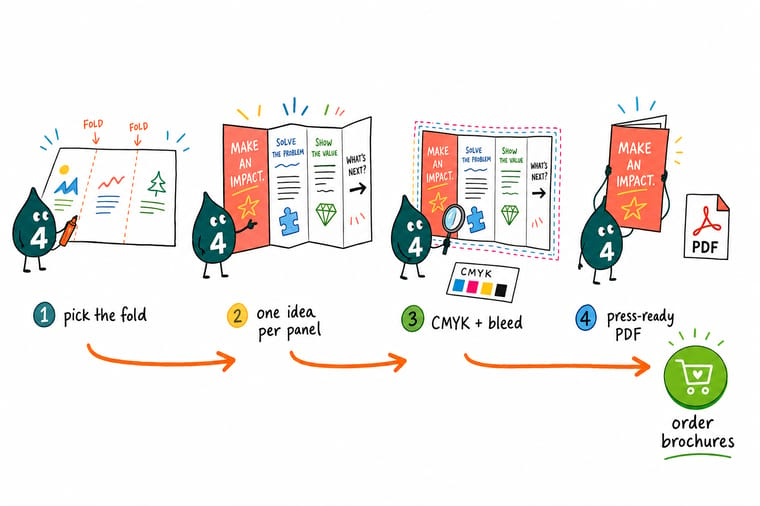
Wally treats a brochure like a tiny stage: the cover earns the open, each inside panel makes one point, and the back panel tells the reader what to do next. Keep the fold in mind, design in CMYK with a clean bleed, and the printed piece lands exactly as planned. When your file is ready, 4OVER4 prints it on 60+ paper stocks with crisp folds and color that matches your screen.
Order brochures →%22%2F%3E%3Ccircle%20cx%3D%2243%22%20cy%3D%221%22%20r%3D%2218%22%20fill%3D%22%23f59e0b%22%20opacity%3D%220.15%22%2F%3E%3Ccircle%20cx%3D%2240%22%20cy%3D%2250%22%20r%3D%225%22%20fill%3D%22%23f59e0b%22%20opacity%3D%220.1%22%2F%3E%3Crect%20x%3D%2273%22%20y%3D%22-7%22%20width%3D%2228%22%20height%3D%2210%22%20rx%3D%224%22%20fill%3D%22%23f59e0b%22%20opacity%3D%220.08%22%20transform%3D%22rotate(8%2080%2030)%22%2F%3E%3C%2Fsvg%3E)
Specs and pricing
Standard brochure specs and pricing
Brochures print flat at 5.5 x 8.5, 8.5 x 11, 8.5 x 14, 9 x 12, 11 x 17 or 11 x 25.5 inches, on one side or both, with an optional high gloss UV coating. The live specs and price per unit below come straight from the configurator.
| Quantity | Price Per Unit | Total |
|---|---|---|
| 50 | $1.14 | $57.11 |
| 100 | 82.4¢ | $82.38 |
| 200 | 53.3¢ | $106.55 |
| 300 | 41.0¢ | $123.02 |
| 400 | 34.9¢ | $139.49 |
| 500 | 31.2¢ | $155.97 |
| 600 | 26.7¢ | $160.36 |
| 700 | 23.5¢ | $164.75 |
Print it
Order brochures and folded print at 4OVER4
Order brochures or folded brochures for the flat sheet or the half fold itself, and postcards, in 14 sizes including 4 x 6 and 5 x 7, when a single card should send readers to it.

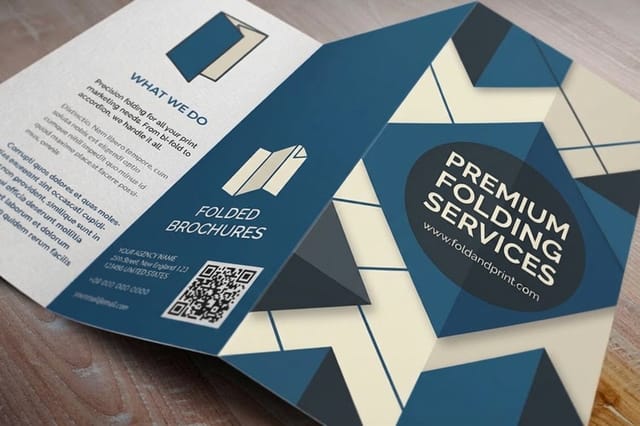

See it in use
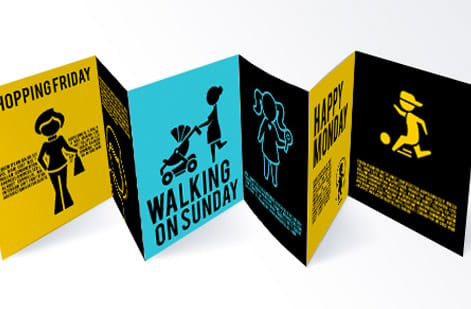
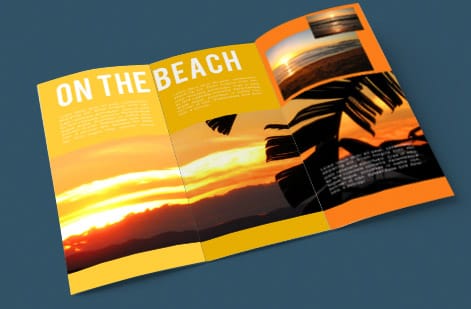
Brochures printed for customer runs



Explore more
Where to go next



By the numbers
The printer behind your brochure
Common Questions
Common questions about making brochures
What size should my brochure be?
Pick by the folded size you want in the hand: 8.5 x 11 folds in half to 5.5 x 8.5, 11 x 17 folds to 8.5 x 11 for a bigger spread, and 5.5 x 8.5 folds to a pocket-sized 4.25 x 5.5.
What is the difference between a bi-fold and a tri-fold brochure?
A bi-fold folds once into four panels; a tri-fold folds twice into six. Our brochures print flat or with a half fold, so plan a bi-fold, and if the content runs long, move up a sheet size rather than squeezing it.
What paper is best for brochures?
70# uncoated text if readers will write on it, such as a form or a price list; 100# gloss or silk matte text for photos; 14pt gloss cover when it has to stand in a rack. Free samples let you feel each one first.
How do I set up a brochure file for print?
Build each side as one flat page at full size, so an 8.5 x 11 half fold is two 8.5 x 11 pages with a guide at the 5.5 inch fold line. On the outside page the back panel sits on the left and the cover on the right.
Can I make a brochure without design experience?
Yes. Canva, the 4OVER4.COM blank templates and the Online Designer all start from a pre-sized layout, so you swap in text and images and export a PDF.
How long does brochure printing take?
4OVER4.COM offers turnaround options from same-day printing to standard production. Most orders ship within a few business days, and rush options are available when you need brochures for an upcoming event or campaign.
How many brochures should I order?
Start with 250 to 500 if you are testing a new design. The per-unit cost drops sharply at higher quantities, so ordering 500 or more makes sense once you are confident in the layout. You can always reorder after your first batch is out in the world.
Get Started
Order folded brochures when the copy is done
Pick your size and fold, drop in your design, and we print a crisp, color-accurate brochure that reads clean from cover to back panel.
Legal Disclaimer
Gold Standard guarantees apply to all standard orders placed through 4over4.com. Price match requires verifiable proof of a competitor's published price for an equivalent product with matching specifications and turnaround time. Satisfaction guarantee covers manufacturing defects and print quality issues. Contact support with order number and documentation.
