
How To Make Your Own Business Cards From Scratch


You can go from blank page to a stack of professional business cards in an afternoon. Here is the whole process, choosing a size and stock, laying out both sides, setting the file up right, and ordering a card that looks like it came from a design studio.
To make your own business cards, choose a standard size and stock, lay out the front and back with your name and contact details, set the file up with bleed and a safe margin, then export a print-ready PDF or use an online design tool and order. The design decisions are simple; getting the file right and picking a stock and finish are what make the card look professional.

Start here
Making your own business cards in one paragraph
Making your own business cards means choosing a size and stock, laying out both sides, setting the file up correctly, and ordering a print-ready design. Start from the standard size with bleed and a safe margin, design in CMYK, keep text off the edge, and place your logo as vector. Pick a stock and finish that feel professional, or use an online tool that handles the setup. The diagram below shows the card anatomy.
Watch it printed
See standard business cards on the press, in 167 seconds
Plan the card before you design it
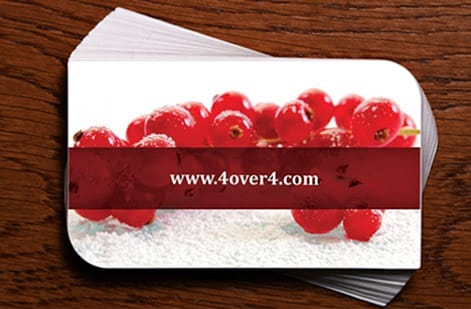
A good business card starts before any design happens. Gather everything the card must carry: your name, title, company, phone, email, website and logo. Decide what the single most important piece of information is, because that is what the layout should lead with. A card trying to shout every detail equally ends up saying nothing.
Then decide the impression you want. A minimalist card on heavy stock reads differently from a bold, colorful one, and both can be right depending on your field. For the standards behind the format, our business card size guide covers the dimensions to design within.
Choose the size, stock and finish

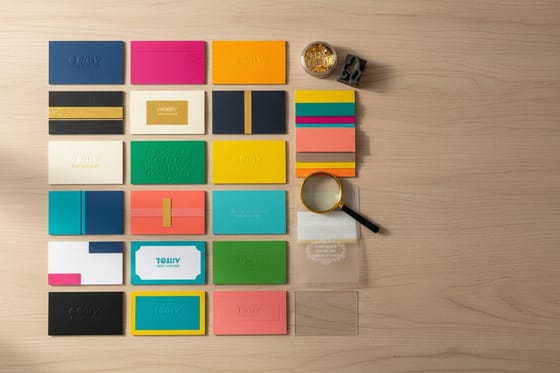
Start from the standard business card size so your card fits every wallet and case, then choose the stock and finish, which do the most to make a self-made card look professional. Stock thickness is the fastest signal of quality: a heavier point weight feels serious the instant it is handed over. Our standard business cards cover everyday needs, while premium business cards push the stock and finish further.
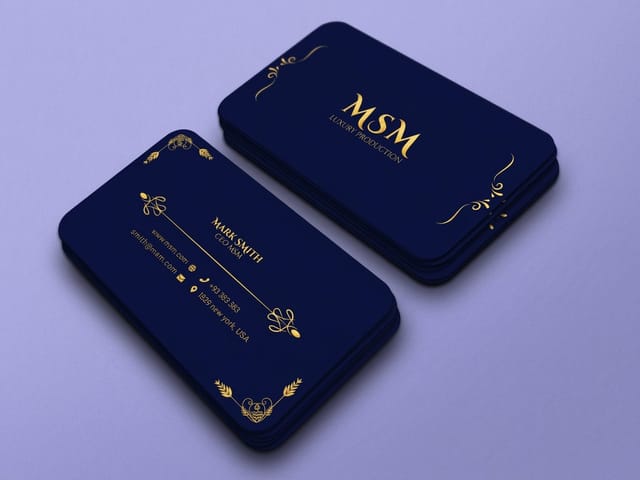
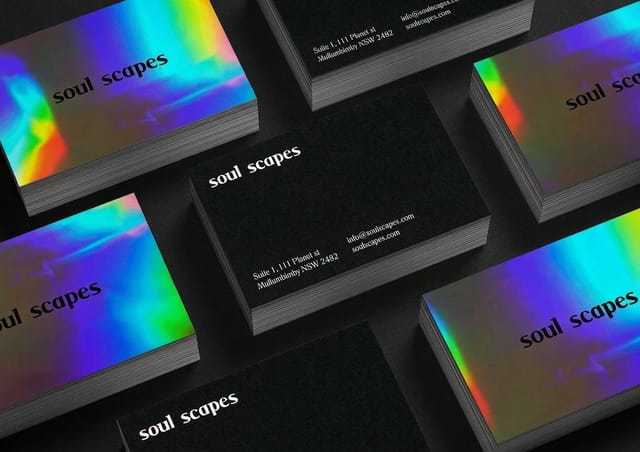
Finish adds the final polish. Soft touch lamination gives a velvety feel, spot gloss makes an element pop, and foil stamping or embossing add tactile, light-catching detail. These are what separate a homemade card from one that looks studio-made, so choose one deliberate accent rather than piling on effects.
Shapes beyond the standard rectangle
The standard rectangle is the safe choice, and it is not the only one. Rounded corners soften the card and wear better in a pocket, a square trim reads as a design decision the moment it is handed over, and a full die cut shape can echo a logo or a product outline. Slim and mini trims stand out by being smaller than what the other person expects.
Decide the shape before you design, because it changes the file. A die cut needs its cut path drawn as a separate line over the artwork, with the art running past that line the way a bleed runs past a trim. Rounded corners pull the safe margin in at each corner, so text that sits comfortably on a square card can end up too close to the curve. A non standard shape also costs more per card and may not sit in a wallet or a card case, which matters if you hand cards out at events. See the trims in standard business cards.
Lay out the front and back
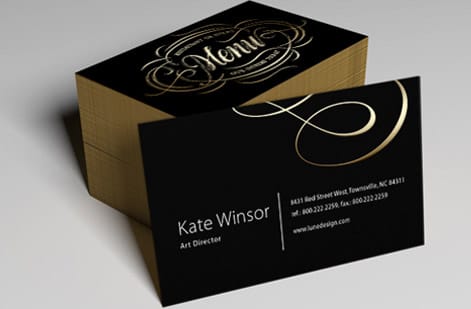
Design both sides. The front should lead with your name and role in a clear hierarchy, with supporting details stepped down in size so the eye knows where to start. Keep it uncluttered, since white space makes a card feel considered. The back is prime real estate too: use it for a logo, additional contact methods, or a QR code that links to your site, rather than leaving it blank.
Whatever you place, keep essential text inside the safe margin so nothing critical sits near the blade. If you want a memorable variation, our guide on preparing a business card logo for printing ensures the mark reproduces crisply at card size.
Set the file up so it prints right

The file setup is where homemade cards usually go wrong, and where a little care makes them look professional. Build the document at the standard size with 0.125 inches of bleed on every side and a 0.125 inch safe margin inside the trim. Work in CMYK so your screen preview matches press ink, place images at 300 DPI at final size, and keep the logo as vector so it stays razor sharp.
Outline or embed your fonts so they cannot substitute, then export a flattened, print-ready PDF. When you order with us, that file also runs through a free file check, so a second set of eyes catches any issue before the press does. This is the same discipline used across all print jobs.
No design software? Use the online tool
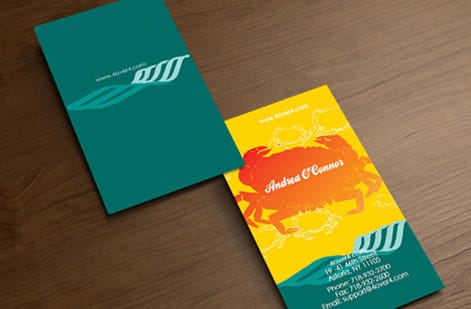
You do not need professional design apps to make a great card. Our online design tool lets you build a business card in the browser, starting from templates that already have the correct size, bleed and safe margins built in. You add your details, drop in a logo, choose colors and type, and the tool keeps everything print-ready as you go.
This is the fastest path if you are not comfortable with design software, and it removes the most common file setup mistakes automatically. For a walkthrough, see our guide on using the free business card design tool. When you are happy, the design flows straight into ordering.
Proof, order and reprint easily
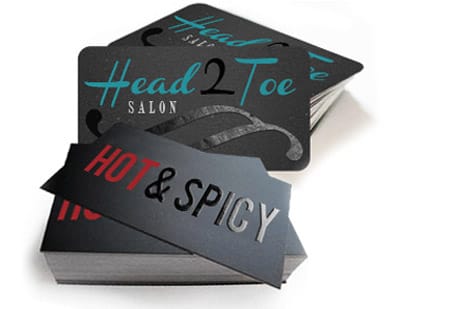
With the design done, proof it carefully. Zoom to full size, read every line of text, and confirm the bleed and safe margin. Order a physical sample if you want to judge the stock and finish in hand before committing. Then set the stock, finish and quantity in the configurator and watch the unit price drop as the run grows, so you print the amount you actually need.
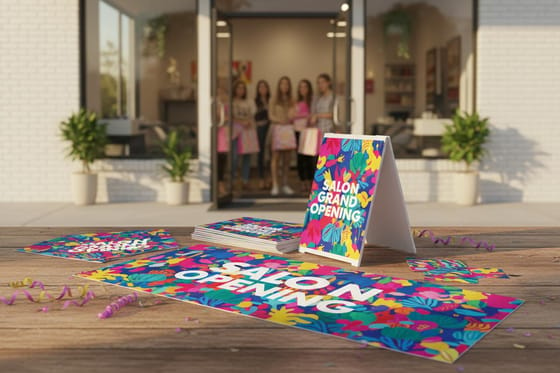
Keep the file, because reordering is then effortless whenever you run low or your details change. To see every stock, finish and shape option in one place, browse the business cards collection, and check how a salon launched with premium business cards for real inspiration.
Design and print in one place
You can make your own business cards and print them without moving the file anywhere else. Build the artwork at the standard 3.5 x 2 inch trim, set the document to 3.75 x 2.25 inches so there is 0.125 inch of bleed on every edge, keep every line of type 0.125 inch inside the trim, and export a 300 dpi CMYK PDF. That one file is the same file the press runs, so what you approve on screen is what lands in the box.
Pricing is live, not quoted by email. Open standard business cards, set the stock, the finish, single or double sided and the quantity, and the price per card updates on screen as you go, with the turnaround options listed beside it so you can see the ship date before you pay. Price a short run for one trade show against a full year of cards and pick the run that actually fits, then upload the PDF or open the design tool from the same page and finish the order in one pass.
Wally makes a homemade card look studio-made
Right size, clean file, premium stock
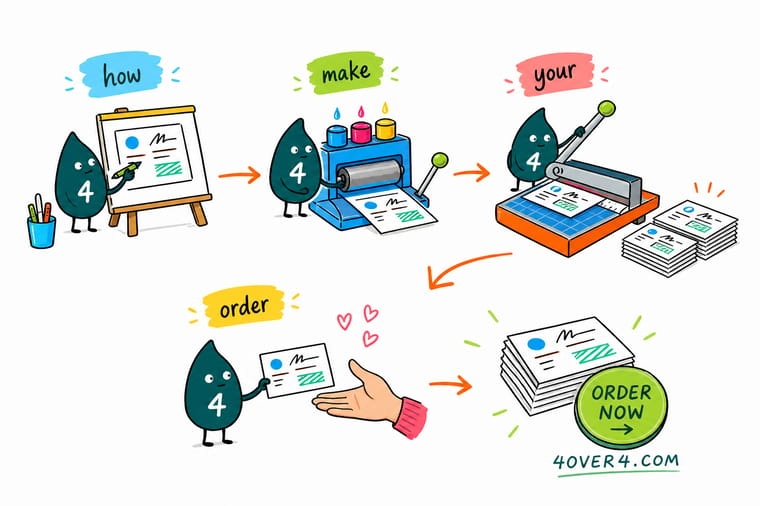
Wally builds a business card the way the press wants it: the standard size with bleed, text tucked inside the safe margin, color in CMYK, and the logo as sharp vector art. Then he picks a stock with weight and a finish that catches the light. Do it yourself in an afternoon, run it through the free file check, and it looks like a design studio made it.
Make your business cards →Quick reference
The business card file setup, at a glance
Every professional business card starts from the same file settings. Match these and your card prints exactly as designed.
| Setting | Get it to | Why it matters |
|---|---|---|
| Size | Standard business card size | Starting at the standard size means the layout fits the press and standard cases. |
| Bleed | 0.125 in past every edge | Art that runs to the edge needs bleed so a cut shift leaves no white sliver. |
| Safe margin | 0.125 in inside the trim | Keeps your name, number and logo clear of the blade. |
| Color | CMYK | Presses print in CMYK, so design in it to avoid color shifts from a screen. |
| Resolution | 300 DPI at final size | Full-resolution art and a vector logo keep the card crisp, never pixelated. |
| File format | Print-ready PDF | A flattened PDF with fonts embedded is the most predictable format to send. |
Step by step
Make your own business cards in 7 steps
- Gather your details Collect your name, title, company, phone, email, website and logo so the layout has everything it needs.
- Choose size, stock and finish Start from the standard size, then pick a stock weight and a finish that matches the impression you want to make.
- Set up the document Create the file at the standard size with 0.125 in of bleed and a 0.125 in safe margin, in CMYK color.
- Design the front Lead with your name and role, keep it uncluttered, and use a clear hierarchy so the most important detail reads first.
- Design the back Use the back for a logo, extra contact details or a QR code rather than leaving it blank.
- Prepare the file Place the logo as vector, keep text inside the safe margin, outline or embed fonts, and export a flattened print-ready PDF.
- Proof and order Run the file through the free file check, order a sample if you want, then print your quantity as the unit price drops.
Specs and pricing
Business card specs and live pricing
Once the design is ready, size, stock and finish set the price. Here are the live specs and price-per-unit for standard business cards at 4OVER4.COM, straight from the configurator.
| Quantity | Price Per Unit | Total |
|---|---|---|
| 100 | 17.6¢ | $17.57 |
| 200 | 11.5¢ | $23.07 |
| 300 | 9.15¢ | $27.46 |
| 400 | 7.96¢ | $31.86 |
| 500 | 7.25¢ | $36.26 |
| 600 | 6.77¢ | $40.64 |
| 700 | 6.43¢ | $45.04 |
| 800 | 6.18¢ | $49.43 |
Order it
Print the business cards you made at 4OVER4

See it in use
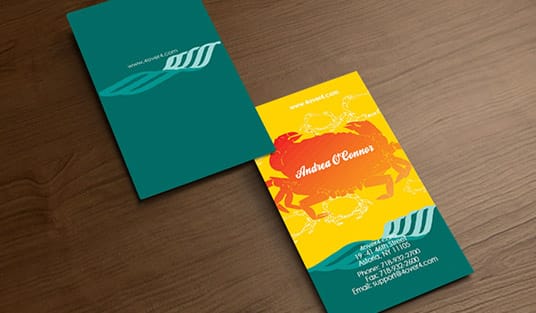
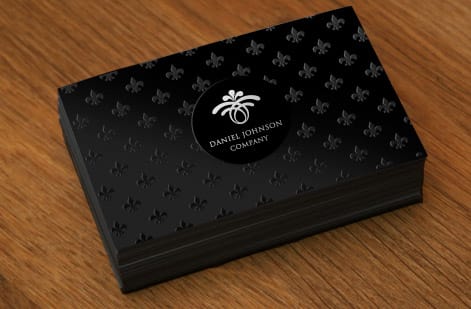
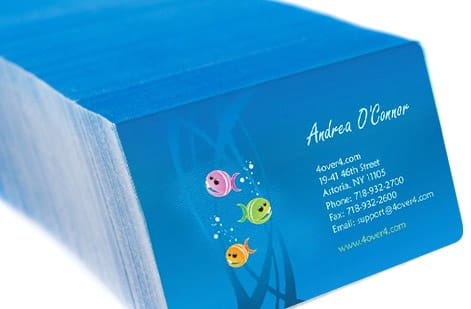
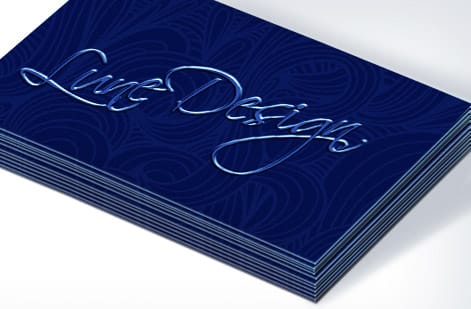
Business cards customers made and we printed

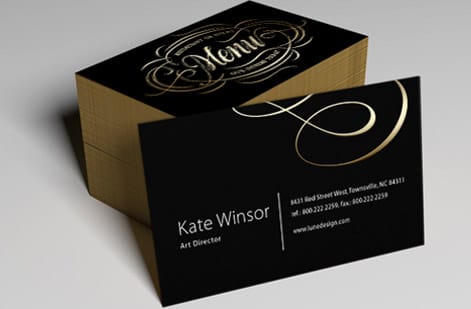
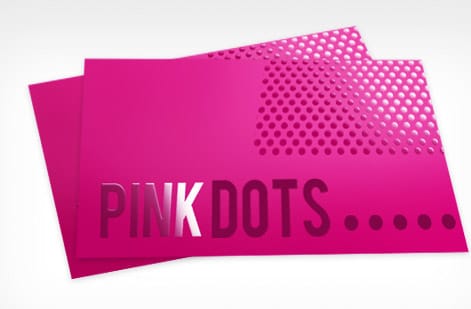
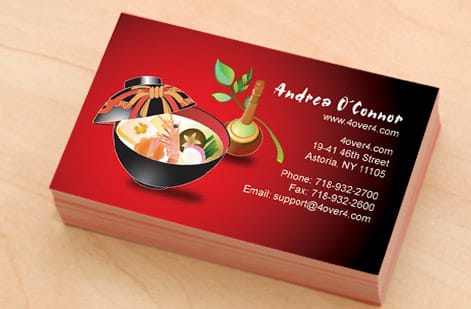
Explore more
Where to go next



By the numbers
Sixty plus stocks stand behind a card you make yourself
Common Questions
Common questions about making your own business cards
How can I create a business card for free?
Open the free online design tool, pick a template at the standard 3.5 by 2 inch size, add your name, role, contact details and logo, and export a print-ready PDF. The template already carries the bleed and safe margin, and the free file check reviews the file before printing. Designing costs nothing, and you only pay for the printed cards, which start around $17 for a run of standard business cards.
How do I make my own business cards at home?
Set up a 3.5 by 2 inch layout, print it on perforated business card sheets from an office printer, and tear the cards apart. It works for a handful of cards, but the stock is thin, the edges are rough and the color drifts from sheet to sheet. Once you need more than a couple of dozen, the same file printed on a real 14pt or 16pt stock costs less per card and looks like a card someone would keep.
Can ChatGPT make business cards?
It can write the text, suggest what to put on the front and back, and draft a layout description, but it does not produce a print-ready file with bleed, CMYK color and a vector logo. Take its wording into the free online design tool or a design app, place the logo as vector, and export a PDF at the standard size. Then run the file through the free file check before ordering.
How do I make my own business cards from scratch?
Gather your details and logo, then set up a file at the standard business card size with a 0.125 inch bleed and a 0.125 inch safe margin in CMYK color. Design the front around your name and role with a clear hierarchy, use the back for a logo or extra details, place the logo as vector art, and export a flattened print-ready PDF. If you do not use design software, an online design tool handles the size, bleed and layout for you. Then run the file through a free file check and order.
What is the best size and stock for a business card I design myself?
Start from the standard business card size, because it fits the press and standard card cases and wallets. For stock, a heavier point weight immediately reads as more professional than thin paper, so choosing a substantial stock is the fastest way to make a self-made card feel studio-quality. From there, finishes like matte, soft touch or foil add hand feel and light play. The right combination depends on the impression you want and your budget.
What does it cost to make and print your own business cards?
Designing them yourself costs nothing beyond your time, and running your file through the free file check before ordering is included. Printing then scales with stock, finish and quantity, with the unit price dropping as volume rises. You set each option in the configurator and the total updates live, so you can see how a heavier stock or a foil accent changes the price before you commit. Standard business cards start around 17 dollars for a run.
What sizes, stocks and finishes can I choose for my business cards?
Beyond the standard size, you can go custom in shape and dimensions, choose stocks from everyday point weights up to thick and specialty options like plastic or cotton, and add finishes including matte, gloss, soft touch, spot gloss, foil and rounded corners. The design you make yourself can be printed on any of these, so a simple layout on a premium stock with a foil accent still looks high end. Order samples to feel the stocks before deciding.
Do I need design software to make business cards?
No. You have two paths: design in software like a page-layout or vector app and export a print-ready PDF, or use a free online design tool with templates that builds the card in your browser and handles the size, bleed and layout automatically. The online tool is the faster route if you are not comfortable with design apps, while your own software gives more control. Either way, the free file check reviews the artwork before printing.
How long do business cards take to print and ship?
Turnaround depends on the stock, finish and quantity you choose, with standard cards printing faster than specialty stocks or foil finishes. A small run also moves quicker than thousands. The product page shows the live production and shipping options for your exact configuration, so you can see the timeline before you order and plan around when you need the cards in hand.
Get Started
Ready to make and print your own business cards?
Design your card and print it at 4OVER4.COM on the stock and finish that makes the right impression. Adjust every option and watch your price update live.
Legal Disclaimer
Gold Standard guarantees apply to all standard orders placed through 4over4.com. Price match requires verifiable proof of a competitor's published price for an equivalent product with matching specifications and turnaround time. Satisfaction guarantee covers manufacturing defects and print quality issues. Contact support with order number and documentation. On-time delivery rate based on tracked orders 1999 to 2026. Individual results may vary based on shipping carrier performance.
