
How to Design a Postcard That Gets Opened and Read


A postcard has seconds to earn a second glance. The address block is a fixed zone the post office grades, and it outranks your layout.
A postcard works when one message leads and everything supports it. Build a front with a single hero visual and a bold headline, a back with your offer, a clear call to action, and a clean address block, then set up bleed, trim, and a safe margin so nothing gets cut. Design it to a standard size, then print and mail it with 4OVER4.

Start here
Front sells, back mails
An effective postcard says one thing loudly and backs it up. The front earns attention with a single strong image and a short headline. The back delivers the offer, a clear call to action, and a tidy address area for mailing. Underneath the design, bleed carries color to the edge, a safe margin keeps text off the blade, and a standard size keeps mailing simple. Design to those rules and 4OVER4 prints and mails the result exactly as you drew it.
What makes a postcard actually work

A postcard is not a brochure. It lands in a hand or a mailbox and gets a glance, and in that glance it either earns a second look or it does not. That means the biggest design decision is ruthless focus: one message, one offer, one thing you want the reader to do. Every element on the card either serves that message or gets cut.
The strongest postcards read in a clear order. The eye lands on a hero image, moves to a short headline, catches the offer, and finishes at the call to action. If your layout makes the eye wander or forces a choice between three competing messages, the card loses the moment it had. Decide the single takeaway first, then build the design to deliver it fast.
This focus is what separates a postcard that gets acted on from one that gets recycled. If you want to see the format applied to real campaigns, our roundup of direct mail marketing shows how a tight message carries a card, and our companion guide on how to make postcards walks the production side end to end.
The front: hierarchy and a hero image

The front is your billboard. Give it a single dominant visual, a product shot, a striking photo, or a bold graphic, and let it fill most of the space. A crowded front with several small images has no focal point, so the reader does not know where to look and moves on. One strong image beats four weak ones every time.
Layer a short, high-contrast headline over or beside the image. This is not the place for a paragraph. A few words that name the offer or the hook do the job: a sale, a grand opening, a limited window. Keep the type large enough to read at arm's length and make sure it stands clear of the busy parts of the photo so it stays legible.
Color and contrast carry the front as much as the words. Use your brand colors, keep the palette tight, and let white space give the headline room to breathe. If you are choosing between finishes, our notes on where to print postcards cover how stock and coating change how that hero image reads in a hand.
The back: message, call to action, and address block
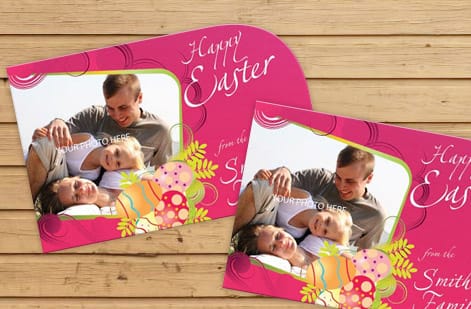
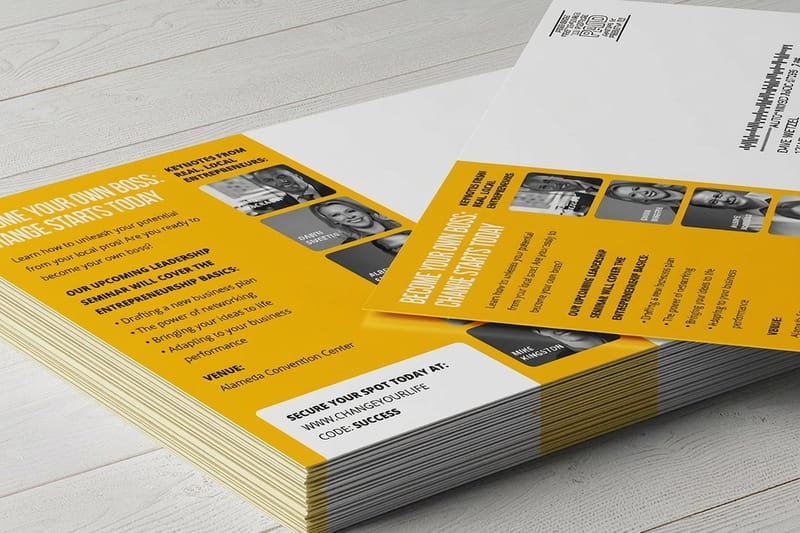
The back is where you make the case and ask for the action. Keep the copy short and scannable: a sentence or two of context, the offer stated plainly, and any details a reader needs, like dates or a promo code. Bullet a few points if it helps, but resist filling the space just because it is there. A back that is easy to skim gets read.
The call to action is the single most important element on the card. Make it obvious and specific: visit a page, call a number, scan a code, or bring the card in for a discount. Give it visual weight with size, color, or a button-like shape so the eye lands on it last and knows exactly what to do next.
If the postcard will be mailed, reserve the right side of the back for the address block and postage, and keep your design clear of that zone. Postal layouts have real requirements, and our guide on addressing a postcard for mailing shows exactly how much room to leave so the card qualifies and prints cleanly.
Bleed, trim, safe margin, and sizes
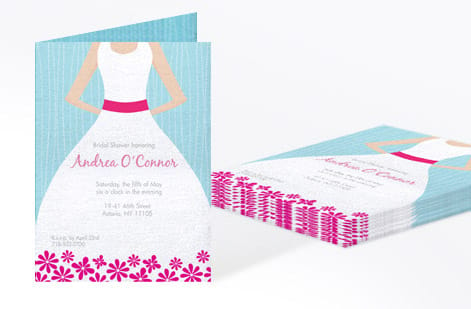
Under the design sit three lines that decide whether the card prints clean. The trim is where the blade cuts, at your final size. The bleed is an extra strip of artwork past the trim, so any color or photo that reaches the edge keeps going and a slight cutting shift never leaves a white sliver. The safe margin sits inside the trim, and all your text and logos stay within it so nothing important gets clipped.
Standard postcard sizes keep both printing and mailing simple. Common formats run from a compact card up to a large oversized size that dominates a mailbox, and each has its own postage rules. Design to one of these standard sizes from the start, using a template so your bleed and margins are already in place, rather than inventing a custom size that complicates the mail.
For direct mail specifically, the size you pick interacts with postage tiers. Our guide on EDDM postcard sizes breaks down which dimensions qualify for saturation mailing, and an oversized postcard is worth considering when standing out matters more than the lowest postage.
Print your postcard and mail it
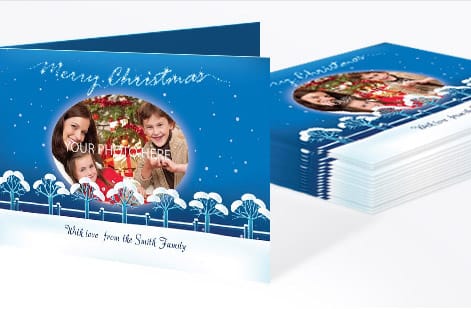
With the design settled, the last decisions are stock, finish, and how it ships. A heavier stock feels substantial and holds up in the mail, while a gloss or matte coating changes how the front reads and how well it resists handling. Order a proof or free samples if the exact feel matters, so you judge the real card before committing to a full run.
Printing and mailing in one place removes a whole step. Instead of printing a card and then figuring out a mail house, you can print postcards and hand off the mailing together, or run a full direct mail postcard campaign that goes from your file to the mailbox without you touching the logistics.
Use the live specs and pricing below to set size, stock, and quantity, and watch the number update as you go. When the design is right and the setup is clean, a postcard is one of the most cost-effective pieces you can put in front of a customer.
Wally keeps a postcard to one message
One image, one headline, one clear action
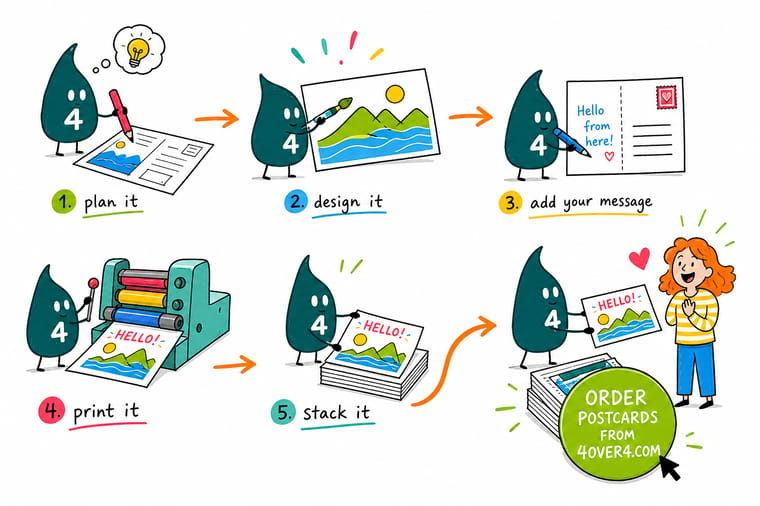
Wally builds the front around a single hero image and a short headline, then puts the offer and a bold call to action on the back with room saved for the mailing block. Bleed carries the color to the edge, the safe margin protects the text, and a standard size keeps postage simple. Design it clean and 4OVER4 prints and mails it exactly as drawn.
Design and print postcards →Step by step
Design a postcard in 6 steps
- Pick one message and one actionDecide the single takeaway and the single thing you want the reader to do before you open a design file. Everything else supports it.
- Start from a standard size and templateChoose a standard postcard size and a template so bleed, trim, and safe margins are already set and mailing stays simple. 4 x 6 in is the default because it holds the postcard rate; move up to 6 x 9 in or 6 x 11 in when you want the card to sit on top of the stack.
- Build the front around a hero imageGive the front one dominant visual and a short, high-contrast headline. Keep type clear of the busy parts of the photo.
- Write a scannable back with a clear CTAState the offer plainly, keep the copy short, and make the call to action the boldest element on the back.
- Leave room for the mailing blockIf you are mailing, reserve the address and postage zone on the right of the back and keep your design out of it.
- Export with bleed, then print and mailFlatten to a press-ready PDF with bleed and crop marks, then print and mail it with one order.
Specs and pricing
Postcard specs and live pricing
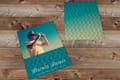
Once the design is ready, size, stock and quantity are what is left. Postcards run 50 for $16.48, which is $0.33 each.
| Quantity | Price Per Unit | Total |
|---|---|---|
| 50 | 33.0¢ | $16.48 |
| 100 | 24.2¢ | $24.16 |
| 200 | 15.9¢ | $31.86 |
| 300 | 12.8¢ | $38.45 |
| 400 | 11.3¢ | $45.04 |
| 500 | 10.3¢ | $51.62 |
| 600 | 9.89¢ | $59.31 |
| 700 | 9.57¢ | $67.00 |
Print it
Postcards you can design and mail today

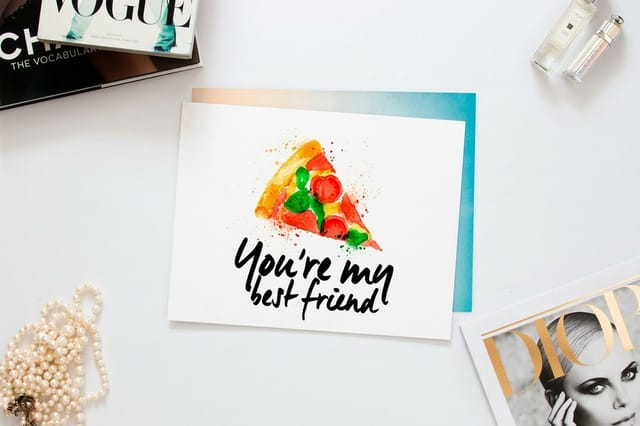
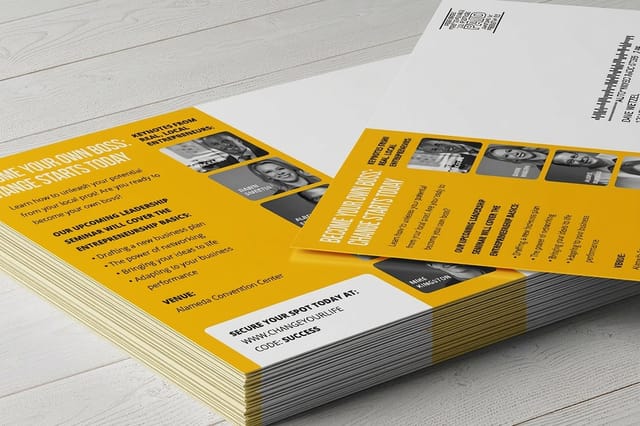
See it in use
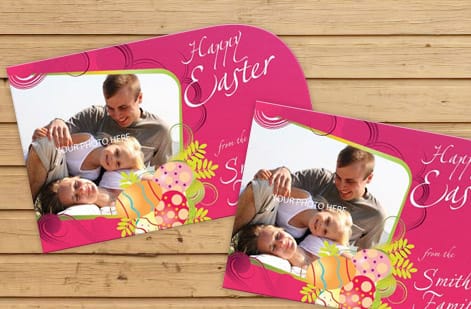
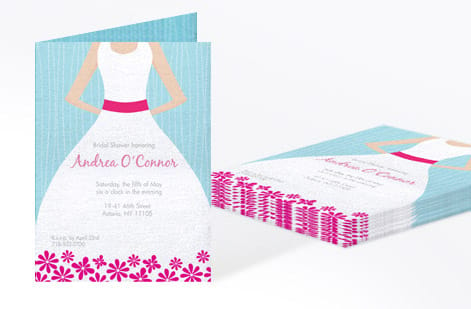
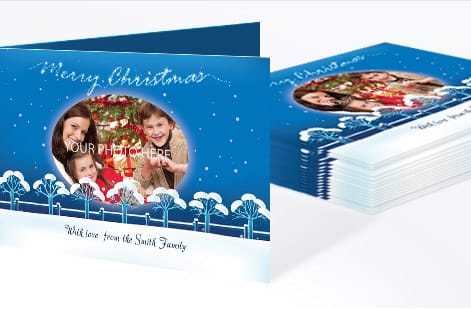
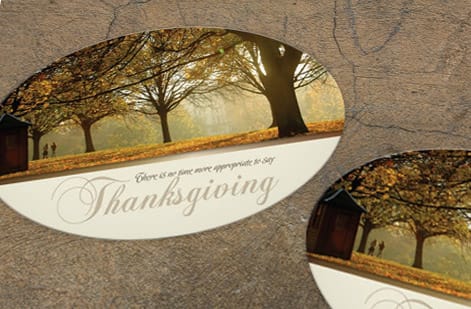
Postcards our customers designed and sent to press




Explore more
Where to go next
By the numbers
The stock list a mailing postcard runs on
Common Questions
Common questions about postcard design
What is the standard postcard format?
The standard postcard format is a flat, double sided card at one of five sizes: 4 x 6, 5 x 7, 5.5 x 8.5, 6 x 9 and 6 x 11 in. 4 x 6 in is the default, and it is the only one of the five that mails at the USPS First Class postcard rate, which it holds while the card is at least 3.5 x 5 in and the finished stock measures between 0.007 in and 0.016 in thick. Whatever size you choose, the document is built 0.125 in larger on every side for bleed, so a 4 x 6 in card is set up at 4.25 x 6.25 in, and type and logos stay 0.125 in inside the trim, leaving a 3.75 x 5.75 in safe area. In the same order: 5 x 7 in is set up at 5.25 x 7.25 in, 5.5 x 8.5 in at 5.75 x 8.75 in, 6 x 9 in at 6.25 x 9.25 in and 6 x 11 in at 6.25 x 11.25 in. The three larger sizes mail as letters rather than postcards, and 6 x 11 in fits the 6.125 x 11.5 in maximum for EDDM Retail, so it can be dropped on whole routes without a mailing list. Sizes, stocks, finishes and live pricing sit on the postcard printing page.
Which side of a postcard does the address go on?
The address goes on the back, in the right half of the card, printed in the same direction as the message so nothing has to be turned to be read. Reserve the top right corner for the stamp or the indicia, put the recipient block below it, and leave the bottom right 4 in wide by 0.625 in tall completely clear so the postal barcode can be sprayed there. Keep photos, color washes, rules and any part of the offer out of that half: art that runs across the address zone is the most common reason a card is rejected or hand-sorted at a higher rate. The left half is where the message, the offer and the call to action live. If a mailing list is doing the addressing for you, the layout is the same and the addresses are printed into that reserved zone, which is covered in how direct mail marketing works.
What is postcard design?
Postcard design is the work of arranging a message, an image, and a call to action on a small double-sided card so it earns attention fast and prompts an action. Because a postcard is seen for only a moment, good design is built on ruthless focus: one clear message, one strong hero image on the front, a scannable offer and a bold call to action on the back, and a clean address block if it will be mailed. Underneath the visuals, postcard design also means setting up bleed, trim, and a safe margin at a standard size so the finished card prints and mails without problems.
What has to stay clear on the mailing side?
Match the design to the single goal of the card. Decide the one message and the one action you want first, then build the front around a dominant image and a short headline that deliver that message at a glance. Keep the back focused on the offer and a clear, specific call to action, and choose a standard size that fits your budget and, if mailing, the postage tier you want. If the card is going in the mail, leave the address zone clear and follow postal layout rules. Starting from a template keeps your bleed and margins correct and lets you focus on the message rather than the setup.
What does postcard design cost and how are prices set?
Designing the postcard yourself costs only your time, and running the artwork through a file check before you order is included at 4OVER4. Printing cost then scales with a few levers: quantity, where more cards lower the unit price, plus size, paper stock, and finish, with larger oversized cards and premium coatings costing more. If you also mail the cards, postage is a separate cost that depends on the size and the mailing class, which is why a 4 x 6 in card at the postcard rate and a 6 x 9 in card at the letter rate can print for a similar number and still land at different totals. You set each print option in the configurator and the price updates live, so you can see how a heavier stock or a bigger run changes the number before you commit.
What sizes, stocks, and finishes are available for postcards?
Postcards come in a range of standard sizes, from a compact card that mails at the lowest rate up to large oversized formats that dominate a mailbox, each with its own postage implications. The working set is 4 x 6, 5 x 7, 5.5 x 8.5, 6 x 9 and 6 x 11 in. Stocks run from lighter card weights to heavy, substantial boards that feel premium and survive the mail, and finishes include matte and gloss coatings that change how the front reads and how well it resists handling. Specialty options such as soft-touch and uncoated writable stocks are available too. Designing to one of the standard sizes from the start keeps both printing and mailing straightforward.
How long does a postcard take to print and ship?
Postcards print on a production window measured in business days after your file is approved, plus shipping transit. Larger sizes, premium stocks, and special finishes can add time, and a full print-and-mail campaign adds the mailing timeline on top of production. Order ahead of a campaign date rather than at the last minute, and if you are mailing, factor in the delivery window for the mail class you choose. When you print and mail with 4OVER4 in one order, the whole job moves on a single coordinated timeline instead of you handing files between a printer and a separate mail house.
Get Started
Order 50 oversized postcards at $1.03 each
Bring your postcard design to 4OVER4.COM, pick the size, stock, and finish, and print or mail it in one order. Oversized postcards run 50 for $51.62, which is $1.03 each.
Legal Disclaimer
Gold Standard guarantees apply to all standard orders placed through 4over4.com. Price match requires verifiable proof of a competitor's published price for an equivalent product with matching specifications and turnaround time. Satisfaction guarantee covers manufacturing defects and print quality issues. Contact support with order number and documentation. On-time delivery rate based on tracked orders 1999 to 2026. Individual results may vary based on shipping carrier performance.
