
How to Design a Bifold Brochure, Panel by Panel


Sofia is our design and templates voice, built from the knowledge of our production team, with over 20 years in printing.
One sheet, one fold, four panels. Here is the panel map, the margins that survive the trimmer, what belongs on each panel, and how to export a file the press can run.
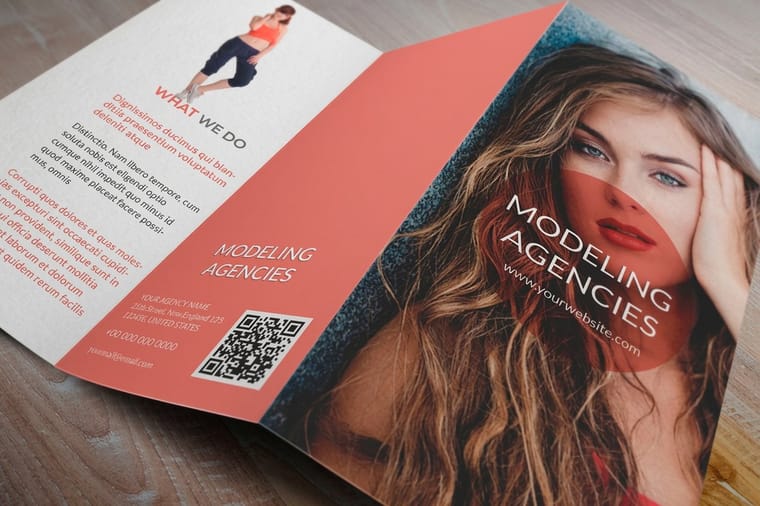
Design a bifold as two flat spreads, not four pages: page 1 is the outside with the back cover left of the fold and the front cover right of it, page 2 is the inside read left to right. Set 0.125 inch bleed on every outside edge, keep live copy 0.25 inch inside the trim, and leave 0.25 inch clear either side of the fold. Both panels are exactly half the flat width, because a bifold has no tuck panel to shorten.
Quick answer
Two spreads, four panels, three margins
A bifold brochure is one flat sheet folded once, so the file is two spreads rather than four pages. Page 1 carries the outside, with the back cover on the left of the fold and the front cover on the right. Page 2 carries the inside, read left to right. Bleed runs 0.125 inch past every outside edge, live copy stays 0.25 inch inside the trim, and type keeps 0.25 inch clear of the crease. Both panels are exactly half the flat width, since nothing tucks inside anything.
The Bifold Panel Map, and Why the Front Cover Sits on the Right
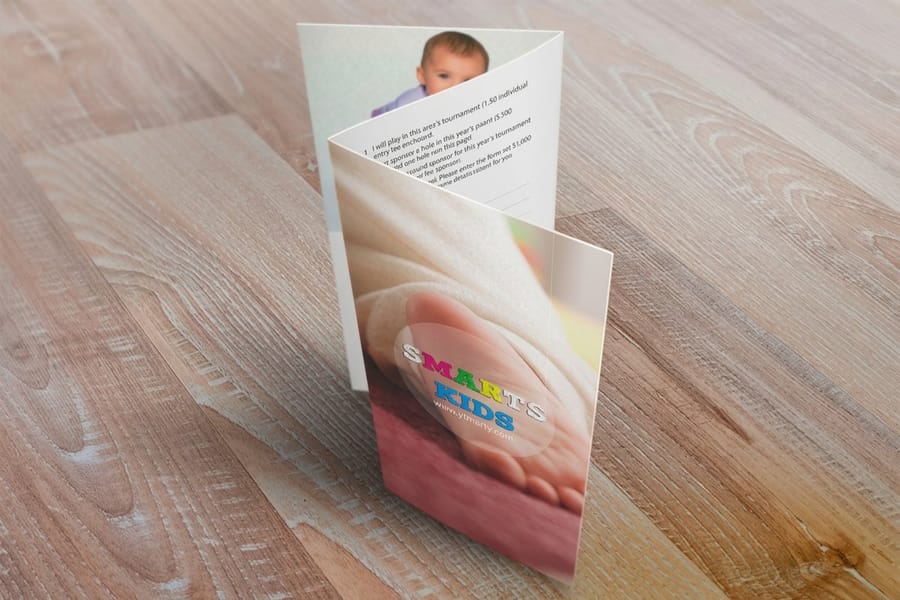
A bifold is one sheet with one fold, which gives you four panels: two on the outside, two on the inside. Design it as two spreads at the flat size. Page 1 of your file is the outside, page 2 is the inside, and both are the full 11 by 8.5 inches rather than a single 5.5 by 8.5 panel.
The part that trips people up is panel order on the outside spread. When the sheet is flat, the front cover is to the right of the fold and the back cover is to the left. Fold it in half with the printed side out and the right hand half lands on top. Lay them the other way round and you get a brochure that opens from the wrong edge, which no press check catches because the file itself is internally consistent.
| Panel | Where it sits on the flat sheet | What it carries |
|---|---|---|
| Panel 1 | Outside spread, right of the fold | Front cover: one promise, one image, the company mark. Nothing else. |
| Panel 2 | Outside spread, left of the fold | Back cover: contact block, hours, map, or the address area if it mails. |
| Panel 3 | Inside spread, left of the fold | The case: what you do, the detail, the proof. This is where reading starts. |
| Panel 4 | Inside spread, right of the fold | The ask: the offer, pricing, the next step, a code or a QR link. |
One more difference worth knowing if you have designed a trifold before. On a trifold the panel that tucks inside has to be about a sixteenth of an inch narrower so it does not bind against the fold. A bifold has no tuck panel, so both halves are exactly half the flat width, and you can set your guides with plain arithmetic. Our trifold brochure design guide covers that shortened panel if you need the six panel version instead, and the bifold setup and dimensions guide lists the exact measurements for every flat size we run.
Fold, Bleed and Safety Margins That Survive the Trimmer
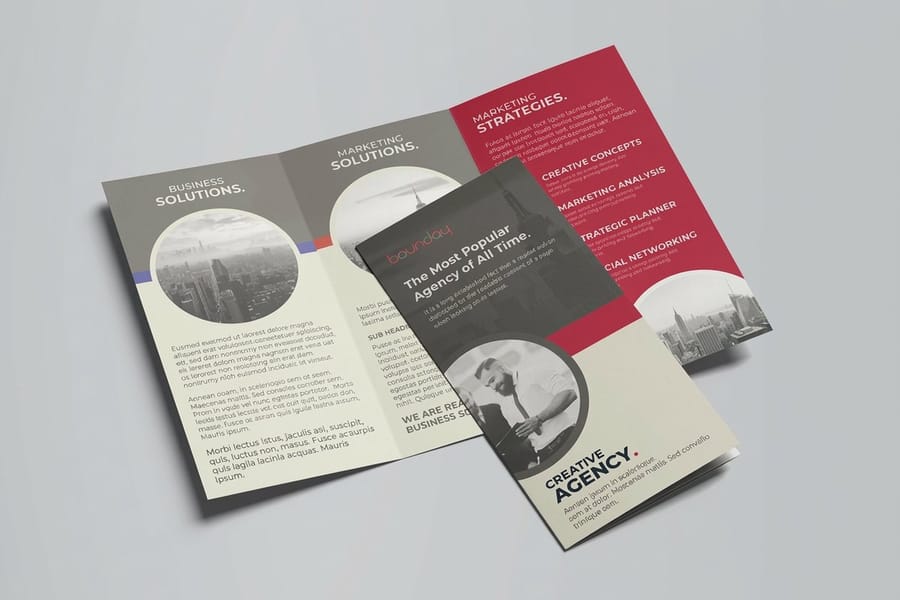
Three numbers do most of the work here. Bleed of 0.125 inch on every outside edge, a safety margin of 0.25 inch inside the trim line, and 0.25 inch of clearance on each side of the fold. Set them as guides before you place a single element and you will not have to move anything later.
Bleed exists because trimming is mechanical. A stack of sheets shifts slightly under the knife, so background color has to run past the finished edge and get cut away. Live copy has to sit far enough inside that the same shift never clips it. That eighth of an inch is not padding, it is the tolerance of the machine, and the bleed and trim explainer shows what happens to a file that skips it.
The fold has its own tolerance. Folding equipment registers to the sheet edge, and a small drift is normal, so type that starts right at the crease can end up wrapping onto the other panel. Keep headlines, body copy and logos a quarter inch clear on both sides. Background images can cross the fold freely, and a photo running over the crease looks deliberate, but a face or a piece of type landing on it does not.
Then there is the stock itself. Text weights around 80 lb and 100 lb gloss fold cleanly straight off the folder. Cover weights, and any fold running through a solid dark area, crack along the crease because the coating and ink split with the fibers. The fix is a score, a shallow channel pressed into the sheet before folding so it bends rather than tears, and it has to be requested with the job rather than after the proof. Folding with the paper grain rather than across it gives a straighter crease as well. The brochure paper guide and the paper weight guide spell out which stocks need it.
What Goes on Each of the Four Panels
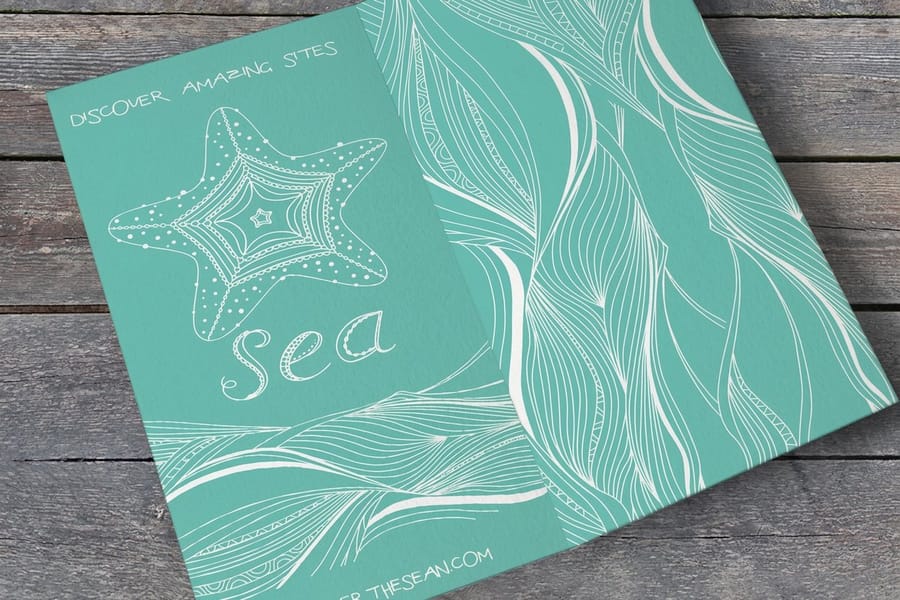
Four panels means four jobs. The reason most bifolds feel cramped is that the outline was written as a document and then poured into panels, instead of being planned panel by panel from the start.
- Front cover. One promise and one image. A reader decides in about the time it takes to pick the brochure up, so a headline that says what you do beats a headline that is clever about it. Put the logo small, not large.
- Inside left. The case. This is where the eye lands first when the brochure opens, so lead with the thing the reader actually wants: what the service is, who it suits, what it fixes. Short paragraphs, one subhead, real specifics rather than adjectives.
- Inside right. The ask. Packages, prices, a comparison table if you genuinely have three things to compare, and the step you want taken. A QR code belongs here rather than on the cover.
- Back cover. Contact details, hours, a small map if you have a location, and the credibility line. If the piece mails, this panel carries the address area instead.
Budget the copy honestly. A 5.5 by 8.5 panel holds roughly 120 to 180 words of body text at 10 or 11 point once you have a heading and an image on it. If your content needs more, changing format beats shrinking type: folded flyers from $68.54 give you a bigger flat sheet, and standard booklets from $240.55 give you as many pages as the story needs. For a piece that goes in a rack rather than a hand, compare the panel space against standard rack cards at $42.84 before committing.
If the brochure is going in the mail, plan the back panel around the postal requirements before you design it, not after. Our guide to mailing brochures covers address placement and sealing, and direct mail brochures from $238.73 bundle the printing and the mailing into one job.
Exporting a Bifold File the Press Can Run
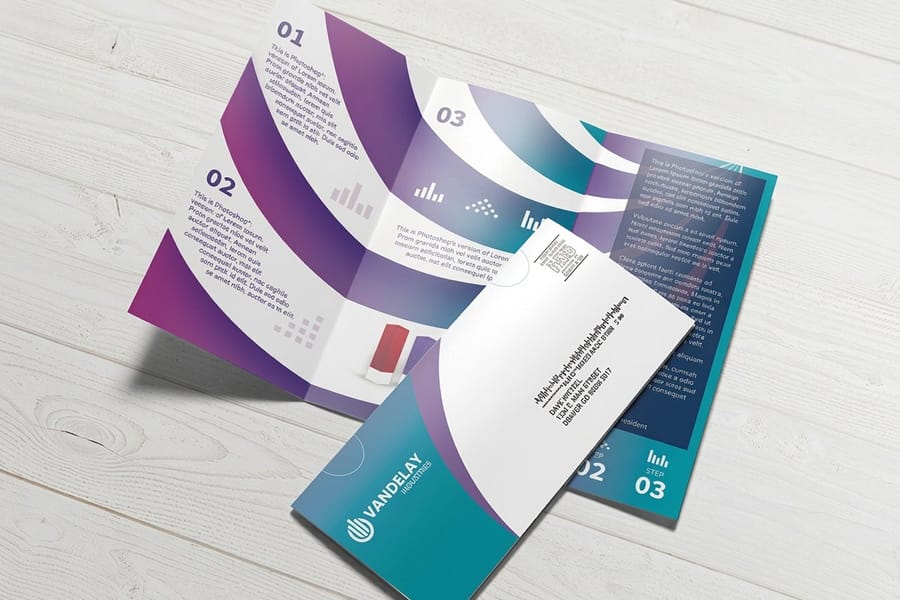
Export one PDF containing both spreads, page 1 outside and page 2 inside, at the flat size with bleed included. Not four files. Not a spread built from two separate panel documents pasted together. Prepress imposes from what you send, and a file that already matches the folded product removes every chance of a wrong guess.
| Setting | What to use | Why it matters |
|---|---|---|
| Preset | PDF/X-1a | Flattens transparency and blocks RGB color from surviving into the file. |
| Color | CMYK throughout | RGB blues and greens shift noticeably when they convert on press. |
| Images | 300 ppi at final placed size | A 300 ppi photo scaled up to 200 percent is a 150 ppi photo on paper. |
| Type | Embedded or outlined | A missing font substitutes silently and reflows a whole panel. |
| Bleed and marks | 0.125 in bleed, crop marks on | Gives the trimmer the material it cuts away and the line it cuts to. |
| Rich black | 60C 40M 40Y 100K on large solids | 100K alone prints as a washed gray across a full panel. |
Starting from a correctly sized layout saves the whole margin exercise. The blank template library has the flat sizes with bleed and fold guides already in place, the design template library gives you editable layouts if you would rather adapt than build, and the free online designer lets you lay out both spreads in the browser and send them straight to press without a design application at all.
Check the proof against three things before approving: panel order on the outside spread, the fold clearance around type, and whether anything important drifted inside the safety margin. Every job gets a free proof, and two minutes there is cheaper than a reprint. When the file is right, standard brochures start at $57.11 and the full range sits on the brochure printing category page.
Wally explains the bifold panel map
Front cover on the right, back cover on the left, fold down the middle
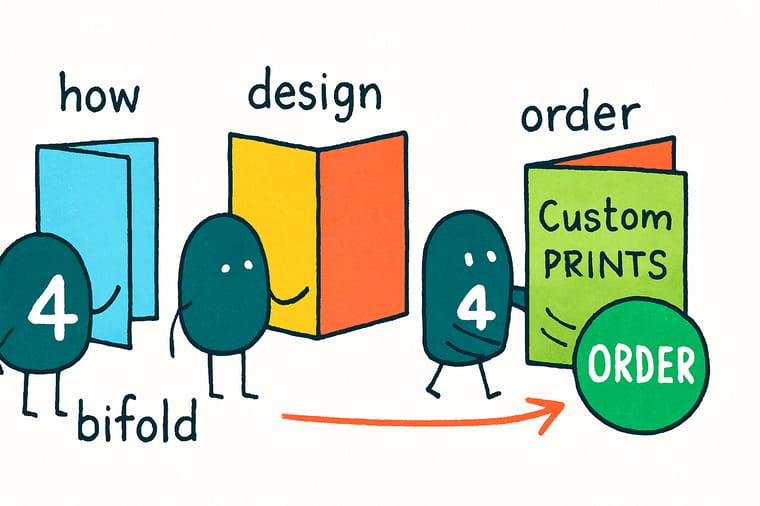
Wally lays the sheet flat and draws one dashed line down the center. The half on the right becomes the front cover, the half on the left becomes the back. Fold it printed side out and the right half lands on top. He runs the background art an eighth of an inch past every outside edge, pulls the type a quarter inch inside, and keeps headlines a quarter inch clear of the crease so the folder can drift a little without eating a word.
Print your bifold brochure →
Specs and pricing
Folded formats, sizes, and starting prices
Compare the folded options side by side, with live configuration choices and starting prices straight from the 4OVER4.COM configurator. Brochures fold in half from 5.5 x 8.5 up to 11 x 25.5 inches flat on 100 lb gloss or silk text, 70 lb uncoated text or 14pt gloss cover, folded flyers add trifold, Z-fold and gate fold, both from 50, and direct mail brochures start at 500 with addressing handled.



Print it
Order the format your content actually fits
A half fold brochure from 50 for four panels, folded flyers from 50 when the content wants a trifold or gate fold, and saddle stitched booklets from 8 to 60 pages when four panels are not enough.


Explore more
Where to go next
Five guides and the brochure range: bifold panel dimensions, trifold design and its narrower tuck panel, bleed and trim, every brochure fold, brochure paper stocks, and every folded brochure we print.





By the numbers
Four panels scored on one sheet here
Common Questions
Your bifold brochure questions, answered
How do you set up a bifold brochure file?
Build one document at the flat size with two pages. Page 1 is the outside spread, with the back cover left of the fold and the front cover right of it. Page 2 is the inside spread, read left to right. Add 0.125 inch bleed on all four outside edges, keep live copy 0.25 inch inside the trim, and leave 0.25 inch clear either side of the fold. Export a single PDF with both pages in order, not four panel files.
What size is a bifold brochure?
The common flat size is 11 by 8.5 inches, folding to 5.5 by 8.5. A larger bifold uses a 17 by 11 flat sheet folding to 8.5 by 11, which gives you letter-size panels for detailed product information. A slim version folds an 8.5 by 11 sheet on the long edge to 4.25 by 11, narrow enough for a rack. Exact panel dimensions for each of these sit in the bifold setup guide.
How much content fits on a bifold brochure panel?
On a 5.5 by 8.5 panel, plan roughly 120 to 180 words of body copy at 10 or 11 point with a heading and an image, and less if you want any white space at all. Four panels means four ideas, not four pages of text. If your outline needs more than that, the honest answer is a trifold, a folded flyer, or a saddle stitched booklet rather than a tighter type size.
Does a bifold brochure need bleed if the background is white?
Not strictly, but set it anyway. Cutting runs to a tolerance, and a white page that shifts a sixteenth of an inch still looks fine, whereas a colored panel edge that shifts without bleed shows a white sliver along one side. Setting bleed on every file costs nothing and removes a whole class of reprint. The bleed and trim guide explains what the trimmer actually does.
Why does the fold crack on my brochure?
Because the fibers on the outside of the crease are being stretched past what the stock allows. It shows up on cover weights, on anything above roughly 100 lb text, and worst of all where the fold crosses a solid dark ink area, since the coating and the ink layer crack with the paper. Scoring the sheet before folding crushes a channel of fibers so the paper bends instead of tearing. Folding with the grain rather than across it helps too.
What file format should I send for a bifold brochure?
A press-ready PDF, CMYK, with images at 300 ppi at final size and fonts embedded or converted to outlines. PDF/X-1a is the safest preset because it flattens transparency and rules out RGB color surviving into the file. Standard Brochures start at $57.11 at 4OVER4.COM, and the free proof we send back is the moment to check panel order before anything is printed.
Get Started
Order 50 folded flyers from $68.54
Pick your flat size, choose a gloss, matte or uncoated stock, and we fold, score and ship from our New York plant.
Legal Disclaimer
Gold Standard guarantees apply to all standard orders placed through 4over4.com. Price match requires verifiable proof of a competitor's published price for an equivalent product with matching specifications and turnaround time. Satisfaction guarantee covers manufacturing defects and print quality issues. Contact support with order number and documentation.
