
Set Up a Print-Ready Bifold Brochure With Exact Panel Dimensions


A bifold brochure is one center fold, four panel faces, and a handful of dimensions you have to get exactly right. This guide gives you the panel sizes, the fold line, and the print-ready file setup so nothing lands across the crease.
A bifold brochure has one center fold that splits the sheet into two equal panels, giving four printable faces. Both panels are the same width for a bifold, unlike a trifold. Build the file at the flat size, add 0.125 in bleed on every edge, keep text 0.1875 in from the fold and 0.125 in from the trim, work in CMYK at 300 DPI, and export a flattened press-ready PDF.
Start here
The bifold brochure, measured out in one paragraph
A bifold brochure is a flat sheet folded once down the center into two equal panels, giving you four faces to work with. Design at the flat size, place a fold guide at the exact midpoint, add 0.125 in of bleed all around, and keep text inside a 0.125 in safe margin plus a slightly wider gutter at the fold. Get the panel math right and your cover, inside spread, and back all line up cleanly when the piece opens.
Watch it printed
See folded brochures on the press, in 130 seconds
What a bifold brochure actually is
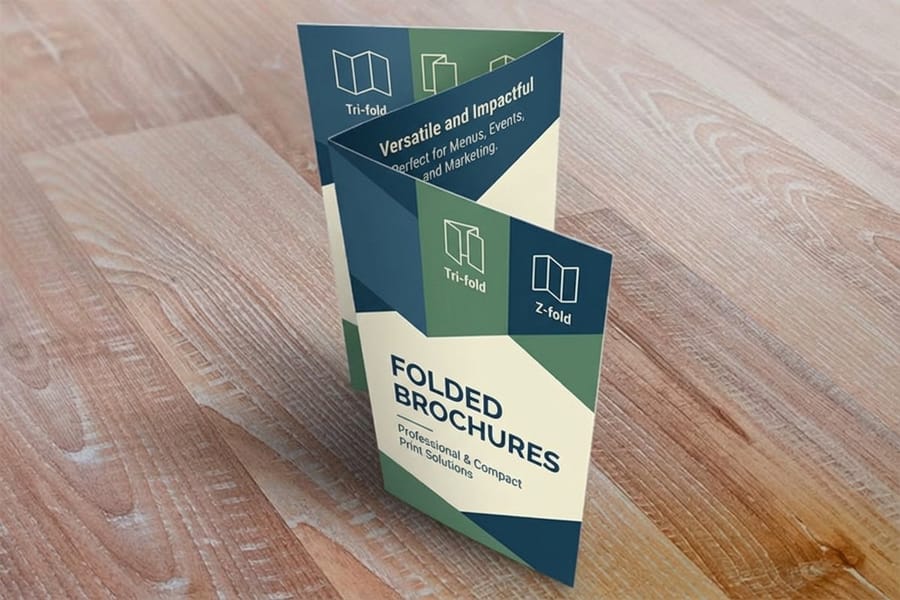
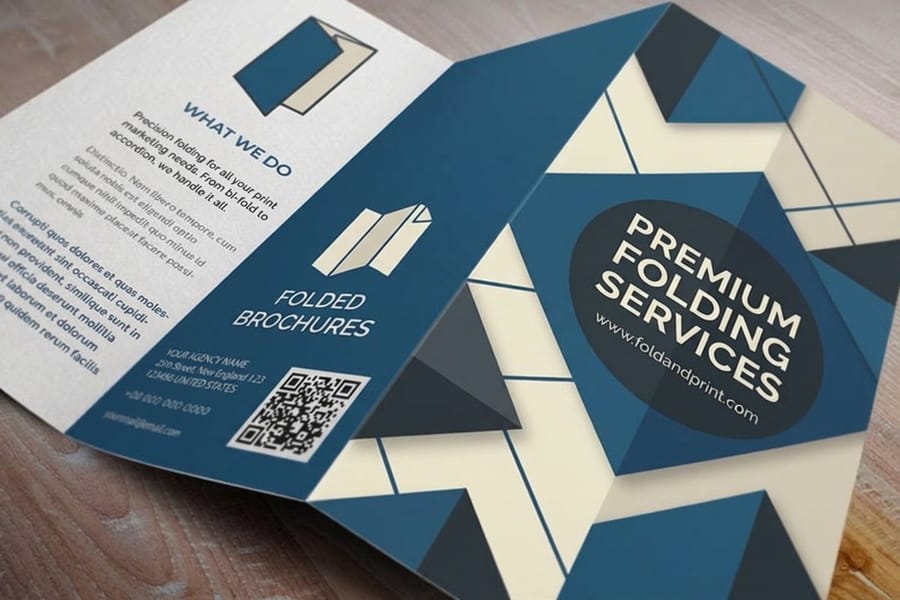
A bifold brochure, sometimes called a half-fold, is the simplest folded format there is. You take a flat sheet, fold it once down the middle, and end up with two panels on each side. That gives four printable faces in reading order: the front cover, the two inside panels that face each other when the piece opens, and the back panel.
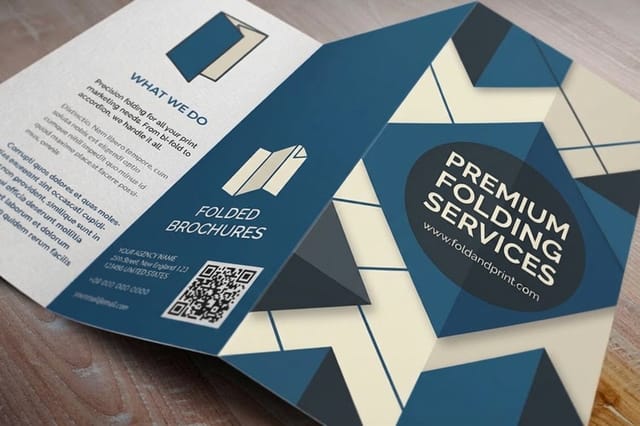
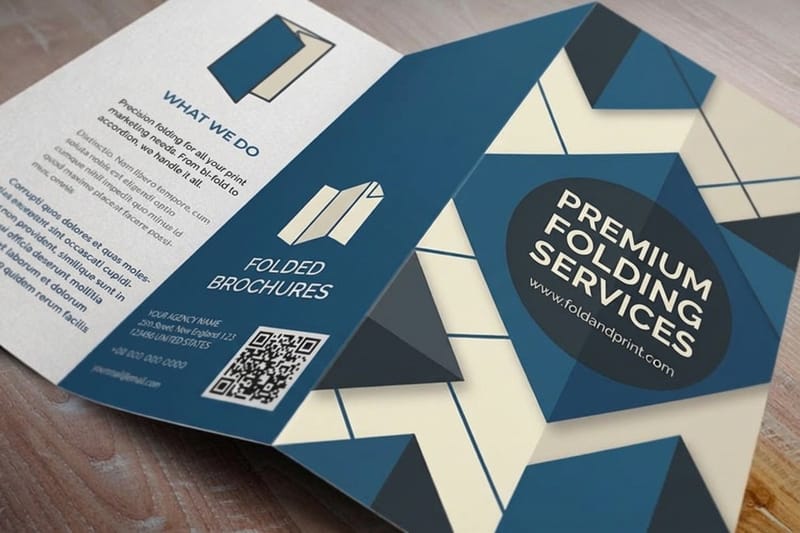
Because there is only one fold, a bifold reads like a little book. That makes it a natural fit for menus, event programs, product one-sheets, and price lists, where you want a clear cover and a roomy inside spread. If you need more sections or a pocket layout, a folded brochure from 4OVER4 also offers trifold and gate folds, but the bifold stays the easiest to design and the easiest to read.
Panel dimensions for every common bifold size
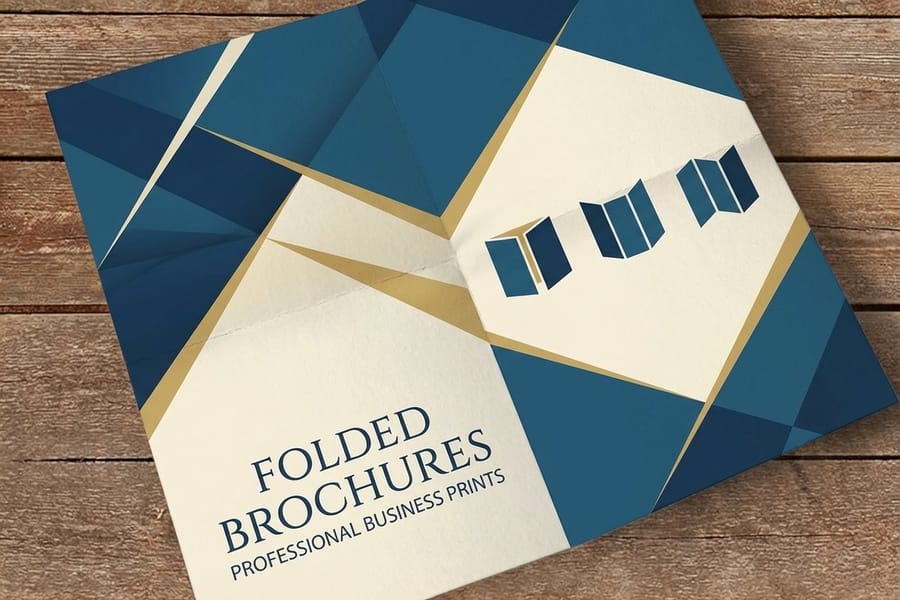
The one rule that separates a bifold from a trifold is that both panels are equal. There is no tuck-in panel, so you split the flat sheet straight down the center. For an 8.5 by 11 sheet folded on the short side, each panel is 8.5 wide by 5.5 tall. For an 11 by 17 folded to 8.5 by 11, each panel is 8.5 by 11. For an 11 by 8.5 landscape sheet, each panel is 5.5 by 8.5.
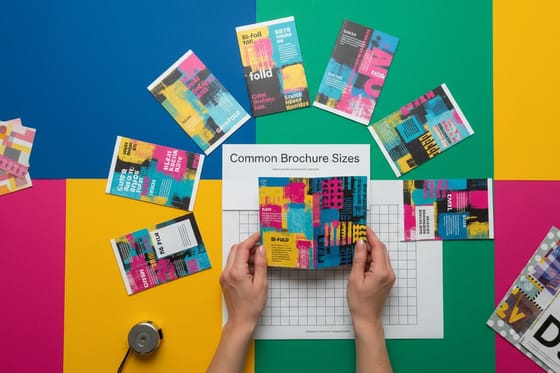
Whatever flat size you pick, the folded panel is always exactly half the folded dimension in the direction of the fold. When you order folded brochures or standard brochures, the configurator lists the finished folded size, so you build your file at the flat size and let the crease land at the midpoint. Our guide to common brochure sizes and fold options lays out every size in one place.
The fold line, the gutter, and the safe zone

Set a fold guide at the exact center of the flat sheet before you place a single element. The fold is not just a visual line, it is a physical crease, so treat the space around it with care. Keep body text and logos at least 0.1875 in back from the fold on both sides, which gives you a small gutter so nothing reads as if it is falling into the spine.
Outside the fold, the same rules as any print job apply. Art that touches an edge runs to a 0.125 in bleed, and all text stays inside a 0.125 in safe margin so the trim blade never clips it. If you want the full mechanics of these three lines, our guide on how to fold a brochure shows how each fold type changes the panel map.
Building the print-ready file
A bifold prints predictably when the file is clean. Work in CMYK from the start so the color you see on screen matches the ink, place every image at 300 DPI at its final printed size so nothing goes soft, and outline or embed your fonts so type never substitutes. Design the outside and inside as two separate spreads at the full flat size, not four loose panels, so the crossover art aligns across the fold.
When everything is set, flatten the artwork and export a single press-ready PDF with bleed and crop marks included. That is the format the press reads without edits. Every file you upload to 4OVER4 also passes a free file check, so a second set of eyes catches a missing bleed or a low-resolution photo before the run starts.
Choosing paper and finish for a bifold
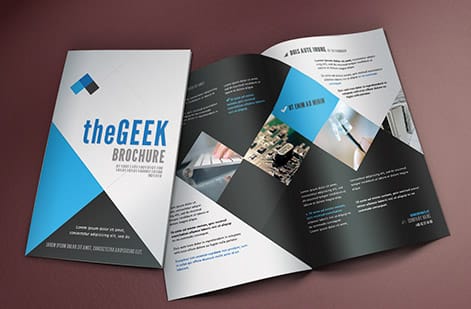
Paper decides how a bifold feels in the hand and how well it holds a crease. A lighter text stock folds crisp and mails cheaply, which suits menus and event programs, while a heavier cover stock feels premium for a real estate or product piece. Ask for a score on thick stocks so the fold does not crack the ink along the spine.
Finish shapes the first impression. A gloss coat makes photography pop, a matte or silk coat reads calm and easy on the eyes for text-heavy panels, and an uncoated stock takes a pen if people will write on it. Order brochure printing with the stock and coating that match how the piece will be used, and pull a printed sample first if exact color matters.
When a bifold beats a flat sheet or a trifold
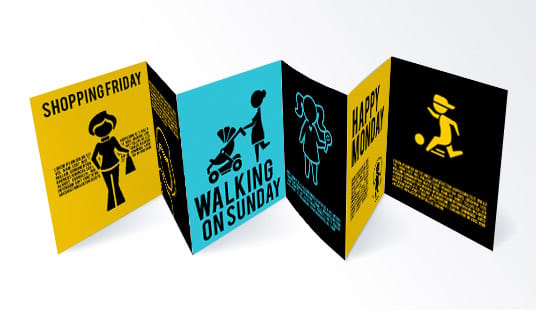
Reach for a bifold when your content splits cleanly into a cover and one inside story: a menu with a cover and a spread, a program with a schedule inside, a product sheet with the pitch on the cover and the details within. The single fold keeps the layout calm and the reading order obvious, which a busy trifold can lose.
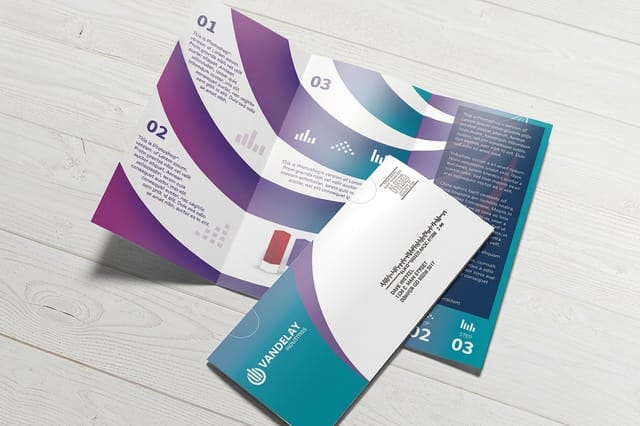
If the piece is going in the mail, a bifold folds down small and stays flat, and our guide on how to mail brochures covers tabbing and postage. For a mailer built to ship without an envelope, look at direct mail brochures, which are set up for addressing and postal rules from the start.
Wally lines up your fold before the crease does
A bifold is just one fold done exactly right
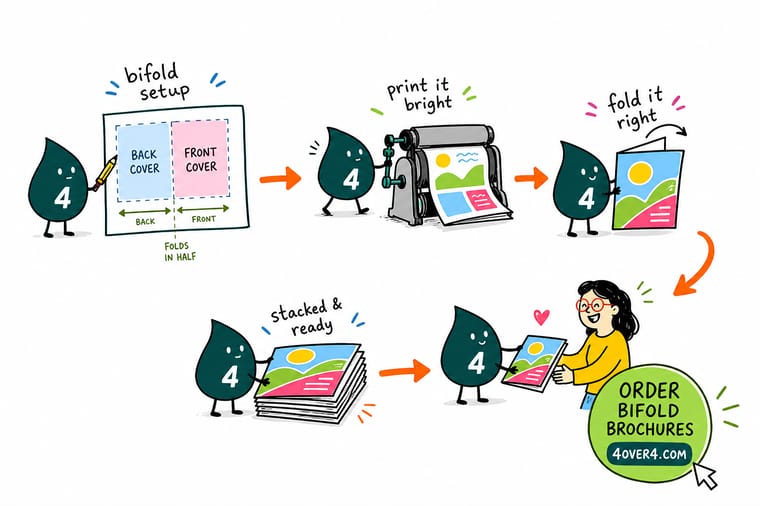
Wally treats the center fold like the whole game: guide at the midpoint, equal panels left and right, headlines pulled back from the crease, and art running past the trim. Set the file at the flat size in CMYK, keep photos sharp at 300 DPI, and export one flattened PDF. Do that and your cover, inside spread, and back all land where they should when the piece opens.
Print your bifold brochure →Quick reference
Bifold brochure dimensions and file setup at a glance
The exact numbers for a print-ready bifold, whatever flat size you choose. Match these and your file is ready for the press.
| Setting | Get it to | Why it matters |
|---|---|---|
| Fold type | One center fold, two equal panels | A bifold splits the flat sheet down the exact middle, so both panels share the same width. |
| 8.5 x 11 flat | Folds to 8.5 x 5.5 | Each panel is 8.5 wide by 5.5 tall, the most common bifold for menus and programs. |
| 11 x 17 flat | Folds to 8.5 x 11 | A roomy bifold with letter-size panels for product sheets and reports. |
| Bleed | 0.125 in past every edge | Art that reaches the edge keeps going so a cut shift leaves no white sliver. |
| Safe margin | 0.125 in inside the trim | Keeps text and logos clear of the blade on all four sides. |
| Fold gutter | 0.1875 in back from the fold | Stops headlines and logos from creasing or reading awkwardly across the spine. |
| Color and resolution | CMYK, 300 DPI, flattened PDF | Prints the same on every run with no color shift or soft images. |
Step by step
Set up a bifold brochure file in 7 steps
- Start at the flat size Open a new document at the unfolded sheet size, for example 8.5 by 11 for a bifold that finishes at 8.5 by 5.5.
- Drop a fold guide at the center Place a vertical or horizontal guide at the exact midpoint so you can see where the crease lands as you design.
- Add bleed and safe margins Set 0.125 in of bleed on every edge and pull a 0.125 in safe margin inside the trim before placing content.
- Design as two spreads Lay out the outside (cover and back) and the inside spread at the full flat size so crossover art aligns across the fold.
- Respect the fold gutter Keep text and logos at least 0.1875 in back from the fold line on both panels.
- Set color and resolution Work in CMYK, place images at 300 DPI at final size, and outline or embed all fonts.
- Export a press-ready PDF Flatten the artwork, export a PDF with bleed and crop marks, then upload it and let the free file check confirm it.
Specs and pricing
Folded brochure specs and live pricing
Once your bifold file is ready, size, stock, and fold are the print decisions. Here are the live specs and price per unit for folded brochures at 4OVER4, straight from the configurator.
| Quantity | Price Per Unit | Total |
|---|---|---|
| 50 | $1.14 | $57.11 |
| 100 | 82.4¢ | $82.38 |
| 200 | 53.3¢ | $106.55 |
| 300 | 41.0¢ | $123.02 |
| 400 | 34.9¢ | $139.49 |
| 500 | 31.2¢ | $155.97 |
| 600 | 26.7¢ | $160.36 |
| 700 | 23.5¢ | $164.75 |
Order it
Print your bifold brochure at 4OVER4

Explore more
Where to go next



By the numbers
Brochures across 60+ stocks and substrates
Common Questions
Common questions about bifold brochures
What is a 4 fold brochure called?
There is no single name, because four panels per side can come from three different folds. An accordion or Z fold makes three creases in alternate directions. A double parallel fold folds the sheet in half and in half again. A roll fold wraps the panels inward one over the next. Ask a printer by panel count and fold style rather than by the number four, and check the panel widths, since roll folds need each inner panel a fraction narrower.
Can I create a bifold brochure in Canva?
Yes. Start a design at the flat size, 8.5 by 11 inches for a bifold that finishes at 8.5 by 5.5, and turn on rulers and guides so you can drop a guide at the exact midpoint. Keep text 0.1875 inch back from that line and 0.125 inch inside the trim. When you download, choose PDF Print and switch on crop marks and bleed, because the canvas itself shows no bleed.
What is a bifold brochure?
A bifold brochure is a flat sheet folded once down the center into two equal panels, which gives four printable faces: a front cover, two inside panels that face each other when the piece opens, and a back panel. It is the simplest folded format and reads like a small book, which makes it a strong fit for menus, event programs, price lists, and product one-sheets. Because there is only one fold, it is also the easiest brochure to design and the easiest for a reader to follow.
How do I choose the right bifold brochure size?
Match the size to the content and how the piece will be handed out or mailed. An 8.5 by 11 flat that folds to 8.5 by 5.5 is the everyday choice for menus and programs. An 11 by 17 flat that folds to 8.5 by 11 gives letter-size panels for detailed product sheets or reports. A landscape 11 by 8.5 folding to 5.5 by 8.5 suits a compact, tall layout. If the brochure will be mailed, a smaller folded size keeps postage down. The configurator lists the finished folded size for every option so you can build your file to match.
What does bifold brochure printing cost and how are prices set?
Price scales with a few levers: quantity, where more pieces lower the unit price, plus flat size, paper stock, and finish. Folded brochures at 4OVER4 start around $57 for a short run, and the per-unit price drops as the quantity climbs. You set size, stock, coating, and fold in the configurator and the total updates live as you adjust it, so you can see exactly what a heavier stock or a bigger run does to the number before you order.
What sizes, stocks and finishes are available for bifold brochures?
Bifold brochures print on a range of text and cover stocks, from lighter weights that fold crisp and mail cheaply to heavier cover stocks that feel premium. Finishes include gloss for punchy photography, matte or silk for calm, easy-to-read text panels, and uncoated stock that takes a pen. Common flat sizes fold to 8.5 by 5.5, 8.5 by 11, and 5.5 by 8.5. The live specs panel on the product page lists every current size, stock, and coating with its price.
How long does bifold brochure printing take to print and ship?
Turnaround depends on the stock, finish, and quantity you choose, and the estimated production time shows in the configurator as you build your order. 4OVER4 ships from NYC with a 99.8 percent on-time record, so once your press-ready file clears the free file check, your bifold moves into production on the timeline shown at checkout. For mailed pieces, plan extra days for addressing and postal handling.
Get Started
Ready to print a bifold that folds exactly where it should?
Bring your press-ready bifold file to 4OVER4 and print it on the size, stock, and finish your project calls for. Set every option and watch your price update live.
Legal Disclaimer
Gold Standard guarantees apply to all standard orders placed through 4over4.com. Price match requires verifiable proof of a competitor's published price for an equivalent product with matching specifications and turnaround time. Satisfaction guarantee covers manufacturing defects and print quality issues. Contact support with order number and documentation. On-time delivery rate based on tracked orders 1999 to 2026. Individual results may vary based on shipping carrier performance.
