
Hybrid Event Ideas That Use Print to Include Every Attendee


Tobias is our voice for cutting, binding and large format, built from the knowledge of our production team, with over 20 years in printing.
How to Build the Printed Layer of a Hybrid Event
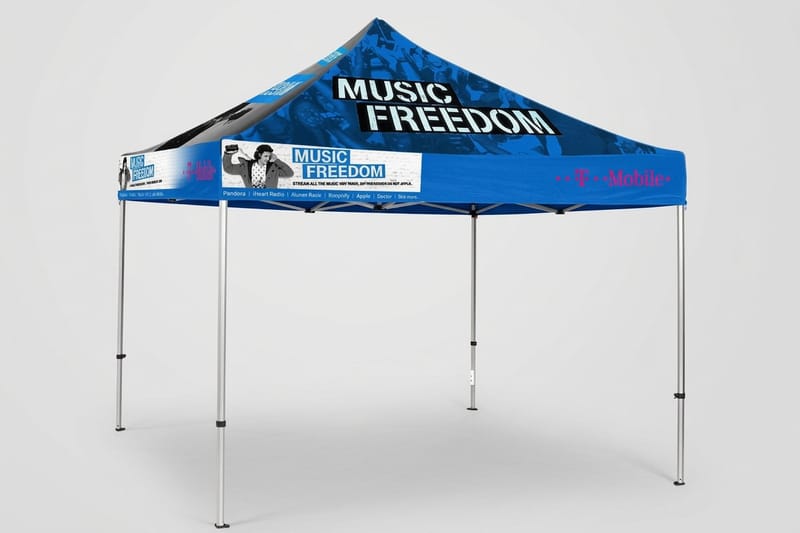
A hybrid event runs in two rooms at once, one with coffee, a registration table, and a stage, the other a browser tab with a mute button, so a hybrid event invitation has to sell a seat in the first and a place in the second on one printed card. Print is the only part of the program that can physically exist in both places, because a mailed kit puts something in a remote attendee's hands while the same artwork greets everyone walking through the door.
Most planners treat print as venue signage and stop there. That leaves half the audience with nothing to hold, and the two halves never quite feel like one event. The fix is to plan the printed layer as a single kit that splits into a shipped version and a venue version.
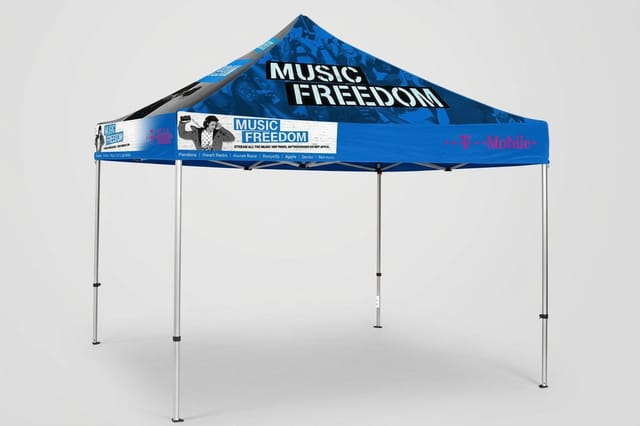
4OVER4.COM has printed for conferences, product launches, and community meetups since 1999, and the pattern that works is consistent. Decide what every attendee should hold, design it once, then route it two ways. Event Badges start at $49.88, Event Flyers at $57.11, and a branded Event Tent at $987.45, which covers the three anchors most hybrid programs are missing.
Step 1: decide what every attendee holds
Pick one object both audiences receive. A folded agenda, a name badge, a sticker sheet. When the remote guest opens the same item the room is wearing, the event stops feeling like a broadcast and starts feeling shared.
Step 2: split the kit into a shipped half and a venue half
The shipped half has to survive a mail truck and arrive early. The venue half gets produced closer to the date, once the headcount and the running order are locked. Same artwork, two print runs, one look.
Step 3: put a scannable bridge on every piece
Every printed item should carry a QR code that lands somewhere useful. The live stream, the session poll, the sponsor directory. That code is what turns a static card into the thing that moves people between the two rooms.
Step 4: spend on the pieces that outlive the day
Badges get kept, tents get reused for the next three events, and a well designed flyer ends up pinned above a desk. Put the budget into items that keep working after the closing session rather than decoration that gets recycled that night.
Start here
Events and seasonal printing hub
Invitations, programs, signage, and merch guides for every event on your calendar.
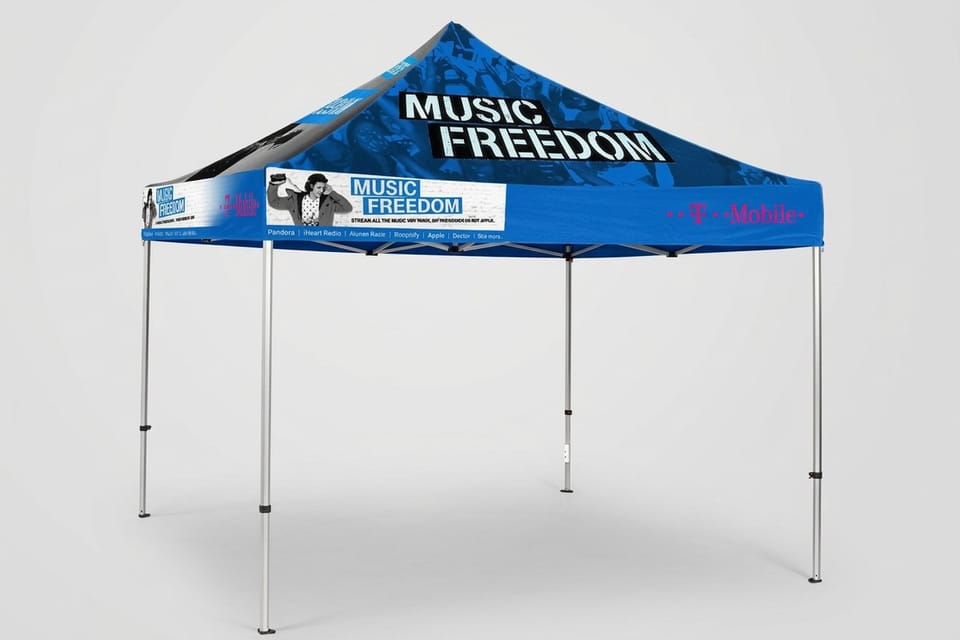
Hybrid Event Invitation Ideas That Fill Both Rooms
A hybrid event invitation carries a harder job than a normal one. It has to sell a seat and a stream at the same time, and it has to make the remote option sound like a real ticket instead of a consolation prize. A 5 by 7 inch card on 16pt cover does that better than email because it arrives alone, with no inbox competing for the same three seconds of attention, and it has room for two response paths side by side.
Print the invitation as an oversized card with two obvious response paths, one to claim a seat and one to join live, then repeat that exact artwork on your Event Flyers so the campaign reads as one piece from the first mailer to the registration desk. Sponsors notice that consistency long before attendees do.
- Two doors, one card. Give the in person RSVP and the stream signup equal size and equal color weight on the front.
- A dated QR code. Point it at a registration page that already knows which mailing list the guest came from.
- A seat count you actually mean. Printing the real room capacity turns the in person option into a decision instead of an afterthought.
- A remote perk on the card. Name the thing that ships to remote guests so the stream ticket feels physical too.
- A calendar sized keepsake. Design the back as something worth pinning up, with the date, the track list, and the join link.
Browse matching invitation designs
You do not have to start from a blank card. The 4OVER4.COM design templates library holds more than 10,000 layouts, and an invitation template opens in the online designer at the finished size with the bleed already set, so you only swap in the event name, the date and the two QR codes. Pick the format by how much the invitation has to carry:
- A flat invitation card. 4.25 by 5.5, 5 by 7 or 6 by 6 inches on 14pt to 24pt cover, with matching white wove envelopes as an option. Invitation cards start at 25 for $19.77 and print in 3 business days.
- A folded invitation. A 10 by 7 inch sheet that folds to 5 by 7, with the agenda and the stream instructions inside. Folded invitations start at 25 for $38.22 in 5 business days.
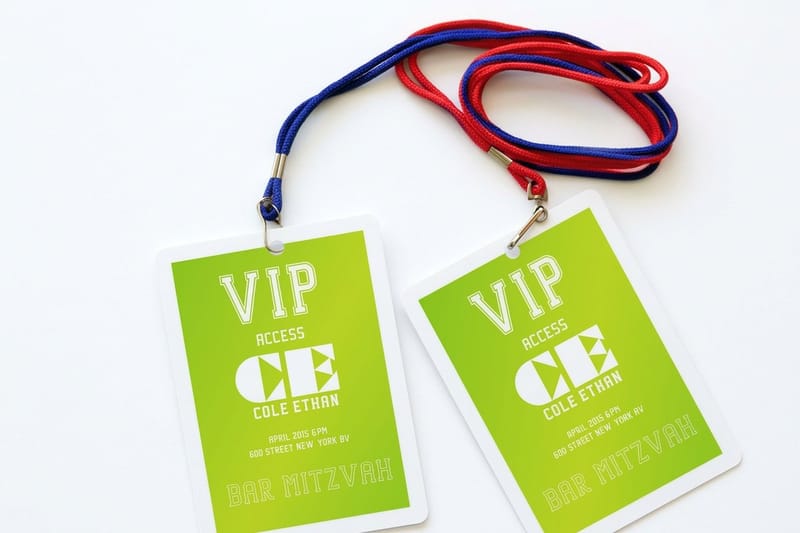
- A badge that repeats the invitation. The same artwork on an event badge, 25 for $49.88, so a guest recognizes the design on arrival or when the kit lands at home.
Send the invitation far enough ahead that travel is still possible, then follow it with a second, smaller piece two weeks out that carries only the essentials. That second touch is where most registrations actually land, and it costs a fraction of the first mailer because the design work is already done and the list is already cleaned.
Print picks
Three formats every hybrid event leans on
Live prices, ready to configure with your artwork and your run size.
Welcome Kits That Reach the Remote Half
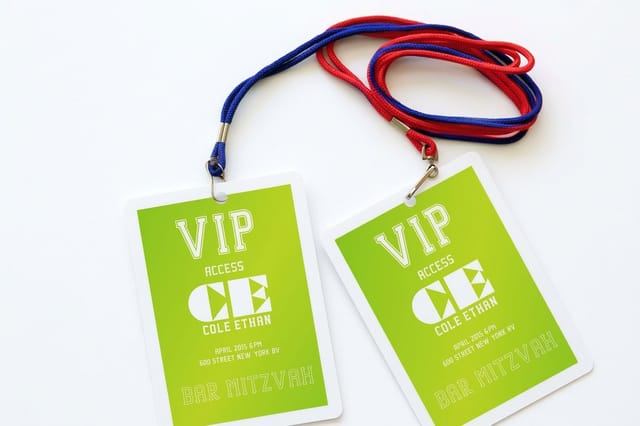
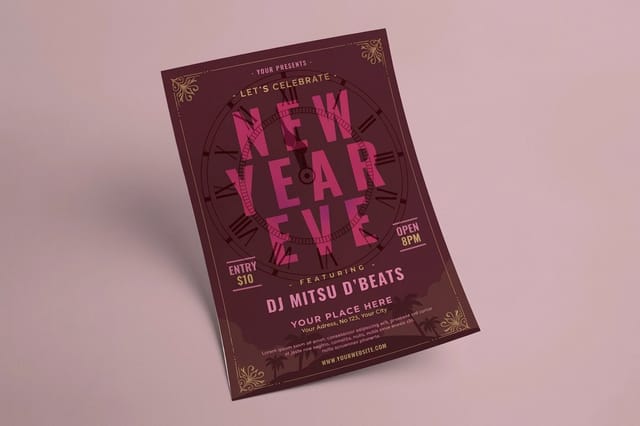
The single biggest upgrade to a hybrid event is a box that shows up at the remote attendee's door before the first session. It costs less than most people assume, and it changes the tone of the entire day, because someone who unpacked a kit that morning behaves like a participant instead of a viewer.
Keep the kit small enough to ship flat where possible. A printed agenda, a badge with their name on it, a sticker sheet, and a card with the join link is enough. The goal is not volume, it is the moment where a remote guest holds the same badge the room is wearing and puts it on anyway.
- A badge with their real name. Print remote badges in the same run as venue badges so the artwork and stock match exactly.
- A one page agenda. Times in their timezone, printed, so nobody hunts through email during a keynote.
- A stream card. Short link, QR code, and the support contact for the ten minutes when something inevitably breaks.
- Something to hold during a session. A sticker sheet or a notecard turns idle hands into engagement the camera never sees.
- A prompt to send something back. Ask remote guests to post a photo of the kit and the two audiences start talking to each other.
Badges, Signage, and Wayfinding for the People in the Room
The venue half of a hybrid event has its own failure mode. People arrive, cannot find the right room, and end up watching the stream on their phone from the lobby, which is the one outcome that makes the whole format look broken. Wayfinding print is what keeps the in person audience in person.
Badges do more work here than anything else. Color code them by track, print the session grid on the back, and add a QR code that opens the same live chat the remote audience is using. Now the person in row three and the person on the couch are in one conversation instead of two.
- Track colors on the badge edge. Staff can route someone from across a hallway without reading a word.
- The agenda on the badge back. The most consulted surface at any conference, and it costs nothing extra to print.
- Room cards at every junction. One arrow, one room name, one session time, nothing else competing for the glance.
- A camera line on the floor. Printed markers keep foot traffic out of the shot the remote audience is watching.
- A help desk sign people can find. Tall, high contrast, and placed where the wifi questions actually happen.
Two more pieces earn their place at almost every hybrid event we print for:
- A printed run of show for staff. Laminated, one page, in every crew pocket, because phones die during load in.
- A speaker card at the podium. Their name, the session, and the reminder to repeat audience questions for the stream.
- A closing card at the exit. The recording link and the next event date, handed over while the day is still fresh.
QR Mailers That Move People Between Screens and Seats
A QR mailer is the cheapest bridge you can build between a printed piece and a live session. It is a card with one job: get scanned, then deliver the person to the right place. A 4 by 6 inch postcard on 14pt cover carries the code with room to spare, and 500 of them print for $89.68 in 4 business days before postage. Used well it replaces three reminder emails that nobody opened, and it gives you a measurable signal about which segment of your list is paying attention.
The rule is one code, one destination, one reason to scan it. A code that opens a generic homepage gets scanned once and never again. A code that opens the live room, the poll that is running right now, or the sponsor offer that expires at the closing session gets scanned by the same person three times in one day.
- Print the destination in words too. A short URL under the code covers the scanner that will not cooperate.
- Give each mailing its own code. Separate codes for the save the date and the reminder tell you which one actually worked.
- Leave quiet space around the code. Crowding it with artwork is the most common reason a scan fails on a printed piece.
- Test the code on the printed proof. Screen scans prove nothing about how the ink and the stock behave under venue lighting.
- Keep the code live after the event. Redirect it to the recording so the mailer keeps earning views for weeks.
Quantity and price
Event badge pricing and specifications
Real configurator numbers. The larger the run, the lower the cost per badge.
| Quantity | Price Per Unit | Total |
|---|---|---|
| 25 | $2.00 | $49.88 |
| 50 | $1.25 | $62.51 |
| 100 | $1.01 | $101.04 |
| 150 | 86.7¢ | $130.10 |
| 200 | 78.0¢ | $155.93 |
| 250 | 73.1¢ | $182.74 |

Branded Backdrops and Merch That Read Well on Camera
Everything behind your speaker is being broadcast, which means your printed backdrop is doing double duty as venue decor and as the frame the remote audience stares at for hours. Design it for the camera first and the room second, because far more people will see it through a lens than in person.
That means high contrast, few words, and logos placed where a seated speaker will not block them. A branded canopy or backdrop also travels, so the same printed asset stages your booth at the next trade show and the photo wall at the one after that. Judge the cost across a season, not a single afternoon.
- One message, large. A backdrop that tries to say four things reads as noise on a compressed video stream.
- Repeat the mark at seated height. Logos placed only at the top vanish behind every speaker's shoulders.
- Avoid tight patterns. Fine repeating detail shimmers on camera and eats video bandwidth for no benefit.
- Match the palette to the badges. When backdrop, badge, and agenda share one palette, the stream looks produced.
- Plan for outdoor light. A canopy that doubles as shade needs stock and ink rated for sun, not indoor artwork scaled up.
On camera
Event tents and branded backdrops
A printed canopy that stages the entrance, shelters the booth, and frames the stream.
Printed Programs Both Audiences Can Follow
The program is where hybrid events quietly fall apart. The room gets a printed schedule, the stream gets a web page, the two drift out of sync by the second session, and everyone stops trusting either one. Print one program, ship it to both audiences, and put a single live link on it for the inevitable changes.
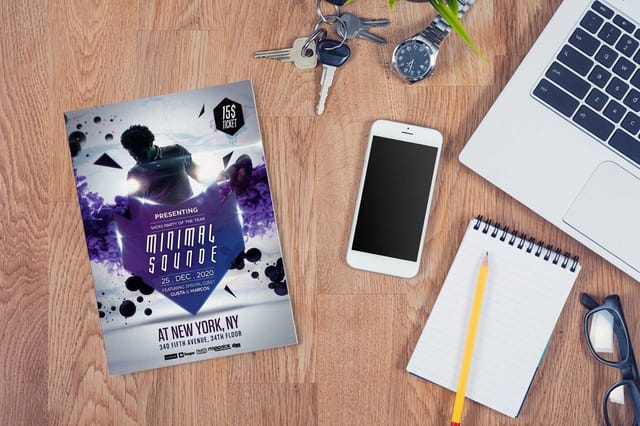
A flyer sized program is the practical format. It mails flat, it stacks at the registration table, and it survives being folded into a pocket. Print times in one primary timezone with a second line for the largest remote cluster, and give every session the same short code you use in the chat so people can reference it out loud.
- Session codes on every line. Short codes let hosts point both rooms to the same thing without reading a full title.
- A change log link. One QR code that resolves to the live schedule keeps the printed piece honest.
- Breaks marked clearly. Remote attendees need to know when it is safe to step away as much as the room does.
- Speaker handles printed. Give the stream audience a way to follow up without asking three times in chat.
- Blank space to write on. A program people take notes on is a program that goes home instead of into the bin.
Print the agenda
Event flyers for programs and handouts
Mail them flat to remote guests, stack them at registration, and keep one design across both.
Sponsor Ideas That Pay Off On Site and On Stream
Sponsors renew when they can point to something specific, and hybrid formats give you twice the inventory to sell. Print is how you make the remote half tangible for them, because a logo in a shipped kit reaches a named person at a home address, which is a stronger claim than an impression on a stream overlay.
Build the sponsor package around printed placements you can photograph. A branded tent at the entrance, a badge lanyard card, a sponsor page inside the program, an insert in the remote welcome kit. Each one has a picture attached to it, and pictures are what get forwarded internally when the sponsor argues for next year's budget.
- Kit inserts, priced per household. A card in a mailed kit is direct mail with a warm list, and sponsors know it.
- Badge back placement. The most looked at surface of the day, sold to exactly one sponsor.
- Entrance tent branding. The shot every attendee takes on arrival, with the sponsor mark already in frame.
- A program spread. Room to explain an offer properly, unlike a logo strip nobody reads.
- A printed post event card. Mail it with the recording link and the sponsor gets a second appearance a week later.
Compare formats
Popular flyer formats, side by side
Event flyers run 50 for $57.11 in 3 business days and event badges 25 for $49.88 in 5.
 Standard Flyers | 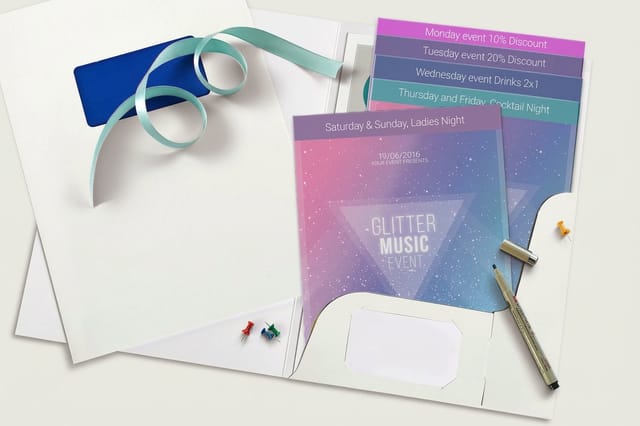 Staggered Cut Flyers | 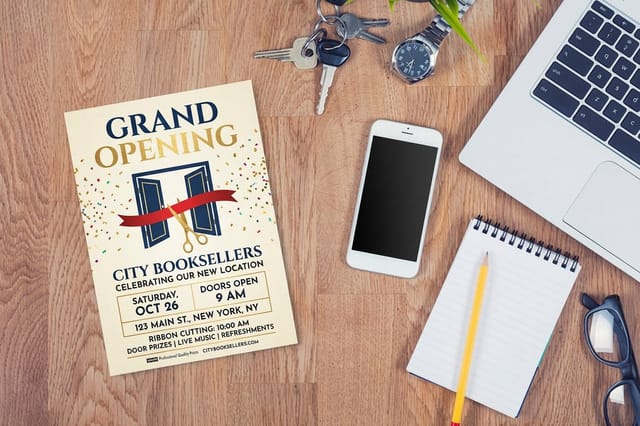 Grand Opening Flyers | 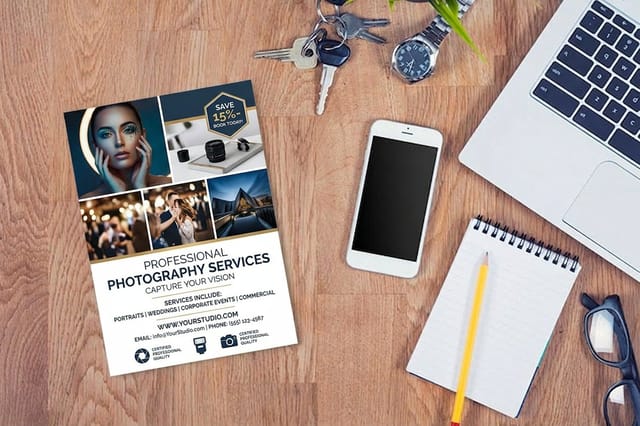 Photography Flyers | |
|---|---|---|---|---|
| Min price | $39.54 | $218.59 | $39.54 | $39.54 |
| Paper / stock | 100# Gloss Text | 100# Gloss Text | 100# Gloss Text | 100# Gloss Text |
| Finish | Standard Finish | Standard Finish | Standard Finish | Standard Finish |
| Size | 4.25" x 5.5" | 8.5" x 11" | 4.25" x 5.5" | 4.25" x 5.5" |
| Default qty | 50 | 50 | 50 | 50 |
| Turnaround | 3 business days | 5 business days | 3 business days | 3 business days |
| Rating | ||||
| View & customize | View & customize | View & customize | View & customize |
Stocks, Sizes, and Turnaround for Hybrid Event Print
Once the ideas are settled, the decisions are mechanical. Choose stocks that match how each piece gets handled, choose sizes that mail without surcharges, and back the whole schedule out from the day the remote kits need to land rather than from the event date itself.
Kits ship, so they carry the longest lead time in the plan. Give yourself a week of mail transit plus a few days of slack, and lock the remote artwork before the venue artwork even though the venue is what feels urgent. Venue pieces can be printed last because they are collected rather than delivered, and that is exactly the flexibility a shifting agenda needs.
Match the stock to the job
- Badges. Heavy stock with a coating, because they get clipped, bent, and worn for eight hours straight.
- Programs and agendas. A matte finish so pens work on them and venue lighting does not glare off the page.
- Mailed invitations. Thicker card and a gloss front, since the piece has to survive sorting and still feel like an occasion.
- Tents and backdrops. Weather rated material with reinforced seams if there is any chance the day moves outdoors.
Start fast
Event templates and print ready blanks
Badge and flyer blanks at the exact sizes, with the trim already drawn.

Wally splits your event print into two kits
One that ships to the couch, one that stages the room
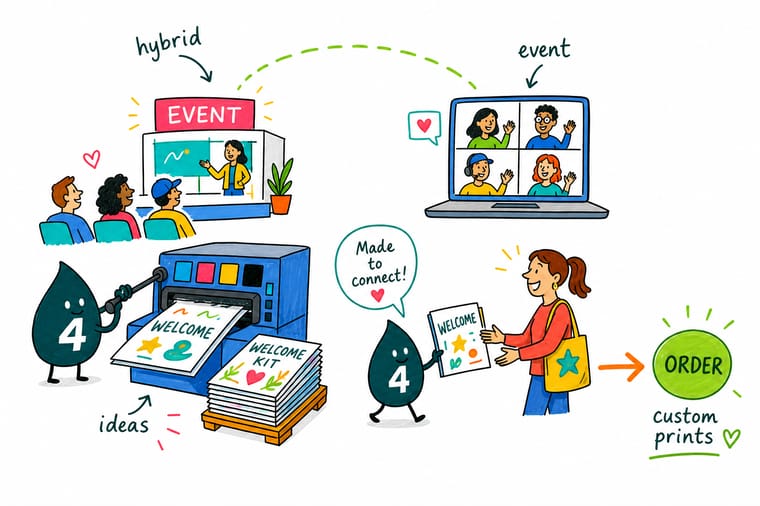
Hybrid events break when only the venue gets printed. Wally designs one set of artwork, then routes it two ways. A badge, an agenda, and a QR card ship to remote guests about ten days out, and the same design prints again for the registration table and the stage. Both audiences hold the same thing on the same day, which is the entire point of running a hybrid event in the first place.
Design your event badges →Making both audiences feel like one room
Explore more
More event print ideas worth borrowing
Event flyers from 50 for $57.11, badges from 25 for $49.88 and an event tent from $987.45, plus the guides that plan each piece of the event.
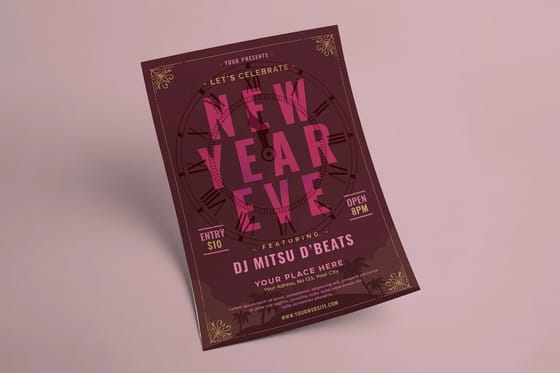 Article Print Flyers That Boost Event Exposure and Fill Seats Print flyers boost event exposure fast. Learn placement, sizing, paper, and call to action tips that fill seat
 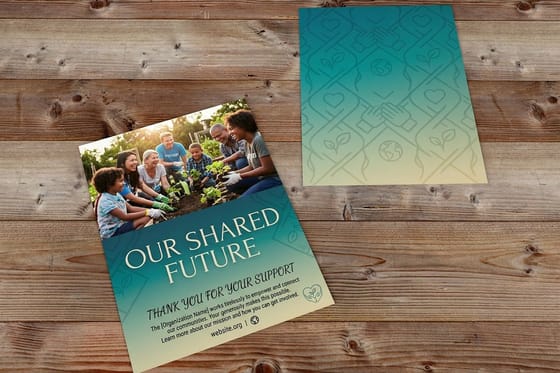 Article 25 Nonprofit Fundraising Event Ideas That Raise More Money 25 nonprofit fundraising event ideas with setup effort, budget notes, and the printed materials each one needs
  Article 11 Print Brand Awareness Ideas That Keep You Top of Mind 11 print brand awareness ideas that put your name in front of people repeatedly, from stickers and signage to Article Unique Corporate Event Ideas Formats worth stealing for your next company event.
 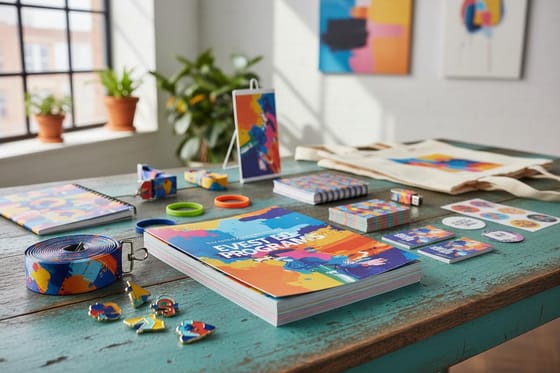 Article Promotional Materials for Events The print pieces that carry an event campaign.
  Article Event Program Examples Layouts and wording for a program people keep.
  Article Creative Poster Ideas Fifteen directions for signage that gets looked at.
  Article Event Planner Card Ideas Cards that win the follow up conversation.
  Article Business Card Ideas for Crafters Handmade brands that print like they mean it. Hub Events and Seasonal Printing Every event and seasonal print guide in one place. Alternative Vistaprint Event Tickets Alternative How the two compare for event ticket printing. Product Event Badges Named badges for the room and the remote kit.
 Print the half of your hybrid event everyone can hold
Pick the badge, the agenda, and the backdrop, upload your artwork, and let the configurator price the run before you commit to a single sheet.
Hybrid event print FAQs
What is a hybrid event invitation?
A hybrid event invitation is a single invite that sells two ways to attend, a seat in the room and a live stream ticket, without treating the remote option as second best. In print that usually means an oversized card with two equally weighted response paths and a QR code that opens a registration page which already knows where the recipient came from. The strongest versions repeat the same artwork across the reminder mailer, the badge, and the program, so the campaign reads as one event rather than three unrelated pieces. For more formats to build the campaign around, see our roundup of promotional materials for events.
How do I choose the right hybrid event invitation?
Start with the decision you want the recipient to make. If travel is the ask, the invitation needs a date early enough to book, a real seat count, and a clear venue. If the stream is the volume play, the remote perk has to appear on the card, ideally the kit that ships to their door. Choose an oversized card when you need shelf presence in a mailbox, and a flyer sized piece when the same design has to double as the agenda at the door. Print a proof and scan the QR code before the run starts.
What does a hybrid event invitation cost and how are prices set?
Price is driven by quantity, size, stock weight, coating, and how fast you need it, and unit cost falls sharply as the run grows because setup is spread across more pieces. At 4OVER4.COM, Event Flyers start at $57.11 and work as both invitation and printed agenda, Event Badges start at $49.88, and Event Tents start at $987.45 for the branded backdrop. To see one standing, watch the branded event tents video. The live configurator on each product page updates the total as you change size, stock, and turnaround, so you can price two or three versions before committing.
What sizes, stocks, and finishes are available for hybrid event print?
Invitations and flyers run in the standard mailing sizes plus oversized formats when you want the piece noticed in a stack of mail, on stocks from light text weight up to heavy card. Badges take a heavier stock with a protective coating because they get clipped and worn all day, programs do better on matte so pens work and venue lights do not glare, and mailed invitations usually take a gloss front for arrival impact. Tents and backdrops use weather rated material. Every option, with its exact dimensions, is listed on the product page configurator.
How long does hybrid event print take to produce and ship?
Production time depends on the product, the finish, and the turnaround you select, and shipping is added on top of that, so build your schedule backward from the day remote kits need to arrive rather than from the event date. A safe plan gives the mailed pieces about a week of transit plus a few days of slack, which means locking remote artwork before venue artwork even though the venue feels more urgent. Venue pieces are collected rather than delivered, so they can be printed last, once the agenda is genuinely final.
