Color Variant Grid
BetaOne shirt, every color, in one neat grid.
Set it up
Free, runs in your browserA quick preview tint, drawn in your browser, that works best on a white or light product. For a photo-real color change, use the Product Color Changer.
Result
BetaThis is in beta, so some things may not work yet. We’d love your feedback.Send feedback
Enjoying this tool?
You might also like Premium T-Shirts
Picked your favorite colors? Order premium t-shirts in the stock colors closest to your grid.
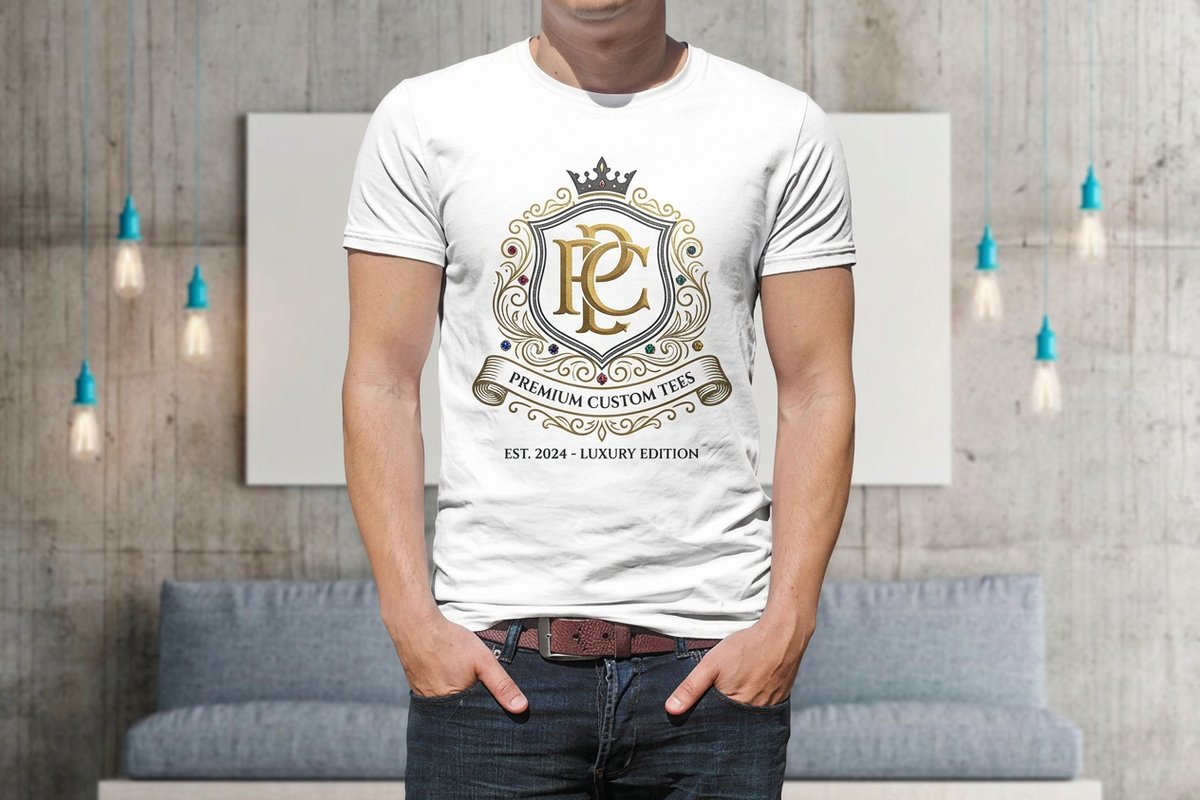 Premium T-ShirtsFrom $21.964.8·18 reviewsCustomize yours
About the color variant grid
Upload a photo of a white or light product and pick up to six colors. You get one grid with the product in every color, each labeled with its hex code.
Free blank templatesHow to use the color variant grid
- Upload a photo of a white or light product.
- Pick the colors with the color pickers. You start with four, and you can add more up to six, or remove the last one.
- Check the grid: each color sits in its own tile, with its hex code underneath.
- Sign in and download the PNG. It is free.
- Show it to your customer, then order Premium T-Shirts in the colors they pick.
A quick preview, not a photo
The grid tints your photo in the browser. Every pixel that is not near-white takes the new color, shaded by how light it was, so a white shirt turns into a navy shirt with its folds intact. It works best on a white or light product on a white background.
Because it tints everything that is not background, a printed logo is tinted too. For a photo-real change that keeps the logo in its own colors, use the Product Color Changer.
Pick colors that print
The hex code under each tile is a screen color. Fabric and ink never match a screen exactly, so use the grid to narrow down a range, then check the real stock colors before you order.
Common questions
Questions about the color variant grid
How many colors can I show?
Up to six in one grid.
Why does my dark product look wrong?
The tint is built from how light each pixel is, so a dark product stays dark. Start with a white or light product.
Is it free?
Yes. It runs in your browser and nothing is uploaded. You sign in to download.
What file do I get?
A PNG grid, each tile labeled with its hex code.
Will my logo keep its color?
No, the quick tint colors it too. Use the Product Color Changer to keep a logo as it is.
Explore more
Where to go next
Product Color Changer
Your product photo in any color you type, the logo untouched.
Bundle Image Maker
2 to 4 products on one square white image for a bundle listing.
Marketplace Image Resizer
Product photos at the exact size each marketplace wants, free.
Brand Colors
Pull a palette out of a logo, or build one from a single color.