
How to Print Personalized Postcards With Variable Data From One Spreadsheet


Nadia is our customer education voice, built from the knowledge of our production team, with over 20 years in printing.
One artwork file, one spreadsheet, and a digital press that changes the name, the offer, the code, or the photo on every card without stopping. Setting the data up correctly is what makes the first run the only run.
A personalized postcard is a single design whose text, codes, and images change card by card, merged from a spreadsheet by a digital press as it prints. Because there are no plates to swap, every card in the run can differ at no extra press cost. The work sits in the data: one field per column, a fallback value for every blank, type sized for the longest name, and a proof of the hardest records before the run. At 4OVER4.COM, standard postcards start at $16.48 for 50 and direct mail postcards at $89.68 with addressing, presorting, and bulk postage included.
Quick answer
One design, one spreadsheet, thousands of different cards
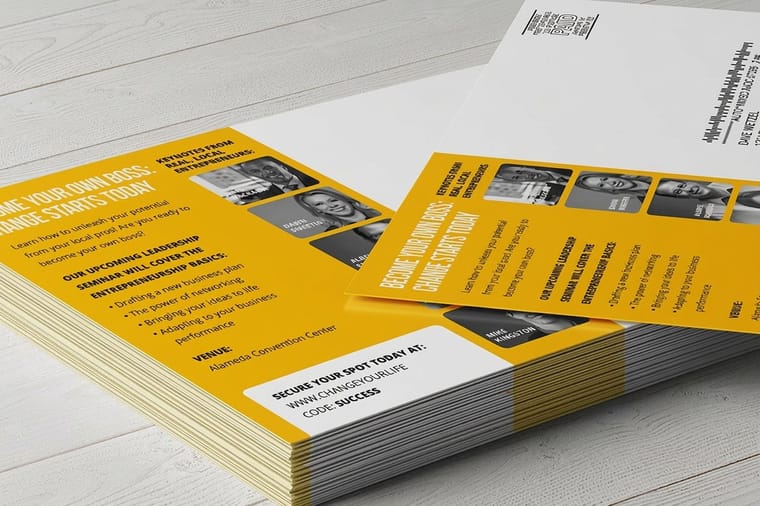
Personalized postcards use variable data printing: the layout is fixed, and named fields pull their values from your spreadsheet as the digital press runs. Names, streets, offer codes, appointment dates, and images can all change per card, and none of it adds press time because nothing has to stop. Get the list clean, give every field a fallback, size the type for the longest value, proof the awkward records, then print and mail in a single job so nobody has to match unique cards to addresses by hand.
What Actually Changes on a Personalized Postcard

A personalized postcard is one layout printed many times with certain elements swapped per card. The technique is variable data printing, and the mechanics are simple: the artwork holds named placeholder fields, your spreadsheet holds a row per recipient, and a digital press merges the two while it runs. Because there are no printing plates to change, card 1 and card 4,999 can be completely different and the press never slows down.
That last point is the one people miss. On an offset press, difference costs money, so everyone gets the identical card. On a digital press the cost is in the data work, not the printing, which is why a personalized run of standard postcards is priced like any other run of the same size and stock. The full set of formats built for this sits in the variable data printing collection.
What you can vary goes well past the first name. Text fields cover names, street names, neighborhoods, appointment dates, account numbers, sales rep names, and unique redemption codes. Image fields swap the whole photo: a skyline for one metro and a coastline for another, or a property shot for the block the recipient lives on. Barcodes and QR codes vary too, which is how a campaign learns who responded rather than guessing.
How to Run a Personalized Postcard Campaign Step by Step
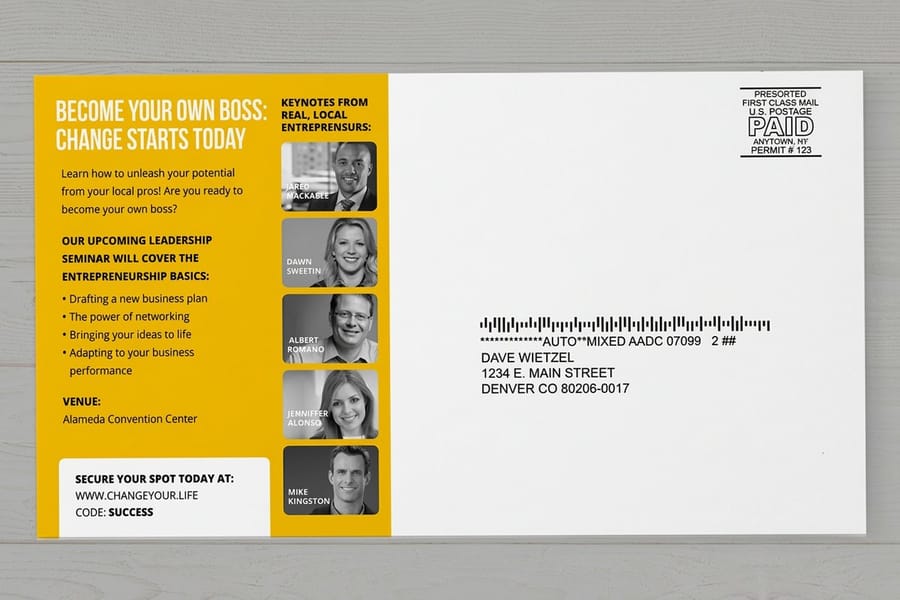
Six steps, and the first two take longer than the rest combined. That is normal, and skipping them is how a mailing goes out with 300 cards addressed to Dear.
- Build and clean the list. One field per column with a header row: first name, last name, street, city, state, ZIP, plus any campaign columns like offer code or image name. Deduplicate on address rather than on name, because the same household often appears twice under two spellings. Run address verification before printing, not after, since every bad address is a card and a postage stamp you paid for and nobody read.
- Decide what varies and what stays fixed. Fewer variables mean fewer ways to be wrong. Pick the two or three fields that genuinely change the recipient's decision, and hard-code the rest into the artwork.
- Design the card around the fields. Give each merge field its own line, set the type size for the longest value in your list, and leave room below it. A centered variable line shifts the whole block when the value grows, so left-align anything that changes length.
- Map the columns and set fallbacks. Every field gets a default value for blank cells: Neighbor, your city name, a generic code. This is a five-minute job that prevents the single most common personalization failure.
- Proof the hard records, not the easy one. Anybody can proof Bob Smith. Proof the 26-character surname, the blank field, the name with an apostrophe, the all-caps address, and the record with the longest offer text. Use a free proof to see the merged card before the run.
- Print and mail as one job. Hand the printing and the mailing to the same run so the addressed cards go straight into the postal stream presorted. Direct mail postcards start at $89.68 and cover printing, addressing, sorting, and bulk postage together.
If the campaign is your first, keep the list under a thousand records and treat it as a calibration run. The response data from a small personalized drop tells you which variable field is doing the work, and that answer decides how you build the next one. Our walkthrough of how postcard mailing services work covers the mailing half of that loop.
The Data File Rules That Save a Print Run

Send a CSV or an Excel file. Beyond that, five rules cover nearly every problem we see on personalized jobs.
| Rule | Why it matters | What goes wrong without it |
|---|---|---|
| One field per column | Anything printed separately has to be stored separately. | A single address blob cannot be split into a two-line block reliably. |
| A fallback for every field | Blank cells are guaranteed in any real list. | The card prints the punctuation around nothing: Dear , and Hello . |
| Consistent case | Postal data arrives in capitals, greetings need mixed case. | HELLO MARGARET reads like a summons instead of a greeting. |
| Unique values where uniqueness matters | Codes and QR links are only measurable if no two records share one. | Two recipients redeem the same code and the report is meaningless. |
| Verified addresses | Deliverability is decided before printing. | Undeliverable cards are paid for twice, in print and in postage. |
Sort the spreadsheet by each variable column before you send it. Blanks collect at one end, oddities at the other, and thirty seconds of scrolling catches the records that would otherwise print. Watch for the trailing space too, since a value like Margaret followed by a space quietly shifts a centered line.
Names with apostrophes and accents deserve a specific check. Export the file as UTF-8 and look at O'Brien and Munoz in the proof rather than assuming they survived. This is the same discipline that keeps a numbered or coded job clean, and the questions to ask a supplier about it are laid out in our guide on choosing a variable data printing company.
What Is Worth Personalizing, and What Is Just Noise
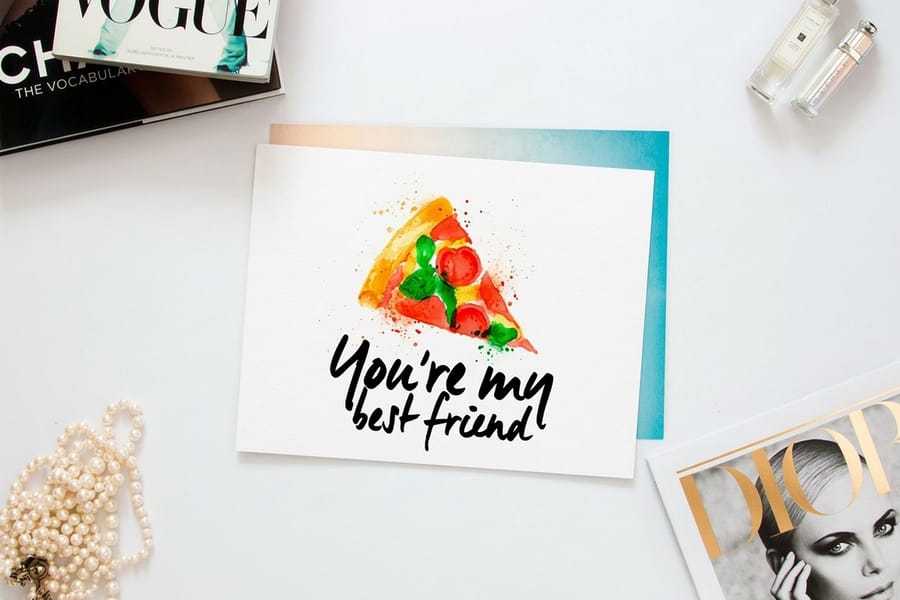
A first name in a greeting is the weakest form of personalization, because everyone does it and readers have stopped noticing. The variables that earn their setup time are the ones that prove you know something specific about the recipient.
Geography is the easiest strong signal. A neighborhood name, a street name, or a photo of a landmark within a mile of the recipient's home tells them the card was sent to them rather than to a ZIP code. Real estate mail lives on this, which is why real estate postcards at $16.48 for 50 usually carry a local property photo alongside the agent details. The walkthrough on how to run a real estate postcard mailing that wins listings covers the list and the timing. History is the second: last purchase, last appointment date, membership renewal month. A dental practice card that names the month of the last cleaning outperforms one that says it is time for a checkup, because it is verifiably true.
Then there is the measurable variable. Unique offer codes and unique QR destinations turn a mailing into an experiment, since you can count exactly which segment moved. Keep the code short enough to be typed by hand and print the QR at roughly 0.8 inch or larger with clear space around it, following the placement rules in adding QR codes to postcards. Skip the variables that are only there to show off: a person's own last name repeated four times reads as surveillance, not service. If a format needs more room for all of this, oversized postcards from $51.62 buy the space, and the trade-off between sizes is covered in the postcard sizes guide.
Personalization Plus Mailing, Handled as One Job
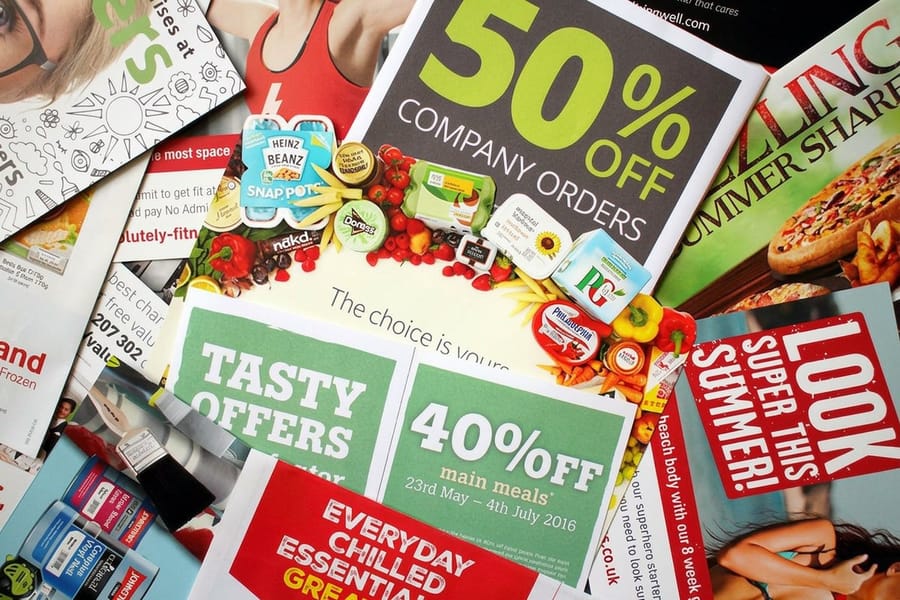
A personalized postcard has already committed you to mailing it, because the whole point is that each card belongs to one person. Splitting the print job from the mailing means somebody at your office has to match 5,000 unique cards to 5,000 addresses by hand. Nobody survives that twice.
Running both together closes the gap. Mailing services at 4OVER4.COM verify and deduplicate the list, print each card from your data, apply the postal barcode, presort by route, and induct the mail with bulk postage on the date you choose. Presorted mail rates come in below retail stamps, and the saving grows with the size of the list. The variable address block goes on the address side, which has its own layout constraints: keep the bottom right of that side clear for the postal barcode and respect the address block position, as set out in the address side layout and clear zone rules.
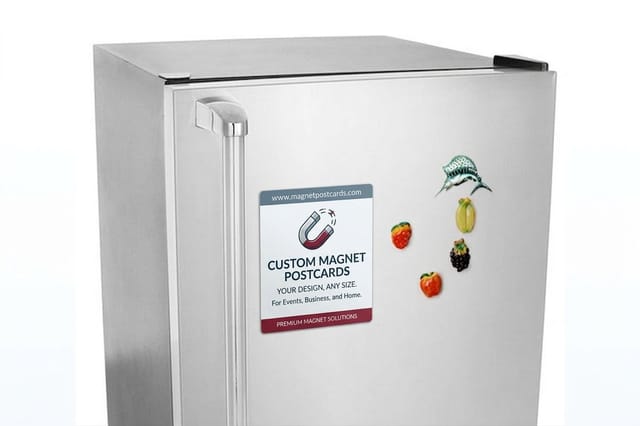
Format changes the arithmetic more than the personalization does. Magnet postcards from $19.68 stay on a refrigerator for months, which suits a service business whose customer calls once a year. Die-cut postcards at $34.05 win on the pass through the mail stack. A plain card personalized well beats a shaped card personalized carelessly every time, so spend the effort on the list first and the die second. Everything in the range sits in postcard printing, and the campaign pieces that go around the mailer are grouped in the direct mail campaign suite.
Wally explains variable data
One design, a column for every thing that changes
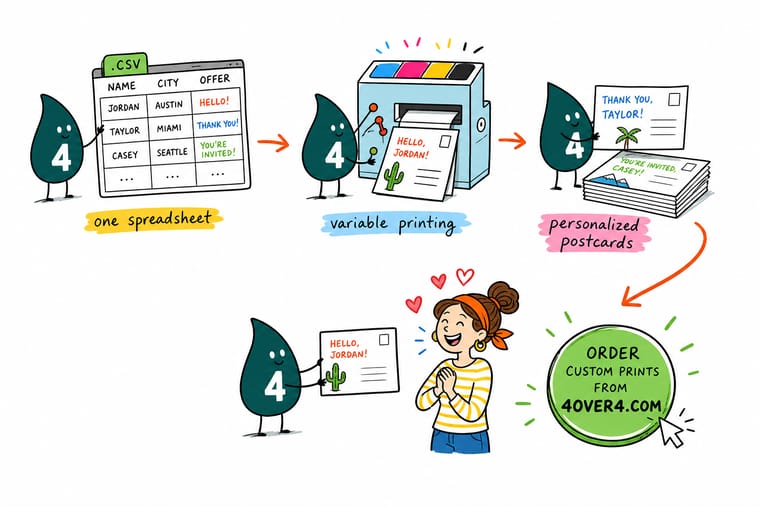
Wally keeps the artwork fixed and lets the spreadsheet do the talking: first name in one column, neighborhood in the next, offer code in the third, and a fallback value in every blank cell so nothing prints as Dear comma. He sizes the greeting for the longest name on the list, proofs the awkward records rather than the easy one, and hands printing and mailing to the same job so the cards leave addressed and presorted.
Order personalized postcards →
Specs and pricing
Postcard specs and live pricing for a personalized run
Personalization does not change how a postcard is priced. Size, stock, coating, and quantity do, and mailed cards carry the addressing and postage work in the price. Here are the live options straight from the 4OVER4.COM configurator. Standard postcards run 14 sizes from 2.5 inches square to 6 x 11 with variable data as an option, from 50 for $16.48. Oversized postcards come at 5.5 x 8.5, 6 x 8, 6 x 9 or 6 x 11 inches from 50 for $51.62, and direct mail postcards come in nine sizes from 4 x 6 to 6 x 11 inches in runs from 500.

Print it
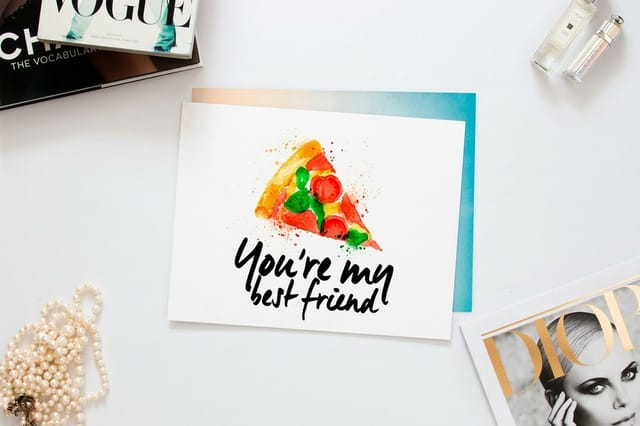
Postcard formats that take variable data well
Fifty standard postcards from $16.48, with variable data as an add-on, 50 oversized postcards from $51.62 for more room on the back, or 25 magnet postcards from $19.68 that stay on the fridge.


Explore more
Where to go next
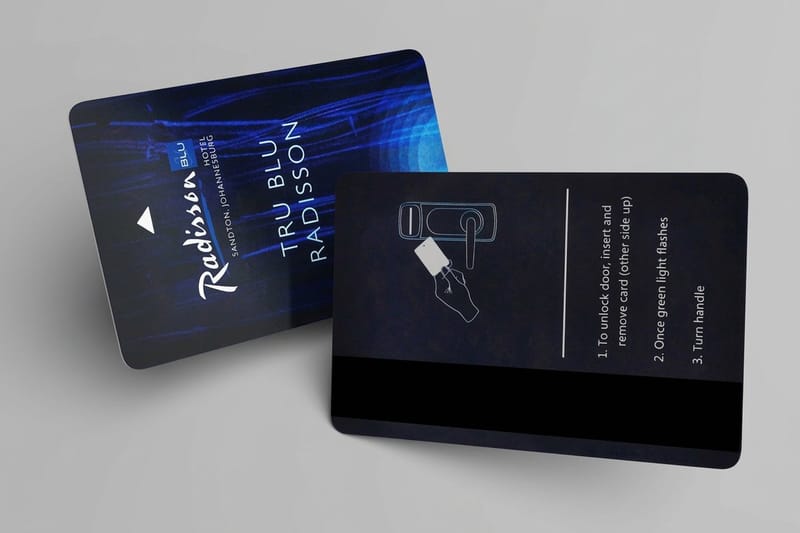
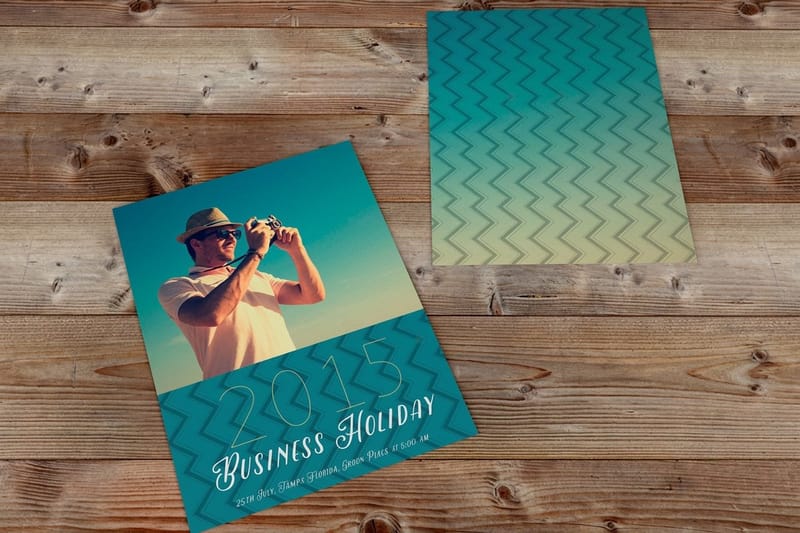
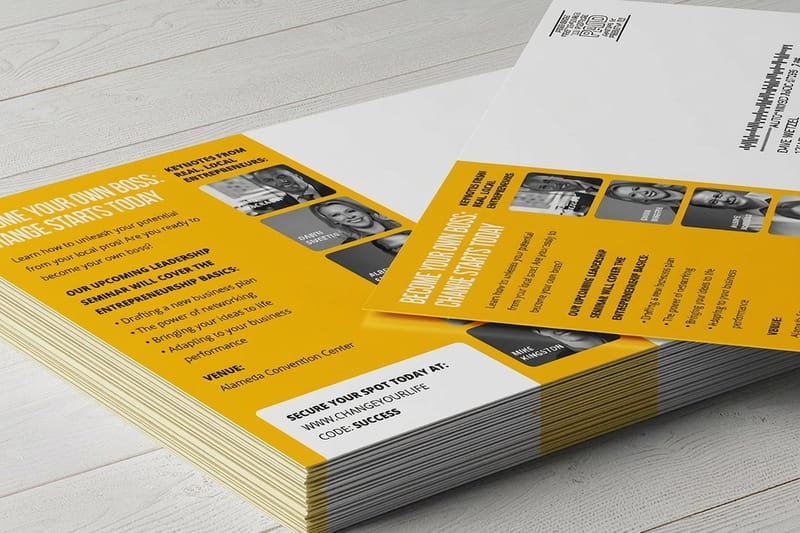
Pick a variable data printer, browse every format that takes personal data, compare mailed postcards with the ones you mail yourself, and see what the mailing service handles for you.



By the numbers
Personalized print counted in years and deliveries
Common Questions
Your personalized postcard questions, answered
What is a personalized postcard?
It is a postcard where part of the printed content changes from card to card while the design stays the same. The technique behind it is variable data printing: the artwork carries placeholder fields, your spreadsheet carries the values, and a digital press merges the two as it prints. One order can hold 5,000 cards, each with a different name, street, offer code, or photo, and none of them cost extra to be different because there are no printing plates to change.
Which postcard should I use, mailed or handed out?
Work backwards from the mailbox. If the card is mailed, start with Direct Mail Postcards from $89.68, which print, address, sort, and mail as one job. If you are handing cards out or including them in packages, Standard Postcards from $16.48 for 50 are the cheaper route. Go to Oversized Postcards from $51.62 when the offer needs room or when your mail piece has to beat a stack of standard cards, and use Magnet Postcards from $19.68 when you want the card to stay on a refrigerator instead of in a recycling bin.
What does a personalized postcard cost, and how is the price set?
The personalization itself is not a separate line on a postcard order. Price is set the same way as any postcard run: quantity, size, paper stock, and coating, with the per-unit price falling as the quantity climbs. Standard Postcards start at $16.48 for 50, die-cut shapes at $34.05, oversized at $51.62, and Direct Mail Postcards at $89.68 because that price carries the mailing work as well. Postage is quoted with the mailing, and presorted rates come in under retail stamps.
What sizes, stocks, and finishes can a personalized postcard use?
Every stock and finish in the postcard catalog takes variable data, because the merge happens in the file rather than in the paper. That covers standard and oversized sizes, custom sizes, gloss, matte, and uncoated stocks, and die-cut shapes. One caution worth knowing before you order: if anyone has to handwrite a note on the card, choose an uncoated stock, because ballpoint smears on gloss coating and never fully dries.
How long does a personalized postcard take to print and ship?
Standard Postcards are ready in 0 to 7 days depending on the options you pick, and the variable data does not add press time because the press never stops to change anything. What does add time is the data step: list cleaning, address verification, and proofing the merge. Build a day into the schedule for that, and if the job is mailed, add the postal transit time on top of production.
What file format should I send for the data?
A CSV or an Excel file. Keep one field per column with a clear header row, so first name, last name, street, city, state, and ZIP are six columns rather than one address blob. Anything you want to print separately on the card has to live in its own column, including offer codes and image file names. Merge the columns yourself before you send the file if the card needs a combined line, because splitting a blob after the fact is where errors creep in.
What happens if a field is blank in my list?
Whatever you told the merge to do. Set a fallback value for every variable field before the run: Neighbor for a missing first name, your city name for a missing neighborhood, a generic code for a missing code. Without a fallback the card prints the punctuation around the empty field, which is how mailings end up saying Dear , in 400 households. Sort your spreadsheet by each variable column before sending it and the blanks group at the top or the bottom where you can see them.
Can each postcard carry a different image?
Yes. Image swapping works the same way as text: you supply the image files, add a column that names the correct file for each record, and the press pulls the matching file per card. It costs design time rather than press time, since somebody has to produce and name every variant. That is why most campaigns run two to six image variants rather than one per recipient, split by region, product line, or customer tier.
Can a personalized postcard carry a unique QR code for each recipient?
It can, and it is the cleanest way to measure who responded. Put the finished code URL in its own column, one unique value per record, and check that no two records share a value. Give the code a printed size around 0.8 inch or larger with a clear quiet zone around it, keep it off the address side where it can confuse postal scanning, and test the printed proof with a phone before the full run. Our guide on adding a QR code to your postcards covers the placement rules in detail.
Get Started
Direct mail postcards run 500 for $89.68, addressed and mailed
Upload the artwork, connect the spreadsheet, and we merge, print, address, presort, and mail the run as one job on the date you choose.
Legal Disclaimer
Gold Standard guarantees apply to all standard orders placed through 4over4.com. Price match requires verifiable proof of a competitor's published price for an equivalent product with matching specifications and turnaround time. Satisfaction guarantee covers manufacturing defects and print quality issues. Contact support with order number and documentation.
