
Lifecycle Email Marketing Explained, Stage by Stage

Marcus is our print marketing voice, built from the knowledge of our production team, with over 20 years in printing.
Lifecycle email marketing runs on six stages: the behavior that fires each one, the window it has to land in, and the point where sending another email costs you more than it earns. Two stages hand off to print, a thank you card in the first order and a postcard or direct mail postcard for the win-back, with the size and stock for each below.
Lifecycle email marketing sends a message based on where a person is in their relationship with you, not where you are in your calendar. Six stages cover most businesses: subscribe, welcome, onboarding, active, lapsing and win-back. Each one is fired by a behavior, gets a send window, and carries a single job. Branch on clicks and purchases rather than opens, end the sequence when somebody stays silent, and move the final touch off the inbox when email has stopped reaching them.
Quick answer
Six stages, each fired by something the subscriber did
Lifecycle email replaces the marketing calendar with a set of behavioural triggers. Subscribe, welcome, onboarding, active, lapsing and win-back each have their own entry rule and their own deadline. The welcome has minutes. Lapsing starts around 45 days without a click. Win-back is one last attempt at 90 days, after which the address should be suppressed rather than squeezed. Use clicks and purchases as the signal, never opens, and accept that for the quiet segment a mailed piece is the only channel still reaching them.
The Six Stages, and the Trigger That Fires Each One
Almost every business, whether it sells software or sofas, can map its list onto six stages. Naming them is the easy part. The useful part is writing down the trigger, because a stage without a trigger is just a folder.
| Stage | What fires it | Send window | The one job |
|---|---|---|---|
| Subscribe | Form submitted, box ticked. | Instant. | Confirm the address and set the expectation for what comes next. |
| Welcome | Signup confirmed. | Under five minutes. | Hand over exactly what was promised on the form. Nothing else. |
| Onboard | No first purchase, login or booking yet. | Day 1 to 14. | Remove the one obstacle between signing up and using the thing. |
| Active | A click, a purchase, a login. | Ongoing cadence. | Stay useful without training people to ignore you. |
| Lapsing | 45 days with no click. | Day 45 to 75. | Find out whether the interest is gone or the timing was wrong. |
| Win-back | 90 days with no click. | One last touch. | Give a real reason to return, then suppress the address if nothing happens. |
Read the third column, because that is where most programs fail. A welcome email that arrives the next morning is a different email. The person has closed the tab, forgotten which of four sites they gave their address to, and moved on. Send it in under five minutes and it is still part of the same moment.
The other column worth arguing about is the last one. One job per stage sounds restrictive until you look at a welcome email carrying the discount code, the brand story, the social links, the app download and a product grid. The code is what the person wanted. Everything stacked around it lowers the odds they find it.
Build the Triggers on Behavior, Not on the Calendar
A drip that runs on day 1, day 3, day 7 and day 14 regardless of what the recipient does is a broadcast with a delay on it. The fix is fewer emails, each one reading a signal first.
Use signals a person has to take an action to produce: a click, a page view, a purchase, a login, a booking, an abandoned cart. Do not use opens. Apple Mail Privacy Protection fetches the tracking pixel on behalf of the user, so a share of your list registers as opening everything while reading nothing, and other privacy proxies behave the same way. If your lapsing rule is built on open rate, it is built on a number that no longer means what it meant in 2019.
Know the limit as well. Segmentation has a floor: split a 4,000 person list into eleven behavioural segments and most of them are too small to tell a real result from noise, while each one still costs you copy, design and QA. Three or four branches per stage is usually where the return stops climbing. Add the fifth only when the fourth is provably earning.
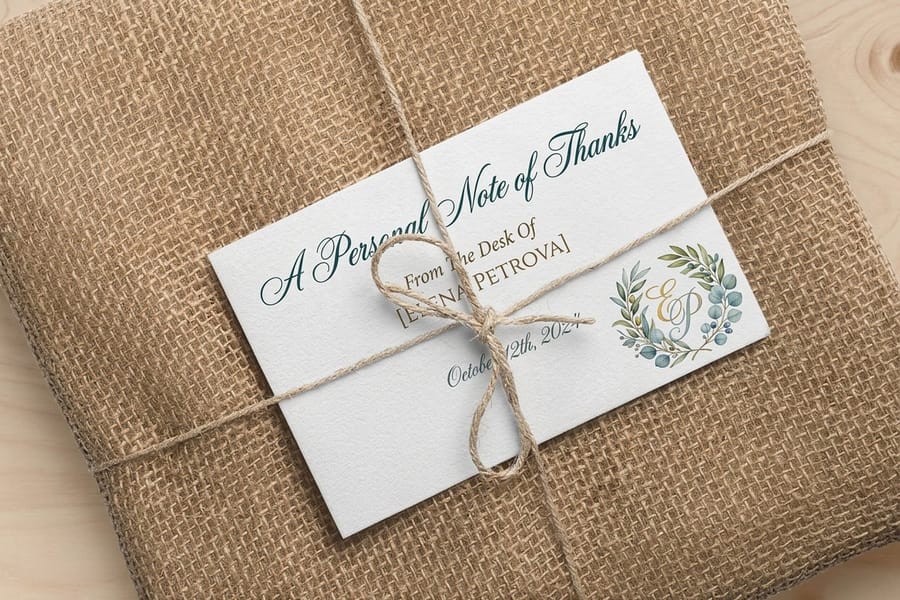
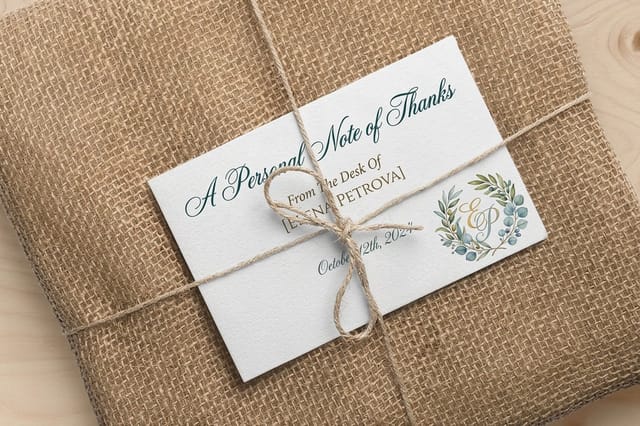
Onboarding is also the stage where something physical does real work, because it is the one moment you already have the customer's address. A card in the first shipment that carries a QR code to the setup guide gets read at the exact second the box is open, which no email can time. Custom Thank You Cards start at $19.77 at 4OVER4.COM, and Ecommerce Thank You Cards are sized for the same job in a parcel. A stack of Standard Business Cards at $17.57 does the same trick for a service business handing something over in person. Our guide to creating the perfect customer experience covers what should sit in that first package, and ecommerce branding covers keeping the printed and emailed voice the same.
The Two Places Lifecycle Email Quietly Breaks
The first is deliverability, and it rarely announces itself. Nothing bounces. The reports still show sends. Inbox providers have simply started routing you to the promotions tab or the spam folder for a growing share of recipients, because the people you mail stopped interacting and that is the strongest signal a provider has. Authenticate the domain, keep a steady sending volume rather than a monthly spike, and cut the dead weight before it costs you the live addresses. If you are buying or renting names, our guide on building or renting a mailing list explains what a list actually needs to carry.
The second is the silent segment. On most lists a large minority never clicks anything, ever. They are not offended and they are not going to complain. They just do not read email from companies. Sending them a seventh reactivation message is worse than useless, because it drags the placement of the messages your buyers do want.
That is the honest case for the offline branch, and it is a narrow one. A mailed piece skips the filter, the tab and the unsubscribe, and it lands in a stack that people still physically sort. It also costs more per contact than an email and takes days instead of seconds, which makes it wrong for welcome and wasteful for anyone still clicking. Use it at exactly one point: the lapsed customers who were worth money once and have gone quiet in the inbox.
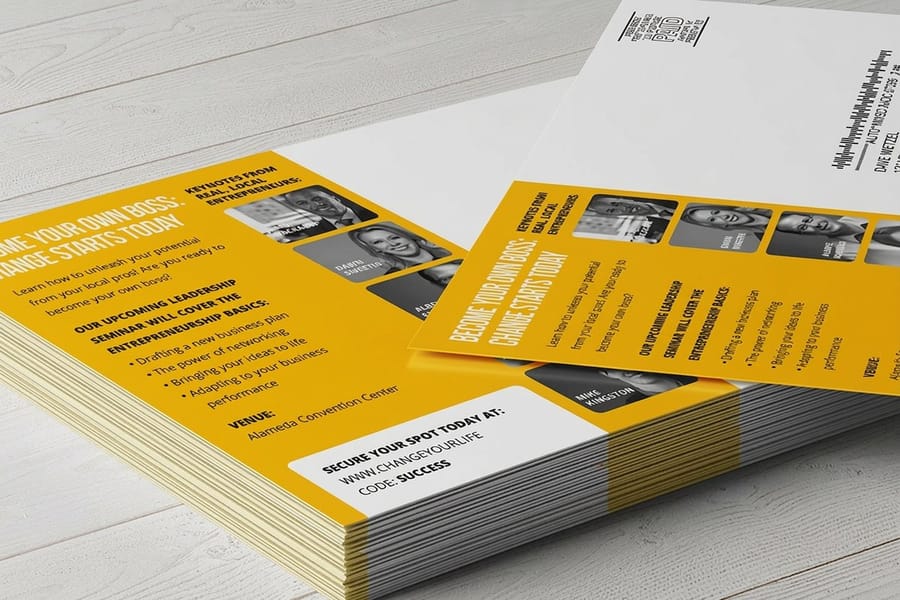
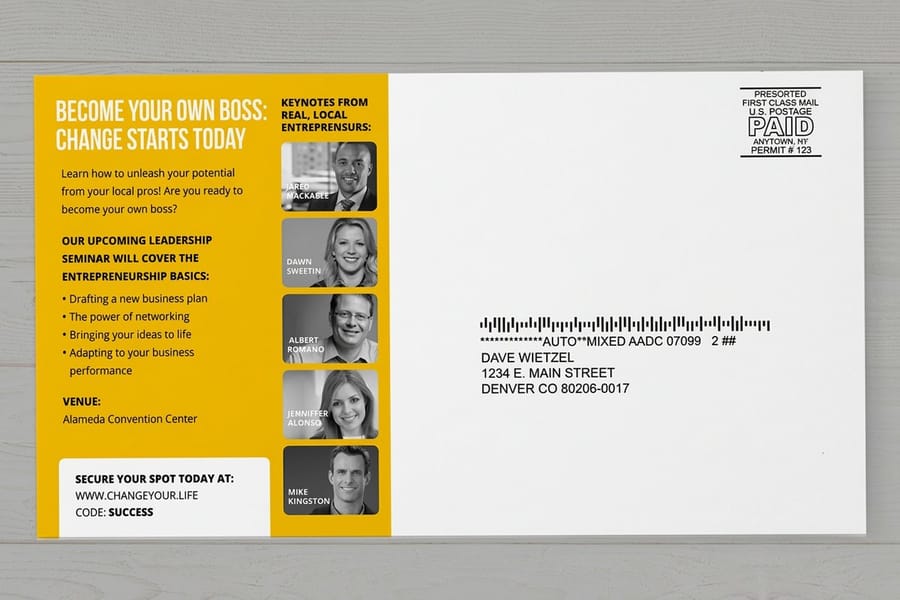
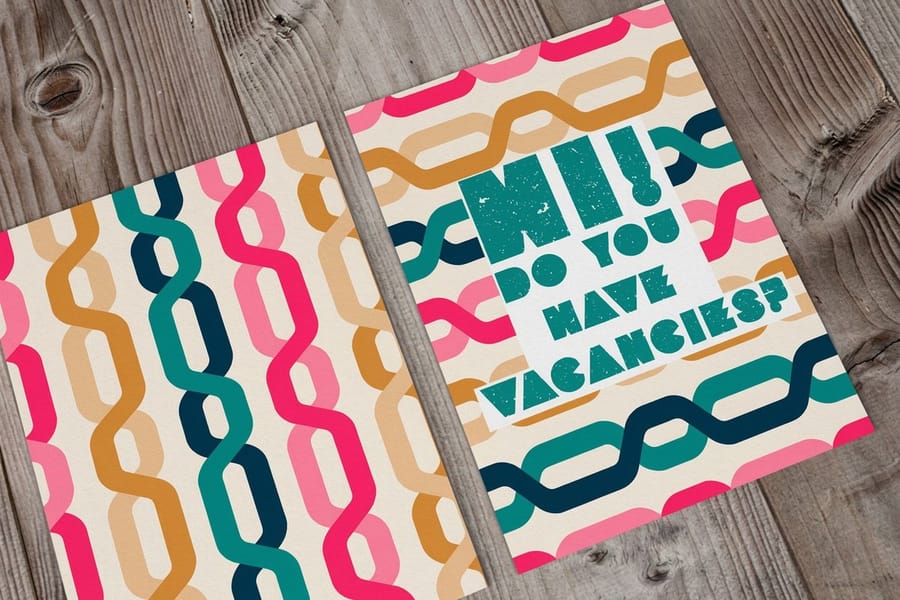
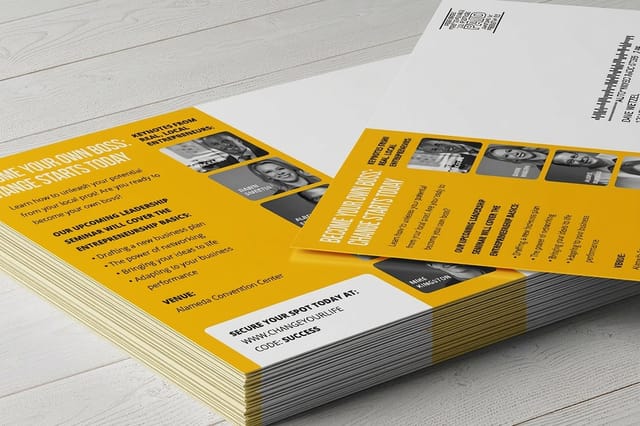
Standard Postcards start at $16.48 at 4OVER4.COM if you already hold the addresses and want to mail them yourself. Direct Mail Postcards start at $89.68 and include the addressing and postage, which is the cheaper route once the drop passes a few hundred pieces. Put a code on the card that appears nowhere else, so the result reads clean.
| Stage | Printed piece | Sizes and stock | From |
|---|---|---|---|
| Onboard | Thank you card in the first order | 4.25 x 5.5, 5 x 7 or 6 x 6 in, 14pt gloss to 18pt kraft, matching envelopes optional | 25 for $19.77, 3 business days |
| Win-back, you mail | Standard postcard | 14 sizes from 2.5 x 2.5 to 6 x 11 in, 13pt to 26pt cover stocks | 50 for $16.48, 3 business days |
| Win-back, we mail | Direct mail postcard | 9 sizes from 4 x 6 to 6 x 11 in, 14pt or 16pt gloss, matte or uncoated | 500 for $89.68, 4 business days |
For either card, upload a PDF at the finished size with the unique code and a QR code on the front, and keep the offer to one line. Work out the maths first with direct mail cost per piece, browse the direct mail services collection for what the mailing side covers, and see how to improve direct mail results before you design the card.
Measure It Without Fooling Yourself, Then Launch
Revenue per recipient is the number that settles arguments. Open rate rewards a clickbait subject line, click rate rewards a confusing layout that makes people hunt, and both go up when you mail a smaller, better segment even if you sold nothing. Revenue divided by everybody you sent to survives all three tricks.
Hold back a control group, even a small one. Ten percent of a lapsing segment that receives nothing tells you how many of those customers would have come back on their own, and that figure is almost always higher than anybody expects. Without it, an automation gets credit for sales that were already coming. Keep attribution windows short and consistent, because a 30 day window will hand your win-back email every purchase a customer made for a month.
The build order that works when a program starts from nothing:
- Fix the welcome first. One email, under five minutes, delivering the promise. It touches every new subscriber, so it moves the most revenue for the least work.
- Write the suppression rule. Decide the day count that ends the sequence before you write a single reactivation email, or you never will.
- Add the abandoned action. Cart, form, booking, whichever applies. It is the highest intent signal you have.
- Split onboarding by first behavior. Two branches only: took the first action, or did not.
- Build the lapsing message. Ask a question rather than pushing a discount. The answer tells you which of the two problems you have.
- Test the win-back offline. A few hundred lapsed customers, a card with a unique code, measured against an email control.
Six stages is the ceiling, not the starting point. A program with a fast welcome, a working suppression rule and one abandoned-action trigger beats a fourteen-branch flowchart that nobody maintains. If you want the printed pieces for the last two stages assembled in one place, the customer retention mailer set lists them with live prices, and the email nurture strategy guide covers the front half of the journey in the same detail.
Wally explains the lifecycle
Six stages, one trigger each, and a point where email stops working

Wally watches what people do rather than what day it is. Somebody signs up, so the welcome goes out inside five minutes with the thing they asked for. They click, so they stay in the active lane. They go quiet for 45 days, so they drop into lapsing. At 90 days Wally stops sending, because another ignored email hurts the inbox placement of everyone still reading. That last customer gets a postcard instead, with a code that appears nowhere else, so the result is easy to read.
Order postcards for the win-back drop →%22%2F%3E%3Ccircle%20cx%3D%2240%22%20cy%3D%2249%22%20r%3D%2225%22%20fill%3D%22%232dd4bf%22%20opacity%3D%220.15%22%2F%3E%3Ccircle%20cx%3D%2278%22%20cy%3D%2258%22%20r%3D%2214%22%20fill%3D%22%232dd4bf%22%20opacity%3D%220.1%22%2F%3E%3Crect%20x%3D%2270%22%20y%3D%2228%22%20width%3D%2225%22%20height%3D%2234%22%20rx%3D%224%22%20fill%3D%22%232dd4bf%22%20opacity%3D%220.08%22%20transform%3D%22rotate(35%2080%2030)%22%2F%3E%3C%2Fsvg%3E)
Specs and pricing
The printed pieces the last two stages need
Thank you cards come in 4.25 x 5.5, 5 x 7 and 6 x 6 inches from 25 for $19.77. Standard postcards run 14 sizes from 50 for $16.48, and direct mail postcards nine sizes from 500 for $89.68. Sizes, stock choices and starting prices straight from the 4OVER4.COM configurator, for the onboarding card and the win-back drop.



Postcards and thank you cards
Reach the people who stopped opening


Retention and mail guides
Where to go next
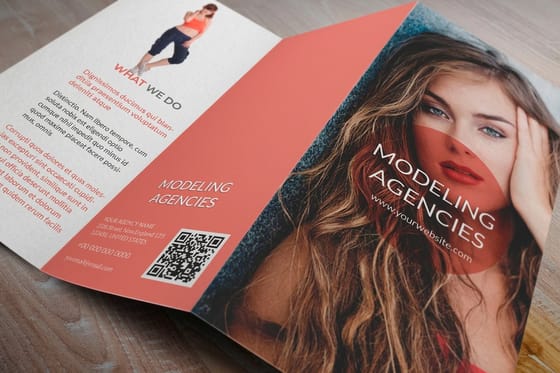

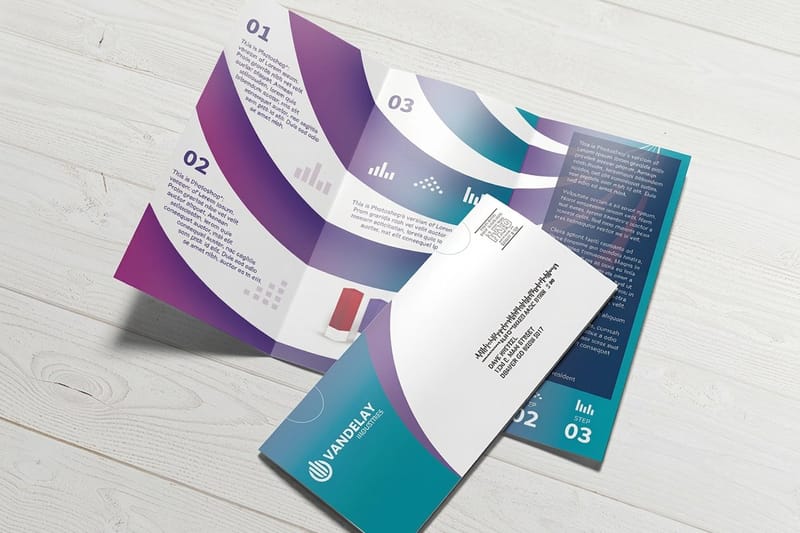
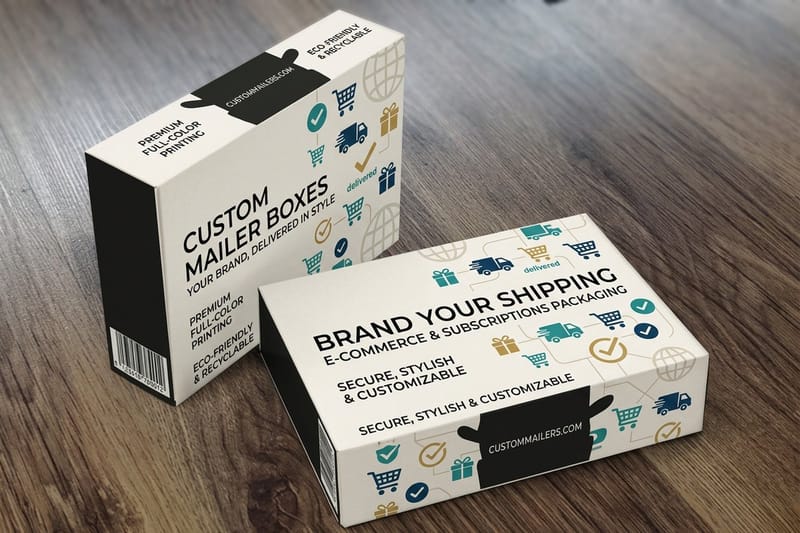
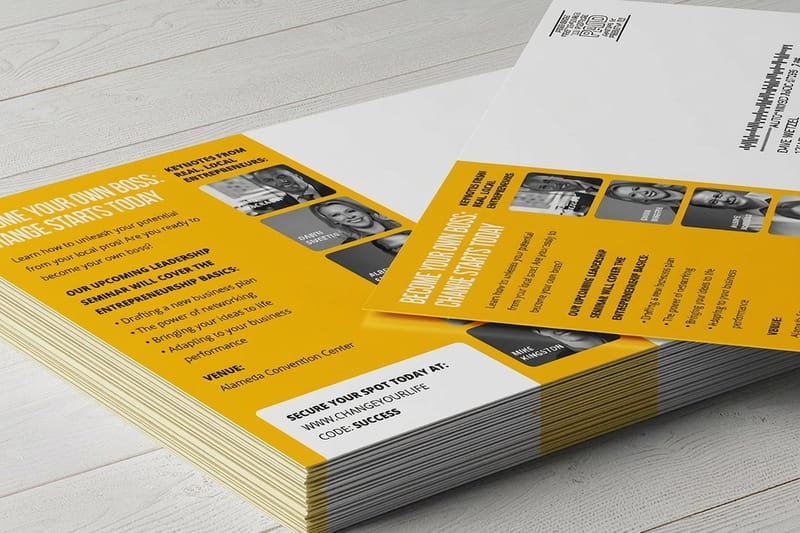
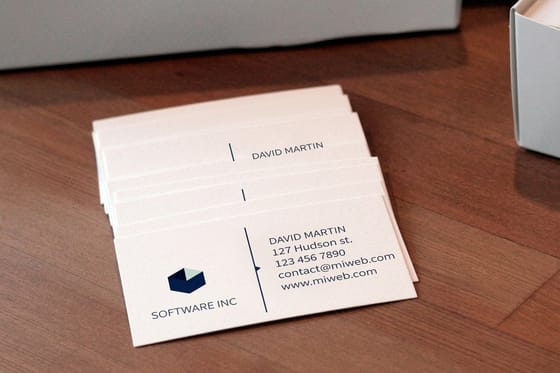
Postcards from our NYC plant
The print side of your lifecycle program, handled
Common Questions
Your lifecycle email questions, answered
What is lifecycle email marketing?
It is email organized around where a person sits in their relationship with your business rather than where you sit in your marketing calendar. Six stages cover most companies: subscribe, welcome, onboarding, active, lapsing, and win-back. Each stage has its own trigger, its own send window, and one job. Somebody who joined an hour ago gets the welcome. Somebody who bought twice and then went quiet for six weeks gets a lapsing message. Both are automated, and neither depends on you deciding what to send this month.
How many emails should a welcome sequence have?
Three to five, and the first one carries the whole load. It delivers the discount code, the ebook, the account details, whatever was promised on the form, and it should land within five minutes. The next two teach one useful thing each and prove the emails are worth opening. After that, split the sequence by behavior: a person who clicked twice is ready for an offer, a person who opened nothing needs a different subject line, not the next email in the queue.
Should I use open rate to decide what sends next?
No. Apple Mail Privacy Protection preloads images on the Apple Mail app, so it records an open for people who never read the message, and other privacy proxies do the same. That inflates open rate and, worse, inflates it unevenly across your list. Use clicks, site visits, purchases, and logins to move somebody between stages. Keep open rate as a rough directional read on subject lines and nothing more.
When should I stop emailing a subscriber?
When they have not clicked anything in about 90 days and a win-back attempt has failed. Inbox providers watch how the people you mail behave, so a large dead segment drags placement down for the buyers you actually want to reach. Suppressing quiet addresses usually raises the numbers for everyone left. Keep the addresses on file, just stop sending to them, and reach that group through a different channel if the value of the customer justifies it.
How is lifecycle email different from a nurture sequence?
A nurture sequence is one branch of a lifecycle program. Nurture handles the stretch between signup and the first purchase, and it usually runs on a fixed set of sends with a behavioural fork in the middle. Lifecycle covers the whole relationship, including onboarding after the sale, the active period, lapsing, and win-back. If you are building the front half first, our guide on an email nurture strategy that works walks through that sequence in detail.
Does adding direct mail to a lifecycle program actually help?
It helps in one place: the lapsing and win-back stages, where more email is the least useful thing you can send. A mailed piece arrives in a queue with no spam filter and no promotions tab. It also costs more per contact and takes days rather than seconds, so it is wrong for the welcome stage and wasteful for anybody still clicking. Standard postcards start at $16.48 at 4OVER4.COM, and Direct Mail Postcards, which include addressing and postage, start at $89.68. Test it on a few hundred lapsed customers with a code that only appears on the card, so you can read the result without guessing.
Get Started
Order 25 ecommerce thank you cards from $19.77
Print the onboarding card and the win-back postcard, put a code on it that appears nowhere else, and read the result against an email control.
Legal Disclaimer
Gold Standard guarantees apply to all standard orders placed through 4over4.com. Price match requires verifiable proof of a competitor's published price for an equivalent product with matching specifications and turnaround time. Satisfaction guarantee covers manufacturing defects and print quality issues. Contact support with order number and documentation.
