
How to Use Free Booklet Templates and Build a Print-Ready File


Emma is our prepress and print production voice, built from the knowledge of our production team, with over 20 years in printing.
A booklet template hands you the size, bleed, and page structure so you design instead of measuring. Here is how to use one and export a file that binds and prints exactly right.
Start from a template set to your booklet size with bleed and margins built in, and plan pages in multiples of four. Add 0.125 inch bleed, keep text 0.25 inches inside the trim with extra room near the spine, choose saddle stitch or perfect bound, and export a flattened CMYK PDF with crop marks.

Start here
Booklet template setup in one paragraph
Pick a size, plan pages in fours, and let the template hold the bleed and margins. Extend edge art 0.125 inches past the trim, keep text 0.25 inches inside with extra room near the spine, choose saddle stitch for thin booklets or perfect bound for thick ones, and export one flattened CMYK PDF. The diagram below shows a booklet spread set up correctly.
Download free booklet templates

Pick the finished size, pick the page count, download the file. Every free booklet template below opens at the correct trim size with a 0.125 inch bleed already drawn around each page, 0.25 inch safe margins, and facing pages sitting in the order they bind, so there is nothing left for you to measure. They all live in our free booklet templates library.
| Template size | Page counts | What it suits | Template file |
|---|---|---|---|
| 8.5 x 11 in | 8, 12, 16, 24 | Catalogs, program guides and annual reports, the size that holds tables and full width product photos | Download |
| 5.5 x 8.5 in | 8, 12, 16, 24 | Compact handbooks, event programs and mailers, half of an 8.5 by 11 sheet so it drops into a mailing piece easily | Download |
| 8.5 x 5.5 in, landscape | 8, 12, 16, 24 | Lookbooks, menus and photo led spreads that read wider than they are tall | Download |
| 6 x 9 in | 8, 12, 16, 24 | Sales booklets and field guides, a smaller page that still carries a full column of body text | Download |
| A5, 5.83 x 8.27 in | 8, 12, 16, 24 | Booklets going to readers who work in metric paper sizes, close in feel to 5.5 by 8.5 | Download |
Every page count in that grid is a multiple of four, because a saddle stitch booklet is folded sheets and one sheet makes four pages. If your content lands on 14 pages, plan up to 16 rather than cutting back to 12. Past roughly 48 pages you move to perfect binding, which the sections below cover. When the file is set, order the matching booklets at the size you designed to.
What a booklet template includes
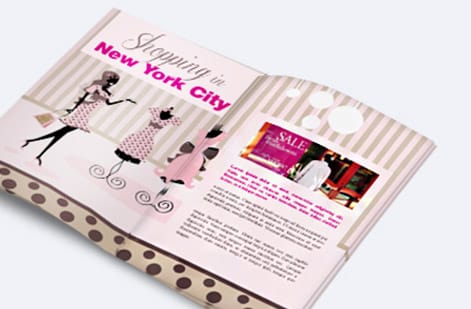
Open any of our booklet templates and the setup is already in the file: you find the finished trim size in place, a 0.125 inch bleed drawn around every page, safe margins pulled in, and page guides marking where the fold or spine sits. Your job becomes designing the content rather than measuring a document.
That head start matters more on a booklet than on a flat piece, because a booklet has many pages that all have to bind, fold, and read in the right order. A template keeps every page consistent and flags the two mistakes that ruin multi-page files: content that runs into the binding, and a page count that will not fold evenly. You can start from a downloadable template or from our ready templates, then order the matching booklets once the file is set.
This guide walks the whole path: choosing a size and page count, setting bleed and margins, deciding between saddle stitch and perfect bound, and exporting a clean press-ready PDF. Get these right and your booklet prints exactly as you laid it out.
Common booklet sizes and page counts
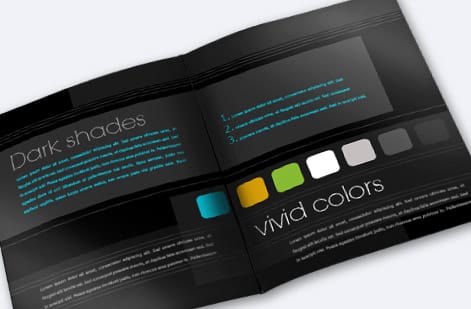
Size first, page count second, and every other setting follows from those two. The most common booklet sizes are 8.5 by 11 inches for catalogs and program guides, 5.5 by 8.5 inches for compact handbooks and mailers, 8.5 by 5.5 inches landscape for lookbooks and menus, 6 by 9 inches for sales booklets, A5 at 5.83 by 8.27 inches, and square formats for premium brand pieces. Pick the size around how the booklet will be read, carried, and mailed.
Page count follows one firm rule for saddle stitch: it must be a multiple of four. A single folded sheet makes four pages, so booklets come in 8, 12, 16, 20, 24 pages and up, always counting the front and back cover. Plan your content to fill those increments rather than landing on an odd number that cannot bind. Our guide on booklet and catalog sizes lays out the standard formats in detail, and the free booklet templates above are already cut to 8, 12, 16 and 24 pages so you can start from a count that binds.
If your content pushes past roughly 48 pages, or you want a flat printed spine, that points you toward perfect binding instead, which we cover below. For everything thinner, saddle stitch in fours is the reliable default.
Bleed, margins, and safe zones for a booklet

A booklet uses the same bleed as any print piece plus one extra consideration: the binding. Set your bleed to 0.125 inches past the trim on every page so edge art cuts clean. Keep a safe margin of about 0.25 inches inside the trim, slightly wider than a flat piece, so text stays clear of the blade.
The part unique to booklets is the gutter, the inner area near the fold or spine. Content set too close to the binding can curve into the fold or, on a perfect bound booklet, disappear into the glued spine. Leave extra room there, and never run important text or a face across the center of a spread. The diagram above shows bleed, safe margin, and the gutter on a two-page spread.
These numbers are exactly why a template helps: it draws all three boundaries for you on every page. If you are building from scratch, our guide on bleed and trim covers how to set the bleed and safe guides, and the broader print-ready files guide ties in color and resolution.
Saddle stitch vs perfect bound layout

The binding you choose changes how you lay the booklet out. Saddle stitch folds nested sheets and staples them through the spine. It is ideal for thinner booklets up to around 48 pages, economical, and fast, but it has one quirk called creep: as pages nest, the innermost pages push out slightly, so a good template compensates by nudging inner-page margins.
Perfect binding glues the pages to a flat, wrapped spine, the format you see on thicker catalogs and books. It handles high page counts, gives you a printable spine, and feels premium, but it needs a little more inner margin because the glued edge is not fully readable. For a full breakdown of every method, see our guide to binding types.
In short: reach for saddle stitch when the booklet is thin and budget matters, and perfect bound when it is thick or needs a spine you can print on. Either way, set the layout to match the binding before you design, not after.
How to export a print-ready booklet PDF

Export once, at the end, from the filled template. Flatten the file and export to a CMYK PDF with your 0.125 inch bleed and crop marks included. Follow the product instructions on whether to supply the file as single pages or reader spreads; most booklet workflows prefer single pages in reading order, which the press imposes into the correct print sequence.
Before you upload, run a quick check: the page count is a multiple of four, every page carries bleed, text sits inside the safe margin, nothing crowds the gutter, and the color is CMYK. That short list catches almost every booklet problem.
When you order, your file also passes through our free preflight check, so a missing bleed or an odd page count is caught before the press runs. Once the file is settled, the only choices left are stocks and finishing, which the live specs panel below lays out with pricing.
Wally lets the template hold the setup
Pages in fours, bleed out, and room near the spine
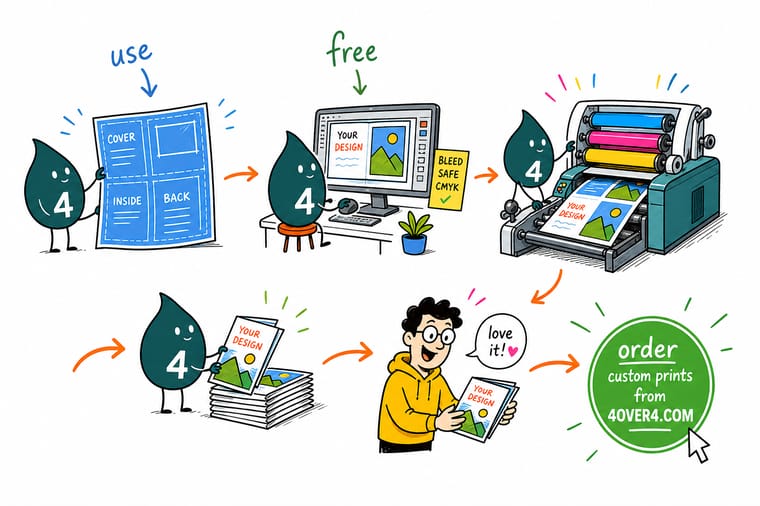
Wally never eyeballs a booklet. He starts from a template that already knows the trim size, drops the bleed 0.125 inches past every edge, keeps text a safe quarter inch in, and leaves the gutter clear so nothing vanishes into the binding. Plan the pages in fours, pick saddle stitch or perfect bound, export one flattened PDF, and 4OVER4 folds and binds it exactly as drawn.
Order your booklets →Quick reference
The booklet template setup, at a glance
Six settings decide the file: pages in multiples of 4, a 0.125 inch bleed, a 0.25 inch safe margin, extra room at the spine, facing pages, and one flattened CMYK PDF. Match these and your booklet folds, binds, and cuts exactly as you designed it.
| Setting | Get it to | Why it matters |
|---|---|---|
| Page count | Multiples of 4 | Saddle stitch booklets fold in four-page signatures, cover included in the count. |
| Bleed | 0.125 in past every edge | Edge art runs past the trim so cutting never shows white on the finished booklet. |
| Safe margin | 0.25 in inside the trim | A wider inner margin keeps text clear of both the blade and the binding. |
| Gutter allowance | Extra room near the spine | Content set too close to the fold or spine can disappear into the binding. |
| Layout | Facing pages or single pages | Design in reader spreads so left and right pages relate, then export cleanly. |
| File format | Flattened PDF, CMYK | One press-ready PDF with bleed and marks prints predictably every time. |
Step by step
Set up your booklet file in 7 steps
- Choose your booklet size and binding Decide the finished dimensions and whether it will be saddle stitched or perfect bound, since both affect how the template is built.
- Download the matching template Grab a booklet template set to your trim size with bleed, margins, and page guides already in place, or start a new document at the product specs.
- Plan your page count in fours Sketch your content across a page count that is a multiple of four, including the front and back cover, so nothing is left half-bound.
- Design inside the safe margins Keep text and logos 0.25 inches inside the trim, run backgrounds to the bleed, and leave extra breathing room near the spine.
- Set up facing pages Lay out your booklet in reader spreads so left and right pages read together, and check that spreads flow in the right order.
- Export a print-ready PDF Flatten the file and export to a CMYK PDF with 0.125 inch bleed and crop marks, as single pages or spreads per the product instructions.
- Order and let us check it Upload your booklet file and our free preflight check confirms the bleed, margins, and page count before it goes to press.
%22%2F%3E%3Ccircle%20cx%3D%2249%22%20cy%3D%2220%22%20r%3D%2224%22%20fill%3D%22%232dd4bf%22%20opacity%3D%220.15%22%2F%3E%3Ccircle%20cx%3D%2254%22%20cy%3D%2227%22%20r%3D%22-3%22%20fill%3D%22%232dd4bf%22%20opacity%3D%220.1%22%2F%3E%3Crect%20x%3D%2279%22%20y%3D%22-9%22%20width%3D%2234%22%20height%3D%2220%22%20rx%3D%224%22%20fill%3D%22%232dd4bf%22%20opacity%3D%220.08%22%20transform%3D%22rotate(44%2080%2030)%22%2F%3E%3C%2Fsvg%3E)
Specs and pricing
Booklet specs and live pricing
Once your file is set, the print choices are size, stocks, page count, and binding. Booklets print at 5.5 x 8.5, 8.5 x 11 or 11 x 11 inches, 8 to 60 pages, saddle stitched, with inside pages from 70# uncoated text to 14pt cover and a cover on 100# gloss text, 80# gloss cover or 14pt gloss cover, from 25 copies in 7 business days. Here are the live specs and price-per-unit for booklets, straight from the configurator.

| Quantity | Price Per Unit | Total |
|---|---|---|
| 25 | $9.62 | $240.55 |
| 50 | $6.04 | $302.06 |
| 100 | $3.61 | $361.37 |
| 200 | $2.22 | $444.85 |
| 300 | $1.65 | $495.38 |
| 400 | $1.29 | $515.14 |
| 500 | $1.06 | $531.61 |
| 600 | 91.5¢ | $549.19 |
Print it
Booklets bound clean, from 4OVER4
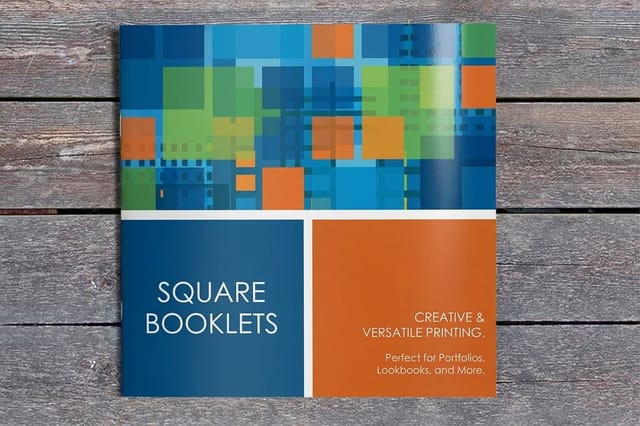
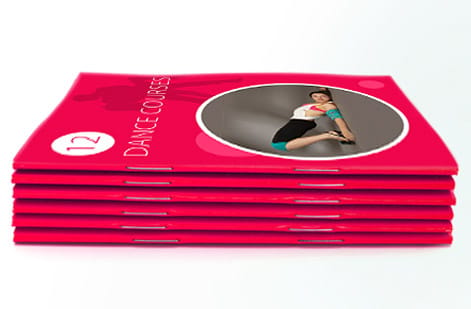
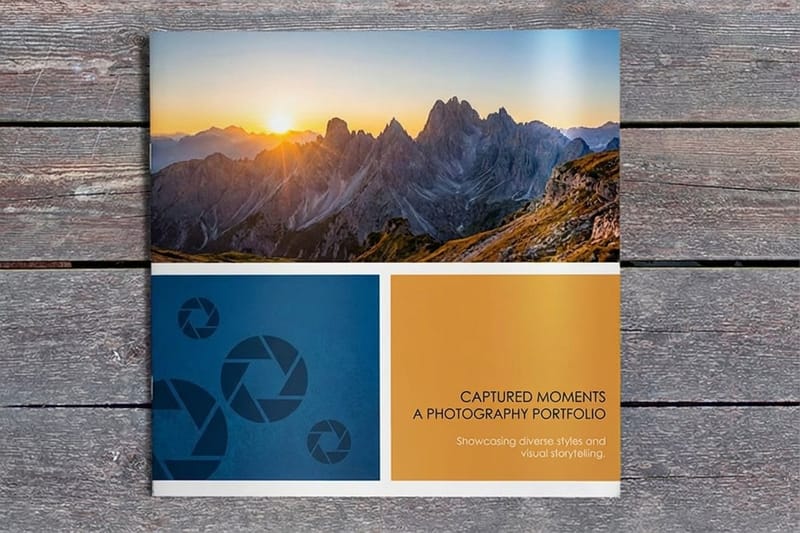
All three are saddle stitched at 5.5 x 8.5, 8.5 x 11 or 11 x 11 inches, from 8 to 60 pages and 25 copies. Start from the booklet for a handbook or program, the saddle stitch booklet for a catalog, and the square booklet when an 11 x 11 inch page suits a lookbook.

See it in use
Real booklets, bound in-house
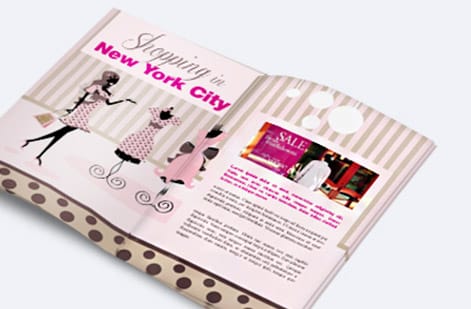
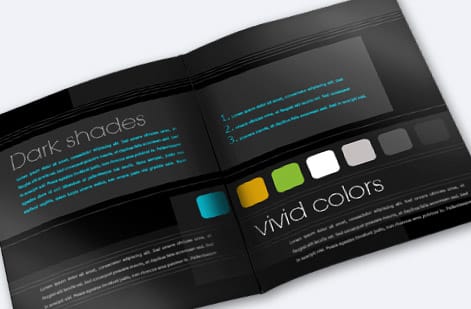
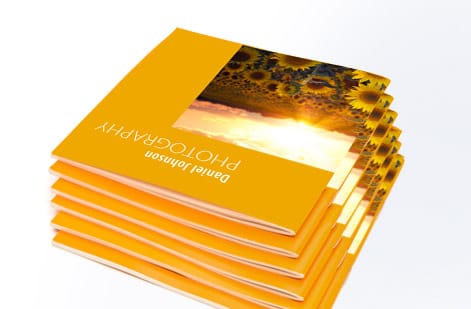
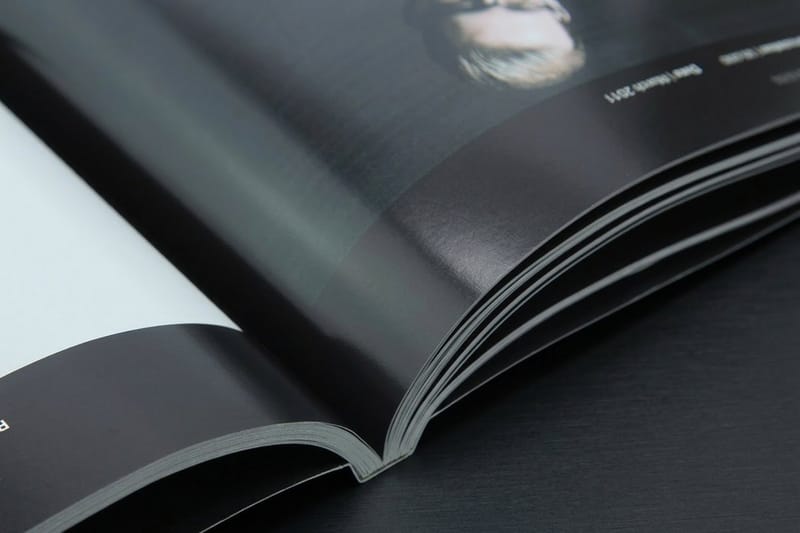
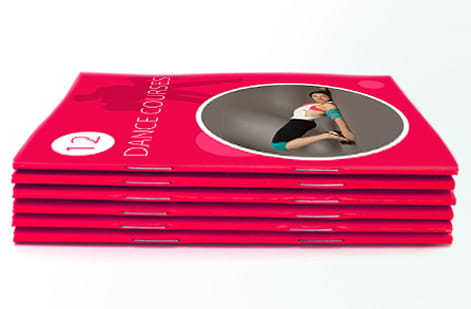
These booklets came off our saddle stitch line. Look at the spine and the page edges: the 0.25 inch safe margin and the extra gutter room are why no line of text runs into the fold.





Explore more
Where to go next





By the numbers
Eight to forty eight pages, and the stocks for them
Common Questions
Common questions about booklet templates
Where can I download a free booklet template?
The grid near the top of this page holds the free booklet templates, and they all sit in our design templates library. Choose the row that matches your finished size, 8.5 by 11, 5.5 by 8.5, 8.5 by 5.5 landscape, 6 by 9, or A5 at 5.83 by 8.27 inches, and download the blank file for 8, 12, 16, or 24 pages. Each one opens at the correct trim with a 0.125 inch bleed drawn around every page, 0.25 inch safe margins, and the pages already in the order they bind. The templates cost nothing to download and use, whether or not you print the job with us.
What size booklet template should I use?
Start from how the booklet is read, carried, and mailed. Use 8.5 by 11 for catalogs, program guides, and annual reports, where tables and full width photos need the room. Use 5.5 by 8.5 for compact handbooks, event programs, and mailers, since it is half an 8.5 by 11 sheet. Use 8.5 by 5.5 landscape for lookbooks and menus that read wider than tall, 6 by 9 for sales booklets and field guides that still need a full column of body text, and A5 at 5.83 by 8.27 inches when your readers work in metric sizes. Square formats suit premium brand pieces. Whichever you pick, keep the page count in multiples of four: 8, 12, 16, 20, or 24, cover included.
What is a booklet template?
A booklet template is a pre-built design file set to a specific booklet trim size with the bleed, margins, safe zones, and page structure already in place. Instead of measuring and building a document from scratch, you drop your content into a file that already knows the finished dimensions, where the fold or spine sits, and how much room to leave for the binding. It saves setup time and, more importantly, prevents the common errors, missing bleed, text too close to the spine, a page count that will not bind, that lead to reprints on multi-page pieces.
How do I choose the right booklet template?
Match the template to three decisions: the finished size, the binding style, and the page count. Pick a common booklet size such as 8.5 by 11, 5.5 by 8.5, or a square format based on how the booklet will be used and mailed. Choose saddle stitch for thinner booklets up to around 48 pages and perfect bound for thicker page counts that need a flat spine. Then confirm the template supports a page count in multiples of four. When those three match your product, the bleed and margins in the template will already be correct.
What does a booklet cost and how are prices set?
Downloading and using a template costs nothing. Printing price scales with page count, size, paper stock for the cover and inside pages, binding method, quantity, and any finishing. Booklets have more variables than a flat piece because you are choosing stocks for both the cover and the interior, so the configurator lets you set each option and see the price update live. More pages and heavier stocks raise the unit price, while larger quantities lower it. You can compare setups side by side before you commit to a run.
What sizes, stocks, and finishes are available for booklets?
Booklets print in standard sizes like 8.5 by 11 and 5.5 by 8.5 plus square formats, on a wide range of cover and interior stocks from gloss and matte text weights to heavier cover stocks. Finishing options include saddle stitch and perfect binding, plus coatings and cover treatments depending on the product. Page counts typically run from 8 up to 48 or more. The live specs panel below shows the exact sizes, stocks, page ranges, and binding choices with pricing straight from the configurator.
How long does a booklet take to print and ship?
Booklets take a little longer to produce than flat pieces because they are printed, folded, collated, and bound, but a clean print-ready file keeps that timeline tight. Production time depends on the page count, binding, quantity, and stocks you choose, and the configurator shows the live turnaround for your exact specs. A file that already has correct bleed, margins, and a valid page count moves straight into production, while a file that needs fixes can add days, which is the best reason to set the template up right the first time.
Get Started
Ready to print a booklet that binds perfectly?
Set your file up from a template, then bring it to 4OVER4 and choose your size, stocks, page count, and binding. Adjust every option and watch your price update live.
Legal Disclaimer
Gold Standard guarantees apply to all standard orders placed through 4over4.com. Price match requires verifiable proof of a competitor's published price for an equivalent product with matching specifications and turnaround time. Satisfaction guarantee covers manufacturing defects and print quality issues. Contact support with order number and documentation.
